The iPhone SE keeps the classic Home button and an LCD panel, so its weak points differ from the newer models. Here is what owners bring in most often and what each symptom usually points to.
The Faults We See Most on This Model
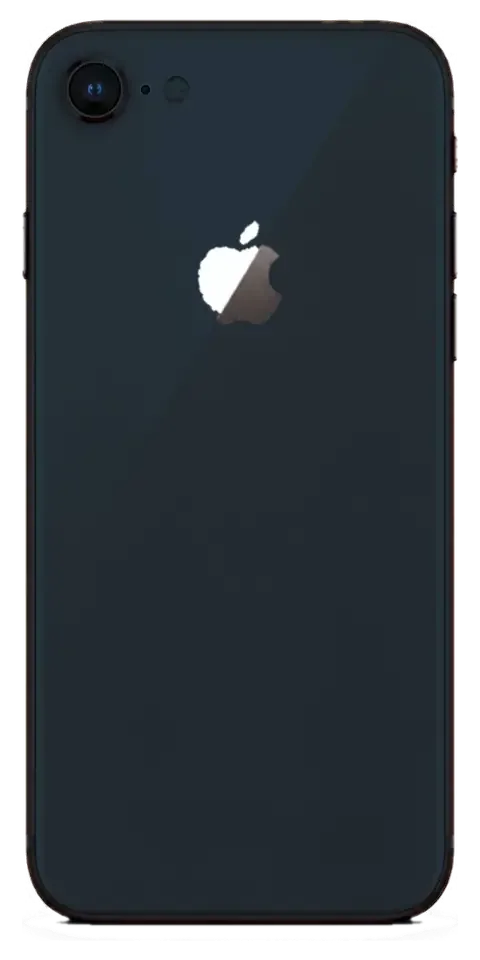
The iPhone SE most often comes to us with a cracked screen, a worn battery, a clogged charging port and a broken camera glass, because the Home button and LCD layout ages differently from other phones. The 4.7-inch panel takes impact right at the corners, where the cover sits closest to the frame, and a single drop often leaves a spider web that spreads across the whole display overnight. The Lightning connector collects pocket lint with every charge cycle, and after a couple of years the cable starts to wiggle before it connects. Camera glass on the rear cracks quietly under a case and turns every photo hazy at the edges. A slow, hot phone is often a tired battery rather than a failing board, so check Battery Health before assuming the worst.
Symptom to Cause to What We Do
Symptoms matched to causes and the fix for each| Symptom | Likely cause | What we do |
|---|
| Screen cracked or striped | Broken glass or LCD module | Glass-only or full module swap |
|---|
| Battery drains fast, phone hot | Worn battery cells | Battery replacement |
|---|
| Will not charge | Dirty or oxidized port | Clean or replace the port |
|---|
| Blurry photos | Scratched camera glass | Camera glass replacement |
|---|
| Home button unresponsive | Worn button or flex | Button and flex check |
|---|
| No sound on calls | Speaker or mic fault | Speaker and mic service |
|---|
When the Charging Port Is the Culprit
On the iPhone SE a Lightning port that stops charging is usually a dirty or worn connector, and we confirm it during the free check prior to touching the board. Lint packed against the pins blocks contact long before the port itself fails, and oxidation from sweat or a humid pocket does the same over time. We look at the connector under magnification, test cable seating at several angles and check the charging flex, since a torn flex ribbon mimics a dead port almost exactly. Only when the pins are physically damaged do we move to a port replacement. Cleaning the port first saves the cost of a component you may not need, and it is the step many owners skip prior to assuming the phone is dead.
Screen Repair for the iPhone SE 2022
A cracked iPhone SE screen can mean two very different jobs. Whether you need the glass alone or the whole display module depends on what the impact actually damaged.
Glass Only or the Whole Display Module
If only the outer cover is cracked and the LCD still shows a clean image with a working touch, we can replace that cover alone, but a striped or dead screen needs the full module. Glass-only work keeps your original panel, digitizer and factory calibration in place, so the picture you had before the drop stays exactly the same. The full module is a single assembly of cover, sensor layer and LCD, and we fit it when the image itself is damaged — lines, dark patches or a surface that no longer responds across the whole area. A common fault is an intact outer layer over a dead matrix, simply because the phone is small and lands flat.
What Happens to True Tone and Touch After a Screen Swap
True Tone keeps working on a new iPhone SE screen when the calibration is transferred, and the Home button with Touch ID is a separate part that stays untouched by a display swap. The iPhone SE uses an LCD panel, so there is no OLED flicker or brightness shift to worry about after the job — the main thing is the True Tone data, which we carry over from the old unit to the new one during assembly. Touch ID lives in the Home button, not in the screen, so your fingerprint setup and saved fingers survive any replacement. On some aftermarket panels True Tone may not survive, so confirm the component type prior to the work starting rather than after.
How Long a Screen Job Takes
- Photo first: send a picture of the damage on WhatsApp and we quote and reserve a slot.
- Part shown: the new unit is opened from factory packaging in front of you before installation.
- Bench time: the swap itself runs about 40 minutes, one of the faster jobs on this model.
- Check together: you test touch and True Tone with the engineer before pickup, alongside the 32-point check.
Original or Aftermarket Parts for Your iPhone SE 2022 Repair
The component you choose changes how the phone behaves afterward. Here is how original and aftermarket options differ on the SE 2022 and how your choice is locked in.
How the Two Part Types Compare
what each part option keeps and suits| Part type | Functions kept | Best for |
|---|
| Original | All, including True Tone | Long-term use |
|---|
| Aftermarket | Most, True Tone may vary | Budget repair |
|---|
| Glass-only | Original panel kept | Cracked glass only |
|---|
The Unknown Part Message Explained
The unknown part message on an iPhone SE is an indicator of the part type, not a fault, and it appears when a component is not paired to the board. The phone reads a serial mismatch between the new component and the motherboard, so it flags the component as unrecognized in the settings menu. This happens most often with aftermarket screens and batteries, and it does not affect touch, charging or the cameras. 64% of customers still choose an original part, which avoids the message entirely because the component carries a matching serial. For iPhone SE 2022 repair in Almaty, the message is a label, not a failure. It does not stop the phone from working, but knowing it will appear lets you decide on the component with clear eyes instead of surprise.
How Your Choice Is Fixed Before Work Starts
Prior to any work starting we write the price, the component type, the turnaround and the warranty on the receipt in about two minutes, so nothing changes mid-job. The receipt names whether the component is original or aftermarket, states the warranty of up to 1 year, and records the promised turnaround for your device repair in Almaty. We show the new component in factory packaging prior to installation, so what you agreed to is what goes into the phone. If you pick an aftermarket screen and later ask about the unknown part message, the receipt already answers it. A receipt that names the component is what protects you if a question comes up later, which is why we never start without it.
Battery, Cameras and the Rest of the SE 2022
Beyond the display, the iPhone SE ages through its power cell, camera glass and rear panel. Each has its own signs and its own fix.
Reading Battery Health Before You Replace
Check Battery Health in Settings first, because a cell that drains fast and runs hot is the clearest sign it is time for a replacement, and the swap takes about 25 minutes. A healthy unit holds its charge through a full working day; once the reading falls into the low 80s, the handset starts closing apps and dimming the screen to protect itself. We test the charge controller alongside the cell, since a tired controller drains even a fresh unit and mimics the same symptoms. The repair itself is a straight swap on this model, with no adhesive maze to fight through. A phone that shuts down under load in cold weather is often a power issue, not a board fault, so the reading saves a bigger job.
Camera Glass and Rear Panel Fixes
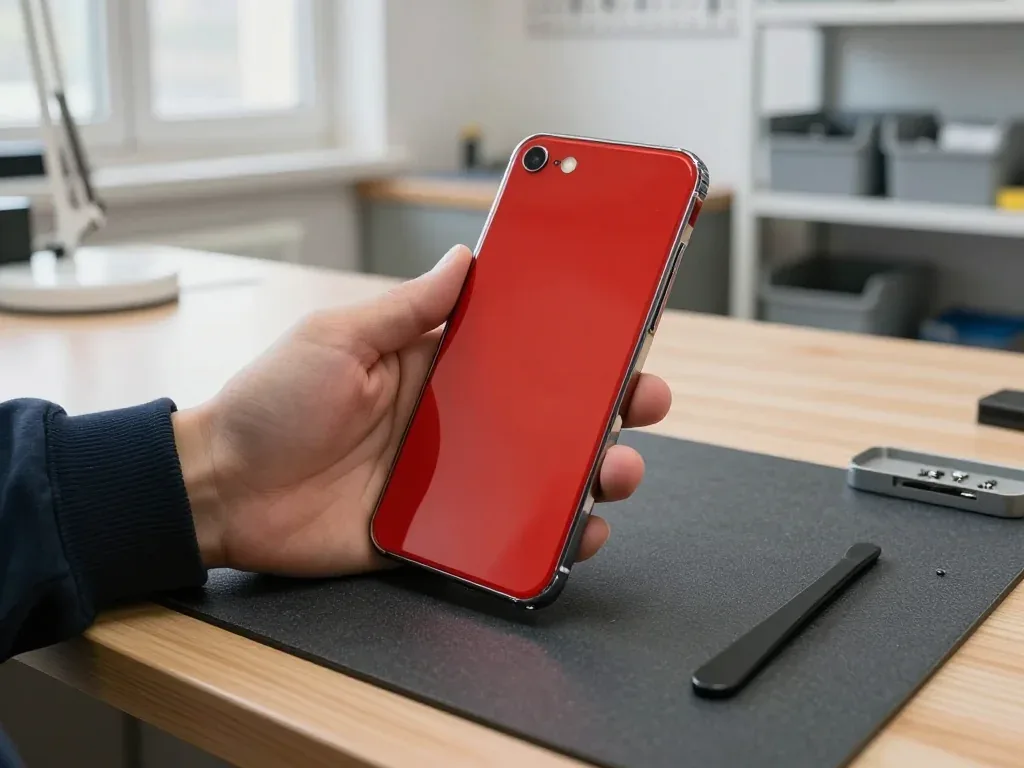
A scratched or cracked camera lens cover on the iPhone SE blurs photos and is replaced on its own in about 20 minutes, while a shattered rear panel is a separate task. The cover sits over the main module and takes the hits a pocket or a table edge delivers; once it fractures, light scatters across every frame and autofocus hunts. We lift the broken piece, clear the dust and seat a new one flush with the body, then shoot a test frame to confirm focus and colour. A cracked back is mostly cosmetic on this model, and many owners leave it until they trade the handset in. Replacing the outer cover early keeps dust and moisture away from the optics, which is cheaper than fixing a fogged module later.
Which Jobs Finish While You Wait
Turnaround by job type at our bench| Job | Time |
|---|
| Screen replacement | 40 minutes |
|---|
| Battery swap | 25 minutes |
|---|
| Camera glass | 20 minutes |
|---|
| Charging port clean | Same visit |
|---|
| Board repair | 1 to 3 days |
|---|
How the Visit Works and What You Take Home
From the first message to the moment you leave, the iPhone SE repair follows a clear path. Here is what happens at each step and what stays in your hands.
From WhatsApp Photo to Free Diagnostics
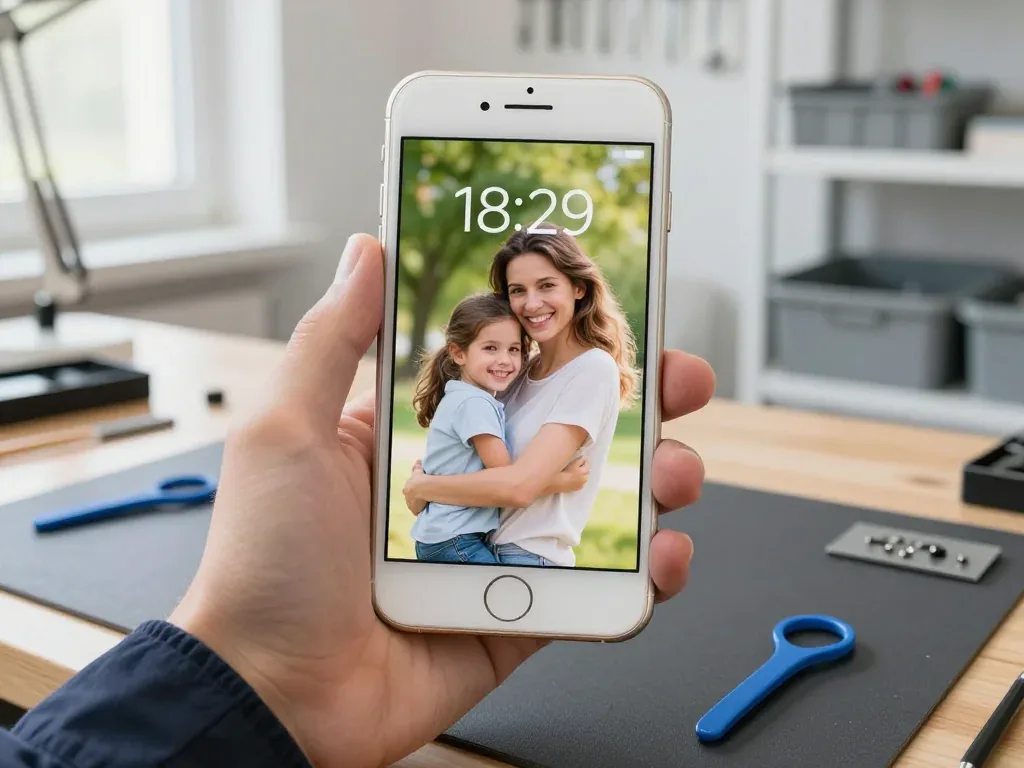
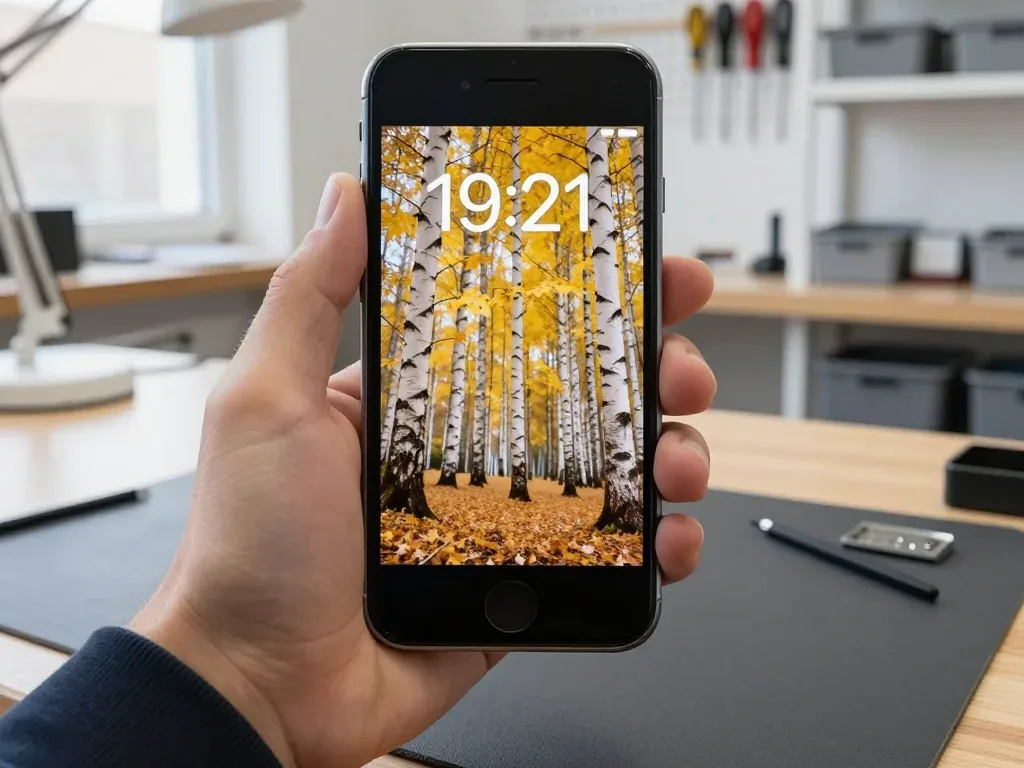
You send a photo of the damage on WhatsApp, an engineer replies within 5 minutes with a price, and the free diagnostics in front of you takes 15 minutes even if you decide not to repair. The engineer opens the device on the bench and shows you what is broken prior to anything being ordered. We then fix the price, the component type, the turnaround and the warranty on the receipt in about 2 minutes, and the new component is shown in factory packaging prior to installation. While the work runs, you can wait in our waiting area with coffee and Wi-Fi; a courier across the city takes 90 minutes and is free with a repair. Seeing the fault on the bench before any component is ordered is what keeps the quote honest from the first message.
The 32-Point Check Before Pickup
- Touch and Home button: confirm Touch ID responds and the button clicks cleanly after the swap.
- Cameras and mics: open the front and rear cameras and record a short clip to test both microphones.
- Sound: play a track for the speakers, then call the engineer to check the earpiece.
- Charging and network: plug in the cable, watch the charge indicator and confirm the cellular signal.
- What you take home: the receipt, the warranty card and the old part in a bag.
Why a Direct Contractor Matters
We are a direct contractor with our own technicians and workshop, not an agency, so the person who quotes your iPhone SE repair is the one who does it, backed by a warranty up to 1 year. Board-level work is done under a microscope in our own workshop, and payment is by Kaspi, card or cash once you have seen the result. Eleven years in business and 46,000+ repairs sit behind that bench, with branches in Almaty and Astana. A direct contractor can show you the new component and the old one at pickup, which an intermediary passing the phone along cannot.
Summary: iPhone SE 2022 Repair
Five decisions shape the outcome of an iPhone SE repair, and each one is yours to make prior to a screwdriver touching the phone.
- Diagnose first: match the symptom to the real cause, since a dead charging port is often just pocket lint packed against the pins.
- Match the fix to the damage: cracked outer glass calls for a glass-only swap, while a dead touch layer or a bright spot needs the full module.
- Name the component on paper: pick original or aftermarket with the functions you want to keep in mind, and have it written on the receipt.
- Plan around the clock: most iPhone SE jobs finish in 20 to 40 minutes while you wait, with board-level work stretching to 1–3 days.
- Test on site: walk through True Tone, cameras, speakers and charging with the technician, then take home the receipt, warranty card and old module.











 iPad
 MacBook
 iMac
 Mac mini and Studio
 Apple Watch
 AirPods
 Apple Pencil
 Apple TV
 HomePod




