A single loose button and a dead row of buttons are two different problems. Here is how to tell which case you have prior to booking anything.
When a Single Keycap Is Enough
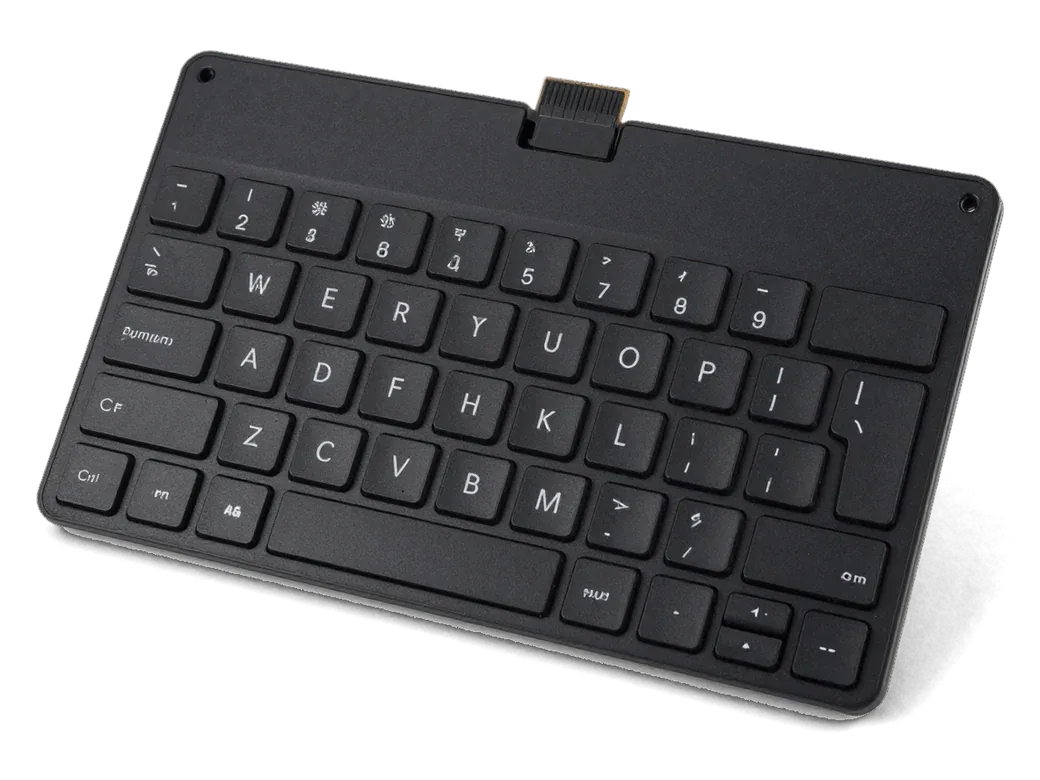
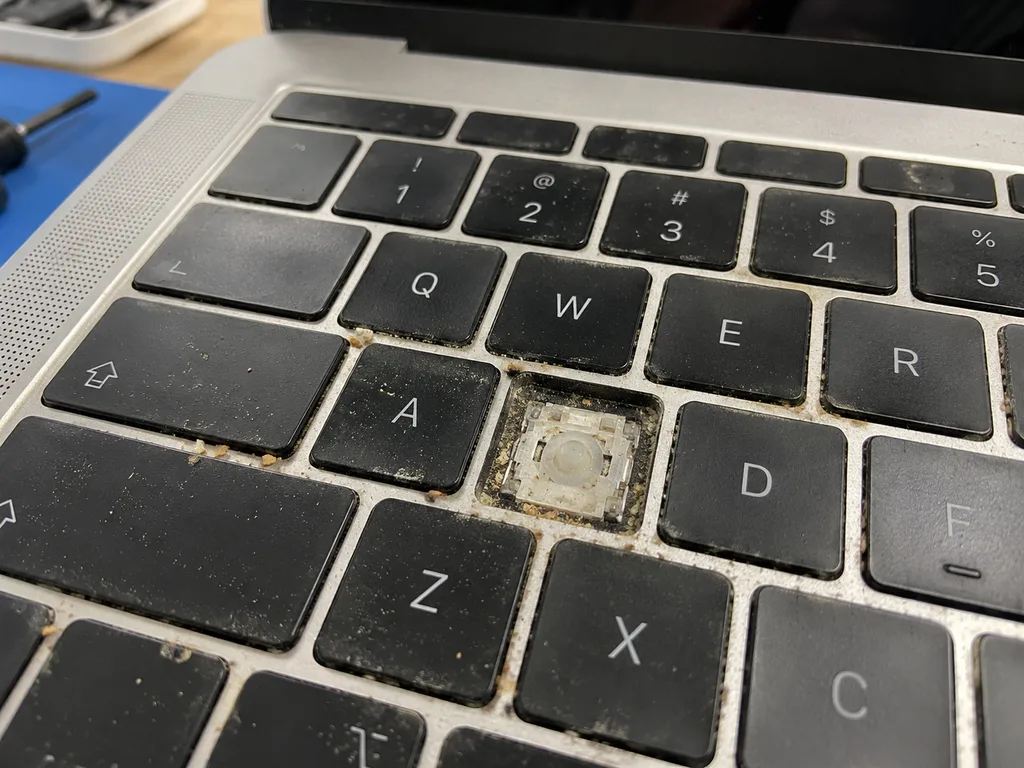
We replace one keycap on its own when the cap has popped off or worn through but the scissor underneath still clicks and registers. The keycap sits on a plastic scissor hinge above a rubber dome, and that dome is what sends the signal to the mainboard — so if the dome still compresses with a soft click, only the plastic on top is gone. We source replacement caps for MacBook Air and Pro and match each cap to the exact layout, since a US unit will not sit flush on an ISO base. If you are weighing MacBook keyboard replacement in Almaty, this is the lightest option and the first we try when the mechanism is intact. A cap that keeps coming loose after you press it back usually means the plastic clip is cracked, and pressing harder only breaks the hinge further.
When the Whole Assembly Needs Replacing
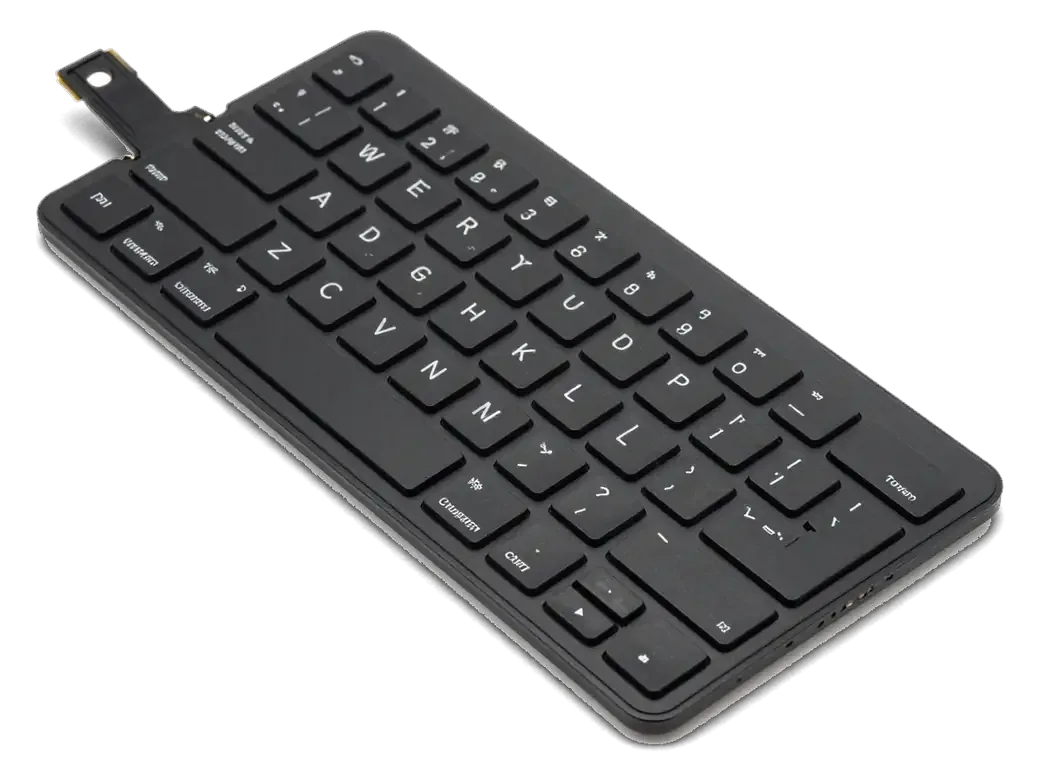
- Dead button group: several neighbouring buttons stop registering together, which points to a shared trace or connector rather than individual caps.
- Ribbon damage: the flat conductor between keyboard and logic board creases or corrodes, so the input test shows keys dropping in and out.
- Liquid history: a spill leaves residue under the membrane, so the unit works cold and fails once the device warms up.
- Connector fault: the socket on the logic board loses contact, and reseating the flat conductor changes nothing.
- Physical impact: a drop cracks the assembly frame, and buttons sit unevenly across the whole row.
Comparing the Repair Options
Matching each repair scope to the failure symptom| Option | Best for | What we check |
|---|
| Single keycap | One loose or worn cap, mechanism intact | Clip, hinge, dome underneath |
|---|
| Full key set | Worn or wrong-layout caps across the deck | Layout type, fit per generation |
|---|
| Laser engraving | Adding letters to existing caps | Material, backlight transparency |
|---|
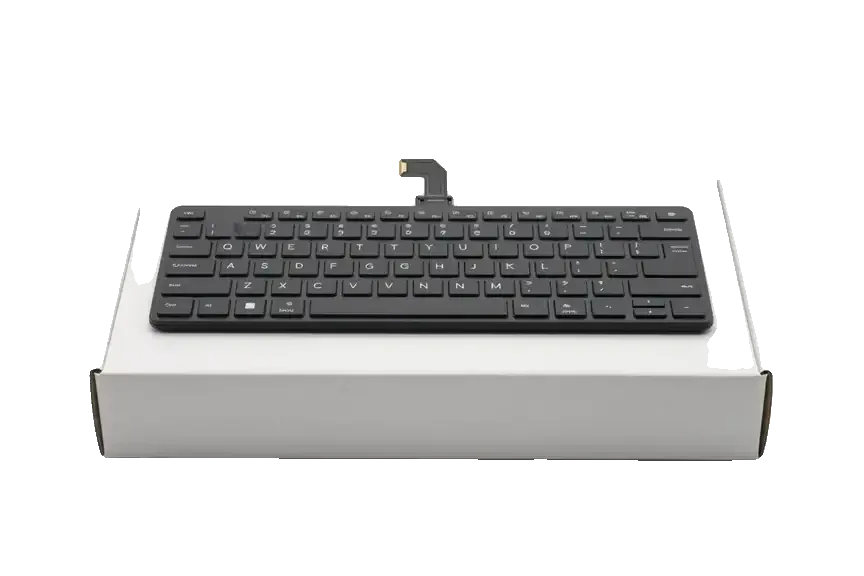
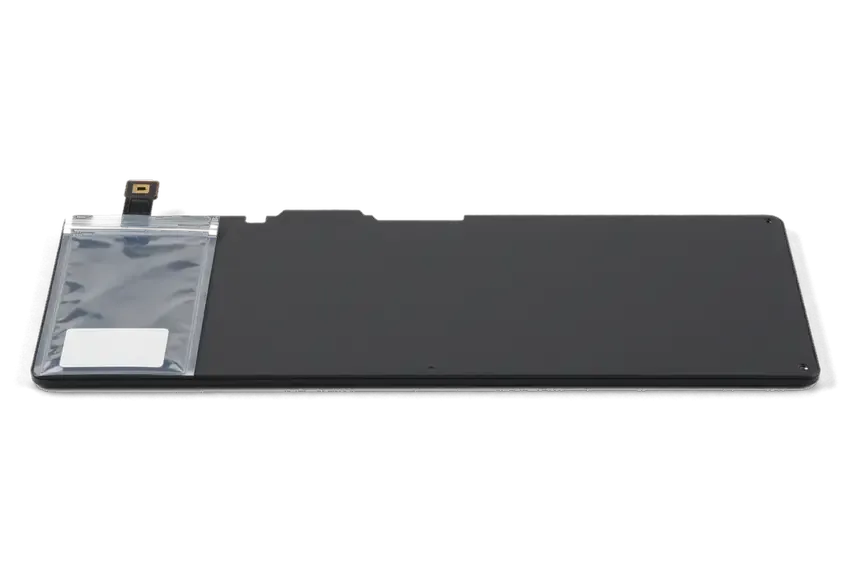
| Keyboard assembly | Dead group of keys, cable fault | Ribbon, logic connector |
|---|
| Top case | Module bonded into the case | Case generation, Touch ID pairing |
|---|
Engraving and Layout Options for Your MacBook Keyboard Replacement
Adding letters to a keyboard is not the same as replacing it. Laser engraving, a fresh set of keycaps and stickers solve different problems, and only some of them survive daily use.
How Laser Engraving Works
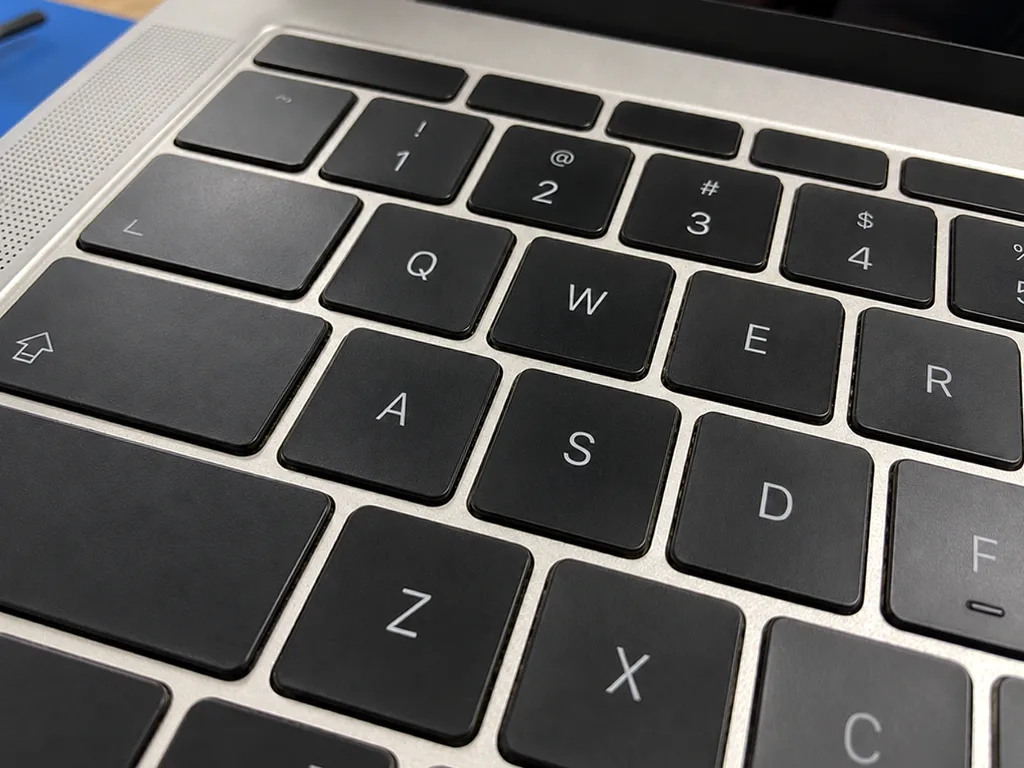
We engrave new characters by removing the top paint layer of each cap with a laser, so the symbol lets the backlight through exactly like the factory lettering. The beam cuts a shallow outline and never touches the scissor mechanism underneath, which is why every button keeps its factory travel and click. On a backlit MacBook the engraved glyph glows white against the dark surface, matching the neighbouring buttons in brightness. Our technicians set the file from your exact character order ahead of the first pass, because a mistake cannot be corrected afterwards. Engraving sits below the surface paint, so it does not rub off the way printed stickers do, but it cannot be undone once applied.
Stickers, Key Sets and Engraving Side by Side
Three ways to add letters, side by side| Method | Backlight | Durability | Caps stay factory |
|---|
| Stickers | Blocks light | Wears and peels | Yes |
|---|
| New key set | Full | Long | No |
|---|
| Laser engraving | Full | Long | Yes |
|---|
Matching the Layout and Enter Key
American and European variants differ in the shape of the Enter button, so a single cap or module from either will not fit a chassis built for the other. The American version carries a wide horizontal Enter with a backslash above it, while the European version uses a tall vertical one shaped like an upside-down L. A Kazakh variant usually follows the European physical standard but adds its own characters, so the caps must match both the shape and the lettering. Before ordering we photograph your current Enter, because the same laptop model can ship with either version depending on the market it came from.
Which Keyboard Fits Your MacBook Air
Apple's ultraportable line changed mechanism more than once, and keycaps from a given generation do not fit another. The model number tells us which parts apply.
Scissor, Butterfly and Magic Mechanisms
Apple's ultraportable shipped with three mechanisms over its history, and each uses different keycaps, hinges and travel, so components are not interchangeable between them. The early scissor units take taller keys with a deeper press. The butterfly deck, fitted to the thin generations, lies almost flush with the palm rest and uses a flatter, wider key with a butterfly-shaped hinge underneath. Magic Keyboard, the newest of the three, returns to a scissor-style design but with a shorter, quieter travel than the original, and its keys match neither the butterfly nor the older design. That low-profile design is the most fragile of the three and the most sensitive to dust, which is why those units often need a whole assembly rather than a single replacement piece.
Finding Your Model and Its Parts
We identify your laptop by its model number, then match the exact keycap or module, because two units that look identical can use different keyboards. The number sits on the bottom case label and it decides which key set and which module fit your machine. A cap pulled from a visually similar device can clip in, yet sit at the wrong height or break the clip on first press. Sending a photo of the bottom case label with your WhatsApp message lets us confirm the part prior to your trip to the workshop. An engineer replies within 5 minutes and names the compatible component from that photo, so the correct piece is already set aside when you arrive.
Spills, Cleaning and When to Stop
Liquid and dust cause very different damage, and the first minutes after an accident decide how much of the keyboard survives. Some habits make it worse.
First Minutes After a Spill
- Power off immediately. Hold the power button until the MacBook shuts down and leave it off.
- Unplug everything. Remove the charger and accessories so no current reaches wet contacts.
- Keep it flat. Do not tilt or shake the laptop, which spreads moisture further inside.
- Skip the hairdryer. Hot air melts keycaps and does not pull liquid out of the internals.
- Book a check. Liquid damage needs proper diagnostics, not a surface wipe.
Cleaning Versus Replacing
Cleaning under the buttons fixes crumbs and dust, but it does not fix the corrosion that sweet drinks leave on the contacts, where the assembly or cable is usually the real fault. We start with free diagnostics in front of you: the engineer opens the case, shows you the damage and tests the travel of every button. When a key feels sticky rather than dead, a proper clean often restores it, so we check that before recommending a new module. Grit sits on top and responds well to brushing; corrosion sits underneath and eats the contact film, and no amount of cleaning brings that back. A key that registers intermittently after a sugary drink is almost always a corroded trace, not dirt, and wiping a corroded contact only delays the failure by a few weeks.
How We Handle Your MacBook
From the first message to collection, every step is fixed and written down. You know the component, the turnaround and the coverage ahead of any work being opened.
From WhatsApp Photo to Collection
You send a photo of the damage on WhatsApp, an engineer replies within 5 minutes and confirms the component, turnaround and coverage, which are fixed on the receipt prior to any work. You pick between a genuine part and an aftermarket one, and we show the chosen one in factory packaging before installation. If coming to the workshop is awkward, a courier can be called to collect the laptop and bring it back once the keyboard job is finished. Customers wait in the lounge with coffee and Wi-Fi, and 72% of repairs are finished while the customer waits in the waiting area. Because the assessment comes from a photo, a clear shot of the affected keys and the model label speeds up the whole booking.
Turnaround, Courier and Coverage
Most keyboard jobs take from 1 hour to 1 day, a courier across Almaty arrives in 90 minutes and is free with a repair, and coverage lasts up to 1 year. Once the swap is done, you check the keyboard, charging, speakers, microphones and network together with the engineer — the full check covers 32 functions and takes about 10 minutes. The device goes back to you with the receipt, the coverage card and the old component, so nothing about the swap is left unaccounted for. Payment works by Kaspi, card or cash, whichever suits you at collection. After water damage, diagnostics can sometimes take up to two days, so booking those earlier in the day leaves room for the handover within the stated turnaround.
Summary: MacBook Keyboard Replacement
The decision comes down to three things: which part failed, which layout and mechanism the model uses, and how quickly the work can be done without cutting corners.
- Loose keycap versus dead group: a single cap that pops off is a small fix, while several keys failing together points to the module or the cable underneath.
- Engraving versus stickers: laser engraving removes cap paint so the new letters glow with the backlight, while stickers block it.
- Layout mismatch: American and European keyboards differ in the Enter key shape, and caps do not cross between them.
- Three mechanisms, single rule: MacBook Air used scissor, butterfly and Magic keyboards, so the model number decides the part.
- Spill first aid: after a spill, power off and skip the hairdryer, since cleaning fixes dust but never corrosion.










 iPad
 iMac
 Mac mini and Studio
 Apple Watch
 AirPods
 Apple Pencil
 Apple TV
 HomePod





