MN Photo: Mukhpilov Nail
Mukhpilov Nail
smartphone repair technician
10years of experience
4.83rating, 83 reviews

MacBook trackpad won't click or the cursor jumps — we'll find the cause free while you wait, fit a new panel and check all gestures with you.



A trackpad usually warns you first: the click stops registering, the cursor jumps and the panel begins to lift.
The surface presses down, but there is no click feel, and the action fails or only works on the second try.
The pointer twitches, taps by itself or drifts to a corner while you are only gliding a finger across.
Two-finger scrolling, swipes and pinch zoom work, then drop out for no clear reason.
The trackpad is raised or the glass looks skewed, with a gap along the edge that was not there before.
The price depends on the generation and model number. We name the final sum after a free diagnostic or by photo in WhatsApp.
| Service | Original | Aftermarket |
|---|---|---|
| MacBook Air trackpad replacement | 49 900 ₸ | 27 900 ₸ |
| MacBook Pro trackpad replacement | 46 900 ₸ | 25 900 ₸ |
| MacBook Pro Retina A1502 trackpad replacement | 80 900 ₸ | 44 900 ₸ |
| MacBook Pro Retina A1398 trackpad replacement | 85 900 ₸ | 47 900 ₸ |
| MacBook Pro A2289 trackpad replacement | 49 900 ₸ | 27 900 ₸ |
| MacBook Pro A2159 trackpad replacement | 49 900 ₸ | 27 900 ₸ |
| MacBook Pro A1990 trackpad replacement | 49 900 ₸ | 27 900 ₸ |
| MacBook Pro A1989 trackpad replacement | 49 900 ₸ | 27 900 ₸ |
| MacBook Pro A1297 trackpad replacement | 65 900 ₸ | 36 900 ₸ |
| MacBook Pro A1286 trackpad replacement | 65 900 ₸ | 36 900 ₸ |
| MacBook Pro A1278 trackpad replacement | 46 900 ₸ | 25 900 ₸ |
| MacBook Air A2941 trackpad replacement | 49 900 ₸ | 27 900 ₸ |
| MacBook Air A2681 trackpad replacement | 89 900 ₸ | 49 900 ₸ |
| MacBook Air A2337 trackpad replacement | 119 900 ₸ | 66 900 ₸ |
| MacBook Air A2179 trackpad replacement | 49 900 ₸ | 27 900 ₸ |
| MacBook Air A1932 trackpad replacement | 49 900 ₸ | 27 900 ₸ |
| MacBook Air 13" M4 trackpad replacement | 65 900 ₸ | 36 900 ₸ |
We name the final sum after inspection, because the design and the state of the battery both matter.
The job begins with finding the cause and ends with tuning the response, with a careful opening of the case in between.
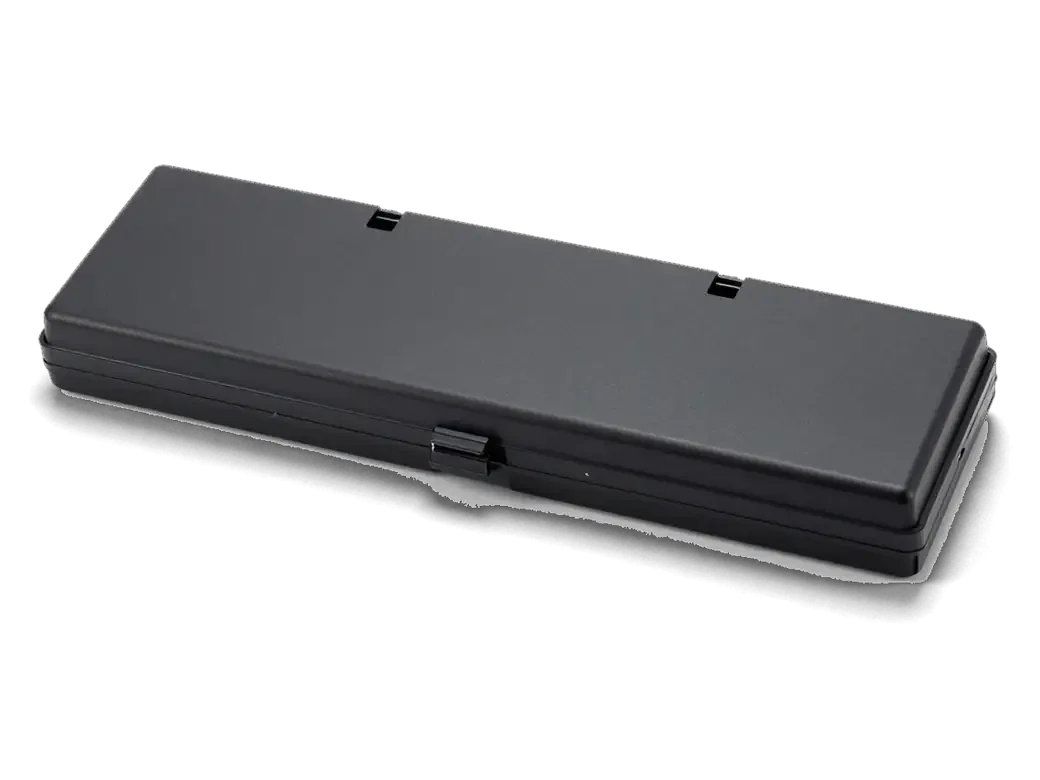
Before swapping the module, the technician checks for a swollen battery and a torn ribbon cable.
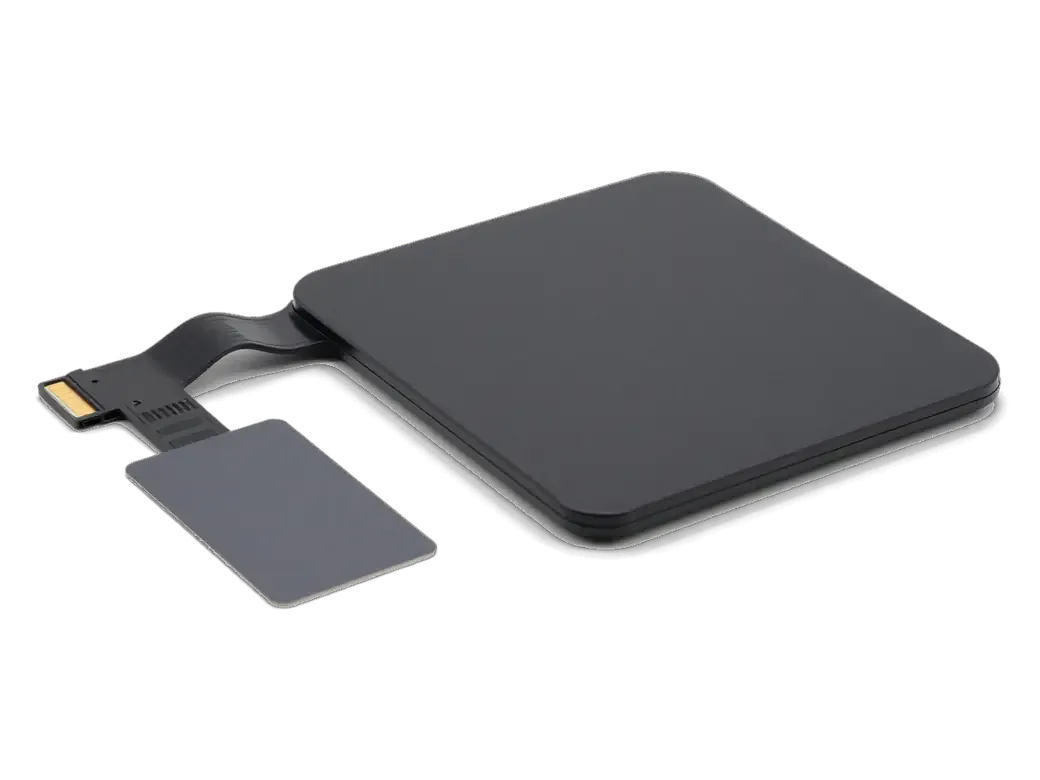
The module is picked by A-number, because size and connectors differ between generations.
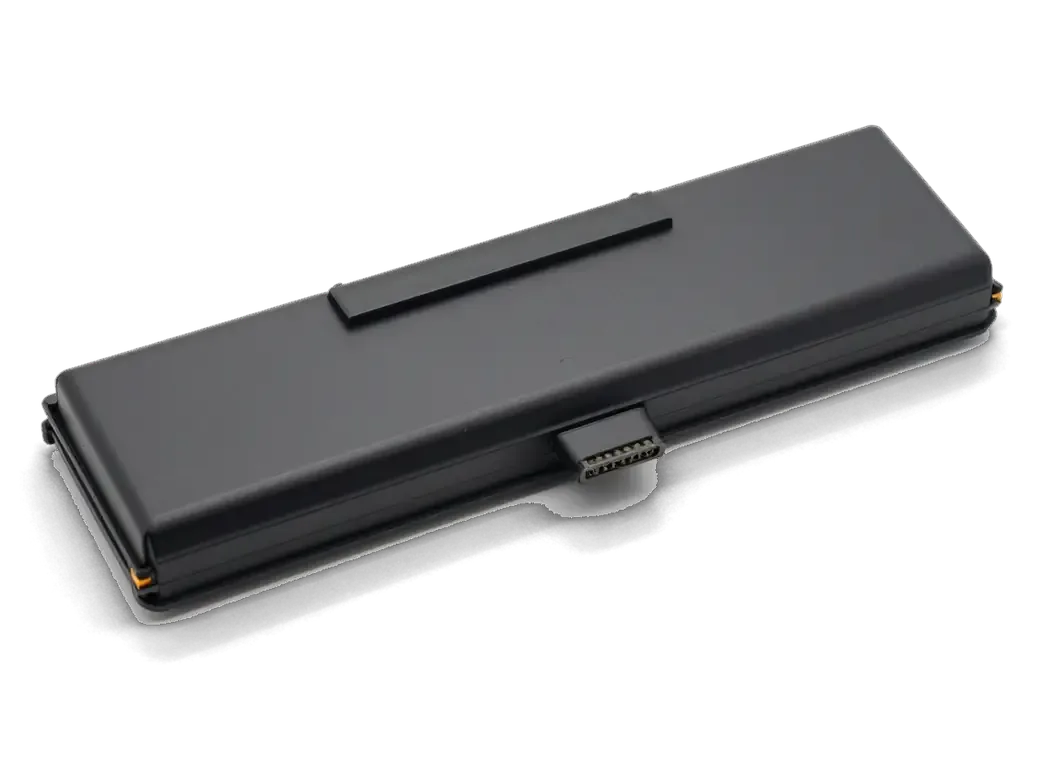
We take off the bottom cover, disconnect the battery and reach the panel's fixings.
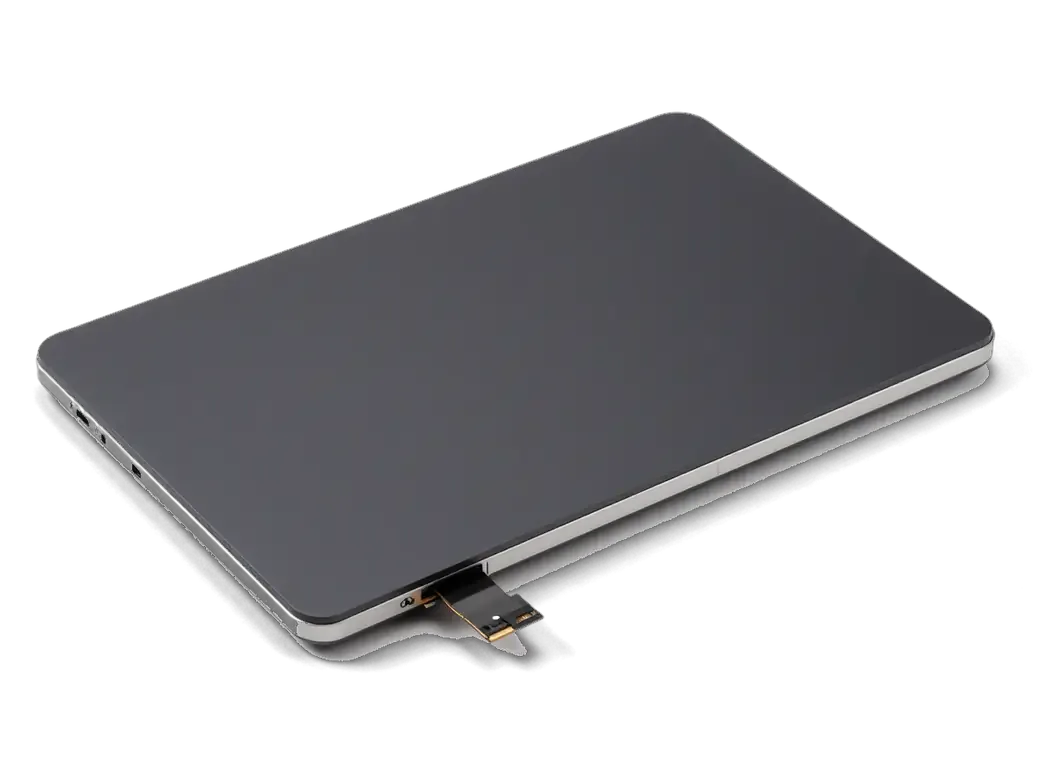
The old trackpad comes out, the new one slides in along its guides and the cable is seated.
We check click strength and gesture sensitivity in the system settings.
The case is closed, and we confirm the panel sits flush, clears the edges and does not catch.
If the trackpad is not the cause, we explain what has really been damaged.
Price for my modelBoth can be fitted, but click feel and lifespan may differ noticeably between them.
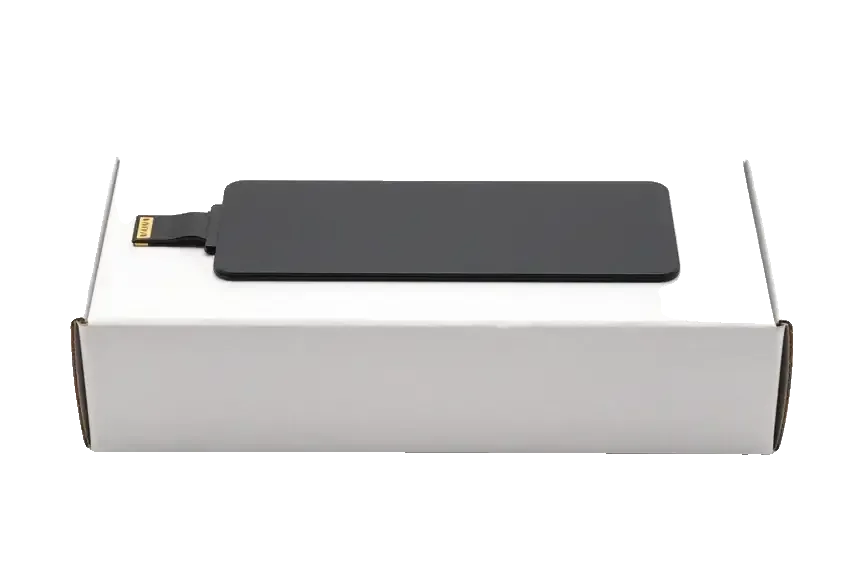
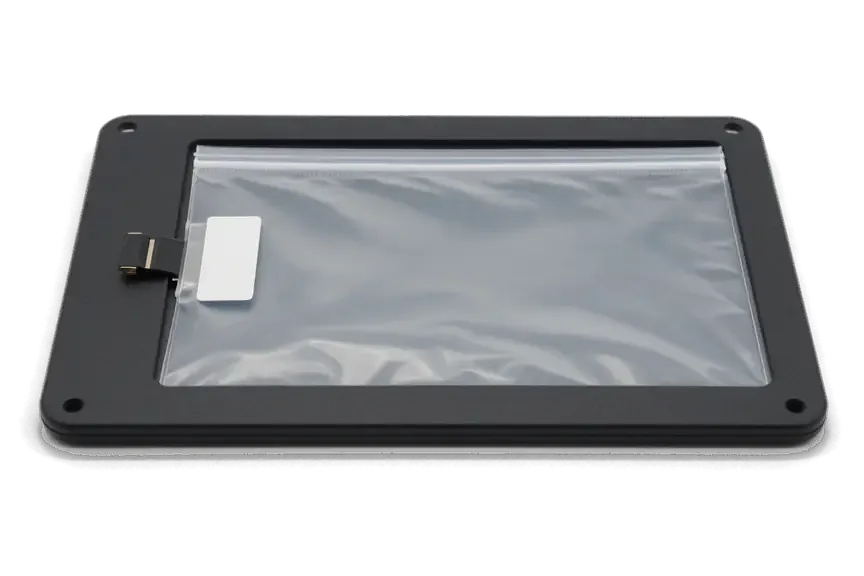
The whole module is replaced only when it is truly the culprit, and we separate the two cases honestly.
Eleven years of repairing Apple devices means we understand how the trackpad ties into the battery and the case.
Our warranty on finished work lasts up to 1 year, and we explain the conditions when you hand in the device.
A experienced technician opens the laptop and shows you what the actual fault was.
We check neighboring parts so that the new trackpad does not fail again for the same reason.
We explain how original and aftermarket parts differ and never push the more expensive version.
Devices are accepted in two cities under the same rules, and the schedule is shared by both branches.
Usually the whole journey — from message to pickup — takes less than an hour; complex repairs follow the timeline in the receipt.
Book a repairYou send a photo of the damage on WhatsApp — we quote the price and available time. Or you call a courier.
An engineer checks the device in front of you and shows what is broken. 0 ₸, even if you decline the repair.
We fix the price, the part (original or analog), the timeline and the warranty. You sign — we start.
Before installation we show you the new part in its factory packaging. You wait in the waiting area with coffee and Wi‑Fi.
Screen, keyboard and trackpad, camera, microphones, speakers, charging, Wi‑Fi. You check together with the engineer.
Together with the receipt, warranty card and the old part. Payment — Kaspi, card or cash.
Technicians for iPhone, Mac, iPad, Apple Watch and AirPods repair.
Photo: Mukhpilov Nail Photo: Molchanov Rinat
 Photo: Shokan A
 Photo: Sybanbaev Birzhan
 Photo: Denis Gushchin
 Photo: Duisebaev Azhdar
A swollen battery presses on the trackpad, so the two are swapped together.
02If the trackpad is fine but the signal drops, we check and replace the cable.
03Sticky keys can be examined while the case is open.
04If the panel is damaged, we replace it during the same visit.
05We clear the fan and renew the thermal paste so the laptop runs cooler.
06We inspect the board for moisture and clean off corrosion.

“If the repair didn’t suit you or you have a complaint, write to me personally.”
Send a photo of the screen and the MacBook model. An engineer will reply on WhatsApp, give the price and today's available time.
MacBook Trackpad Replacement in Almaty with Free Diagnostics
For macbook trackpad replacement in Almaty, iServices is a direct contractor with its own technicians. A free 15-minute diagnostic in front of you identifies whether the fault is the trackpad, its flex cable, a swollen battery or macOS, then we fix the real cause with a warranty up to 1 year.
A trackpad rarely dies on its own. Behind a dead press usually sits one of four causes, and the symptom you notice points to which one. Below is the map we use.
| Symptom | Likely cause | What we do |
|---|---|---|
| Click gone, trackpad raised | Swollen battery pushing from below | Replace the battery, re-check the trackpad |
| Cursor gone entirely | Damaged trackpad flex cable | Replace the flex cable |
| Cursor jumps or false clicks | Liquid residue or worn panel | Clean or replace the trackpad |
| Click works, gestures do not | macOS settings or update | Check settings, reset SMC/NVRAM on Intel |
| Cracked glass surface | Physical impact | Replace the trackpad |
Ahead of bringing the laptop in, open the trackpad settings and test whether the cursor and gestures respond with no external mouse or keyboard connected — that separates a software fault from hardware. Watch for the press failing only inside certain apps, or gestures dying right after a macOS update: both point to software. On Intel models a SMC and NVRAM reset takes under a minute and sometimes restores a response that looked mechanical. If the pointer still freezes on the login screen, where no app is loaded, the fault is in the hardware. A trackpad that responds but ignores two-finger scrolling is almost always a settings issue, not a broken surface. Run this check before booking anything — it tells you whether you need a part at all.
When the cursor disappears completely but the press still works, the trackpad flex cable is more often to blame than the surface itself; a jumping cursor and phantom presses usually mean liquid residue or a worn surface. The flex cable runs right next to the battery, so a swelling cell pinches it and takes the cable out before the panel fails. Any liquid spill — even a small one that dried — leaves mineral residue on the contacts and causes erratic behaviour weeks later. A cracked glass surface with a working press is impact damage, not an electrical fault, and the assembly still needs swapping. If the pointer drifts while you type, disable the trackpad temporarily and watch whether the drift stops. Tell us the exact symptom when you message — it narrows the part before anyone opens the case.
The cell sits directly beneath the trackpad, so swelling hits the click first. Here is how it looks, what it damages, and why waiting is a bad idea.
On our diagnostic bench, a raised trackpad most often traces back to a swollen cell pressing on the assembly from below and removing the travel the plate needs to respond. The battery cell expands upward, the retaining screws lose their torque, and the top case bows slightly around the edges. We measure the gap with a feeler gauge prior to touching anything — a 1–2 mm lift is enough to kill the response entirely. In these cases we swap the cell first and re-test the response, because the trackpad itself is frequently still good and does not need swapping. Replacing the assembly before the cell is a wasted part and a wasted visit.
The trackpad type decides what can actually be repaired. A mechanical unit has a plate that physically tilts, while Force Touch generates the response through the Taptic Engine — confusing the two leads to a part swap you did not need.
| Feature | Mechanical trackpad | Force Touch |
|---|---|---|
| Physical movement | Plate tilts on press | Plate stays still |
| Click source | Physical hinge | Taptic Engine feedback |
| Press when powered off | Yes | No, this is normal |
| Press travel adjustable | On some models, via screw | Not applicable |
| Typical repair | Adjust, replace flex or panel | Replace flex or panel |
On part of the mechanical models the press travel is set by a screw, and we try adjusting it before touching the assembly itself. The screw sits under the bottom cover and changes how far the plate drops before the switch engages; a quarter turn is often enough to bring back a crisp response across the middle. Adjustment suits units where the plate is still flat and the hinge is intact — wear at the edges is a different story. If the response stays uneven across the surface or sinks near the corners after adjustment, the plate itself is worn, and replacement is the honest option. On my bench, roughly two out of five mechanical units leave with the original assembly after a screw adjustment.
The replacement itself takes little time, but the result depends on which part you choose and how carefully the work is checked afterwards. Here are both steps in the order we handle them.
We offer either an original part or an aftermarket one and show the new panel in its factory packaging ahead of installation, so the choice is yours to make with the part in hand. Across our branches, 64% of customers pick an original part. The panel is fixed onto the chassis with screws and a flex cable, and a poorly seated connector is the usual reason a fresh trackpad behaves oddly. On feel, the difference shows most in press evenness and gesture response near the edges: an original panel stays predictable across its whole surface, while an aftermarket unit costs less but deserves a closer look at the corners prior to acceptance. For a macbook trackpad replacement in Almaty, the component is chosen this way before any work begins.
How long the job takes depends on the cause of the fault and the trackpad you pick, so below we set out the timelines, the handover options and the cover that comes with the work.
A repair at our workshop takes from 1 hour to 1 day, while the whole process from first contact to pickup usually fits inside an hour for straightforward cases. A trackpad swap on a mechanical unit is quick because the part sits under the battery and needs no logic-level service; models where the controller is soldered to the mainboard take longer, since the engineer tests the new assembly before closing the chassis. Most jobs are finished while the customer waits in the lounge, and 72% of all repairs at iServices are completed during that visit. After a liquid spill, though, diagnostics sometimes run up to two days — the circuitry has to be confirmed dry and free of corrosion prior to fitting a new trackpad.
A trackpad fault rarely starts in the trackpad itself. The notes below pull together what actually fails, what can be adjusted rather than replaced, and which functions deserve a check once the new part is back in place.
Did not find an answer? Message us on WhatsApp: an engineer replies, not a bot.
Ask a questionThere are several possible causes: a swollen battery, a damaged ribbon cable, a settings glitch or a failed mechanism. Only an inspection pins down the real cause, after which the technician says what to replace.
Only if it has swollen. When the battery is normal, one module is replaced, while with swelling the battery goes first, otherwise the new panel would be under pressure again.
Yes, they are macOS settings and stay as they were. At pickup, try Force Click and the haptic feedback in Trackpad settings together with the engineer to make sure the new panel responds the same way.
We advise against it. Swelling can damage the trackpad and the case, and the battery becomes unsafe. It is better to shut the laptop down and show it to a technician.
Yes, as a stopgap. But it does not remove the cause, and if swelling is behind it, waiting only adds to the damage.
The warranty on finished work starts up to 1 year. We talk through the details when you hand in the device.
Just give us the model number from the bottom cover, which starts with the letter A. From it the technician picks compatible modules and explains how they differ.
Be the first to leave a review

Sticky or unresponsive keys usually mean debris, worn mechanisms or liquid damage. A technician can check the keyboard and advise on cleaning or replacement.

Replace the battery when macOS reports Service Recommended and runtime no longer covers your workday. A free 15-minute check shows whether the cell is at fault.

Why your MacBook runs hot and loud, and whether cleaning solves it or the board needs repair.

Power it off, unplug the charger and bring the laptop in for a free 15-minute check before corrosion spreads.

Back up your data, turn off Find My, and bring proof of purchase — then the repair starts faster.
 iPad
 iMac
 Mac mini and Studio
 Apple Watch
 AirPods
 Apple Pencil
 Apple TV
 HomePod
