MN Photo: Mukhpilov Nail
Mukhpilov Nail
smartphone repair technician
10years of experience
4.83rating, 83 reviews

If one earbud drains faster than the case or the sound is gone, we'll check your pair for free, find the cause and fix it without unnecessary work.
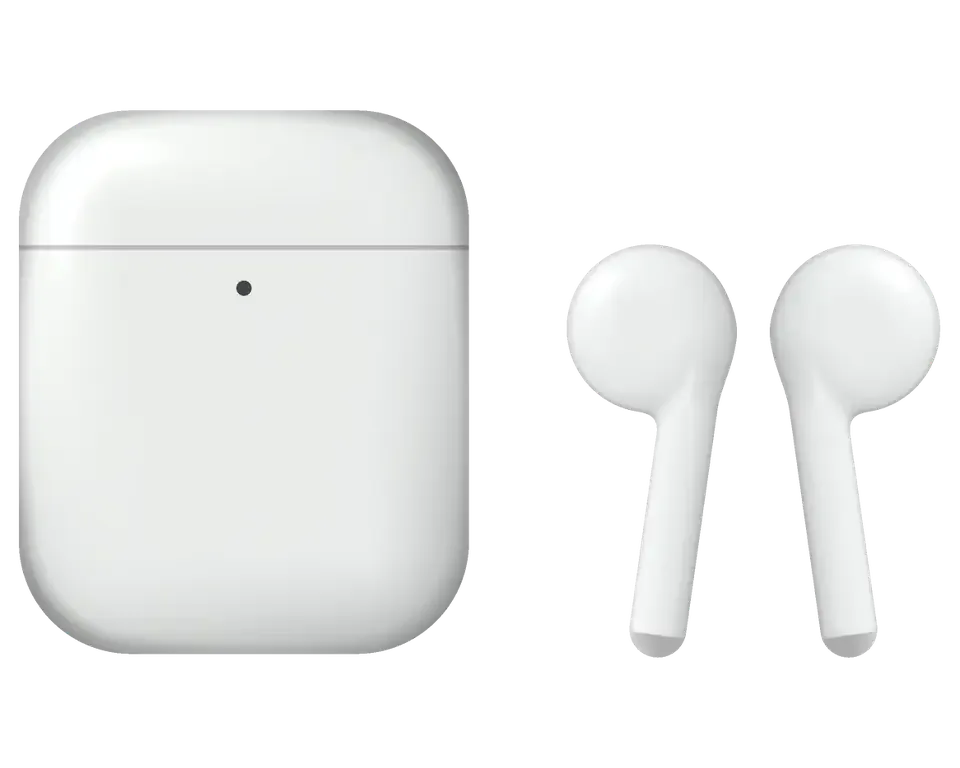
Owners of the second generation most often complain about charging, sound, the microphone and the connection to iPhone — we'll go through each case separately.
One earbud is silent, the case light is off, and the pair plays out of sync
The earbuds switch off mid-track or mid-call, though they used to last all day
It sits in your bag and drains on its own, so the earbuds don't get charged in time
Lightning doesn't respond, the indicator is off, wireless charging won't start
One earbud plays noticeably quieter, the bass is gone, there's a hiss
The person on the call hears silence or heavy background noise
Earwax and dust in the grilles, muffled sound, the earbud sits worse in your ear
No pairing window, the connection drops, the earbuds disappear from the list
A double tap doesn't pause or answer a call, even though music plays
The H1 chip doesn't react to your voice, commands aren't carried out even when connected
The earbuds don't seat well in their slots, the lid wobbles and opens in your pocket
After a drop a crack appeared on the stem, and dust and moisture get inside
The technician gives the final price after diagnostics: it depends on what exactly has failed — an earbud, the case or the contacts.
| Service | Original | Aftermarket |
|---|---|---|
| Earbud battery replacement | 18 900 ₸ | 10 900 ₸ |
| Case battery replacement | 40 900 ₸ | 22 900 ₸ |
| Earbud replacement | 55 900 ₸ | 30 900 ₸ |
| Charging case replacement | 45 900 ₸ | 30 900 ₸ |
| Earbud speaker replacement | 20 900 ₸ | 11 900 ₸ |
| Microphone replacement | 15 900 ₸ | 8 900 ₸ |
| Case charging connector replacement | 15 900 ₸ | 8 900 ₸ |
| Other repairs | Price | |
| Cleaningdisassembly and dust cleaning | 12 900 ₸per job | |
| Water damage repaircorrosion cleaning · diagnostics up to 2 days | 13 900 ₸per job | |
| Firmware flashingsoftware restore, no parts replaced | 5 490 ₸per job | |
We confirm the price before work starts, since the condition of the battery and case is different for every pair.
For the battery and other components there are different options; the choice depends on the condition of your pair and your budget.
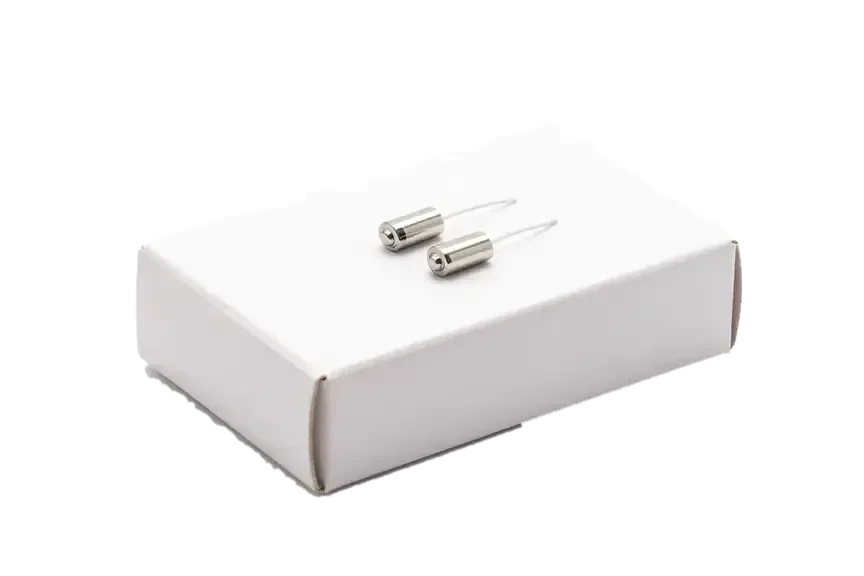
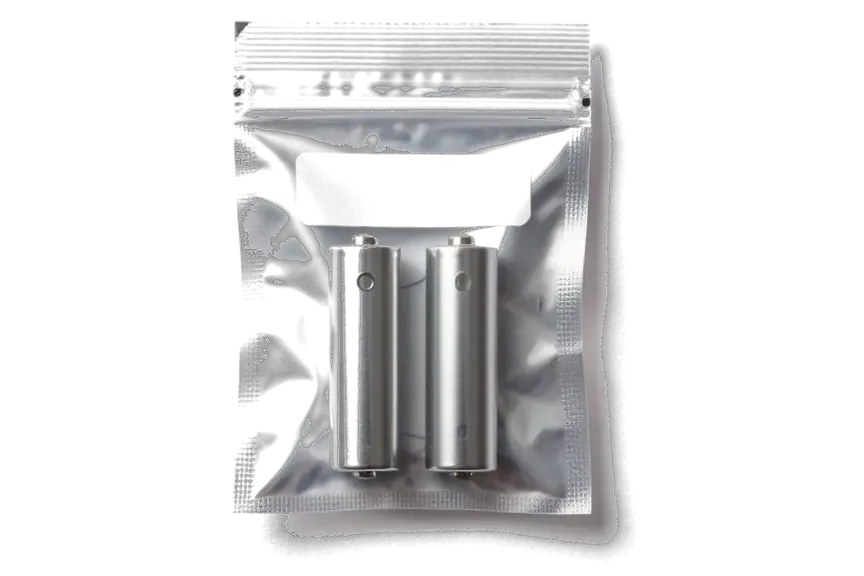
What makes the service convenient for an AirPods 2 owner: we check the earbud and the case separately, and quote the amount before work starts.
Small electronics demand care, and eleven years of work teach you to tell battery wear from a fault in the pair and the contacts.
The work performed is covered by a warranty up to 1 year, and the technician confirms the exact terms before repair begins.
Your earbuds are handled by a experienced technician: first they find the cause, and only then suggest a work plan and a price.
We check the left and right earbud and the case separately, so we don't replace what works and don't do unnecessary work.
We quote the cost after diagnostics and before repair begins, so you won't get any price surprises.
Mon–Fri 10:00 to 19:00, weekends and holidays 11:00 to 18:00: you can drop by during your lunch break or on Saturday.
Usually the whole journey — from message to pickup — takes less than an hour; complex repairs follow the timeline in the receipt.
Book a repairYou send a photo of the damage on WhatsApp — we quote the price and available time. Or you call a courier.
An engineer checks the device in front of you and shows what is broken. 0 ₸, even if you decline the repair.
We fix the price, the part (original or analog), the timeline and the warranty. You sign — we start.
Before installation we show you the new part in its factory packaging. You wait in the waiting area with coffee and Wi‑Fi.
Sound, microphones, noise cancellation, ear sensor, earbud and case charge, connection. You check together with the engineer.
Together with the receipt, warranty card and the old part. Payment — Kaspi, card or cash.
Technicians for iPhone, Mac, iPad, Apple Watch and AirPods repair.
Photo: Mukhpilov Nail Photo: Molchanov Rinat
 Photo: Shokan A
 Photo: Sybanbaev Birzhan
 Photo: Denis Gushchin
 Photo: Duisebaev Azhdar

“If the repair didn’t suit you or you have a complaint, write to me personally.”
Send a photo of the fault — an engineer will reply on WhatsApp, give the price and a time you can come in.
AirPods 2 Repair in Almaty with a Warranty by iServices
iServices handles AirPods 2 repair in Almaty as a direct contractor with its own technicians, not a middleman. Free 15-minute diagnostics happen in front of you, and the price, part, turnaround and warranty are fixed on the receipt before work starts. Most jobs finish in 20–40 minutes while you wait.
The AirPods 2 charging housing holds a Lightning port, spring contacts under the buds, a wireless coil on the wireless model, a battery and a board. Owners blame the buds, yet the fault usually sits in the housing.
We check the housing in a fixed order — contacts under the buds, the Lightning port, the wireless coil, the battery and finally the board — because the symptom looks identical at every stage. A soft brush clears the contacts first, a magnifier shows whether the Lightning pins are bent or fouled, and a test pad measures the coil before we touch the battery. The board comes last: a shorted charging IC mimics a dead battery almost perfectly. Of the five nodes, the port and the contacts account for most charging complaints we see, while coil and board faults are rarer but slower to trace. A unit that charges by cable but not wirelessly usually points to the coil, not the battery, so replacing the battery first wastes a part and a visit.
| Symptom | Likely node | What we do |
|---|---|---|
| Charges by cable, not wirelessly | Wireless coil | Test coil, replace if open |
| No light at all | Lightning port or case battery | Clean port, test battery |
| Orange blink, buds stay empty | Contacts under buds | Clean and re-seat contacts |
| Case drains overnight | Case battery | Battery test, replacement |
| Buds charge unevenly | One contact or bud battery | Swap-test buds in the case |
Before we quote any part, we clean the contacts under the buds and the Lightning port, and in a share of cases that alone restores charging. Dust, pocket lint and dried sweat build a resistive film on the four spring pins, so the housing reports a bud as present but pushes almost no current into it. A wooden tip lifts the compacted layer without scratching the gold plating, and a dry brush clears the port cavity. We finish with a contact test on the bench: the indicator should settle to steady white within seconds. Compressed air pushed straight into the port can bend the centre pin, so we use a soft brush and a wooden tip instead.
Inside an AirPods 2 earpiece the cell is glued into the stem, so a simple swap is a different job from the case. Here is when re-celling works and when replacing it is the honest answer.
The cell in an AirPods 2 earpiece sits inside a glued stem, so opening it always risks the antenna, the microphone and the pressure sensor built into the stem wall. The power pack is a small custom pouch bonded to the shell, not a drop-in part that slides out. Heat and a thin blade separate the adhesive, and the same channel carries the touch sensor flex and the beam-forming microphone. One slip and the unit charges but no longer registers a tap or picks up your voice on calls. The charging housing is different: its cell comes out as a module, so a piece that loses charge in minutes is often replaced as a unit. If you are looking for AirPods 2 repair in Almaty, the engineer opens the stem only after the test confirms the cell is the cause.
We test each earpiece and the housing separately, because a repair in Almaty sometimes starts with a dirty contact rather than a worn cell. The housing charges over a cable and wirelessly, and lint packed into the stem well blocks the pin from seating, so the unit leaves partly charged instead of full. The engineer wipes the contacts, runs a full charge cycle and reads the percentage on both sides. If one drops to a low figure while the other holds, the fault is in that one; if both fall together, look at the housing first. A cell aged past its cycle life shows a steep drop in the first ten minutes of playback, not a slow decline over the day.
| Situation | Repair the earpiece | Replace the earpiece |
|---|---|---|
| Drains in minutes, stem intact | Possible after test | Also an option |
| Stem cracked or water inside | Not reliable | Recommended |
| One side lost entirely | Not applicable | Same model, then pair |
| Not recognised by case | Diagnose first | If board is dead |
When one earpiece is lost or cannot be restored, it is swapped for the same model rather than another generation. Below we cover compatibility, pairing, and the checks we run before you leave.
A replacement earpiece has to be a unit of the same generation, because a component from a different model will not link reliably with the Lightning charging case. The housing identifies each unit by model and firmware, so a mismatched one either refuses to connect or drops the link every few minutes. Physical fit matters too: the stem length and contact pins differ from those on later models, and a foreign component will not seat deep enough to charge. If you are buying a spare online, the model number printed on the inner stem is the only reliable marker — photos and listing titles are frequently wrong. The housing and the earpiece carry matching firmware, so an older unit can hold back the pair until it is updated.
After a replacement we run a 32-point check in about ten minutes, covering sound in each ear, both microphones, the stem sensor and charging. The engineer plays a test track through the left side, then the right, and asks you to listen along in the waiting area — imbalance between channels shows up faster by ear than on any meter. Both microphones are recorded and played back, since a unit that sounds fine on music can still fail on calls. Charging is measured with the lid closed, because the contacts behave differently once the magnet engages. The stem sensor is the one people forget — an earpiece that plays fine but pauses when you move usually has a seating issue, not a dead sensor.
AirPods 2 have no active noise cancellation, so a crackle or a quiet earpiece is almost never an electronics fault. In most units it comes down to the speaker mesh, the membrane or a microphone.
When one AirPods 2 earpiece sounds quieter, the mesh over the speaker is the first thing to inspect, and cleaning it often restores the balance. Earwax, skin flakes and pocket dust pack into that fine steel screen and block the high frequencies first, which is why the affected side sounds dull rather than dead. The screen sits on a short neck above the membrane, so debris that passes through settles directly on the diaphragm and adds a rattle on bass notes. A dry soft brush and a low-pressure air puff clear it from the outside; a cotton swab with a drop of isopropyl alcohol lifts the residue a brush cannot reach. Pushing a pin through the mesh can tear it, so a soft brush and a low-pressure puff are safer than anything sharp.
| Complaint | Likely cause | What we do |
|---|---|---|
| One side quieter | Clogged mesh | Clean mesh, retest |
| Crackle on bass | Torn membrane | Replace earpiece |
| Muffled on calls only | Microphone mesh | Clean mic port |
| Cuts out when pressed | Stem contact | Diagnose stem |
| Distortion at high volume | Speaker wear | Replace earpiece |
Each AirPods 2 earpiece carries its own microphone in the stem, so a caller hearing you faintly usually means one mic is blocked or the earpiece is not seated. The port faces down the stem and collects wax from the ear canal, and because the two units work as a pair, a single blocked mic drags call quality down on both sides. We clean the port under magnification, then test each unit separately in a call. Recording a voice memo on each earpiece separately is the quickest way to tell a blocked mic from a dead one before booking a visit.
AirPods 2 run on the H1 chip and pair to an iPhone through a Lightning case, so most "invisible" buds are a pairing or firmware issue rather than dead hardware. Here is how we separate the two.
If the iPhone does not see the AirPods 2, the first step is a full reset of the housing, not a repair booking. Hold the setup button on the back of the Lightning housing for about 15 seconds until the status light flashes amber, then white, and re-pair from the Bluetooth menu. A clean reset clears the stored pairing key and forces the H1 chip to broadcast again. If the buds still stay invisible after two attempts, and the case charges them normally, the fault usually sits in the case firmware rather than the buds themselves. A housing that resets but never shows the pairing card usually has a firmware mismatch, which a bench update resolves without opening the buds. Bring the case and both buds together — a lone bud tells us almost nothing about the pairing chain.
We are a direct contractor with our own technicians, so you choose between an original part and an aftermarket one, and 64% of customers pick the original. There is no middleman between your buds and the bench — the same engineer who quotes the job does the work under a microscope where the board is involved. Every repair carries a warranty up to 1 year, and the terms are fixed on the receipt before we open anything. After the fix we check 32 functions together with you, from charging to microphones, which takes about ten minutes. The old part goes back to you with the warranty card, which matters if you ever resell the buds. Ask which part was fitted before you leave — that line on the receipt is what the warranty is checked against later.
Five points carry most of what owners need to know before deciding what to do with a set that has stopped behaving as it should.
Did not find an answer? Message us on WhatsApp: an engineer replies, not a bot.
Ask a questionYes, a left or right second-generation earbud can be matched separately to your pair. After fitting, the technician pairs it with the case and iPhone so both earbuds work together. The technician will tell you in advance how long the pairing takes.
A regular AirPods 2 case charges only via Lightning, while the wireless charging version also takes power from a Qi mat. If your case used to charge on a mat and now doesn't, the cause may be the coil or the board — show it to the technician.
It's natural wear of the small batteries: capacity drops with every cycle. In AirPods 2 the batteries are glued in, so the technician will first assess whether repair makes sense or replacing the earbud is more worthwhile.
Yes, the H1 chip in the second generation supports voice activation of the assistant. If the command stops working, check the Siri settings on your iPhone, and if that doesn't help, show the earbuds to the technician.
With a dry soft brush and no liquids that can seep inside. Needles and toothpicks damage the mesh; if the sound stays muffled, it's better to leave cleaning to the technician.
Listen to both earbuds, test the microphone during a call and check the earbud and case charge on your iPhone. The warranty on the work is up to 1 year, so if the problem returns the pair will be checked again.
На AirPods (2-го поколения) связь с телефоном постоянно обрывалась. Ребята проверели сопряжение и стабильность соединения; С Ринат всё обсудили по делу, без спешки.
На наушниках один динамик стал играть намного тише другого, появился какой-то странный хрип. В сервисе провели глубокую чистку сеточек и диагностику. Всё исправили очень быстро, звук снова объемный и чистый, как при покупке.
Поменяли аккумулятор на наушниках, я думал такое невозможно
Молодцы! Оперативно забрали наушники и уже на следующий день связались со мной
Добрый день, Елизавета. Благодарим Вас за обратную связь. Мы рады, что Ваше обращение в наш сервис оставило положительные эмоции. Если потребуется квалифицированный совет, мы всегда готовы оказать необходимую помощь.
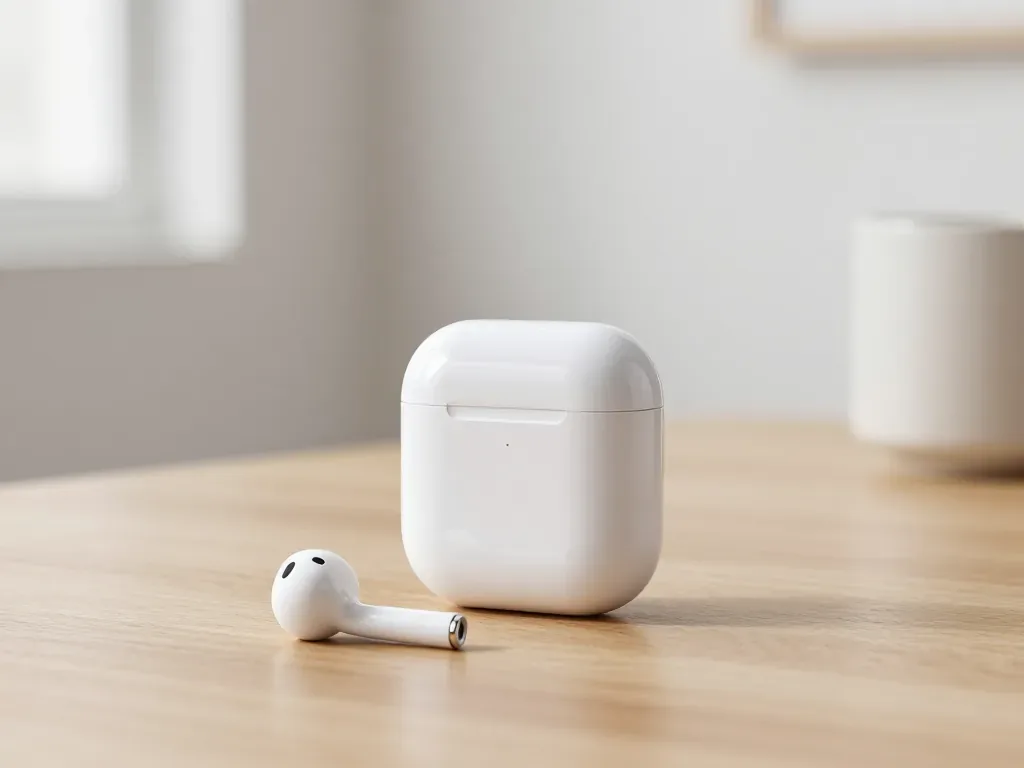
One earbud losing charge first is usually a worn cell or a dirty contact, not a dead pair. A free check tells which.
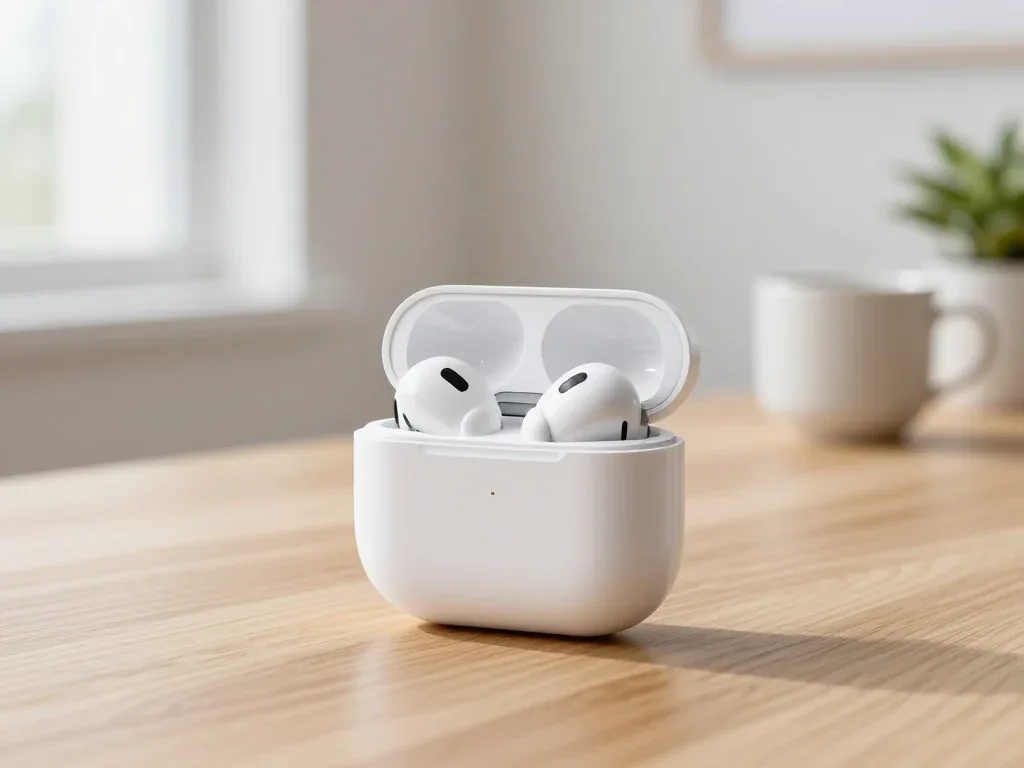
Find out why your AirPods case won't charge and what to check before visiting a repair shop.
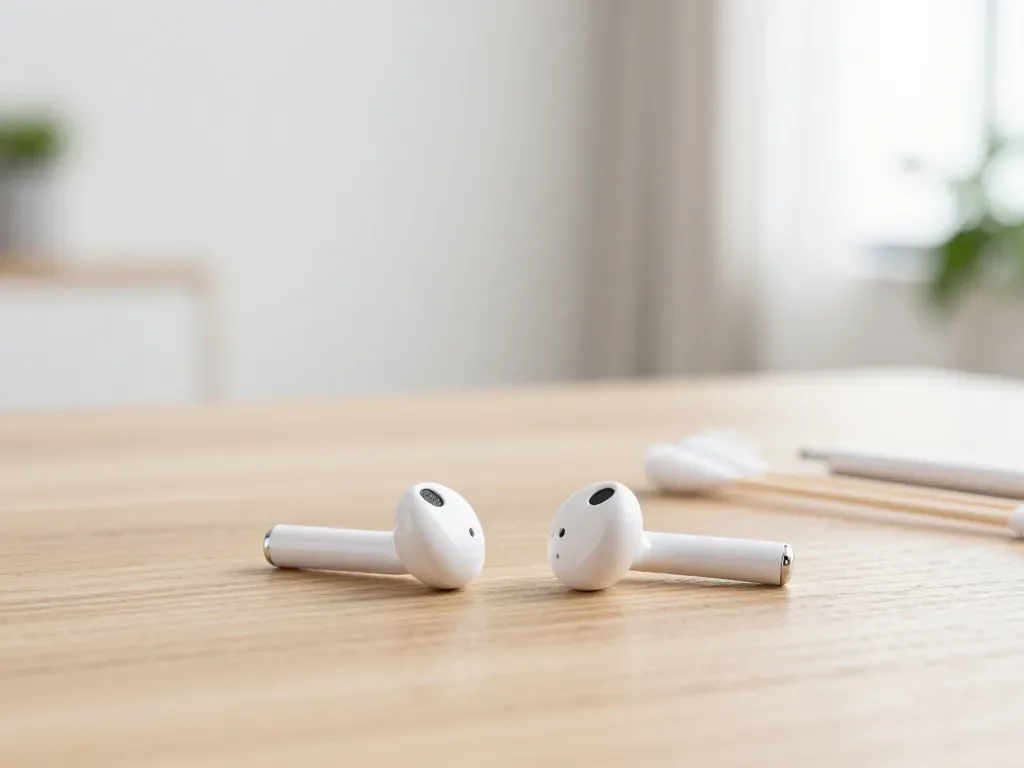
Most quiet AirPods come down to clogged mesh or a tired driver. Here is how to tell the difference before you clean anything.

Back up your data, turn off Find My, and bring proof of purchase — then the repair starts faster.

 iPad
 MacBook
 iMac
 Mac mini and Studio
 Apple Watch
 Apple Pencil
 Apple TV
 HomePod
