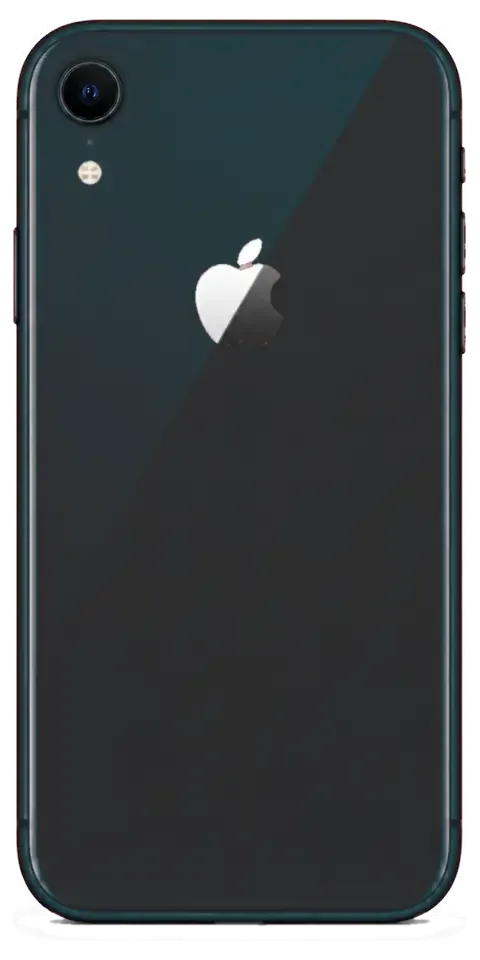
The XR is an LCD model with an aluminium frame and Face ID, and its failure pattern is fairly predictable. Below are the faults owners bring in most often, and why a proper check comes before any part is named.
The Four Failures XR Owners Bring In
- Cracked LCD: a drop flexes the aluminium frame less than a glass back would, so the impact lands on the display module and the image goes striped or black.
- Worn battery: after several years of daily charging the cell holds less and the phone shuts down under load or drains within hours.
- Clogged or oxidised Lightning port: lint packs into the socket or the pins corrode, so the cable only charges at an angle.
- Broken camera glass: the rear lens cover shatters on impact while the camera itself keeps working, letting dust and moisture reach the sensor.
- Face ID or True Tone loss: a screen replaced elsewhere without proper transfer of the original components leaves face unlock or colour temperature disabled.
Symptom, Cause and the Repair That Follows
Maps visible faults to probable causes and the repair that follows| Symptom | Likely cause | What we do |
|---|
| Lines or black patches on screen | Cracked LCD module | Replace display, transfer original components |
|---|
| Touch misses taps in one area | Damaged digitiser layer | Swap the module, test touch grid |
|---|
| Phone dies at 20–30% | Aged battery cell | Fit a new battery, run a load test |
|---|
| Charges only at an angle | Oxidised or lint-packed port | Clean pins, replace port if worn |
|---|
| Blurred or dusty photos | Shattered camera glass | Fit new glass, clean the sensor |
|---|
Why the XR Ages Differently from Newer Models
The XR sits on the older Lightning connector and an LCD panel, so its wear pattern looks different from USB-C, OLED models. Lightning pins oxidise faster in humid air than the sealed USB-C socket, which is why charging faults show up earlier here than on newer phones. The LCD has no organic layer to burn in, so a dim or patchy screen is almost always impact damage or a failing backlight rather than panel ageing. Face ID on this generation relies on a projector paired to the board at the factory, so any screen work has to preserve the original module's components. An iPhone XR repair in Almaty starts with a check that separates impact damage from wear, so the right part is named before any work begins.
Screen damage and whether Face ID survives an iPhone XR repair
A cracked front glass is the most common reason XR owners come to us. Below we break down when only the cover needs replacing, when the full module has to go, and what happens to Face ID and True Tone.
Glass Only or the Whole Display Module Swap
On the XR we replace just the glass when the LCD matrix and touch layer are intact, and swap the full module when the image or touch is affected. A hairline crack over a clean picture is a cover-only case; dead pixels, ghost touch or a green tint mean the display itself is gone. We lift the broken layer with a heated blade, clean the old adhesive and laminate a new one onto your original matrix. That keeps the screen and its colour calibration, so the picture looks exactly as it did before the drop — and we inspect the matrix under the microscope first, because a cover-only job on a stressed unit fails within weeks.
What Happens to Face ID and True Tone
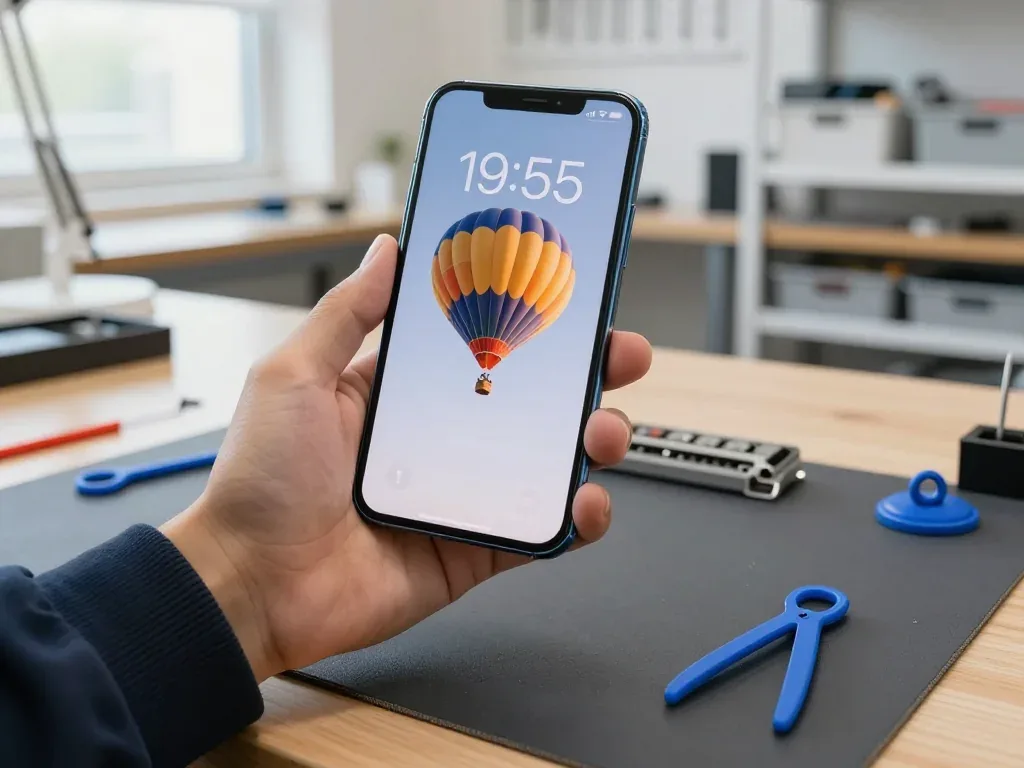
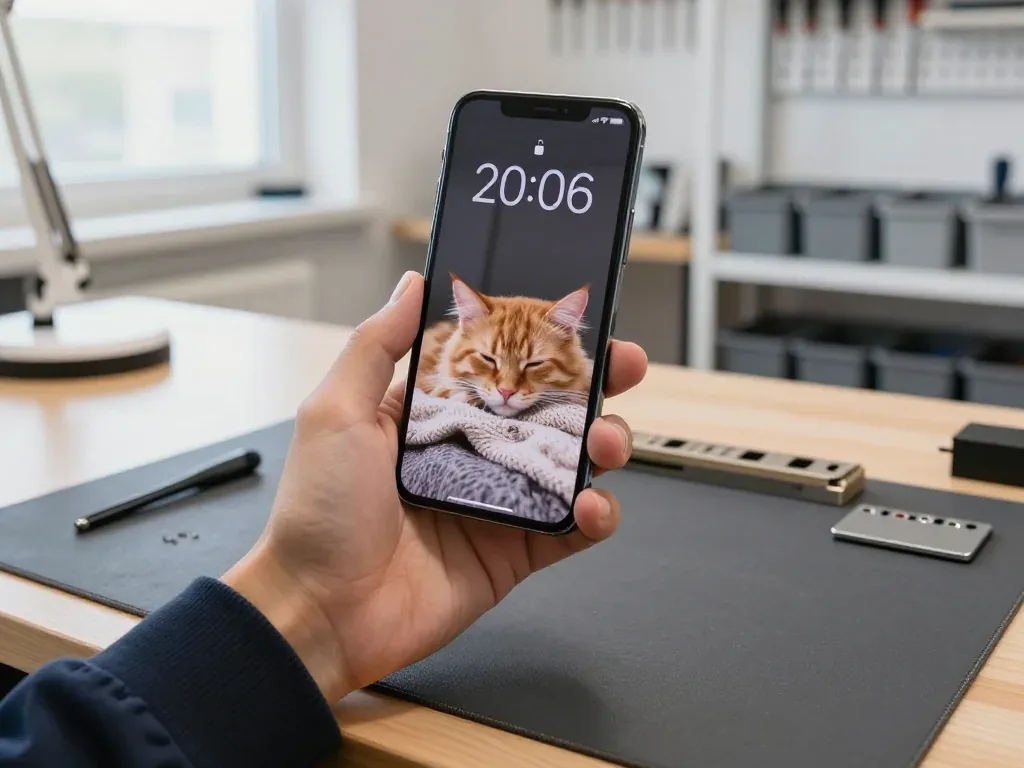
Face ID keeps working after a screen repair because the TrueDepth module is a separate unit from the display, and we transfer the True Tone calibration to the new screen. The dot projector, infrared camera and flood illuminator sit in the notch and are not part of the assembly, so a swap leaves them untouched. True Tone depends on a calibration file stored on the panel, and we copy it across so the picture does not stay stuck in a cool white balance. If True Tone is missing after a repair done elsewhere, the calibration usually was not carried over — we re-check it with you at pickup and show the toggle working before you leave.
Screen Repair Times You Can Plan Around
Job durations and total visit length| Work | Typical time |
|---|
| Glass-only replacement | 40 minutes |
|---|
| Full display module swap | 40 minutes |
|---|
| Function check after repair | 10 minutes |
|---|
| Whole visit, contact to pickup | under an hour |
|---|
Choosing an Original or Aftermarket Part
The component you approve shapes how the phone behaves afterwards and what you take home. Here is how the two types differ in daily use, what the on-screen warning means, and what we lock down on paper.
How Original and Aftermarket Parts Differ in Use
An original component matches factory behaviour across Face ID, True Tone and brightness, while an aftermarket one can differ in colour and, on some panels, in True Tone support. The gap shows up in small ways: an aftermarket display may read slightly cooler or warmer at the same brightness setting, and the True Tone toggle can switch off or disappear where the panel lacks matching sensor calibration. Face ID itself is tied to the original module and stays intact on both options, because the sensor stack is transferred rather than swapped. 64% of customers choose an original unit, and those replacing a display usually notice the colour shift first. We show the new component in its factory packaging before installation, so you see which type is going in before the phone is opened.
The Unknown Part Message Explained
The "unknown part" message is an indicator of the component type, not a fault — the phone still works, it just records that the installed unit isn't the factory one. It appears in Settings under the history log and, on some iOS versions, as a one-time notice after a battery or display swap. The mechanism is serial pairing: newer iOS ties certain units to the board and compares serial data on first boot. On the XR this affects fewer components than on later models, so it's rarely a concern here, and the message does not disable Face ID, True Tone or charging. It is a record, not a lock. Ask which swaps trigger the notice on your model before approving the work, so the screen message later doesn't come as a surprise.
What Goes on the Receipt
- Price: the agreed figure for the replacement and labour, printed before the phone is opened.
- Type: original or aftermarket, named exactly as installed, not described in general terms.
- Turnaround: the promised completion window, so a delay is measurable against paper.
- Warranty: up to 1 year, stated as a date range on the receipt and the warranty card.
- Old unit: returned to you at pickup together with the receipt and card.
Charging, Battery and Camera Glass Repairs
Charging, battery and camera glass are the three XR components that wear out predictably. Here is how to tell a port problem from a board fault, and when a cell genuinely needs swapping.
Finding the Charging Fault in the Port, Cable or Board
A phone that won't charge is more often a dirty or oxidised Lightning port than a board fault, and the free diagnostics shows which within 15 minutes. The engineer inspects the connector under light, tries a known-good cable and adapter, then checks the charging flex and the power controller on the board. Lint packed against the pins blocks contact far more often than a failed chip, and a worn flex shows as intermittent charging that stops when the cable moves. We clean the port first, because that costs you nothing and settles the question ahead of ordering any part. Cleaning solves it only while the pins still sit firm; once they are worn flat, the whole charging flex is replaced. We test the cable and adapter ahead of touching the phone, so you don't pay for the wrong fix.
When the Battery Actually Needs Replacing
We replace an XR battery when Battery Health drops and the phone shuts down under strain or drains fast, and the swap takes about 25 minutes. The number in Settings is a guide, not a verdict: an ageing cell can still report a decent percentage while losing voltage during camera use or gaming, which is exactly when the handset cuts out. The engineer runs a stress test and reads cycle count alongside the reported health, then shows you both figures ahead of opening the device. A pack reading fine but failing under strain is a real case, and it is why we measure rather than just reading the number. If the stress test passes, we tell you the cell is not your problem.
Camera Glass and the Rear Panel
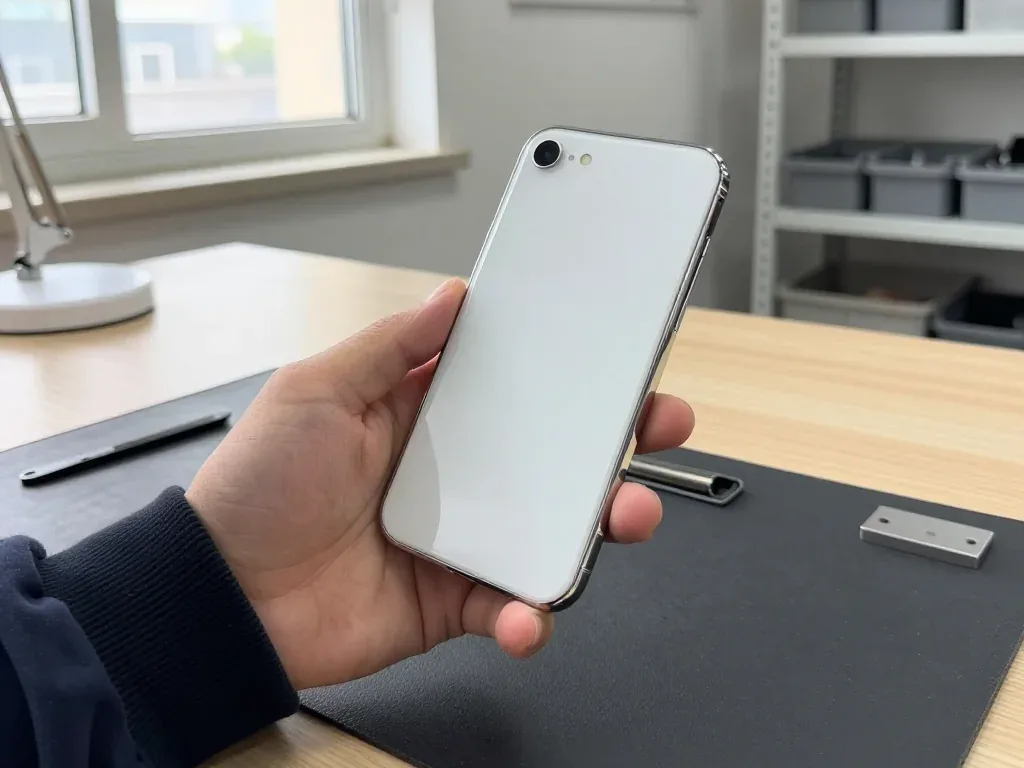
Cracked camera glass on the XR is replaced on its own in about 20 minutes, as long as the lens underneath is undamaged. The cover is a separate piece from the rear panel, so a shattered ring around the lens rarely means a full back replacement — the engineer checks the lens surface and the camera module before quoting. If the crack let dust in, we clean the lens prior to fitting new glass, otherwise photos stay soft even with a perfect cover. A dented or cracked rear panel is a different job with a longer turnaround, and we say so up front rather than after the phone is open. Bring the device in and the engineer will show you which of the two you are dealing with.
How the Visit Works and What You Take Home
From the first message to pickup, here is what happens step by step, what you check together with the engineer, and what stays in your hands afterwards.
From a WhatsApp Photo to Pickup
- Photo first: send a picture of the damage on WhatsApp and a specialist replies within 5 minutes with a price for the job and a free slot.
- Free diagnostics: the device is checked in front of you for 15 minutes and the fault is shown, even if you decline.
- Fixed on paper: cost, component, turnaround and warranty go on the receipt in 2 minutes before work starts.
- Sealed component: the new item is shown in factory packaging before installation, so you see what goes in.
- Courier option: a courier across the city takes 90 minutes and is free with a repair.
The 32-Point Check at Pickup
Functions tested together before you pay| Function group | What we confirm |
|---|
| Face ID | Unlocks and registers a new face |
|---|
| True Tone | Display shifts colour with room light |
|---|
| Cameras | Front, rear and video record cleanly |
|---|
| Audio | Microphones capture, speakers play |
|---|
| Charging | Port takes a cable and holds current |
|---|
| Network | Calls, mobile data and Wi-Fi connect |
|---|
What You Take Home and Who Did the Work
You leave with the phone, the receipt, the warranty card and the old component, repaired by our own technicians rather than a middleman. That direct setup is why the person who quoted your job from the photo is the same team accountable for the result at the counter. The removed item goes back to you, not into a bin, so you can see exactly what came out of the device. Warranty runs up to 1 year, backed by 46,000+ repairs over 11 years and two branches in Almaty and Astana. Keeping the swapped-out item is the simplest proof that the replacement actually happened. A direct contractor means there is no hand-off to a third party between diagnosis and pickup, so any question about the work reaches the people who did it.
Summary: iPhone XR Repair
A repair goes smoothly when you know what to ask for. Five checks separate a quick fix from a return visit.
- Match the symptom to the part: a flickering display, a swollen battery and a dead charging port lead to different jobs, so describe the fault precisely.
- Ask about glass-only: a cracked front can sometimes be fixed without a full module swap, and that saves both time and the original panel.
- Confirm the pickup test: Face ID, True Tone and the cameras should be verified together with the engineer before you pay.
- Get it in writing: part type, turnaround and warranty belong on the receipt before any screw is turned.
- Back up first: turn off Find My and copy your data, or the handover stalls before it starts.











 iPad
 MacBook
 iMac
 Mac mini and Studio
 Apple Watch
 AirPods
 Apple Pencil
 Apple TV
 HomePod




