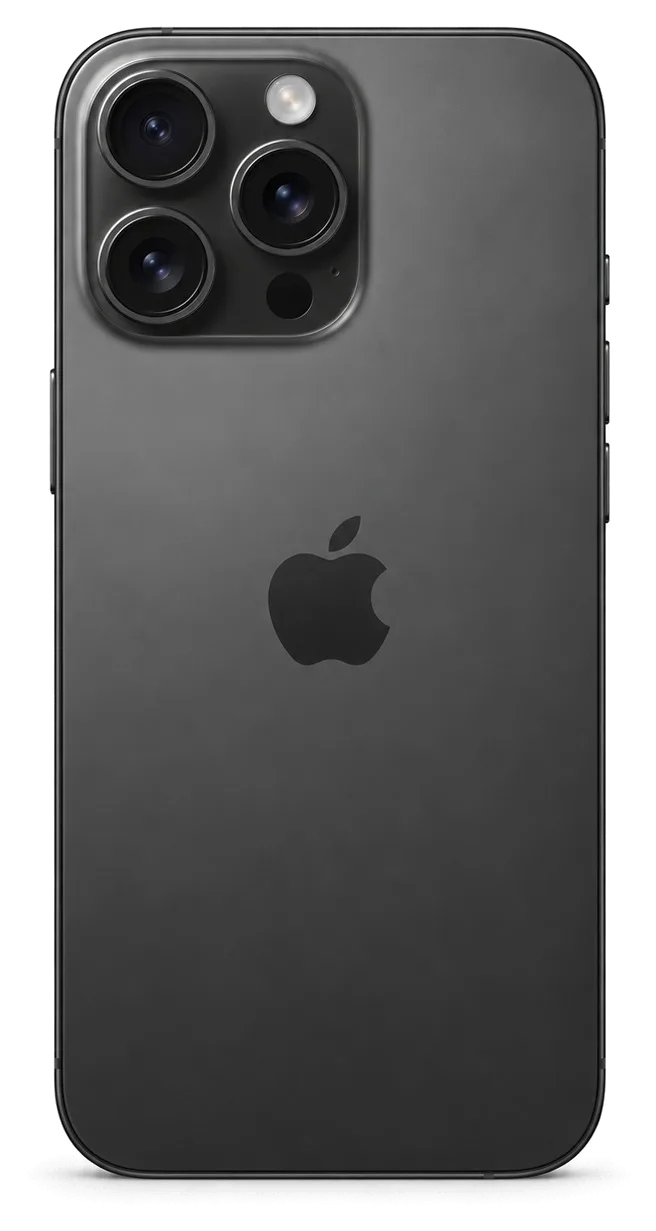
The 16 Pro brought a titanium frame, a dedicated camera control button and USB-C. Here is what owners actually bring in most often, mapped as symptom, likely cause and the action we take.
Cracks, Lines and Touch Failures After a Drop
Most 16 Pro visits start with impact damage — a shattered Ceramic Shield top layer, green lines across the OLED or a dead touch zone along one edge. The screen on this model is a single assembly, and the titanium frame passes shock straight into the panel instead of absorbing it. A hairline fracture at the corner often spreads across the surface within a few weeks of daily pocket pressure. A drop that leaves the outer layer intact can still shear the display connector, so lines without a visible crack point to a board-and-flex fault rather than a broken pane — the 15-minute diagnostic separates the two before anyone quotes a part.
Battery Drain, Heat and Sudden Shutdowns
A 16 Pro that dies by mid-afternoon or shuts down at 20 % usually has a worn cell, and we confirm it by reading Battery Health and cycle count in front of you. The 16 Pro runs a denser logic board than earlier generations, so a tired power unit shows up as warmth along the top edge during charging and video capture, not just as fast drain. Heat while topping up plus slow charge often means the cell and the USB-C connector are both worn; replacing only the power unit leaves the charging symptom in place, so we test both on the same visit.
Symptom, Likely Cause and What We Do
Complaints matched to the part replaced| Symptom | Likely cause | What we do |
|---|
| Cracked glass, touch still works | Outer layer only | Glass-only swap when the OLED is intact |
|---|
| Green lines or dead touch zone | OLED panel or flex | Full module replacement |
|---|
| Dies fast, runs hot | Worn power unit | Cell replacement, 25 minutes |
|---|
| Will not charge on USB-C | Connector or debris | Clean, then replace the port if needed |
|---|
| Blurry shots, cracked lens ring | Damaged lens cover | Cover replacement, 20 minutes |
|---|
Screen Damage and What Happens to Face ID and True Tone
A cracked front is the most common reason an iPhone 16 Pro reaches our bench. Below we cover when fresh glass is enough, when the full module must go, and what a swap does to biometrics and colour accuracy.
Glass Only or the Whole Display Module
If the OLED underneath is intact and only the outer layer is shattered, we replace just the glass; once there are lines, dead touch or a black patch, the whole module goes. A glass-only job keeps your original screen and its factory calibration, which is why it is the cheaper route on a 16 Pro with a working matrix — but it is only offered after the engineer confirms the OLED is undamaged. We test touch across the full surface, check for pressure marks and inspect the matrix under light before quoting either path. On a phone that took a hard corner hit, the frame can be bent by a fraction of a millimetre, and new glass on a warped chassis lifts within weeks. Ask for the frame to be checked on a flat surface, not just the crack photographed.
Will Face ID and True Tone Survive the Swap
Face ID keeps working after a display swap because the TrueDepth module is a separate unit we never touch, and colour balance is restored by transferring the calibration to the new screen. The projector and infrared camera sit in the top bezel, wired to the board independently of the display, so a screen job does not disturb them. Colour balance is different: the ambient sensor's calibration is written to the panel, and a programmer carries the original values across during assembly. On some aftermarket screens this adjustment cannot be carried over and the toggle disappears from Settings — we show you the result before the phone leaves the bench, so the trade-off is your decision, not a surprise later. We run a Face ID enrolment test on every unit before handover.
What the Unknown Part Message Really Means
- What it is: a system note that the fitted component is not paired to this board.
- What it is not: a malfunction, a lock or a reason the screen stops working.
- When it shows up: mostly with aftermarket screens and with components taken from another device.
- What we do: tell you in advance whether your chosen component triggers it.
- What stays: touch, brightness and, where calibration allows, the colour shift.
Original Part or Aftermarket and How We Lock the Choice
The component choice is the fear most owners bring through the door. We show the difference by function, explain how the decision is fixed before work starts, and what stays in your hands afterwards.
How Original and Aftermarket Components Differ in Daily Use
Two component types compared by everyday features| Feature | Original part | Aftermarket part |
|---|
| Brightness and colour | Factory levels | Close, sometimes dimmer |
|---|
| True Tone | Restored via calibration | May not transfer |
|---|
| Face ID | Unaffected | Unaffected |
|---|
| Unknown component notice | Usually absent | Often appears |
|---|
| Coverage | Up to 1 year | 6 months |
|---|
What Goes on the Receipt Before We Start
Before any work starts we write the price, the component type, the turnaround and the coverage on the receipt, and that takes about two minutes. The new module arrives in factory packaging and we open it in front of you before it goes anywhere near the phone. Experienced technicians handle the swap, and our eleven years in business sit behind every line on that sheet. We also say upfront whether the job is a 40-minute screen swap or a 1–3 day board repair, so the waiting area, the courier or a later pickup can be planned properly. A document that names the component type is what settles a later argument about what was fitted, so keep it with the warranty card — together they are the only record that matters if the handset misbehaves months later.
The Old Component, the Warranty Card and What You Take Home
- Receipt: price, component type, turnaround and coverage, written down before work begins.
- Warranty card: covers the fitted module and our labour up to 1 year.
- Old component: handed back in a bag so you can see exactly what was removed.
- Payment record: Kaspi, card or cash, whichever suits you best.
- The device itself: checked with you against the 32-function list before you leave.
How an iPhone 16 Pro Repair in Almaty Actually Runs
This section walks the full path from a photo on WhatsApp to pickup, shows which jobs fit inside one visit and which need the device to stay with us, and lists what to check with the engineer before you leave.
From a WhatsApp Photo to a Booked Slot
Send a photo of the damage on WhatsApp and an engineer replies within 5 minutes with a price estimate and a free time slot. The photo goes straight to the technician who will handle the device, not to a call centre, so the estimate reflects the actual job — a cracked screen module, a swollen battery, a shattered camera lens. When you arrive, the engineer runs a free 15-minute diagnostic in front of you and points out exactly what has failed, even if you decide not to go ahead. Price, part type, turnaround and warranty are then fixed on the receipt in about 2 minutes, before any screwdriver touches the phone. That is how an iPhone 16 Pro repair in Almaty starts without guesswork.
Which Jobs Finish While You Wait
Repair times by job type and on-site waiting| Job | Typical time | Wait on site |
|---|
| Screen module | 40 minutes | Yes |
|---|
| Battery | 25 minutes | Yes |
|---|
| Camera glass | 20 minutes | Yes |
|---|
| USB-C port flex | 30–40 minutes | Yes |
|---|
| Board repair | 1–3 days | No, under microscope |
|---|
The 32-Point Check Before You Leave
After the repair you and the engineer run through 32 functions in about 10 minutes, starting with Face ID, True Tone, cameras, microphones, speakers, charging and network. The check happens at the bench with the device in your hands, so you test what you actually use — unlocking with your face, shooting a short clip, making a call on speaker. The device comes back with the receipt, the warranty card and the old component in a bag, and the warranty runs up to 1 year. Do the check on the spot rather than at home — a microphone or network fault that shows up on the bench is fixed the same visit, while the same fault reported next day means a new booking.
Charging, Battery and Camera Glass on the 16 Pro
Three nodes on the 16 Pro cause the most false alarms at our counter: the USB-C port, the battery and the camera glass. Here is what we check on each, and what to do at home first.
USB-C Will Not Charge, Port or Board
A 16 Pro that stops charging over USB-C is more often a dirty or oxidised port than a dead board, and our diagnostic tells the two apart within minutes. Lint, pocket grit and dried moisture sit at the bottom of the connector and keep the pins from seating, so the phone reports a cable fault while the cable is fine. Under the microscope we check the port contacts, the charging flex and the power controller on the mainboard in that order, so a cleaning job is never sold as a board repair. Compressed air and a wooden toothpick clear most lint blockages, but scraping with metal pins bends the contacts and turns a cleaning job into a flex replacement — leave the poking to the bench.
Camera Glass and the Back Panel
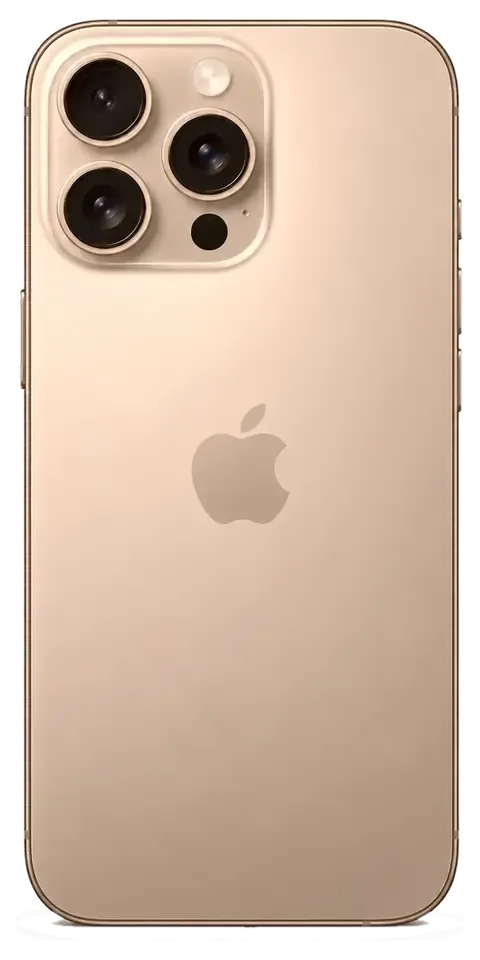
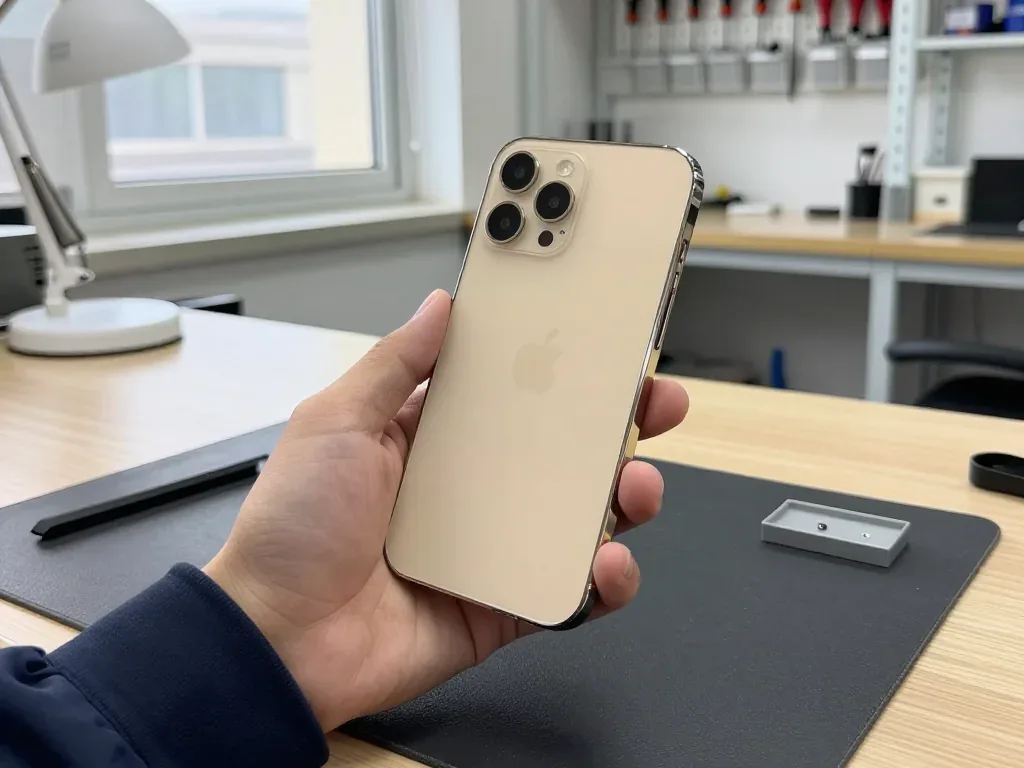
A cracked lens ring on the 16 Pro is replaced as glass in about 20 minutes, and the camera module itself is only swapped when photos come out blurry or spotted. The ring sits over the main camera and takes the impact that would otherwise reach the lens, so most cracked rings hide an intact module underneath. On the titanium frame the back panel is a separate assembly, and a hairline crack near the corner usually means glass only, not a frame job. We fit the new piece, then shoot test frames at close range and against a light source to confirm there is no dust or offset. Dust that gets under a broken ring scratches the lens coating over time, so a hairline crack is worth fixing early.
What to Do Before You Hand the Phone Over
- Back up first: run an iCloud or computer backup at home, while the screen still responds.
- Know your Apple ID password: some checks need the account signed in, and a locked account stalls the handover.
- Decide on Find My: tell the engineer whether it stays on, so the check plan matches.
- Note the passcode: the bench needs it to test Face ID, the cameras and the touch layer.
- Bring the charger: a USB-C cable helps confirm charging behaviour after the fix.
- Keep the old component: it comes back with the receipt and warranty card, so leave space in your bag.
Summary: iPhone 16 Pro repair
The choice comes down to five things a shop can confirm before the panel goes on and after the phone leaves the bench.
- Match the job to the damage: glass-only when the OLED is intact, a full module once lines or dead touch appear.
- Ask what happens to Face ID and True Tone: both should be confirmed before the panel goes on, not after.
- Get the part type in writing: original or aftermarket, named on the receipt with the turnaround and warranty.
- Check the wait time: screen, battery and camera glass fit into a single visit; board work does not.
- Test the phone before you leave: Face ID, True Tone, cameras, microphones, speakers, charging and network.











 iPad
 MacBook
 iMac
 Mac mini and Studio
 Apple Watch
 AirPods
 Apple Pencil
 Apple TV
 HomePod




