MN Photo: Mukhpilov Nail
Mukhpilov Nail
smartphone repair technician
10years of experience
4.83rating, 83 reviews

The stylus won't charge or the iPad doesn't recognize it — we'll check for free, find the cause and fix it, warranty up to 1 year.
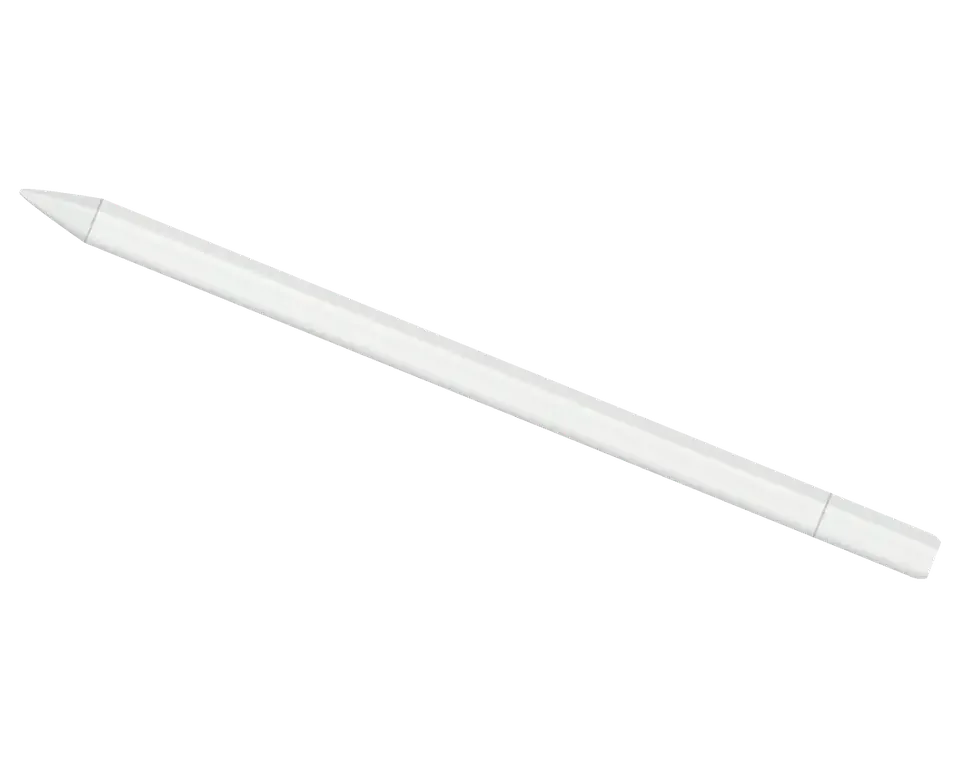
No wireless charging or pressure sensitivity here, but there is a USB-C port under the cap and a magnetic attachment. Most issues involve charging and the port.
You plug in USB-C, but the indicator doesn't respond and the charge doesn't increase
The cable falls out, charging is interrupted, contact only works at an angle
There's buildup inside the socket, the plug doesn't go all the way in
The port cover is loose and opens by itself in your bag
The port stays exposed, dust and moisture get inside
No connection appears, Pencil isn't detected in settings
The line breaks, the stylus disappears from connected devices
Pencil slides off the tablet edge and falls when carried
The charge lasts less time than before, even though the cable is fine
There's a chip or crack on the body, making the stylus wobble in your hand
The tip is worn on one side, the line becomes jagged
No charging, no response to iPad, even though cable and port look intact
We give the price after free diagnostics: it depends on the condition of the port, board, and stylus body.
| Service | Original | Aftermarket |
|---|---|---|
| Charging connector repair | 5 490 ₸ | 2 990 ₸ |
| Tip replacement | 6 490 ₸ | 3 490 ₸ |
| Battery replacement | 20 900 ₸ | 11 900 ₸ |
| Other repairs | Price | |
| Bluetooth module repairwireless module · board-level repair | 2 990 ₸per job | |
| IPad pairing restorationsoftware restore, no parts replaced | 2 990 ₸per job | |
If restoration turns out to be unprofitable, the technician will honestly tell you before starting work.
Most often you have to choose between an original connector and a compatible one, as well as between a branded and third-party tip.
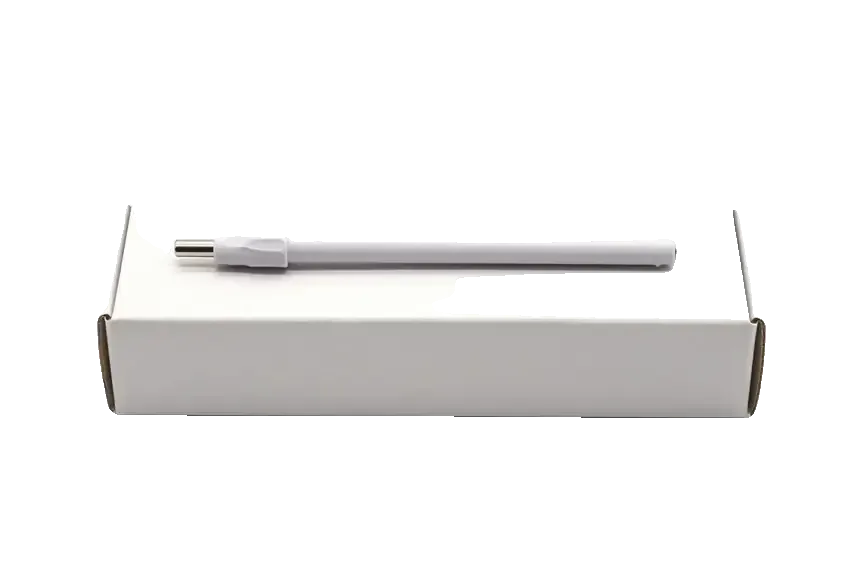
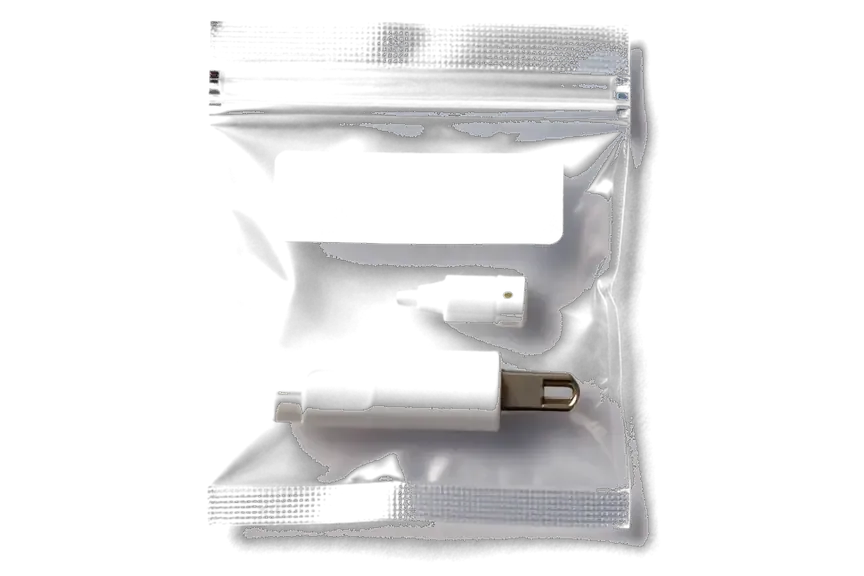
We test the stylus together with the iPad, fix the price before work, and the warranty is valid for a year.
Over eleven years of work, we've disassembled hundreds of styluses and know how a port failure differs from battery or board wear.
The repair work comes with a warranty up to 1 year, and the technician records the terms on the receipt before starting.
We test the stylus on the tablet: this shows whether the problem is with the Pencil itself or the iPad port.
A experienced technician handles your device, first identifying the cause and then proposing a work plan.
We give the cost after diagnostics and before work, so there are no additional charges along the way.
Weekdays from 10:00 to 19:00, weekends and holidays from 11:00 to 18:00 — you can drop by after work.
Usually the whole journey — from message to pickup — takes less than an hour; complex repairs follow the timeline in the receipt.
Book a repairYou send a photo of the damage on WhatsApp — we quote the price and available time. Or you call a courier.
An engineer checks the device in front of you and shows what is broken. 0 ₸, even if you decline the repair.
We fix the price, the part (original or analog), the timeline and the warranty. You sign — we start.
Before installation we show you the new part in its factory packaging. You wait in the waiting area with coffee and Wi‑Fi.
Pairing, pressure and tilt, charging, response on the iPad screen. You check together with the engineer.
Together with the receipt, warranty card and the old part. Payment — Kaspi, card or cash.
Technicians for iPhone, Mac, iPad, Apple Watch and AirPods repair.
Photo: Mukhpilov Nail Photo: Molchanov Rinat
 Photo: Shokan A
 Photo: Sybanbaev Birzhan
 Photo: Denis Gushchin
 Photo: Duisebaev Azhdar

“If the repair didn’t suit you or you have a complaint, write to me personally.”
Send a photo of the fault — an engineer will reply on WhatsApp, give the price and a time you can come in.
Apple Pencil USB-C Repair Service in Almaty at iServices
iServices handles Apple Pencil USB-C repair in Almaty as a direct contractor with its own experienced technicians, not a middleman. We run free diagnostics in front of you, fix the USB-C port, battery or board, and back the work with a warranty up to 1 year. Most jobs finish while you wait.
The Apple Pencil USB-C is a sealed stick with few serviceable parts, but the ones that fail are predictable. Here is what sits inside and what we can actually fix.
This model has four parts that realistically fail: the USB-C port under the sliding cap, the battery glued into the barrel, the Bluetooth antenna and the main logic board. The connector is the most exposed node, because every charge cycle pushes a cable into a slim socket at the very end of a 7.5 mm barrel. The cell is a small lithium unit bonded to the inner wall, and heat from repeated fast charging slowly lifts that bond. The antenna handles pairing with the tablet and sits close to the circuitry, so a drop that cracks the shell often disturbs both at once. The sliding cap shields the socket from pocket lint, so a device that suddenly stops charging after months in a bag usually has a clogged or bent connector rather than a dead cell.
This model charges over a cable, attaches magnetically to the iPad edge without charging, and has no pressure sensor by design. Magnets hold the stylus against the tablet for storage only; power comes from the USB-C cable, unlike earlier generations that charged inductively on the iPad side. Tilt works, the barrel detects angle, and the tip responds to movement, but the line stays one weight no matter how hard you press. Owners who expect pressure sensitivity often book a repair for a fault that is simply how this model was built, so confirm the model before assuming the accessory is broken. A quick test settles it: open a drawing app, vary the pressure on a single stroke, and compare the line thickness with tilt applied at an angle.
| Fault | Part involved | What we do |
|---|---|---|
| Won't charge | USB-C port | Clean or replace the socket |
| Dies fast | Battery | Replace the glued-in cell |
| Won't pair | Bluetooth antenna | Repair or replace antenna |
| No response at all | Logic board | Repair under microscope |
| Cracked shell, dead circuit | Barrel and board | Advise on replacement |
A unit that won't charge or won't connect is the most common reason people bring an Apple Pencil in. The cause is usually one of three things, and we narrow it down in minutes.
When the accessory won't charge, we check the cable and adapter first, then the USB-C port, then the battery — and we do this free of charge in front of you. The adapter is often the culprit: a low-output block or a worn cable delivers too little current, so the cell never fills past a few percent. From there we move to the port under the sliding cap, where lint and bent pins interrupt contact, and finally to the cell itself, which loses capacity after repeated deep discharges. A connector that looks fine can still fail internally after a drop, so we test continuity rather than judging by appearance before quoting any work. The check runs about 15 minutes and you watch the whole thing, even if you decide not to go ahead.
If the tablet doesn't detect the pencil, we re-pair it over Bluetooth, test the antenna and inspect the mainboard, and an engineer replies on WhatsApp within 5 minutes to start the process. Wireless pairing fails for two very different reasons: the internal antenna has lost contact with the logic circuitry after a knock, or the tablet's own radio module is misbehaving. We separate the two by pairing the accessory to a known-good device on the bench — if it connects there, the fault sits on your unit, not the pencil. The antenna is a thin flex that cracks at the connector, and the circuitry underneath carries the charging and pairing paths on the same layer. Testing on a second device is the fastest way to tell an antenna fault from a radio fault before any part is touched.
Skipping lines and a worn tip are the faults owners notice while writing. Some are a quick tip swap, others point to the sensor or the board, so the tip is always checked first.
A line that breaks up is usually a worn tip or a dirty contact, and we swap the tip and re-test the line before looking at the sensor. The tip sits in a small socket on the barrel and passes the signal to a contact pad underneath, so a speck of dust or a loose seat interrupts the stroke mid-word. We unscrew the tip, clean the pad, fit a fresh one and draw a full-page test line on the tablet to see whether the breaks move with the tip or stay in the same spot. If the gaps persist with a new tip, the fault sits deeper in the sensor or the board. A tip that wobbles in its seat causes intermittent contact, so a firm reseat often fixes skipping before any part is replaced.
A tip worn down to the metal core scratches the iPad glass, so it should be replaced the moment the metal shows through. The plastic cone wears into a flat spot first, then grinds away until the hard core is exposed, and from that point every stroke drags fine grit across the coating. On a laminated display the damage shows as a faint matte patch under raking light, and those marks do not polish out. Owners rarely notice the transition because the pencil still writes normally right up to the moment the core appears. The tip is the cheapest part on the device and the only one that protects the screen, so replacing it early costs far less than a screen repair.
On the USB-C Pencil there is no pressure sensor, so a missing pressure response is normal, while a lost tilt usually means a sensor or board fault. The USB-C model tracks tilt through its internal gyroscope and accelerometer, and that data travels to the iPad over Bluetooth, so a unit that draws but ignores angle has a fault in the sensing chain rather than in the tip. We test tilt in a sketching app, watching whether the stroke width changes as the pencil leans, and repeat the same test on a second tablet. Before booking a repair, check the stylus on a second tablet, because a tilt fault that follows the stylus is a stylus problem and one that stays on the tablet is not.
Half the pencils brought to us are fine and the fault sits in the iPad. Separating the two saves you a repair you don't need, so we test both sides.
We pair the stylus with a second tablet and test your device with a known-good stylus, and free diagnostics in front of you take about 15 minutes even if you decide not to repair. The cross-test runs on two axes: how the pencil behaves on another tablet, and how a different pencil behaves on your tablet. A pencil that refuses to charge on a second iPad carries its own fault; one that charges elsewhere but dies on yours points at the tablet's magnetic edge, its charging coil or its Bluetooth stack. We log pairing latency, charge behaviour and tilt response on both devices before quoting anything. A problem that moves with the accessory is an accessory issue, and one that stays on the tablet points to its charging coil or Bluetooth, which changes the whole repair.
On the tablet side, a dirty magnetic edge, a Bluetooth glitch or a failing charging coil can all make the pencil look broken. The magnetic strip along the tablet's edge attracts dust, lint and metal shavings from bags and pockets, and a thin film of it is enough to interrupt contact charging. Bluetooth faults behave differently: the pencil pairs, then drops the link mid-stroke, so the line breaks even though the battery reads full. A degraded charging coil inside the tablet stops delivering power to the magnetic edge altogether, and no pencil will hold a charge there. Cleaning the magnetic edge and restarting Bluetooth fixes a surprising share of "dead pencil" cases before any hardware is opened.
| Test | Result | What it means |
|---|---|---|
| Stylus on second iPad | Problem follows stylus | Stylus needs repair |
| Second stylus on your iPad | Problem stays on iPad | iPad needs repair |
| Both fail | Problem on both | Diagnose each separately |
| Both work | Intermittent issue | Re-test under load |
Once the fault is confirmed, the repair itself is short. Here is how the visit runs, what we fix on the paperwork and how we test the device before you leave.
You send a photo of the damage on WhatsApp, an engineer replies within 5 minutes with a price and a free slot, and the whole process usually takes less than an hour. The free diagnostics run 15 minutes in front of you, even if you decide not to repair, and the price, part, turnaround and warranty are then fixed on the receipt in about 2 minutes. Most work on the accessory is done while you wait in the seating area with coffee and Wi-Fi, and 72% of jobs finish without you leaving. A courier across the city takes 90 minutes and is free with a repair. Fixing the terms on paper before work starts means nothing changes once the shell is open. This is how apple pencil usb-c repair in Almaty runs from the first message to the moment you leave with the device.
We offer an original part or an aftermarket one, show the new component in factory packaging before fitting, and 64% of our customers choose the original. Either way it is unpacked in front of you, so you see exactly what goes into the shell before the engineer touches a screw. iServices is a direct contractor with its own technicians and workshop, not an aggregator or a middleman, which is why the person quoting is the person repairing. Board-level faults go under a microscope, and water damage can push diagnostics to two days. On a stylus the battery and port are the parts that decide how long the fix lasts, so the choice matters more there than on the shell.
A short recap of what separates normal Apple Pencil USB-C behaviour from a real fault, and which checks keep a repair predictable.
Did not find an answer? Message us on WhatsApp: an engineer replies, not a bot.
Ask a questionThis model charges only through the USB-C port under the sliding cap; there's no wireless charging. If the cable is fine, the cause is usually a dirty port or a loose connector. The technician will check the contacts and give you the exact reason.
Yes, in most cases the cap can be replaced or its fit adjusted. It's important not to leave the port open for long to prevent dust from getting inside. The technician will select the right part for your model.
Sometimes the USB-C port itself or the board inside the stylus is to blame. It's also worth checking whether your iPad supports this Pencil model. Diagnostics with the tablet will show what's wrong.
Yes, the magnet can be replaced. Weakening is usually due to wear or a fall. The technician will check the attachment and replace the magnet if necessary.
The battery is inside the glued body, and replacing it is a complex job. First, the technician will make sure the issue is really the battery and not the port or board. If the repair isn't cost-effective, they will tell you in advance.
Connect the stylus to the iPad with a cable and make sure charging works and the Pencil appears in settings. Then draw a few lines in a drawing app. The warranty up to 1 year covers the work performed.
Be the first to leave a review
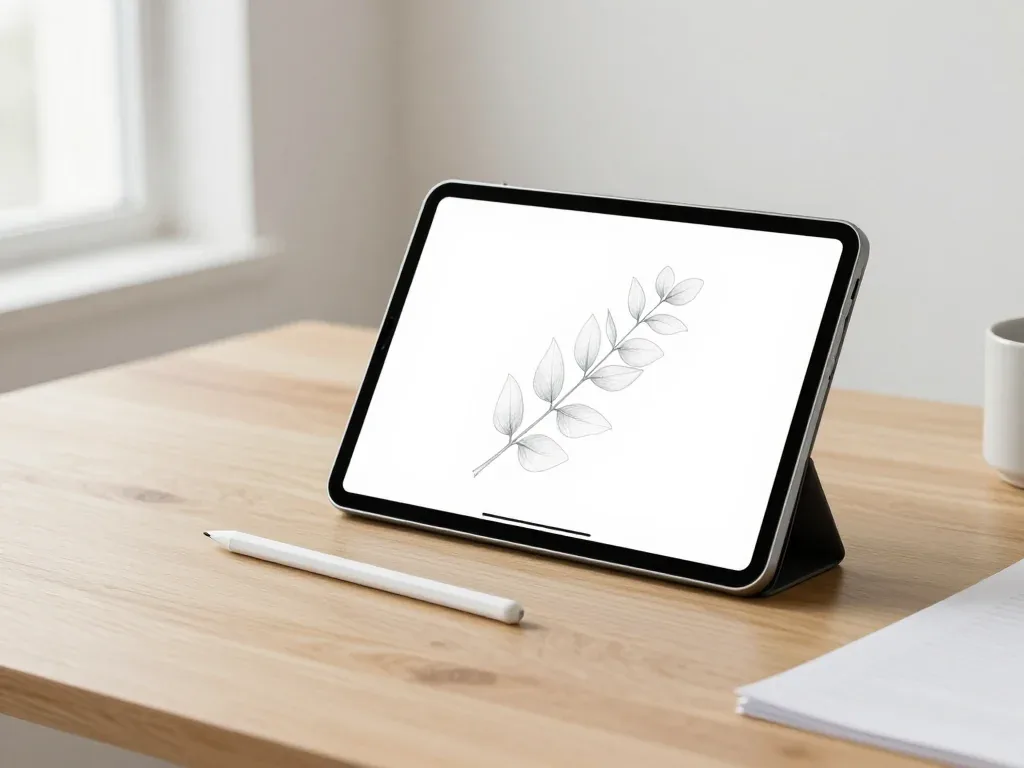
Most pairing failures come from a flat stylus, a stale Bluetooth entry or dirty contacts, and a free 15-minute check confirms the cause.

Back up your data, turn off Find My, and bring proof of purchase — then the repair starts faster.

 iPad
 MacBook
 iMac
 Mac mini and Studio
 Apple Watch
 AirPods
 Apple TV
 HomePod
