The iPhone 14 and 14 Plus share most failure points, but the way the phone is built — with removable front and back panels — changes how fast some jobs go. Here is what owners bring in most often.
The Most Common iPhone 14 Faults We See
- Shattered front panel: the display module still works, yet the protective layer is broken and the touch layer is at risk.
- Worn battery: capacity drops and the handset shuts down under load or drains within hours.
- Dirty charging port: the Lightning connector stops making contact and the phone will not charge reliably.
- Damaged camera lens cover: the outer layer over the optics breaks, and photos come out blurry or with glare.
Symptom, Likely Cause and What We Do
Common complaints mapped to cause and repair| Symptom | Likely cause | What we do |
|---|
| Screen broken, touch works | Shattered front panel | Glass or full module replacement |
|---|
| Battery drains fast, shuts down | Worn cell | Battery replacement |
|---|
| Will not charge | Dirty or oxidised port | Port clean or replacement |
|---|
| Blurry photos, cracked lens | Broken camera cover | Camera lens swap |
|---|
| No sound on calls | Speaker or microphone fault | Diagnostics, then component swap |
|---|
When a Fault Needs More Than a Quick Swap
Some iPhone 14 problems are not a component swap: liquid damage, a dead motherboard or a failed Face ID module need bench work and more time. Board repair happens under a microscope, where cracked solder joints and shorted components become visible. A phone that took on water is the hardest case, because corrosion under the shields only shows up once the logic board is cleaned and inspected closely. For those jobs the unit stays with us for a day or longer rather than the usual 20–40 minutes. After water contact, diagnostics can take up to two days — bring the handset in as soon as it dries, since corrosion spreads and turns a simple fix into a full rebuild.
Screen, Glass and Display Module on iPhone 14
A cracked front panel is the most common reason owners contact us, and the first question is always whether the whole display has to be replaced or just the outer layer. The answer depends on what is actually broken.
Glass Only or the Whole Display Module
If only the outer layer is cracked and the image and touch still work, we can replace just that layer; if the OLED is damaged, the full assembly has to go. The touch sensor sits between the protective sheet and the OLED, so a hairline crack with a clean picture usually means the display underneath survived. Lines, dead patches or a flickering image mean the screen itself is hurt, and outer-layer work will not fix those, so the diagnosis decides which path you pay for. We run that diagnosis free and in front of you: the engineer presses on the surface, checks touch across the whole area and looks at the picture on a white background. A cracked top corner with an intact image is the case where the cheaper path saves the most.
Will True Tone and Face ID Survive a New Screen
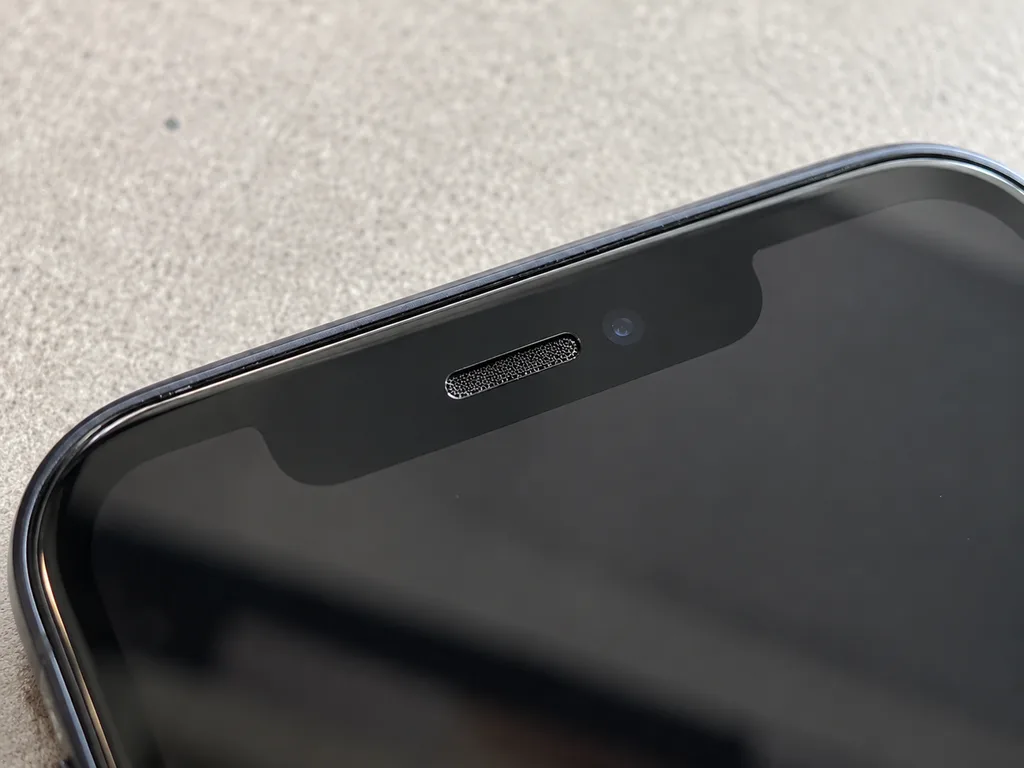
Face ID keeps working after a replacement because the TrueDepth module is a separate part, and the warm-white colour shift works once its calibration is carried over to the new screen. The TrueDepth module sits in the top bezel and is transferred from your old unit to the new one, which is why the notch area is handled first during the swap. That colour feature reads an ambient light sensor paired to the display, so a fresh assembly needs that pairing written back before the device leaves the bench. On some aftermarket assemblies it may not come back at all, which is one reason the component you choose matters as much as the repair itself. Our engineer checks Face ID and the screen's colour balance with you before you leave, so a missing feature shows up in the workshop, not at home.
How Long a Screen Repair Takes
A screen replacement takes about 40 minutes, and 72% of our repairs are finished while the customer waits in the waiting area. The assembly, the adhesive frame and the tools are laid out before you arrive, so the clock covers the swap, the colour calibration and the function check rather than a search for stock. Booking a slot by photo on WhatsApp first means the component is already set aside when you arrive, so those 40 minutes are bench time, not waiting for stock. The waiting area has coffee and Wi-Fi, and most owners spend the time there instead of making a second trip across the city. For this job, same-day pickup is the norm rather than the exception.
Original or Aftermarket Part for Your iPhone 14
The component you fit decides how the phone behaves afterwards, from True Tone to the parts message in iOS. We let you compare both options before anything is opened.
How Original and Aftermarket Parts Differ
what each part type preserves after fitting| Part | Keeps True Tone | Parts message in iOS |
|---|
| Original | Yes, after calibration | Clean or minimal |
|---|
| Aftermarket | Often, not always | May appear |
|---|
| Glass-only repair | Yes, original panel kept | None |
|---|
What the Receipt Locks In Before Work Starts
Before any work starts we fix four things on the receipt in about two minutes: the price, the component type (original or aftermarket), the turnaround and the warranty. The engineer writes each line by hand while you watch, and the document travels with the device through every stage. Turnaround on the paper matches the estimate we gave on WhatsApp from your photo, and the warranty runs up to 1 year on the fitted component. You keep the receipt, the warranty card and the old part when you collect the phone. A receipt that names the component is what lets you hold the shop to it later, so read that line before you hand the phone over, not after.
Why the Parts Message Appears After a Swap
The parts message in iOS is an indicator of the component type, not a fault, and it can appear after a screen or battery swap with a non-original component. The system reads a serial number stored in the display or battery and compares it with the one logged at the factory; when the two do not match, Settings shows a note under About. The phone keeps working, charging and displaying normally, and the message does not block updates. The message does not stop the phone working, but it does tell a future buyer or technician that a component was changed, which is worth knowing before you resell.
Charging, Battery and Camera Repairs on iPhone 14
Not every iPhone 14 problem is the screen. Charging faults, a tired cell and cracked lens glass are the next most common reasons owners come in, and each has its own quick fix.
iPhone 14 Will Not Charge
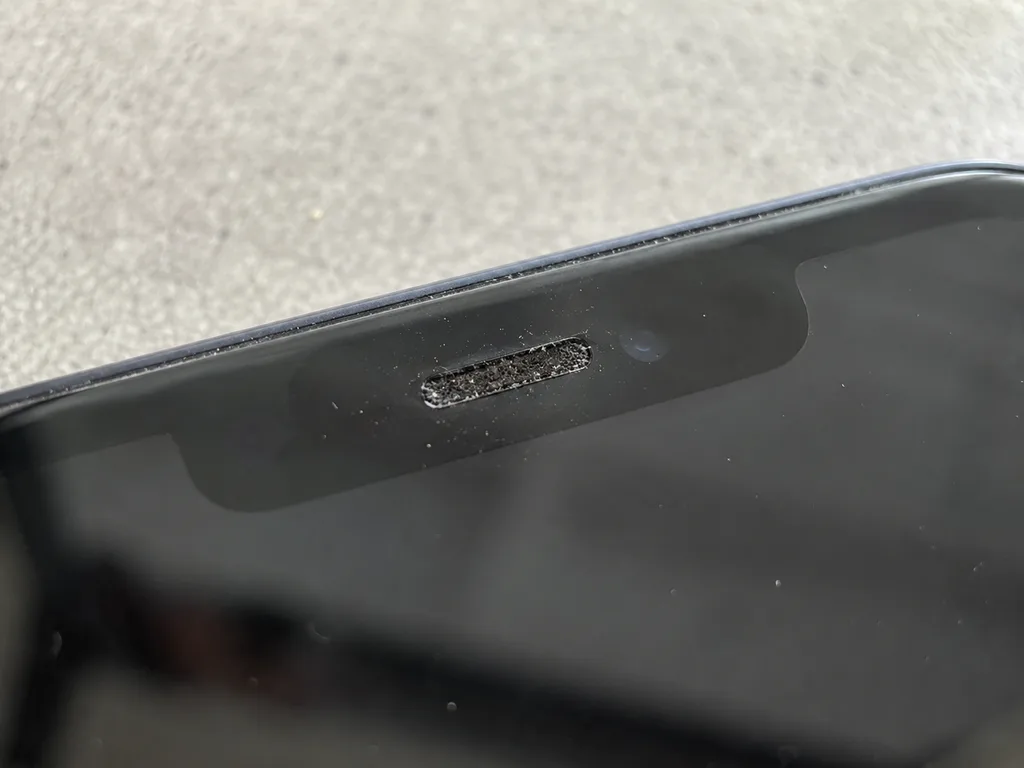
A phone that will not charge is usually a dirty or oxidised Lightning connector rather than a dead board, and free diagnostics shows which it is in 15 minutes. The engineer inspects the socket under magnification in front of you, checks the charging flex and reads the current draw, so a worn inlet is separated from a motherboard fault before anyone quotes a job. If the pins are simply clogged with pocket lint or corrosion, a clean restores contact on the spot. When the contacts are physically worn, the inlet is replaced as its own operation. Board-level charging faults go to the bench under a microscope and take one to three days. Cleaning is often enough, but if the pins are worn the connector is swapped, and that is a different job from board repair, so the diagnosis decides the cost.
When the Battery Needs Replacing
A cell replacement on the iPhone 14 takes about 25 minutes, and the sign to book one is fast drain, sudden shutdowns or a low Battery Health figure. We fit the new pack while you wait in the seating area with coffee and Wi-Fi, then confirm charging behaviour and run the 32-point check with you before you leave. Most owners reach for a swap once the handset dies by mid-afternoon or drops several percent within minutes of unplugging. That health percentage is a guide, not a verdict, because a phone that shuts down at 30% needs a fresh power pack even if the figure still looks acceptable.
Cracked Camera Glass and Rear Panel
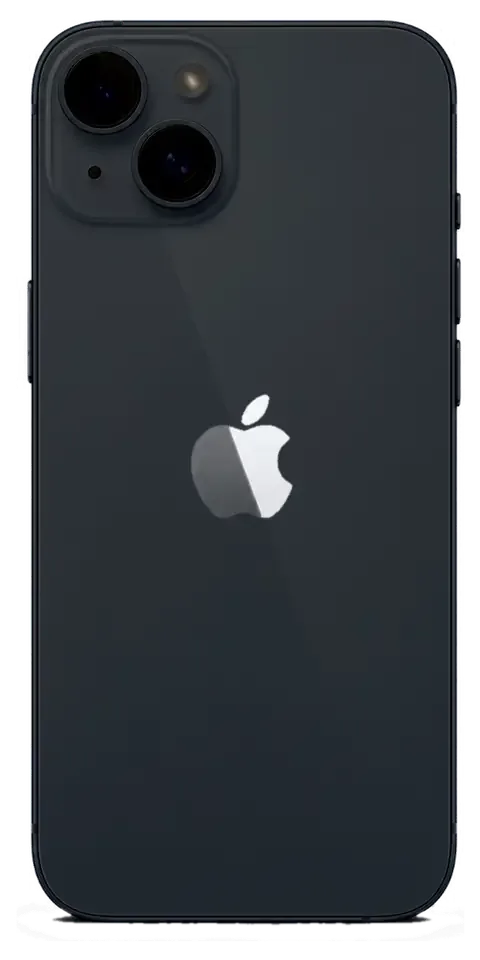
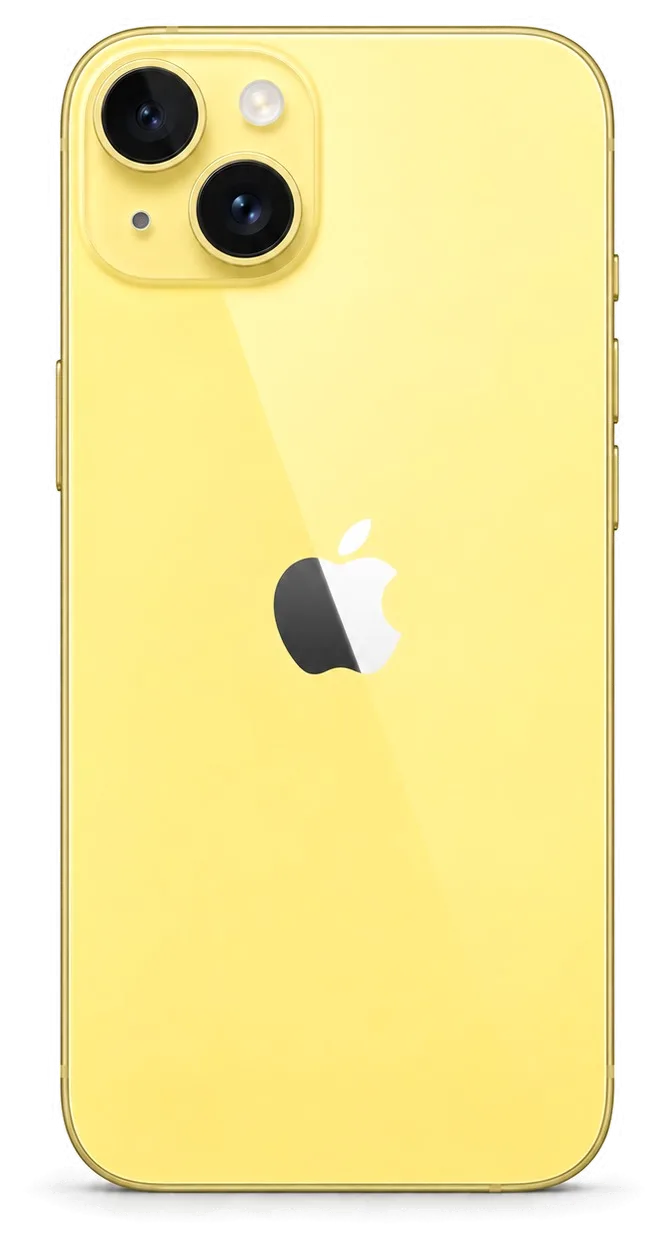
Cracked lens glass on the iPhone 14 is a 20-minute swap, and because the 14 opens from the back too, a broken rear panel does not always mean a full frame replacement. The lens cover is a separate component from the imaging module, so a shattered ring is replaced without touching the sensor, the stabilisation or the autofocus. On the 14 and 14 Plus the rear glass is serviceable from the back, which keeps the job shorter than on models that open only from the front. A cracked cover left alone lets dust and moisture reach the optics, so a cheap glass swap now avoids an imaging module replacement later.
How the Visit Works and What You Get Back
From the first WhatsApp message to the moment you walk out, the visit follows a short, fixed order. Here is what happens at each step and what you leave with.
From WhatsApp Photo to Finished Repair
- Photo on WhatsApp: an engineer replies within 5 minutes and quotes a price from the photo of the damage.
- Free diagnostics: 15 minutes in front of you, even if you decide not to repair.
- Receipt: price, part, turnaround and warranty fixed in about 2 minutes before work starts.
- Component shown: the new component is shown in factory packaging before installation.
- Repair: most jobs finish in 20–40 minutes while you wait.
The 32-Point Check Before You Leave
After the repair we check 32 functions in about 10 minutes, and you go through the key ones with the engineer: Face ID, True Tone, cameras, microphones, speakers, charging and network. The full test covers every sensor and radio the iPhone 14 uses daily, from the earpiece and proximity sensor to Wi-Fi, Bluetooth and cellular reception. You sit beside the engineer during the check and see each result on the screen, not just a verbal all-clear. Checking together at the counter means any issue is caught before you leave, not after a week when it is harder to trace back to the repair.
What You Take Home and Who Stands Behind It
You leave with the phone, the receipt, the warranty card and the old component, and the warranty runs up to 1 year; we are a direct repair shop with our own technicians, not an agency. iServices has handled 46,000+ repairs over 11 years, and the engineer who quotes your iPhone 14 repair in Almaty is the one who does it. Payment works by Kaspi, card or cash, and a courier can be called across the city — 90 minutes at most, free with a repair. Keeping the old component matters if you ever resell or question the work, because it is physical proof of what was actually replaced.
Summary: iPhone 14 repair
Repairing an iPhone 14 comes down to a few decisions made in the right order, and getting them right matters more than the repair itself.
- Cracked glass: a damaged front is not always a full module swap, and glass-only service is possible when the panel behind it is still intact.
- Face ID and True Tone: Face ID survives a replacement, and True Tone returns once its calibration is carried over to the new panel.
- Component choice: the option you pick decides how features behave, so confirm the type before any service begins.
- Charging faults: a phone that will not charge is more often a dirty port than a dead board, which is why the port gets checked first.
- At pickup: check the key functions together with the engineer and keep the receipt, warranty card and old component.











 iPad
 MacBook
 iMac
 Mac mini and Studio
 Apple Watch
 AirPods
 Apple Pencil
 Apple TV
 HomePod




