MN Photo: Mukhpilov Nail
Mukhpilov Nail
smartphone repair technician
10years of experience
4.83rating, 83 reviews

AirPods Pro sound crackly, quieter than usual, or the case won't charge — we'll check them free of charge and quote a price before any work starts.
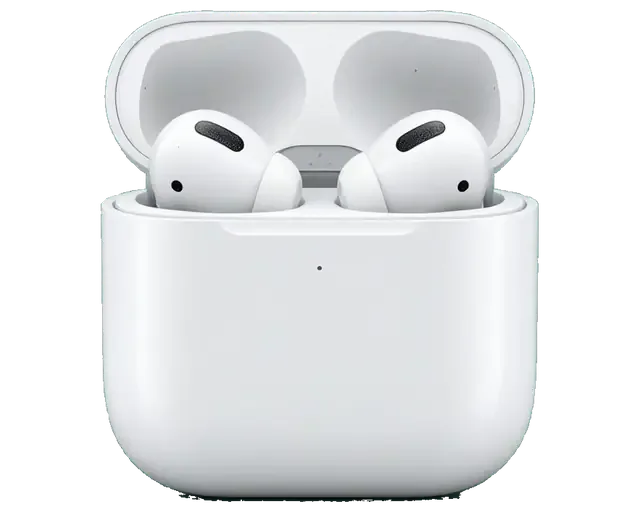
Owners of the first-generation AirPods Pro complain about quiet sound, noise cancelling glitches and case charging problems. Here are the most common faults.
The speaker mesh gets clogged with earwax, the sound turns muffled and the balance shifts.
Playtime has dropped noticeably and one earbud switches off before the other.
The indicator doesn't respond and the earbuds aren't detected in their slots.
It doesn't respond to Lightning or MagSafe and heats up when connected.
Only the other one shows up in Bluetooth and pairing keeps resetting.
ANC won't switch on, and Transparency mode hisses or whistles.
Pressing the stem doesn't skip tracks or change modes.
Clicks and crackling are audible in ANC when you move your head.
The silicone tip slips off and the mount on the housing is damaged.
The other person can barely hear you or can't hear you at all during calls.
Wireless charging keeps cutting out and the case gets hot on the pad.
The earbud is out but the music keeps playing.
The cost depends on what exactly needs replacing: an earbud, the case, or just cleaning and setup.
| Service | Original | Aftermarket |
|---|---|---|
| Earbud battery replacement | 23 900 ₸ | 13 900 ₸ |
| Case battery replacement | 40 900 ₸ | 22 900 ₸ |
| Earbud replacement | 55 900 ₸ | 30 900 ₸ |
| Charging case replacement | 45 900 ₸ | 30 900 ₸ |
| Earbud speaker replacement | 20 900 ₸ | 11 900 ₸ |
| Microphone replacement | 13 900 ₸ | 7 900 ₸ |
| Other repairs | Price | |
| Cleaningdisassembly and dust cleaning | 6 990 ₸per job | |
The technician prices battery replacement and dust cleaning after diagnostics, so we don't quote a sum in advance.
If the problem can be solved by cleaning or reflashing, the technician will suggest that before any replacement.
Compact earbuds need a careful touch, so here's a quick look at how we work with AirPods Pro.
We've been repairing Apple devices for eleven years, so we know how compact wireless accessories are built.
The technician checks whether it's dirt, a system glitch or battery wear, and only then quotes the work and price.
The terms of the warranty, which lasts up to 1 year, are explained before the repair so you know what it covers.
Earbud parts are tiny, and they're handled by experienced technicians used to micro-tools and magnification.
If a repair doesn't make sense, the technician will say so and suggest what to do with the earbuds instead of pushing the job.
We're open weekdays from ten to seven, and on weekends and holidays from eleven to six.
Usually the whole journey — from message to pickup — takes less than an hour; complex repairs follow the timeline in the receipt.
Book a repairYou send a photo of the damage on WhatsApp — we quote the price and available time. Or you call a courier.
An engineer checks the device in front of you and shows what is broken. 0 ₸, even if you decline the repair.
We fix the price, the part (original or analog), the timeline and the warranty. You sign — we start.
Before installation we show you the new part in its factory packaging. You wait in the waiting area with coffee and Wi‑Fi.
Sound, microphones, noise cancellation, ear sensor, earbud and case charge, connection. You check together with the engineer.
Together with the receipt, warranty card and the old part. Payment — Kaspi, card or cash.
Technicians for iPhone, Mac, iPad, Apple Watch and AirPods repair.
Photo: Mukhpilov Nail Photo: Molchanov Rinat
 Photo: Shokan A
 Photo: Sybanbaev Birzhan
 Photo: Denis Gushchin
 Photo: Duisebaev Azhdar

“If the repair didn’t suit you or you have a complaint, write to me personally.”
Send a photo of the fault — an engineer will reply on WhatsApp, give the price and a time you can come in.
AirPods Pro 1 Repair in Almaty at iServices Service Center
iServices repairs first-generation AirPods Pro in Almaty as a direct contractor with its own experienced technicians. We run free 15-minute diagnostics in front of you, fix most earbud and case faults while you wait, and back every job with a warranty up to 1 year. The price, part and turnaround are fixed on the receipt before work starts.
The first-generation model has two separate halves — the buds and the Lightning case — and each fails in its own way. Here is what we see most often and how we tell the two apart.
First-generation units split into two serviceable halves — the buds with non-removable glued batteries and the Lightning charging case — and a fault in one rarely means a fault in the other. Each bud carries a sealed cell, a dynamic driver, a force sensor in the stem and a silicone tip that seals the ear canal. The housing holds its own cell, a Lightning port and a wireless coil under the lid. Buds wear out through daily charge cycles and earwax reaching the mesh; the other half wears out through the port, the contacts and the coil. Transparency mode and noise cancelling depend on the outer microphone and a tight tip seal, so a loose fit mimics a failing driver. Before assuming the worst, charge the case by cable and try the buds in the other half; that single test tells you which half to bring in.
| Symptom | Likely part | What we check first |
|---|---|---|
| No charge light | Housing | Port, contacts, cell |
| One bud drains fast | Earbud | Cell wear |
| One bud quieter | Earbud | Dynamic mesh, membrane |
| Crackle on noise cancelling | Earbud | Mesh, microphone, seal |
| Charges by cable only | Housing | Wireless coil, ring |
| Bud not detected | Pairing | Reset, firmware, contacts |
On this model the earbud cell is glued into the shell, so a worn unit usually means replacing the bud rather than swapping its power source, while the housing has more repairable parts. Inside it we can reach the port, the contact pins, the wireless coil and the built-in cell without cutting the housing open; a board-level fault goes under the microscope. The bud itself is a sealed unit: the mesh, the tip and the stem contacts are serviceable, but the glued cell and the driver are not. Our engineers confirm the exact scope during free diagnostics before any work starts. Ask which parts are actually replaced before you agree to work; a clear answer about the glued cell saves you from a repair that cannot deliver what was promised.
A charging case that refuses to top up the buds is the most common reason people bring first-generation AirPods Pro to us. We work through the charging chain in order instead of guessing.
We check the enclosure in a fixed order — contacts, Lightning port, wireless coil, internal battery, then board — so the real fault is found instead of the first suspicious part. The two gold pins in the lid pass current to the earbuds, and corrosion there mimics a dead enclosure. Next comes the connector, then the induction coil and its MagSafe ring, then the cell under load, and only after that the logic board. Each stage is checked in front of you during the free diagnostics. A unit that charges by cable but not wirelessly usually points to the coil or its connection, not the cell, so do not replace the cell before that is ruled out. For AirPods Pro 1 repair in Almaty, this step-by-step check is how we locate the fault before quoting.
A clogged or damaged Lightning port and dirty internal contacts are among the quickest faults to fix, and we clean or replace them while you wait. Pocket lint compacts into the socket until the cable barely seats, and the spring pins lose grip on the plug. We inspect the opening under a magnifier, lift the lint out with a fine hook, and test insertion depth with a known-good cable. The internal contacts between enclosure and buds get cleaned with a contact solution when they show oxidation. Lint packed into the socket looks exactly like a dead connector; a cleaning often restores charging before any part is replaced.
When the enclosure holds little charge or only works on the cable, we test the internal cell and the wireless coil separately to see which one is failing. The coil sits against the MagSafe ring and can crack after a drop or stop transferring power after moisture, while the cell simply ages. We check the cell and the coil separately during the free diagnostics and watch the charge level climb. An aged cell shows up as fast drain even when the buds are fine, so judge the enclosure on its own before blaming them. Cable-only charging traces back to the coil or its solder joint far more often than to the cell itself.
Sound complaints on AirPods Pro 1 range from a blocked mesh to a failing pickup. We separate the cheap fixes from the ones that need a part.
If one side sounds quieter, the usual cause is a blocked dynamic mesh rather than a dead driver in the bud, and a careful clean often brings the volume back. Earwax and skin oils pack into the fine steel grid over the driver and cut airflow, so the membrane moves less and the output drops on one channel only. We inspect the grid under magnification, soften the deposit and lift it out without pressure on the membrane, then compare both sides at the same volume step. The driver itself rarely fails first — the filter in front of it does. Do not poke it with a pin; pressing debris through damages the membrane, and that turns a cleaning job into a replacement.
Crackle that appears only with noise cancelling on these earbuds usually traces to a dirty or failing pickup or a poor tip seal, and we test both before touching the driver. We run the device through its noise cancelling and transparency modes, then check the microphones and the tip seal to see where the fault sits. A worn silicone tip that no longer seals lets in sound the sensors then over-correct, so a fresh tip can silence a crackle that looks like a hardware fault. Swapping the tip and cleaning the port resolves most of these cases without opening the housing.
A unit that drains fast has a worn glued cell, and a pickup that callers cannot hear clearly is checked against the same side before we recommend a part. The battery inside each stem is glued in place, so capacity falls with charge cycles and the left or right side gives out first — usually the one used for calls more often. We measure both on the same discharge test and compare them, then inspect the call input and the noise-cancelling input separately. Test the voice path on a real call, not just a voice memo; the noise-cancelling element and the call element behave differently and only one may be failing.
Because the battery is glued in, the real question on AirPods Pro 1 is often whether to repair the unit or replace it. Here is how we decide with you.
| Situation | Repair or replace | Why |
|---|---|---|
| Blocked mesh, quiet sound | Repair | Cleaning restores volume |
| Crackle from dirty mic | Repair | Mic cleaned or reseated |
| Worn glued battery | Replace unit | Battery not swappable |
| Dead driver, no sound | Replace unit | Driver sealed in shell |
| Damaged case port | Repair | Port is replaceable |
We offer both an original and an aftermarket part, and we show the new one in its factory packaging before it goes in so you know exactly what you are getting. An original carries the same noise cancelling and battery behaviour as the one it replaces, while an aftermarket unit can differ in both even when it pairs correctly. 64% of customers choose an original, usually because they rely on active noise cancelling daily or want the pair to age evenly. The aftermarket route makes sense for a spare, a second pair for the gym, or when the budget decides and the lost audio features matter less. We name the choice on the receipt before work starts, so there is no swap later. Match it to how much you lean on noise cancelling and runtime — that is the honest dividing line.
A replacement unit must be the same model, then paired to the case and updated so both run the same firmware and Find My keeps working. The pairing itself is quick: place both in the case, reset the pair, and let the case push its firmware to the new one. A mismatch shows up fast — one drops out, plays at a different volume, or refuses to switch between noise cancelling modes. Find My is what owners ask about most, and it survives the swap only when the new unit is properly registered to the same case. Pair it before you leave the service; a firmware mismatch is easiest to catch and fix on the spot rather than at home, where you have no reference pair to test against.
From the first WhatsApp message to the moment you walk out, the visit follows a clear order. Here is what happens at each step and what you take home with the buds.
You send a photo of the damage on WhatsApp, an engineer replies within five minutes with a price, and the price, part, turnaround and warranty are fixed on the receipt in about two minutes before work starts. The part is either original or aftermarket — you choose, and 64% of customers pick the original one. Most jobs are done in 20–40 minutes while you wait, and 72% of repairs finish in the waiting area over coffee and Wi-Fi. A courier across the city takes about 90 minutes and is free with a repair. Getting the part and warranty written down before the unit is opened is what protects you if the fault turns out to be deeper than the photo showed.
Before you leave we check the repaired device with you — sound, microphones, noise cancelling, the in-ear sensor and case charging — as part of a 32-point check that takes about ten minutes. The engineer runs through each function in front of you rather than behind a closed door, so you hear the same result we do. You also get the receipt, the warranty card and the old part back, and the warranty runs up to 1 year. Our technicians have eleven years of bench time and more than 46,000 repairs behind them. Test noise cancelling in a noisy spot, not a quiet room; a fault in the ANC microphone only shows up when there is background sound to cancel.
If the buds have been in water, do not charge them and do not put them in rice; let them dry and bring them in, because a proper diagnostic after liquid can take up to two days. Liquid reaches the case battery, the charging contacts and the board, and each point has to be checked under a microscope before we know the real extent. A free 15-minute inspection in front of you shows what is wet and what already corroded. Charging a wet case is what turns a drying job into a board repair, so resist the urge to test whether it still works.
A first-generation pair fails in predictable places, and knowing them turns a vague worry into a clear decision about repair, replacement or a simple clean.
Did not find an answer? Message us on WhatsApp: an engineer replies, not a bot.
Ask a questionCheck the charge of each earbud and the case separately on your iPhone. If one earbud won't charge but the other is fine, its contacts are checked; if neither charges, the case is most likely at fault.
Most often the speaker mesh or the ear tip is clogged. Take off the silicone tip and check it; if the sound doesn't even out, the technician will clean the earbud.
Yes, the earbud and the charging case for AirPods Pro are replaced separately — that's in our price list. After replacement, the technician pairs the new part with the rest of the set and your iPhone.
Yes, AirPods Pro come with a Lightning case and a MagSafe version, and the new case is matched to your earbuds' version. The version is easy to identify by the case connector or in the AirPods settings on your iPhone. The technician checks compatibility before fitting.
Remove the earbuds from Bluetooth settings and reset them with the button on the case, then connect them again. If they don't appear or connect one at a time, diagnostics are needed.
AirPods Pro are sweat and splash resistant but not designed for immersion. If they fall in water, dry them and don't charge them until you're sure there's no moisture inside.
На наушниках один динамик стал играть намного тише другого, появился какой-то странный хрип. В сервисе провели глубокую чистку сеточек и диагностику. Всё исправили очень быстро, звук снова объемный и чистый, как при покупке.
Поменяли аккумулятор на наушниках, я думал такое невозможно
Молодцы! Оперативно забрали наушники и уже на следующий день связались со мной
Добрый день, Елизавета. Благодарим Вас за обратную связь. Мы рады, что Ваше обращение в наш сервис оставило положительные эмоции. Если потребуется квалифицированный совет, мы всегда готовы оказать необходимую помощь.
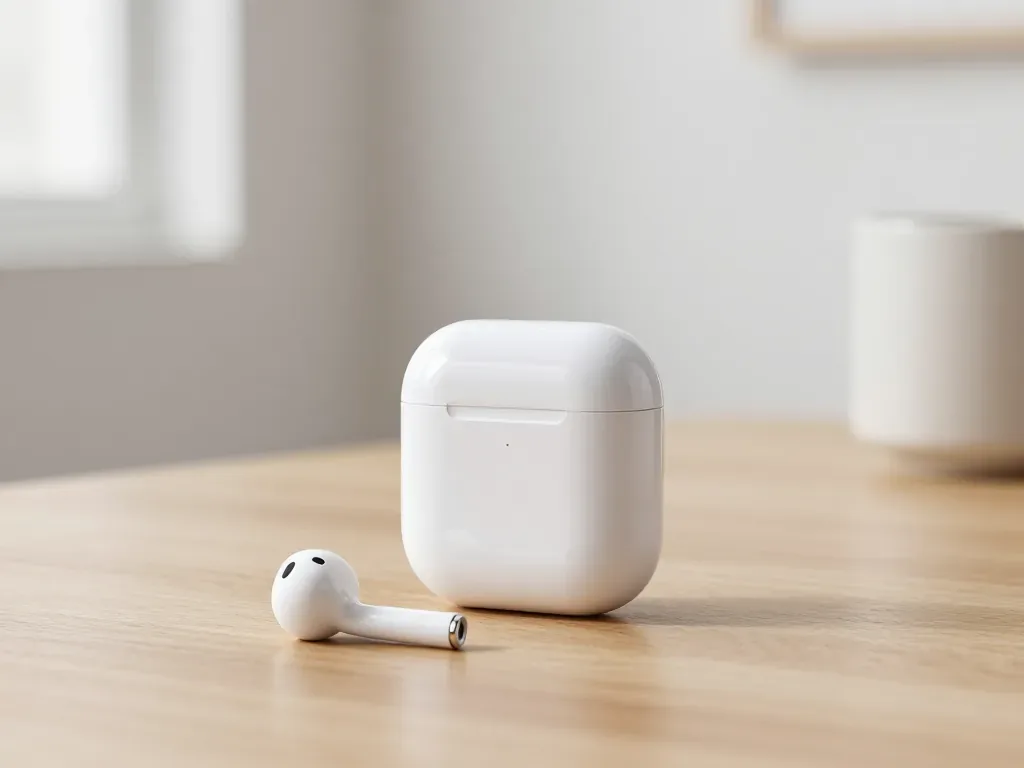
One earbud losing charge first is usually a worn cell or a dirty contact, not a dead pair. A free check tells which.
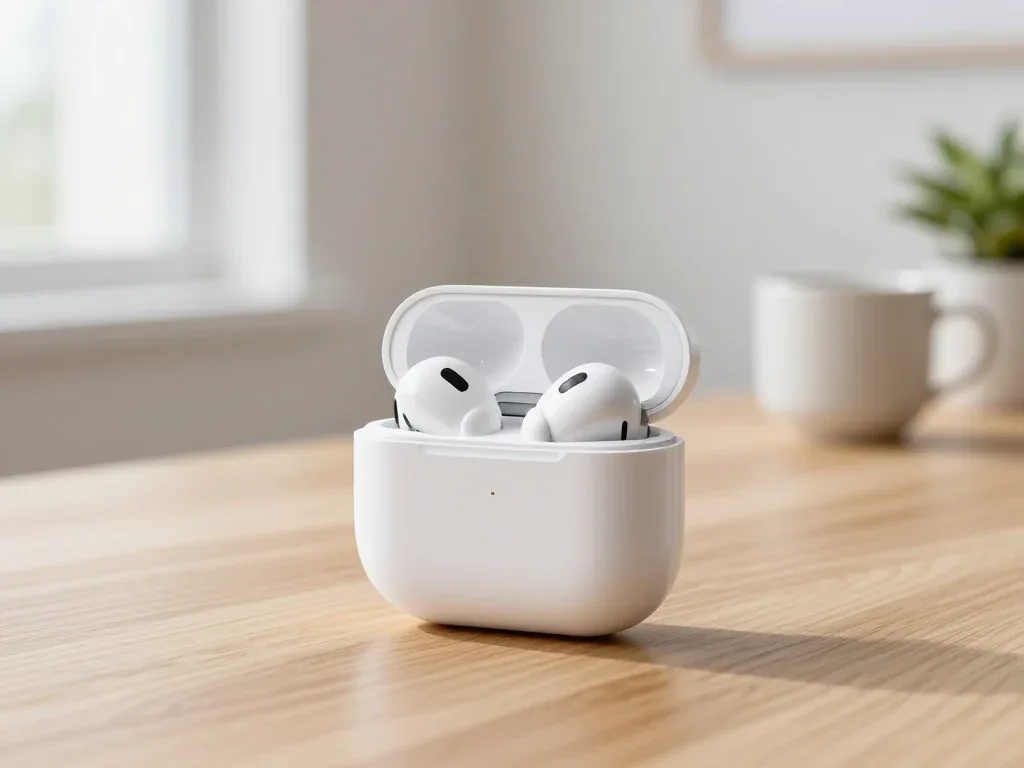
Find out why your AirPods case won't charge and what to check before visiting a repair shop.
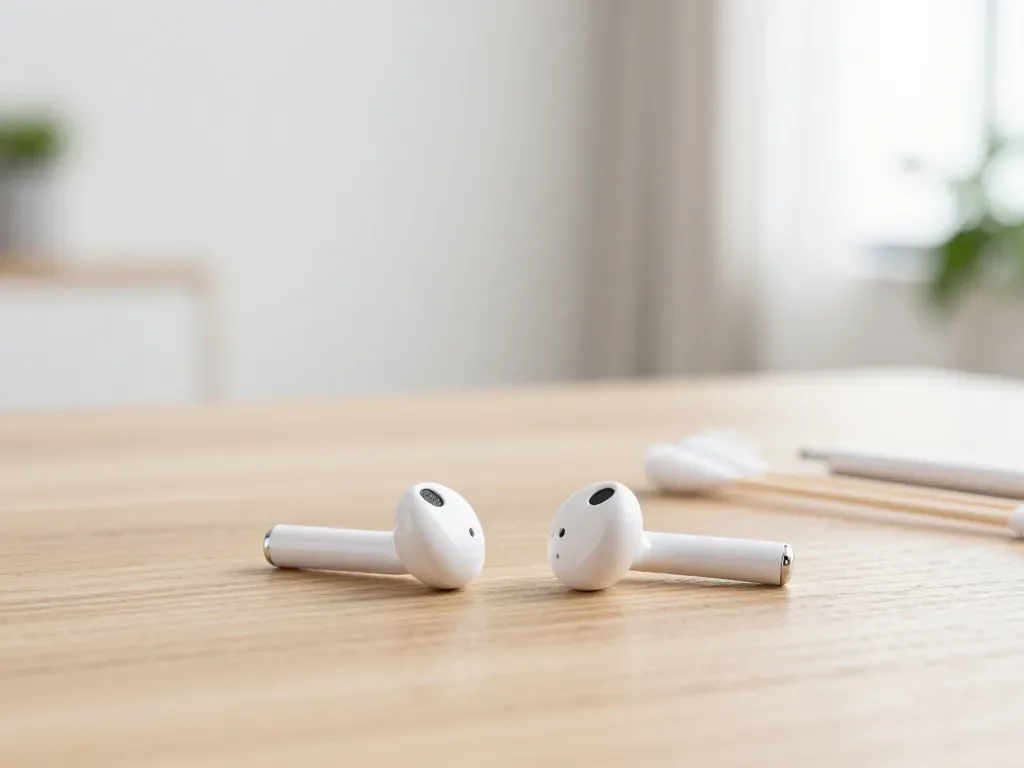
Most quiet AirPods come down to clogged mesh or a tired driver. Here is how to tell the difference before you clean anything.

Back up your data, turn off Find My, and bring proof of purchase — then the repair starts faster.

 iPad
 MacBook
 iMac
 Mac mini and Studio
 Apple Watch
 Apple Pencil
 Apple TV
 HomePod
