MN Photo: Mukhpilov Nail
Mukhpilov Nail
smartphone repair technician
10years of experience
4.83rating, 83 reviews

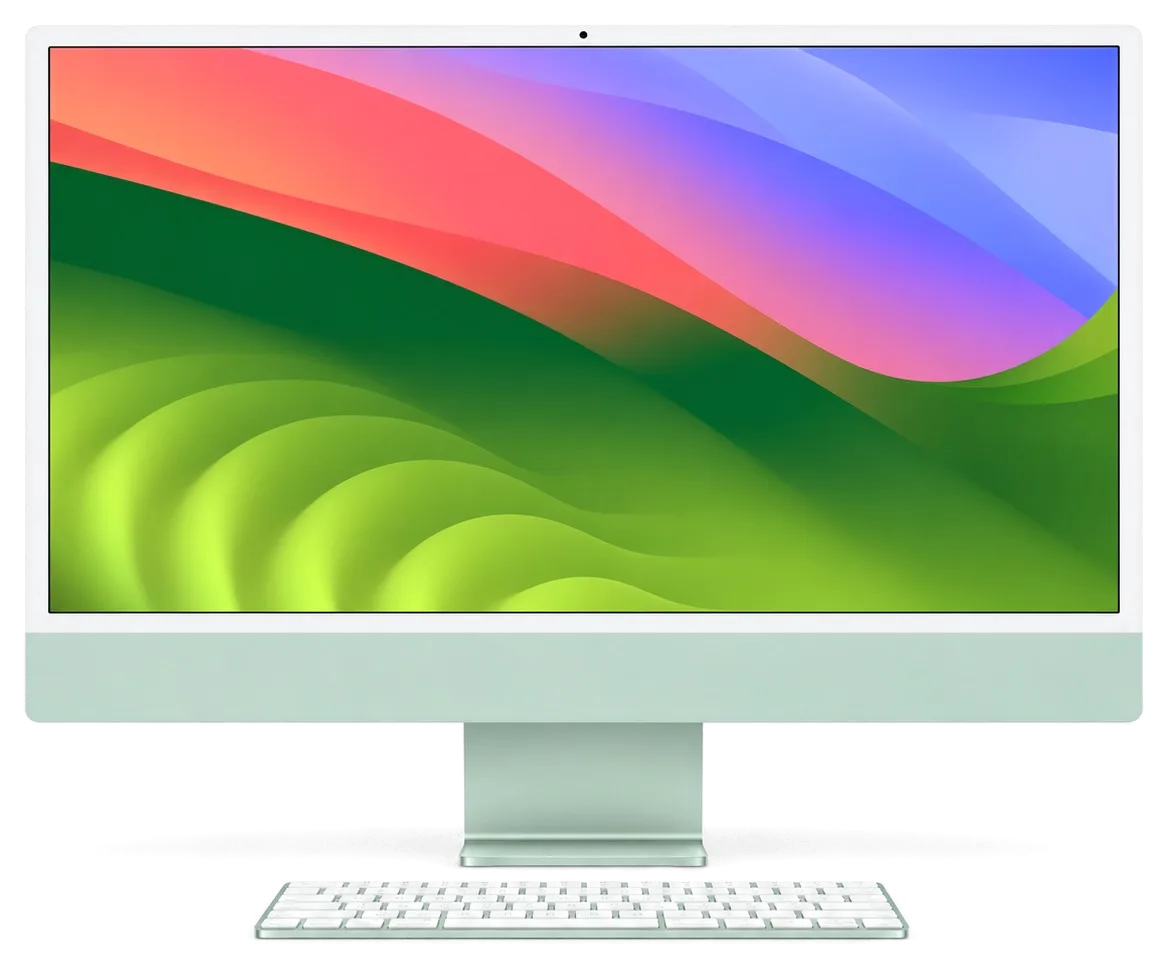
iMac 24 M1 won't turn on or is noisy — we'll check it free, clean it within a day and quote before repair.
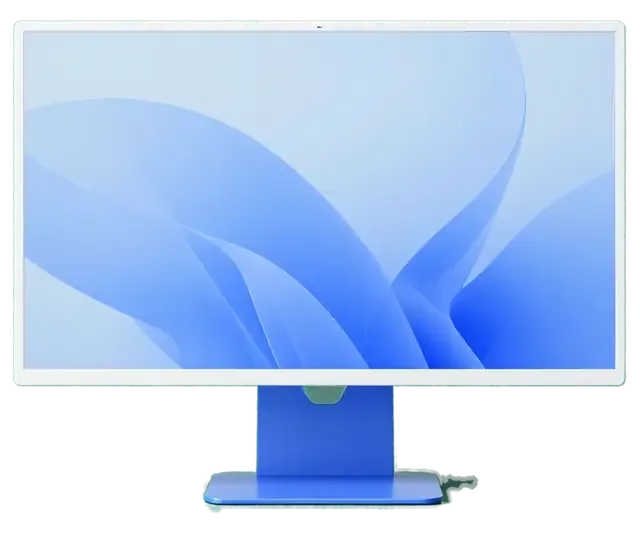
The slim all-in-one with an Apple chip fails differently from older iMacs, so here are the symptoms that bring it in most often.
Long exports push the temperature up and the fan spins at full speed.
Tint or uneven brightness appears on the screen after a few years.
Coloured stripes appear, sometimes only when the computer is warm.
No sound, no picture and no light after the power button is pressed.
Startup reaches the logo and then freezes or restarts in a loop.
A drive or a display no longer connects through one of the ports.
The network disappears or the connection keeps breaking.
A spilled drink reached the keys or the vents at the back.
Six speakers crackle or stay silent even though the built-in output is selected.
The all-in-one suddenly reboots and shows a crash report after startup.
The built-in storage is full and the system lags when opening apps.
Brightness drops on its own and yellow patches appear at the edges on white backgrounds.
The table lists the main jobs for iMac 24 M1; the final amount depends on the cause and the inspection.
| Service | Original | Aftermarket |
|---|---|---|
| iMac 24" M1 display panel replacement | 639 900 ₸ | 395 900 ₸ |
| iMac 24" M1 power supply replacement | 80 900 ₸ | 44 900 ₸ |
| iMac 24" M1 fan replacement | 38 900 ₸ | 21 900 ₸ |
| iMac 24" M1 speaker replacement | 37 900 ₸ | 20 900 ₸ |
| Other repairs | Price | |
| Dust cleaning, iMac 24" M1disassembly and dust cleaning | 19 900 ₸per job | |
| Logic board repair, iMac 24" M1microsoldering · 1–3 days | 84 900 ₸per job | |
| iMac 24" M1 Wi-Fi module repairwireless module · board-level repair | 34 900 ₸with parts | |
| iMac 24" M1 macOS installationOS installation, no parts replaced | 19 900 ₸per job | |
We confirm the exact cost after diagnostics, once it is clear what has failed inside the computer.
An iMac screen can be replaced with two kinds of parts, and the right one depends on how much you rely on colour.
A desktop Mac stays on the desk for years, so finding the true cause matters more than a quick patch.
Eleven years of Apple repairs taught us where all-in-one machines fail: dust, power, display and liquid damage.
Our work carries a warranty up to 1 year; if the same fault comes back because of our repair, we take the machine in again.
Experienced technicians open the machine, as the glued display breaks easily under an unsteady hand.
We work out whether the board, the power or the software is to blame, and we do not replace healthy parts.
We explain what can be repaired and what is cheaper to replace, and we state the cost after the inspection.
We receive customers 10:00–19:00 on weekdays and 11:00–18:00 on weekends and holidays, so a visit after work is possible.
Usually the whole journey — from message to pickup — takes less than an hour; complex repairs follow the timeline in the receipt.
Book a repairYou send a photo of the damage on WhatsApp — we quote the price and available time. Or you call a courier.
An engineer checks the device in front of you and shows what is broken. 0 ₸, even if you decline the repair.
We fix the price, the part (original or analog), the timeline and the warranty. You sign — we start.
Before installation we show you the new part in its factory packaging. You wait in the waiting area with coffee and Wi‑Fi.
Screen, camera, microphones, speakers, ports, Wi‑Fi and Bluetooth. You check together with the engineer.
Together with the receipt, warranty card and the old part. Payment — Kaspi, card or cash.
Technicians for iPhone, Mac, iPad, Apple Watch and AirPods repair.
Photo: Mukhpilov Nail Photo: Molchanov Rinat
 Photo: Shokan A
 Photo: Sybanbaev Birzhan
 Photo: Denis Gushchin
 Photo: Duisebaev Azhdar

“If the repair didn’t suit you or you have a complaint, write to me personally.”
Send a photo of the fault — an engineer will reply on WhatsApp, give the price and a time you can come in.
iMac 24 M1 Repair in Almaty with Free On-Site Diagnostics
iServices handles iMac 24 M1 repair in Almaty as a direct contractor with its own technicians, not an agency. We run free 15-minute diagnostics in front of you, quote from a WhatsApp photo within 5 minutes, and finish most units while you wait in our lounge. Original or aftermarket parts, warranty up to 1 year.
The M1 iMac differs from older Intel models: some parts are serviceable, others soldered inside. Knowing which is which saves time and money before you bring it in.
On the iMac 24 M1 the RAM and SSD are soldered directly to the logic board, so they cannot be upgraded or swapped after purchase. The unified memory is part of the Apple M1 package itself, and the flash storage sits on the same substrate next to it — there is no slot, no socket and no service door on the back of the chassis. What stays serviceable is everything around the circuitry: the display, the cooling fan, the speakers, the ports and the external power adapter. This is why an iMac 24 M1 repair in Almaty almost never means "adding more memory" — it means restoring a part that failed. Because storage lives on the substrate, a failing SSD is a component-level job, not a drive swap — plan a Time Machine backup before any such work.
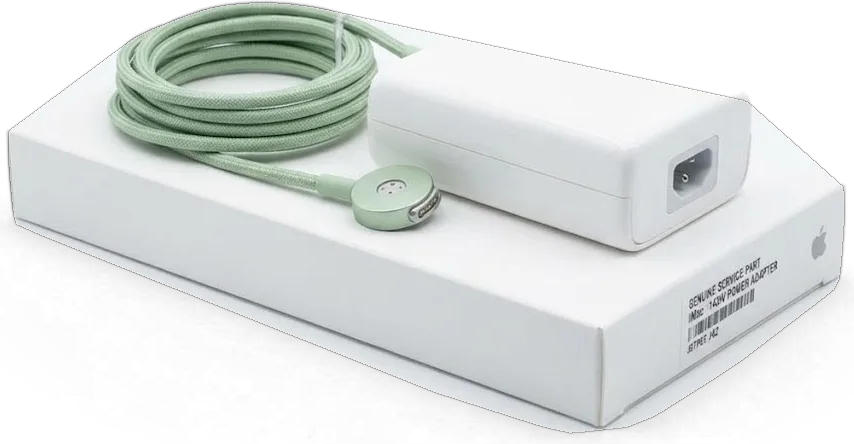
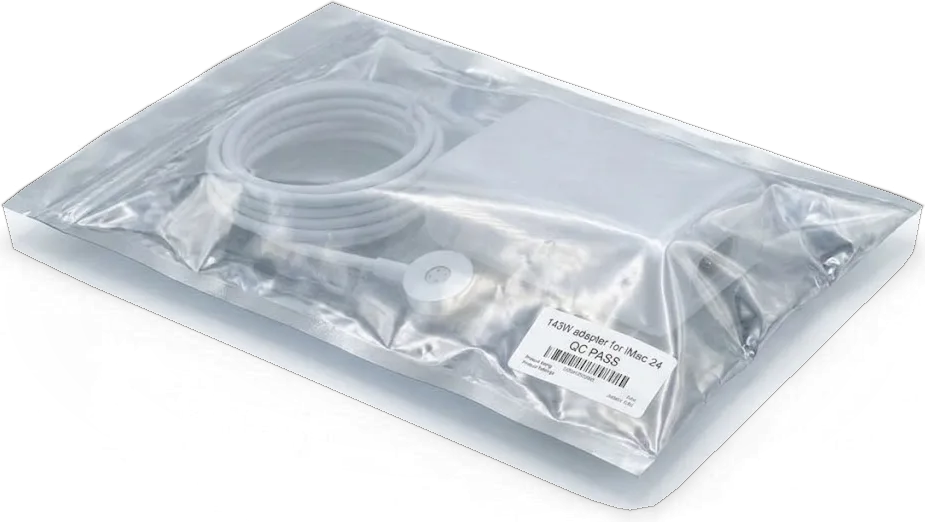
We start every "won't turn on" case by testing the external adapter and magnetic cable, because on the M1 iMac the power supply sits outside the chassis. The thin body has no room for a full internal PSU, so the brick and its braided magnetic connector do the conversion, and the connector's pins can bend, carbon up or lose contact after long daily plugging. Our engineers keep known-good adapters on the bench, and the check takes a couple of minutes before anything is opened. A dead adapter looks identical to a dead mainboard from the outside — swapping in a known-good unit for two minutes tells you which half to open.
The display, cooling system and ports on the M1 iMac are serviced the same way as on Intel iMacs, so the repair approach carries over. The 24-inch panel is still held by adhesive tape around the glass, the single fan still pulls air through a slim internal channel, and the USB-C and Thunderbolt ports still sit on a replaceable section rather than being moulded into the shell. The circuitry layout follows the same logic as the Intel Core generation, just with fewer separate chips. The glued display is the common thread across every generation, and the tooling and technique for opening it are identical whether the silicon inside is Intel or Apple Silicon.
Most owners arrive with a symptom, not a diagnosis. Here is how the common complaints on the M1 iMac map to the part that usually causes them.
| Symptom | Likely cause | What we check |
|---|---|---|
| Won't power on | External adapter or cable | Adapter output, magnetic connector |
| Sound but no image | Display or its ribbon | Backlight, cable seating |
| Bands or spots on panel | Matrix or glass layer | Panel test, reseal check |
| Fan noise and heat | Dust, dried thermal paste | Cooling path, thermals under load |
| Random shutdowns | Power delivery or mainboard | Voltage rails, visual inspection |
| Slow or stuck boot | SSD or macOS | Drive health, recovery mode |
We clean the cooling path and renew thermal paste whenever the M1 iMac runs hot or loud, since the slim chassis leaves little margin for dust buildup. The fan, heatsink and thermal interface sit in a shallow cavity behind the panel, so a thin dust film on the fins blocks airflow far sooner than on a tower. Machines kept near kitchens or busy streets arrive with the paste dried to a chalky layer that pushes the fan to full speed during ordinary browsing. We strip the old compound, clear the intake and exhaust, and reapply paste rated for the die's heat spread. On a thin body the fan works harder to move the same air, so light dust that would be harmless on a tower turns into audible noise within months.
Bands, spots or a black panel with working sound usually mean the display or its ribbon, not the logic board. Vertical lines that shift when you tilt the unit point to the ribbon seating on the logic side, while fixed blotches or a bright halo suggest pressure damage to the matrix or the glass layer above it. A unit that stays dark while the Mac still chimes and responds to keys narrows the fault to the backlight or the assembly itself. A quick external-monitor test separates a dead display from a graphics fault in minutes; if the external monitor is clean, the problem is inside the lid, not on the mainboard.
Diagnosis comes before any screwdriver touches the machine. Our engineers check the supply chain, logic board, panel and cooling in that order, and you watch the whole process.
We run free diagnostics in front of the customer for 15 minutes, even if you decide not to repair. The engineer connects the 24" M1 to a lab power supply, reads the current draw and checks the temperature sensors while you watch the screen. Nothing disappears into a back room: the readings, the cable, the brick and the circuitry all sit on the bench between you and the technician. We have done this across 46,000+ repairs, and the format has not changed. Watching the check means you see which part failed rather than taking a list on faith, and you can photograph the readings for a second opinion.
Our diagnostic order is supply, then board, then panel, then cooling, because the cheapest and most common faults sit at the front of that chain. A 24" M1 draws current from an external brick through a magnetic connector, so the engineer starts there: voltage under load, cable continuity, then the rear port. Only after the readings come back clean does the circuitry go under test, followed by the screen and the fan. A fixed order stops the classic mistake of replacing a panel when a failing brick was cutting current to the backlight. It also keeps the bill honest: you pay for the part that actually failed, not the first component that looked suspicious.
An engineer replies on WhatsApp within 5 minutes and quotes a price from a photo of the damage. Send a shot of the screen with the fault visible plus the label on the external power brick — the model and wattage tell us which supply the unit expects. That pairing is often enough to separate a panel job from a supply job before the machine ever leaves your desk, and it lets us book a free slot that fits your day. If the photo is unclear, the engineer asks for one more angle rather than guessing at a figure. A clear shot of the fault and the brick label usually brings the quote back within the same five-minute window, so you can plan the visit without a second call.
Two jobs on the M1 iMac carry the most risk and the most questions — opening the glued display and touching a logic board with soldered storage. Here is how we handle both.
We cut the adhesive tape with a dedicated tool and suction cups, then reseal the display with a fresh strip on reassembly. The 24-inch panel sits on a continuous bead of adhesive, not screws, so first warm the edge evenly and slide a thin cutting tool under the glass at a shallow angle. Suction cups hold the display steady while the tape separates, keeping stress off the panel and camera cable. On reassembly a new strip goes down cleanly and the glass seats flush, with no gaps for dust. Reusing old adhesive is the usual reason a repaired unit later collects dust behind the glass — a fresh strip is part of the job, not optional.
Because the SSD is soldered to the M1 mainboard, data is only reachable while that circuit is alive, so a backup before any service is essential. There is no separate drive to pull out and read on another machine — the storage chip sits on the same substrate alongside the memory. That means Time Machine or an iCloud copy made while the machine still boots is your only safety net once the hardware goes on the bench. If the assembly is already dead, recovery means repairing it first — which is why we ask about unbacked-up files before quoting any deep job.
We repair the mainboard under a microscope, and this level of work takes 1 to 3 days. A soldering station and a microscope let a technician trace a failed component to a single chip or trace instead of condemning the whole assembly, and that inspection is what separates a real repair from a swap. Working at that magnification is slower than swapping a module, but it avoids replacing the whole assembly for one failed part — worth the extra days when the alternative is a full replacement. Most such jobs come down to a single damaged element rather than a dead unit.
Once the fault is clear, the practical questions take over — how long, which part, how it gets here and what protects you afterwards. Here is how each is handled.
We offer an original part or an aftermarket one on your choice, and the price, the item, turnaround and warranty are fixed on the receipt before work starts. Around 64% of customers choose the original option, while the rest pick a compatible equivalent to keep the bill lower; both are shown to you in factory packaging before installation. That paperwork takes about two minutes, and the same document carries the warranty card, valid up to 1 year onward. Fixing the specification on paper before the screwdriver comes out means a later "we used something different" conversation can never happen — the receipt is the record, so keep it with the old part.
You can bring the computer in or call a courier, and the timeline depends on the job: for MacBook and iPad it runs from 1 hour to 1 day, while mainboard work takes 1 to 3 days. A courier crosses the city in about 90 minutes and comes free with a repair; our workshops in Almaty and Astana run Mon–Fri 10:00–19:00 and weekends 11:00–18:00. The exact turnaround is named after the free diagnostics, and 72% of all repairs are completed while the customer waits with coffee and Wi-Fi. Send the power adapter and magnetic cable with the machine — a "no power" fault can live in the adapter, and testing it on arrival saves a second trip.
After the repair we run 32 functions in roughly 10 minutes, and you go through the key ones with the engineer before pickup. The list covers the FaceTime camera, microphones, speakers, both USB-C ports, Wi-Fi and Bluetooth, plus the display for even backlight and True Tone. Testing optics, sound and the wireless link after a display job catches a pinched cable that a simple "it turns on" check would miss. Every unit leaves with the receipt, the warranty card and the old part in a bag, so nothing stays undocumented. Ask the engineer to repeat any check you care about — a second look at the ports and camera settles it on the spot.
Five points decide whether an iMac 24 M1 leaves the bench working and stays that way. They come up in almost every repair conversation.
Did not find an answer? Message us on WhatsApp: an engineer replies, not a bot.
Ask a questionThe thin iMac 24 M1 has a compact cooling system, so dust on the vents and long heavy loads make the fan spin up hard. A dust cleaning usually brings the noise back down. If the fan roars even at idle, the technician checks the fan and the sensors.
No, on the iMac 24 M1 the glass is bonded to the panel, so a crack is fixed by replacing the display assembly. Small chips at the edge may not affect the image, but they can spread. The engineer shows the damage under light before you decide.
No, memory and storage are part of the logic board on this model and cannot be upgraded later. For more space, a fast external drive over Thunderbolt or USB-C is the practical route. Keep that in mind if a repair involves the board.
Unplug the magnetic power cable at once and do not try to turn the computer back on. Liquid that runs down behind the chin can reach the board and the power connector. Bring it in for post-spill cleaning as soon as you can.
For colour-critical work, an original panel is the safer choice, because brightness and colour uniformity can differ on aftermarket parts. For browsing and office use an aftermarket part may be enough. The receipt states which type is installed.
Lines that appear with heat often point to a display cable or panel fault rather than software. Note when they start and take a photo to show the technician. Diagnostics with an external monitor help tell a panel fault from a board fault.
Yes, the external power adapter and its magnetic cable can fail, and some versions carry the Ethernet port in the brick. If the iMac will not power on, the brick is one of the first things tested. Bring it with the computer so both can be checked.
На iMac 24″ (M1 2021) при подключении внешнего накопителя появлялись ошибки. В итоге проверили порты и работу хранения данных.
Проблема была такая: разъём USB-C работал через раз — и непонятно что делать. После обращения проверели контакты и стабильность соединения.
Na iMac 24″ (M1 2021) kompyuter neozhidanno otklyuchalsya vo vremya raboty. Po rezultatam diagnostiki proverili pitanie i prichinu perezagruzok; S Denis vsyo obsudili po delu, bez speshki.

Most slow iMacs are held back by a worn drive or too little memory. A short check shows which part is the real bottleneck.

Most dead iMacs trace back to power delivery or the logic board, and a free 15-minute check in front of you settles which one it is.

Most loud-fan cases trace back to dust-packed fins and dried thermal paste, not a dead fan. A free 15-minute check shows which one you have.

Back up your data, turn off Find My, and bring proof of purchase — then the repair starts faster.



 iPad
 MacBook
 Mac mini and Studio
 Apple Watch
 AirPods
 Apple Pencil
 Apple TV
 HomePod
