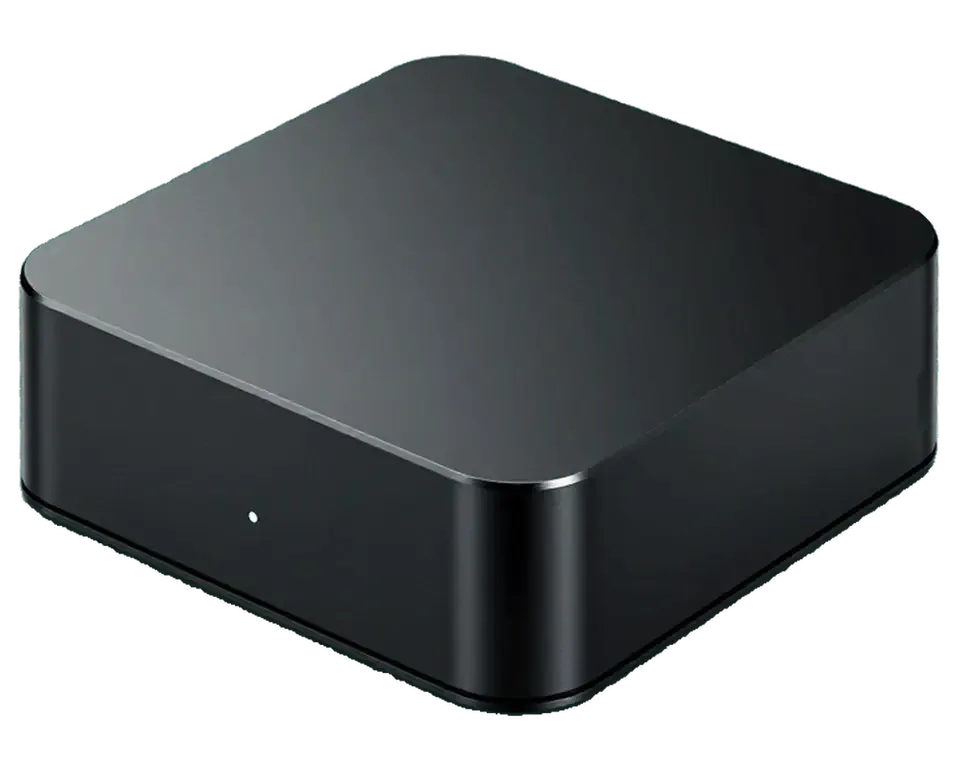
The box is compact, runs without a fan and hides its supply unit inside the case, so faults cluster around voltage, video output and tvOS booting. Below: the design, three symptom groups and the port layout.
Inside the Fanless Design and Internal Power Supply
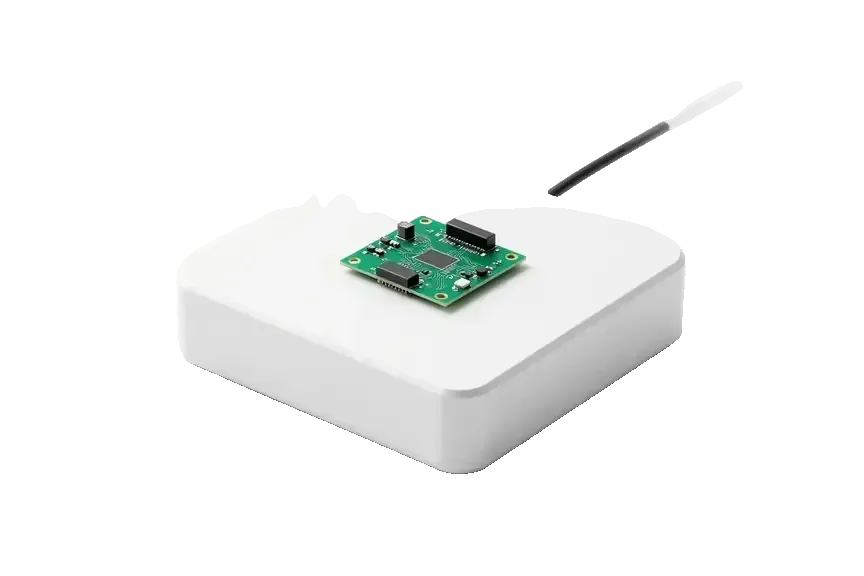
The 4K 3rd gen has no fan and packs its supply unit inside the case, so heat and voltage faults land on the same compact board. One logic board carries the A15 chip, the storage, the video output controller and the input stage of the voltage circuit, all inside a shell roughly the size of a hand. With no moving air, warmth from the chip and the internal supply builds in the same cavity, and a slim thermal pad is the only path to the aluminium base. A surge arriving through the mains reaches that input stage directly, with no adapter in between to absorb it. Because there is no separate brick to swap, a fault is diagnosed on the board itself — a surge often damages the input stage rather than a removable adapter, so we test the rail before replacing anything.
The Three Failure Groups We See Most
- No power: the indicator stays dark and the box ignores the remote, which usually points at the input stage or a failed rail.
- No signal: the light comes on but the TV reports nothing, so we check the output connector, the cable and the controller.
- Boot loop: the light pulses and the logo returns again and again, pointing to tvOS corruption or failing storage.
Which Ports and Versions This Model Has
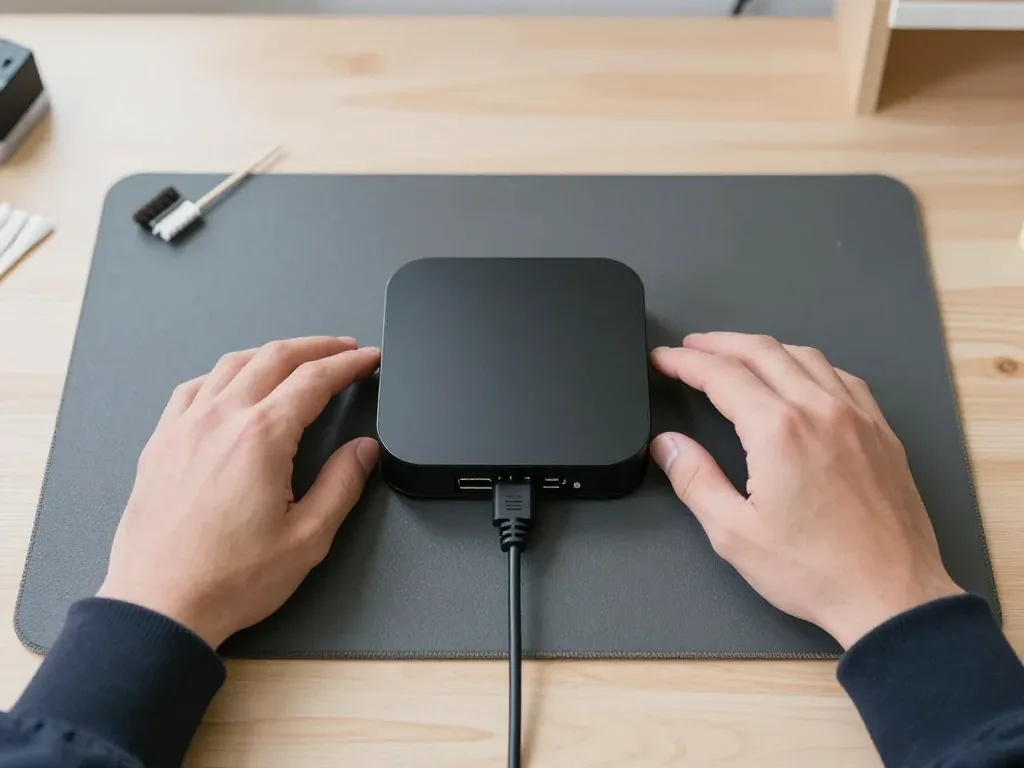
Connector layout across the 4K 3rd gen variants and the older HD| Version | Connectors | Remote | Service port |
|---|
| 4K 3rd gen Wi-Fi | HDMI, USB-C charging | Siri Remote USB-C | No |
|---|
| 4K 3rd gen Ethernet | HDMI, Ethernet, USB-C | Siri Remote USB-C | No |
|---|
| Apple TV HD (for comparison) | HDMI, USB-C | Older Siri Remote | Yes |
|---|
Apple TV 4K 3 Repair in Almaty and How We Diagnose It
The visit is built around transparency: a free check done in front of you, a test on a working TV and lead, and terms written into the receipt before any work begins.
Checking the Cable and TV Before You Come In
Before blaming the box, swap the HDMI lead and try another TV input, because a "no signal" message often comes from the wiring or the television, not the device itself. A tired connector can pass power but lose the handshake that carries the picture, and a single dead input on the set produces the same black screen as a failed board. Test the lead on a second device, move the box to a different socket, and reseat both ends until they click. If the picture returns elsewhere, the television is at fault; if nothing changes on any input, the fault sits inside the unit. If the swap test points to the box itself, apple tv 4k 3 repair in Almaty starts with this same check at our bench.
Free 15-Minute Diagnostics in Front of You
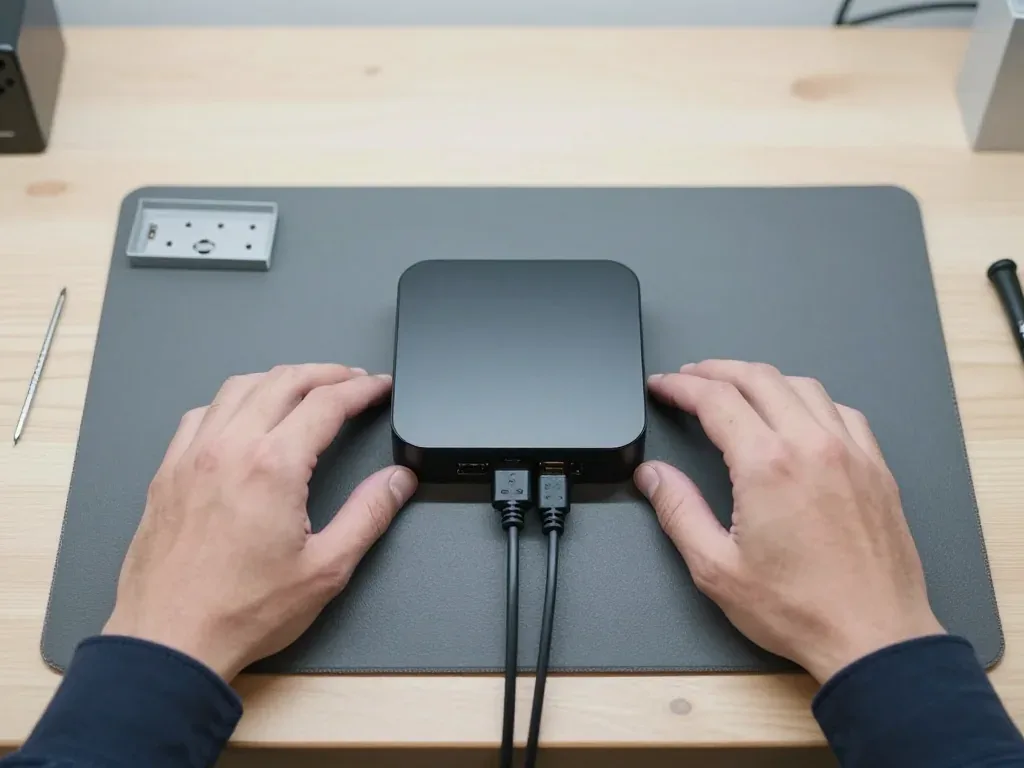
We run free diagnostics in front of you for about 15 minutes, even if you decide not to repair, and show exactly what is broken. The engineer opens the unit, reads the indicator behaviour, checks the HDMI socket for bent pins or a loose housing, and probes the internal power supply for stable voltage; a board fault is then traced under a microscope rather than guessed at. Nothing leaves the bench, so you watch each step and see the faulty component identified live. The indicator pattern alone narrows the cause to power, socket or board within the first few minutes. Watching the check happen means you see the failed part identified live rather than trusting a verdict handed down after the device disappears into a back room.
What the Receipt Fixes Before Work Starts
- Price: the agreed figure is written down before the engineer picks up a tool, so the amount does not move mid-repair.
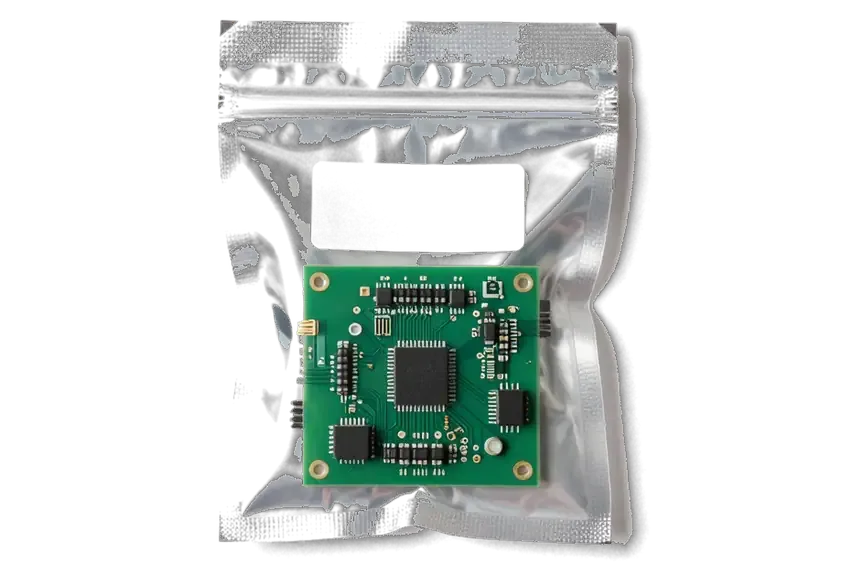
- Part type: original or aftermarket is named on paper, and the new component is shown in factory packaging before installation.
- Turnaround: the promised completion window goes on the receipt, so a board job and a socket swap are never confused.
- Warranty: cover up to 1 year is recorded alongside the job, and the device returns with the receipt, warranty card and old part.
- Old part: the removed component is handed back to you, which confirms the swap actually happened.
Apple TV 4K 3 Repair No Picture No Power Boot Loops
Three failure scenarios bring most Apple TV 4K 3rd gen units to our bench: a dead indicator, a lit indicator with no picture on the TV, and endless blinking. Each has its own cause and its own repair path.
Dead Indicator and Power Faults After a Surge
If the indicator does not light at all, the internal supply unit is the usual suspect, especially after a voltage surge. The 3rd gen hides its PSU inside the fanless chassis with no external brick to swap, so a dead box points inward rather than to the wall adapter. A surge tends to damage the input stage first, which is why we open the unit and inspect the supply rail under the microscope before quoting any work. From first contact to pickup the whole process usually takes less than an hour, and 72% of repairs are finished while the customer waits in the waiting area. That microscope inspection tells us whether the fault is repairable or has spread further into the logic circuitry.
Indicator On but the TV Shows No Signal
When the light glows but the TV reports no signal, we test the cable and TV input first, then the HDMI connector and the main circuitry. A large share of these calls end at the cable or the wrong HDMI input on the television, so we rule those out before touching the unit. If both check out, the HDMI connector itself comes under scrutiny — a worn one can pass power yet fail to carry the video handshake, so a connector that looks fine still needs a signal test rather than a visual check. Our engineers run that test in front of you during the free 15-minute diagnostics, and you see the result on the screen before any part is ordered.
Boot Loops and Restoring tvOS
Endless blinking usually means a boot failure, so we try a tvOS restore first and only then inspect the board. The restore runs through the standard recovery path on a computer, and if the unit completes it and starts cleanly, no hardware work is needed at all. Because the 3rd gen has no service port, recovery relies on that standard path, which is why a software attempt comes before any hardware work. When the loop persists after a clean restore, the fault sits in the storage or power delivery inside the unit, and we move to a microscope inspection. A failed restore attempt costs you nothing beyond the visit, since diagnostics stay free even if you decide not to repair.
Apple TV 4K 3 Repair Siri Remote Network Heat Problems
Not every fault sits inside the streaming box itself. The remote, the network path and heat each fail for their own reasons, so we treat them as separate cases and check each one on its own terms.
What We Fix in the Siri Remote
- Charging port: the USB-C socket takes the most wear, and a loose or oxidised contact stops charging even with a good cable.
- Battery: a cell that drains within a day is replaced, and we test the charging path first to rule out a port fault.
- Buttons and touch surface: sticking keys and a dead clickpad come from worn contacts or a cracked top layer, both of which we swap.
- Pairing: a unit that stops responding after a reset is re-paired and checked against the box before handover.
Wi-Fi Drops, Ethernet and Buffering
Dropped Wi-Fi and buffering usually trace to the network module or, on the Ethernet version, a faulty port rather than the streaming service. The wireless chip handles both the link and Bluetooth pairing, so a failing module shows up as a controller that disconnects and a stream that stalls in the same evening. On the wired variant the RJ45 socket takes strain from tight cabinets and repeated cable swaps, and a bent pin kills the link while Wi-Fi keeps working. Buffering that survives a router restart and repeats on other devices points away from the box, which is why we ask what else sits on the same network. Testing on a wired connection separates a weak signal from a hardware fault, so the fix targets the right part instead of the router.
Why the Fanless Box Overheats and How We Clean It
With no fan, the 3rd gen sheds heat through its body, so dust buildup and a blocked airflow path make it run hot and stutter. The aluminium chassis acts as the heatsink, and a film of dust on the vents and the internal shield traps that heat instead of letting it leave. We open the unit, clear the vents and the board surface, and check that the thermal pads still sit flat against the shield. Placement matters as much as cleaning: a closed shelf or a stack on top of a receiver cuts the surface area the box relies on. A fanless design has no moving part to fail, which means overheating is almost always about dust and placement, not a broken cooler.
Apple TV 4K 3 Repair or Replace What You Get Back
Repair is worth it when a single component has failed; replacement wins when the logic board is badly damaged. This section covers that decision and what happens at handover — the function check, the paperwork, the removed component and courier delivery.
When Repair Makes Sense and When It Does Not
Repair usually makes sense when the fault is a single item like the supply stage or HDMI port, and replacement wins when the logic board is badly damaged. A failed supply unit or a loose HDMI connector is a contained job: the A15 chip, the storage and the tvOS install stay untouched, so the fix restores the unit you already own. Board-level damage is different. Corrosion across several traces after a surge or liquid means the job can cost more than the unit is worth and still leave weak points. Circuit-level work we do under a microscope, which is what makes single-point faults fixable at all. A clear diagnosis tells you which side of that line you are on before you commit, so the decision rests on the actual fault rather than guesswork.
The 32-Point Check at Handover
Function groups the engineer verifies before you leave| Check group | What we test | Why it matters |
|---|
| Picture and sound | HDMI output, HDR, audio | Confirms video and audio pass |
|---|
| Network | Wi-Fi, Ethernet, pairing | Confirms streaming works |
|---|
| Remote | Buttons, touch, charging | Confirms Siri Remote responds |
|---|
| Startup | Boot, indicator, stability | Confirms no boot loop returns |
|---|
Documents, Old Part and Courier Handover
You get the device back with the receipt, warranty card and the removed component, and a courier across Almaty can bring it in about 90 minutes, free with a repair. The receipt carries the same details fixed before work started — price, part type, turnaround and the warranty, which lasts up to 1 year — so nothing is renegotiated at pickup. The replaced component travels with the unit rather than into a bin. Keeping it lets you see what was actually swapped, which is why we return it rather than discard it. If you cannot come in, call the courier and the engineer hands the package over sealed with the paperwork inside.
Summary: Apple TV 4K 3 repair
The outcome of a repair depends less on luck and more on sorting the symptom before touching the hardware. Here is what to carry away from this guide.
- Startup faults: a dead indicator points to the internal supply, often after a surge.
- No signal: test the cable and TV input before suspecting the HDMI port.
- Boot loops: try a tvOS restore before any board work.
- Remote and network: the Siri Remote, Wi-Fi and Ethernet are repaired separately.
- Decision: a clear diagnosis shows whether to repair or replace.









 iPad
 MacBook
 iMac
 Mac mini and Studio
 Apple Watch
 AirPods
 Apple Pencil
 HomePod
