Your city

AstanaAstana, Kabanbay Batyr Ave., 7/2 · +7 727 339-99-12
Eng

Apple Watch Series 9 Repair in Almaty

Apple Watch Series 9 needs charging by evening — we swap the battery in two hours, no extra fees after approval.

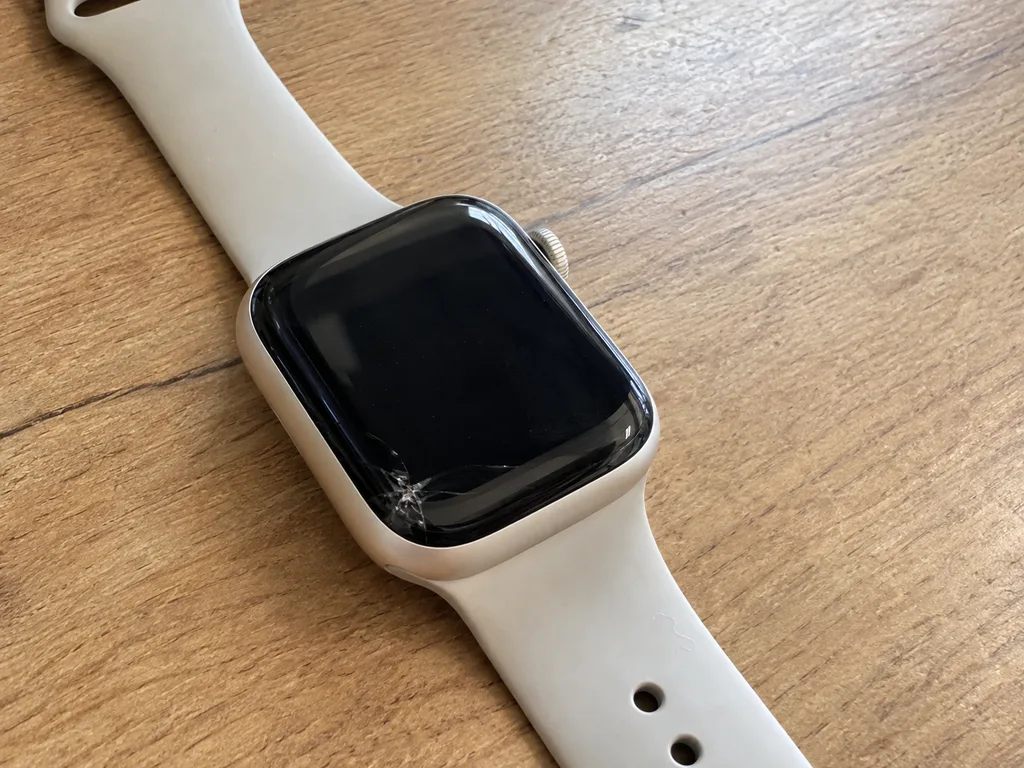
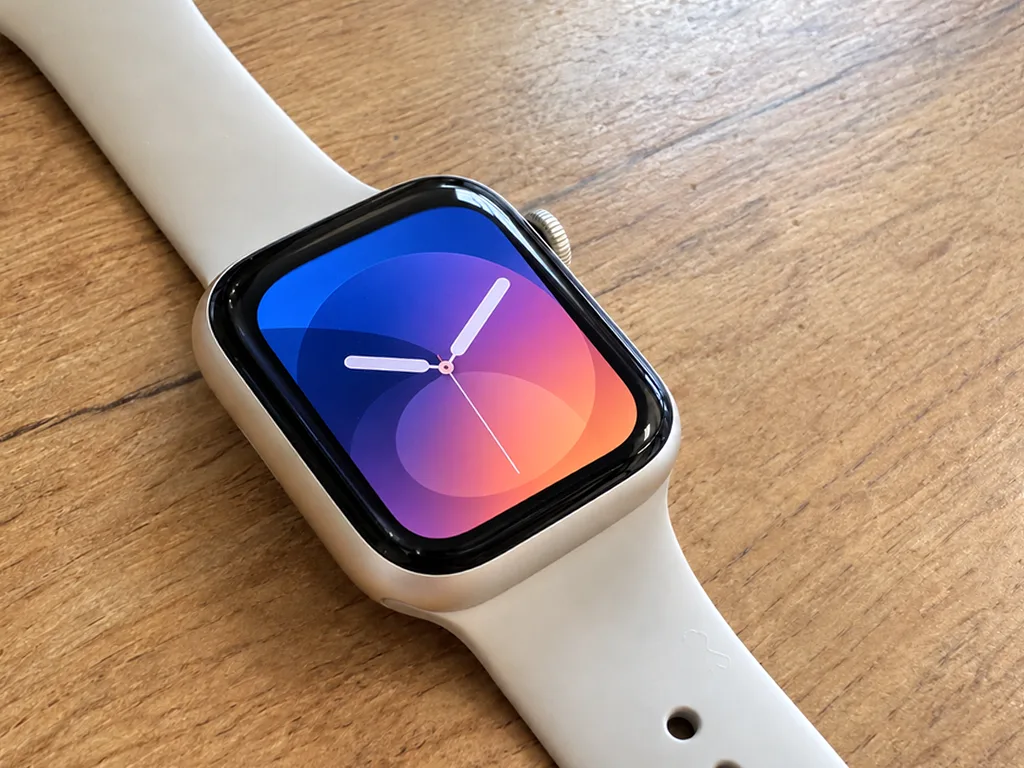
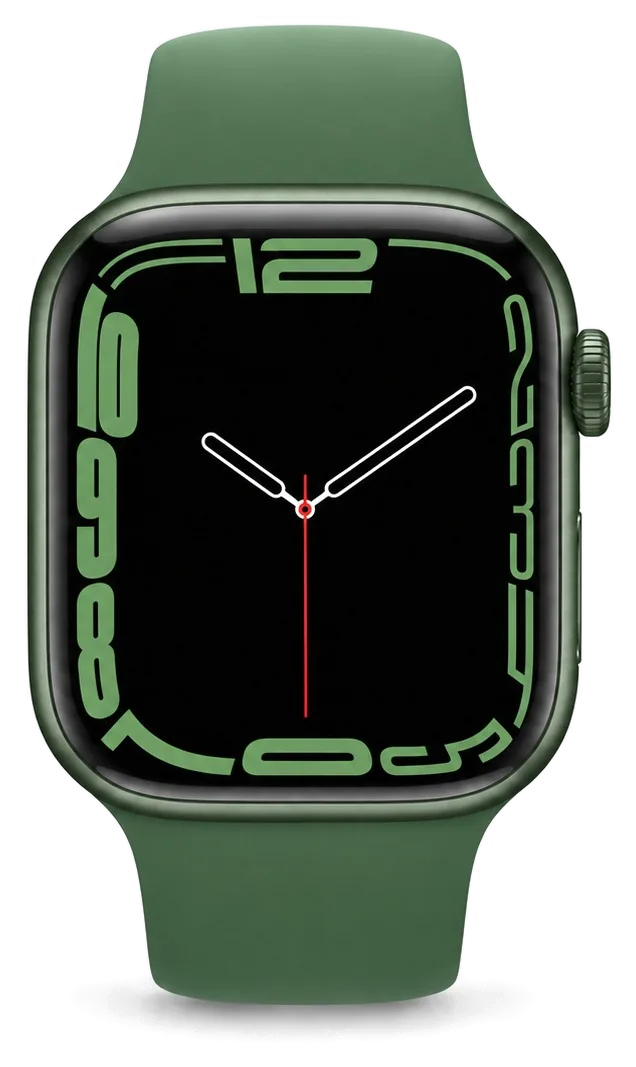
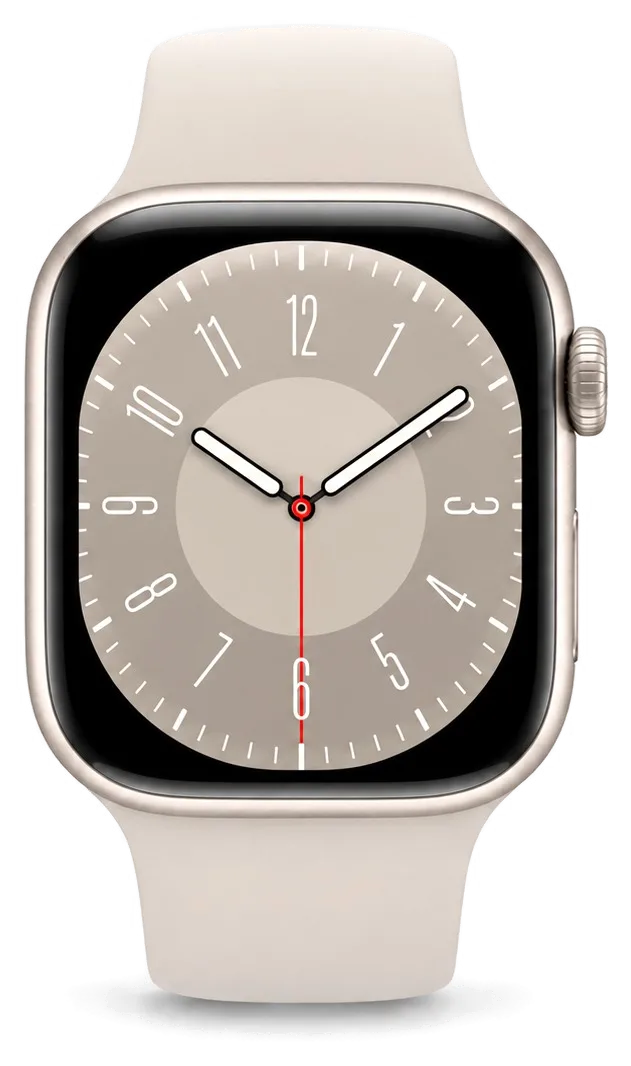
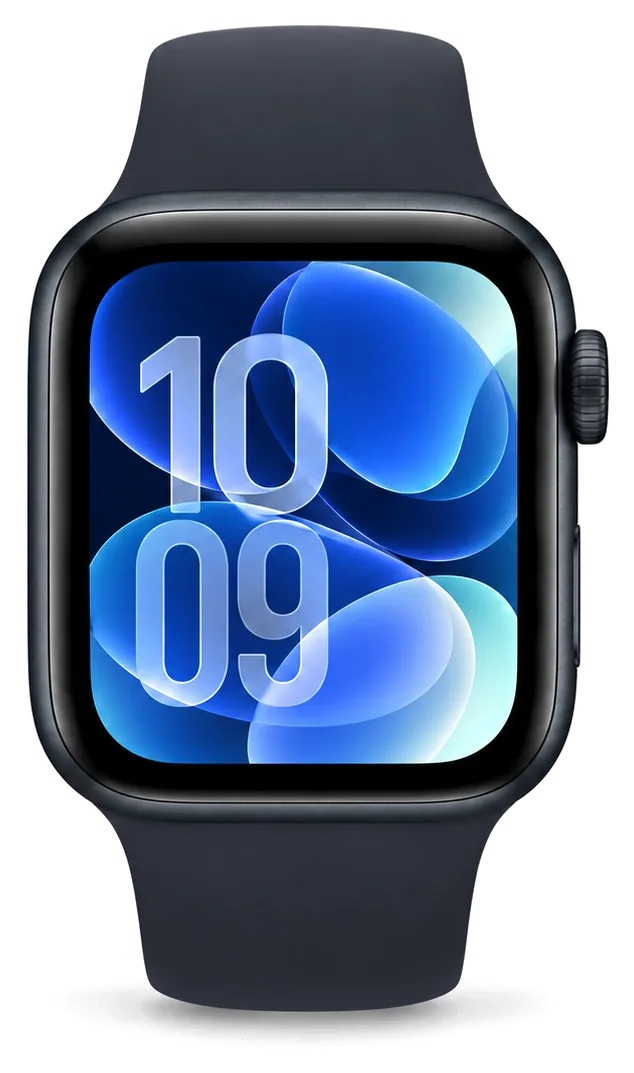
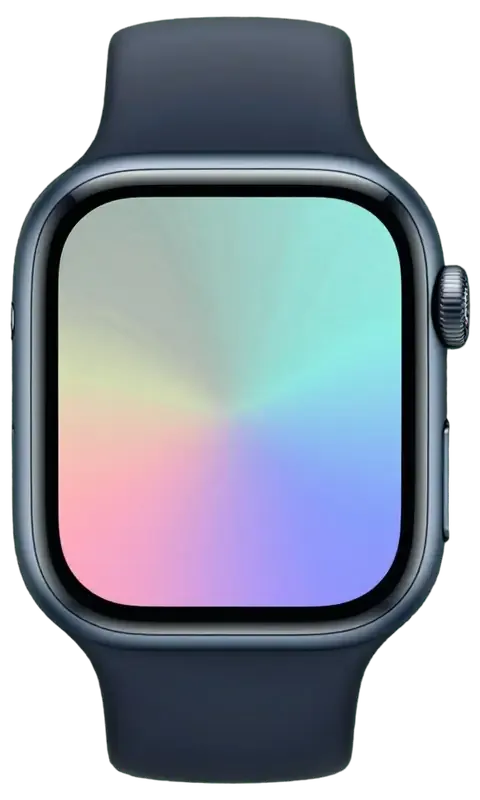
Apple Watch Series 9 in midnight dark color
Apple Watch Series 9, Midnight repair
Glass replacementfrom 53 900 ₸
Display replacementfrom 135 900 ₸
Battery replacementfrom 29 900 ₸
All services and prices

Common Apple Watch Series 9 repair cases we see

Series 9 faults by symptom, from a tired battery and cracked glass to a Double Tap gesture that stops responding.

01

Battery fades by lunchtime

The watch needs a charger midday even though it sat on the dock all night.

02

Cracked glass

Chips along the edge or a spider web after a knock on a door frame or desk.

03

Screen ignores your touch

Streaks, dark patches or random dimming while the glass looks intact.

04

Case is swelling

Glass lifts above the frame, a classic sign of an expanding battery.

05

Watch will not turn on

Black screen with no response to the button or charger; the board needs a check.

06

Charging keeps dropping

The charging icon appears and vanishes: back cover or contacts may be at fault.

07

Double Tap stops working

The setting is on, yet the watch no longer registers the finger gesture.

08

Moisture under the glass

Fogging after a shower or pool, with the crown and button acting erratically.

09

Quiet speaker

Calls and alarms sound muffled, with crackle at full volume.

10

Crown turns stiffly

Digital Crown moves in jerks, clicks and scrolls lists poorly.

11

No vibration

The motor is silent: neither alarms nor messages are felt on the wrist.

12

Heart rate not read

The sensor on the back cover misses the pulse, and readings drop mid-workout.

Apple Watch Series 9 repair prices

The table lists the main jobs for Series 9; the final amount depends on the part you choose.

ServiceOriginalAftermarket
Glass replacement96 900 ₸53 900 ₸
Display replacement244 900 ₸135 900 ₸
Battery replacement51 900 ₸29 900 ₸
Rear cover with sensors replacement101 900 ₸56 900 ₸
Digital Crown repair24 900 ₸13 900 ₸
Side button replacement24 900 ₸13 900 ₸
Speaker replacement24 900 ₸13 900 ₸
Microphone replacement24 900 ₸13 900 ₸
Other repairsPrice
Board repairmicrosoldering · 1–3 days68 900 ₸per job
Firmware flashingsoftware restore, no parts replaced21 900 ₸per job

We confirm the exact cost after diagnostics, once the state of the case, board and seals is clear.

Original or aftermarket part for your Series 9

Both parts work, but they differ in brightness, touch response and price, so the choice depends on how you use the watch.

Original Applewarranty up to 1 year
Apple Watch Series 9 glass96 900 ₸
Apple Watch Series 9 glass: original part in Apple packaging
Picture
Brightness and colour match a factory watch
Touch response
Precise taps, swipes and gestures
Lifespan
Capacity and wear closer to factory parts
Price
Higher than aftermarket; the gap is in the price list
Chosen by 64% of clients
Book with an original part
Aftermarketwarranty 6 months
Apple Watch Series 9 glass53 900 ₸−44%
Apple Watch Series 9 glass: aftermarket part in an antistatic bag
Picture
Slightly dimmer in direct sunlight
Touch response
Good enough for everyday use
Lifespan
Varies by batch; capacity may fade sooner
Price
More affordable, sensible for a spare watch
Chosen by 36% of clients
Book with an aftermarket part

Why Series 9 owners bring their watches here

Why a Series 9 owner finds it easy to work with us: experience, a warranty and diagnostics before any repair.

11years

11 years of repair work

We have worked on Apple devices for eleven years, so we know how thin watch cases and glued seams behave when opened.

1year

Warranty up to 1 year

Completed work carries a warranty up to 1 year; if the same fault returns through our fault, we take the watch back in.

8technicians

Experienced technicians

Experienced technicians open the case, because the fine display ribbon and sealing adhesive do not forgive rushed hands.

2options

An honest part choice

We explain how an original display differs from an aftermarket one and leave the decision to you, with no push toward the pricey option.

0₸

Diagnostics come first

We find the cause before replacing anything: the fault is sometimes the battery or board, and an extra screen would only waste money.

7days a week

Hours that fit a workday

We are open 10:00–19:00 on weekdays and 11:00–18:00 on weekends and holidays, so a visit after work is realistic.

Apple Watch Series 9 before and after repair

1 / 4
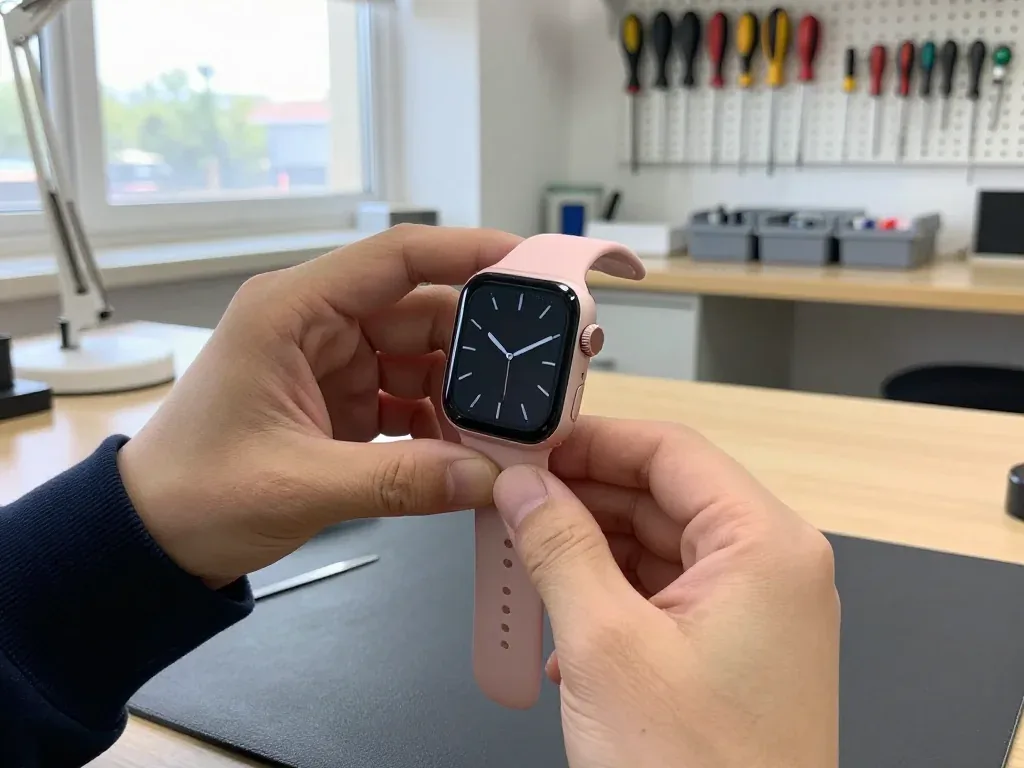
Pink Apple Watch Series 9 held by a technician after glass replacement, dark analog watch face, crown on the right

Apple Watch Series 9: glass cracked on door frame

The client caught the watch on a door frame — a crack ran across the glass, though the display stayed intact. We re-glued just the glass and checked the touch sensor and water resistance: the watch works as before.

from 53 900 ₸repair cost
I want the same
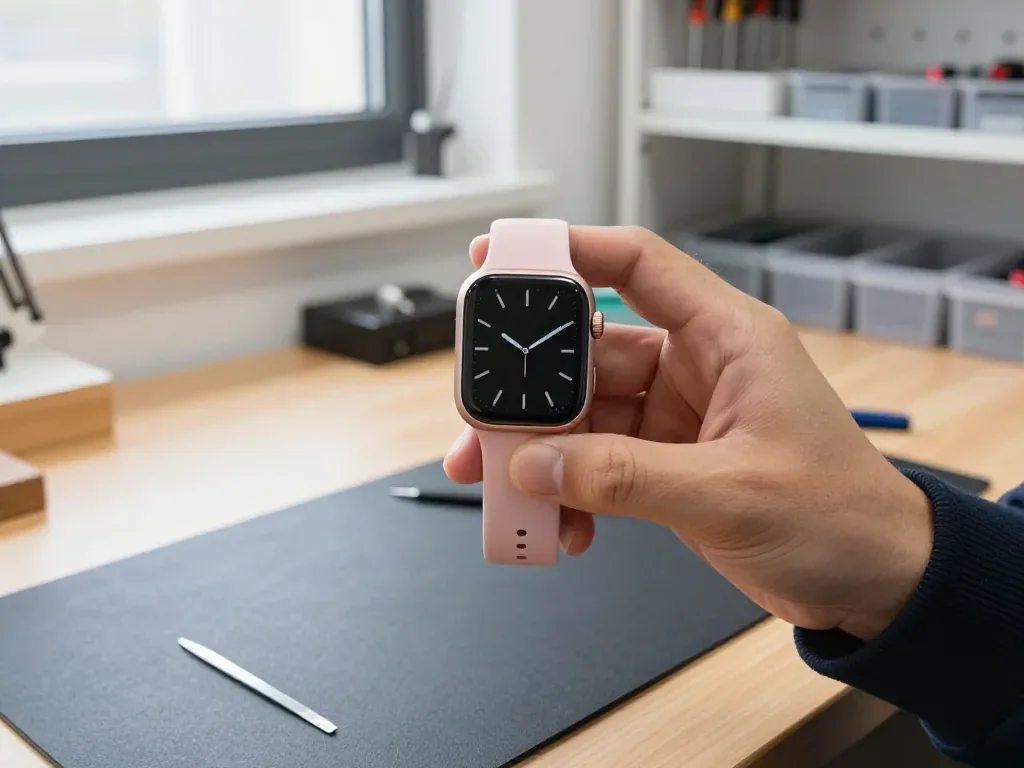
Rose Apple Watch Series 9 in a technician's hand with a dark analog face after a display replacement

Apple Watch Series 9: screen went black after a hit

The client caught the watch on a door handle in the stairwell — the display went black after the impact, though the watch itself kept working. We replaced the display and checked the touch sensor and water resistance: the watch tells time and responds to taps again.

from 135 900 ₸repair cost
I want the same
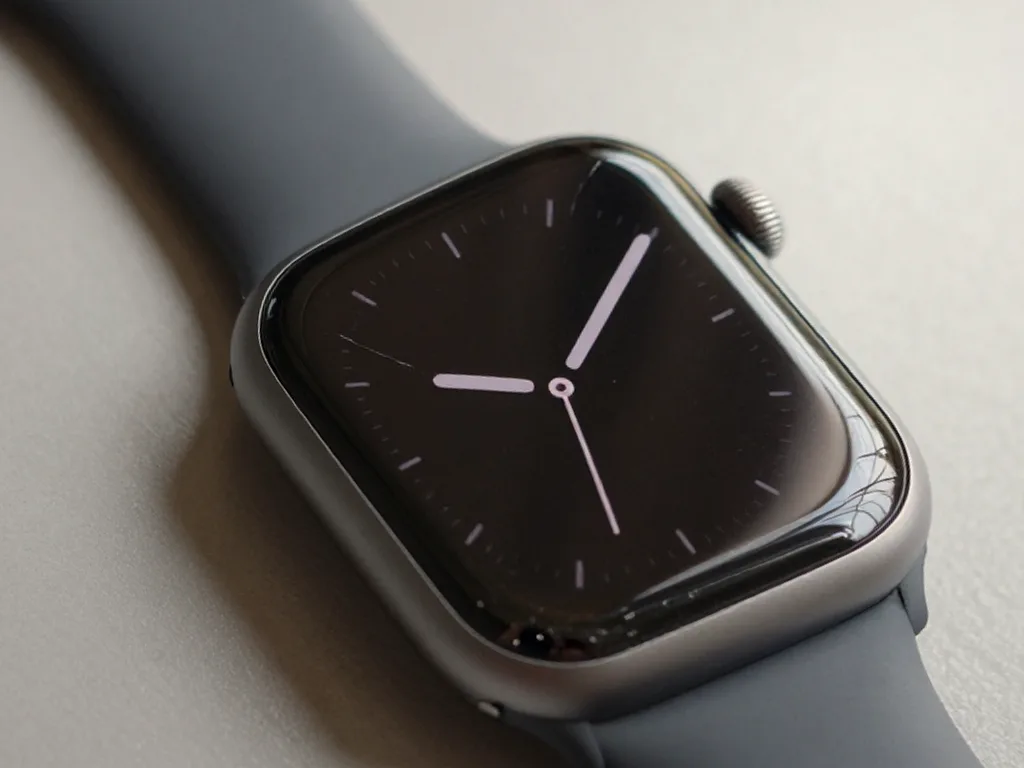
Before photo: cracked watch glassBefore: cracked watch glass
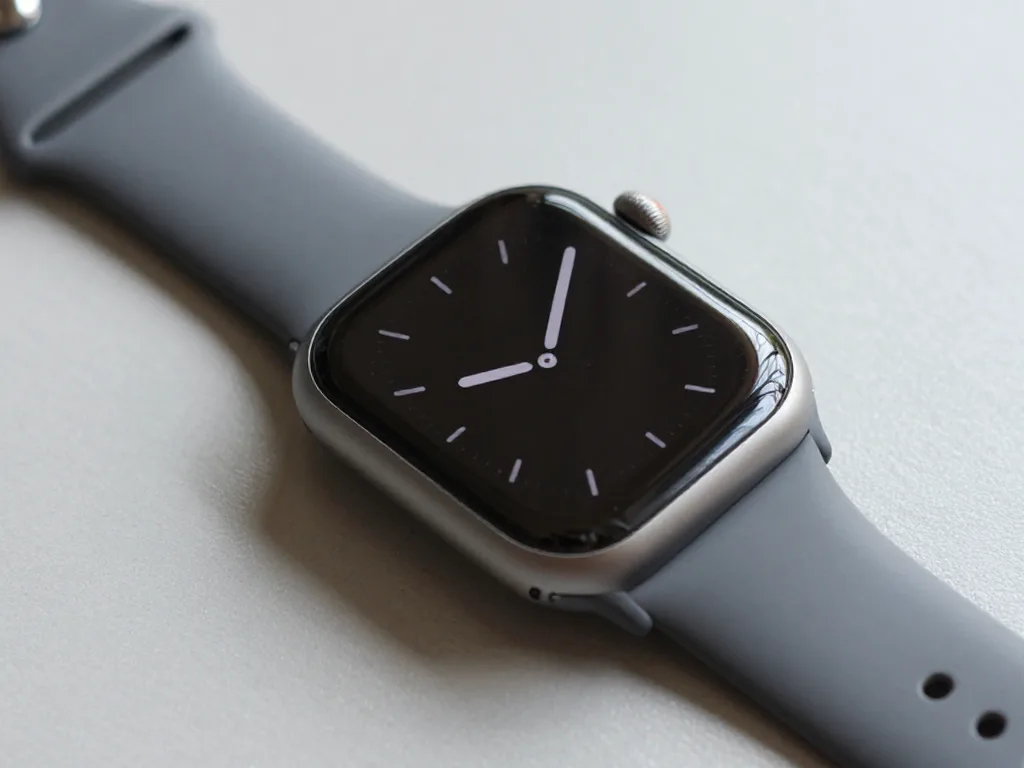
After photo: watch with new glassAfter: watch with new glass
BeforeAfter

Apple Watch Series 9: crack in the glass

1 dayGlass only1-year warranty
Problem
A crack across the whole screen; the image and touchscreen are intact.
What we did
Only the glass was re-glued — the display was not replaced. Water resistance was restored and checked in a pressure chamber.
−30,000 ₸against display replacement
I want the same
Before photo: display not turning onBefore: display not working
After photo: new displayAfter: new display
BeforeAfter

Apple Watch Series 9: black screen

1 dayOriginal1-year warranty
Problem
After a knock, the screen went dark, the watch vibrates but nothing is visible.
What we did
Replaced the display, checked Always‑On and touch.
1 dayscreen like new
I want the same

How Apple Watch Series 9 repair is done in Almaty

Usually the whole journey — from message to pickup — takes less than an hour; complex repairs follow the timeline in the receipt.

Book a repair
  1. Step 1

    Message or call

    5 min

    You send a photo of the damage on WhatsApp — we quote the price and available time. Or you call a courier.

  2. Step 2

    Free diagnostics

    15 min

    An engineer checks the device in front of you and shows what is broken. 0 ₸, even if you decline the repair.

  3. Step 3

    Price in the receipt

    2 min

    We fix the price, the part (original or analog), the timeline and the warranty. You sign — we start.

  4. Step 4

    Repair while you wait

    20–40 min

    Before installation we show you the new part in its factory packaging. You wait in the waiting area with coffee and Wi‑Fi.

  5. Step 5

    Post-repair check

    10 min

    Touchscreen, brightness, Digital Crown, sensors, microphone, speaker, charging. You check them together with the engineer.

  6. Step 6

    Pick up your device

    warranty up to 1 year

    Together with the receipt, warranty card and the old part. Payment — Kaspi, card or cash.

Who will fix your Apple Watch Series 9

Technicians for iPhone, Mac, iPad, Apple Watch and AirPods repair.

1 / 6
MNMukhpilov Nail — smartphone repair technician, iServices service center in AlmatyPhoto: Mukhpilov Nail

Mukhpilov Nail

smartphone repair technician
10years of experience
4.83rating, 83 reviews
MRMolchanov Rinat — Apple repair and diagnostics engineer, iServices service center in AlmatyPhoto: Molchanov Rinat

Molchanov Rinat

Apple repair and diagnostics engineer
10years of experience
4.85rating, 33 reviews
SAShokan A — diagnostics technician, iServices service center in AlmatyPhoto: Shokan A

Shokan A

diagnostics technician
8years of experience
5.0rating, 37 reviews
SBSybanbaev Birzhan — firmware specialist, iServices service center in AlmatyPhoto: Sybanbaev Birzhan

Sybanbaev Birzhan

firmware specialist
7years of experience
4.75rating, 74 reviews
DGDenis Gushchin — display replacement technician, iServices service center in AlmatyPhoto: Denis Gushchin

Denis Gushchin

display replacement technician
20years of experience
5.0rating, 34 reviews
DADuisebaev Azhdar — connector replacement technician, iServices service center in AlmatyPhoto: Duisebaev Azhdar

Duisebaev Azhdar

connector replacement technician
7years of experience
4.3rating, 35 reviews
Gamid K, phone repair technician
“If the repair didn’t suit you or you have a complaint, write to me personally.”
Gamid Kphone repair technician · +7 705 900-70-95

We'll quote Apple Watch Series 9 repair in Almaty from a photo in 5 minutes

Send a photo of the fault — an engineer will reply on WhatsApp, give the price and a time you can come in.

  1. 5 minAn engineer replies and names the price
  2. 0 ₸Diagnostics in front of you in 15 minutes
  3. 30 minMost repairs — while you wait

Apple Watch Series 9 Repair in Almaty with Original or Aftermarket Parts

In short

For Apple Watch Series 9 repair in Almaty, iServices runs a free 15-minute diagnostic in front of you, then fixes most faults while you wait. Price, part, turnaround and a warranty up to 1 year are fixed on the receipt before work starts.

Mukhpilov NailWe reply on WhatsApp within 10 minutes
Ask

What Apple Watch Series 9 repair reveals about screen damage

The Series 9 pairs a brighter Always-On display with 41 and 45 mm cases, and its glass is bonded to the panel underneath. The first job is to work out which layer is actually broken.

Cracked Glass With a Perfect Picture

When the picture is clean and only the outer cover is cracked, we can replace that cover alone and keep your original display module. On the Series 9 the cover is Ion-X glass on the aluminium version and sapphire on the stainless steel one, and both sit on a glued seal that holds the panel and the frame together. A glass-only job means we separate that seal, lift the old cover and bond a new one without touching the OLED or the touch layer beneath it. If you are looking for apple watch series 9 repair in Almaty, this is the case we see most often. A hairline crack spreads with every knock, so a glass-only job done early usually costs less than waiting until the panel fails.

Lines, Patches or a Dead Touch Layer

Green lines, bright patches or a digitizer that ignores your finger mean the display module itself is damaged, and we replace the whole assembly rather than the glass. The Always-On film, the OLED pixels and the touch sensor are stacked and bonded into one unit, with a single flex cable running to the board. That flex carries both the image signal and the touch data, so a damaged cable shows up as flicker, dead zones or a screen that stays black while the watch still vibrates. We test the flex and the connector under magnification before ordering a module, because a loose connector can imitate a dead panel. On the Series 9 the touch layer sits inside the OLED assembly, so a "touch-only" repair is not a separate job — the whole assembly is the smallest replaceable unit.

Symptom to Part on the Series 9

Which layer fails and what is swapped
Damage you seePart we replaceWhat stays original
Crack, picture cleanOuter glass onlyDisplay, touch, Always-On
Lines or bright patchesDisplay moduleCase, crown, sensors
Touch ignores fingerDisplay moduleGlass if unbroken
Crack plus dead touchDisplay moduleCase and buttons

Battery and charging faults in Apple Watch Series 9 repair

A Series 9 that dies by lunchtime or refuses to top up is usually telling you about the cell, the wireless coil or the contacts in the back cover, and the order of checks matters.

Why the Watch Dies Before Evening

We replace the battery when a full charge no longer carries the watch through a normal day, and we confirm it on the diagnostics bench before opening anything. A worn cell loses capacity gradually, so the first sign is rarely a dead unit — it is a watch that hits 20% by mid-afternoon and shuts down on a cold walk. Inside the Series 9 the cell sits under the front glass and feeds the system board through a short flex; a tired one drags that whole chain down, and the low-power mode plus workout tracking drain it fastest. We run a hold test in front of you, which takes 15 minutes and costs nothing even if you walk away. Cold weather drains a healthy watch faster too, so the test is a full-day run at room temperature, not a single drop on a frosty morning.

A Swollen Battery That Lifts the Screen

A cell that has swollen enough to lift the glass is a stop-now problem, and we ask you to stop charging the watch until it is replaced. The unit swells when gas builds up inside it, and that pressure pushes the display module up against the adhesive seal that holds the front glass in place. Keep going and the gap widens, the seal fails, and dust and moisture reach the inside — a simple swap turns into a screen and housing job. On the Series 9 the panel sits directly above the cell, so even a small bulge shows as a thin bright line or a loose corner within days. That pressure keeps rising while the watch is on its stand, which is why the gap grows so fast.

When the Watch Will Not Charge or Power On

  • Stand and cable — swap to a known-good accessory to rule it out before touching the watch.
  • Back-cover contacts — clean and inspect for corrosion that blocks the current.
  • Wireless coil — test output on the bench, since a failed coil stops all charging.
  • Battery health — confirm the cell accepts and holds a charge after a full cycle.
  • Board — only after the above, check the charging circuit under the microscope.

Choosing original or aftermarket parts for Apple Watch Series 9 repair

Both routes are legitimate, but they behave differently on a Series 9, and the decision is written into the receipt so there is no surprise at pickup.

What Changes With an Aftermarket Display

An aftermarket panel brings the watch back to life at a lower cost, but brightness and the Always-On dimming can differ slightly from the factory unit. The module is a complete assembly — glass, OLED layer and digitiser bonded together — so responsiveness stays close to stock, while peak luminance under direct sun and the low-power dimming curve are where the gap shows. On a Series 9 the Always-On refresh drops to roughly 1 Hz, and cheaper panels sometimes dim more aggressively or shift colour temperature at that state. Sensitivity at the very edge of the glass is another point worth testing. If you rely on Always-On glanceability outdoors, ask to see the aftermarket panel lit before it goes in — the difference shows up in daylight, not on a bench.

When the Original Part Is Worth It

An original display keeps the behaviour identical to the unit that left the line, and 64% of our customers choose that route on newer watches like the Series 9. The module arrives in sealed packaging, matches the luminance curve and the dimming exactly, and keeps responsiveness uniform from edge to edge. We show the sealed component before installation so the packaging and part number are visible. On a watch you plan to keep for years, the genuine panel holds its brightness and the feel of the glass far longer, and that longevity is where the value sits. The premium only pays off if you notice these details daily.

How the Choice Is Locked In

Before any work starts, we write the component, the price, the turnaround and the coverage on the receipt, and we show the new unit in its sealed packaging. Fixing those four lines takes about two minutes, and the engineer walks you through each one so the type is never ambiguous. The old component goes back to you at pickup alongside the coverage card, which matters when the replacement is a genuine module. A receipt that names the exact item is your proof later — keep it with that card, because it is what any claim is checked against. Photograph the receipt on the day of pickup, since paper fades and a photo survives.

Water Resistance and Crown or Button Faults

Two questions come up again and again on the Series 9 — whether it can still be worn in liquid after a repair, and what to do when the dial or a side control stops responding.

Can You Swim After a Repair

We re-glue the seal at every opening, but we cannot promise the factory moisture rating once the watch has been opened, so we advise against swimming afterward. The gasket we fit keeps splashes and rain out, yet the original bond is applied under controlled pressure at the plant, and a hand-fitted gasket will not match that. This layer is the first thing we inspect on any opened unit, and we replace it whenever the old adhesive looks compressed. A resealed Series 9 handles handwashing and a run in the rain without trouble. Still, a pool session or a sea swim puts pressure on the housing that a workshop-applied seal was never rated for, and a leak at that depth reaches the board within minutes.

Water Got In and What Happens Next

After liquid contact the board is dried and inspected under the microscope, and that diagnostics can take up to two days because corrosion shows up slowly. Salt water and chlorinated pool water leave deposits that keep eating the contacts long after the unit feels dry, so a watch that powers on the same evening can fail a week later. The engineer opens the housing, lifts the board and checks the joints under magnification for green or white residue. Do not charge a wet watch to "test" it — power plus moisture is what turns a drying job into a board repair. Bring it in switched off and let the technician decide.

A Stuck Crown or Unresponsive Button

A dial that sticks or a control that no longer clicks is usually debris or a worn mechanism, and we clean or replace the assembly rather than the whole watch. The Digital Crown drives the entire interface — scrolling, the home grid, the ECG app — so a stiff dial makes the watch feel broken when the electronics are fine. The side button and the Action button sit on the same flex assembly, and a single dead control often means the contact under it has worn through. On the iServices bench we flush the crown shaft, test the click travel and confirm the Taptic Engine still answers. Grit trapped around the shaft wears the seal as it turns, so a sticky dial fixed early also protects the gasket around it.

How the Visit Works and What You Get Back

The whole path from your first message to pickup usually takes less than an hour, and most Series 9 jobs are finished while you sit in the waiting area.

From WhatsApp Photo to a Fixed Price

Send a photo of the damage on WhatsApp and an engineer replies within 5 minutes with a price and a free time slot, then checks the watch in front of you in 15 minutes. You watch the diagnostics on the bench, so you see the cracked digitizer or the tired battery yourself instead of reading about it afterwards. Price, part, turnaround and warranty go onto the receipt ahead of any work, and the replacement is shown in factory packaging first. Our 11 years and 46,000+ repairs sit behind that routine, yet the routine itself is what you can actually check. A photo taken in good light, showing the crack and the screen switched on, gets you a far more accurate quote than a description in words.

What to Do Before You Hand the Watch Over

  • Back up — unpair the watch from the iPhone through the Watch app so its data is saved on the phone.
  • Turn off Activation Lock — confirm the device is removed from your account, otherwise the repair stalls at the start.
  • Note the fault — write down when it began and what you already tried, such as a restart or a different charger.
  • Bring the charger — the puck and cable let us rule out the accessory before we open anything.
  • Clear your passes — unpairing also wipes cards and transit passes from the watch, which keeps your data private during the job.

The Check at Pickup and What You Take Home

At pickup you check the watch with the engineer across 32 functions in about 10 minutes, and you leave with the receipt, the warranty card and the old part. The bench run covers charging, the display, haptics, the crown, the button, the speaker and the microphone, plus a paired call from your own phone. Warranty runs up to 1 year on the fitted part, and the paperwork names it, so nothing rests on memory. Test the touch layer and the crown yourself before you leave, since those are the two things a bench check can miss and the two you will notice first at home.

Summary: Apple Watch Series 9 Repair

A Series 9 repair comes down to matching the symptom to the right component, choosing original or aftermarket knowingly, and checking the result at pickup.

  • Glass-only vs full display — a cracked screen with a clean picture is often a glass swap, while lines or a dead touch layer mean the whole module goes.
  • Swollen battery — a cell that lifts the screen is a stop-now fault; stop charging it and have it inspected before the swelling grows.
  • Water resistance after opening — any repair that opens the case reduces the seal, so treat post-repair water contact as a real risk rather than a routine splash.
  • Component choice — an original unit preserves factory brightness and Always-On behaviour, while an aftermarket one costs less but can look and behave differently.
  • Around the visit — unpair the watch before handing it over, then test touch and the crown yourself at pickup rather than trusting a quick glance.

Questions Series 9 owners ask us

Did not find an answer? Message us on WhatsApp: an engineer replies, not a bot.

Ask a question
Can the Apple Watch Series 9 glass be replaced on its own?

Sometimes, but on Series 9 the glass is bonded to the display and does not always survive separation. If the picture and touch are fine, the technician considers glass-only work. Otherwise the display module is replaced.

Will my data stay on the Apple Watch Series 9 after a part is replaced?

Personal data lives in the pairing with your iPhone and in backups, and replacing a display or battery does not erase it. Still, make a fresh iPhone backup before the visit, which makes restoring settings easier if anything goes wrong.

Can the cracked sensor glass on the back of an Apple Watch Series 9 be replaced?

Yes, the rear cover with the sensor window can be replaced separately from the display. Do not delay: a crack lets sweat and water inside, and heart rate readings may become unreliable. Until the repair, keep the watch away from the shower and the pool.

Why does Double Tap on my Apple Watch Series 9 not respond?

Double Tap first appeared on Series 9 and works by tapping your index finger and thumb together twice on the watch hand. Check that it is enabled under Gestures and that watchOS is up to date. If it still fails, the sensors are checked during diagnostics.

Which part should I choose for an Apple Watch Series 9 that I drop often?

For active wear an aftermarket display plus a protective bumper is practical: the next crack costs less. If picture quality matters to you, take the original.

Should I bring the Apple Watch Series 9 charger along?

Bring the charging cable, because it helps check why the watch is not charging. The strap can stay at home, but if the watch has been worn with it, take it along to check the sensors.

Are Apple Watch Series 9 parts the same as Series 8 parts?

They look alike, but parts are not freely interchangeable between generations. The technician picks the display, battery or glass for your exact model and case size. Give the model from the Watch app when you get in touch.

Apple Watch Series 9 repair in Almaty customer feedback

1 / 4
4.9

average rating on Google Maps, wikicity and our website · 445 reviews
Google Maps4.438 reviews ›wikicity5.015 reviews ›Reviews on the iServices website5.0392 reviews ›
МФ
Мадина Ф.Order No. IS‑2603‑•••28 · 1 March 2026
Apple Watch Series 9 · screen

На Apple Watch Series 9 экран не реагировал на часть нажатий. Ребята проверили дисплейный модуль и устранили проблему с сенсором.

iServices customer review, in Russian
ГС
Гульнура Сундетова10 September 2020

Забрала эпл вотч с ремонта, поменяли стекло на часах, супер, а то сколы глаза мазолили постоянно и красоту портили

Service reply

Добрый день, Гульнура. Благодарим Вас за обратную связь. Мы рады, что Ваше обращение в наш сервис оставило положительные эмоции. Если потребуется квалифицированный совет, мы всегда готовы оказать необходимую помощь.

ГО
Гаухар О.30 August 2026

На смарт-часах треснуло защитное стекло на задней панели, где стоят датчики. Боялся, что внутрь попадет пот или влага при тренировках. Принес ребятам, деталь оперативно заменили на новую. Всё работает корректно, часы как новые.

МЖ
Марат Ж.28 August 2026

Умные часы перестали ловить домашний вай-фай и постоянно теряли связь с телефоном. В сервисе обновили внутреннее программное обеспечение и устранили ошибку модуля связи. Теперь всё подключается моментально, уведомления приходят.

Showing 4 of 4See all reviews

Where to get Apple Watch Series 9 repair in Almaty

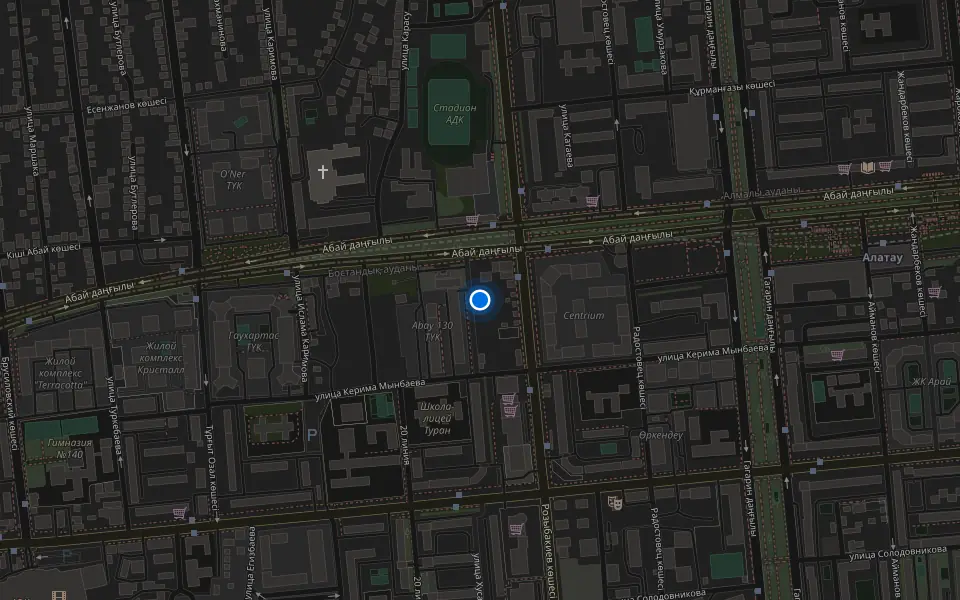
Address
Khusainov St., 28
Opening hours
Mon–Fri 10:00–19:00Sat–Sun 11:00–18:00
Phone and messengers
+7 705 900-70-95WhatsApp: +7 705 900-70-95
Directions map: iServices Almaty — Khusainov, 28© OpenStreetMapFind us on the maps: Google Maps · 2GIS