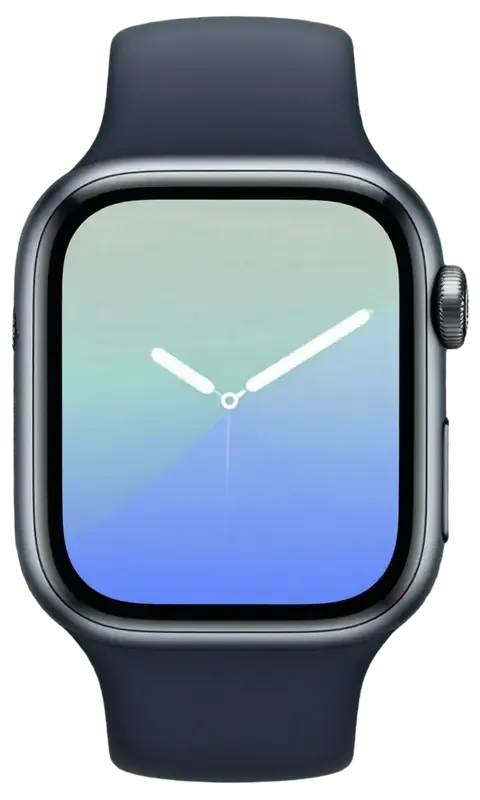
The SE 2 pairs an aluminium body with Ion-X glass and a composite back. Those three materials decide which faults turn up most often and how each one is repaired.
Why the SE 2 screen cracks so easily
The SE 2 uses Ion-X glass over an aluminium body, so a knock that would dent a steel watch instead chips or cracks the display. Aluminium flexes on impact and passes the shock straight into the panel, while that toughened surface resists scratches but not a sharp blow. The pane sits glued to the touch layer beneath it, which is why a single drop often leaves a spiderweb pattern spreading from one corner. Owners notice it after a door frame, a gym rack or a table edge — the watch takes the hit on its raised bezel and the front gives first. Because the pane is bonded to the touch layer, a hairline crack that still shows a clean picture is usually the cheapest case to fix — but only if you stop wearing the watch before moisture gets in.
The composite back and its charging coil
We see SE 2 power faults most often at the composite back, where the wireless winding and the heart sensor sit under a plastic cover that flexes more than the ceramic backs of older models. That cover takes the pressure of every snap onto the puck, and over months the assembly inside can shift or a contact can lose tension. Sweat and pool water creep into the seam around the sensor window, which is where intermittent top-ups usually start. A watch that only accepts current when pressed hard onto the puck usually has a winding or contact issue, not a dead battery — worth a free check before you assume the worst.
SE 2 parts at a glance
SE 2 assemblies mapped to their common faults and repair route| Part | Typical fault | How it is handled |
|---|
| Ion-X glass | Chips, cracks | Re-glue or full module |
|---|
| OLED display | Lines, dead spots | Module replacement |
|---|
| Battery | Swelling, fast drain | Cell replacement |
|---|
| Digital Crown | Stiff, unresponsive | Clean or replace |
|---|
| Charging coil | No charge on puck | Coil or contact repair |
|---|
Glass, Touch or Full Display for Apple Watch SE 2 Repair
A crack is not always a new screen. What you feel and see on the SE 2 tells us whether the outer shield alone can be replaced or the whole display unit has to go.
Cracked glass with a perfect picture
If the SE 2 shows a clean image and responds to your finger, we can often replace just the protective cover and keep your original OLED. The top sheet sits glued to the panel, so a hairline crack with no dark spots underneath stays a cover job. We separate the broken sheet, clean the adhesive residue and bond a fresh one under vacuum, leaving the display ribbon and digitizer untouched. The original OLED keeps its colour calibration and brightness curve, which a third-party assembly rarely matches. For the watch repair Almaty owners request most often, this is the shortest route — the watch stays in the waiting area and you get it back the same day. If you are looking for Apple Watch SE 2 repair Almaty owners can book the same day, this is the shortest route for a cracked cover.
When the whole display module has to go
Lines, black patches or dead zones mean the OLED or digitizer is damaged, so the full assembly is replaced rather than the outer shield. A single vertical line, a spreading dark blotch or a strip that ignores your finger all point to failure inside the unit itself, where reglazing cannot help. We swap the complete module, connector included, and seat it under the frame so the seal sits flat. A swap like this is the moment to confirm Always-On and brightness behave as before, because a dim or flickering screen points to a connector that was not seated. We also check that the frame sits flush and the seal is even all round.
Choosing original or aftermarket glass
We offer both a genuine component and an aftermarket one, and 64% of our customers pick the genuine part; whichever you choose is written on the receipt before work starts. The chosen piece arrives in sealed packaging and we open it in front of you, then fix the part, turnaround and warranty on paper within two minutes. An aftermarket cover can differ in scratch resistance and finger feel, so if you swim or train often the genuine option is the safer long-term pick. The difference shows up months later, not on day one, because a cheap layer scratches at the gym and loses its oleophobic coating faster.
Battery, Charging and Power Faults
Fast drain, a watch that dies on the puck or a screen lifting at the edge all point to the power path. Here is how we trace it on the SE 2.
Fast drain and swollen batteries
A swollen SE 2 battery pushes the display up at the edge, and we treat that as urgent, so stop charging it and bring it in, because a lifted screen can crack or the cell can vent. The cell sits under the display module and above the composite back, so any bulge shows first as a thin gap along the frame. Heat is the usual driver — charging on a hot dashboard, overnight on a thick case, or a 20 W brick that keeps the coil working hard. We open the watch, lift the module on a suction tool and inspect the battery and the coil before anything else. A battery that only fails in the cold is often near end of life rather than dead, and a free check tells you whether to replace it now or keep it a while longer.
Watches that will not charge on the puck
When an SE 2 will not charge, we check the puck and cable first, then the charging coil and contacts at the back, and only then the board. The coil is bonded to the inside of the rear housing, and a drop that cracks the composite back can shift it by a fraction of a millimetre, which is enough to lose inductive coupling. We test the watch on a spare puck, measure current draw, and look at the three spring contacts for corrosion or a bent pin. Board-level faults are rare but real, and those we handle under a microscope. Try a different charger and a different socket before you book, because a surprising share of "dead" watches charge fine on another puck, which saves you a trip.
Sensors and connection after a fall or a knock
A watch that stops reading heart rate or loses its iPhone link after a drop usually has a disturbed sensor or antenna connector rather than a software bug. The optical heart sensor and its flex sit in the rear housing, a few millimetres from the antenna assembly, and both are held by press connectors that a sharp impact can lift. Bluetooth dropouts, a grey Watch app icon or a pulse reading that freezes mid-workout all point the same way. We reseat the connectors, check the flex for a hairline tear and run a live pairing test with a phone on the bench. Before assuming hardware, unpair and re-pair once, because if the link returns the fault was pairing, not the board, and no repair is needed.
Water, Crown and the Seals We Rebuild
Moisture is the SE 2's quiet enemy, and every opening of the case changes how well it keeps liquid out. Here is what we rebuild during a repair and what you should expect afterwards.
How water resistance changes after a repair
We re-glue the case with a fresh gasket after every opening, but no service can promise the original water rating once a watch has been apart, so we advise against swimming afterwards. The thin adhesive ring between the glass and the aluminium body is what blocks moisture, and it deforms the moment the display is lifted. We strip the old residue, fit a new seal and press the module back with controlled pressure so the gasket sits evenly around the whole perimeter. Showering and hand-washing are usually fine with a good seal, but it is pressure — pools, the sea, a long soak — that finds a weak gasket, so treat the device as splash-proof, not dive-proof.
A watch that has been dropped in water
After liquid contact, diagnostics can take up to two days because corrosion on the board only shows once the unit is opened and dried beneath the microscope. Salt water and chlorinated pool water leave mineral deposits that keep eating traces even after the surface looks dry, so we clean the logic board at magnification and inspect every contact pad before powering anything up. Do not charge a wet unit to "test" it — power plus moisture is what kills a board, so let it dry and bring it in uncharged. A device that still boots after a soak is not necessarily healthy — early corrosion often surfaces weeks later as random shutdowns or a dead sensor.
A stiff Digital Crown or a mushy side button
A gritty or stuck SE 2 Digital Crown is usually debris or dried sweat in the gap, and we clean or replace it without touching the display. The dial sits on its own flex and a tiny gasket, so a careful clean restores the click and rotation in most cases, and if the shaft is worn we fit a new assembly. Rinsing the dial beneath a tap helps only while the seal is intact, and once liquid has got behind it cleaning alone will not fix a part that no longer clicks. A side button that feels mushy usually means a collapsed dome below the cap, which we swap as a unit.
The Visit, the Receipt and the Warranty
From the first WhatsApp photo to the moment you walk out with your watch, the SE 2 repair follows a fixed path — and most of it happens while you wait.
From a photo to a fixed price on the receipt
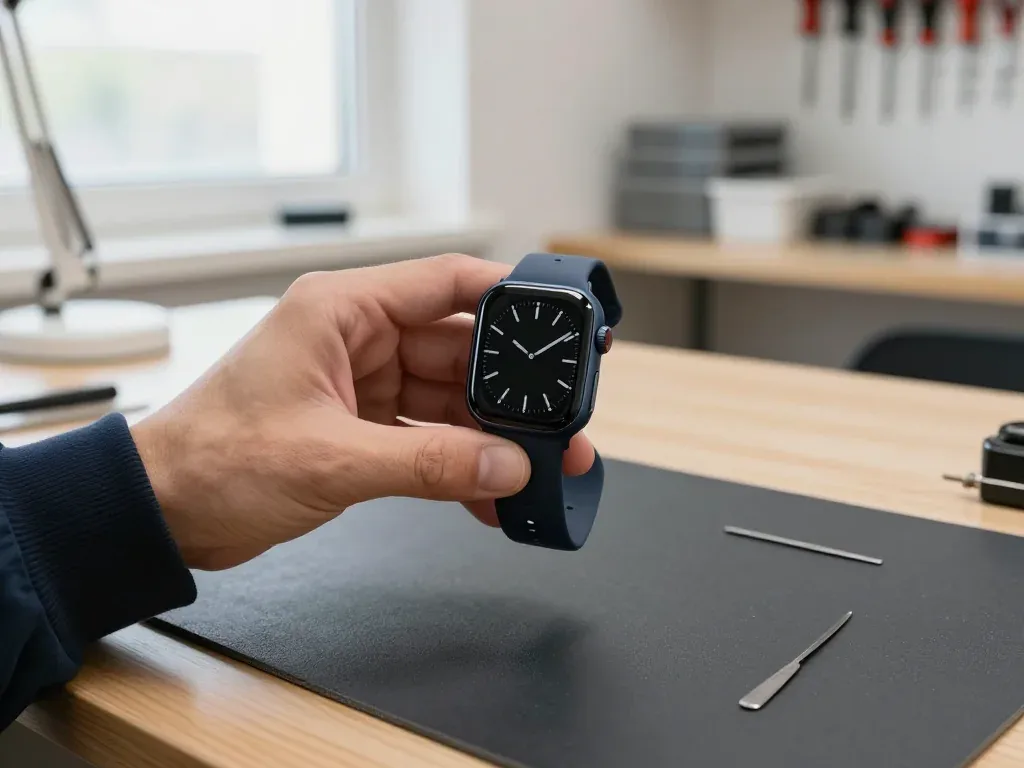
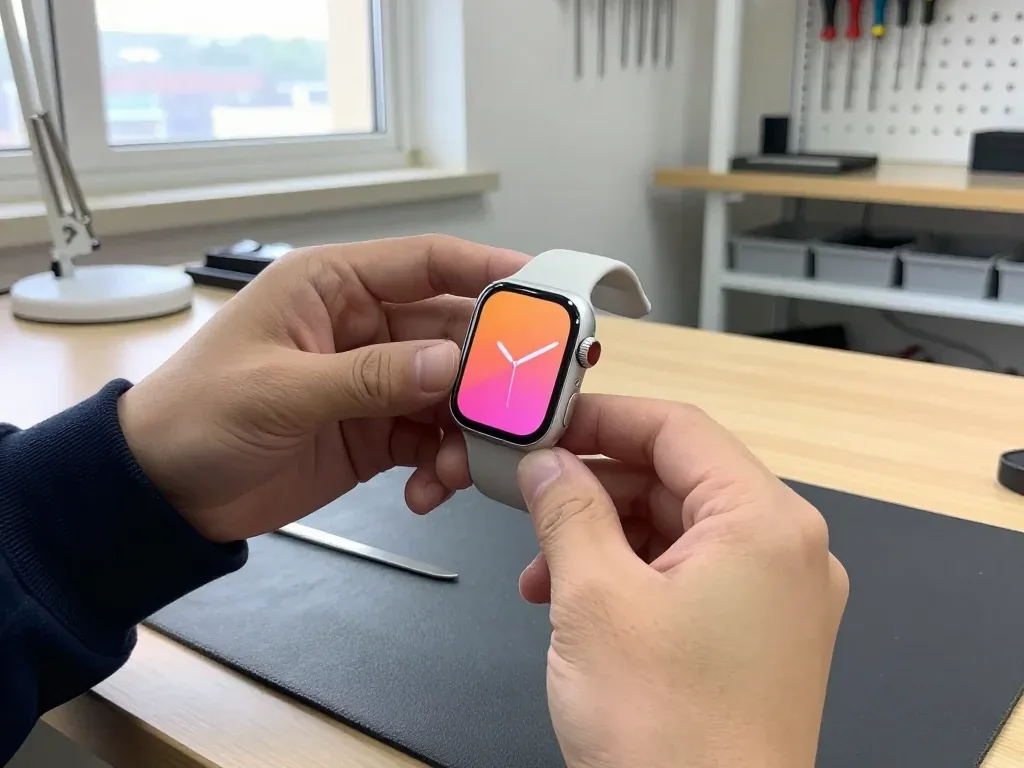
Send a photo of the damage on WhatsApp and an engineer replies within 5 minutes with a price; at the branch, free diagnostics take 15 minutes in front of you, and the price, part, turnaround and warranty are fixed on the receipt in about 2 minutes. The engineer opens the watch at the counter, shows the failed module and offers an original or an aftermarket part in sealed packaging before anything is installed. You can call a courier if coming to the branch is not an option. Get the receipt before any work begins, because a written part and warranty line is what protects you if the result is not what was agreed.
Waiting on site or leaving the watch with us
Most SE 2 repairs finish in 20–40 minutes while you wait, and 72% of our repairs are completed in the waiting area with coffee and Wi-Fi; board-level work takes 1–3 days under the microscope. A battery swap runs about 25 minutes, a camera glass about 20, so the whole visit from first contact to pickup usually stays under an hour. If you would rather not sit in the workshop, a courier covers the city in 90 minutes and is free with a repair. If your fault is board-level, plan to leave the watch rather than wait, because a rushed board repair is the one job where patience pays off.
What we check together before handover
Before you leave, we check 32 functions in about 10 minutes — touch, heart rate, charging, vibration, speaker, microphone and connection — together with you, and hand back the receipt, warranty card and old part. The warranty runs up to 1 year, and it is written on the same receipt that fixed the part and turnaround. Eleven years of repairs across 46,000+ jobs taught us that handover is where trust is either won or lost. Test the touch edges and the crown yourself at the counter, because small issues caught on the spot are fixed free, while the same fault a week later means a new visit.
Summary: Apple Watch SE 2 Repair
Five things worth carrying into any SE 2 repair decision from the first crack to the moment you sign off on the handover.
- Cracked cover, clean picture — glass-only replacement often does the job, while lines or dead touch zones call for a full display module.
- Swollen battery lifting the screen — urgent: stop charging and get it checked before the panel cracks.
- Charging faults — usually start at the puck and coil, not the battery, so test another charger first.
- Water resistance — drops after any opening, so treat a repaired watch as splash-proof rather than swim-ready.
- Written receipt — the part, turnaround and warranty fixed on paper is the single best protection for your repair.










 iPad
 MacBook
 iMac
 Mac mini and Studio
 AirPods
 Apple Pencil
 Apple TV
 HomePod