MN Photo: Mukhpilov Nail
Mukhpilov Nail
smartphone repair technician
10years of experience
4.83rating, 83 reviews

AirPods die in half an hour — we replace the battery within a day, quote the price upfront and return your old part. Independent service, not authorized by Apple

Pick your earbuds from the list to see the faults typical for that generation and what the work costs.
Repair from 6 990 ₸
2021Repair from 5 490 ₸
Repair from 5 490 ₸
2020Repair from 5 490 ₸
2022Repair from 5 490 ₸
2025Repair from 6 990 ₸
Repair from 6 990 ₸
Send a photo and we will identify the model and name the price.
Send a photoRecognise your situation? Describe the symptoms and a technician will say what to check first.
Plays far shorter than before and switches off mid-song
02Earbuds barely charge inside it and the light behaves oddly
03Weaker volume on one earbud, often caused by a clogged mesh
04Static, hiss or clicks during calls or at higher volume
05Sits in the case but stays empty or never shows up on screen
06Does not connect to the iPhone, loses signal or fails to pair
07The microphone sounds muffled or your voice drowns in noise
08One earbud or an empty case is left and the missing part is needed
09Pressing the stem does not pause or skip tracks even though the connection is fine
10The lid does not snap shut, the magnet is weak, earbuds drain inside the case
11On Pro models the modes switch but street noise comes through as if they were off
12The case will not let the pair connect, a reset does not help, the light blinks in alarm
The price depends on what is replaced, an earbud, the case or a battery, and on the generation of your earbuds.
| Model | Earbud battery replacement | Earbud speaker replacement | Microphone | Cleaning | Case battery replacement |
|---|---|---|---|---|---|
| AirPods 4 | 7 900 ₸ | 11 900 ₸ | 7 900 ₸ | 6 990 ₸ | 22 900 ₸ |
| AirPods 3 | 10 900 ₸ | 11 900 ₸ | 7 900 ₸ | 5 490 ₸ | 22 900 ₸ |
| AirPods 2 | 10 900 ₸ | 11 900 ₸ | 8 900 ₸ | 12 900 ₸ | 22 900 ₸ |
| AirPods Max | 55 900 ₸ | 55 900 ₸ | 41 900 ₸ | 12 900 ₸ | — |
| AirPods Pro 2 | 11 900 ₸ | 11 900 ₸ | 7 900 ₸ | 5 490 ₸ | 22 900 ₸ |
| AirPods Pro 3 | 13 900 ₸ | 11 900 ₸ | 7 900 ₸ | 6 990 ₸ | 22 900 ₸ |
| AirPods Pro | 13 900 ₸ | 11 900 ₸ | 7 900 ₸ | 6 990 ₸ | 22 900 ₸ |
Complex cases, such as liquid damage, are priced only after diagnostics, so the final figure may differ from the guide.
Tiny devices are sensitive to part quality, so it helps to understand the difference before the swap.
Earbuds and charging cases are tiny, so we first work out which part has really failed instead of swapping everything in sight.
The workshop has operated for eleven years, so technicians know how each earbud generation tends to wear and fail.
Completed work carries a warranty up to 1 year. Ask the technician for the exact terms on your pair.
We do not swap parts on a hunch: earbuds and case are tested separately, and only then is the price named.
If just one earbud or the case has failed, only that piece is replaced, so you avoid buying a whole new set.
When a fix is not worth it, the technician says so plainly and explains what makes more sense for your pair.
Visit on weekdays from 10:00 to 19:00, or on weekends and holidays from 11:00 to 18:00.
Usually the whole journey — from message to pickup — takes less than an hour; complex repairs follow the timeline in the receipt.
Book a repairYou send a photo of the damage on WhatsApp — we quote the price and available time. Or you call a courier.
An engineer checks the device in front of you and shows what is broken. 0 ₸, even if you decline the repair.
We fix the price, the part (original or analog), the timeline and the warranty. You sign — we start.
Before installation we show you the new part in its factory packaging. You wait in the waiting area with coffee and Wi‑Fi.
Sound, microphones, noise cancellation, ear sensor, earbud and case charge, connection. You check together with the engineer.
Together with the receipt, warranty card and the old part. Payment — Kaspi, card or cash.
Technicians for iPhone, Mac, iPad, Apple Watch and AirPods repair.
Photo: Mukhpilov Nail Photo: Molchanov Rinat
 Photo: Shokan A
 Photo: Sybanbaev Birzhan
 Photo: Denis Gushchin
 Photo: Duisebaev Azhdar

“If the repair didn’t suit you or you have a complaint, write to me personally.”
Send a photo of the fault and the AirPods model. An engineer will reply on WhatsApp, give the price and available time — no calls or forms.
AirPods Repair in Almaty with Free Diagnostics at iServices
iServices handles AirPods repair in Almaty as a direct contractor with its own experienced technicians, not an aggregator. We diagnose free in front of you in 15 minutes, show the replacement part in factory packaging, and finish most earbud and case faults while you wait. Warranty runs up to 1 year.
AirPods are two separate devices in one case, and a fault almost always sits in one, so we first work out which half is failing.
| Symptom | Likely component | What we check first |
|---|---|---|
| No light on cable | Charging port or pins | Port pins under light |
| One earbud never fills | Bud cell or contact | Contact pin, cell voltage |
| Both dead in case | Case cell | Case cell voltage |
| Cable works, pad does not | Wireless coil | Coil and solder joints |
| Quiet or muffled side | Speaker mesh | Mesh under magnification |
| Warm but no charge | Case board | Board under microscope |
The battery inside each bud is glued into the shell, so on heavy wear we usually replace the whole unit rather than open and reseal it. Opening the housing means cutting through adhesive, and a resealed unit rarely holds its original fit or moisture resistance. That is why a worn cell inside a single earbud is handled as a unit swap, while the cell in the charging case stays a straightforward part replacement. On AirPods repair jobs in Almaty, this decision changes the plan most often. Ask for the old unit back — a replaced unit is proof the work happened, and we hand it over with the receipt and warranty card.
Our free diagnostics take 15 minutes in front of you, and the engineer shows what is broken even if you decide not to repair. We open the contact area, read the voltage of the bud and case cell, inspect the speaker mesh under magnification and test charging on both cable and wireless pad. You see each step on the bench rather than hearing a verdict afterwards, and we name the failed component before any work is agreed. Watch which earbud the engineer tests first — the order usually follows the symptom you described, so it tells you what the technician suspects.
Owners often ask whether a tired or silent earbud can be repaired or must be swapped; the answer depends on the part and model, settled during diagnostics.
| Situation | Repair or swap | Why |
|---|---|---|
| Blocked speaker mesh | Repair | Cleaning restores volume |
| Crackle from a blown driver | Swap | Sealed driver is not serviceable |
| Glued-in battery losing charge | Swap | Cell is bonded to the housing |
| Dirty charging contacts | Repair | Reseating restores contact |
| Water inside the shell | Diagnose first | Corrosion decides the outcome |
We offer both an original part and an aftermarket one, and 64% of our customers pick the original; whichever you choose is written on the receipt before work starts. The engineer shows the new item in its factory packaging before installation, so you see what goes into your device. An aftermarket battery or driver costs less and covers the same function, while the original keeps the factory fit and the expected service life. Either way, the two-minute receipt fixes the part, the turnaround and the warranty, and you leave with a warranty card and the old item. That record settles any later disagreement about what was installed.
iServices is a direct contractor with its own technicians and workshop, not an aggregator or a middleman, so the person who quotes your repair is the person who does it. Eleven years in the trade and more than 46,000 repairs sit behind that setup, and our technicians work on the bench in front of you rather than shipping the device elsewhere. A middleman forwards the unit to a third workshop, where turnaround, part details and the receipt trail get blurred. Asking who physically holds the screwdriver is fair before handing over a device, and the answer should be a workshop you can walk into, not a call centre.
Sound complaints are the ones most often fixed without replacing anything. Before we quote a part, we separate dirt and moisture from a failed component.
Crackle Under Noise Cancelling on Pro Models — Crackle that appears only with noise cancelling on usually comes from a blocked vent or a moisture-affected microphone, not the driver. The Pro 2 and Pro 3 carry a dedicated feedback mic in each earbud plus a pressure vent that equalises the seal; when wax or condensation narrows that opening, the chip over-corrects and you hear a rustle on top of the audio. The same symptom shows up in transparency mode, since the same mics drive both. We test each side alone and then as a pair, pinning the fault to a single earbud before ordering any part.
Cleaning the Meshes Without Damaging the Membrane A soft dry brush and a lightly damp cloth clear the outer mesh; never touch the membrane behind it with anything sharp or wet. Work at an angle, brush away from the housing seam, and stop as soon as the grey film of wax lifts — this is a filter, not a surface to scrub. Water and alcohol pushed into the port reach the diaphragm and mic, which cost far more to replace than a filter costs to clean. Clean the stem vent holes and driver mesh too — a blocked vent changes housing pressure and can make the quiet side sound thin. If sound does not change after two passes, the blockage is internal and belongs on our bench.
With liquid, the first hour matters more than the repair itself. What you do before reaching us often decides whether the earbud can be saved.
After water contact, diagnostics can stretch to two days, because corrosion keeps spreading and a fault that reads clean on day one can surface on day two. The free check still takes fifteen minutes — we open the device, inspect the circuitry and battery contacts, and show you the corrosion under magnification. What extends the timeline is the drying cycle and the recheck after it, not the repair itself. We would rather keep the device an extra day than hand back an earbud that fails a week later, so the schedule is set by drying and the second look, not by how fast we close the shell.
Moisture under the ear cushions of AirPods Max is common in cold weather and usually shows up as muffled sound or a dead driver on one side. The aluminium cups cool fast when you step outside, warm humid air from your ear condenses on the inner surface, and the droplets sit right above the driver. Pull the magnetic cushions off after a sweaty session and let the cups air out — they clip back on, so this costs nothing and prevents most condensation faults. If the sound is already dull on one side, stop listening at high volume until the cup is checked.
When liquid reaches the charging circuitry or the earbud internals, we repair it under a microscope, because the traces and solder joints involved are too small to see by eye. Corrosion usually attacks a handful of pads and vias near the contacts, and the damage reads as a dead charging case or an earbud that will not pair. Under 20–40x magnification an engineer can lift the oxide, reflow the joint and test continuity across the path. A board repair is worth asking about before agreeing to a full replacement — corrosion often damages a few joints, not the whole circuit, and the rest stays intact.
Each generation has its own housing, connectors and weak points. Knowing the model tells us which parts are available before we open anything.
| Model | Case and connector | Typical fault | What we do |
|---|---|---|---|
| AirPods 2 | Lightning, setup button | Worn battery in one earbud | Cell swap in the stem |
| AirPods 3 | Lightning or MagSafe, setup button | Clogged driver mesh | Mesh clean, no opening |
| AirPods 4 | USB-C, no setup button | Loose charging contacts | Contact clean and reseat |
| AirPods Pro 2 | USB-C MagSafe, speaker, lanyard loop | Crackle under noise cancelling | Mic and mesh service |
| AirPods Pro 3 | USB-C MagSafe, speaker, heart-rate sensor | Weak seal, dirty sensor | Sensor clean, fit check |
Pro 2 and Pro 3 Specifics On Pro models the housing carries a speaker for Find My and the buds carry extra microphones, so a fault that looks like poor sound can sit in either place. When a Pro 2 or Pro 3 arrives with muffled audio, we split the check: the housing speaker, the beam-forming mics in each bud and the H2 chip's noise-cancelling loop are tested separately, because a dead housing speaker silences the Find My chime while music still plays. The Pro 3 adds a heart-rate sensor against the skin, so a dirty contact reads as a fitness-tracking problem — cleaning comes first.
The 3 and 4 have no silicone tips, so the driver mesh sits directly against the ear and clogs faster than on Pro models. Wax and skin oil reach the mesh within weeks of daily use, and the first symptom is usually a slight drop in volume on one side rather than a full failure. The 4 housing dropped the setup button, so pairing and reset happen through the unit itself — a detail that matters when a housing is replaced and the new one has to link back to the buds. With no tip to trap wax, cleaning the open-fit mesh is the most common service on these generations.
From the first message to the handover the process is short and visible. Here is what happens between sending a photo and walking out with your AirPods.
At handover you check the sound, microphones, noise cancelling, ear detection and case charging with the engineer, and the device goes back with the receipt, warranty card and the old part. The full check covers 32 functions and takes about ten minutes: microphones, speakers, charging and network, plus the earbud and case checks above. Our warranty runs up to 1 year, and the card states which part was replaced and when. Behind that sits eleven years of work and 46,000+ repairs by experienced technicians. Test the earbuds with your own phone before leaving — pairing quirks show up fastest there, and a two-minute test saves a second trip.
You can pay by Kaspi, card or cash, and the old part goes home with you along with the receipt and warranty card. Nothing is kept back and nothing is added quietly: the amount on the receipt matches the quote you got on WhatsApp, and the part type is the one you agreed to. Payment clears at the counter before you leave, so there is no follow-up invoice later. Keep the old earbud or case part until the warranty period ends — if a claim ever comes up, it is the simplest proof of what was actually replaced, and it costs you nothing to store a small component in a drawer.
Five points carry most of the decision, from telling which component failed to how the generation limits what can be done.
Did not find an answer? Message us on WhatsApp: an engineer replies, not a bot.
Ask a questionUsually that earbud has a flat battery or dirty charging contacts, so it never wakes up in the case. Clean the bottom of the earbud and the well in the case with a dry soft brush, charge both, then forget the AirPods in Bluetooth settings and pair them again. If the same side still stays silent, its battery or board needs a technician’s check.
Most often it signals a pairing error, and a reset usually clears it. Hold the setup button on the back of the case with the lid open until the light flashes amber and then white, and pair again. If the amber light keeps returning, the case battery or board is the likely cause.
Yes, as long as it belongs to the same generation as your case and the other earbud. Put both earbuds in the case, open the lid next to the iPhone and follow the prompt; the firmware may update on its own afterwards. The technician confirms the generation by the model number before fitting the part.
The usual reason is debris in the earbud wells that keeps the contacts from touching. Clean the wells gently with a dry brush, avoiding metal pins and liquids. If the earbuds still show no charge, the case contacts or its battery should be tested.
Open the case lid next to an unlocked iPhone and a card with the level of both earbuds and the case appears. The Batteries widget shows the same figures. Comparing them after a full charge quickly reveals which part is losing capacity.
It can show the last place the earbud was connected and play a sound if it is still within Bluetooth range. If the earbud is gone for good, you do not need a whole new set: a single earbud of your generation can be replaced in Almaty.
A low battery in one earbud or a pairing glitch is the most common cause. Reset the AirPods, update the iPhone and pair them again. If only one side keeps cutting out after that, its battery or antenna needs diagnostics.
The replaced part and the work are covered by a warranty up to 1 year. The term and the type of part fitted are written on the receipt, and you also get a warranty card.
Проблема была такая: во время звонков собеседники плохо слышали голос — и непонятно что делать. Ребята проверили микрофоны и качество передачи звука; Ринат не отмахнулся от моих вопросов.
AirPods Max (USB-C) подвёл: периодически исчезала связь с телефоном. Ребята проверили Bluetooth и сопряжение; Ринат не отмахнулся от моих вопросов.
У моего AirPods Max (Lightning) периодически исчезала связь с телефоном. Ребята проверили Bluetooth и сопряжение; Спасибо Ринат: разобрался с нюансами без лишних разговоров.
Проблема была такая: звук в одном канале начал хрипеть — и непонятно что делать. В сервисе проверили динамик и исправили проблему со звучанием; Ринат не отмахнулся от моих вопросов.
На AirPods Pro (3-го поколения) во время звонков собеседники плохо слышали голос. После обращения проверили микрофоны и качество передачи звука.
Проблема была такая: наушники перестали определяться устройством — и непонятно, что делать. В сервисе проверили подключение и восстановили сопряжение.
С AirPods (4-го поколения) вышла неприятность: аккумулятор стал разряжаться слишком быстро. В итоге оценили состояние батареи и предложили подходящее решение.
У моего AirPods Pro (2-го поколения Lightning) связь с телефоном постоянно обрывалась. По результатам диагностики проверили сопряжение и стабильность соединения.
У моего AirPods Max (Lightning) наушники перестали заряжаться через разъём. По результатам диагностики проверели порт и работу питания; С Ринат всё обсудили по делу без спешки.
На AirPods (2-го поколения) связь с телефоном постоянно обрывалась. Ребята проверели сопряжение и стабильность соединения; С Ринат всё обсудили по делу, без спешки.
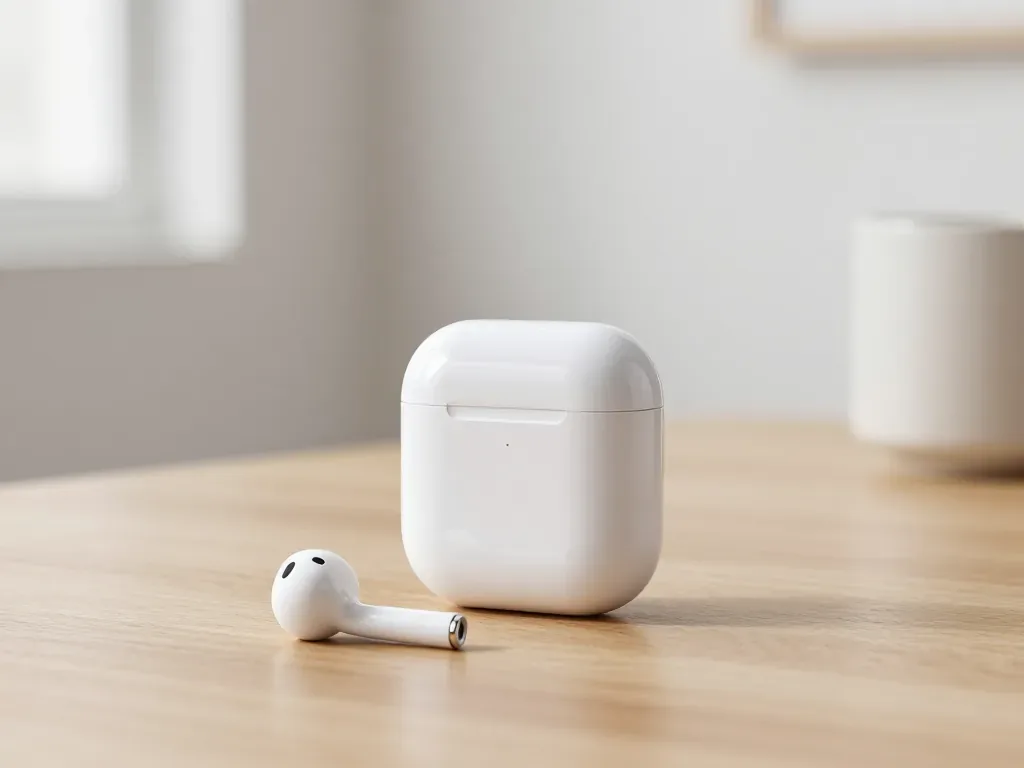
One earbud losing charge first is usually a worn cell or a dirty contact, not a dead pair. A free check tells which.
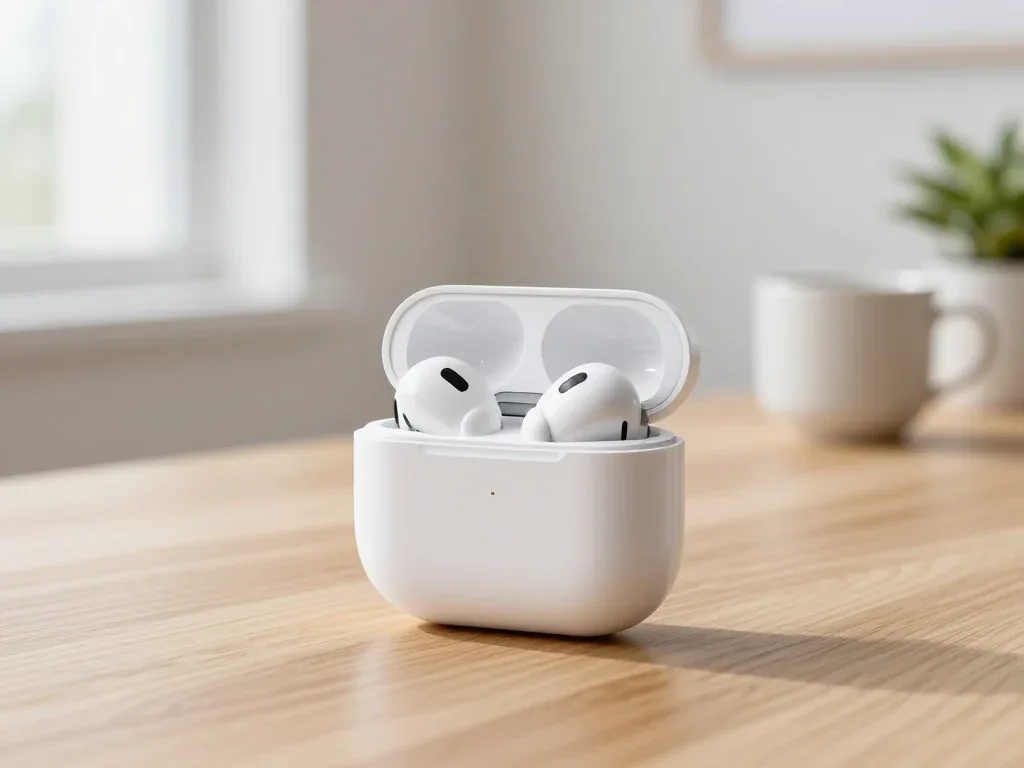
Find out why your AirPods case won't charge and what to check before visiting a repair shop.
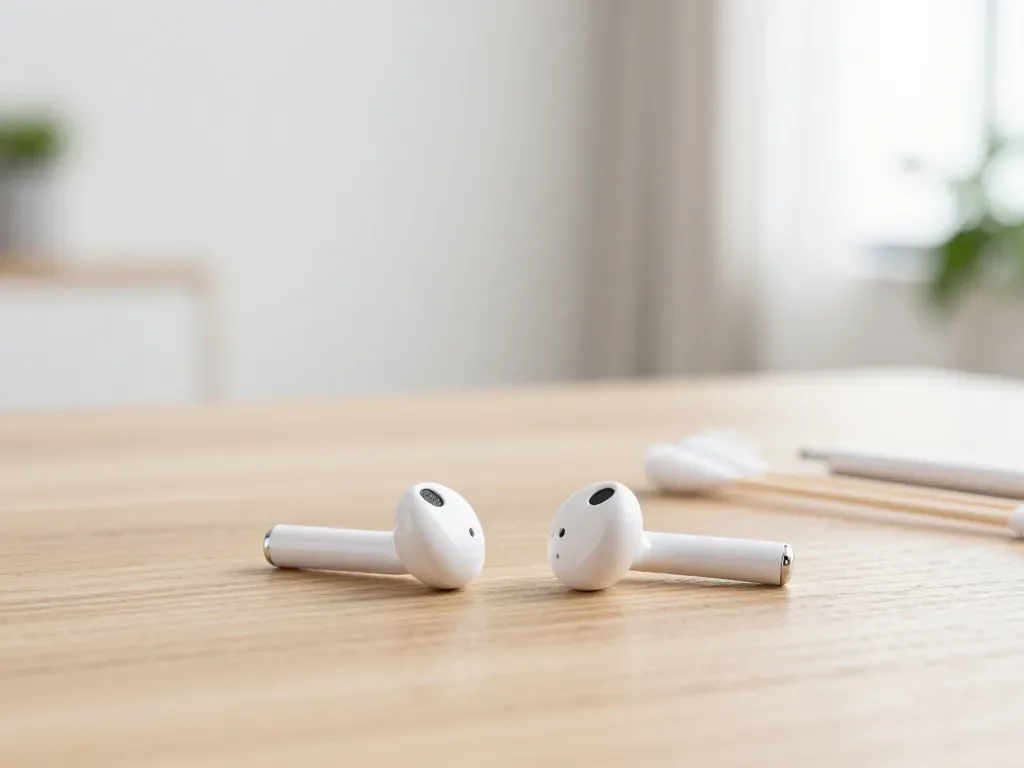
Most quiet AirPods come down to clogged mesh or a tired driver. Here is how to tell the difference before you clean anything.

Back up your data, turn off Find My, and bring proof of purchase — then the repair starts faster.
 iPad
 MacBook
 iMac
 Mac mini and Studio
 Apple Watch
 Apple Pencil
 Apple TV
 HomePod
