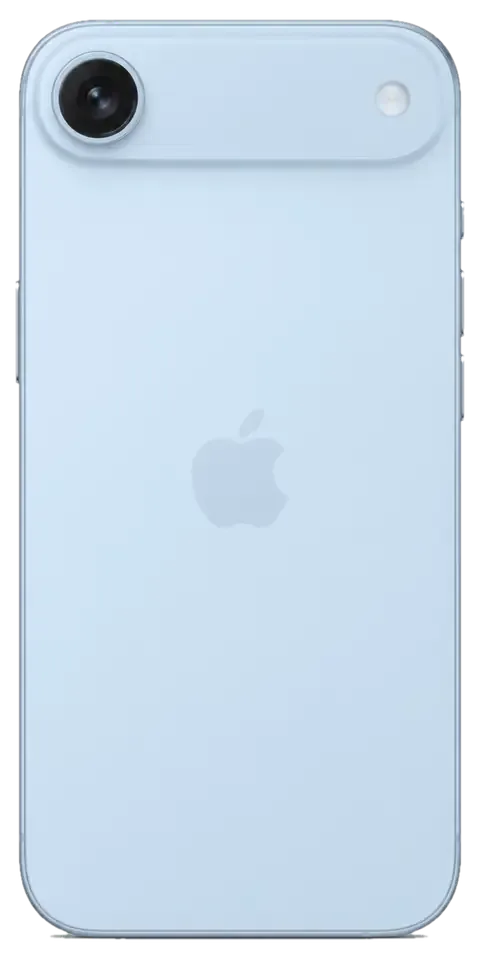
The slim chassis and the raised camera plateau change the failure pattern: damage lands on the edges and the lens first. Below is what fails most often and how each fault shows up for the owner.
The Failures We See Most on This Model
On the iPhone 17 Air we most often replace the display module, the battery and the camera glass, because the thin chassis concentrates impact stress around the screen edges and the raised plateau. We have completed over 46,000 repairs across eleven years, and the slim body has shifted the balance toward panel and power work rather than board faults. A healthy battery still ages on the same curve as any lithium unit, and the smaller internal volume means heat sits closer to the panel connector. A hairline crack that still shows an image is worth diagnosing early, since a small chip near the frame can spread into the OLED layer after a second drop.
Symptom, Likely Cause and What We Do
Complaints mapped to their probable origin and the matching repair| Symptom | Likely cause | What we do |
|---|
| Cracked cover, image intact | Broken top layer | Glass-only replacement where the matrix is sound |
|---|
| Lines or dead touch | Damaged OLED layer | Full module swap |
|---|
| Drains fast | Worn power unit | Battery replacement |
|---|
| Will not charge | Dirty or oxidised port | Port clean or connector swap |
|---|
| Blurry photos | Scratched lens cover | Camera glass replacement |
|---|
| Dead after water | Liquid on the board | Board clean under microscope |
|---|
Why the Thin Body Changes the Repair
The slim frame leaves less room around the display and battery, so our engineers work with finer tools and take extra care when lifting the panel to avoid bending the chassis. On a standard body there is more clearance to slide a pick under the screen; here the gap is narrower, and heat has to be applied more evenly to soften the adhesive without stressing the OLED. Because the plateau sits proud of the body, a drop often lands on the glass first, which is why it is inspected on every intake even when the owner reports only a screen problem. That single habit catches damage people have not noticed yet.
Screen Repair for the iPhone 17 Air in Almaty
A cracked front glass is the most common reason this model reaches our bench. Below we explain when swapping just the outer layer is enough, when the full assembly is required, and what happens to True Tone afterwards.
Glass Only or the Whole Module
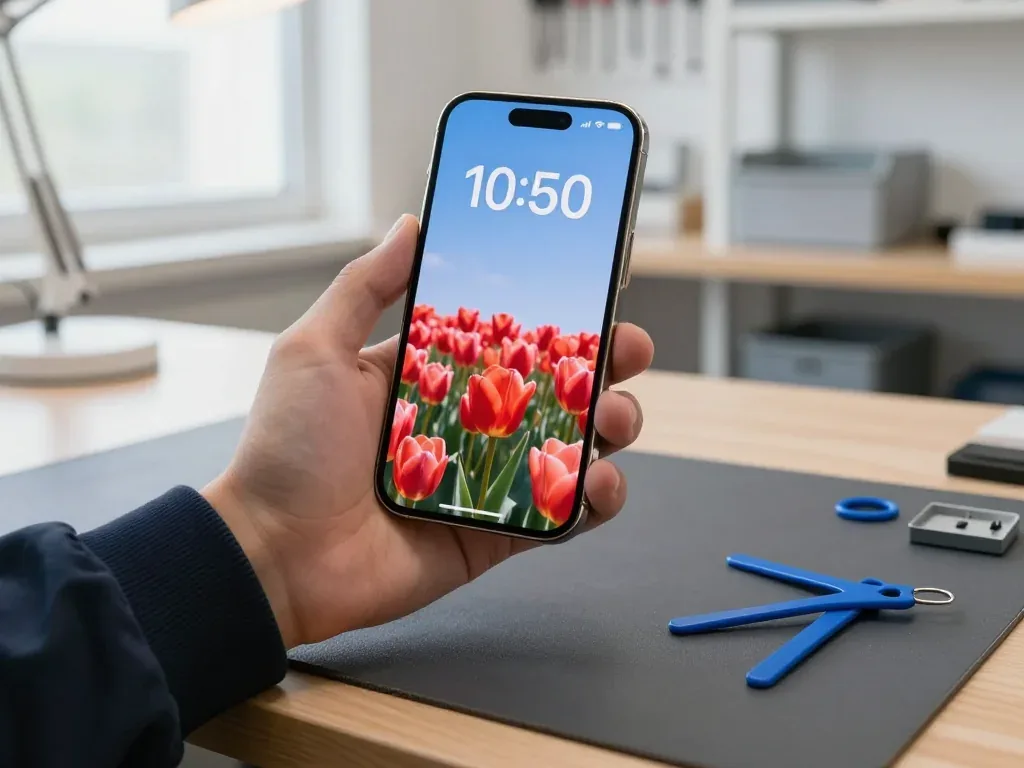
When the OLED matrix is intact and only the cover glass is cracked, we can replace the glass alone; if there are lines, dead touch zones or a black patch, the whole module is swapped instead. The touch layer sits between the outer layer and the matrix, so a crack that reaches it shows up as unresponsive areas rather than visible damage. Our engineers inspect the screen under magnification during the free 15-minute diagnostic and photograph every crack before quoting, so you see exactly which layer failed. Choosing glass-only keeps the original display and its factory calibration, which is why it is worth asking for a diagnostic photo of the damage before deciding, since a hidden matrix crack turns a simple job into a full swap.
What Happens to True Tone and Face ID
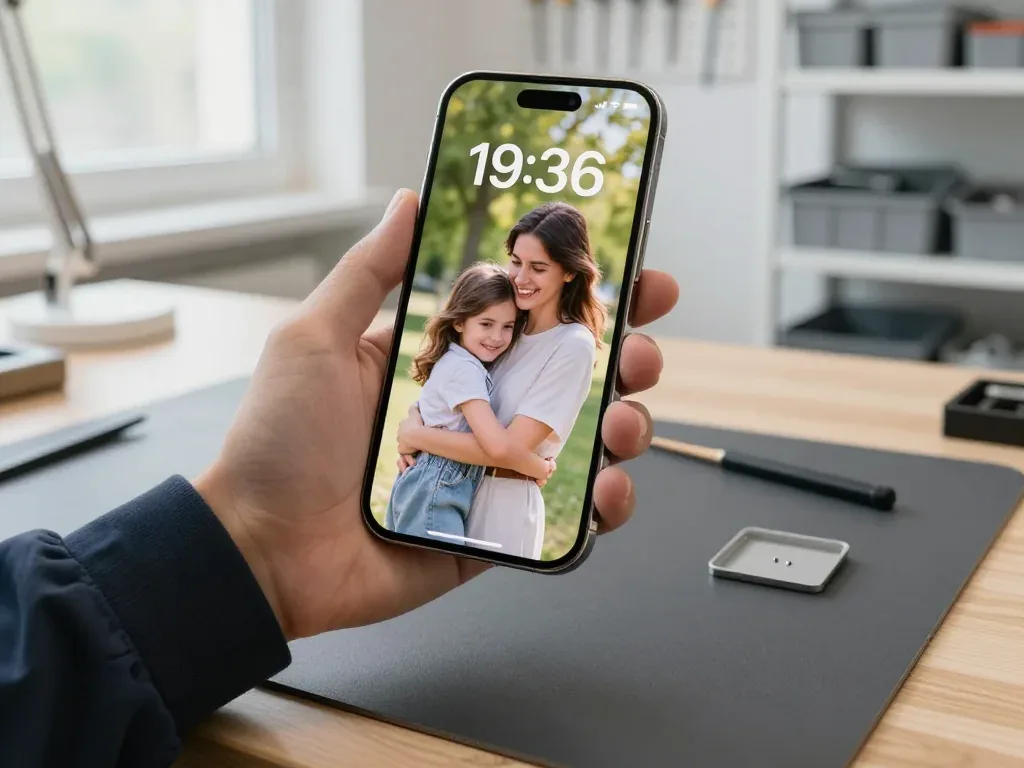
Face ID keeps working after a screen repair because the TrueDepth module is a separate part we do not touch, and colour temperature is restored by transferring the calibration to the new unit. The TrueDepth assembly sits in the top bezel and is moved across intact during every screen job at our bench, so the dot projector, infrared camera and flood illuminator keep their factory pairing. That automatic white balance depends on a calibration file written to the display itself, and our bench equipment rewrites it after fitting. On some aftermarket units the feature may not return even with calibration, so if colour accuracy matters to you, tell the engineer before the part is ordered and choose the original display.
How Long a Screen Job Takes
A screen replacement on the iPhone 17 Air takes about 40 minutes, and 72% of our repairs are finished while the customer waits in the lounge with coffee and Wi-Fi. The engineer shows the new display in its factory packaging before installation, then runs the 32-function check — True Tone, Face ID, touch across the whole surface, cameras and sensors — together with you at handover. If you would rather not wait, the courier across the city takes 90 minutes and is free with a repair, so the phone can be collected and returned the same day without a second trip.
Original or Aftermarket Parts and the Functions You Keep
The component you choose decides which features come back once the job is done. Below is a comparison by unit, plus what gets written down before any work begins.
Comparing Original and Aftermarket by Function
features each component type keeps once fitted| Part | Face ID | True Tone | Water resistance |
|---|
| Original display | Kept | Kept | Best effort after reseal |
|---|
| Aftermarket display | Kept | Sometimes lost | Best effort after reseal |
|---|
| Original battery | Kept | Not affected | Best effort after reseal |
|---|
| Aftermarket battery | Kept | Not affected | Best effort after reseal |
|---|
Why 64% of Customers Pick the Original
About 64% of our customers choose an original component, and we show the new unit in its factory packaging before installation so you can confirm what goes into your phone. The rest pick an aftermarket option, usually when a specific feature matters less than keeping the job simple. Either way, the decision is yours before the screwdriver comes out, and the engineer explains which functions an aftermarket unit may not fully restore. On the iPhone 17 Air repair Almaty owners request most often, the display is where the choice makes the visible difference, since True Tone depends on how the module talks to the board. Whichever option you take, the type is written on the receipt before work starts, so a later disagreement about what was fitted is settled by the document rather than memory.
The Unknown Part Message and Water Resistance
A message about an unknown part is an indicator of the component type, not a fault, and it does not stop the phone from working; factory water resistance, however, is not guaranteed once the body is opened. The notice appears when the display cannot confirm its own identity to the system, which happens with many aftermarket panels — the screen still lights up, touch still responds, and the phone runs normally apart from that warning. Water resistance is a separate matter: the adhesive gasket that seals the chassis is cut the moment the body is opened, and a fresh seal restores splash protection at best. Because that seal is broken during repair, treat the phone as splash-resistant afterwards and keep it away from pools and heavy rain even if it survived water before.
Battery, Charging and Camera Work on the iPhone 17 Air
Not every failure that looks like a dead board is one. The power cell, charging port and camera glass each fail in their own way, and separating them is what keeps the job short.
When the Battery Needs Replacing
We replace the cell when the Battery Health reading drops and the phone shuts down under load or drains within hours; the swap itself takes about 25 minutes while you wait. A worn unit shows the same pattern across devices: the percentage falls in visible steps, the handset throttles during gaming or navigation, and a full charge no longer lasts a working day. On the 17 Air the slim chassis leaves less room around the power source, so heat builds faster and an aged component degrades quicker than on thicker models. We read Battery Health in front of you before quoting, so the number is not taken on trust. A swollen pack should be brought in without charging it further, since pressure on the display from inside can crack the panel and turn a simple swap into a screen job.
Port, Cable or Board
A phone that will not charge is often blocked by dirt or oxidation in the USB-C port rather than a failed board, and the diagnostic shows which it is before any part is ordered. Pocket lint compacts into the connector over months, and moisture from a sweaty pocket leaves a thin oxide film on the contacts that stops current flow. The free check takes 15 minutes: the engineer lights the port, cleans it, then tests with a known-good cable and a meter. If power still will not hold with a clean port and a working cable, the fault usually sits on the charging circuit, which is a board-level job done under the microscope rather than a quick connector swap.
Camera Glass and the Rear Panel
A cracked camera glass is replaced on its own in about 20 minutes when the lens underneath is intact, and the rear panel is handled separately from the display. The camera plateau sits proud of the body, so it absorbs the first hit in a drop, and the cover glass takes the damage while the sensor stays untouched. We inspect the lens for chips before quoting: if the optics are clean, only the cover is swapped and the camera keeps its focus and stabilisation. Because the plateau takes the impact first, a scratched lens cover scatters light and softens photos long before the glass visibly breaks, so it is worth checking if night shots look hazy.
How the Visit Works and What You Get Back
From the first message to handover, here is what happens at each step and what stays in your hands once the work is done.
From WhatsApp Photo to Receipt
You send a photo of the damage on WhatsApp, an engineer replies within 5 minutes with a price and a free slot, and before work starts the price, part, turnaround and warranty are fixed on the receipt in about 2 minutes. The free diagnostic then takes 15 minutes in front of you, even if you decide against the repair, and the engineer shows exactly what is broken. For an iPhone 17 Air repair in Almaty customers can plan around a slot the same day, since most jobs finish in 20–40 minutes while you wait. Getting the quote from a photo first means you can compare the estimate with the final receipt, and any change found during the free diagnostic is agreed with you before the engineer continues.
The 32-Point Check Before Handover
- Face ID: unlock and confirm it reads your face as before.
- True Tone: toggle it in display settings and watch the tint shift.
- Cameras: open each lens and check focus and clarity.
- Microphones and speakers: record a voice note and play it back.
- Charging: plug in and confirm the battery indicator responds.
- Network: check signal and a test call on the engineer's bench.
What Stays in Your Hands
We are a direct repairer with our own technicians and workshop, not an aggregator, and the device comes back with the receipt, a warranty card up to 1 year and the old part. Across 46,000+ repairs over 11 years, that handover pack has stayed the same, and the new part is shown in factory packaging before installation. The 32-function check runs about 10 minutes, and you go through Face ID, cameras and charging with the engineer. Keeping the old part lets you see for yourself what was replaced, and because the warranty is tied to the receipt, store both together in case a function needs a check later.
Summary: iPhone 17 Air repair
The points below sum up what decides the outcome of an iPhone 17 Air repair — the fault itself, the component chosen and the checks that protect the functions you use daily.
- Diagnose first: a free check done in front of you reveals the real fault, so nothing gets swapped on a guess.
- Glass versus module: glass-only screen work suits an intact matrix; lines or dead touch call for the full assembly.
- Face ID and True Tone: Face ID survives a screen job, while True Tone hinges on the component and the calibration transfer.
- Paper trail: original components keep every function, and the chosen type goes on the receipt prior to any work.
- Seals age: water resistance is not guaranteed once the chassis is opened, so treat the handset as splash-resistant.











 iPad
 MacBook
 iMac
 Mac mini and Studio
 Apple Watch
 AirPods
 Apple Pencil
 Apple TV
 HomePod




