Your city

AstanaAstana, Kabanbay Batyr Ave., 7/2 · +7 727 339-99-12
Eng

iPhone Charging Port Replacement in Almaty

Cable wiggles or charging keeps dropping? We find the cause in 15 minutes while you watch, then fit a new port, original or aftermarket.

iPhone with a dark blue wallpaper and a large gray crossed-out cable icon in the centeriPhone with a dark blue wallpaper and a large gray warning icon with an exclamation markiPhone with a dark blue wallpaper and a large gray lightning icon crossed out diagonally
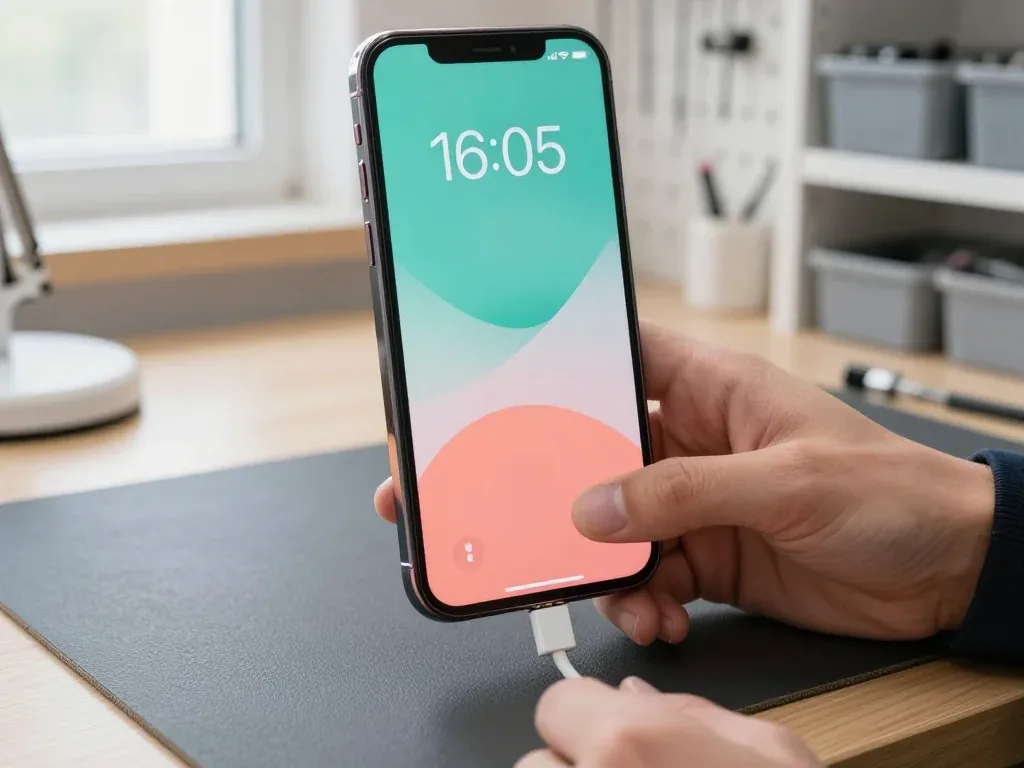
iPhone with the screen on and a dark blue abstract wallpaper with soft waves
BeforeAfter
Cable not detected
Price incl. labor
from 44 900 ₸
Warranty
up to 1 year
  • Microscope inspection
  • Charging current test
  • Careful opening

Signs Your iPhone Port Is Failing

The plug slips out

The cable no longer clicks into place and charging stops the moment you pick the phone up.

Charges only at an angle

You have to bend the cable or prop the phone against something to see the charging icon appear.

Accessory not supported

The iPhone shows this alert even with a known-good cable that charges your other devices fine.

No data connection

Your Mac, PC or CarPlay stops recognising the phone over the cable while charging comes and goes.

iPhone Charging Port Replacement Cost in Almaty

The table covers popular models, from the Lightning iPhone 13 to the USB-C iPhone 17 line; the technician matches the part to your exact model.

ServiceOriginalAftermarket
iPhone 17 Pro Max charging port replacement178 900 ₸106 900 ₸
iPhone 17 Pro charging port replacement168 900 ₸100 900 ₸
iPhone 17 charging port replacement164 900 ₸98 900 ₸
iPhone 17 Air charging port replacement164 900 ₸98 900 ₸
iPhone 16 Pro charging port replacement131 900 ₸78 900 ₸
iPhone 16 charging port replacement111 900 ₸66 900 ₸
iPhone 16e charging port replacement144 900 ₸86 900 ₸
iPhone 15 charging port replacement108 900 ₸64 900 ₸
iPhone 14 charging port replacement92 900 ₸55 900 ₸
iPhone 13 charging port replacement74 900 ₸44 900 ₸

Your final price goes on the receipt before any work starts, once the port and flex cable have been inspected.

What an iPhone Charging Port Replacement Includes

  1. 01
    iPhone bottom connector with a metal socket and flex cable
    Microscope inspection

    The technician checks the port contacts under magnification for lint, corrosion, bent pins or a cracked housing.

  2. 02
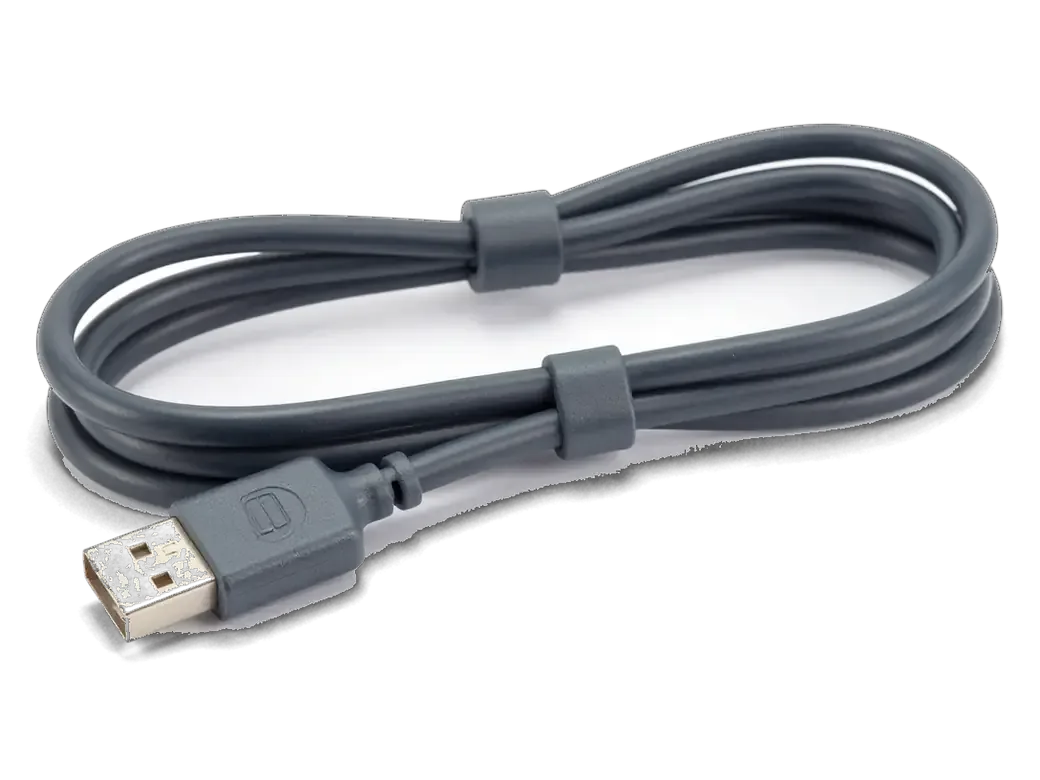
    Dark gray charging cable with a connector for iPhone
    Charging current test

    A USB meter shows how much power actually reaches the board, separating a bad port from a power chip fault.

  3. 03
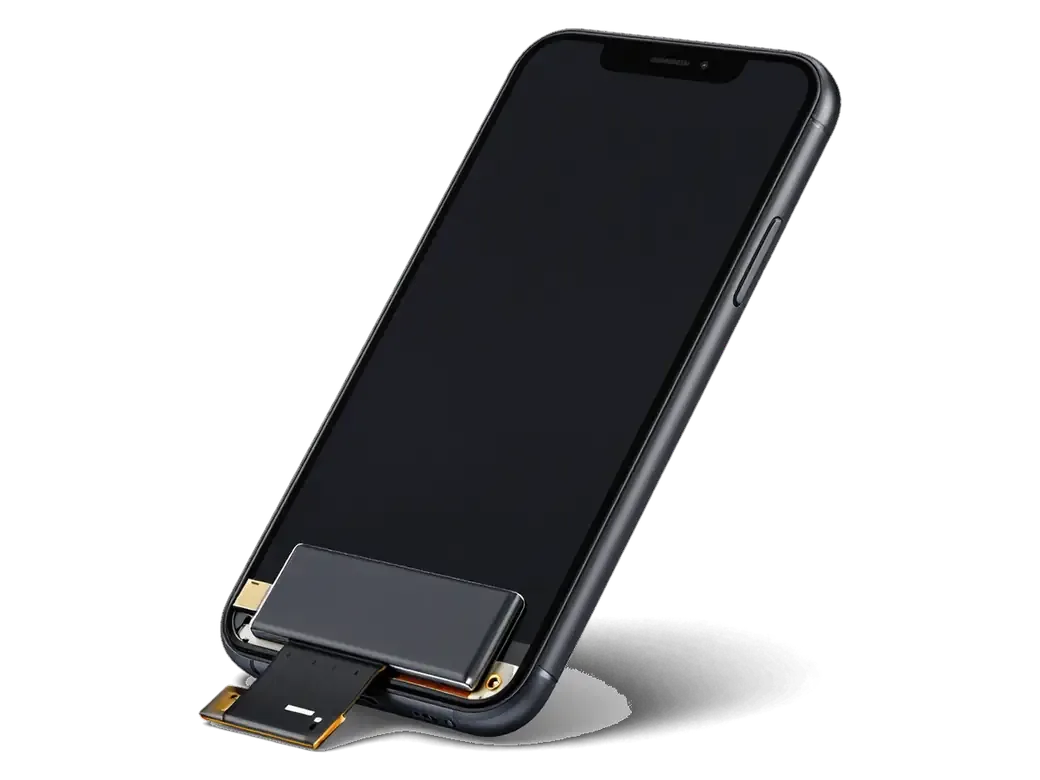
    Opened iPhone with the display flipped on its flex and the battery visible
    Careful opening

    The adhesive is warmed, the screen lifted and the battery disconnected so no flex cable gets torn or shorted.

  4. 04
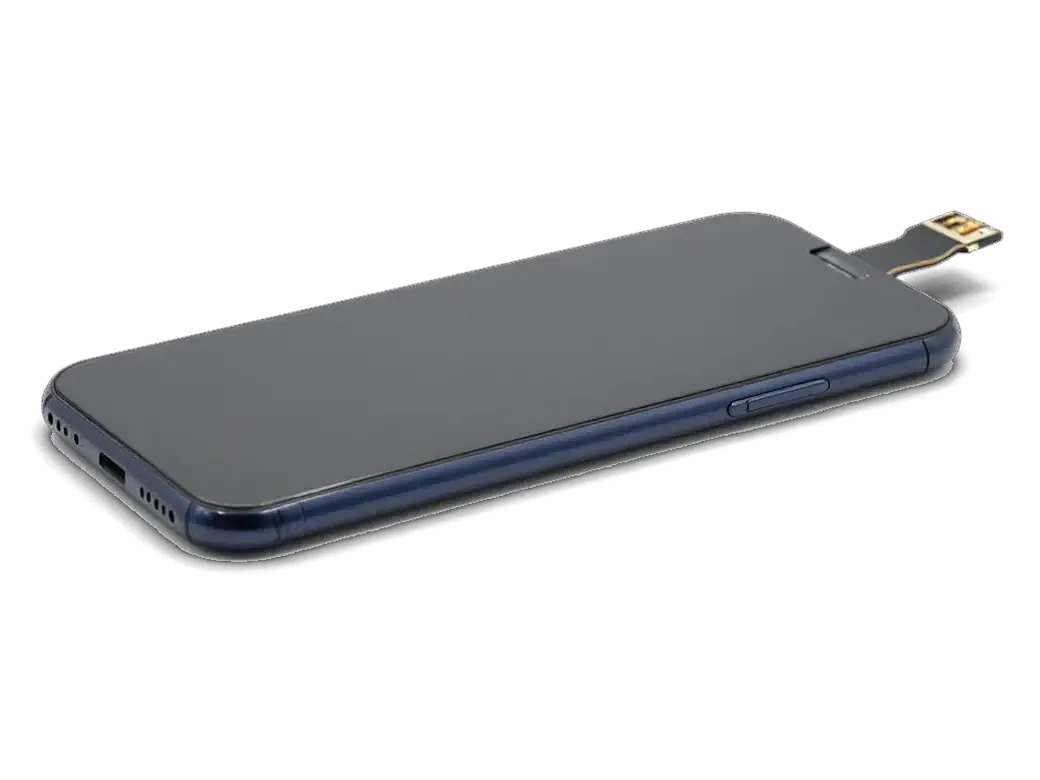
    New lower flex cable with a connector for iPhone
    Lower flex swap

    On most iPhones the port shares a flex cable with the bottom microphone, so the whole module is replaced.

  5. 05
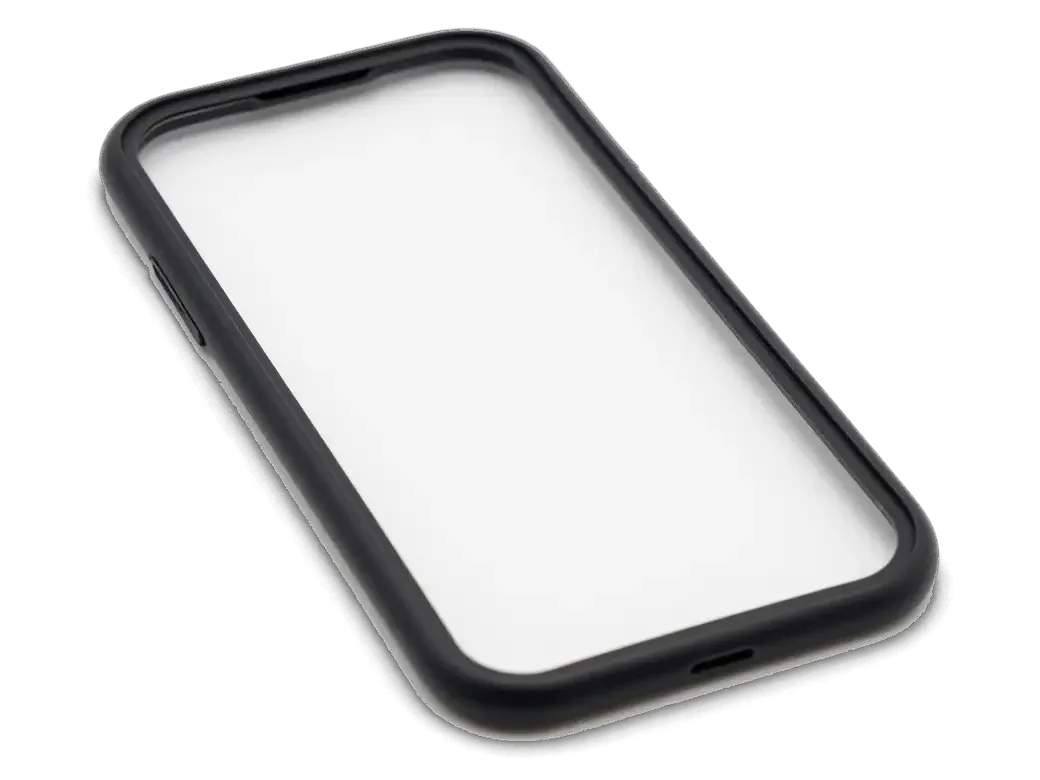
    Dark adhesive gasket for the iPhone body
    Fresh seal

    A new water-resistant gasket goes around the frame before the screen is closed, replacing the old adhesive.

  6. 06
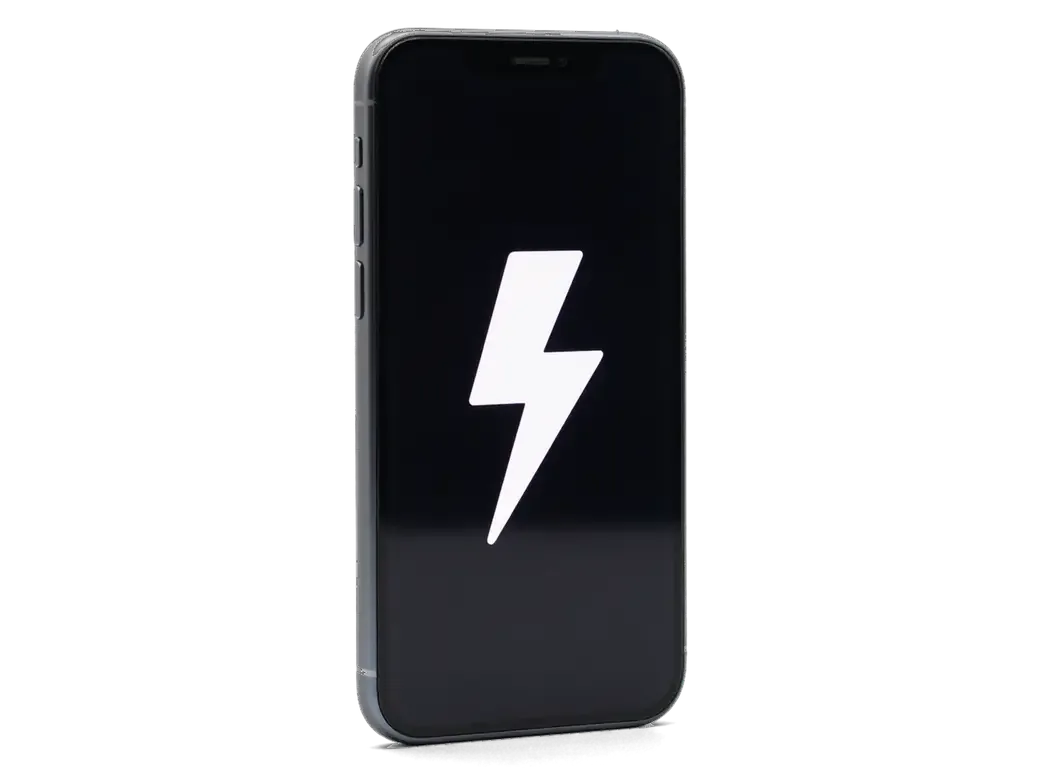
    iPhone with a large white lightning bolt on the screen
    Post-repair checks

    We test charging, data transfer, the mic on a call and in Voice Memos, the bottom speaker and the network.

  7. iPhone 13 charging port replacement
    from44 900 ₸

    The plug seats firmly again and the phone charges without hunting for the right angle.

    Price for my model

Original or Aftermarket Part for the New Port

An original module matches factory specs most closely, while an aftermarket one gets the phone working again on a tighter budget.

Original Applewarranty up to 1 year
iPhone charging port replacement74 900 ₸
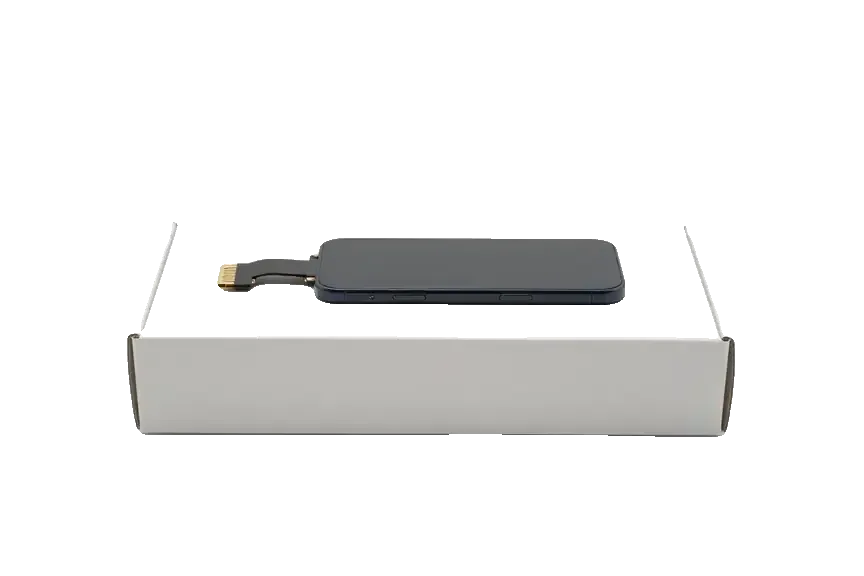
Original: iPhone power connector on a white box
Fast charging
Supports the factory power modes
Microphone
Call audio sounds as it did from new
Plug fit
Firm click with no wobble
Warranty
Up to 1 year on the work
Chosen by 64% of clients
Book with an original part
Aftermarketwarranty 6 months
iPhone charging port replacement44 900 ₸−40%
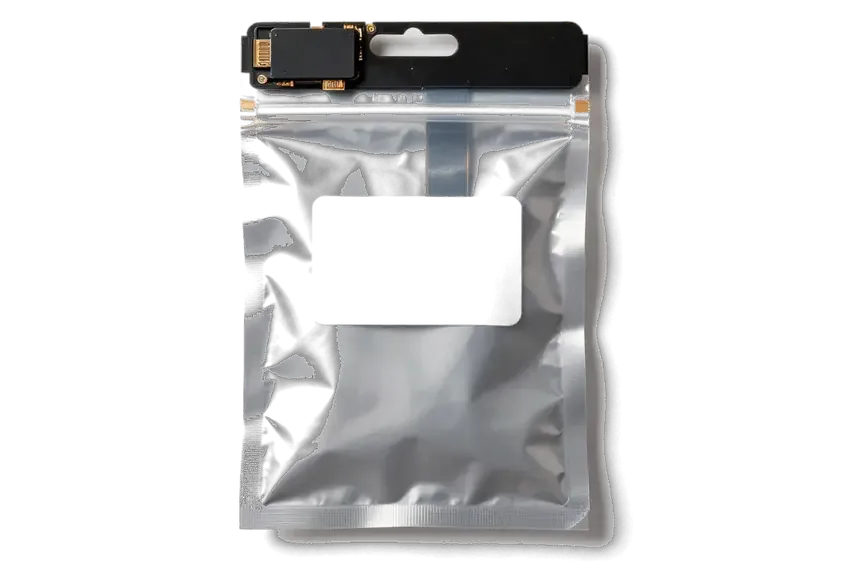
Analog: iPhone power connector in an antistatic bag
Fast charging
Works, speed can vary by batch
Microphone
Sensitivity may differ slightly
Plug fit
Usually snug, tolerances a bit looser
Warranty
Up to 1 year on the work
Chosen by 36% of clients
Book with an aftermarket part

Why People Bring Their Port Problems to Us

15min

You see the cause first

Diagnostics take 15 minutes in front of you, and the engineer shows whether the fault is the port, the cable or the board.

1year

Warranty up to 1 year

Port replacements carry a warranty up to 1 year, written on the receipt together with the price and turnaround.

11years

Every iPhone generation

Eleven years of work covers old Lightning models and the newer USB-C phones, where the flex cable is built differently.

2options

See the part beforehand

The new flex cable is shown in factory packaging, and the old one is handed back to you with the phone.

8technicians

Experienced technicians

Experienced technicians handle the glued frame and thin flex cables carefully, so nothing else gets disturbed.

2cities

Wait on site

Relax in the waiting area with coffee and Wi-Fi while the work is done, no need to cross the city twice.

iPhone charging port repair in Almaty before and after

1 / 2
Technician inserting a cable into the charging port of an iPhone 13 lying on a mat

iPhone 13: cable only worked at an angle

A client from Almaty complained that the phone charged only when the cable was held at a certain angle. We cleaned the port, replaced the lower flex with the charging connector, and checked charging and data transfer — everything works reliably.

from 44 900 ₸repair cost
I want the same
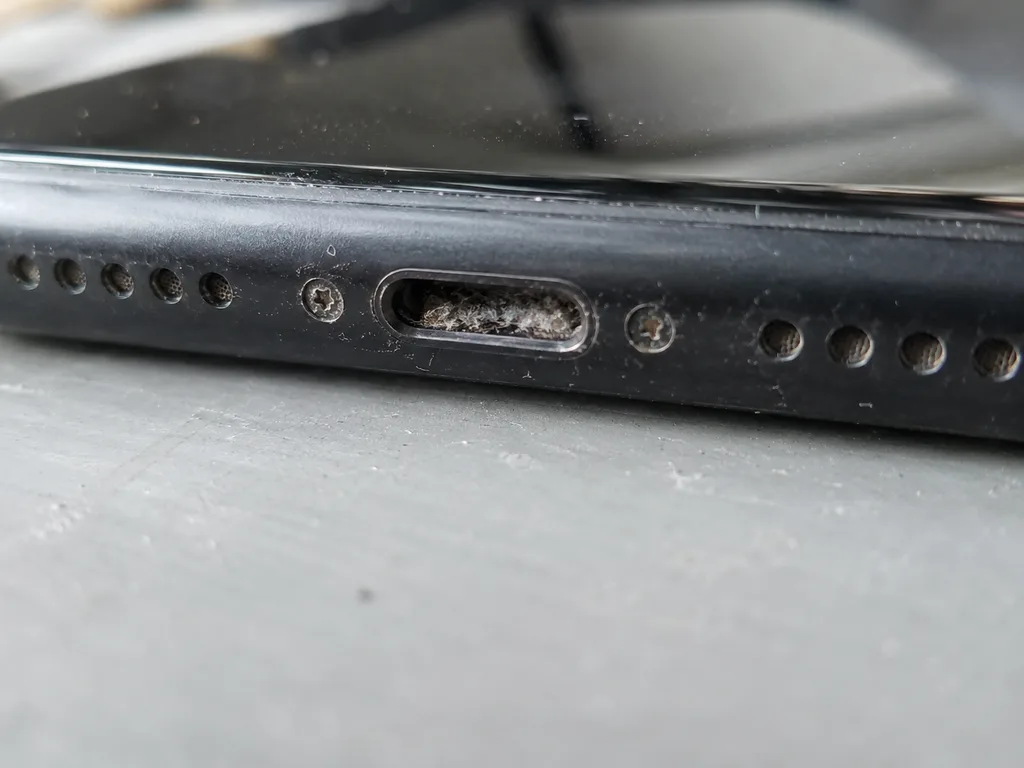
Before photo: Lightning port clogged with lintBefore: Lightning port clogged with lint
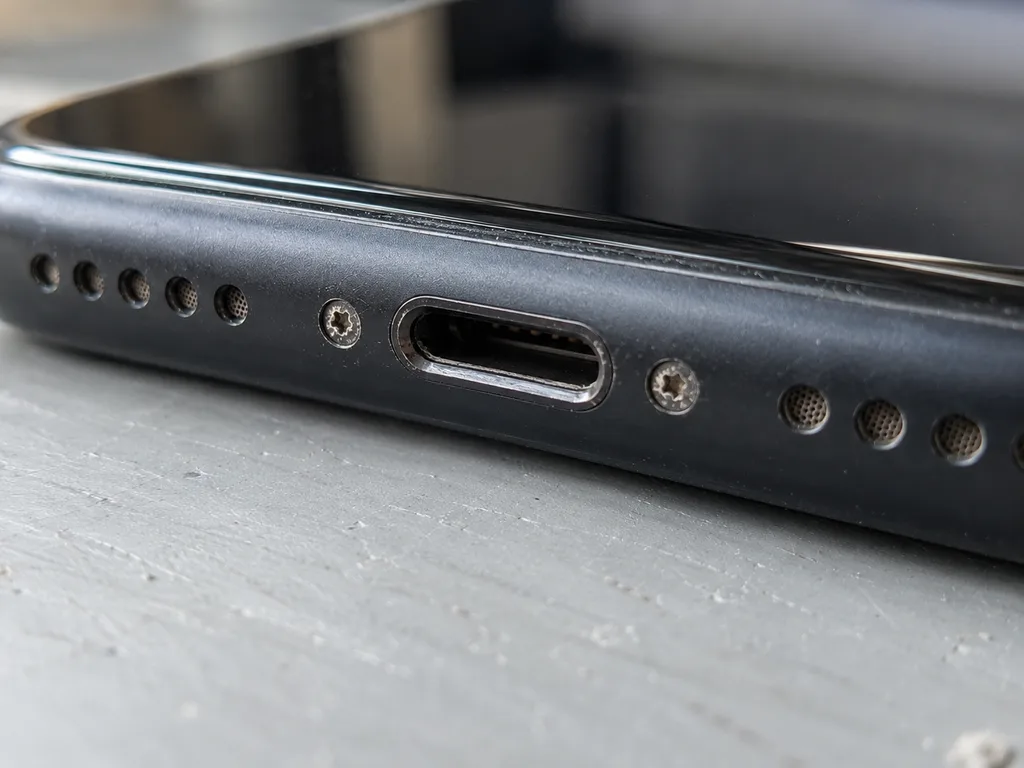
Photo after: clean connectorAfter: clean connector
BeforeAfter

iPhone 11: won't charge

40 minOriginalWarranty up to 1 year
Problem
It only charges at an angle, the cable falls out. Inside the connector there is a dense layer of pocket lint.
What we did
We cleaned the connector, one contact was bent — we replaced the charging flex cable and checked fast charging.
40 mincharges on the first try
I want the same

How iPhone charging port replacement is done in Almaty

The whole journey — from message to finished phone. We give you the old part.

Book a replacement
  1. Step 1

    Message or come in

    5 min

    You message us on WhatsApp with the model and what happened — we give you the price and time. Or you come in without an appointment.

  2. Step 2

    Diagnostics in front of you

    10 min

    We check charging and the cable, clean the connector: sometimes cleaning is enough.

  3. Step 3

    Price in the receipt

    2 min

    We note the model, the part (original or aftermarket), the price, the timeframe, and the warranty.

  4. Step 4

    Show the new connector

    1 min

    We open the factory packaging in front of you and check the number against the receipt.

  5. Step 5

    Replace the charging connector

    time on the receipt

    We fit a new flex cable with the connector and seal the case with water-resistant adhesive.

  6. Step 6

    You check together with the engineer

    warranty up to 1 year

    Charging, connecting to a computer, microphone, sound. You pick up the phone, the receipt and the old connector.

Who will replace your iPhone charging port

Technicians for iPhone, Mac, iPad, Apple Watch and AirPods repair.

1 / 8
DADuisebaev Azhdar — connector replacement technician, iServices service center in AlmatyPhoto: Duisebaev Azhdar

Duisebaev Azhdar

connector replacement technician
7years of experience
4.3rating, 35 reviews
MNMukhpilov Nail — smartphone repair technician, iServices service center in AlmatyPhoto: Mukhpilov Nail

Mukhpilov Nail

smartphone repair technician
10years of experience
4.83rating, 83 reviews
GKGamid K — phone repair technician, iServices service center in AlmatyPhoto: Gamid K

Gamid K

phone repair technician
9years of experience
4.8rating, 65 reviews
AAArman A — on-site technician, iServices service center in AlmatyPhoto: Arman A

Arman A

on-site technician
8years of experience
4.9rating, 43 reviews
MRMolchanov Rinat — Apple repair and diagnostics engineer, iServices service center in AlmatyPhoto: Molchanov Rinat

Molchanov Rinat

Apple repair and diagnostics engineer
10years of experience
4.85rating, 33 reviews
SAShokan A — diagnostics technician, iServices service center in AlmatyPhoto: Shokan A

Shokan A

diagnostics technician
8years of experience
5.0rating, 37 reviews
SBSybanbaev Birzhan — firmware specialist, iServices service center in AlmatyPhoto: Sybanbaev Birzhan

Sybanbaev Birzhan

firmware specialist
7years of experience
4.75rating, 74 reviews
DGDenis Gushchin — display replacement technician, iServices service center in AlmatyPhoto: Denis Gushchin

Denis Gushchin

display replacement technician
20years of experience
5.0rating, 34 reviews
Gamid K, phone repair technician
“If the repair didn’t suit you or you have a complaint, write to me personally.”
Gamid Kphone repair technician · +7 701 333-47-01

We'll quote iPhone charging port replacement in Almaty from a photo in 5 minutes

Send a photo of the screen and the iPhone model. An engineer will reply on WhatsApp, give the price and today's available time.

  1. 5 minAn engineer replies and names the price
  2. 0 ₸Diagnostics in front of you in 15 minutes
  3. 30 minMost repairs — while you wait

iPhone Charging Port Replacement in Almaty at iServices

In short

iServices replaces the iPhone charging port in Almaty with a free 15-minute diagnostics in front of you, a choice of original or aftermarket part, and a warranty up to 1 year. Most jobs take 20–40 minutes while you wait in our lounge, and we check 32 functions before you leave.

Mukhpilov NailWe reply on WhatsApp within 10 minutes
Ask

Is It the Port, the Flex Cable or the Board

Not every iPhone that stops charging needs a new port. Prior to quoting anything, we show you which of three parts has actually failed — the port, the flex cable or the board.

Why Your iPhone Stopped Charging

A dead charging port is only one of several reasons a device stops charging, and the symptom pattern usually points to which one it is. Lint packed into the connector blocks contact, so the cable only charges at a certain angle. A swollen or worn battery shuts the phone down mid-charge instead of holding power. A damaged flex cable cuts the link between the port and the board. An "accessory not supported" warning that appears with several known-good cables points to the connector, not the adapter. A cable that only works at a certain angle or an "accessory not supported" message is a contact problem at the port, not a battery problem — so swapping the battery first wastes a repair.

Port, Flex Cable or Board — What We Actually Replace

On most models the port sits on a flex cable, so we replace the port-and-cable assembly as one unit; if the port is intact but the board is damaged, we repair the board under a microscope instead. The iPhone charging port replacement in Almaty therefore starts with free diagnostics: an engineer checks the device in front of you for 15 minutes, even if you decide not to repair, and shows what is broken. We do not sell a port swap where a board repair is what the phone needs. Water damage is the case where the two outcomes split — the port can look clean while corrosion sits on the board, which is why diagnostics after liquid sometimes runs up to two days.

How the iPhone Charging Port Replacement Works

The whole visit is built around one idea — you watch the work happen. Here is what the iPhone charging port replacement looks like from the first WhatsApp photo to the moment you test the phone yourself.

From WhatsApp Photo to Fixed Quote

  • Photo first: send a picture of the damage on WhatsApp and an engineer replies within 5 minutes with a price and a free time slot.
  • Free diagnostics: the engineer opens the device in front of you and shows what is broken, 15 minutes even if you decline the repair.
  • Written terms: price, part, turnaround and warranty are fixed on the receipt before work starts, which takes about 2 minutes.
  • Sealed part: the new port arrives in factory packaging and is shown to you prior to installation.
  • Paperwork at pickup: the device comes back with the receipt, the warranty card and the old part.

How Long It Takes and Whether You Can Wait

Most charging port replacements finish in 20–40 minutes while you wait, and 72% of our repairs are completed with the customer in the lounge. The waiting area has coffee and Wi-Fi, and you can hand the phone in seven days a week. After the swap the engineer runs a 32-function check of about 10 minutes with you — Face ID, True Tone, cameras, microphones, speakers, charging and network — then you test charging and data transfer on the spot, so any contact issue is caught before you leave rather than after a second trip. If you cannot come in, a courier across Almaty reaches you in 90 minutes and the pickup is free with a repair.

Original or Aftermarket Part for the iPhone Charging Port Replacement

You pick the component prior to us opening the phone. Both options arrive in sealed factory packaging, and your selection goes on the receipt so nothing is ambiguous later.

What Changes Between Original and Aftermarket

Two component options side by side
ParameterOriginalAftermarket
What it isApple-made charging moduleThird-party equivalent module
How it is shownSealed factory packaging before installSealed factory packaging before install
What the receipt recordsType, turnaround, warrantyType, turnaround, warranty
Who tends to choose it64% of our customersOwners after a lower tier

Lightning and USB-C Ports Across Models

Lightning and USB-C sockets are different builds, so the replacement component is matched to the exact model rather than to the connector type alone. The charging socket carries both power and data between the cable and the logic board, and its pin layout, flex routing and mounting points differ between the Lightning generation (5 through 14) and the USB-C generation (15 and later). A Lightning module will not seat in a USB-C chassis, and the flex connector joining it to the board changes shape between model years even within one connector standard. That is why we order against the specific model number, not against a photo of the socket. Newer USB-C devices route more functions through this module, so the same "not charging" complaint can point to a different component on an older Lightning phone.

What Changes on Your iPhone Once the New Port Is In

A port swap touches more than charging. Here is what we test afterwards, what stays the same, and the one thing that genuinely changes once the device has been opened.

Fast Charging and Data Transfer After the Swap

After the replacement we confirm fast charging and data transfer on your own cable, so the handset leaves working the way it did prior to the fault. The engineer plugs in your charger, watches the wattage climb into the fast-charge range, then links the phone to a computer and moves a file across to prove the data lines are intact. Both checks run on the lead you brought in, not a workshop spare, because a worn third-party accessory is the most common reason a healthy port still seems dead. Fast charging only reaches its rated speed when the connector, the flex and battery health all cooperate, so we read the battery figure as well. Testing data transfer matters as much as charging — a port that powers the device but drops the link to a computer is still a failed repair.

The 32-Function Check and Water Resistance After Opening

  • Face ID: we unlock several times to confirm the TrueDepth module still reads your face reliably.
  • True Tone: the display shifts colour temperature with the ambient light sensor intact.
  • Cameras: front and rear lenses focus, switch and record without a black frame.
  • Microphones: a voice memo on each mic picks up clean audio with no static.
  • Speakers: earpiece and loudspeaker play a test tone at full volume.
  • Charging: the connector draws power steadily and holds the plug without cutting out.
  • Network: cellular signal, Wi-Fi and Bluetooth pair and reconnect as expected.

Warranty and Terms Before the iPhone Charging Port Replacement

Everything that matters is written down prior to the phone being opened. This section covers what the warranty covers, what you take home, and why dealing with the workshop directly changes the terms.

What the One-Year Warranty Covers

Every port replacement carries a warranty up to 1 year, and the warranty card is handed over with the device and the old part. The coverage applies to the replacement port and the work that installed it: if charging or data transfer fails on the part we fitted, we reopen the phone and put it right. The receipt names the part — original or aftermarket — the turnaround and the warranty start, so there is no argument later about what was agreed. We have handled 46,000+ repairs over 11 years, and the same paperwork follows every one of them. Keep the old part and the card together: a warranty is only as good as the party standing behind it, and the receipt that names the part and the turnaround is what ties the coverage to us.

Why You Deal With the Workshop Directly

iServices is the direct contractor with its own technicians and workshop, not an aggregator or a middleman, so the person who quotes the job is the person who does it. A photo on WhatsApp gets a price and a free slot within 5 minutes, and that quote is fixed on the receipt in about 2 minutes prior to work starting. With a middleman the part and the turnaround pass through extra hands, and the receipt rarely names either — here both are written down while you watch. Our technicians are experienced, and 72% of jobs are finished while the customer waits in the waiting area with coffee and Wi-Fi. Ask who actually holds the screwdriver before you hand over the phone: with a middleman the part and the turnaround pass through extra hands and the receipt rarely names either, while here both are fixed on paper prior to work starting.

Summary: iPhone Charging Port Replacement

A phone that will not charge is rarely a battery problem. The points below sum up what decides the outcome: the diagnosis, the part, and the check that follows the swap.

  • Diagnose the symptom: a handset that charges only at an angle or rejects the cable usually has a worn port contact, not a dead cell.
  • Know what gets swapped: on most models the connector and its flex cable go as one assembly, while a damaged board is a separate job.
  • Try cleaning first: when lint or oxidation is the only issue, clearing the contacts is worth doing prior to ordering any replacement.
  • Record the part type: original and aftermarket differ mainly in long-term contact durability, so that choice belongs on paper.
  • Plan the visit: expect 20–40 minutes and a 32-function check afterwards, and note that water resistance drops once the device is opened.


iPhone Charging Port Replacement Questions

Did not find an answer? Message us on WhatsApp: an engineer replies, not a bot.

Ask a question
Can my iPhone port just be cleaned instead of replaced?

Yes, if it is only packed with lint and the contacts are intact. The technician checks the port under magnification and tells you whether cleaning is enough. Corroded or bent pins need a new port.

Will I lose photos or data when the iPhone port is replaced?

No, a port replacement does not touch the phone's storage. Only the lower flex cable is changed, so iOS and your files stay as they are. An iCloud backup beforehand is still a good habit.

Will the microphone work after the repair?

Yes. On most iPhones the bottom microphone sits on the same flex cable as the port, so it is replaced too. We check call audio and a Voice Memos recording with you after reassembly.

My iPhone shows a liquid detected alert, can I still charge it?

No, unplug the cable and wait until the port is completely dry before charging again. The alert appears when moisture sits on the connector contacts. If it keeps showing after drying, bring the phone in for a check.

Is the repair different on iPhone 15 and newer?

The part is different: from iPhone 15 onward Apple uses USB-C instead of Lightning, with its own flex cable. The steps are similar, from opening and module swap to a new seal and testing. Each model's price is listed in the table.

Why does my iPhone say the accessory is not supported?

Most often dirty or corroded port contacts or a faulty cable are to blame. Try another known-good cable first. If the alert keeps coming back, diagnostics will show the real cause.

Does the iPhone stay splash-resistant after a new port?

We fit a new water-resistant seal, so the phone closes tightly again. Still, after any opening it is best not to test the iPhone in water on purpose. Rain and splashes are fine.

Almaty reviews of port replacement iPhone charging

1 / 10
4.9

average rating on Google Maps, wikicity and our website · 445 reviews
Google Maps4.438 reviews ›wikicity5.015 reviews ›Reviews on the iServices website5.0392 reviews ›
МТ
Михаил Т.Order No. IS‑2601‑•••84 · 21 January 2026
iPhone 12 · charging

У моего iPhone 12 телефон почти не заряжался от привычного адаптера. В итоге проверили зарядный тракт и объяснили где была неисправность; Спасибо Биржан: разобрался с нюансами без лишних разговоров.

iServices customer review, in Russian
ДУ
Диана У.Order No. IS‑2401‑•••64 · 5 January 2024
iPhone SE (2-го поколения) · charging

С iPhone SE (2-го поколения) вышла неприятность: кабель зарядки приходилось ловить под углом. После обращения разобрались с разъёмом зарядки и проверили питание; Шокан не отмахнулся от моих вопросов.

iServices customer review, in Russian
МК
Максим К.Order No. IS‑2508‑•••77 · 6 August 2025
iPhone 15 Pro · charging

iPhone 15 Pro подвёл: телефон почти не заряжался от привычного адаптера. После обращения проверили зарядный тракт и объяснили где была неисправность.

iServices customer review, in Russian
АЦ
Александр Ц.Order No. IS‑2506‑•••48 · 14 June 2025
iPhone 14 Pro Max · charging

Проблема была такая: кабель зарядки приходилось ловить под углом — и непонятно, что делать. В итоге разобрались с разъёмом зарядки и проверили питание.

iServices customer review, in Russian
АЮ
Анастасия Ю.Order No. IS‑2407‑•••20 · 15 July 2024
iPhone XS Max · charging

У моего iPhone XS Max телефон почти не заряжался от привычного адаптера. В итоге проверили зарядный тракт и объяснили где была неисправность.

iServices customer review, in Russian
ГЭ
Гульмира Э.Order No. IS‑2209‑•••83 · 19 September 2022
iPhone 13 mini · charging

У моего iPhone 13 mini телефон почти не заряжался от привычного адаптера. В итоге проверили зарядный тракт и объяснили, где была неисправность.

iServices customer review, in Russian
ЕХ
Елена Х.Order No. IS‑2504‑•••41 · 6 April 2025
iPhone 12 · charging

На iPhone 12 кабель зарядки приходилось ловить под углом. Ребята разобрались с разъёмом зарядки и проверели питание в айсервис; Биржан показал в чём была проблема.

iServices customer review, in Russian
ЕШ
Екатерина Ш.Order No. IS‑2404‑•••32 · 4 April 2024
iPhone 13 · charging

iPhone 13 подвёл: кабель зарядки приходилось ловить под углом. Ребята разобрались с разъёмом зарядки и проверели питание; Спасибо Арман: разобрался с нюансами без лишних разговоров.

iServices customer review, in Russian
АФ
Арман Ф.Order No. IS‑2310‑•••84 · 18 October 2023
iPhone 13 mini · charging

iPhone 13 mini подвёл: кабель зарядки приходилось ловить под углом. После обращения разобрались с разъёмом зарядки и проверели питание в i-service.

iServices customer review, in Russian
МЕ
Марат Е.Order No. IS‑2312‑•••53 · 15 December 2023
iPhone SE (2-го поколения) · charging

iPhone SE (2-го поколения) подвёл: кабель зарядки приходилось ловить под углом. Ребята разобрались с разъёмом зарядки и проверили питание.

iServices customer review, in Russian
Showing 10 of 14

Where to get iPhone Charging Port replacement in Almaty

Address
Almaty, Panfilov St., 21
Opening hours
Mon–Fri 10:00–19:00Sat–Sun 11:00–18:00
Phone and messengers
+7 701 333-47-01WhatsApp: +7 701 333-47-01
Directions map: iServices Almaty — Panfilov, 21© OpenStreetMapFind us on the maps: Google Maps · 2GIS