Most watches on our bench arrive with a cracked face, a battery that dies by lunchtime or a crown that no longer clicks. Each fault points to a different part, so the first job is to find what actually failed.
Cracked Glass, Dead Touch or Lines on the Screen
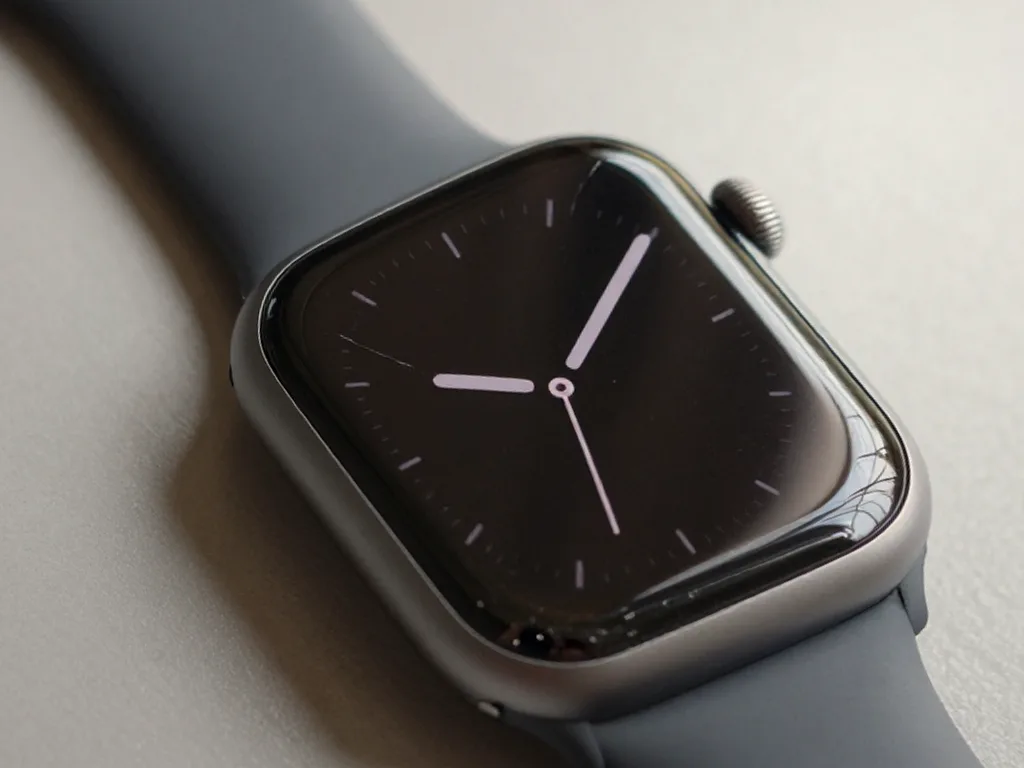
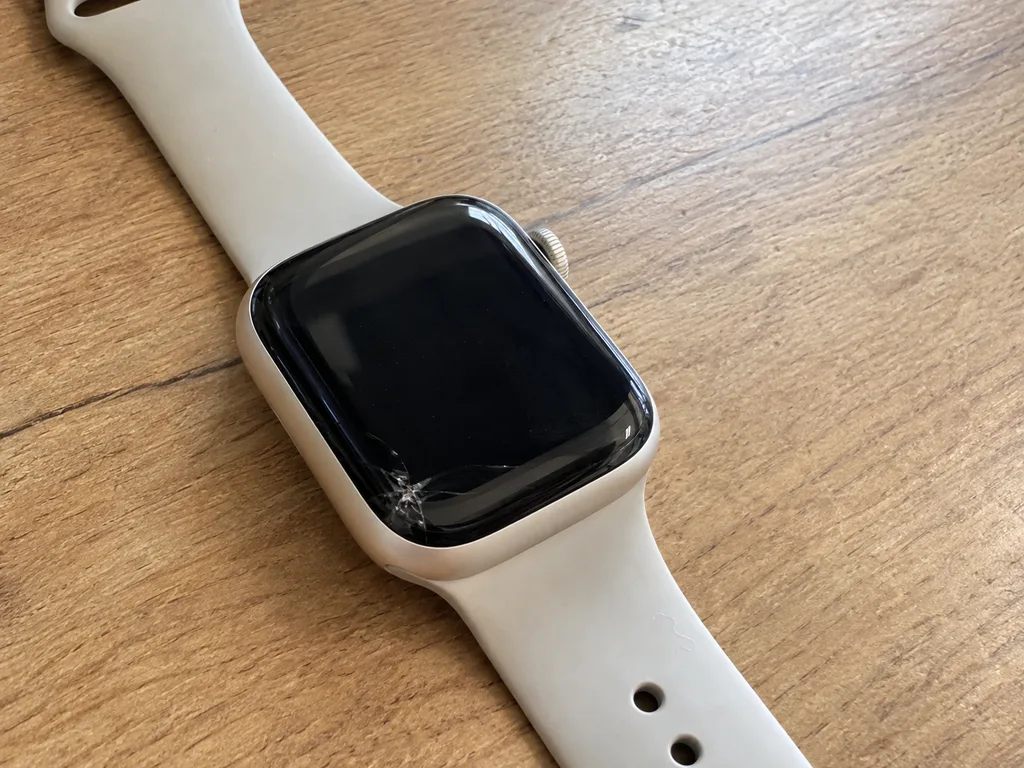
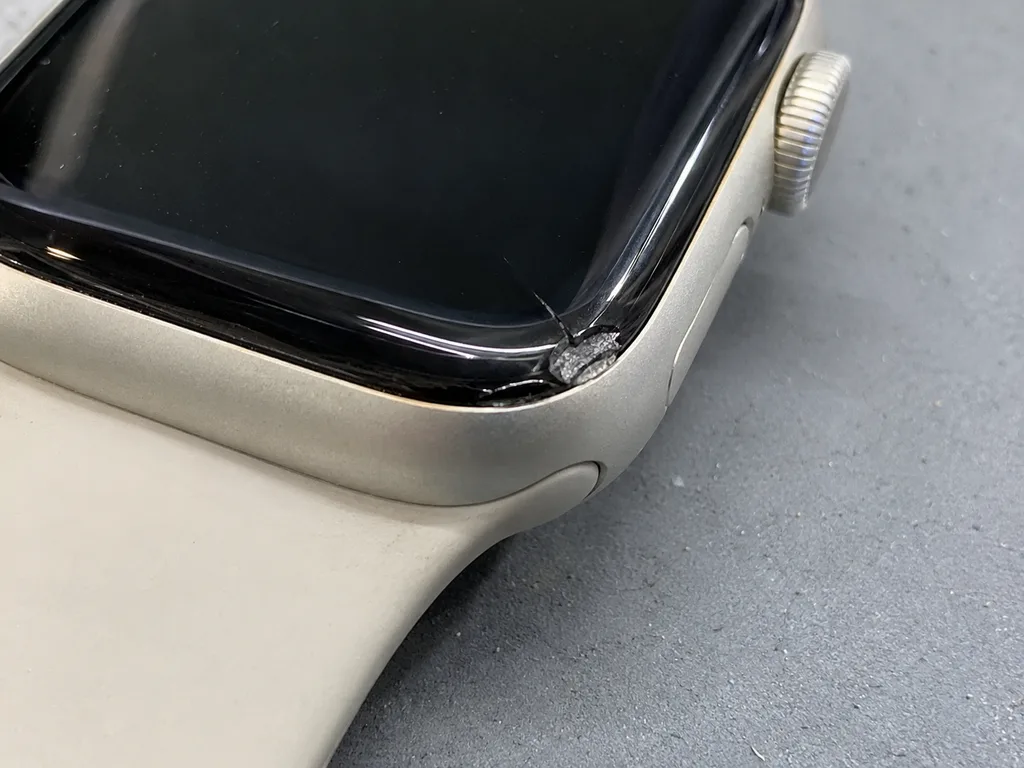
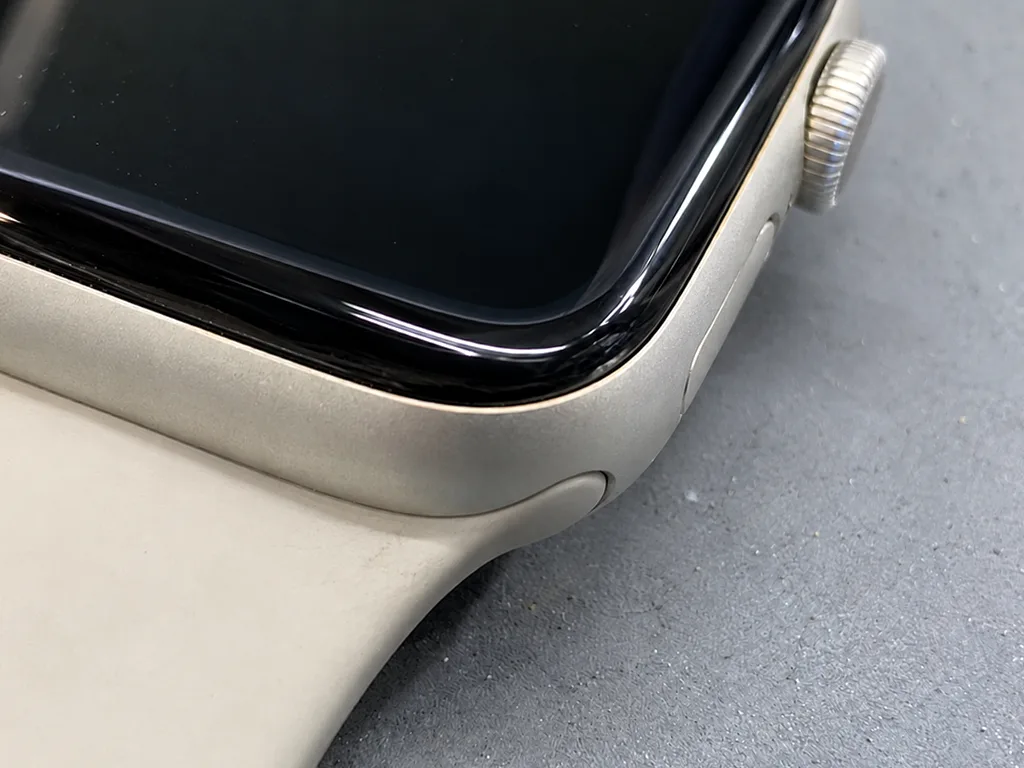
On these devices the protective layer and the display are bonded together, so a crack with a clean picture can often be fixed by replacing the top sheet alone, while lines or dead touch mean the whole module goes. We open the case, inspect the display flex cable and test touch response across every edge before quoting. When the image is uniform and swipes register, the panel underneath survived and only the outer layer needs swapping. When dark spots or vertical lines appear, the OLED layer itself is damaged and a full unit is the only route. Ask the engineer to show you the old part after the swap, because a re-glued sheet and a complete module look identical from the outside once the watch is back together. For Apple Watch repair in Almaty, this same check decides whether the top sheet or the whole module is replaced.
A Symptom Table for the Most Common Faults
Symptom-to-part map for first checks| Symptom | Likely part | What we check |
|---|
| Cracked face, clean image | Protective glass | Touch response, edges |
|---|
| Lines or dark spots | Display module | Flex cable, uniformity |
|---|
| Dies fast, swells | Battery | Case gap, charge cycles |
|---|
| Will not charge | Charging coil | Cable, contacts, board |
|---|
| Crown sticks or spins free | Digital Crown | Seal, debris, travel |
|---|
| No pulse or ECG reading | Rear sensor | Back cover, electrodes, seal |
|---|
Why Newer Generations Change the Repair
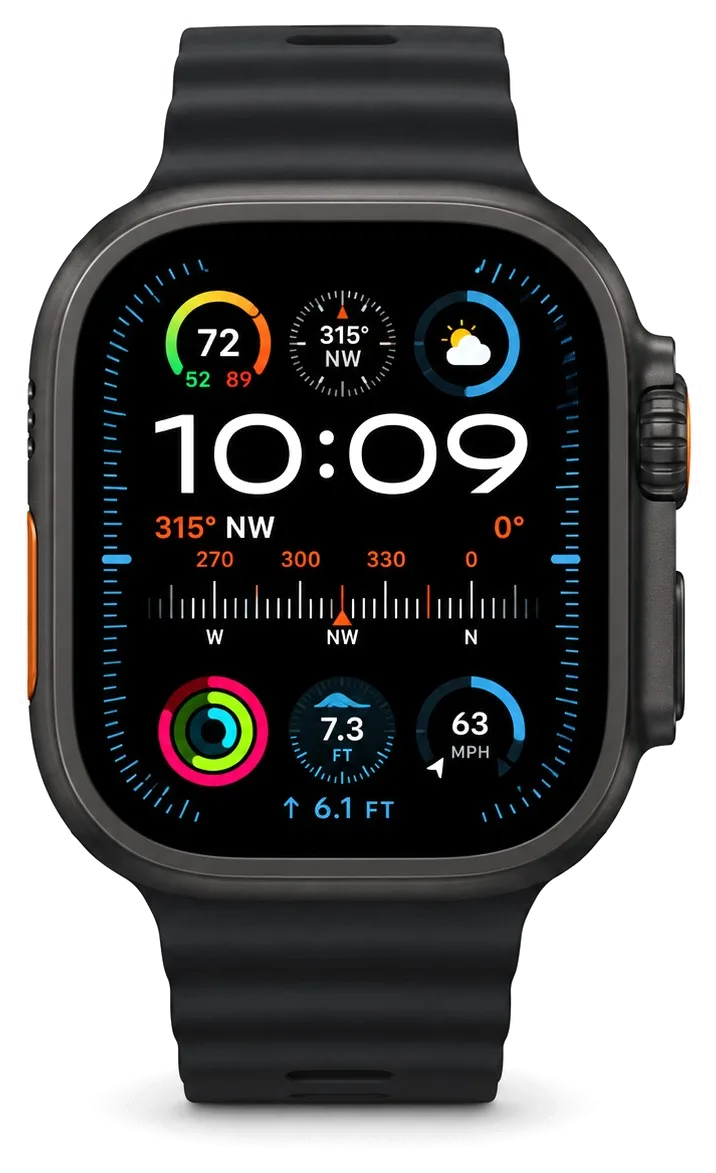
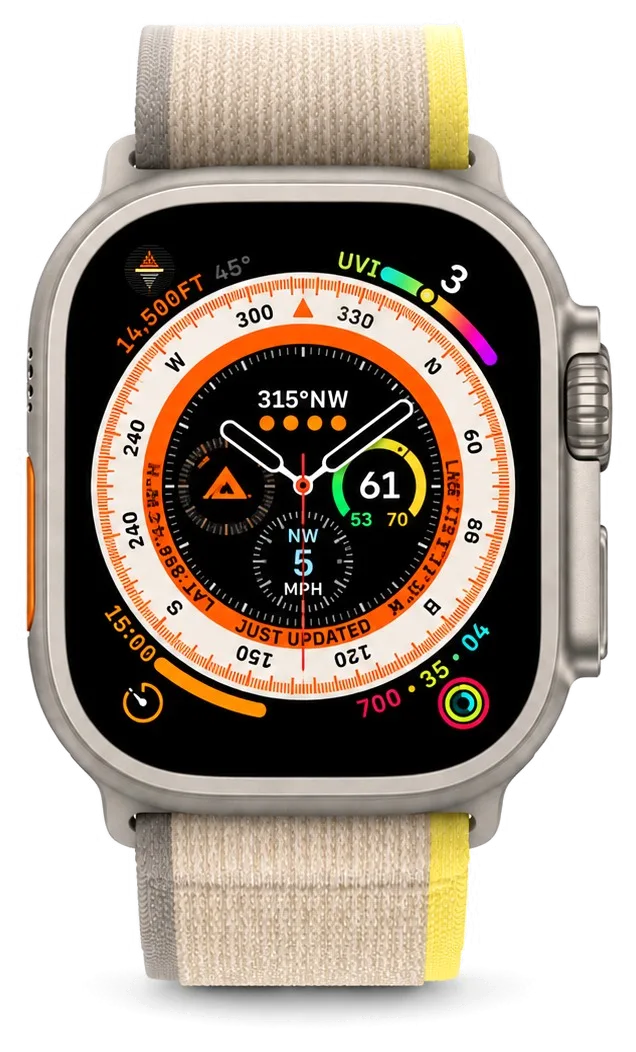
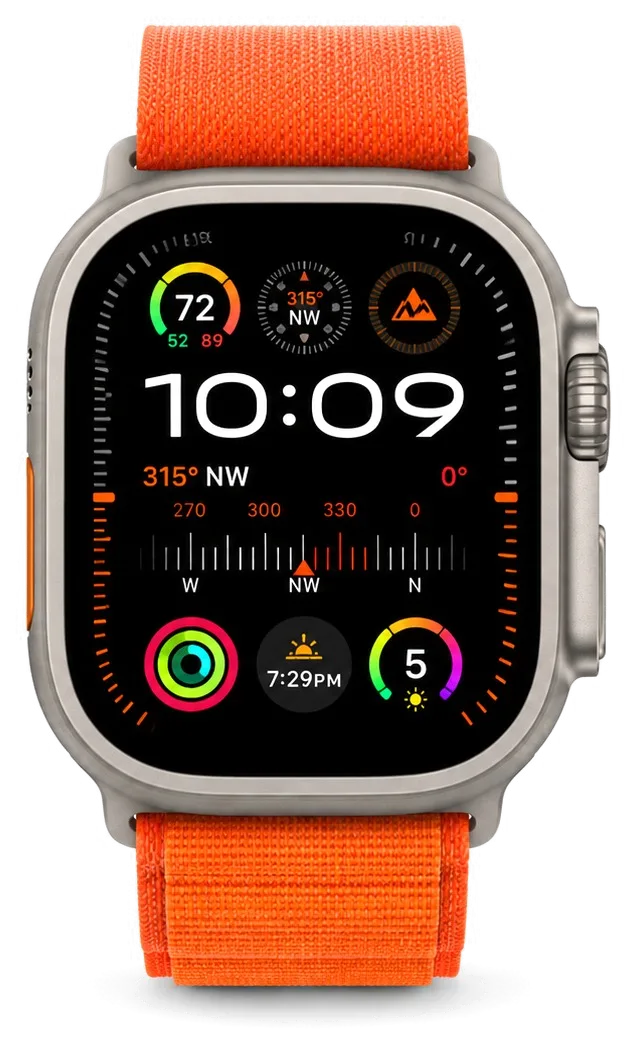
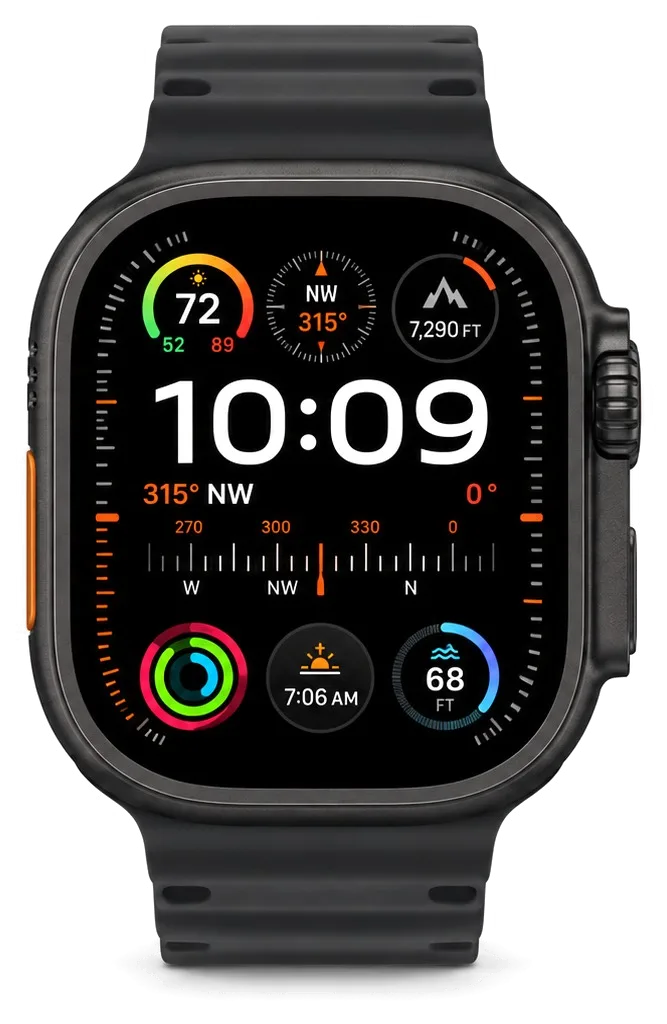
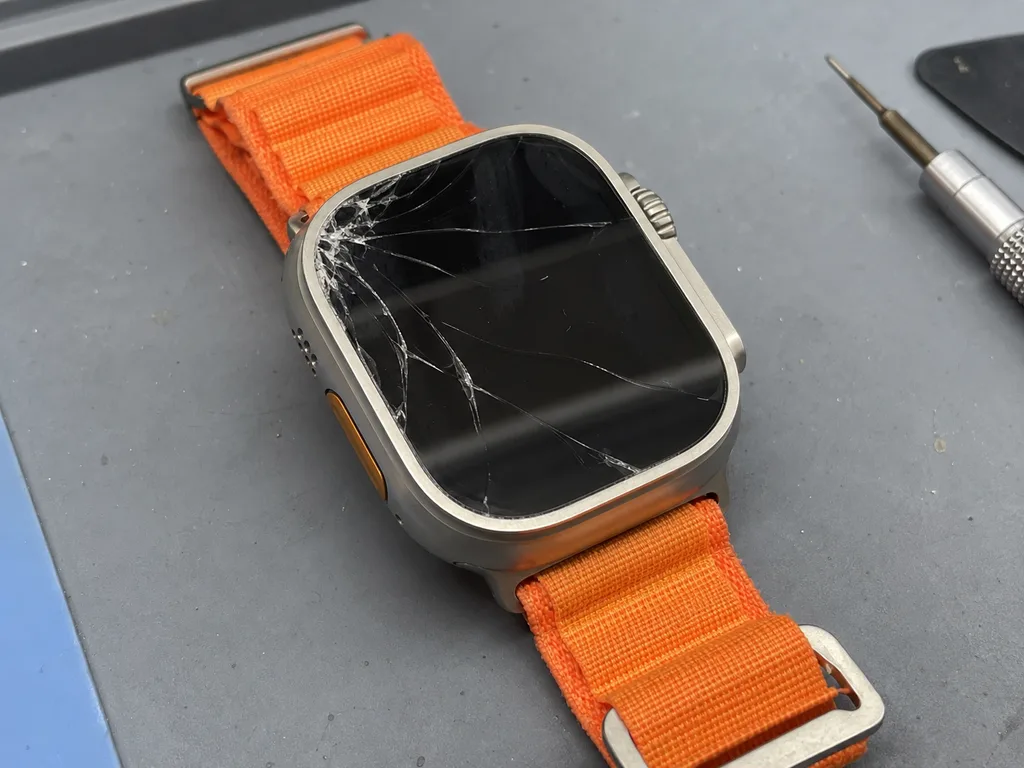
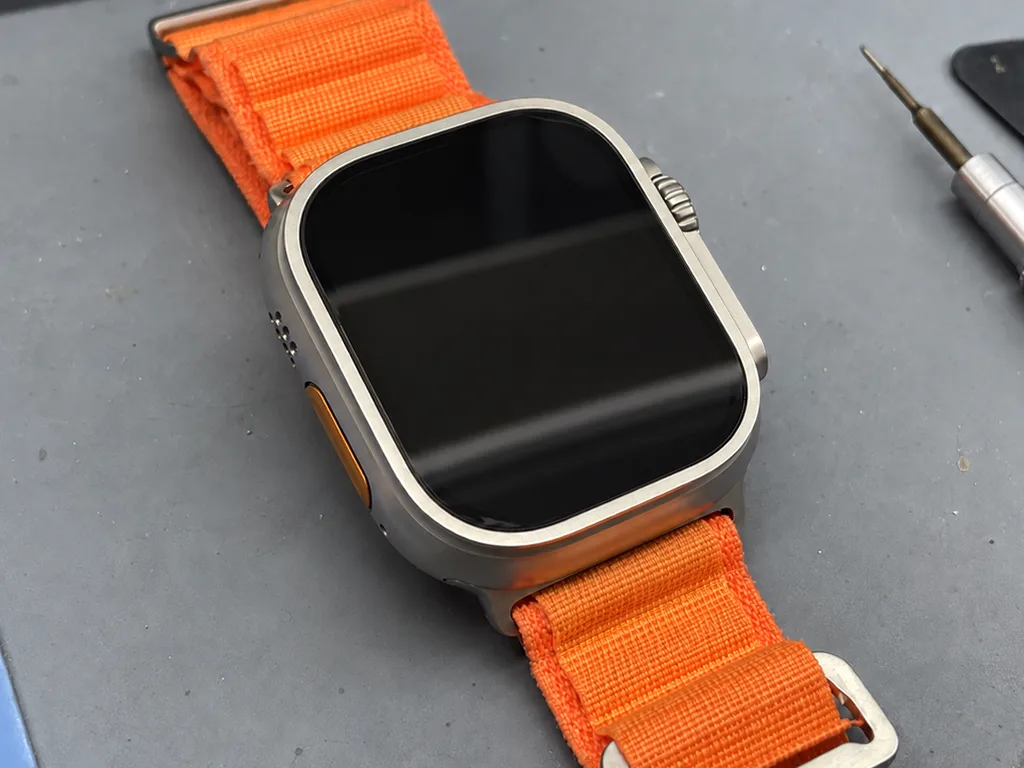
Aluminium Series and SE models carry Ion-X, while stainless steel, titanium and Ultra bodies use sapphire, and that difference decides how a crack behaves and how we open the case. Ion-X flexes before it shatters, so a knock often leaves a spiderweb pattern across the surface; sapphire is harder to scratch but chips in a sharper, deeper break. The Ultra adds a raised titanium bezel and an Action Button with its own gasket, so lifting the panel means releasing more seals than on a standard Series. Always-On panels also stack an extra polariser layer, which changes how we separate the top sheet from the OLED. Sapphire resists scratches but chips sharply, so an Ultra that took a hard knock often needs a full unit rather than a simple swap.
Battery, Charging and Apple Watch Repair for Watches That Will Not Switch On
Power faults are the second most common reason a watch lands on our bench, and a fair share turn out to be a tired stand or a loose connector rather than a dead cell.
When a Fast-Draining Watch Needs a New Battery
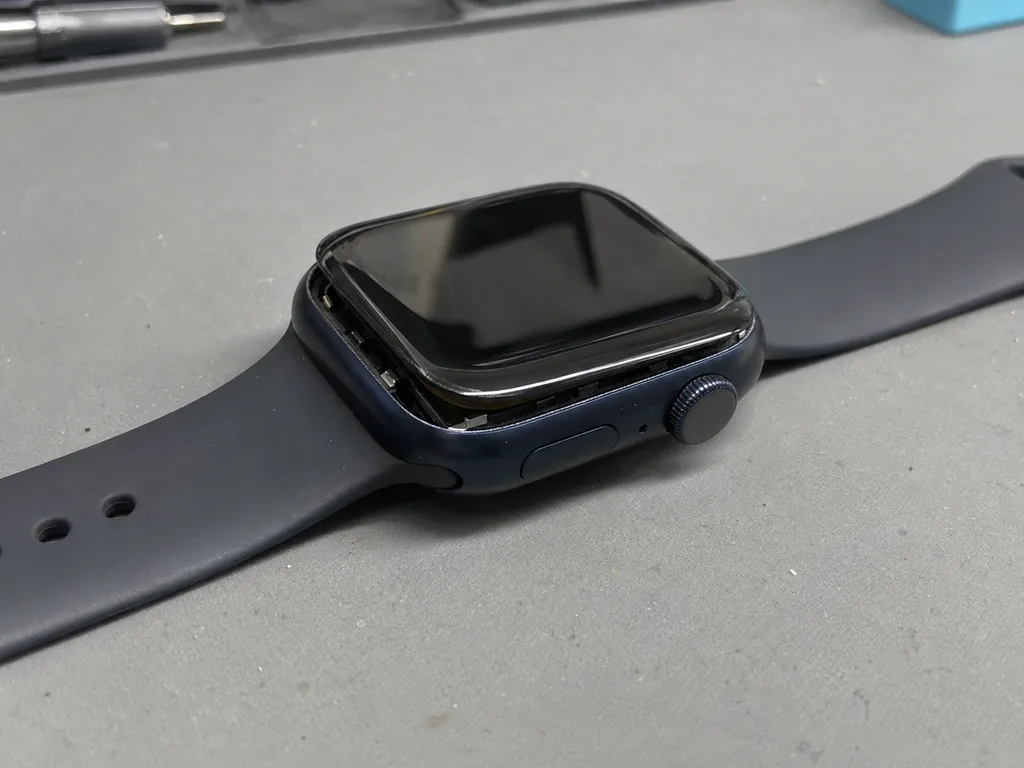
A battery that swells lifts the screen away from the case, and once you can see a gap at the edge the watch should stop being charged and come in for diagnostics. The cell sits directly under the display module, so internal pressure pushes the glass upward and stretches the adhesive seal that keeps dust and moisture out. Early signals are subtler: the watch dies on a cold morning at 30 percent, or drops from full to empty in a couple of hours. Because the swelling grows slowly, a battery check during an unrelated visit catches it long before the screen cracks. On our bench the cell is the single most replaced part in this category, and the swap itself takes 25 minutes while you wait.
Tracing a Charging Fault From Cable to Board
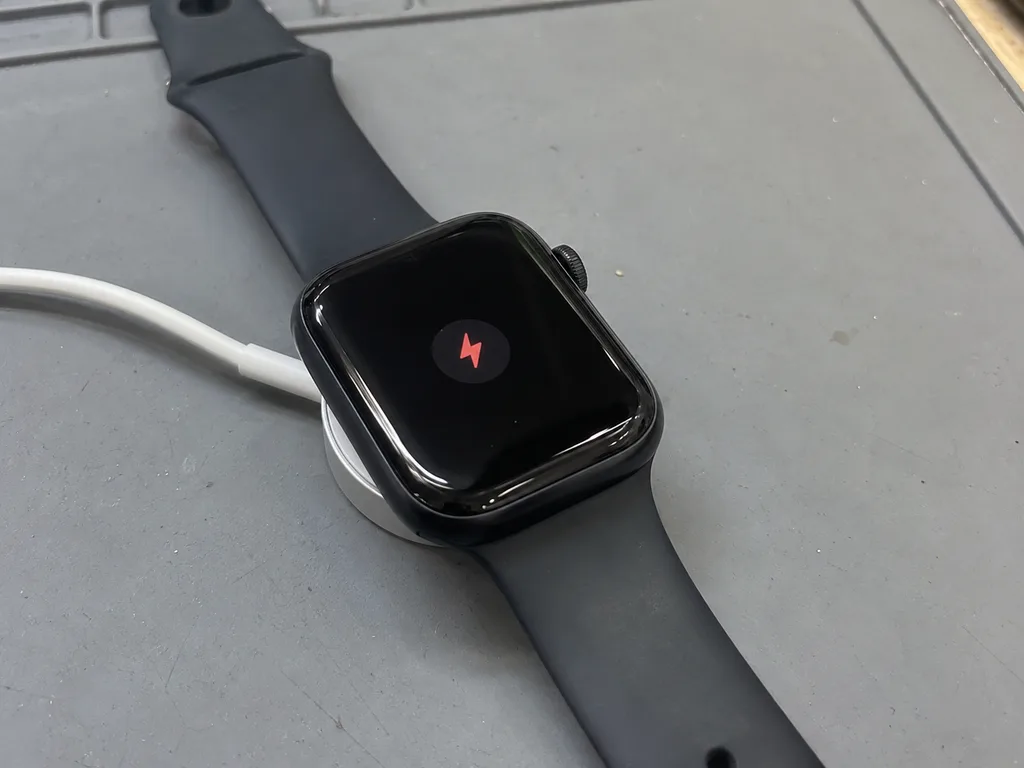
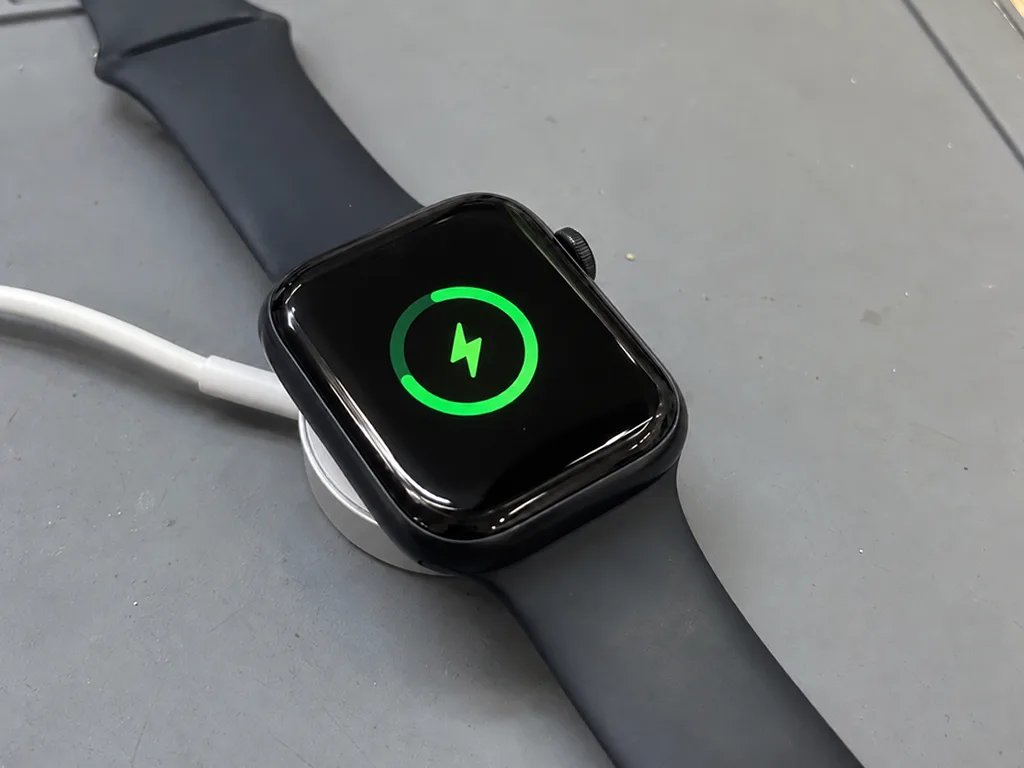
When a watch will not charge we test the stand and cable first, then the charging coil and rear contacts, and only then the board, so the cheapest fix is ruled out before anything is opened. A worn third-party puck often delivers too little current, and a dirty rear crystal blocks the magnetic field entirely. The coil sits behind that crystal and feeds the board through a small connector that can work loose after a knock. Only if the coil and contacts pass do we look at the charging circuit itself, and board-level work goes under a microscope. A watch that charges on a tilted stand but not flat usually points to a worn coil rather than a dead battery, so ask the engineer to test both positions before agreeing to any part.
Sensors and Connection After a Fall
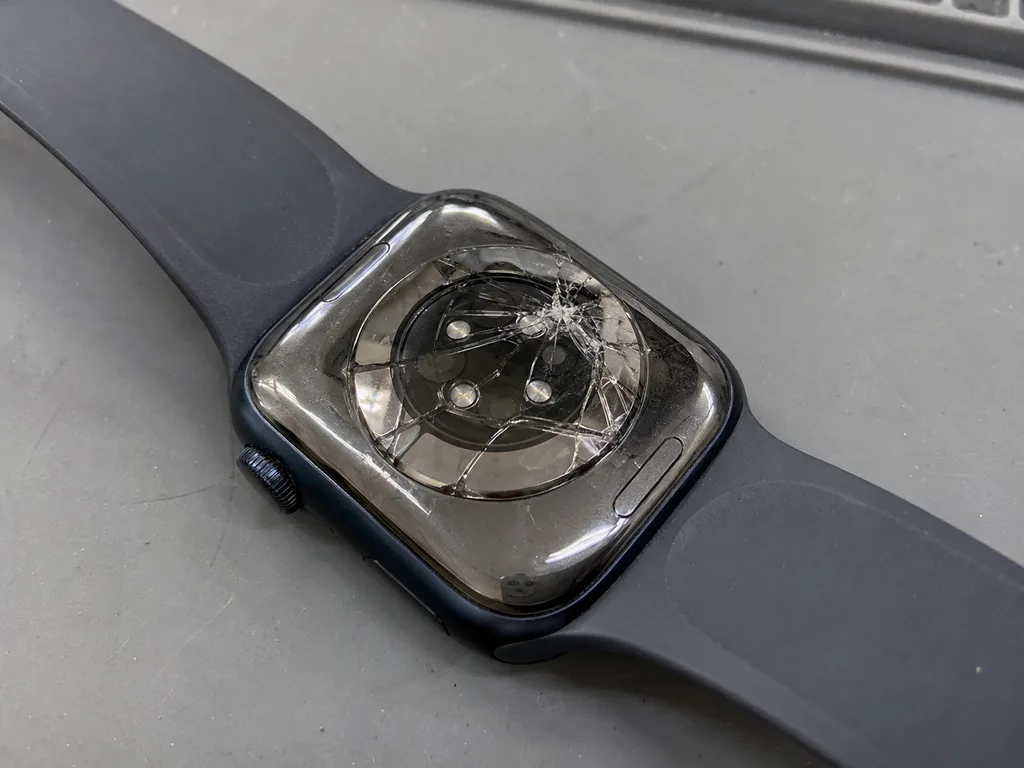
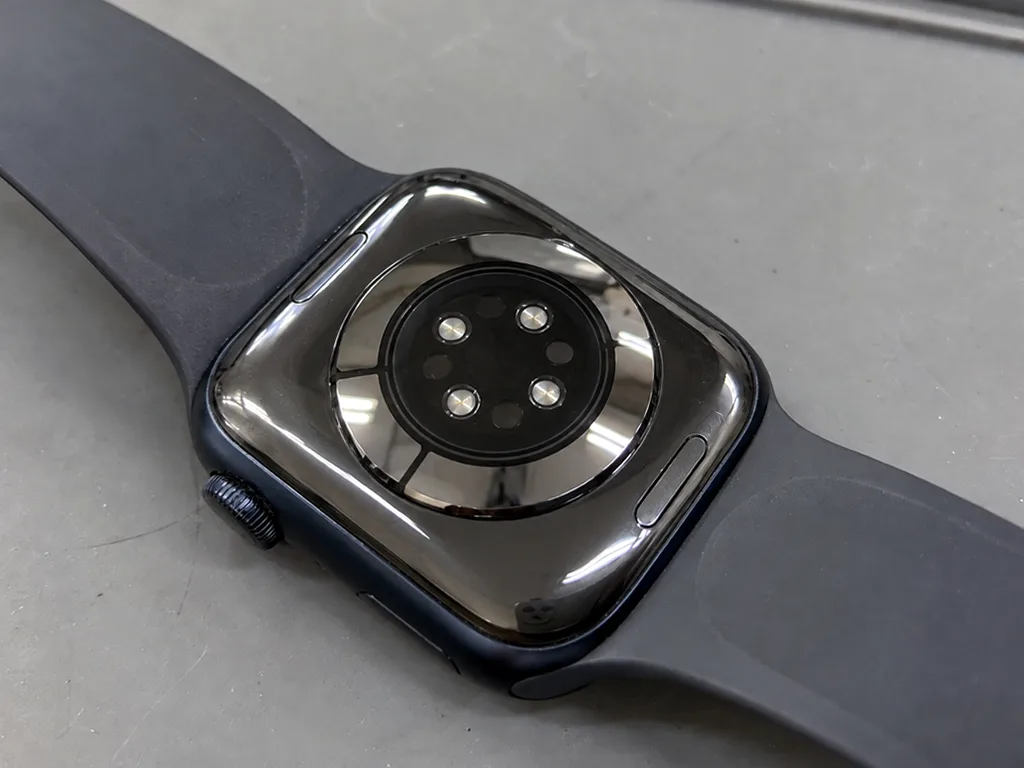
A watch that stops reading pulse or loses its link to the iPhone after a drop usually has a disturbed rear-cover sensor or an antenna connector rather than a software fault. The optical heart sensor and the ECG electrodes share the rear cover, and a hard impact can shift that assembly by a fraction of a millimetre — enough to break optical contact with the wrist. Cellular and Bluetooth dropouts point elsewhere: the antenna connector inside the case. Before booking a repair, unpair and re-pair the watch once in the Watch app, because a failed pairing after a knock tells the engineer whether the fault sits in the sensor or the radio, and saves you paying for the wrong part.
Original Part or Aftermarket and What Each One Changes
Choosing the part is the main decision you make before any work starts, and it shapes how the watch feels months later. We show both options with the difference spelled out, so the choice is yours.
How Original and Aftermarket Parts Differ in Daily Use
An original display keeps full brightness and Always-On exactly as before, while an aftermarket module can dim slightly and may lose Always-On on models that have it. On a Series 5 or later the difference is visible at arm's length in daylight, and touch response on a good aftermarket panel stays close to the factory feel. Our engineers fit both types and show the module before installation, so you see what goes in. Of the watches we service, 64% of customers choose an original part, mostly because Always-On and peak brightness are the two things people notice every day. If Always-On matters to you, say so before the part is ordered, because the difference only shows up after the swap and cannot be adjusted later.
A Side-by-Side of the Two Options
How the two part types compare feature by feature| Feature | Original part | Aftermarket part |
|---|
| Brightness | Full, as designed | Slightly lower |
|---|
| Always-On | Preserved | May be lost |
|---|
| Touch feel | Unchanged | Usually close |
|---|
| Warranty | Up to 1 year | 6 months |
|---|
| Chosen by | 64% of customers | Remaining share |
|---|
Fix It or Replace It on Older Watches
On a first-generation SE or an older Series, a glass or battery swap is usually worth it, but a board fault after liquid damage often costs more than the watch is worth. The first-generation SE has no Always-On, so an aftermarket display there loses nothing you had before — that is where the cheaper option makes the most sense. A Series 4 or 5 with a cracked front glass is a straightforward swap, while a watch that took in water and now misbehaves needs board work under a microscope, and that job is the one to weigh carefully. Bring the watch in for the free diagnostic before deciding, since the engineer can tell you plainly whether the repair makes sense or whether you are better off putting the money toward a newer model.
Water, Seals and What Happens After the Case Is Opened
Liquid is the most common hidden factor behind faults that look unrelated at first. Once the case has been opened, the way the watch keeps moisture out changes.
Why a Repaired Watch Is Not Pool-Proof
We re-glue the case after every opening, but the factory water resistance cannot be guaranteed once the gasket line has been broken, so we advise against swimming with a repaired watch. The adhesive ring that sits between the glass and the housing is compressed at the factory under controlled pressure, and a hand-applied barrier never matches that joint exactly. A shower or a rainy walk is fine, but a pool or the sea puts pressure on a re-glued seam that no workshop can test to the original spec. The deeper the dive, the harder the liquid pushes against the adhesive. On my bench, watches that came back wet almost always had one thing in common — the owner swam with them weeks after a screen or battery job.
What We Do When a Watch Has Been in Water
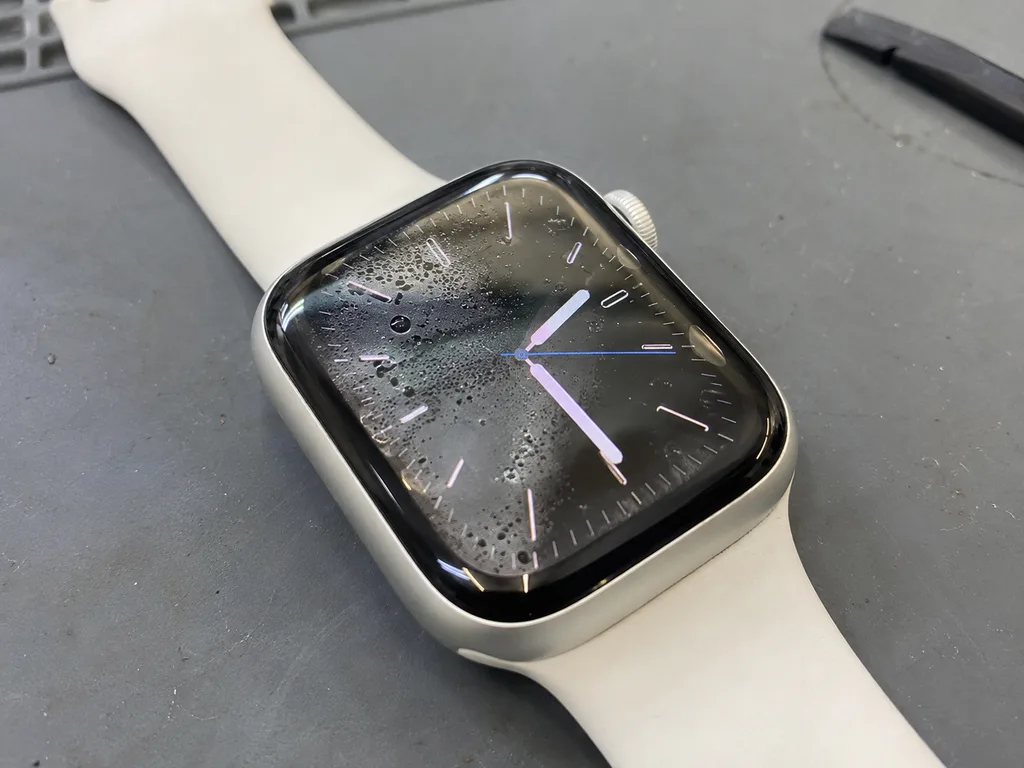
After a watch has been in liquid, diagnostics can take up to two days because we clean and dry the board before testing, and a rushed check would miss corrosion that shows up later. The logic board goes under the microscope, where we look for salt trails, green corrosion on connectors and bridged contacts that a quick power-on would never reveal. Only after cleaning and a full dry do we test charging, the display and the sensors. Do not charge a damp watch or press its buttons repeatedly, since power and movement push moisture deeper into the board and turn a cleanable fault into a dead one. Bring it in switched off and let the drying run its course.
Crown, Buttons and the Seals Around Them
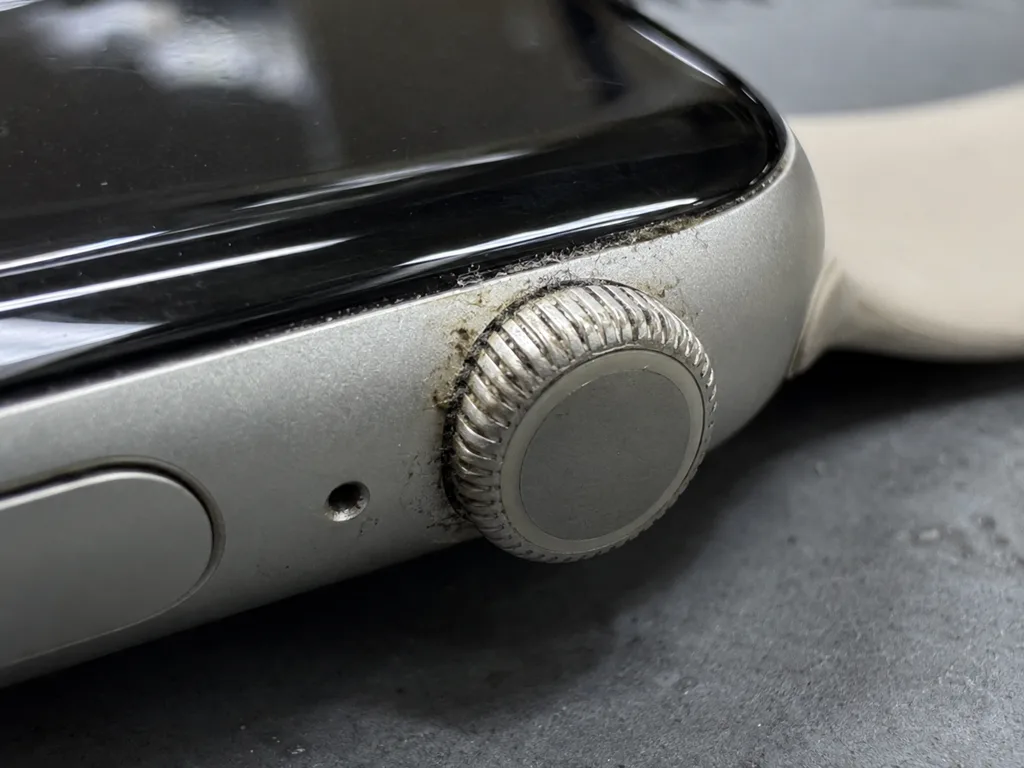
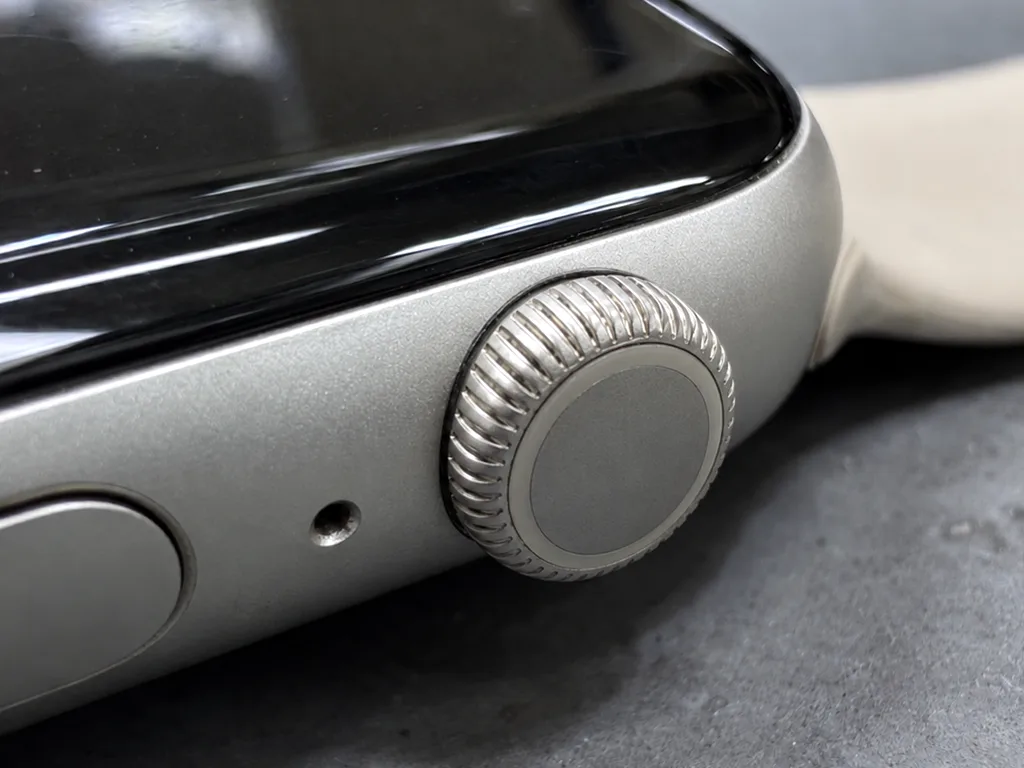
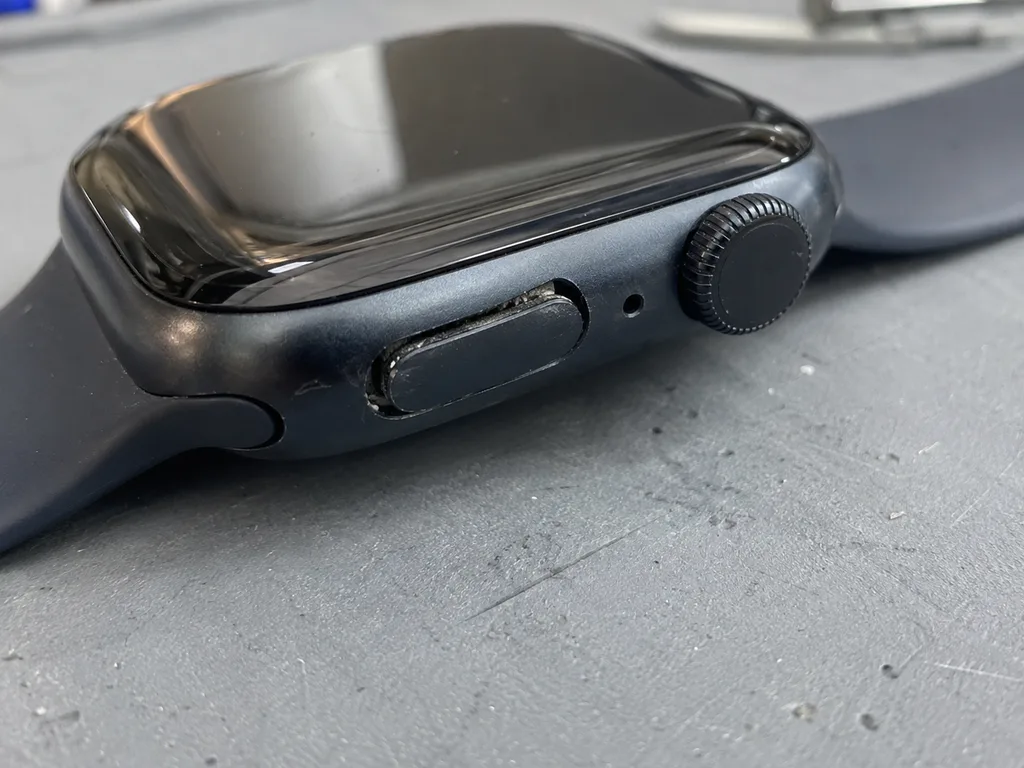
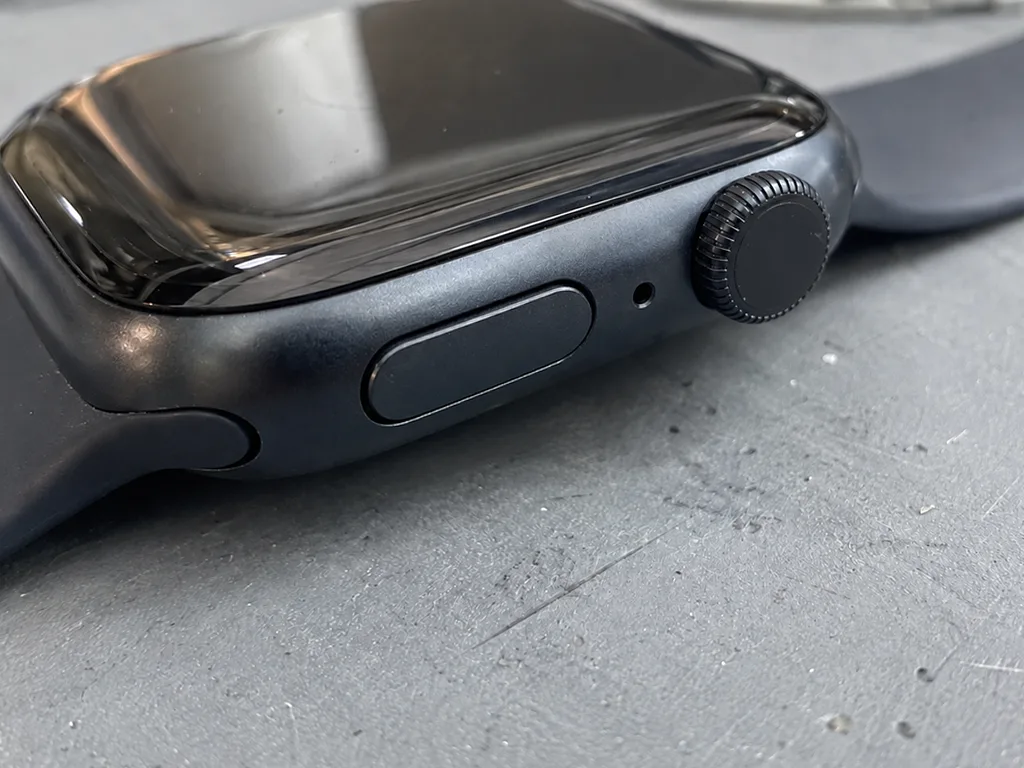
A Digital Crown that sticks or spins without resistance usually has debris or a worn ring behind it, and cleaning it early prevents the moisture that later reaches the board. The same applies to the side button, which sits on its own gasket and takes the most presses over a watch's life. On an Ultra, the Action button shares the same barrier area, so a stiff button is worth checking at the same visit rather than waiting for it to fail. Grime packed around the crown stem holds liquid against the joint instead of letting it drain away. A crown that clicks unevenly or feels gritty is the earliest warning you get before water finds the opening.
How Apple Watch Repair Works From First Message to Pickup
The path from a cracked screen to a working watch on your wrist has four steps, and none of them involves guesswork. Here is what happens at each stage.
Sending a Photo and Getting a Quote
Send a photo of the damage on WhatsApp and an engineer replies within five minutes with a price and a free time slot, so you know the cost before you leave home. The photo does not need to be professional — a phone shot of the cracked glass or the lifted edge of a swollen battery is enough for a first estimate. If the damage is internal and invisible from outside, the engineer says so right away and books a diagnostic slot instead of guessing. For owners across Almaty, replies come at the same speed on weekends and holidays, when the workshop runs shorter hours. A clear close-up of the crack or the swollen edge is enough for an accurate first quote, which saves a second trip if the part has to be ordered.
Diagnostics and the Receipt Before Any Work
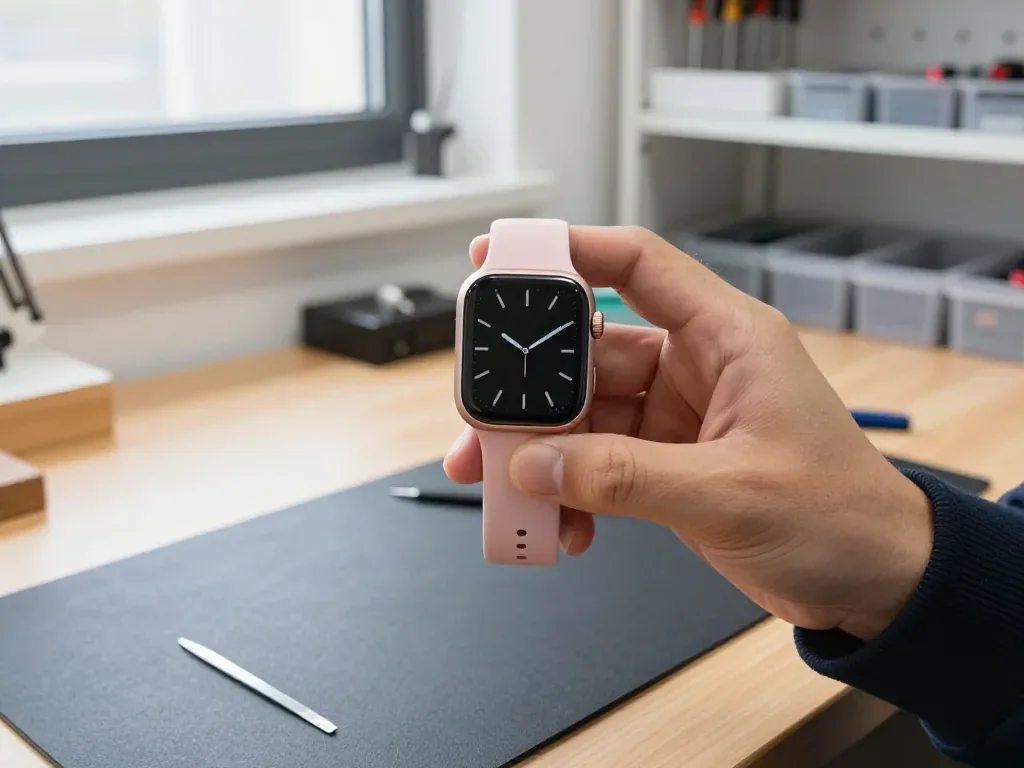
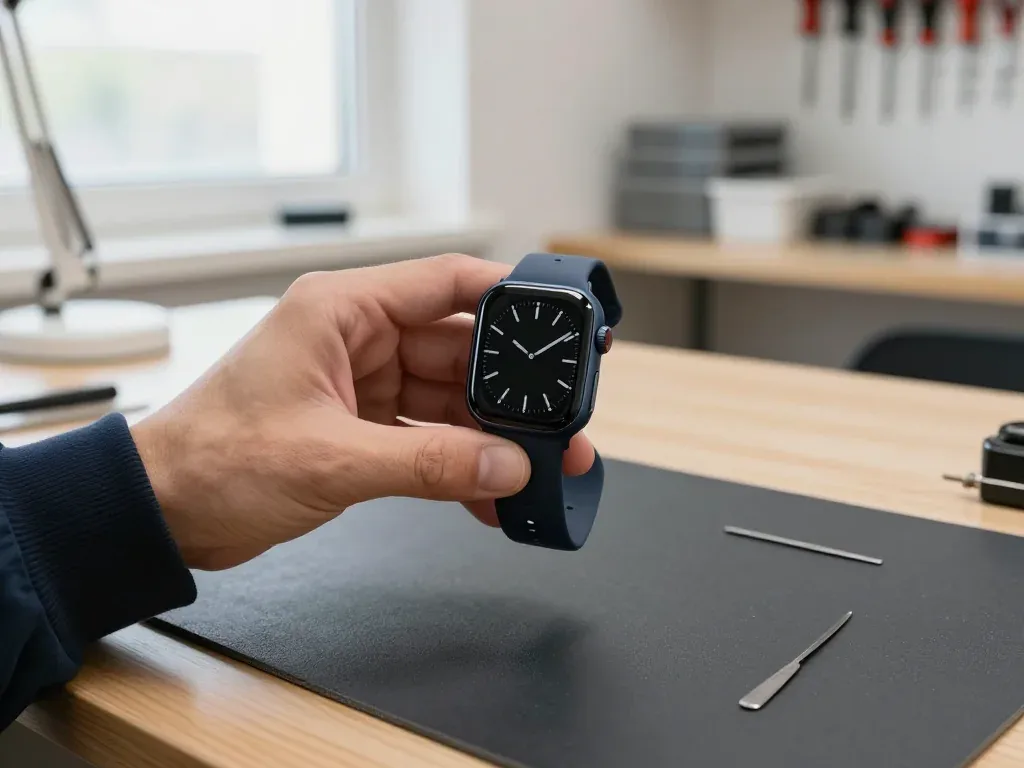
Diagnostics are free and take 15 minutes in front of you, and before any work starts the price, the part, the turnaround and the warranty are fixed on the receipt in about two minutes. The engineer opens the watch, shows you the failed component and explains what can be saved and what has to be replaced. If you choose an original part, it arrives in factory packaging and we open it in front of you before installation. You walk out with a document listing exactly what was agreed — no verbal promises. The receipt is your record if anything is disputed later, so check that the part listed matches what the engineer showed you in its factory packaging.
Waiting on Site or Sending the Watch by Courier
72% of repairs finish while the customer waits in our lounge with coffee and Wi-Fi, and the whole path from first contact to pickup usually takes less than an hour. A battery swap or a screen replacement fits comfortably into a lunch break; board-level work takes longer and is scheduled in advance. If you cannot come during Mon–Fri 10:00–19:00 or the weekend 11:00–18:00, a courier across the city takes about 90 minutes and is free with a repair. A courier across Almaty takes about 90 minutes and is free with a repair, which suits owners who cannot leave work during our opening hours.
Preparing the Watch and Checking It at Handover
A few minutes of preparation before handover save time in the workshop, and a careful check when you collect the watch protects you from surprises at home.
Unpairing From iPhone and Backing Up First
Before handing the watch over, unpair it from the iPhone so Activation Lock is removed, and the backup stays on the phone ready to restore onto the repaired device. Open the Watch app, tap All Watches, then the info button beside the device and choose Unpair Apple Watch; the phone keeps a local snapshot of settings, faces, alarms and health data as it goes. A watch still tied to an Apple ID will not pair with any other phone, and no engineer can test it until the previous owner releases it. If the screen no longer responds, unpair from the iPhone side instead — the Watch app offers the same option remotely, though a passcode-locked unit may need an erase first. An unpaired watch also lets the engineer test pairing after the repair, which is the quickest way to confirm the radio and sensors came back intact.
The Functions We Test Together at Pickup
At handover we check 32 functions with you in about ten minutes, covering touch, pulse, charging, vibration, speaker, microphone and the network link. The engineer runs a finger across the whole display for dead zones, starts a heart-rate reading on the pulse sensor, places the watch on its charger and watches the percentage climb, then triggers an alarm to feel the Taptic Engine and plays a voice memo to hear the speaker and record through the microphone. Bluetooth pairing with your iPhone confirms the radio, and a quick call checks that notifications arrive. On a cellular model we also verify the eSIM link. Testing together means you see each function work before you leave, so a fault that appears at home is caught while the watch is still on our bench.
Warranty, Old Part and Payment
Every repair carries a warranty up to 1 year, and the watch comes back with the receipt, the warranty card and the old part so you can see exactly what was replaced. The receipt repeats what was agreed before the work started — the part fitted, whether it was original or aftermarket, the turnaround and the warranty term — so nothing depends on memory. Payment is accepted by Kaspi, card or cash, whichever suits you at the counter. We hand the removed display or battery back in a small bag rather than keeping it. Keep the old part until the warranty period ends, because it is the simplest proof of what was swapped if a claim is ever needed.
Summary: Apple Watch repair
Repairing an Apple Watch comes down to a handful of decisions that change the outcome more than the fault itself. Here is what is worth remembering before you hand the device in.
- Cracked glass vs dead touch: a clean crack is often fixed by swapping the glass alone, while lines or an unresponsive screen mean a full display module.
- Swollen battery: a battery that lifts the screen should stop being charged immediately and go to a technician before the case warps.
- Water resistance: seals do not return to factory condition once the case is opened, so keep the watch away from pools and the sea after any repair.
- Before handover: unpair from the iPhone and back up first, then test touch, pulse and charging together with the engineer at pickup.
- Older models: weigh a glass or battery swap against a board repair, since the second option only makes sense when the rest of the watch is sound.











 iPhone
 iPad
 MacBook
 iMac
 Mac mini and Studio
 AirPods
 Apple Pencil
 Apple TV
 HomePod