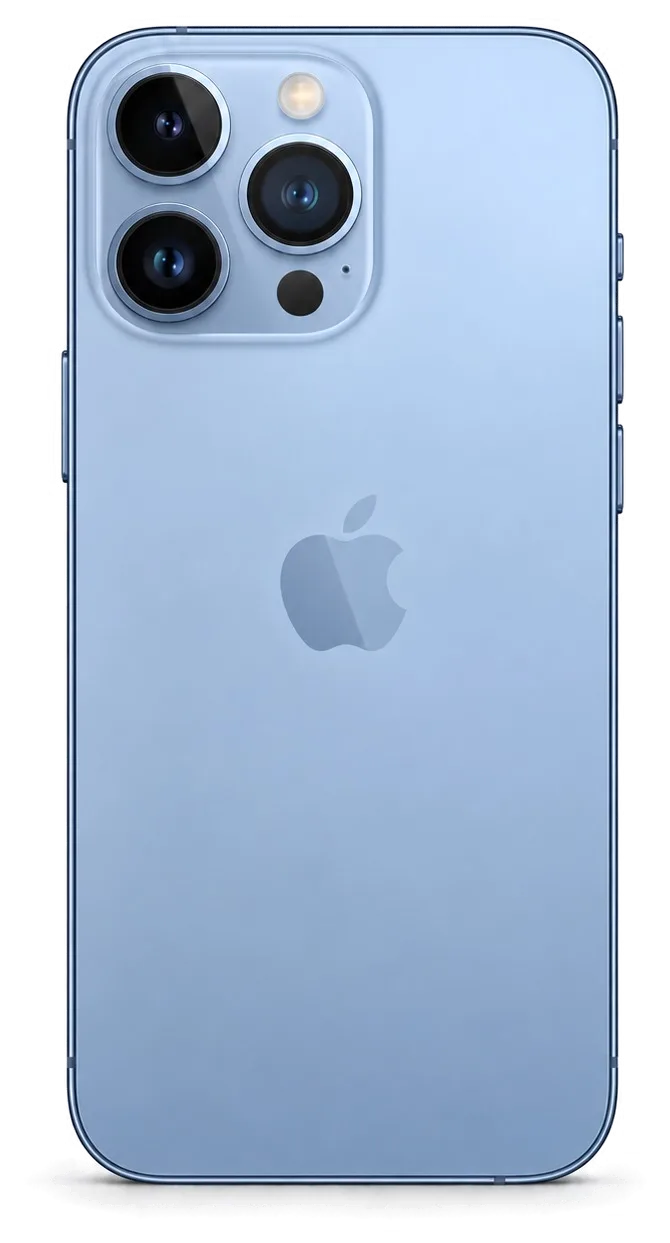
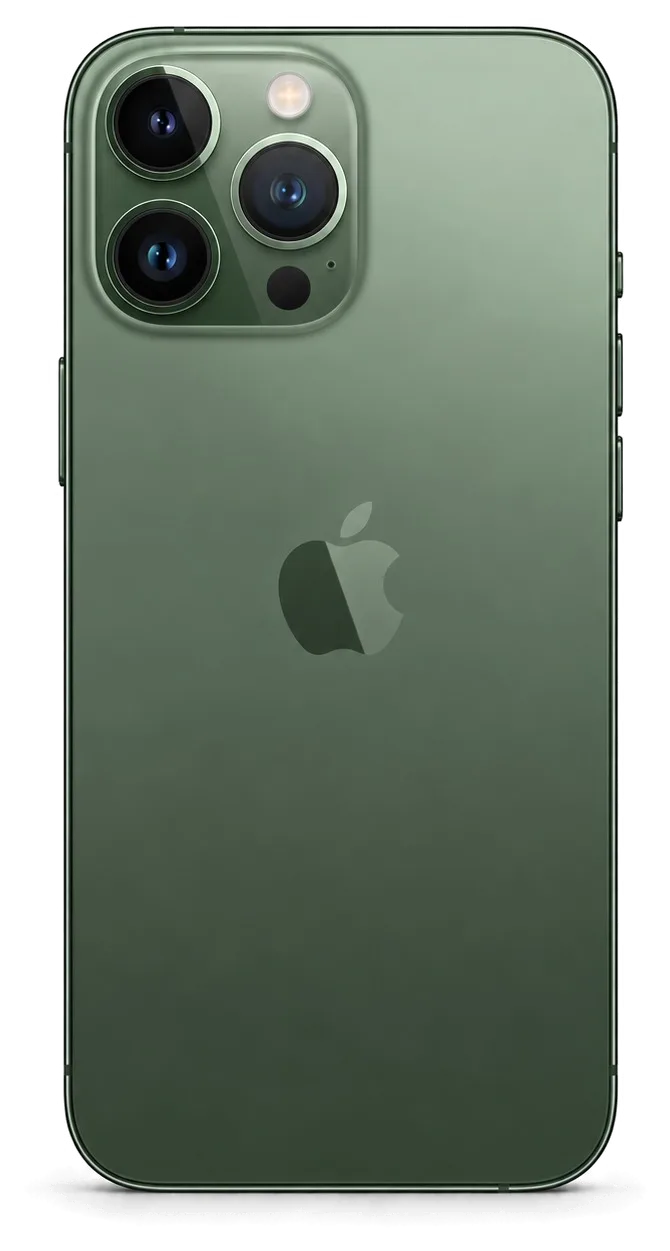
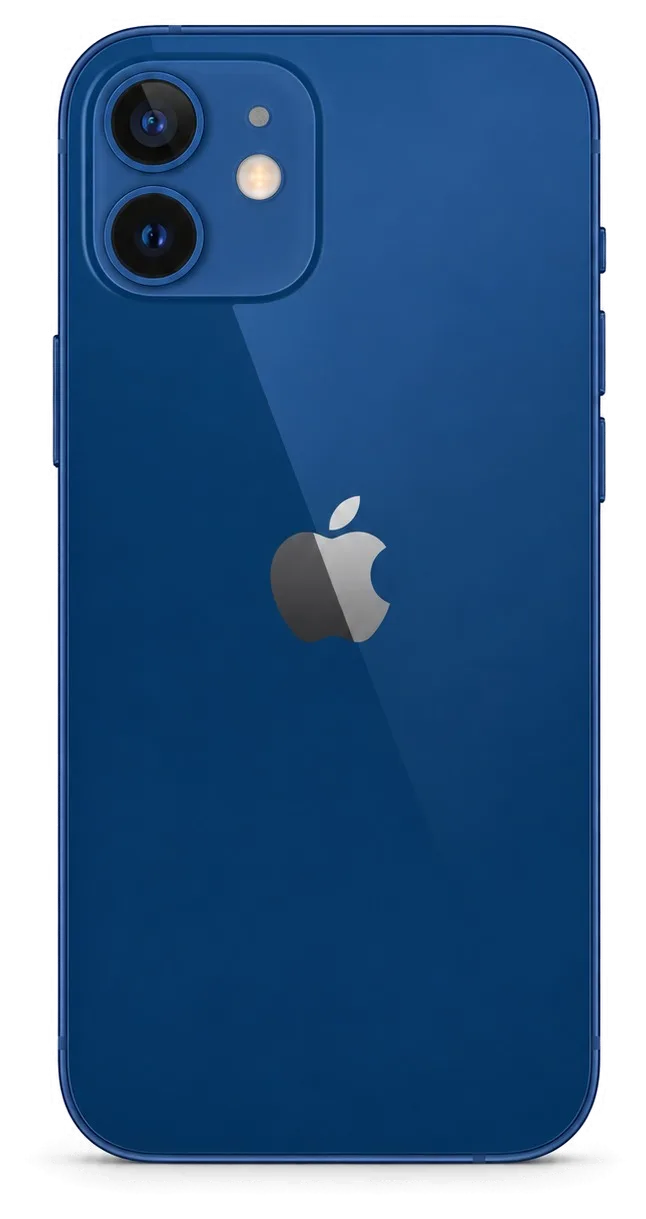
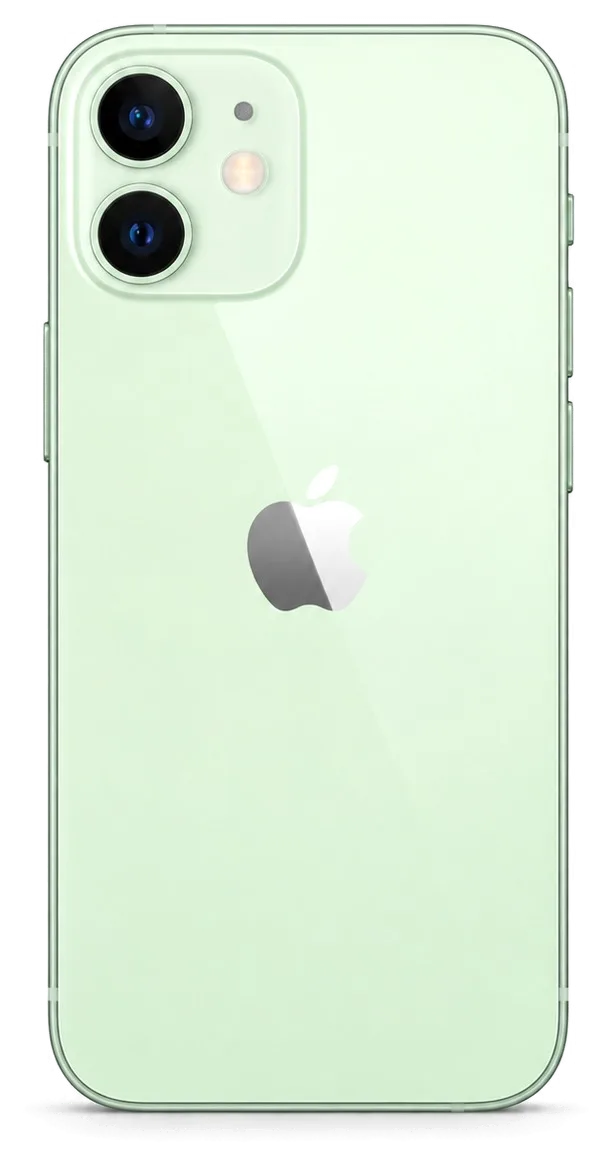
Your city

AstanaAstana, Kabanbay Batyr Ave., 7/2 · +7 727 339-99-12
Eng

iPhone Repair in Almaty

Cracked or water-damaged iPhone? We inspect it free while you wait, and a courier can pick it up within 90 minutes. Independent service, not authorized by Apple

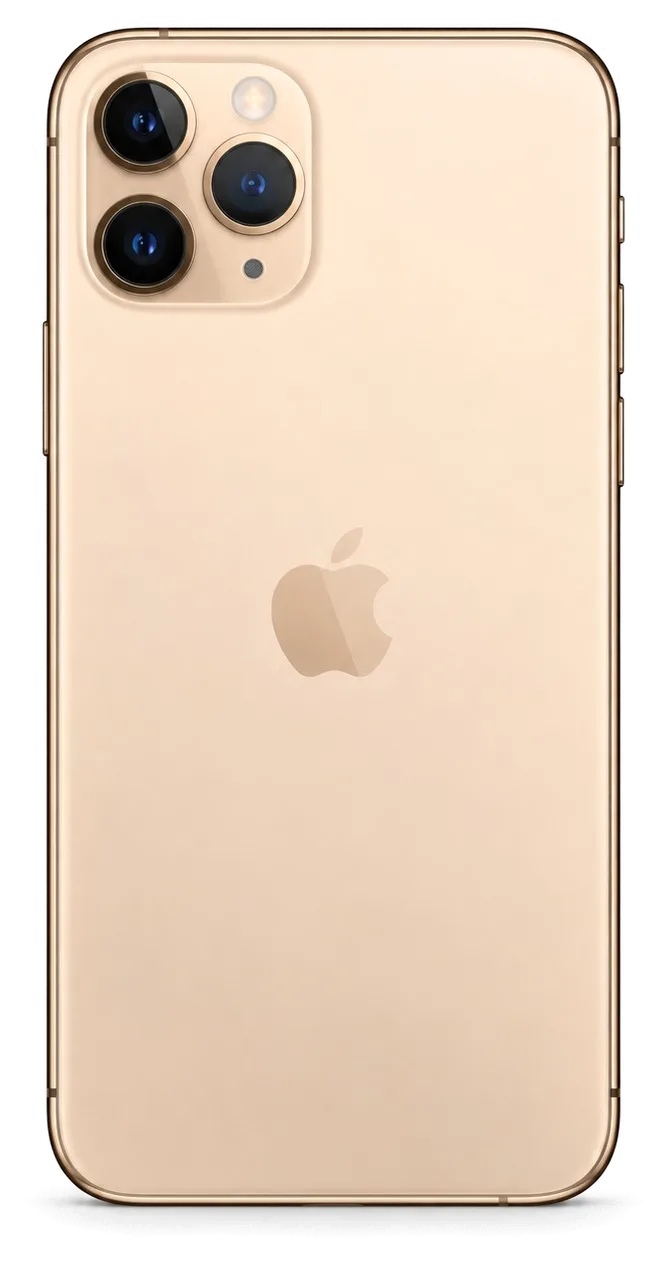
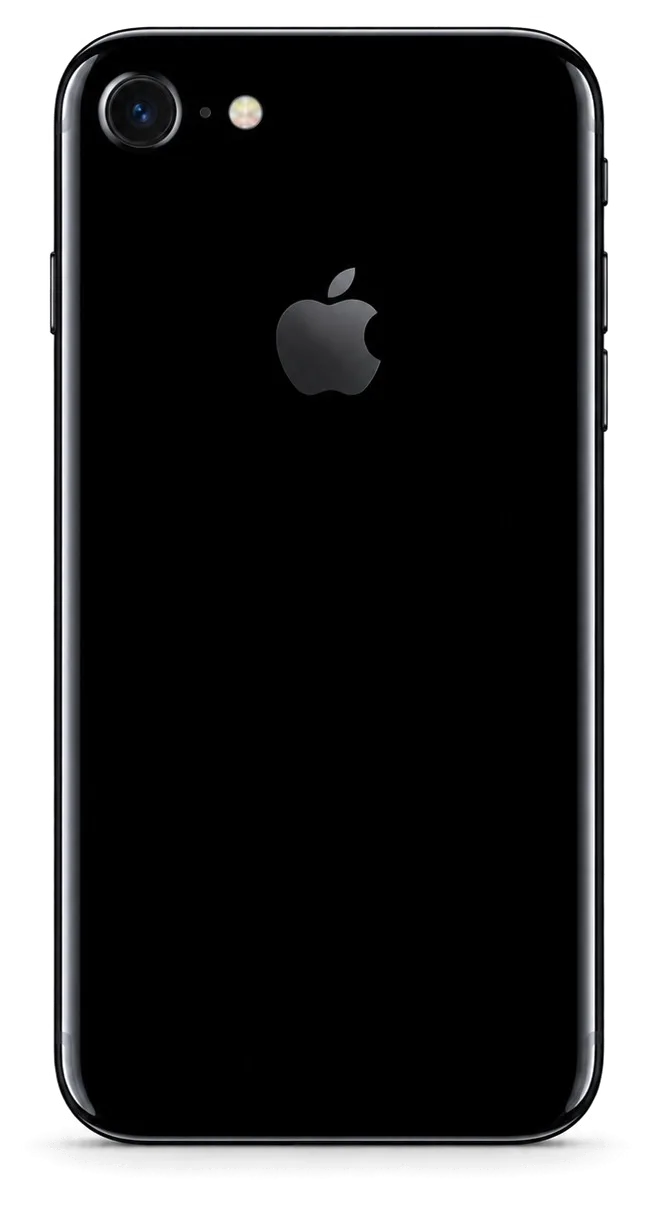
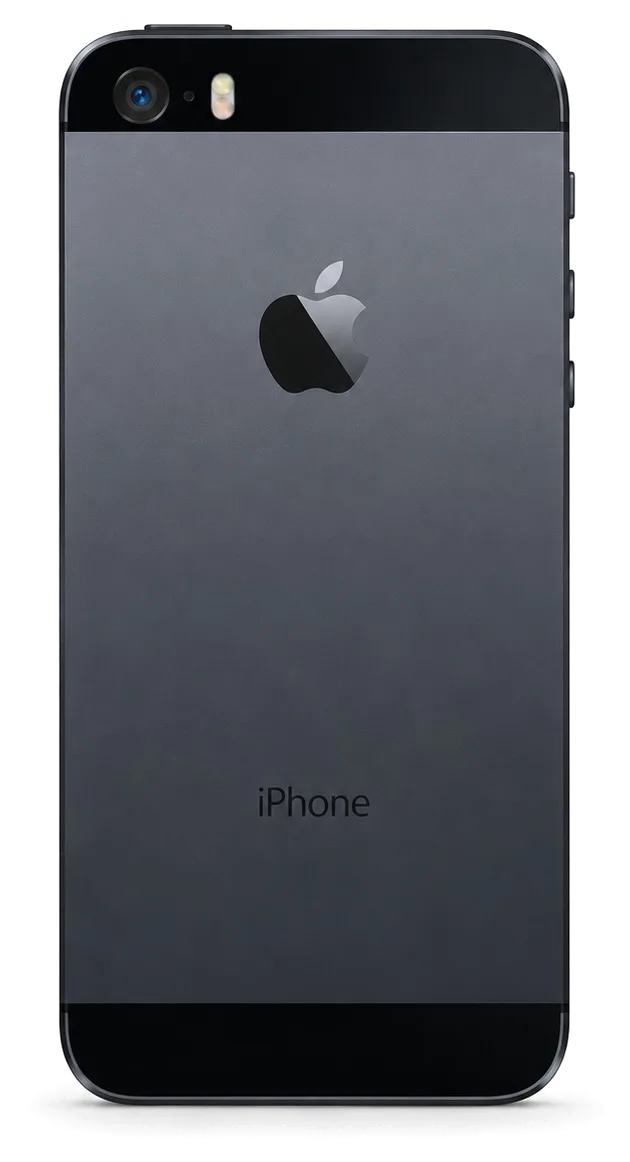
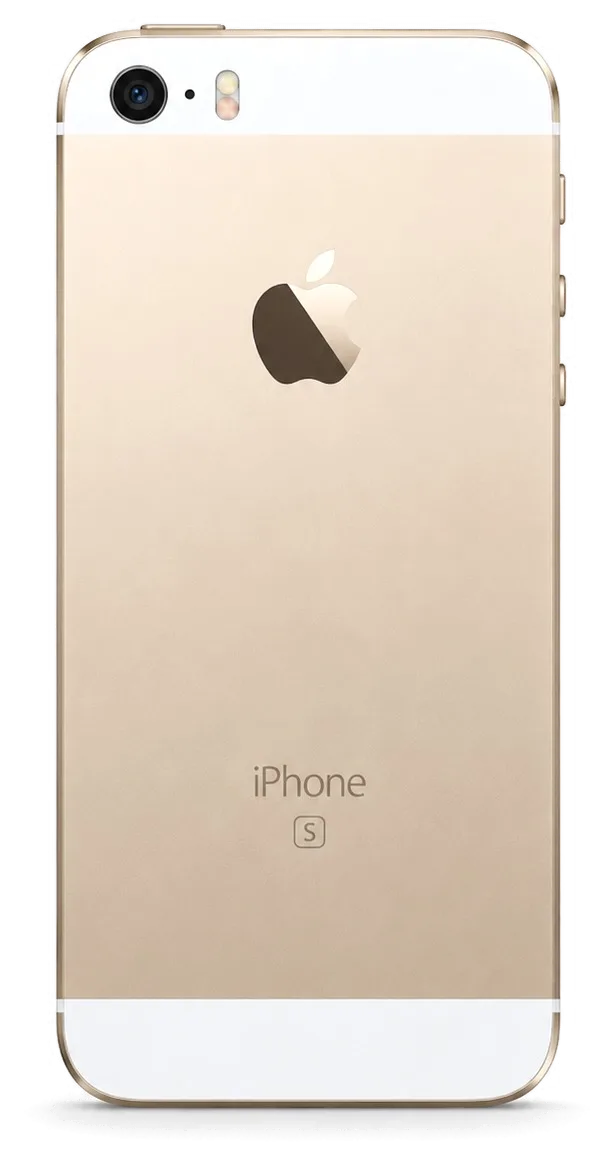
iPhone 17 ProiPhone 16iPhone 17 AiriPhone 15 ProiPhone 15
iPhone repair — all models
Battery replacementfrom 12 900 ₸
Speaker replacementfrom 34 900 ₸
Screen replacementfrom 111 900 ₸
All iPhone prices

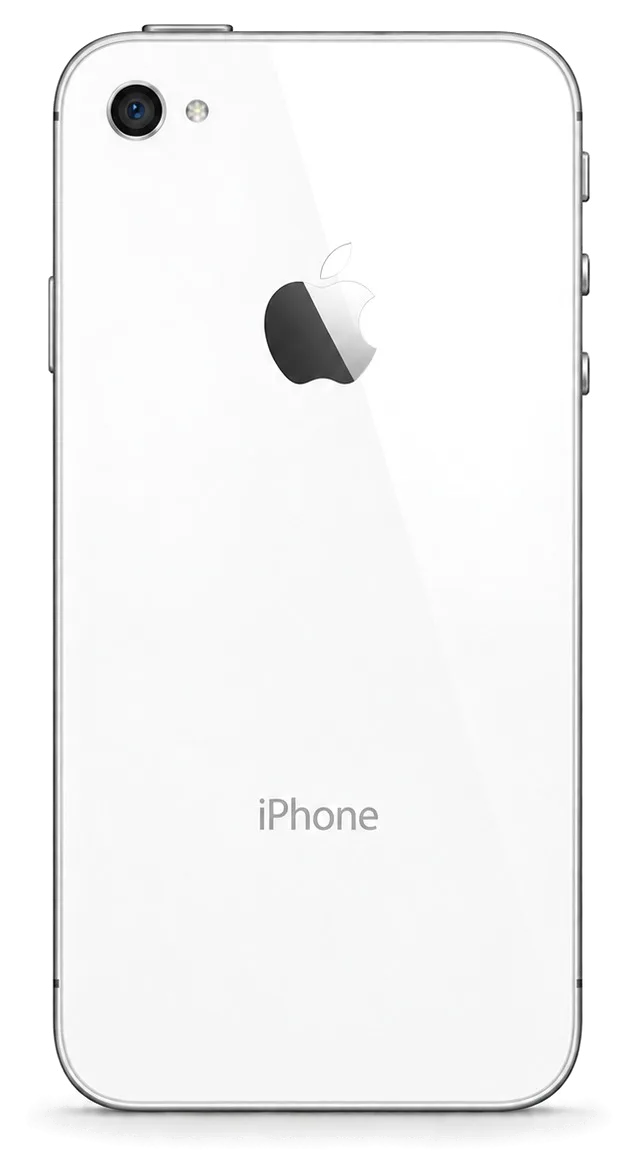
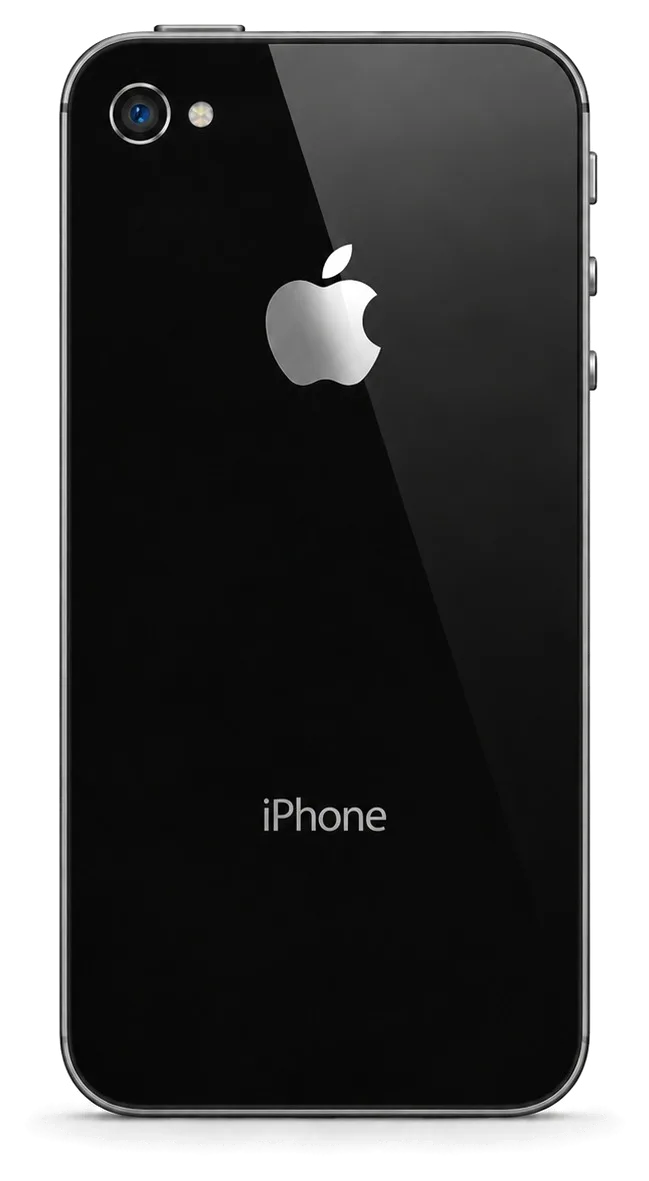
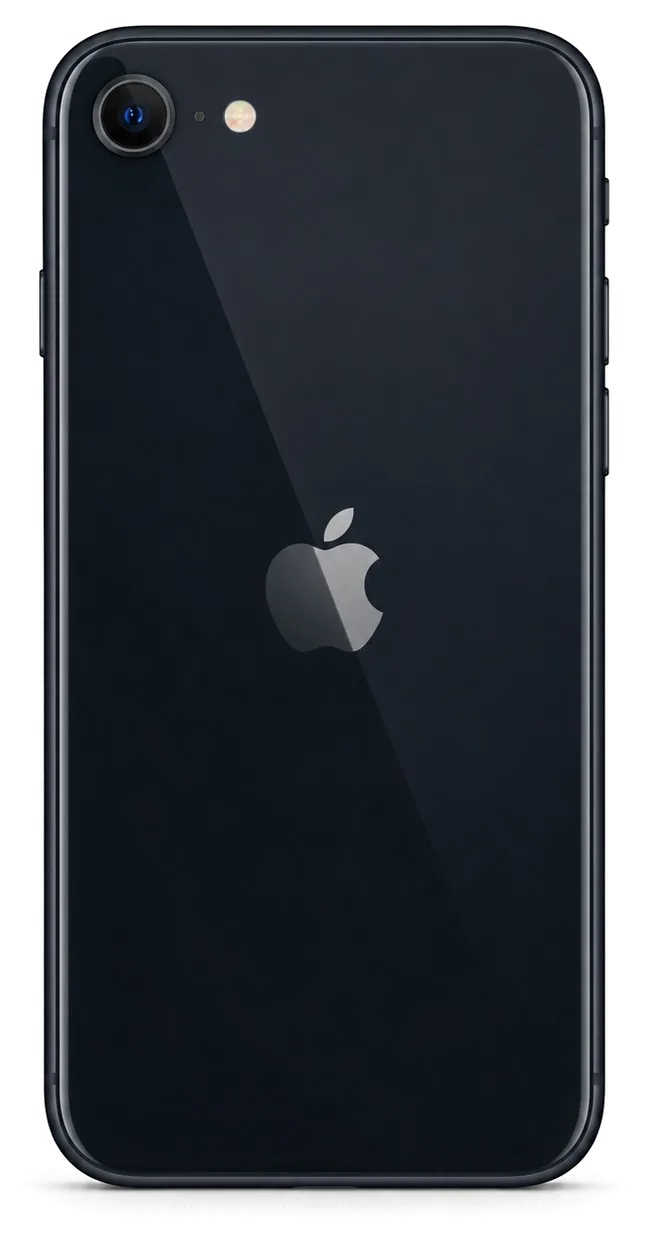
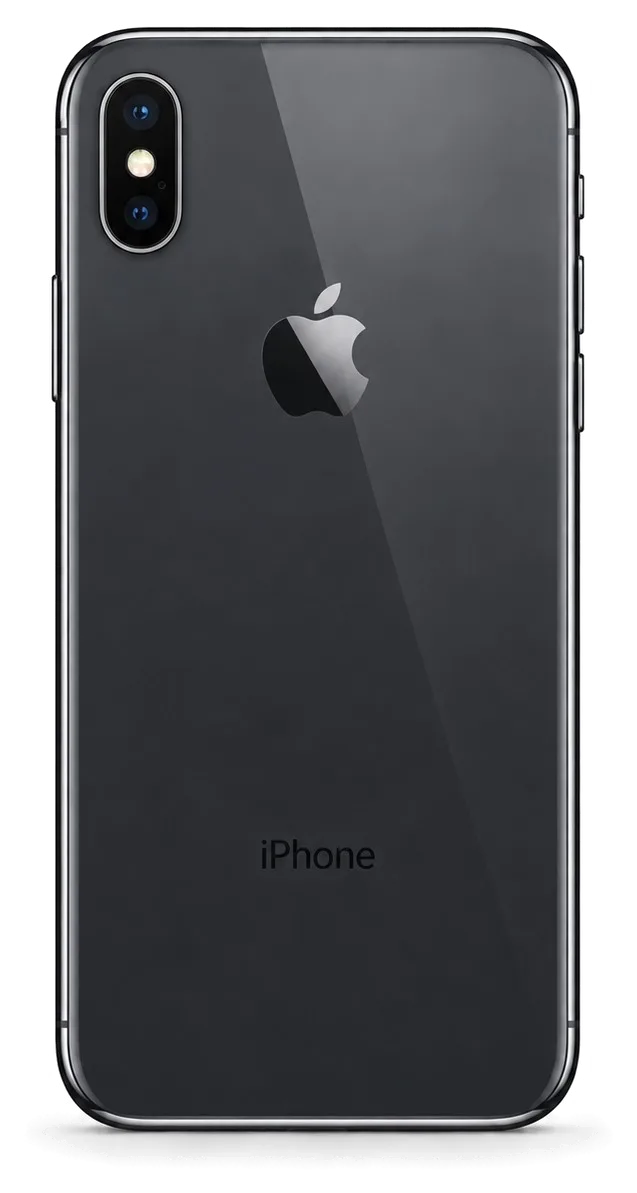
Find your iPhone among the models we repair

Choose your iPhone below to open the jobs and the price table that match your exact model.

2025

iPhone 17

Repair from 41 900 ₸

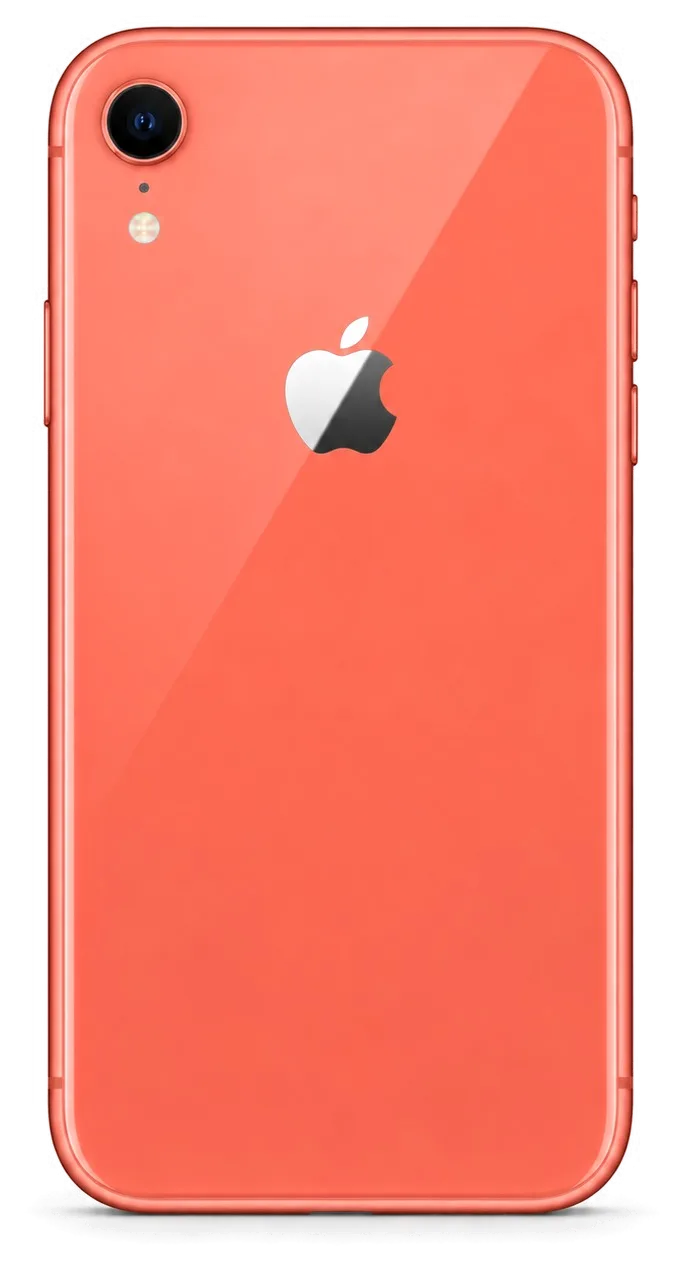
iPhone 17, back view
2025

iPhone 17 Air

Repair from 26 900 ₸

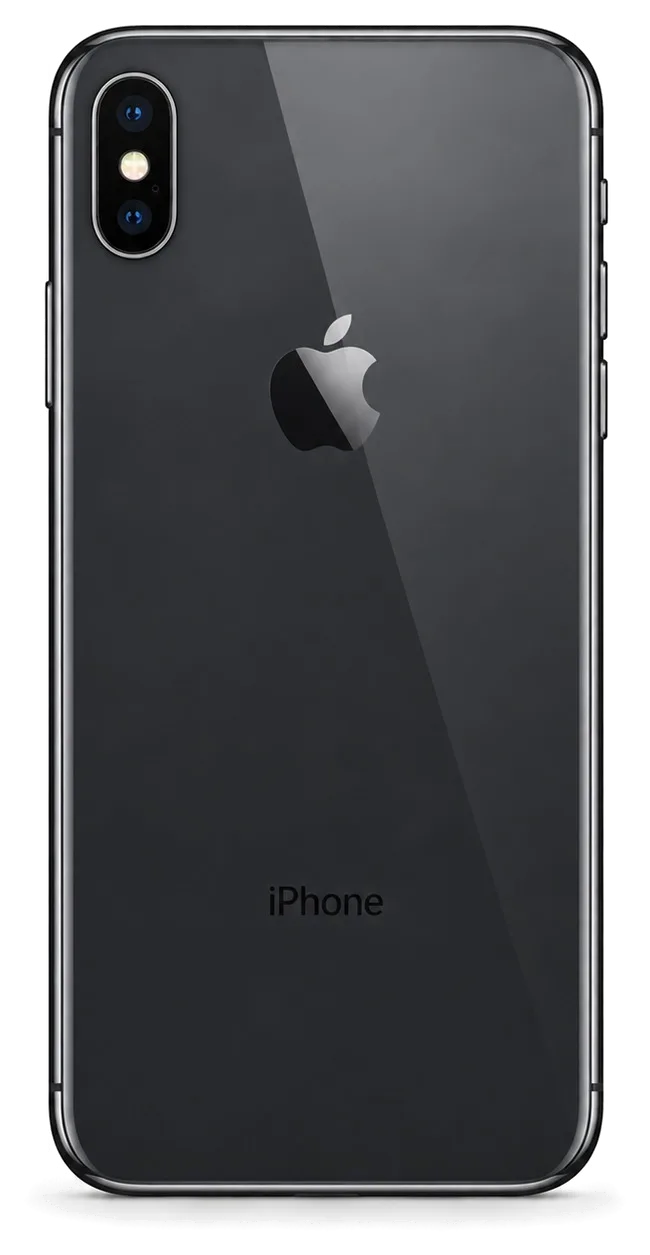
iPhone 17 Air, back view
2025

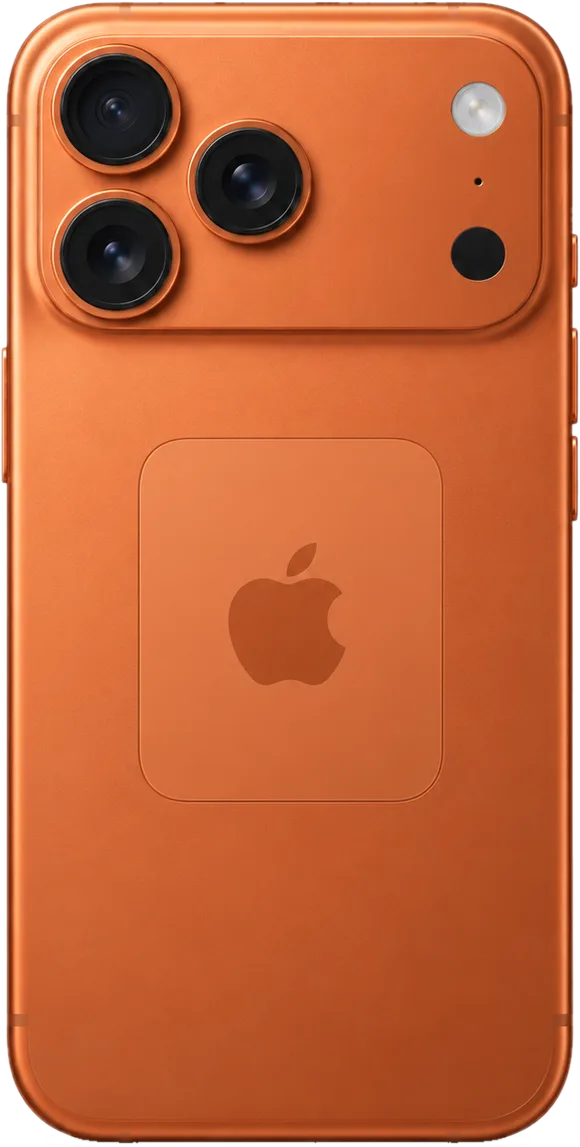
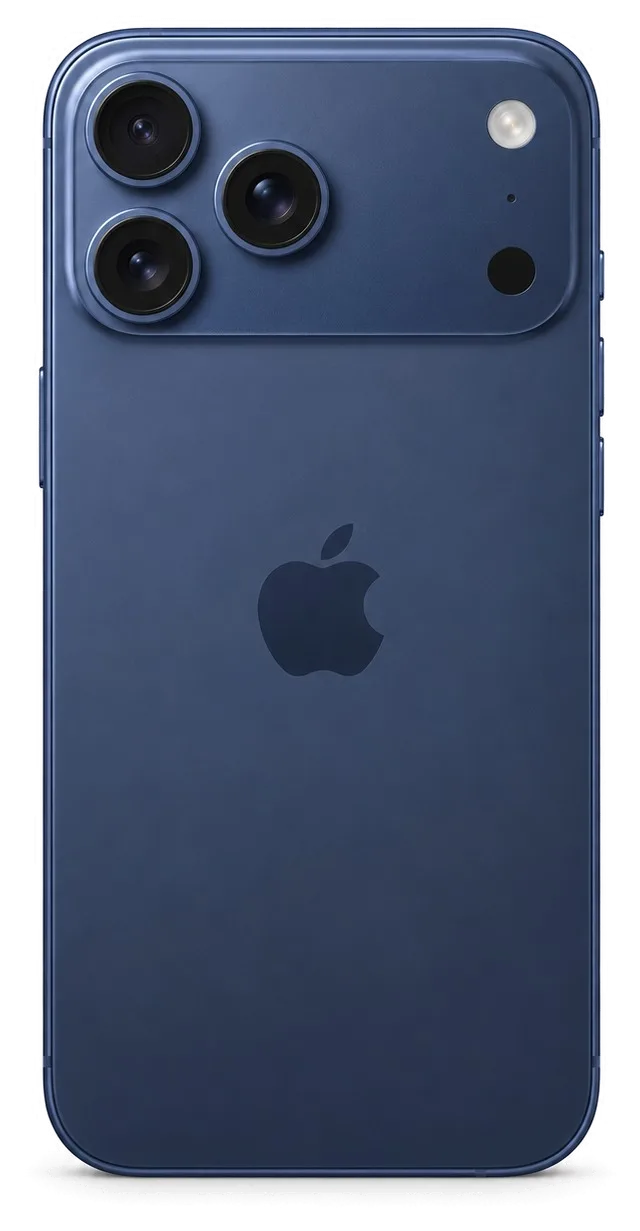
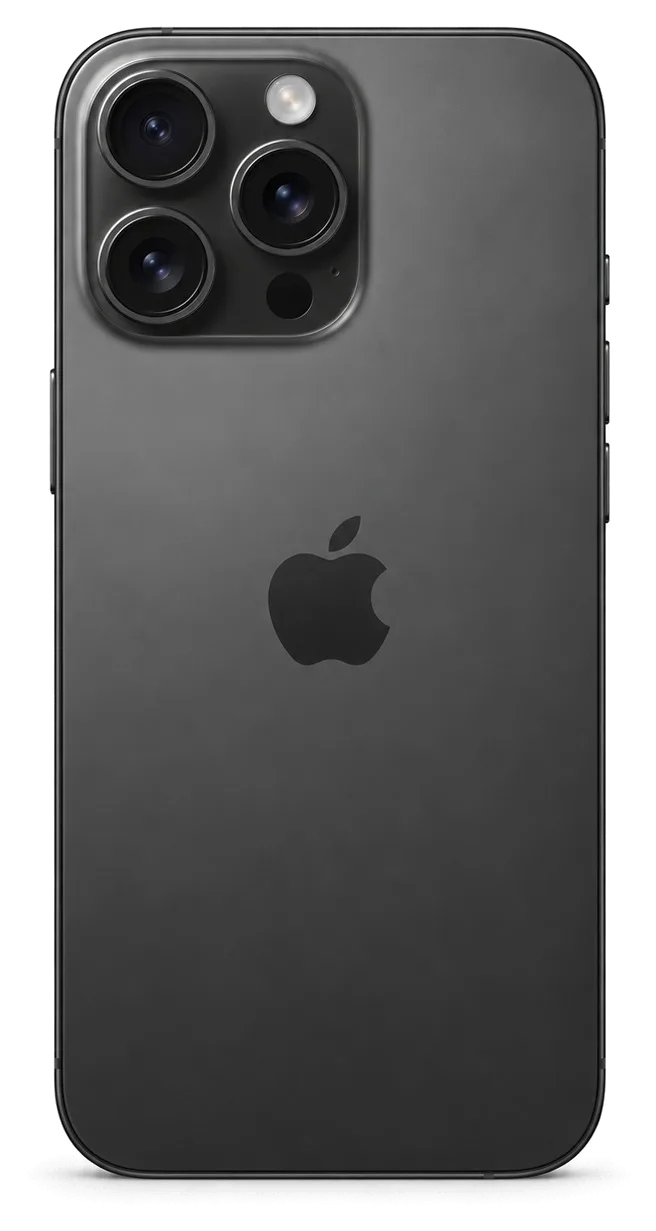
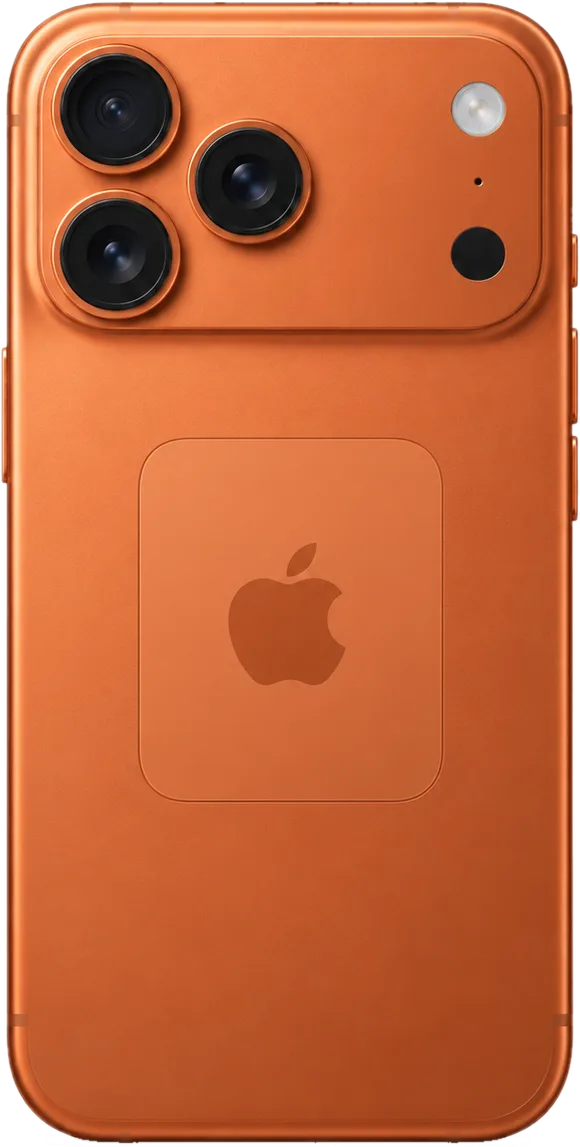
iPhone 17 Pro

Repair from 44 900 ₸

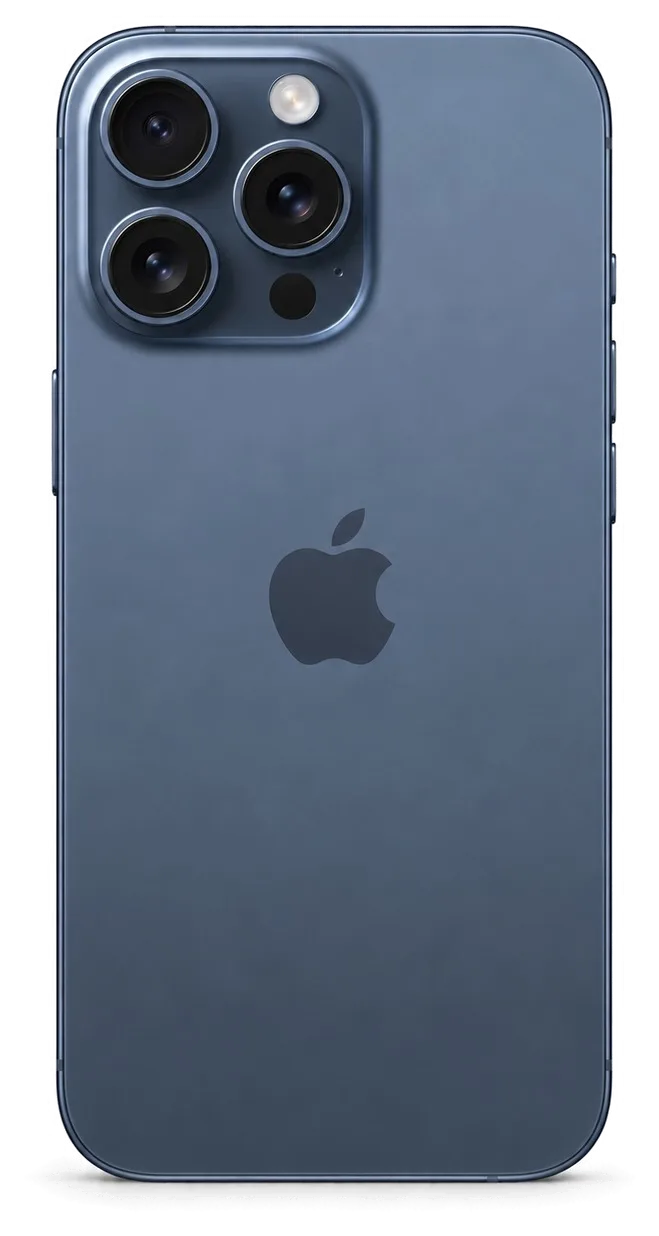
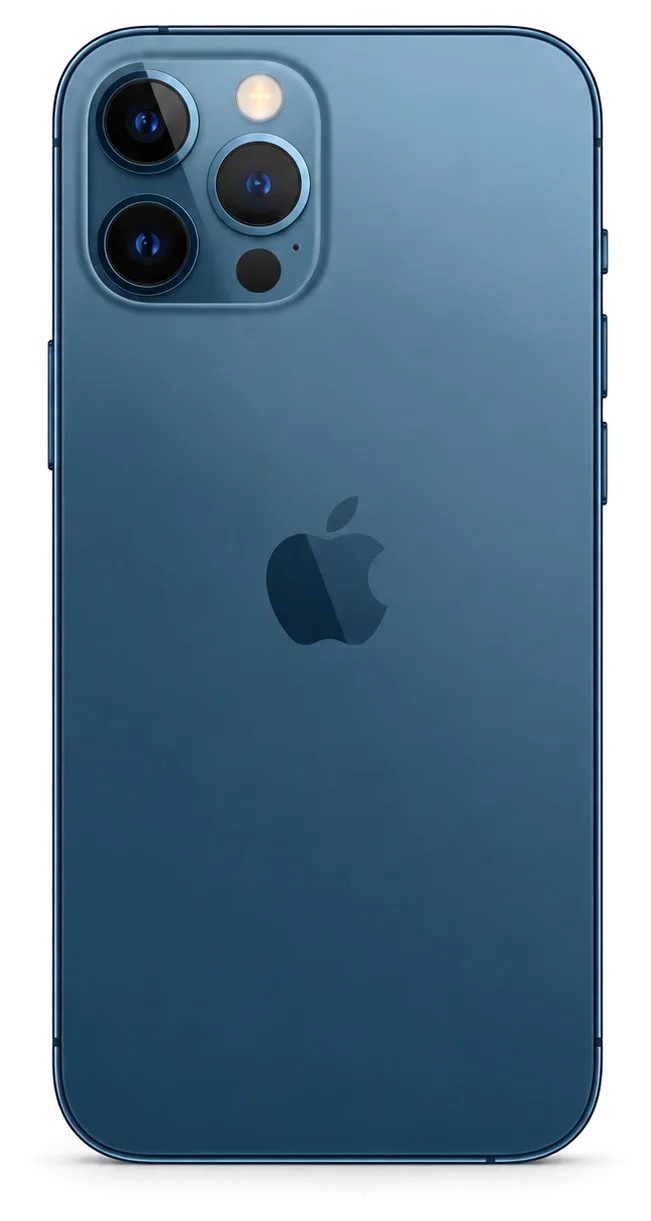
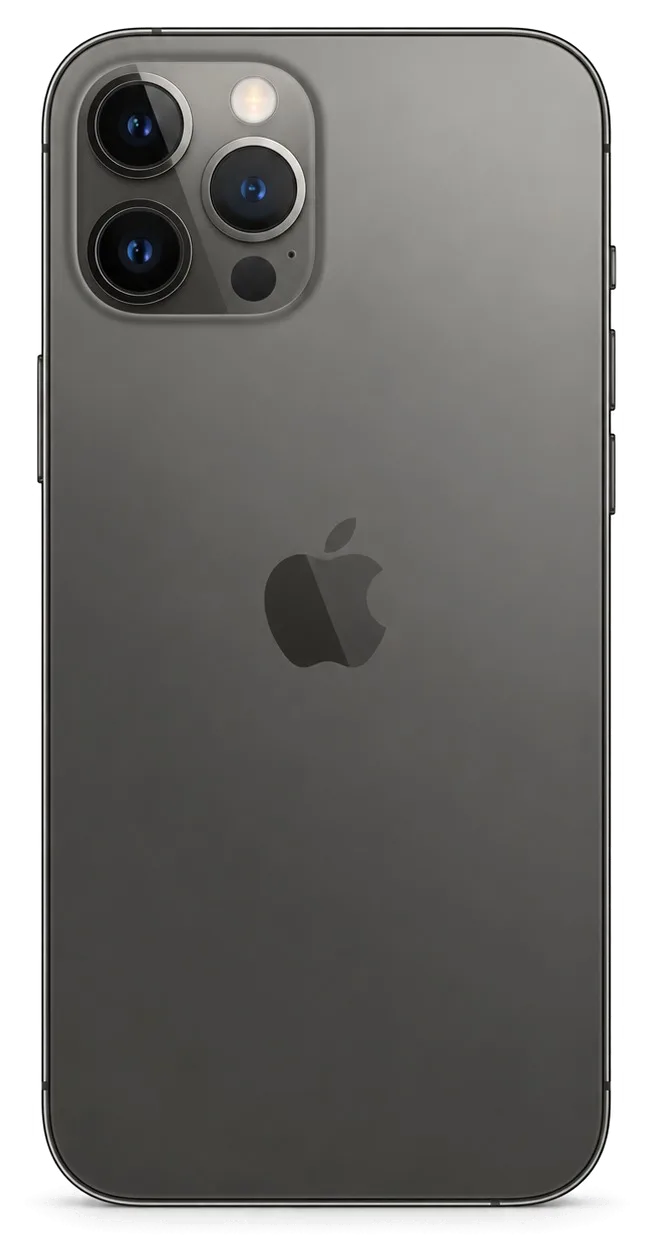
iPhone 17 Pro, back view
2025

iPhone 17 Pro Max

Repair from 44 900 ₸

iPhone 17 Pro Max, back view
2024

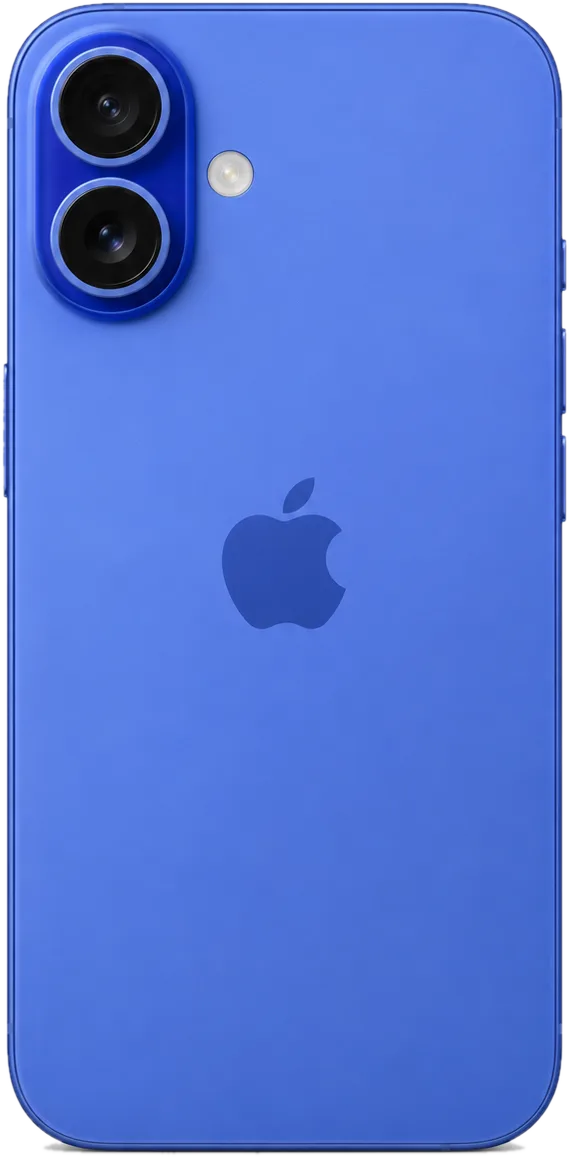
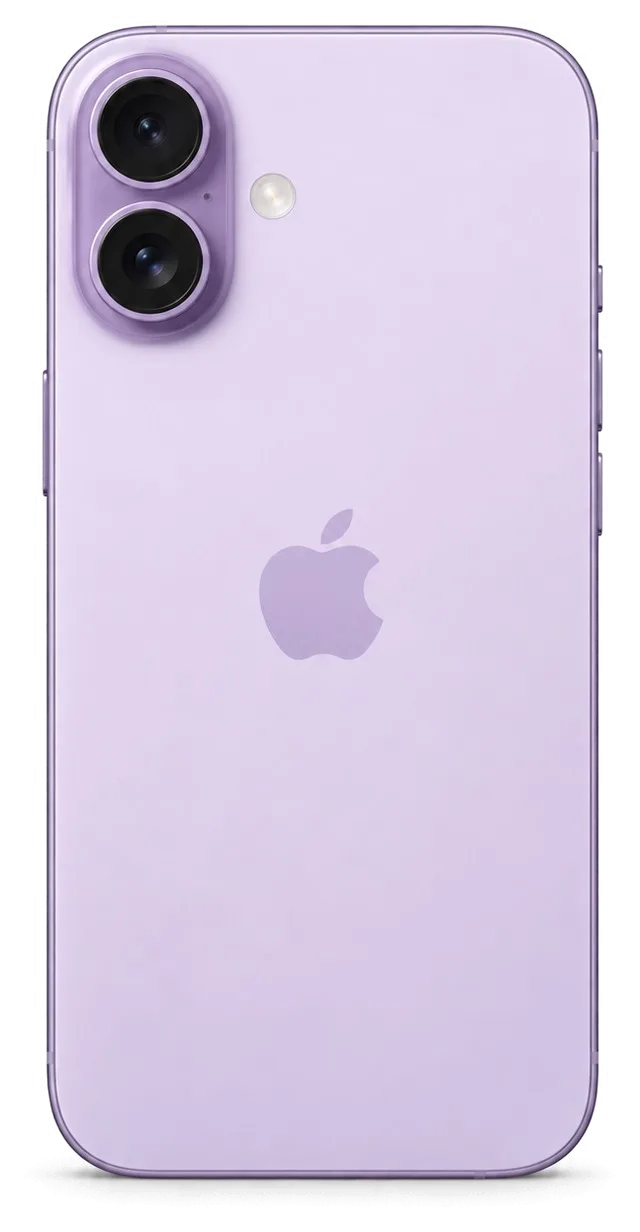
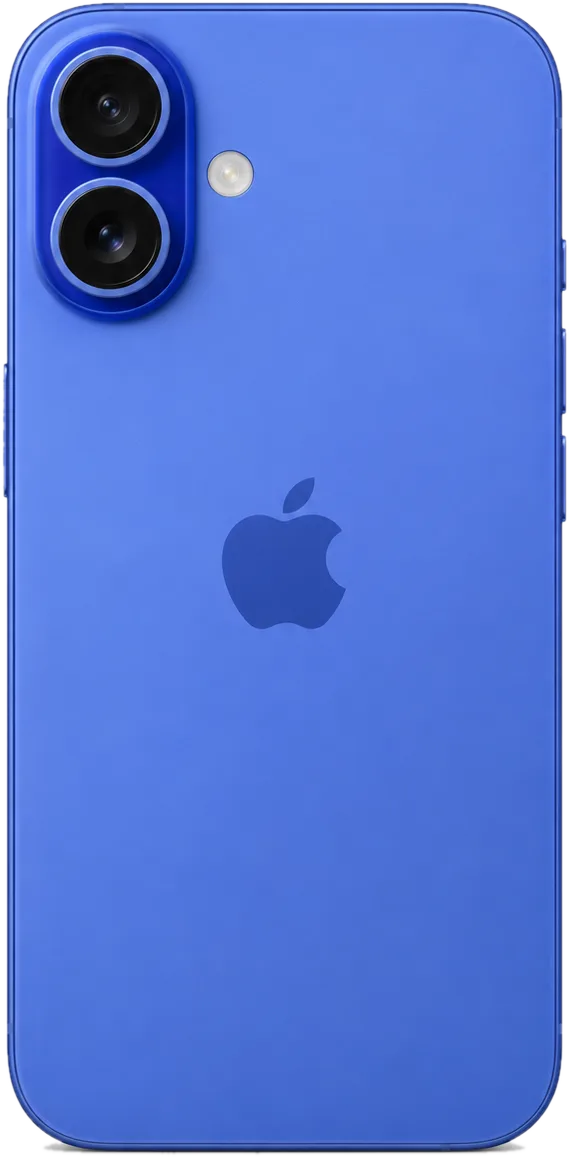
iPhone 16

Repair from 28 900 ₸

iPhone 16, back view
2024

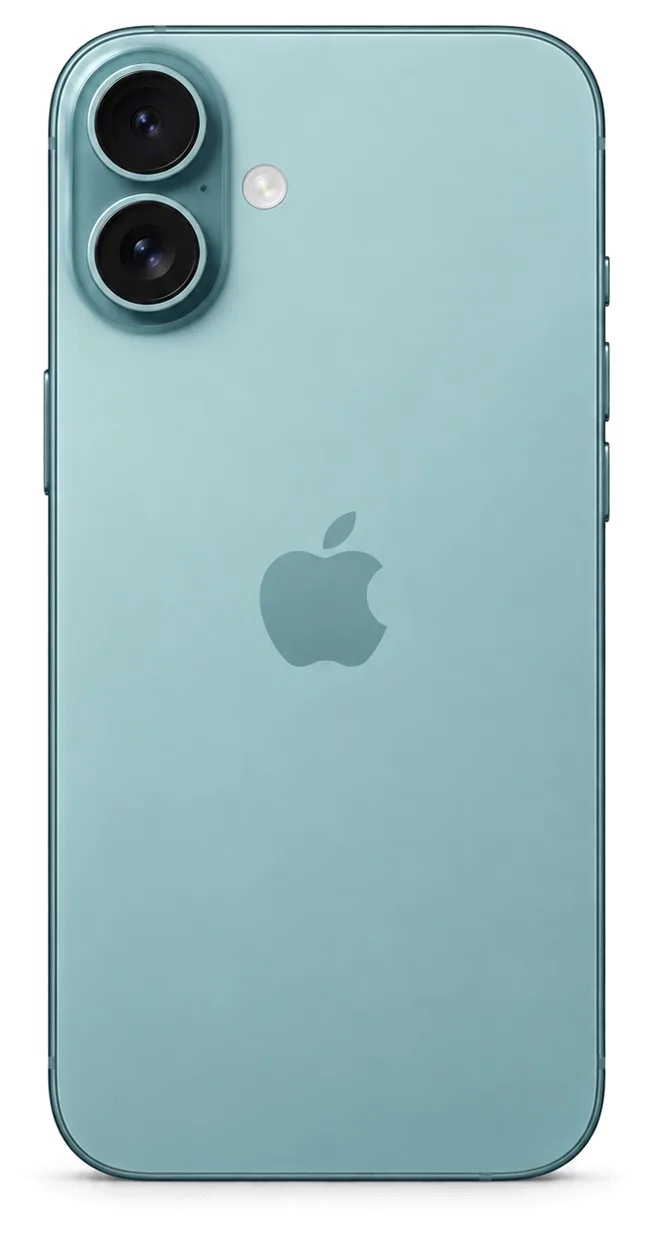
iPhone 16 Plus

Repair from 32 900 ₸

iPhone 16 Plus, back view
2024

iPhone 16 Pro

Repair from 32 900 ₸

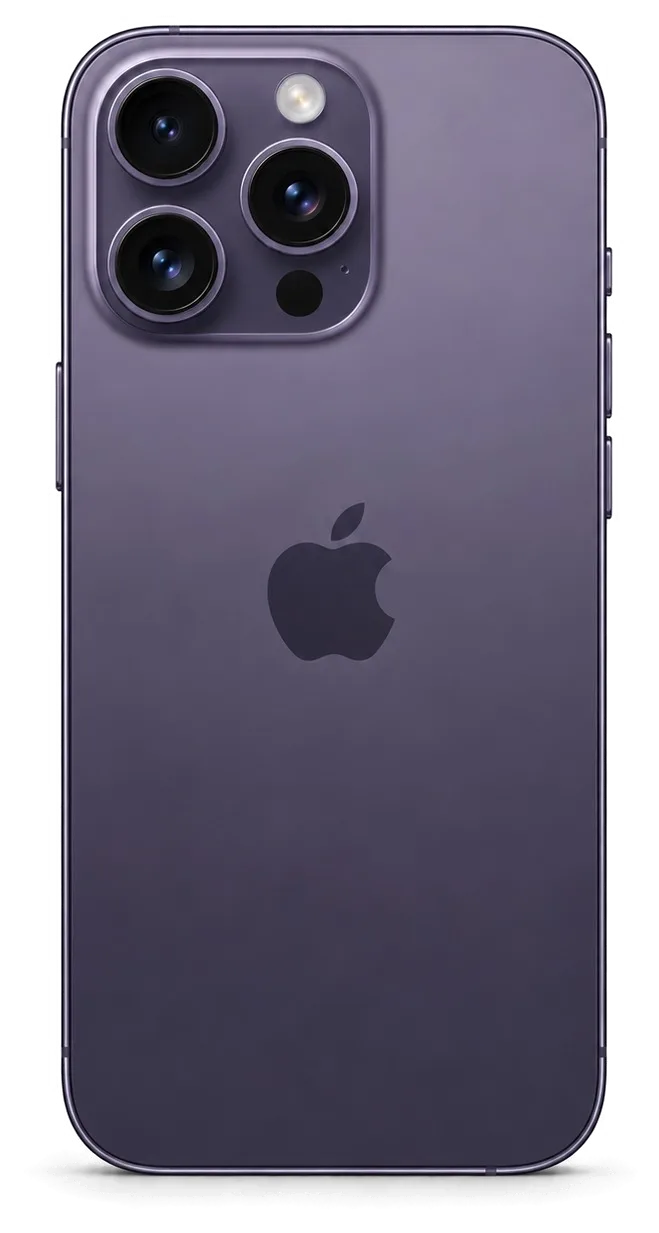
iPhone 16 Pro, back view
2024

iPhone 16 Pro Max

Repair from 32 900 ₸

iPhone 16 Pro Max, back view
2025

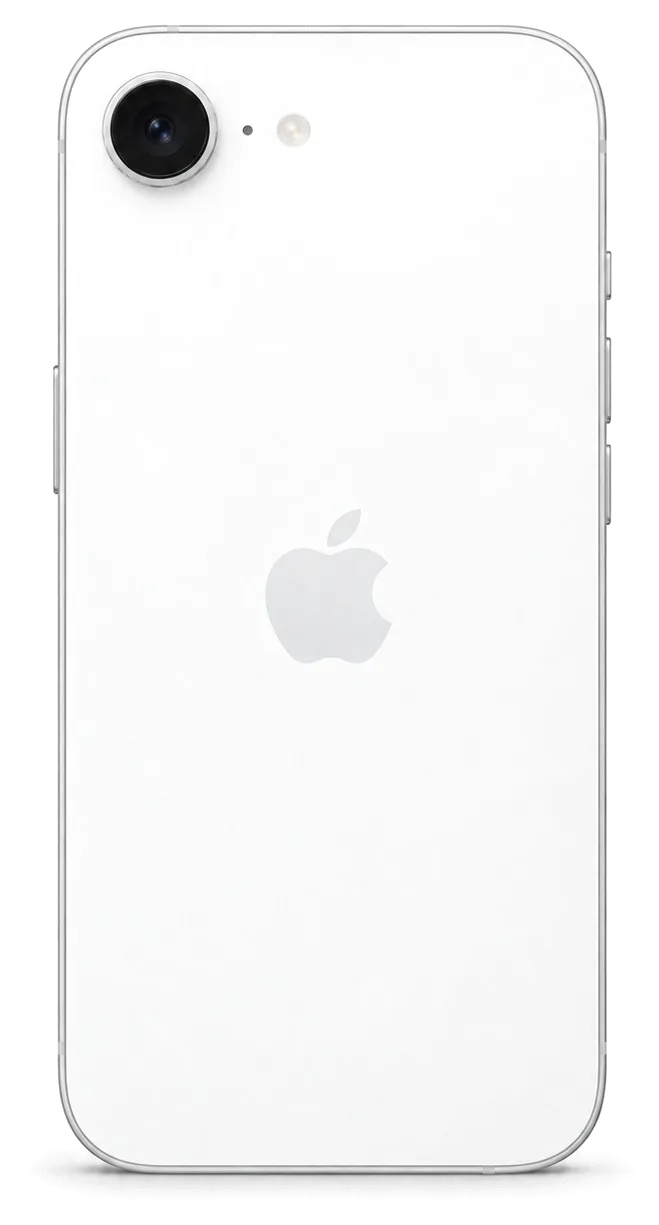
iPhone 16e

Repair from 27 900 ₸

iPhone 16e, back view
2023

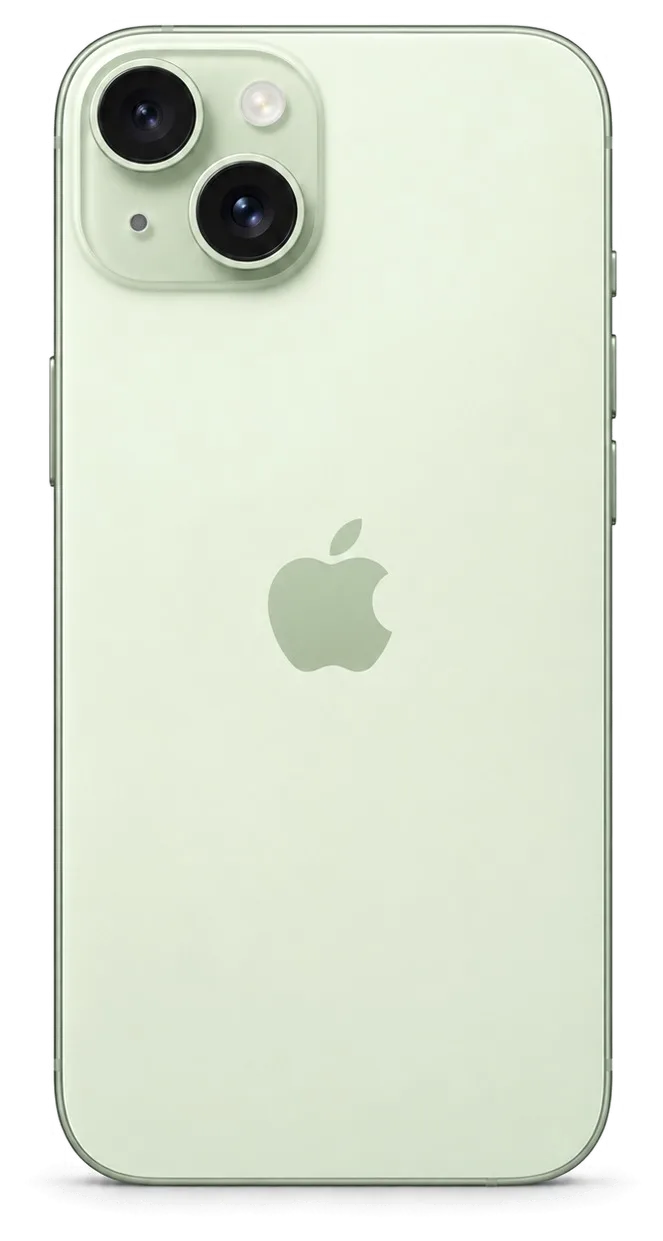
iPhone 15

Repair from 28 900 ₸

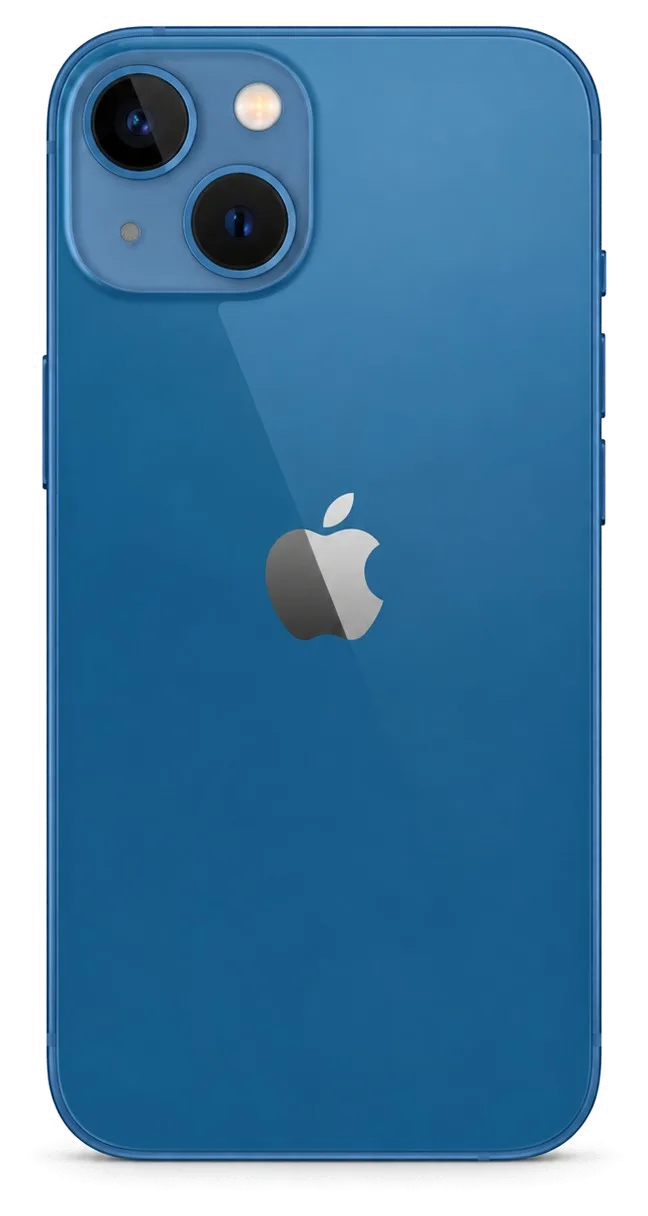
iPhone 15, back view
2023

iPhone 15 Plus

Repair from 32 900 ₸

iPhone 15 Plus, back view
2023

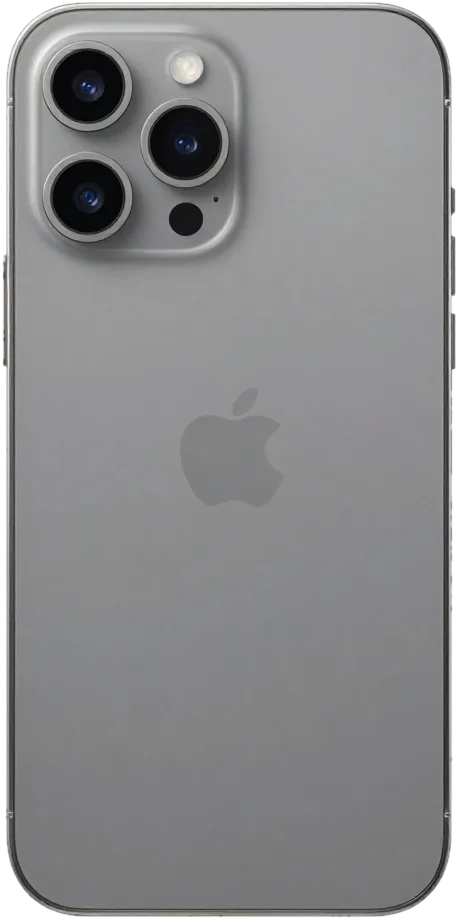
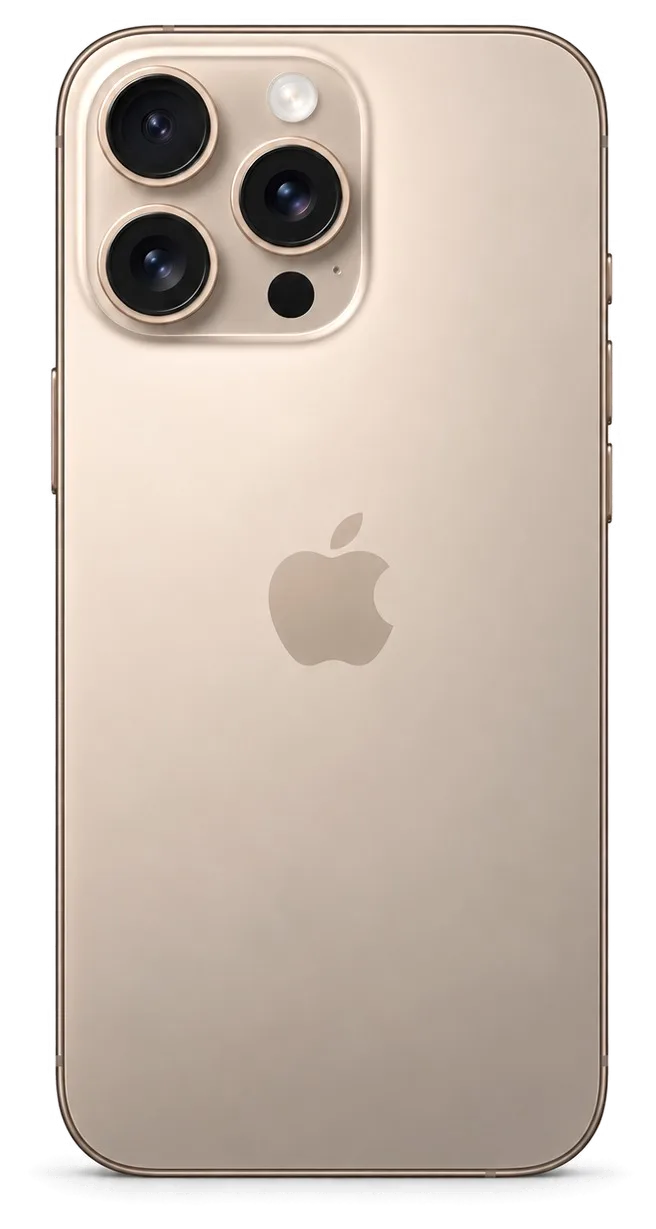
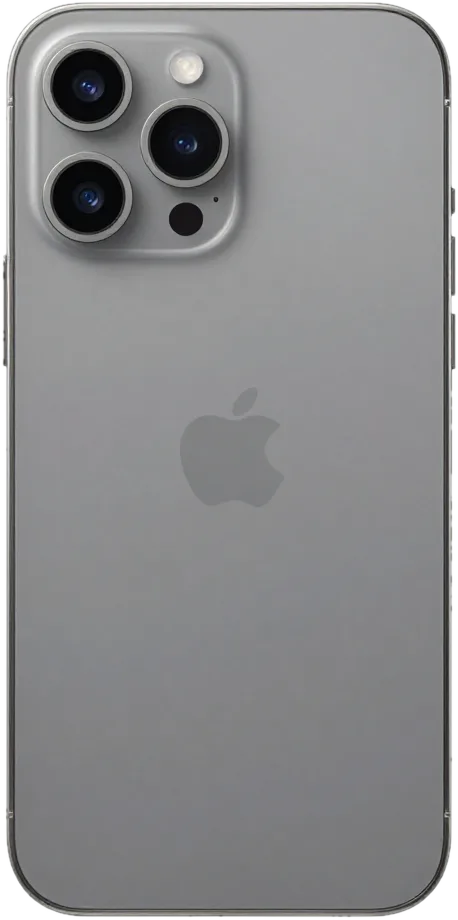
iPhone 15 Pro

Repair from 32 900 ₸

iPhone 15 Pro, back view
2023

iPhone 15 Pro Max

Repair from 32 900 ₸

iPhone 15 Pro Max, back view

Not sure about the model?

Send a photo of the back cover and we will identify the model and name the price.

Send a photo

iPhone repair prices by type of work

The final price depends on your model, original or aftermarket parts, and how complex the fault is.

ModelDisplayCharging portSpeakerCleaning after water damageLogic board
iPhone 17214 900 ₸98 900 ₸45 900 ₸55 900 ₸183 900 ₸
iPhone 17 Air226 900 ₸98 900 ₸47 900 ₸58 900 ₸100 900 ₸
iPhone 17 Pro226 900 ₸100 900 ₸72 900 ₸61 900 ₸254 900 ₸
iPhone 17 Pro Max277 900 ₸106 900 ₸72 900 ₸61 900 ₸225 900 ₸
iPhone 16141 900 ₸66 900 ₸45 900 ₸44 900 ₸140 900 ₸
iPhone 16 Plus141 900 ₸72 900 ₸47 900 ₸44 900 ₸140 900 ₸
iPhone 16 Pro146 900 ₸78 900 ₸45 900 ₸47 900 ₸163 900 ₸
iPhone 16 Pro Max226 900 ₸78 900 ₸72 900 ₸47 900 ₸197 900 ₸
iPhone 16e111 900 ₸86 900 ₸34 900 ₸21 900 ₸135 900 ₸
iPhone 15118 900 ₸64 900 ₸37 900 ₸44 900 ₸112 900 ₸
iPhone 15 Plus129 900 ₸69 900 ₸37 900 ₸44 900 ₸141 900 ₸
iPhone 15 Pro146 900 ₸66 900 ₸44 900 ₸47 900 ₸141 900 ₸
iPhone 15 Pro Max152 900 ₸78 900 ₸47 900 ₸47 900 ₸163 900 ₸

Logic board repair and other complex cases are priced after diagnostics, once the technician finds the exact cause.

What changes with an original or an aftermarket part

Both options have their place, depending on the age of your phone, your budget and how you use it.

Original Applewarranty up to 1 year
iPhone 15 screen146 900 ₸
iPhone 15 screen: original part in Apple packaging
Quality
Color and brightness stay close to factory level
Compatibility
Face ID and True Tone are more likely to work stably
Lifespan
Built for long-term daily use
Price
Higher than an aftermarket part
Chosen by 64% of clients
Book with an original part
Aftermarketwarranty 6 months
iPhone 15 screen118 900 ₸−19%
iPhone 15 screen: aftermarket part in an antistatic bag
Price
More affordable and easier on the budget
Quality
Fine for everyday use, colors may differ slightly
Compatibility
Some features may be less stable than original
Best for
Older phones or a backup device
Chosen by 36% of clients
Book with an aftermarket part

Why iPhone owners in Almaty choose our workshop

A phone is now an everyday tool, so it matters that experienced technicians repair it and talk openly about what went wrong.

11years

11 years of experience

Eleven years of work means we recognize typical iPhone faults quickly and do not rush a repair that needs patience.

1year

Warranty up to 1 year

Warranty on completed work lasts up to 1 year. Ask the technician to confirm the exact terms for your job before you agree.

8technicians

Experienced technicians

Your phone goes to experienced technicians who first find the real cause of the fault and only then start taking it apart.

2options

Original or aftermarket

For screens, batteries and glass we explain both options in plain words, and the final choice always stays with you.

0₸

Prices you can read

Typical jobs are listed in the table. For complex faults, the amount is named after diagnostics and before work begins.

7days a week

Clear opening hours

Mon–Fri 10:00–19:00, Sat–Sun and holidays 11:00–18:00, so it is easy to pick a time that suits your day.

iPhone condition before and after repair in Almaty

1 / 13
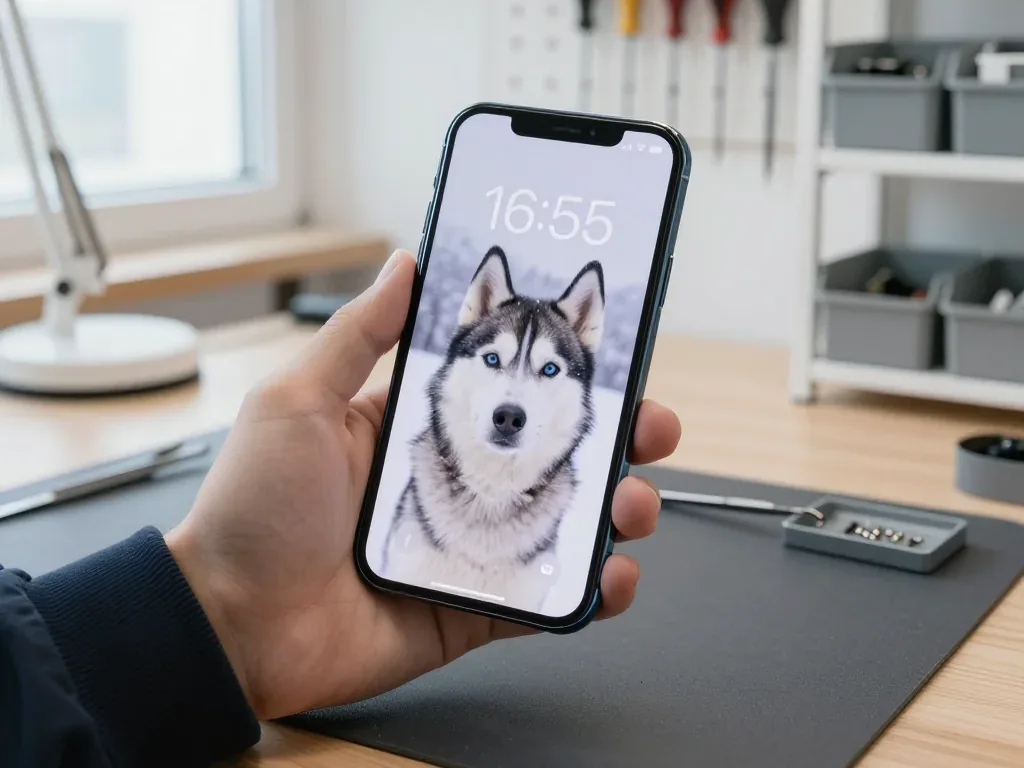
Dark blue iPhone 13 held by a technician, lock screen shows a husky in the snow and 16:55

iPhone 13: Face ID gone after a drop

The client dropped the phone on the tiled floor in the stairwell — Face ID stopped recognizing the face. We restored the dot projector module at the top edge, calibrated it and checked unlocking — it all works.

from 49 900 ₸repair cost
I want the same
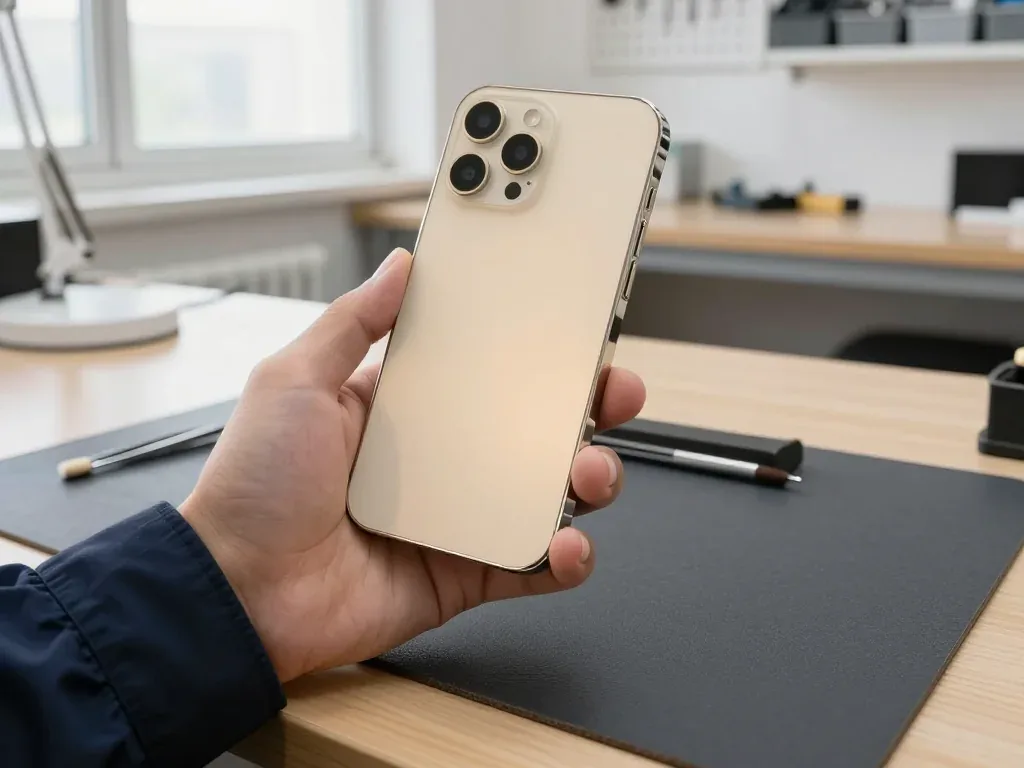
Gold iPhone 14 Pro in a technician's hand, back side showing three cameras, flash and lidar, glass intact

iPhone 14 Pro: camera shook and wouldn't focus

The client was filming at the bazaar when the picture started shaking and autofocus stopped locking on. We replaced the main camera module and checked all modes — photos and videos are sharp again.

from 67 900 ₸repair cost
I want the same
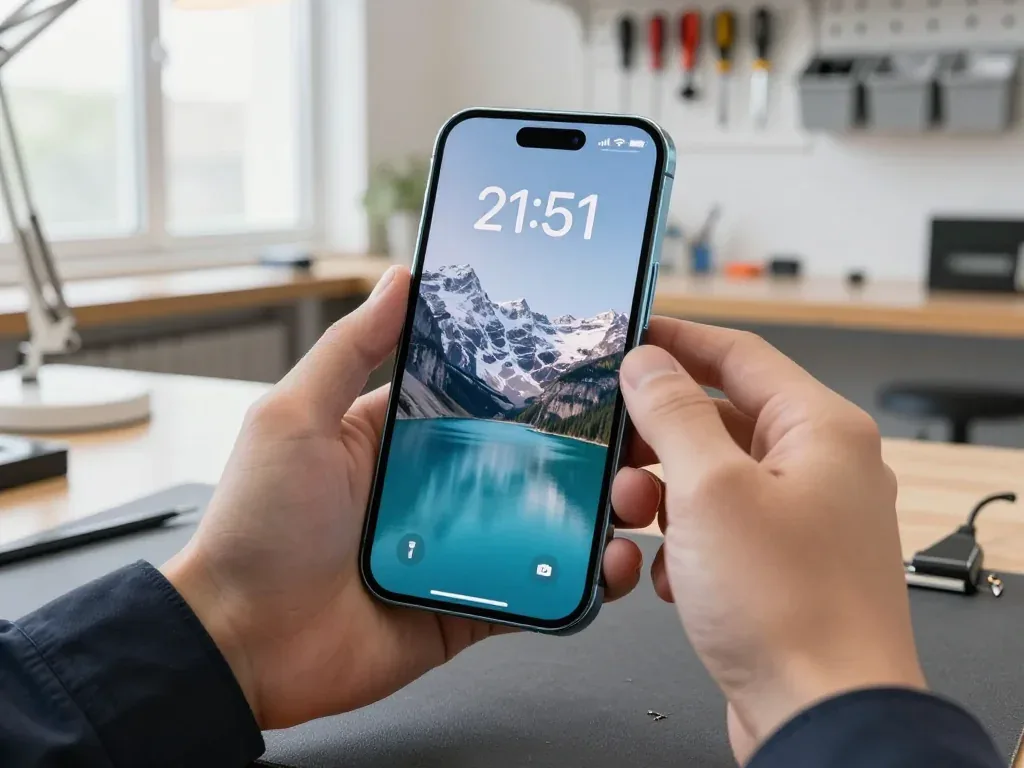
Technician holding a blue iPhone 15 with a lock screen showing a mountain lake and 21:51

iPhone 15: dying by lunchtime

A customer brought in an iPhone 15 — by lunchtime it was already asking for a charger, even with moderate use. We replaced the battery and checked its capacity and charging: the phone now holds charge all day.

from 44 900 ₸repair cost
I want the same
Tuesday, October 14
9:41
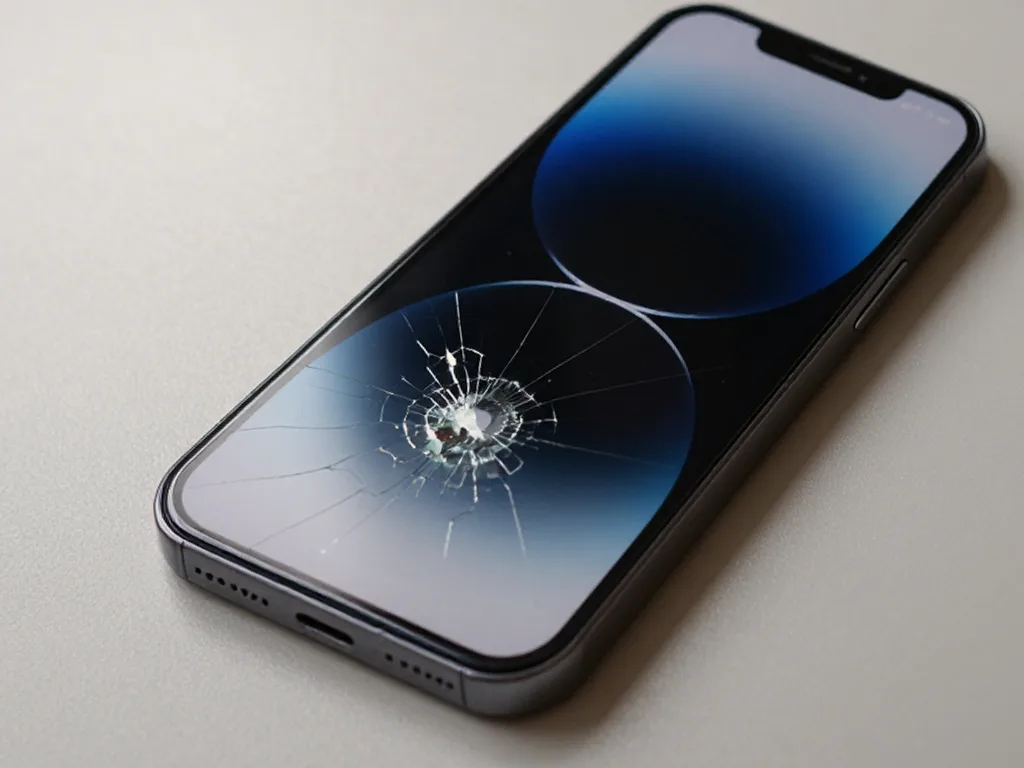
Before: cracked iPhone screen
Tuesday, October 14
9:41
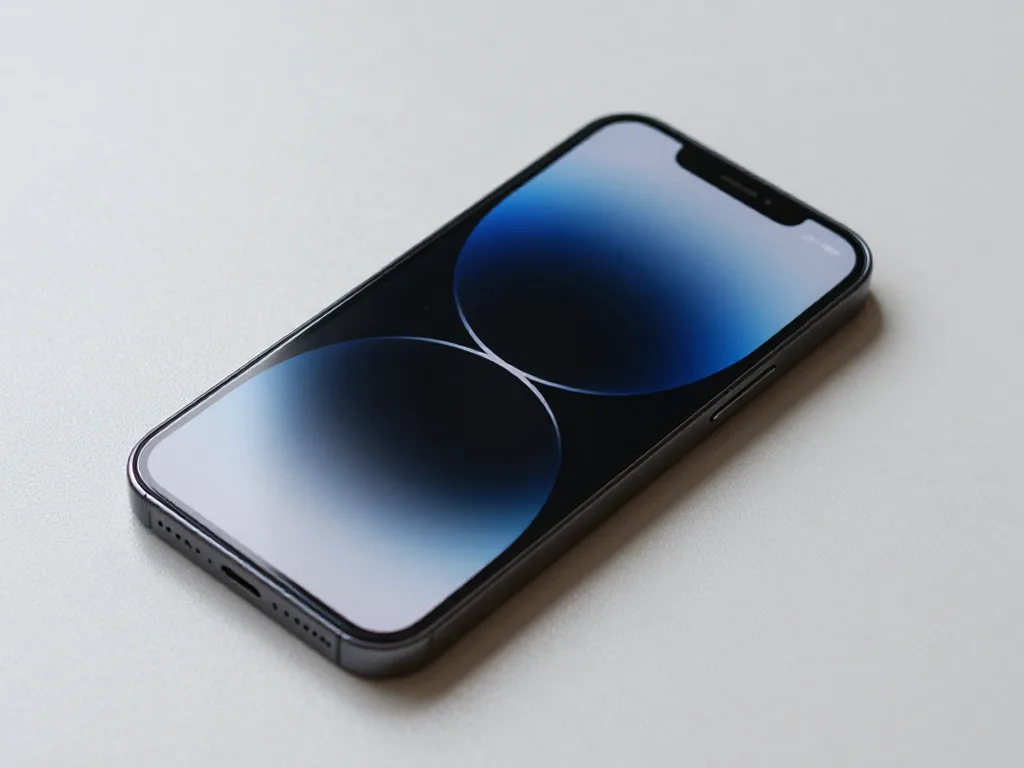
After: iPhone with a new screen
BeforeAfter

iPhone 15 Pro: screen after a fall

40 minOriginalWarranty up to 1 year
Problem
The screen is cracked, the bottom third doesn't respond to touch. Face ID works.
What we did
Installed an original display, transferred True Tone, checked 32 functions.
40 minthe client waited in the waiting area
I want the same
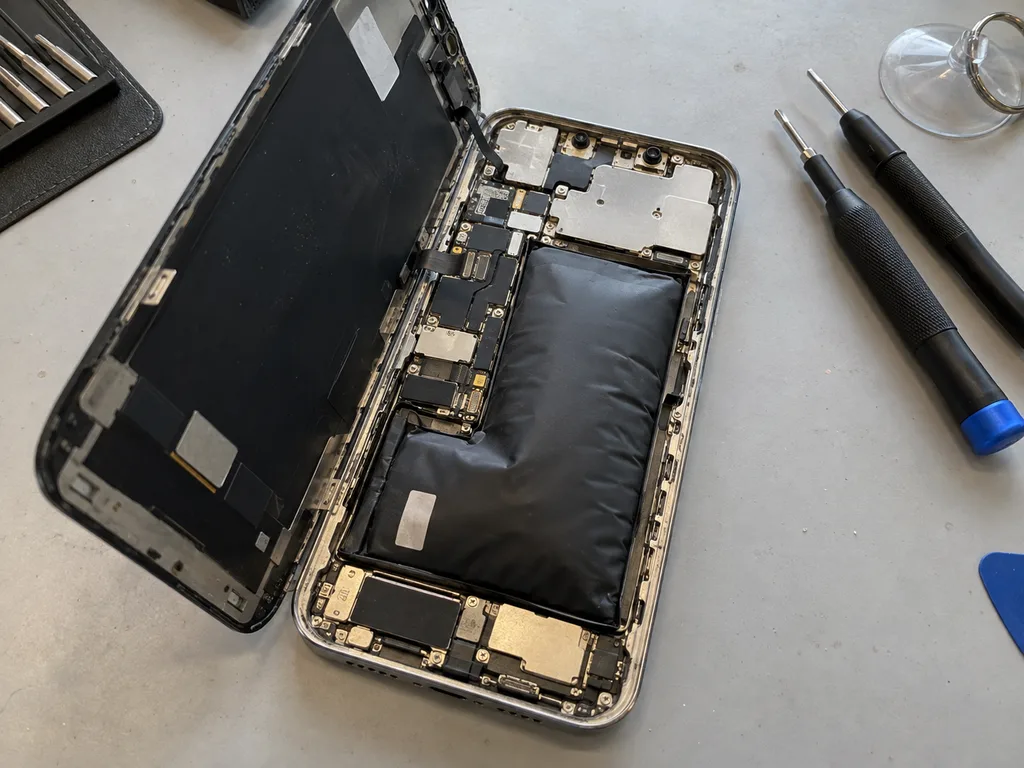
Before photo: the swollen battery of iPhone 13Before: a swollen battery in iPhone 13
After photo: a new batteryAfter: a new battery in iPhone 13
BeforeAfter

iPhone 13: died by midday

25 minOriginalWarranty up to 1 year
Problem
Capacity 71%, the phone shuts down in the cold at 30% charge. The battery has swollen and started to lift the screen.
What we did
Replaced the battery and transferred the controller data — iOS shows the capacity without warnings.
+29%capacity, a day without charging
I want the same
Before photo: a board with oxidation after salt waterBefore: a board with oxidation after salt water
After photo: board after ultrasonic cleaningAfter: the board after ultrasonic cleaning
BeforeAfter

iPhone 13: dropped into the sea

2 daysLogic board repairWarranty 6 months
Problem
Does not turn on after a dip in the sea, brought in 6 hours later. White oxidation under the board shields.
What we did
Cleaned the board in an ultrasonic bath, replaced the power controller, and transferred the data.
100%photos and messages preserved
I want the same
Before photo: dented corner of the bodyBefore: dented corner of the body
After photo: new body in matching colourAfter: new body in matching colour
BeforeAfter

iPhone 12 Pro: bent body

1 dayOriginal colorWarranty up to 1 year
Problem
Dropped corner-first onto asphalt: the frame is dented, the back glass has cracked, and the screen has started to come loose.
What we did
Moved the board, cameras and Face ID into a new Pacific Blue body and reattached the screen with new adhesive.
1 daylike out of the box
I want the same
Photo before: cracked camera glassBefore: cracked camera glass
Photo after: new camera glassAfter: new camera glass
BeforeAfter

iPhone 13: cracked camera glass

20 minOriginalWarranty up to 1 year
Problem
A crack in the main camera glass, glare and haze in photos.
What we did
We replaced the lens glass and checked autofocus and stabilization on the stand.
20 minphotos are sharp again
I want the same
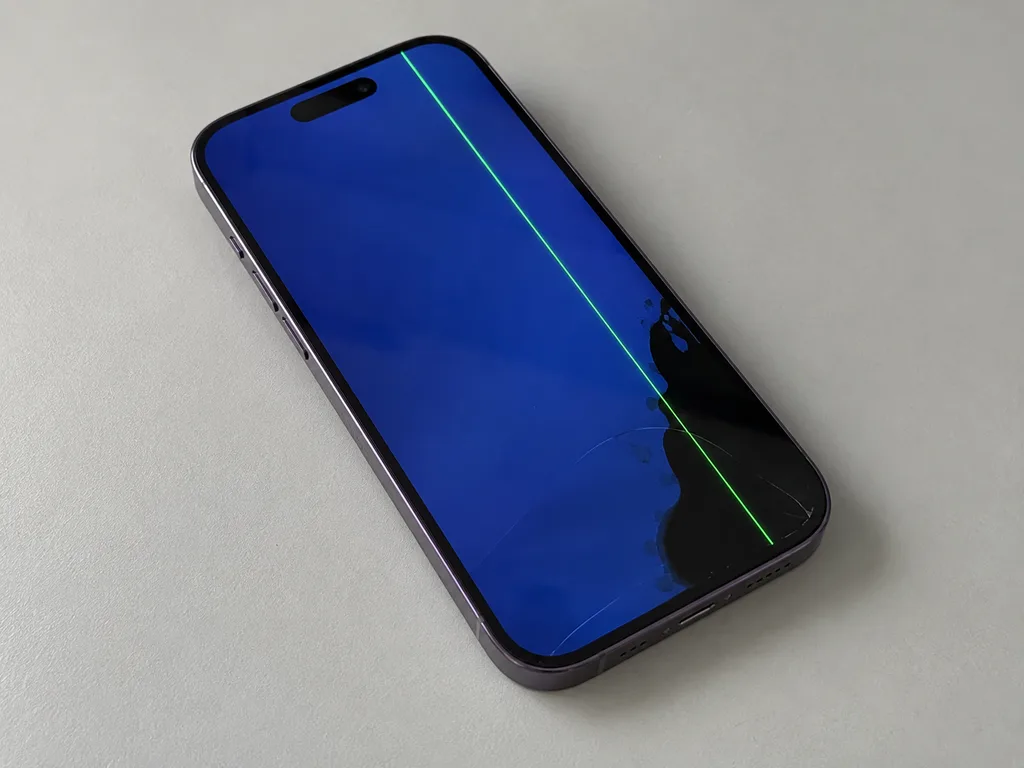
Photo before: green line on the iPhone screenBefore: green line and black spot on the iPhone 14 Pro screen
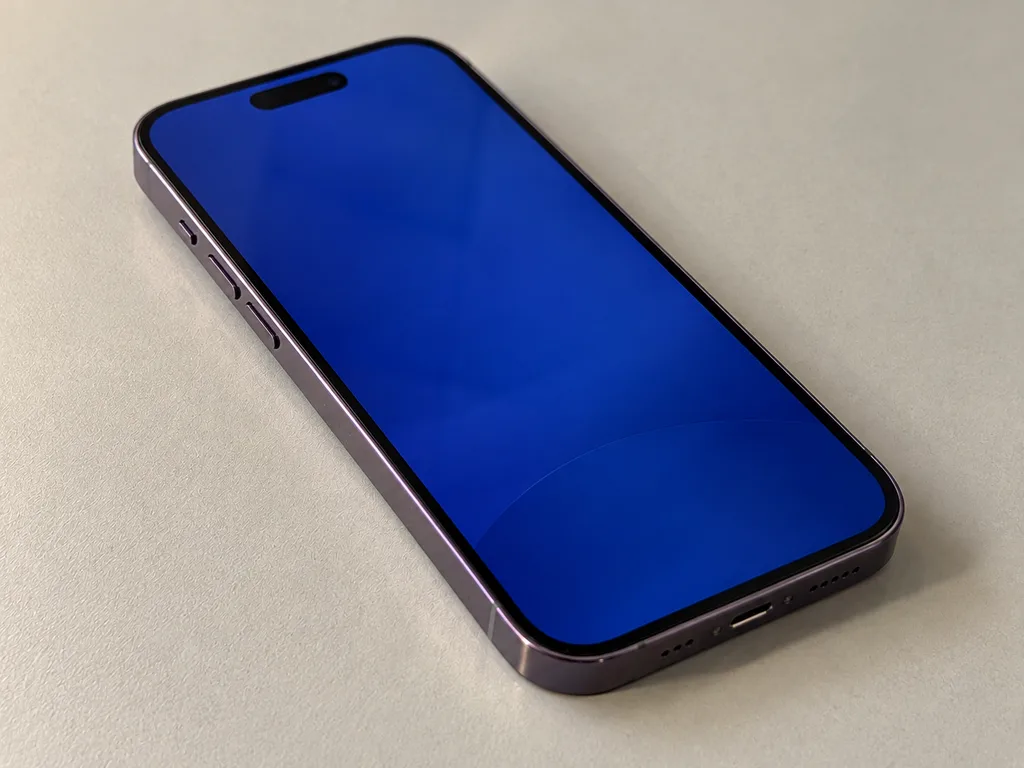
Photo after: new screenAfter: iPhone 14 Pro with a new screen
BeforeAfter

iPhone 14 Pro: green line after a drop

40 minOriginalWarranty up to 1 year
Problem
The glass is intact, but a green stripe runs across the screen and a black spot is growing in the corner.
What we did
Replaced the display module with an original one, transferred True Tone, and checked Face ID.
40 minscreen like new
I want the same
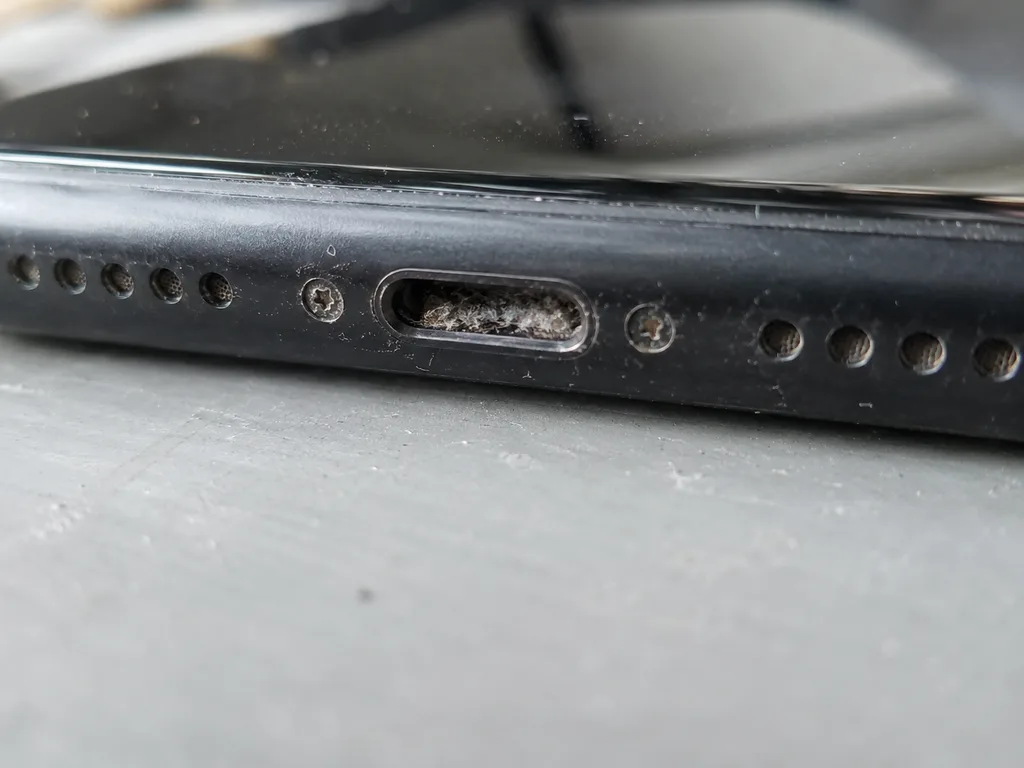
Before photo: Lightning port clogged with lintBefore: Lightning port clogged with lint
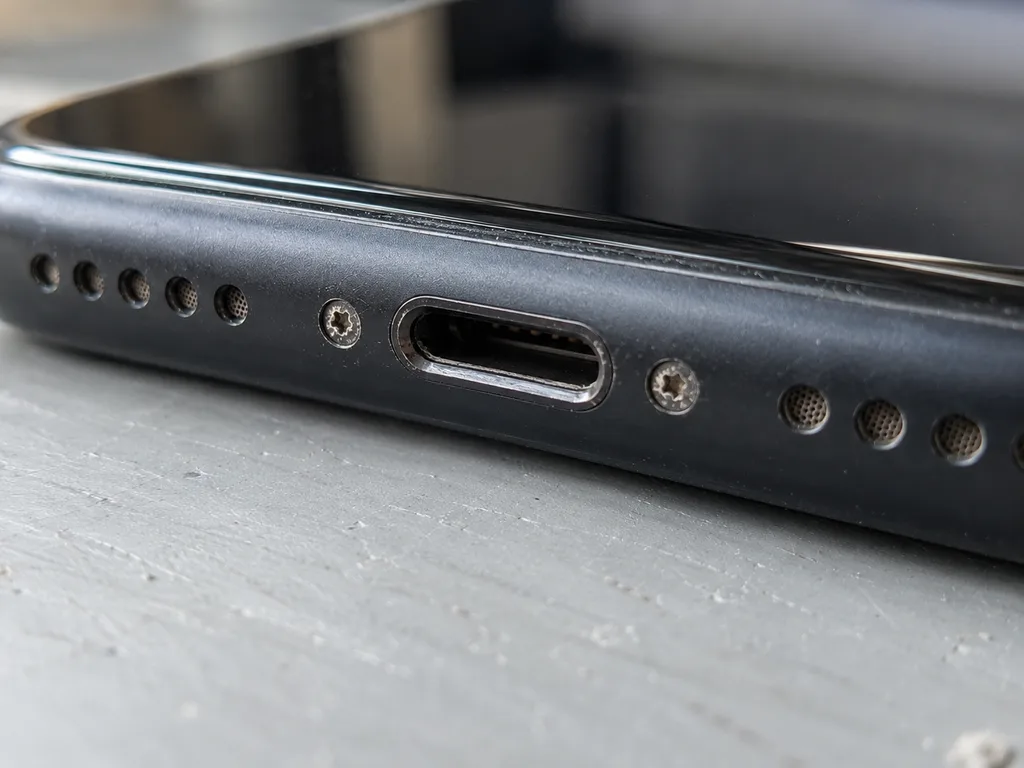
Photo after: clean connectorAfter: clean connector
BeforeAfter

iPhone 11: won't charge

40 minOriginalWarranty up to 1 year
Problem
It only charges at an angle, the cable falls out. Inside the connector there is a dense layer of pocket lint.
What we did
We cleaned the connector, one contact was bent — we replaced the charging flex cable and checked fast charging.
40 mincharges on the first try
I want the same
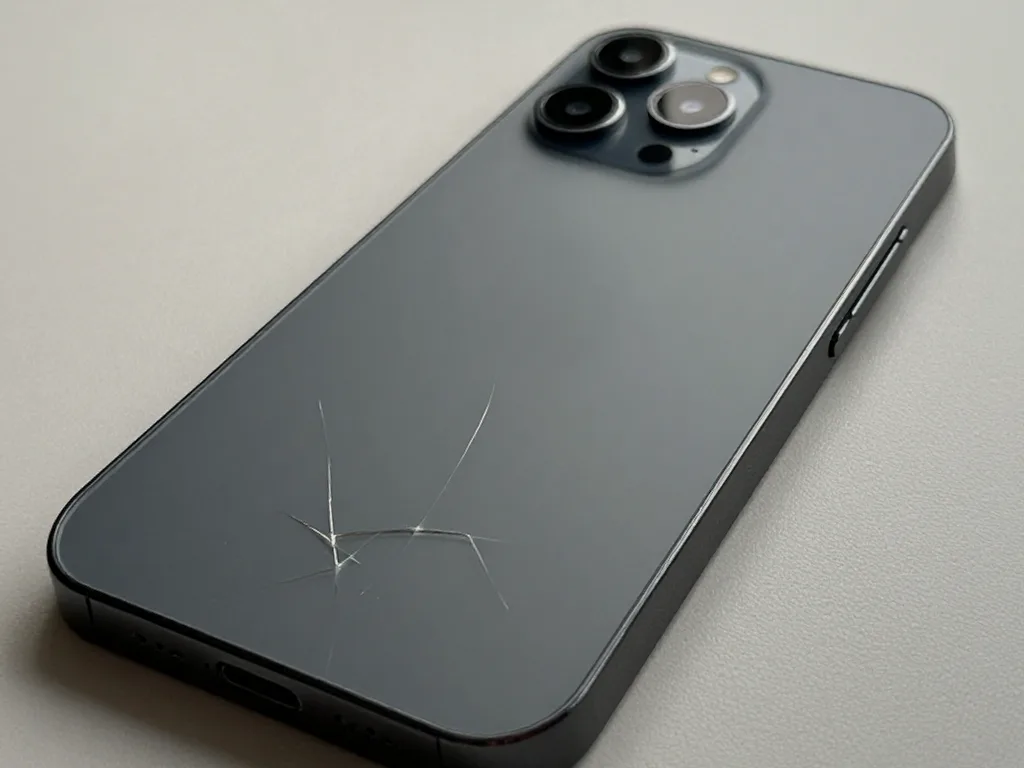
Before photo: broken back coverBefore: broken back cover
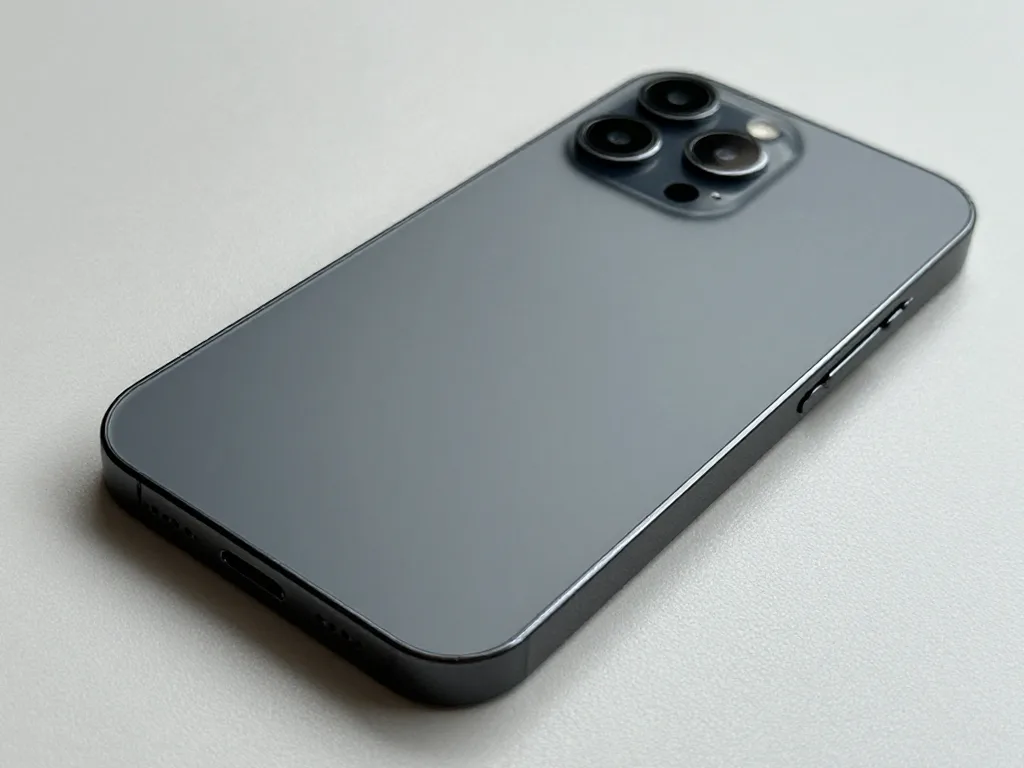
After photo: new back coverAfter: new back cover
BeforeAfter

iPhone 14 Pro: broken back cover

60 minOriginal colorWarranty up to 1 year
Problem
The back glass is cracked, the shards catch on clothing, and MagSafe holds weakly.
What we did
Removed the old glass with a laser, fitted new glass matching the body colour, and checked MagSafe and wireless charging.
60 minMagSafe holds like new
I want the same
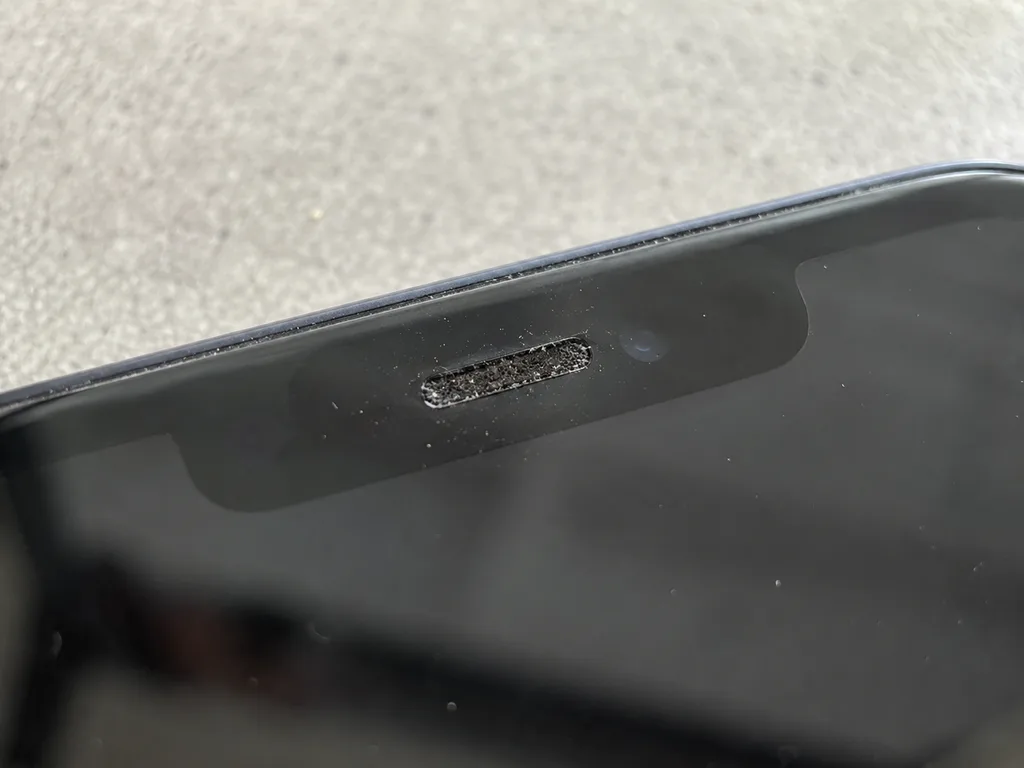
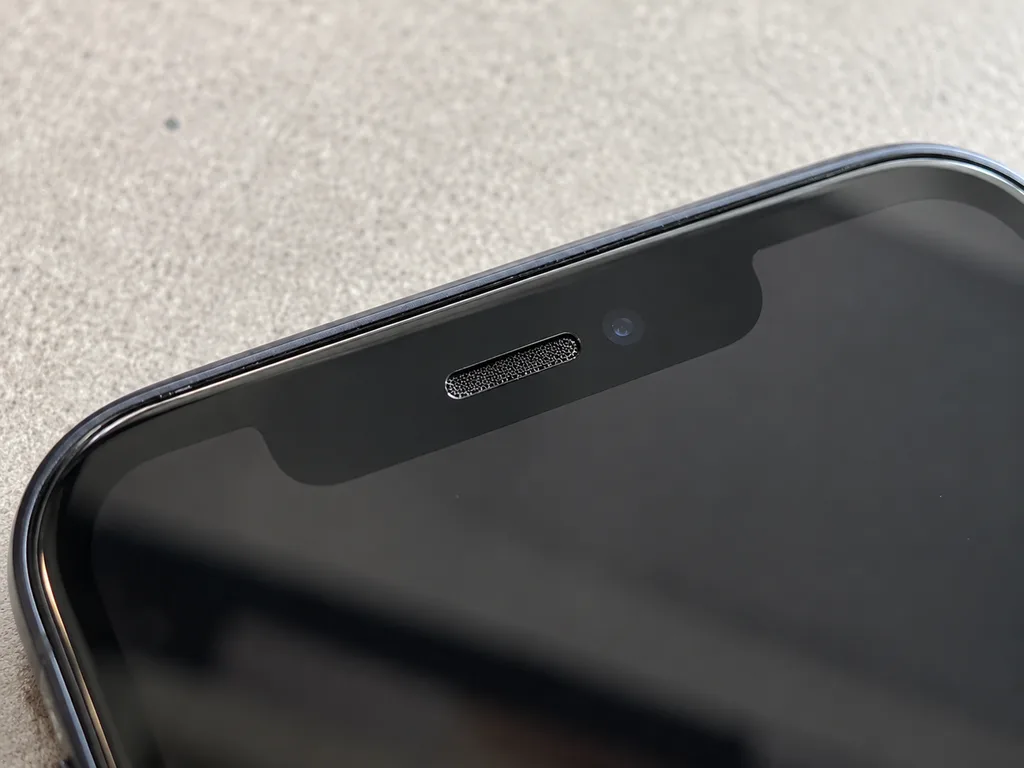
Before photo: clogged earpiece speaker meshBefore: clogged earpiece speaker mesh
After photo: clean meshAfter: clean mesh
BeforeAfter

iPhone 14: caller is hard to hear

20 minCleaningWarranty 3 months
Problem
The caller is heard quietly and with a rasp. The earpiece speaker mesh is clogged with dust and tinted cream.
What we did
Removed and cleaned the mesh, tested the speaker volume on the bench before and after.
+12 dBvolume is back
I want the same
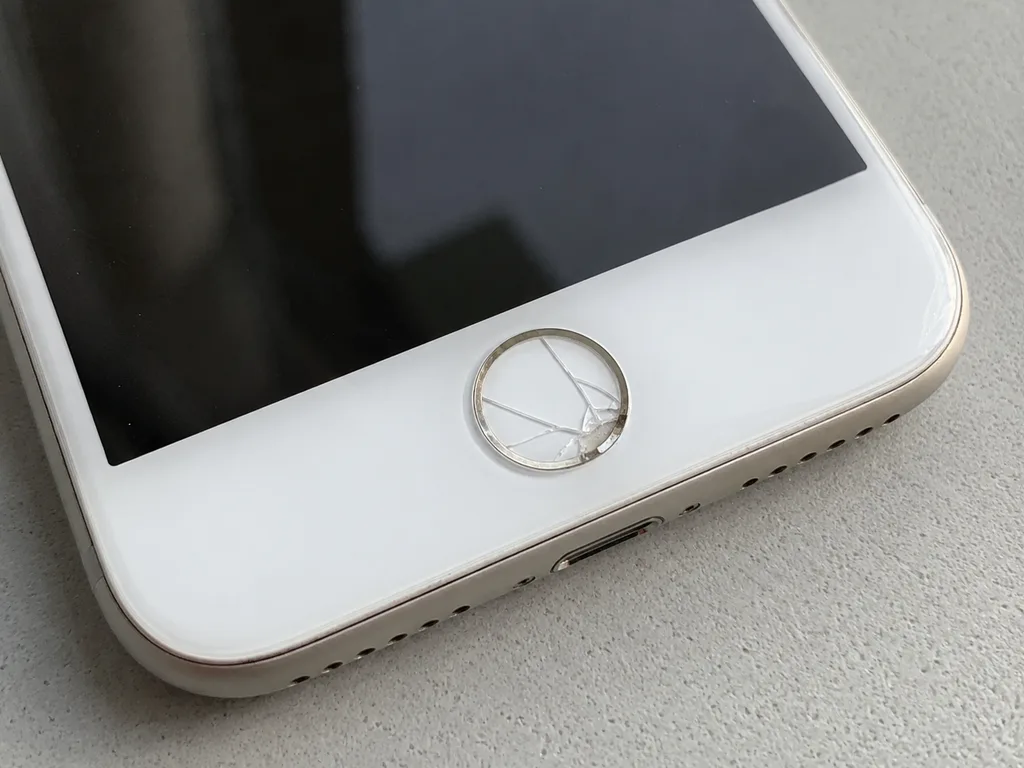
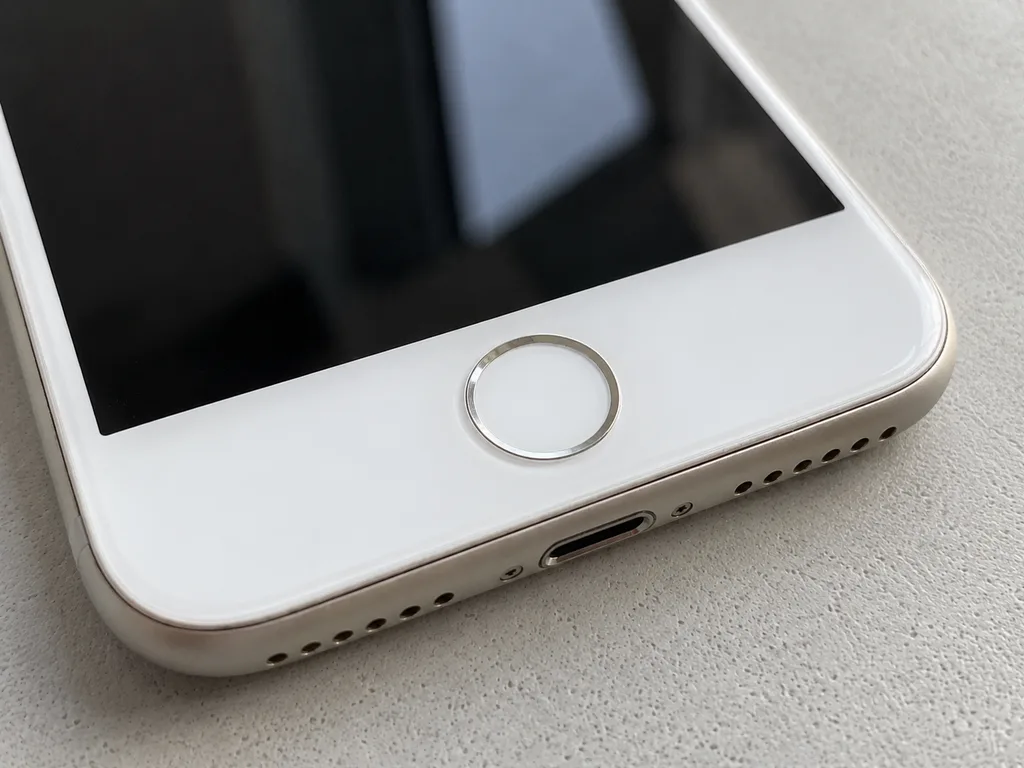
Before photo: crack on the Home buttonBefore: crack on the Home button
After photo: intact Home buttonAfter: intact Home button
BeforeAfter

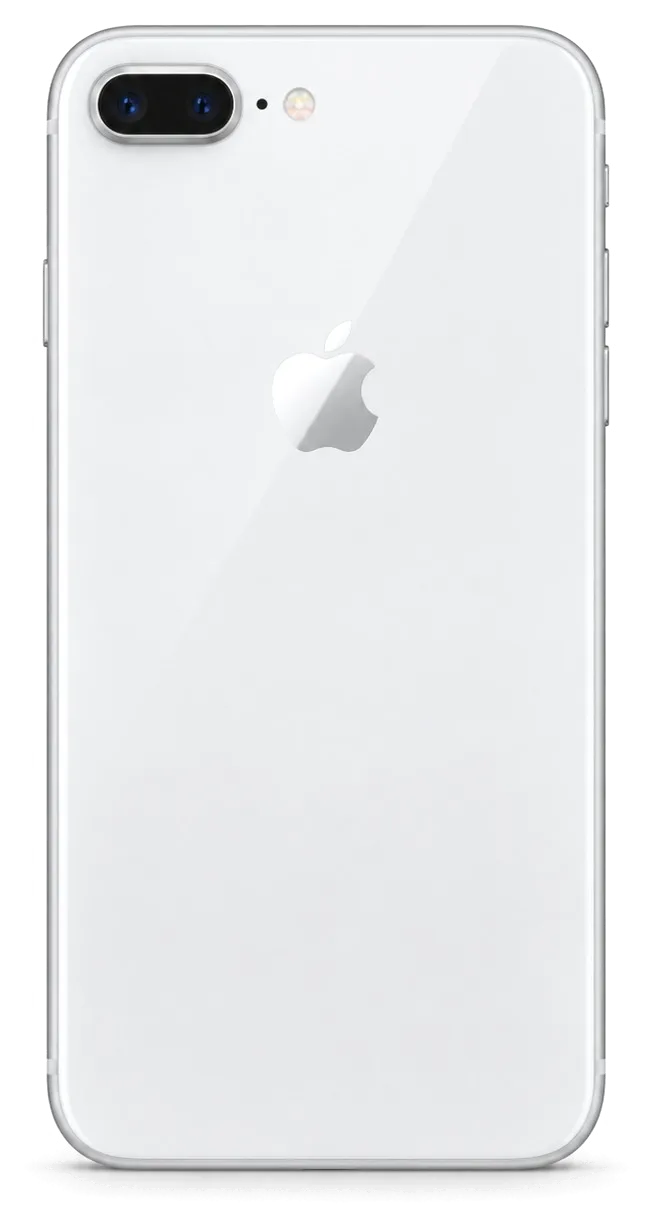
iPhone 8: cracked Home button

30 minTouch ID preservedWarranty up to 1 year
Problem
The Home button glass is cracked, the finger catches on it, Touch ID works intermittently.
What we did
Replaced the button glass and transferred the original Touch ID sensor — a new sensor won't work without Apple.
30 minTouch ID works
I want the same

How iPhone repair is done in Almaty

Screen — 40 minutes, battery — 25. Board repair — 1–3 days.

Book a repair
  1. Step 1

    Message or call

    5 min

    You send a photo of the damage on WhatsApp — we quote the price and available time. Or you call a courier.

  2. Step 2

    Free diagnostics

    15 min

    An engineer checks the device in front of you and shows what is broken. 0 ₸, even if you decline the repair.

  3. Step 3

    Price in the receipt

    2 min

    We fix the price, the part (original or analog), the timeline and the warranty. You sign — we start.

  4. Step 4

    Repair while you wait

    20–40 min

    Before installation we show you the new part in its factory packaging. You wait in the waiting area with coffee and Wi‑Fi.

  5. Step 5

    Checking 32 functions

    10 min

    Face ID, True Tone, cameras, microphones, speakers, charging, network. You check them together with the engineer.

  6. Step 6

    Pick up your device

    warranty up to 1 year

    Together with the receipt, warranty card and the old part. Payment — Kaspi, card or cash.

iServices crew handling iPhone in Almaty

Technicians for iPhone, Mac, iPad, Apple Watch and AirPods repair.

1 / 8
MNMukhpilov Nail — smartphone repair technician, iServices service center in AlmatyPhoto: Mukhpilov Nail

Mukhpilov Nail

smartphone repair technician
10years of experience
4.83rating, 83 reviews
GKGamid K — phone repair technician, iServices service center in AlmatyPhoto: Gamid K

Gamid K

phone repair technician
9years of experience
4.8rating, 65 reviews
AAArman A — on-site technician, iServices service center in AlmatyPhoto: Arman A

Arman A

on-site technician
8years of experience
4.9rating, 43 reviews
MRMolchanov Rinat — Apple repair and diagnostics engineer, iServices service center in AlmatyPhoto: Molchanov Rinat

Molchanov Rinat

Apple repair and diagnostics engineer
10years of experience
4.85rating, 33 reviews
SAShokan A — diagnostics technician, iServices service center in AlmatyPhoto: Shokan A

Shokan A

diagnostics technician
8years of experience
5.0rating, 37 reviews
SBSybanbaev Birzhan — firmware specialist, iServices service center in AlmatyPhoto: Sybanbaev Birzhan

Sybanbaev Birzhan

firmware specialist
7years of experience
4.75rating, 74 reviews
DGDenis Gushchin — display replacement technician, iServices service center in AlmatyPhoto: Denis Gushchin

Denis Gushchin

display replacement technician
20years of experience
5.0rating, 34 reviews
DADuisebaev Azhdar — connector replacement technician, iServices service center in AlmatyPhoto: Duisebaev Azhdar

Duisebaev Azhdar

connector replacement technician
7years of experience
4.3rating, 35 reviews
Gamid K, phone repair technician
“If the repair didn’t suit you or you have a complaint, write to me personally.”
Gamid Kphone repair technician · +7 701 333-47-01

We'll quote iPhone repair in Almaty from a photo in 5 minutes

Send a photo of the fault and the iPhone model. An engineer will reply on WhatsApp, give the price and available time — no calls or forms.

  1. 5 minAn engineer replies and names the price
  2. 0 ₸Diagnostics in front of you in 15 minutes
  3. 30 minMost repairs — while you wait

iPhone Repair in Almaty with Free Diagnostics and a Fixed Receipt

In short

iServices handles iPhone repair in Almaty as a direct contractor with its own technicians, not an agency. Free diagnostics take 15 minutes in front of you, and most jobs finish in 20–40 minutes while you wait. You choose an original or aftermarket part, with price, turnaround and warranty up to 1 year fixed on the receipt before work starts.

Mukhpilov NailWe reply on WhatsApp within 10 minutes
Ask

What Breaks on an iPhone and How iPhone Repair Can Tell You

iPhone faults are rarely random — each generation has its own weak points. Below is how to read a symptom and guess which node is behind it before you visit.

Screen Damage from a Hairline Crack to Dead Pixels

A cracked outer glass with a working image and responsive touch is the cheapest screen case, while green lines, black patches or a dead touch layer mean the display assembly itself is failing. The top layer is thin protective material bonded above the panel; the assembly beneath draws the picture and reads your finger. When only that surface is shattered and every pixel still lights up evenly, the panel underneath usually survived the impact. Green or pink vertical lines, spreading ink-like patches, a flickering backlight or a strip where touch stops responding all point to damage inside rather than on the surface. If the image is intact and just the top layer is broken, ask specifically whether glass-only replacement is possible for your model before agreeing to a full swap.

Battery, Charging Port or Cable

We see two different faults behind «it won't charge» — a worn cell that drops fast, or a dirty or oxidised Lightning or USB-C connector that blocks current, and the free diagnostics separate them in minutes. A cell at the end of its life shows its age in Settings under Battery Health, where maximum capacity falls and the phone shuts down under load. A charging fault looks different: the cable wiggles loose, the phone charges only at a certain angle, or nothing happens at all until you clean the port. Inside the connector sit tiny pins and a ribbon to the board, and pocket lint packed against them mimics a dead charging circuit. A port full of lint or oxide often looks like a dead board to the owner; cleaning and testing the terminal first saves an unnecessary board repair.

Symptom, Likely Cause and What We Do

Complaints matched to the failing component and the work performed
SymptomLikely nodeWhat we do
Green lines or black patchesDisplay assemblyAssembly replacement
Shattered glass, image fineOuter layerGlass-only if model allows
Dies by middayBattery cellCell replacement
Won't chargeConnector or cableClean or replace terminal
Blurry photosCamera coverCover replacement
Muffled callsMicrophone or speaker meshClean or swap

Glass Only or the Whole Display Module

Replacing the outer glass and replacing the whole display module are two different jobs with different risk and different bench time. What is possible on your exact model is decided at diagnostics, not over the phone.

When the Glass Alone Can Be Replaced

On models where the OLED or LCD matrix and the touch layer are intact, we can replace only the outer sheet — on iPhone 15 Pro this is a real option when the display still shows a clean image and every touch registers. The crack sits in the cover layer, the panel underneath is untouched, so the module stays and only the top sheet comes off. Glass-only work costs less than a module swap but takes longer on the bench, because the old adhesive has to be cleared and the new sheet laminated under pressure. The saving makes sense on a phone you plan to keep for another year or two, not on a handset heading for resale next week.

When the Module Has to Go

A dead touch layer, coloured lines, black blotches or a display that flickers means the module is failing, and only a full module replacement restores the picture. These faults live in the OLED or LCD panel itself, not in the cover glass, so a new top sheet changes nothing. Press hard on a healthy screen and the image stays even; press on a failing one and grey shadows bloom across the panel, which is the panel telling you it is done. Trying to save a failing module with a glass swap usually brings the fault back within weeks, so the honest answer is a module even when it costs more.

How Generations Differ in Screen Work

Screen build by generation and whether outer glass alone can be swapped
GenerationScreen typeGlass-only possible
4 to 8, SELCDOften
XR, 11LCDOften
X, XS, 11 ProOLEDSometimes
12 to 14OLEDSometimes
15 Pro and newerOLEDYes when matrix intact

Face ID, True Tone and Water Resistance After the Work

The biggest worry owners bring to the counter is that a working device will come back with a dead Face ID or no True Tone. Here is what actually survives a repair and what it depends on.

Face ID and the TrueDepth Module

Face ID keeps working after a correct display replacement because the TrueDepth module is a separate unit from the panel, and we transfer it rather than swap it. The projector, the infrared camera and the flood illuminator sit in their own housing at the top of the frame, paired to the logic board at the factory. When we fit new glass, our technicians move that assembly across intact, then run a Face ID check in front of you before the device leaves the bench. If the sensor stops recognising you following work done elsewhere, the cause is usually a damaged or mismatched TrueDepth unit, not the panel itself. Ask any workshop to confirm in writing that your original module stays in the handset — a swapped component cannot be re-paired at home.

True Tone and Calibration Transfer

True Tone works on a new panel only once the calibration is transferred, and on some aftermarket panels it may not work at all — we tell you before the work which case applies. The display carries a small calibration chip that tells the handset how to shift colour temperature with ambient light. On an original screen we move that data across during fitting, so the toggle stays visible and the image warms and cools the way it did previously. A missing True Tone switch following a cheap swap is a sign the calibration was skipped, not that the device is broken. Ask about it at the counter: a shop that cannot explain how it handles calibration is likely fitting screens without the transfer.

Water Resistance and the Unknown Part Message

Factory water resistance is not guaranteed once the case has been opened, and the unknown part message is an indicator of the component type, not a fault. Apple seals each unit with an adhesive gasket at the factory; when the front glass is lifted, that seal is broken and replaced with a fresh one, which restores splash protection but rarely the original IP68 rating. The unknown part banner appears when the handset cannot verify a component against its records — common with aftermarket batteries and cameras, and it does not affect how the device runs. Treat a repaired handset as splash-resistant at best, and keep it away from pools and sinks even if it was IP68 when new.

Original Part or Aftermarket and How Your Choice Is Locked In

The part is your decision, but it has to be settled before the first screw comes out. Here is how the two options behave and how the choice lands on paper.

How Original and Aftermarket Parts Differ in Practice

side-by-side behaviour of the two component options
AspectOriginal partAftermarket part
True Tone after calibrationWorksMay not work
Unknown part messageUsually absentOften appears
LongevityMatches factoryVaries by maker
Best forLong-term ownershipShort-term or resale

The Receipt That Fixes Price, Part and Warranty

Before any work starts we write the price, the part (original or aftermarket), the turnaround and the warranty up to 1 year onto the receipt, which takes about two minutes. The document is printed while you are still at the counter, so nothing about the job is left verbal. If the engineer later finds a second fault, the receipt is amended and re-signed before that work begins, not after. Our warranty card travels with the same paper, so the two reference each other. A receipt that names the exact component is what you show if a function fails later, so keep it with the warranty card.

Seeing the Part Before It Goes In

We show the new part in its factory packaging before installation and hand back the old part with the receipt and warranty card when you collect the phone. The seal is broken in front of you, and the component goes from the bag straight into the device — no bench drawer in between. On a screen job the packaging carries the module type, which is the fastest way to confirm that what you agreed to on paper is what sits inside the phone. Keeping the old unit lets you or a second opinion confirm later that the failed component was actually replaced.

How Long iPhone Repair in Almaty Takes and What You Can Wait For

Most owners want their phone back the same day, so this section shows what can be finished during a single visit and which jobs have to stay with us overnight.

Jobs Done While You Wait

Which jobs finish during your visit and which stay
JobTypical timeWait on site
Screen replacement40 minutesYes
Battery replacement25 minutesYes
Camera glass20 minutesYes
Board repair1–3 daysNo
MacBook or iPad1 hour to 1 daySometimes

From WhatsApp Photo to Fixed Receipt

You send a photo of the damage on WhatsApp, an engineer replies within 5 minutes with a price and a free slot, and the whole process from first contact to pickup usually takes less than an hour. The engineer writes the price, the part (original or aftermarket), the turnaround and the warranty on the receipt before any work starts, which takes about 2 minutes. Free diagnostics in front of you takes 15 minutes even if you decide not to repair, and the new component is shown in factory packaging before it goes in. This is how iPhone repair in Almaty starts for most customers — a photo, a quote and a time slot. Quoting from a photo works best when the shot shows the whole device and the damaged area in daylight, which saves a second round of questions.

When the Phone Has to Stay

Board repair under the microscope takes 1–3 days, and after water damage diagnostics can stretch to two days, so those jobs stay with us rather than finishing on the spot. A screen, battery or camera glass job is different — those are the ones we hand back before you finish your coffee. Before leaving a phone for board work, make a backup and turn off Find My, since the technician may need to test the device through a full restart. If a visit is not possible, a courier can be called, and across the city the trip takes 90 minutes, free with a repair.

The Check You Do Together Before You Leave

A repair ends not when the device changes hands but when you and the engineer have confirmed it works. Here is what gets tested, what you carry out, and how pickup works.

The 32 Functions We Test Together

  • Face ID: unlock several times and confirm the sensor reads your face reliably at arm's length.
  • True Tone: toggle it in Display settings and watch the screen shift between warm and cool tones.
  • Cameras: shoot with front and rear lenses, check focus and switch between photo and video.
  • Microphones and speakers: record a voice note, play it back, then take a call on speaker.
  • Charging: plug in and watch the battery indicator rise, then test the cable you normally use.
  • Network: confirm the SIM registers, calls connect and mobile data loads a page.

What You Take Home

You leave with the repaired phone, the receipt, the warranty card covering up to 1 year, and the old component in a bag. The receipt repeats what was agreed before work started — the component fitted, the turnaround and the warranty term — so nothing rests on memory. That document is what you present if the same node fails again, and it is tied to the specific repair rather than to the whole unit. The old unit comes back to you in a separate bag, and we do not keep it unless you ask us to dispose of it. That component is your proof of the swap, and the paperwork is what you show if the identical fault returns within the term.

Courier, Payment and the Direct Contractor

A courier across Almaty takes 90 minutes and is free with a repair, payment works by Kaspi, card or cash, and we are a direct contractor with our own technicians rather than an agency. You can hand the device to the courier at your door and collect it the same way, or bring it in yourself if you would rather watch the diagnostics. Payment is taken at pickup, after you have checked everything, not as a deposit up front. Our engineers handle both intake and the bench work, so whoever quotes your repair is usually whoever opens the unit. A direct contractor means the specialist who names the price is the specialist who does the job, with no handoff to a third party in between.

Summary: iPhone Repair

Five checks decide whether a repair holds up over time: screen scope, calibration behaviour, written terms, handover testing and proof of the swap. Run through them before you book.

  • Screen scope: confirm whether your model allows glass-only work or needs a full module, since generations differ in how the layers separate.
  • Calibration behaviour: ask how Face ID and True Tone will respond once the chosen part is fitted, not after the fact.
  • Written terms: get the component type, turnaround and warranty recorded on the receipt prior to service, never afterwards.
  • Handover testing: test the key functions together with the technician at pickup rather than at home.
  • Proof of the swap: keep the old component and the warranty card, because they document what actually came out of the phone.

iPhone repair questions answered

Did not find an answer? Message us on WhatsApp: an engineer replies, not a bot.

Ask a question
Which iPhone models do you repair in Almaty?

We repair everything from older models such as the iPhone 6 and iPhone 7 up to the current iPhone 17 line. Pick your model on this page to see the typical jobs for it.

Can the storage of an iPhone be upgraded?

On many models, yes: the memory chip on the board is replaced with a larger one. The phone is set up again afterwards, so back up everything before the job.
My iPhone speaker crackles or sounds muffled. Clean it or replace it?

First the grille is cleaned, because dust and earwax often block it. If the sound still crackles, the speaker itself is worn or damaged and is replaced.

People cannot hear me on calls. Is the iPhone microphone broken?

Record a voice memo and play it back: if your voice is quiet or distorted there too, the microphone or its opening is at fault. The opening is cleaned first, and if that does not help, the microphone is replaced.

Can a cracked iPhone back glass be replaced without a new housing?

On many newer models the back glass comes off separately, so only it is replaced. On others the glass is bonded to the frame, and then the housing is changed or the glass is removed with special equipment.

Can a stuck iPhone side or volume button be fixed?

Yes, the button or its cable is replaced, and the housing usually stays as it is. Before that, check that a tight case is not pressing on the button.

Do you repair iPhones bought abroad?

Yes, iPhones from other countries are built the same way and use the same parts. Some foreign versions use eSIM only, so check with your operator how to move your number if needed.

Can you fix an iPhone that was already opened in another workshop?

Yes, but tell the engineer about it in advance. Previous repairs leave traces, such as missing screws or a non-original part, and those are checked during diagnostics in front of you.


Can I send a photo of my broken iPhone before coming in?

Yes, send it on WhatsApp and we will name the price and a free time slot. The final diagnosis is made when the engineer checks the phone in front of you.

Can I wait at the Almaty branch while my iPhone is repaired?

Yes, there is a waiting area with coffee and Wi-Fi. When the work is done, you check the phone together with the engineer before you pay.

iPhone repair in Almaty in customer reviews

1 / 10
4.9

average rating on Google Maps, wikicity and our website · 445 reviews
Google Maps4.438 reviews ›wikicity5.015 reviews ›Reviews on the iServices website5.0392 reviews ›
РФ
Рустам Ф.Order No. IS‑2605‑•••43 · 20 May 2026
iPhone 16 · sound

iPhone 16 подвёл: динамик стал звучать очень тихо. По результатам диагностики проверили акустику и устранили причину тихого звука в i-service; Арман показал в чём была проблема.

iServices customer review, in Russian
РА
Рустам А.Order No. IS‑2605‑•••26 · 16 May 2026
iPhone 15 Pro Max · water damage

На iPhone 15 Pro Max после контакта с водой аппарат стал вести себя странно. Ребята сделали диагностику следов влаги и устранили найденную неисправность; От Шокан получил понятные рекомендации на будущее.

iServices customer review, in Russian
АЦ
Арман Ц.Order No. IS‑2604‑•••56 · 2 April 2026
iPhone 14 · system

Сначала пытался решить вапрос через настройки, только время потерял. У моего iPhone 14 после обновления начались странные зависания; после обращения проверили систему и помогли вернуть стабильную работу; Шокан спокойно объяснил, с чего лучше начать.

iServices customer review, in Russian
СЧ
Самат Ч.Order No. IS‑2601‑•••24 · 28 January 2026
iPhone 11 · connectivity

С iPhone 11 вышла неприятность: сигнал сети периодически пропадал. После обращения проверили связь и помогли разобраться с причиной обрывов; С Биржан всё обсудили по делу, без спешки.

iServices customer review, in Russian
МТ
Михаил Т.Order No. IS‑2601‑•••84 · 21 January 2026
iPhone 12 · charging

У моего iPhone 12 телефон почти не заряжался от привычного адаптера. В итоге проверили зарядный тракт и объяснили где была неисправность; Спасибо Биржан: разобрался с нюансами без лишних разговоров.

iServices customer review, in Russian
ДИ
Дамир И.Order No. IS‑2409‑•••88 · 8 September 2024
iPhone 8 · water damage

Проблема была такая: после контакта с водой аппарат стал вести себя странно — и непонятно что делать. В итоге сделали диагностику следов влаги и устранили найденную неисправность; Биржан потом ещё уточнил, всё ли работает.

iServices customer review, in Russian
ДУ
Диана У.Order No. IS‑2401‑•••64 · 5 January 2024
iPhone SE (2-го поколения) · charging

С iPhone SE (2-го поколения) вышла неприятность: кабель зарядки приходилось ловить под углом. После обращения разобрались с разъёмом зарядки и проверили питание; Шокан не отмахнулся от моих вопросов.

iServices customer review, in Russian
ММ
Михаил М.Order No. IS‑2112‑•••29 · 31 December 2021
iPhone 13 Pro · sound

iPhone 13 Pro подвёл: динамик стал звучать очень тихо. В итоге проверили акустику и устранили причину тихого звука; С Арман всё обсудили по делу без спешки.

iServices customer review, in Russian
РД
Руслан Д.Order No. IS‑2110‑•••19 · 13 October 2021
iPhone 13 · system

iPhone 13 подвёл: после обновления начались странные зависания. В итоге проверили систему и помогли вернуть стабильную работу; Арман показал, в чём была проблема.

iServices customer review, in Russian
ДМ
Диана М.Order No. IS‑2102‑•••82 · 23 February 2021
iPhone 12 mini · screen

На iPhone 12 mini стекло треснуло хотя сенсор ещё отвечал. В итоге оценили состояние экрана и аккуратно решили вопрос с повреждением; Арман спокойно объяснил, с чего лучше начать.

iServices customer review, in Russian
Showing 10 of 84

Where to get iPhone repair in Almaty

Address
Almaty, Panfilov St., 21
Opening hours
Mon–Fri 10:00–19:00Sat–Sun 11:00–18:00
Phone and messengers
+7 701 333-47-01WhatsApp: +7 701 333-47-01
Directions map: iServices Almaty — Panfilov, 21© OpenStreetMapFind us on the maps: Google Maps · 2GIS