MN Photo: Mukhpilov Nail
Mukhpilov Nail
smartphone repair technician
10years of experience
4.83rating, 83 reviews

The stylus no longer charges from iPad or the line breaks while writing — we'll check your Pencil 1 with the tablet for free and give the price in advance.
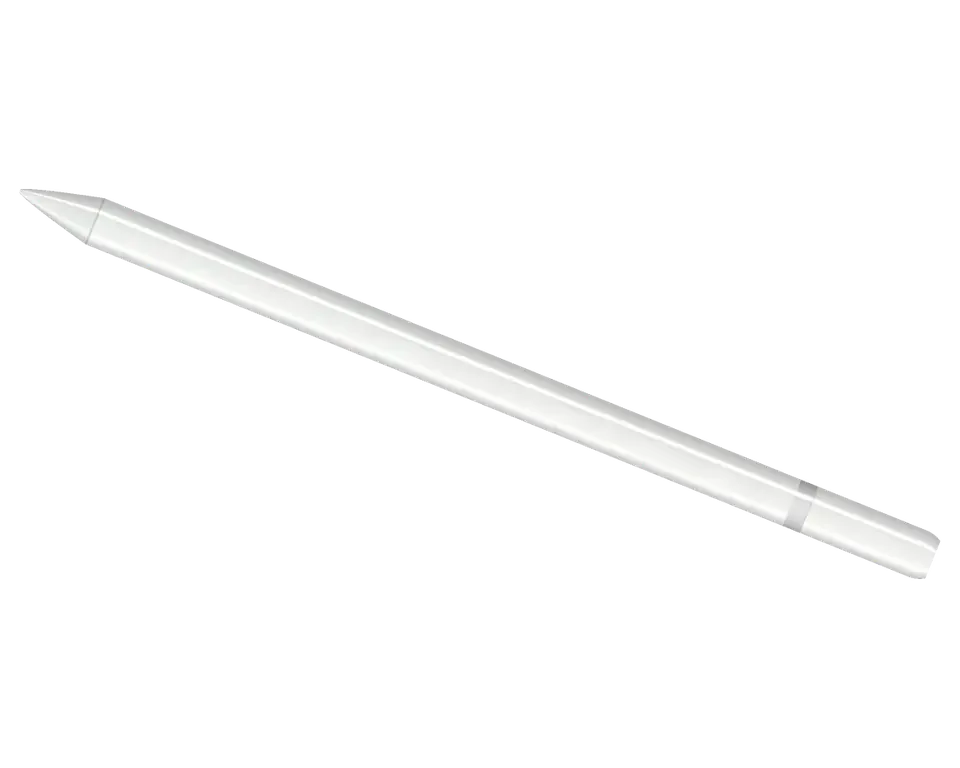
The first Pencil is recognized by its round glossy body and Lightning connector under the cap. Most complaints are about charging and responsiveness.
The connector is inserted into the tablet's port, but the charge level doesn't show up
The Lightning cable is connected via an adapter, but the stylus stays discharged
A full charge lasts only an hour or two of writing instead of the usual days
The pairing window doesn't pop up, and the stylus isn't visible in the device list
The stroke is interrupted, sections disappear, handwriting becomes uneven
Line thickness doesn't change with pressure, and the pen behaves like a finger
Shading doesn't change when tilting the stylus, although it used to work
The connector wobbles in the body, and charging cuts out at the slightest movement
After a fall, the tip of the connector is bent and doesn't fully enter the iPad port
The cap slips off and gets lost, and the exposed connector collects dust in your bag
It doesn't respond to iPad or adapter, and the charge indicator is silent
The tip is worn or cracked, catches on the glass, and leaves scratches
We give the price after diagnostics: it depends on what failed — the connector, battery, tip, or the board inside the body.
| Service | Original | Aftermarket |
|---|---|---|
| Charging connector repair | 5 490 ₸ | 2 990 ₸ |
| Tip replacement | 6 490 ₸ | 3 490 ₸ |
| Battery replacement | 20 900 ₸ | 11 900 ₸ |
| Other repairs | Price | |
| Bluetooth module repairwireless module · board-level repair | 2 990 ₸per job | |
| IPad pairing restorationsoftware restore, no parts replaced | 2 990 ₸per job | |
The stylus body is glued, so the technician will say upfront whether repair is justified or it's easier to get a new Pencil.
Most often you have to choose the tip and the charging method; the part affects the writing feel and durability.
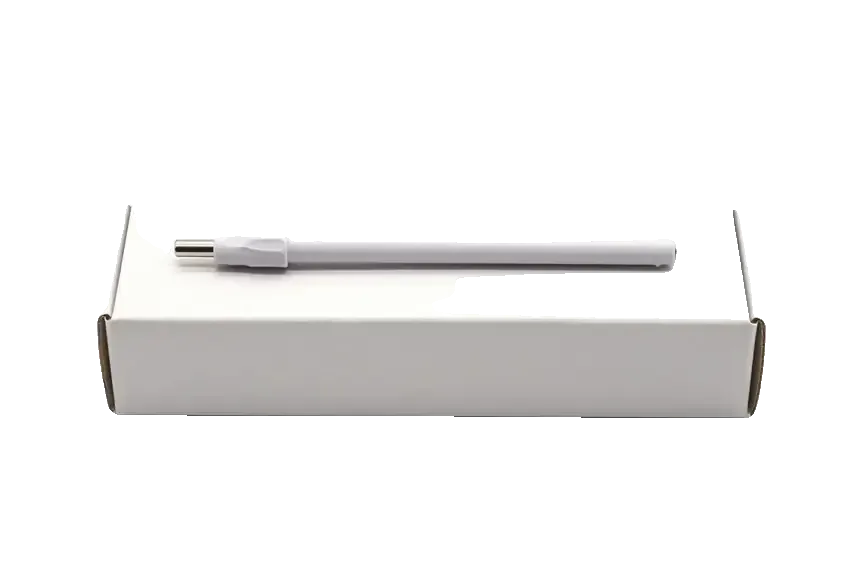
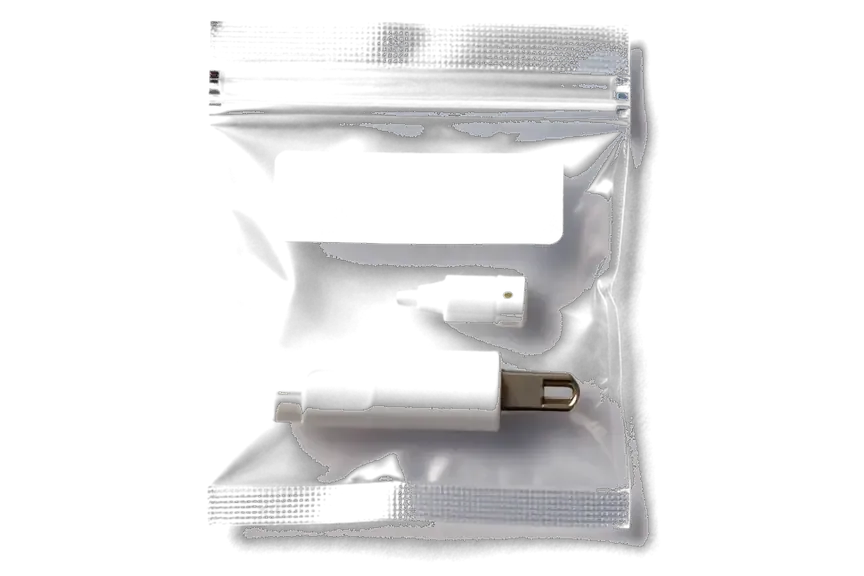
We check the stylus together with your iPad and agree on the price and work plan before opening the body.
We've spent over eleven years repairing first-generation Pencils after drops, liquid damage and long storage without charging, so we know their weak points.
The repair performed is covered by a warranty up to 1 year; the technician explains the exact terms before starting work.
Some stylus complaints are related to the tablet or its screen, so we look at both devices if you bring your iPad.
Pencil 1 is handled by a experienced technician: first they determine the cause, then propose a work plan and price.
The glued body isn't designed for frequent opening. If restoration isn't worthwhile, we'll say so directly before starting work.
Weekdays from 10:00 to 19:00, weekends and holidays from 11:00 to 18:00 — you can drop by after school or work.
Usually the whole journey — from message to pickup — takes less than an hour; complex repairs follow the timeline in the receipt.
Book a repairYou send a photo of the damage on WhatsApp — we quote the price and available time. Or you call a courier.
An engineer checks the device in front of you and shows what is broken. 0 ₸, even if you decline the repair.
We fix the price, the part (original or analog), the timeline and the warranty. You sign — we start.
Before installation we show you the new part in its factory packaging. You wait in the waiting area with coffee and Wi‑Fi.
Pairing, pressure and tilt, charging, response on the iPad screen. You check together with the engineer.
Together with the receipt, warranty card and the old part. Payment — Kaspi, card or cash.
Technicians for iPhone, Mac, iPad, Apple Watch and AirPods repair.
Photo: Mukhpilov Nail Photo: Molchanov Rinat
 Photo: Shokan A
 Photo: Sybanbaev Birzhan
 Photo: Denis Gushchin
 Photo: Duisebaev Azhdar

“If the repair didn’t suit you or you have a complaint, write to me personally.”
Send a photo of the fault — an engineer will reply on WhatsApp, give the price and a time you can come in.
Apple Pencil 1 Repair in Almaty with Free On-Site Diagnostics
iServices handles apple pencil 1 repair in Almaty as a direct contractor with its own technicians. We run free 15-minute diagnostics in front of you and show the faulty part. Every job is covered by a warranty up to 1 year, with the part and turnaround fixed on the receipt first.
The first-generation Pencil draws power only through the Lightning connector hidden under its cap, so most failures trace back to the charging path or to pairing. Below we map what actually breaks and how each fault shows up.
We check the Lightning port, the internal battery and the charging path first, because the first-generation Pencil draws power only through the Lightning connector under the cap. The port collects pocket lint and oxidises on the inner contacts, which cuts the circuit even when the cable is fine; the glued-in cell, in turn, loses capacity after years of shallow charge cycles. Our engineer opens the cap, inspects the contacts under magnification and measures the cell before quoting anything. A stylus that sat discharged for months often needs a longer first charge than owners expect, so test it on a known-good tablet and cable before assuming the battery is dead.
If the iPad does not react to the Pencil at all, we test Bluetooth pairing and the internal circuitry, since a failed link is either a software glitch or a damaged antenna inside the stylus. That antenna sits on the same small module as the charging controller, so a knock or a drop that bends the housing can crack a trace and kill the wireless link while leaving charging intact. Our technician pairs the device with a reference tablet, watches the Bluetooth menu for it to appear and inspects the module under a microscope when it does not. Re-pairing after a full restart clears a surprising share of "dead stylus" cases, so rule that out before opening the device.
| Symptom | Likely component | What we check |
|---|---|---|
| Will not charge at all | Lightning port, battery | Port contacts, charge path |
| Charges but dies fast | Battery | Cell health, drain rate |
| iPad never sees it | Bluetooth antenna, board | Pairing, signal at microscope |
| Line breaks while writing | Tip, pressure sensor | Tip wear, sensor response |
| No pressure or tilt | Pressure sensor, board | Sensor signal, trace continuity |
Before we open up the accessory, we confirm the fault is not in the tablet. Magnetic charging, Bluetooth pairing and iPad settings can all mimic a dead Pencil, and the two failures look almost identical to the owner.
We pair the accessory with a second tablet during diagnostics, because if it behaves the same way on another device the fault sits in the accessory, not the tablet. The check takes a few minutes: we attach the unit magnetically to the test device, watch whether the charge indicator appears, then open Bluetooth and look for the pairing prompt. A unit that charges and pairs on the second tablet but fails on yours sends us straight to the tablet's Lightning port and Bluetooth stack. We repeat the test twice to rule out a flaky connection. If the accessory works elsewhere but not on your device, the issue is the tablet's pairing or port, and repairing the Pencil will not help — you would pay for work on a device that was never broken.
| Check | Result | What it means |
|---|---|---|
| Charges on a second iPad | Yes | Fault is in your iPad port |
| Charges on a second iPad | No | Fault is in the Pencil |
| Pairs on a second iPad | Yes | iPad Bluetooth issue |
| Pairs on a second iPad | No | Stylus board or antenna |
| Writes on a second iPad | No | Tip or pressure sensor |
We also inspect the tablet's Lightning port and Bluetooth settings, since a dirty port or a stuck pairing blocks the Pencil just as effectively as a broken unit. Lint and pocket grit pack into the Lightning socket over months and stop the magnetic charge from reaching the stylus, which reads to the owner as a dead battery. On the software side, a stale Bluetooth pairing keeps the device from reconnecting after an iOS update. We clean the port, forget the old pairing and re-pair the device in front of the customer. Cleaning the tablet port is often the whole fix, and it costs nothing to check before any part is replaced — on many visits this step alone brings the stylus back, and no repair is needed.
A Pencil holds few components, yet each one carries a specific function. Below is what we actually replace and adjust, and why the power source in particular needs diagnostics before any work begins.
We replace the battery only after diagnostics confirm it is the weak link, because the power unit is glued into the body and the procedure is not reversible. The housing has to be opened along a sealed seam, the old component separated from its adhesive bed, and the new one seated so the Lightning connector still aligns with the cap thread. We show the replacement in its factory packaging before installation and fix the part type, turnaround and warranty on the receipt before work starts. A stylus that drains overnight but holds charge while in use usually has a current leak on the circuit, not a worn power unit, so the swap would not fix it — that pattern points to the charging path and calls for a closer look first.
We repair the internal circuit under a microscope, which is the only way to trace the fine connections that carry charging and Bluetooth signals. The logic sits in a narrow cavity beside the antenna, and the traces feeding the Lightning contacts are thin enough that a soldering iron without magnification damages more than it fixes. Under the lens we can follow the charging path from the connector to the power management chip, test the wireless feed, and reflow joints that have cracked from repeated drops. Faults here often show up as intermittent pairing rather than a total failure, so a device that sometimes works is worth a check — intermittent behaviour is the signature of a micro-crack, not of a dead component.
Some faults sit in the pressure sensor or the sealed body, where a repair would cost more than the part is worth, and we say so plainly. The pressure sensor responds to how hard the tip is pressed, and it is bonded to the internal frame in a way that does not survive separation — a unit with dead pressure sensitivity but working tilt and pairing is usually past saving. The same applies to a shell cracked across the antenna window, where resealing cannot restore the original rigidity. Knowing when a stylus is beyond economic repair saves the owner from paying for a fix that will not restore full function, and our engineers tell you that during the free 15-minute check rather than after the invoice.
Two parts of a Pencil wear out faster than anything else: the nib that touches the glass and the Lightning plug that carries power. We look at when each one needs attention and what it puts at risk.
We swap the nib as soon as it grinds down to the metal core, because a bare point scratches the screen glass and changes how the line reads. A fresh tip keeps the contact soft, so the accessory glides instead of dragging. This is the cheapest component in the whole assembly, and replacing it takes minutes rather than a full teardown. A worn nib also makes the stroke skip, so owners often blame the sensor when a new tip solves it. Check the point against the light every few weeks: once the dark plastic is gone and a grey core shows through, the glass is already taking the friction. On a device used for daily drawing, that moment arrives sooner than most people expect.
We repair or replace the Lightning plug and the cap, since a bent pin or a lost cover lets dust and moisture into the power path. On the first-generation model the plug is male and sits exposed whenever the tool is out of the iPad, so it takes knocks that a recessed socket never sees. A pin pushed flat stops the handshake, and the tablet reports nothing at all. A replacement cover clicks on the same way the factory piece did. Losing that cover is more than cosmetic, because lint packed into the port is one of the most common reasons this gadget stops taking a charge. Blow the socket out before you assume the battery is gone.
| Part | How it wears | What it affects |
|---|---|---|
| Tip | Grinds down with use | Line quality, screen safety |
| Cap | Lost or cracked | Port protection |
| Lightning connector | Bent pins, dust | Power transfer |
| Battery | Ages with cycles | Runtime |
A repair like this takes little time, but the order of steps matters — from the first photo on WhatsApp to the final line test at pickup. Here is what happens between those two points.
An engineer replies on WhatsApp within 5 minutes and quotes a price from a photo, then the cost, component, turnaround and warranty are fixed on the receipt ahead of any work. You send a picture of the damage, we name the slot, and the paperwork takes about 2 minutes at the counter. The receipt lists whether the replacement is original or aftermarket, the promised turnaround and the guarantee term, which runs up to 1 year on our labour. Most jobs of this kind finish in 20–40 minutes while you wait in the seating area with coffee and Wi-Fi. Getting the terms on paper first means the hardware and the timeline cannot change mid-repair, which is the main protection for the owner. For Apple Pencil 1 repair in Almaty, customers get the same clear terms from the first message.
After the repair you test the Pencil with the engineer, checking pairing, pressure, tilt and a continuous line while the accessory still sits on the counter. We run the same 32-function check we use on every device, roughly 10 minutes, and this stage covers connection, charging and stroke response across the tablet screen. You draw a diagonal line at slow and fast speed, press hard and light, and tilt the tip to confirm shading responds. Pairing is confirmed in Settings, then we watch the battery indicator hold steady for a full minute. Testing pressure and tilt, not just pairing, catches a sensor problem that a simple "it connects" check would miss.
We are a direct contractor with our own technicians and workshop, so the replacement, the warranty up to 1 year and the old component all come back to you from the same team. That setup matters for a glued-in battery and board-level work done under a microscope: the person who opens the stylus is the person who answers for it. We show the new unit in factory packaging ahead of installation, and 64% of customers pick an original component. When the job is done you leave with the receipt, the warranty card and the removed piece in hand. iServices handles the whole job in-house, so the fresh unit you are shown in factory packaging is the one actually fitted, something a middleman relaying the work to a third party cannot guarantee.
A first-generation Pencil fails in a handful of predictable places, and knowing them turns a vague fault into a clear next step.
Did not find an answer? Message us on WhatsApp: an engineer replies, not a bot.
Ask a questionMost often the culprit is an oxidized or dirty Lightning connector or the socket in the stylus itself. Sometimes it's a deeply discharged battery after long storage. Diagnostics with iPad will show what exactly failed.
With minor deformation, the connector can sometimes be carefully straightened and secured. Don't bend it yourself: you could damage the iPad port. Bring the stylus for inspection, and the technician will assess the chances.
A sensor inside the body is responsible for sensitivity, and its failure isn't always related to the battery. It's worth checking the stylus on another iPad to rule out tablet settings. If the same happens on the second device, diagnostics are needed.
Apple original tips are compatible with all stylus generations, including the first. With analogs it's trickier: the thread or hardness differs, so it's better to try them on site.
Without the cap, the exposed connector collects dust and lint, and charging starts to cut out. You can find a replacement from us, and while there's no cap, store the stylus in a case with the connector facing up.
Connect the Pencil to your iPad and check charging, pressure, and tilt in Notes or a graphics app. The workshop is open weekdays from 10:00 to 19:00, weekends and holidays from 11:00 to 18:00, warranty up to 1 year.
Apple Pencil (1-го поколения) подвёл: стилус разряжался быстрее обычного. В итоге оценили аккумулятор и зарядку.
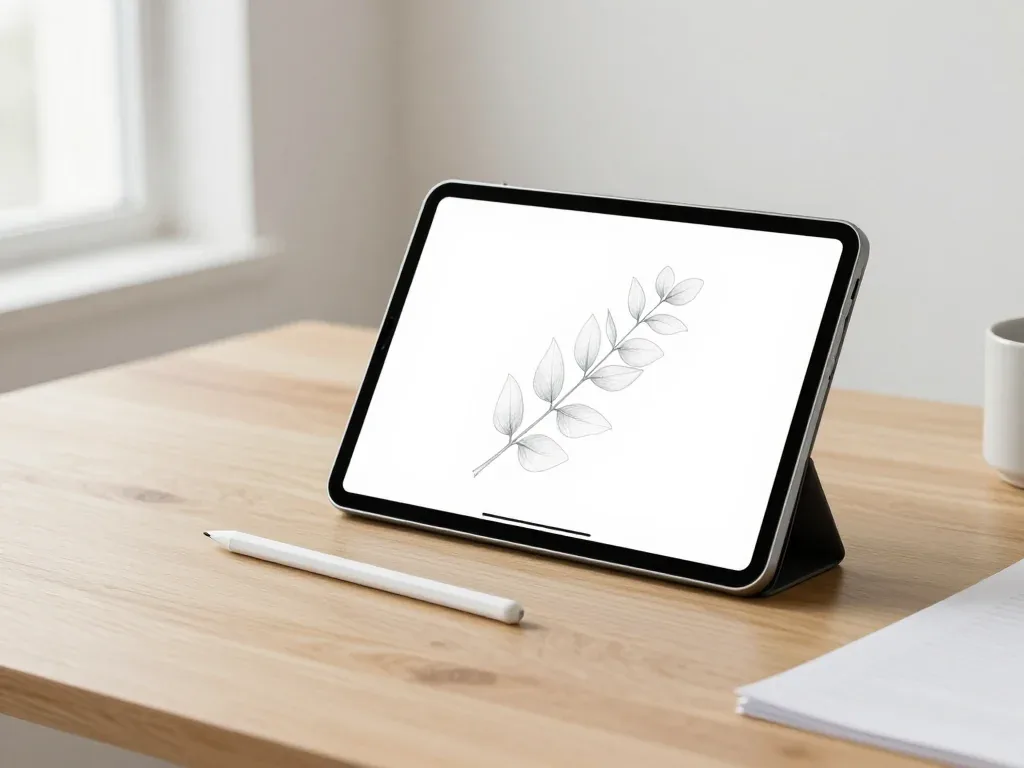
Most pairing failures come from a flat stylus, a stale Bluetooth entry or dirty contacts, and a free 15-minute check confirms the cause.

Back up your data, turn off Find My, and bring proof of purchase — then the repair starts faster.

 iPad
 MacBook
 iMac
 Mac mini and Studio
 Apple Watch
 AirPods
 Apple TV
 HomePod
