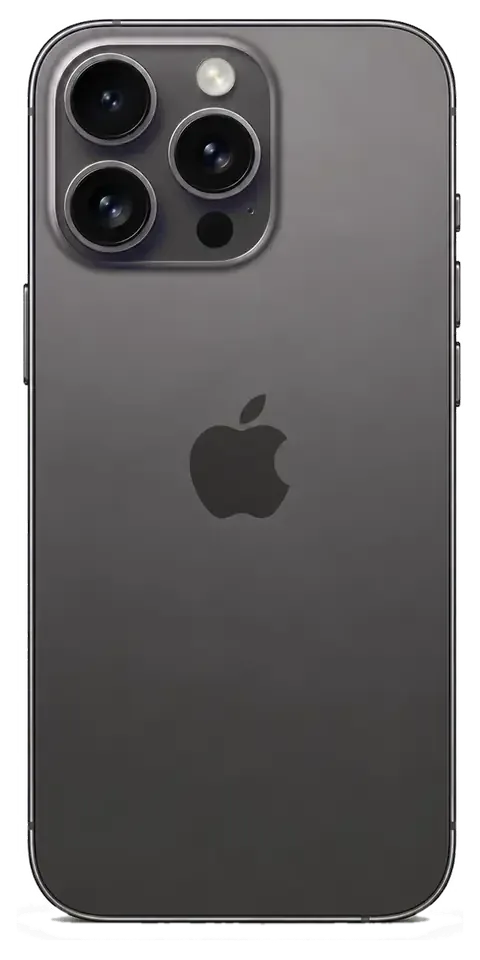
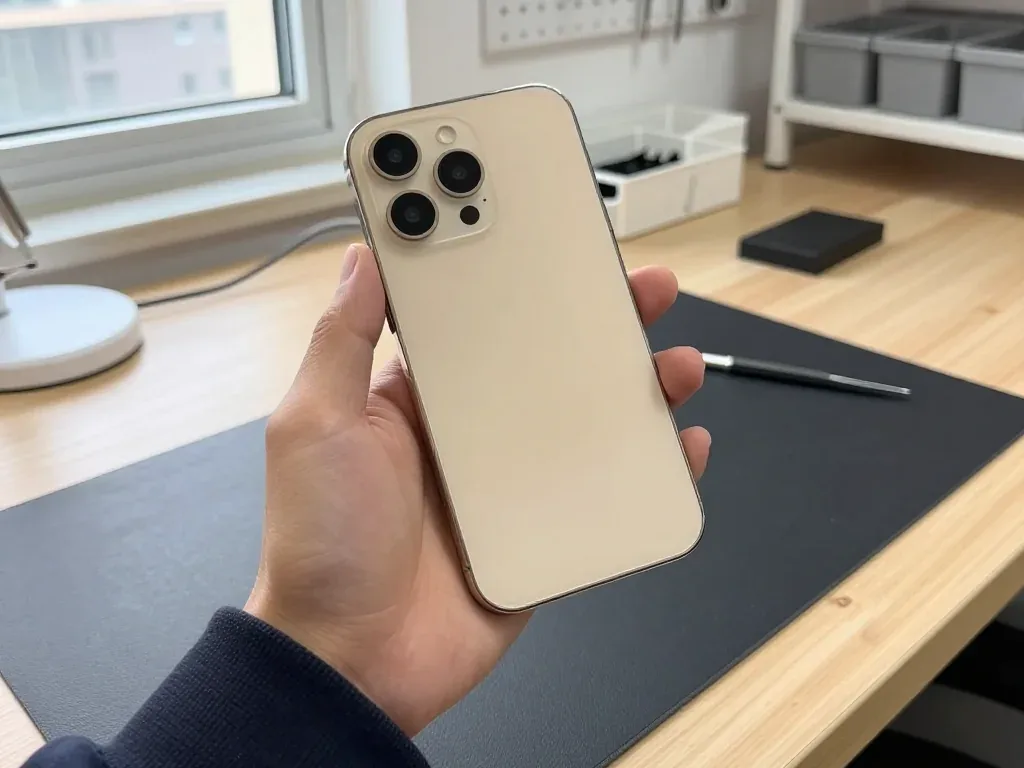
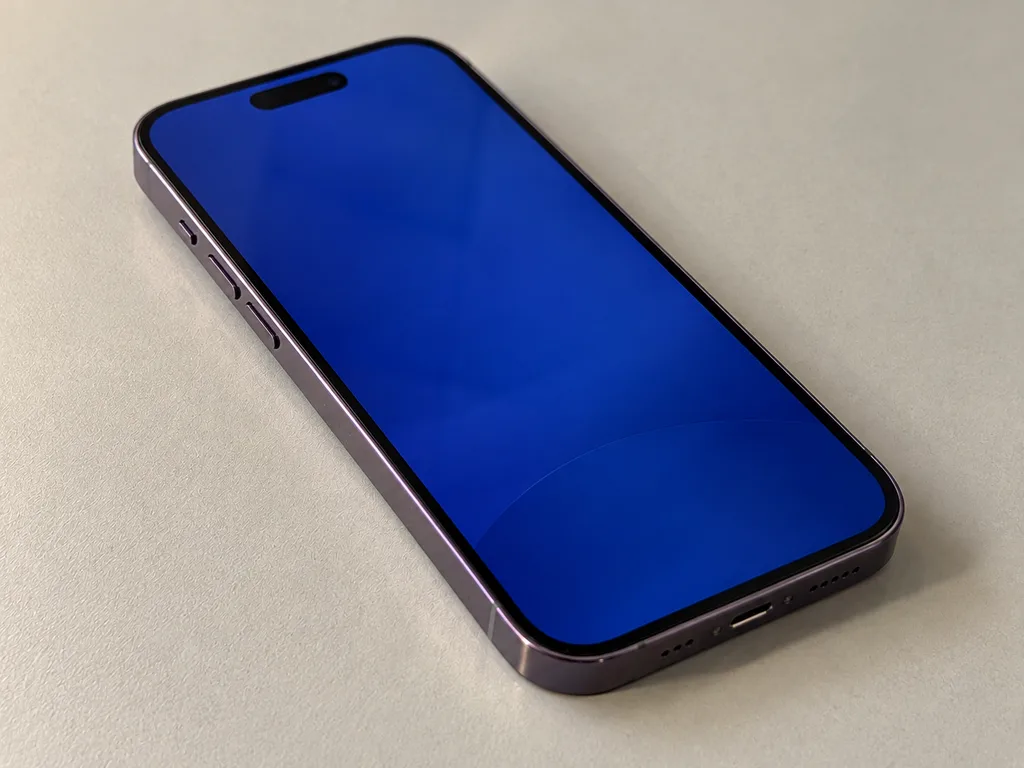
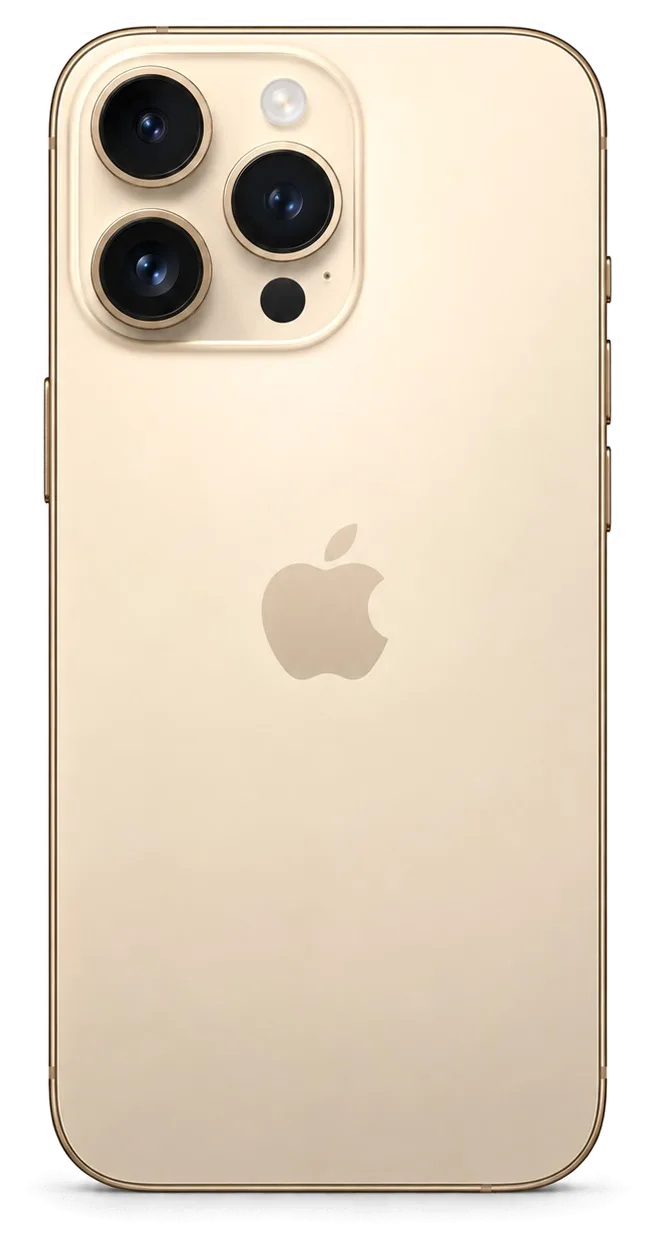
The 14 Pro is a heavy stainless-steel handset with a large OLED panel, so drops and power-cell wear dominate. Here is what owners bring us most often and what each symptom usually means.
The faults we see most on this model
Most repair jobs we handle come down to four faults — a cracked screen, a worn cell, a clogged charging socket and shattered camera glass. The display module is the single most common part on our bench, followed by the power pack, which loses capacity faster on a 120 Hz always-on panel that stays lit through the day. The charging socket collects pocket lint and oxidises, so the cable seats loosely and charging cuts in and out. The lens cover cracks on the raised rings whenever the handset lands face-down on a hard surface. Because the 14 Pro is heavier than the standard 14, a drop loads the stainless frame and the corners harder, so a fall that only scuffs a lighter unit can crack the panel here. For iPhone 14 Pro repair in Almaty, owners most often come to us with exactly these four faults.
Symptom, likely cause and what we do
Symptom to cause to action on this model| Symptom | Likely cause | What we do |
|---|
| Screen cracked, touch dead | Broken display module | Replace the module or front cover only |
|---|
| Drains fast | Worn pack, low health | Fit a new cell |
|---|
| Will not charge | Dirty or oxidised port | Clean, or replace the port flex |
|---|
| Photos hazy | Cracked lens cover | Swap the outer cover |
|---|
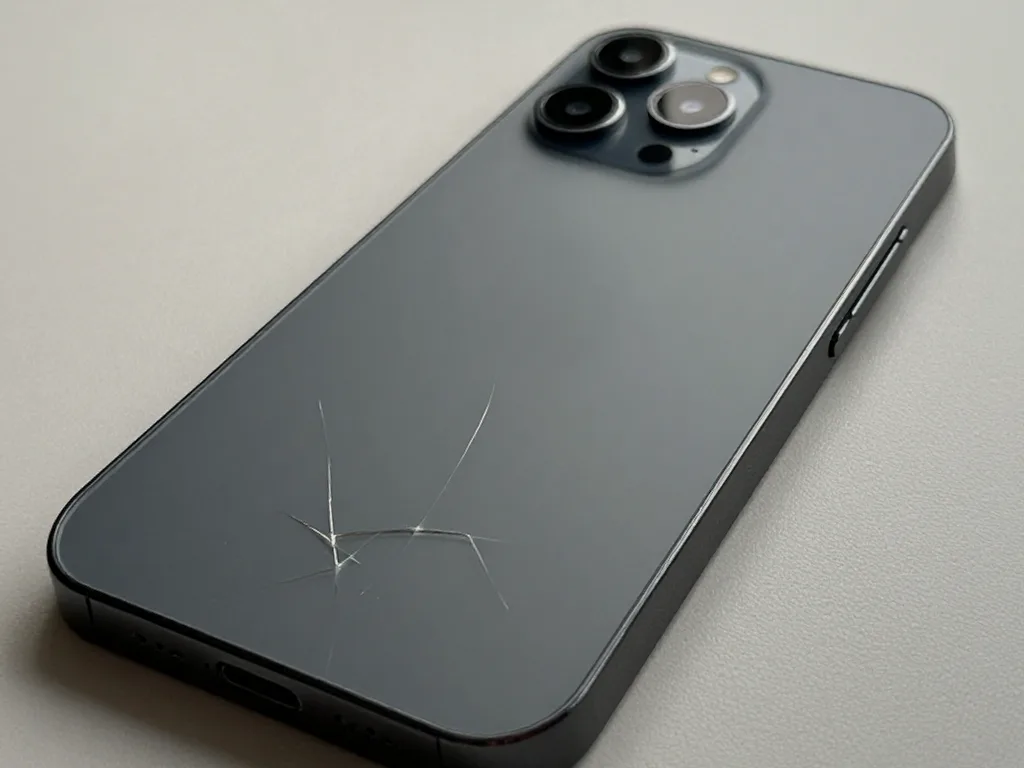
| Back shattered | Impact on rear panel | Replace the rear layer |
|---|
Battery wear and charging faults
We replace the power pack when Battery Health drops and the handset shuts down under load, and we check the socket before blaming the board. A cell that reads below roughly 80% capacity and swells under a heavy app is worn, not faulty software, and a fresh one restores a full day of use. If the unit only charges at a certain angle, the flex or its pins are the cause, and cleaning solves it in most cases without a part swap. The power controller on the board fails far less often, and we confirm that under a microscope. A swap on the 14 Pro takes about 25 minutes, so it is worth doing early rather than living with random shutdowns that can interrupt a call or a payment.
Screen Damage and What iPhone 14 Pro Repair Can Save
A cracked 14 Pro screen is not always a full module job. Whether we can keep the original panel depends on the glass, the matrix and the touch layer, so the diagnostic decides.
Glass only or the whole display module
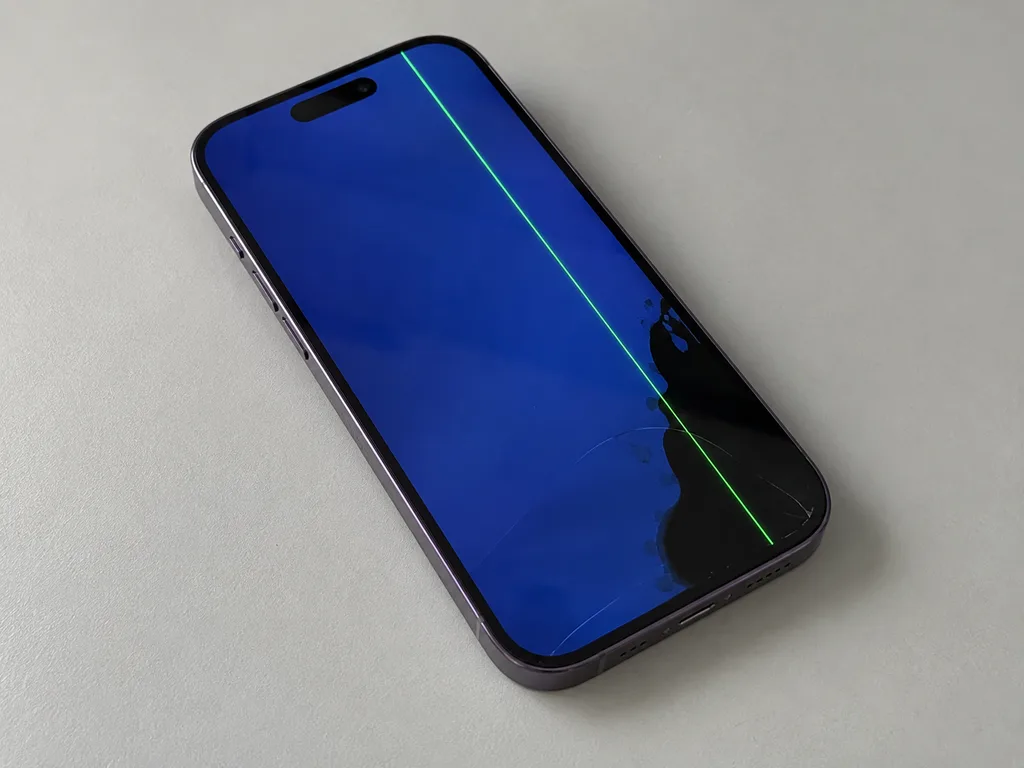
If the OLED matrix and touch still work and only the outer glass is cracked, we can replace just the glass; if there are lines, dead zones or a black patch, the whole module goes. During free diagnostics the engineer presses on the glass, checks the touch grid across the full surface and looks for dark spots under the panel. A hairline crack over a working matrix is the glass-only case, and 64% of our customers choose an original part when the module has to be swapped. Keeping the original panel is usually the better outcome because the display keeps its factory calibration, so ask the engineer to show you the matrix on the diagnostic before agreeing to a full swap.
Screen repair options side by side
Three ways to fix a damaged 14 Pro screen| Job | When it fits | What it keeps |
|---|
| Glass only | Matrix and touch intact | Original panel and calibration |
|---|
| Full module, original | Lines, dead zones, black patch | Factory-grade display |
|---|
| Full module, aftermarket | Budget repair, panel destroyed | Works, True Tone may vary |
|---|
Why a cracked screen should not wait
A cracked screen exposes the OLED and the TrueDepth module to dust and moisture, so a small chip can turn into a dead panel or a failing Face ID. Grit works its way under the glass at the crack line, and every press pushes it deeper into the matrix. Moisture follows the same path — a drop of rain on a chipped corner reaches the touch layer fast. The TrueDepth module sits right at the top edge, where cracks from a face-down drop usually start. Even a hairline crack lets grit under the glass, and that grit scratches the matrix a little more with every press, which is why a glass-only job today can become a full module job in a month.
Original or Aftermarket Part for iPhone 14 Pro Repair
Every component comes in two grades, and the choice changes both the feel of the phone and the message you may see later. We show both options before work starts and fix the pick on the receipt.
How original and aftermarket parts differ
An original component matches the factory unit in fit and function, while an aftermarket one is cheaper but may differ in brightness, colour or how True Tone behaves. On the iPhone 14 Pro the display module carries the calibration data, so a factory-grade panel keeps the 1–120 Hz ProMotion range and the Always-On dimming curve exactly as the phone shipped, while a compatible panel can drop to a fixed refresh rate or show a slightly warmer tint at low brightness. The same logic applies to batteries: a factory cell reports its full health percentage and charge cycles, an aftermarket one sometimes reports nothing at all. About 64% of our customers pick the original component, and the reason is usually resale value and the fact that the display keeps its factory look rather than a slightly warmer or cooler tint.
What the receipt locks in before we start
Before any work starts we write the price, the component grade, the turnaround and the warranty on the receipt, and that takes about two minutes. The document names the exact component, states whether it is original or aftermarket, lists the promised time and carries a warranty up to 1 year — the same terms whether you wait in the lounge or hand the phone to our courier. Nothing is opened until you have signed that paper, and the new component is shown in its factory packaging before it goes in, so the grade on the receipt and the grade in your hand are the same item. A written component grade protects you later, because if the phone shows a part message or a function behaves oddly, the receipt already says which grade was fitted and what the warranty covers.
The unknown part message explained
The unknown part message is an indicator of which grade of component is fitted, not a fault, and the phone keeps working normally with it. The phone stores the serial number of certain components — the display module, the battery, the front camera — and compares it against what it expects to see, so a replaced unit without that serial match triggers a note in Settings. Face ID, True Tone, the cameras, charging and the network all keep working; the notice is a record, not a failure. It tells you what was installed rather than that something is broken, and knowing this stops owners from paying twice for a repair that is already fine.
Face ID, True Tone and Water Resistance After Repair
Owners worry most about losing Face ID, True Tone or water resistance after a repair. Here is what actually happens to each function on the 14 Pro and why.
Face ID after a screen repair
Face ID keeps working after a screen repair because the TrueDepth module is a separate unit from the display, and we do not touch it during a normal panel swap. The dot projector, infrared camera and flood illuminator sit in the top bezel on their own flex cable, so a straight replacement leaves them untouched. We still test Face ID with you at pickup, because a drop hard enough to crack the glass can also nudge the TrueDepth assembly, and catching that on the same visit saves a second trip. A misaligned module shows up as intermittent unlocks or a "Face ID is not available" message and needs re-seating rather than replacement. If the phone was opened elsewhere before, ask for the module to be checked first — a displaced bracket is a common cause of repeat failures.
True Tone and the calibration transfer
True Tone works on a new screen after the calibration is transferred, and on some aftermarket panels it may not work at all. Ambient light sensor data is paired to the original display, so a blank panel without the transfer keeps the warmer tone switched off permanently. On the 14 Pro the transfer runs through the service software in a couple of minutes, and we confirm it before closing the unit. This is one more reason the component grade matters, so if True Tone is important to you, choose the original panel and confirm on the receipt that calibration transfer is included. We note the component type on the receipt before work starts, which avoids a surprise when you compare brightness and colour at pickup.
Water resistance after the phone is opened
Factory water resistance is not guaranteed after any repair that opens the phone, because the seal is broken when the case comes apart. The 14 Pro carries an IP68 rating from the factory, built on a gasket and adhesive layer that are compressed once and lose their shape on the first opening. We re-apply the water-resistant adhesive when we close the device, but treat it as splash-resistant rather than waterproof afterwards, and keep it away from pools and heavy rain. A case and a dry pocket are enough for daily use. If it has already been in liquid, tell the engineer before work starts — moisture inside changes the plan.
How a Visit Works and What You Get Back
From the first message to the moment you walk out, the visit is short and predictable. Here is the order of steps, the timings and what you take home with the device.
From WhatsApp photo to pickup
You send a photo of the damage on WhatsApp, an engineer replies within five minutes with a price and a free slot, and most jobs finish in 20 to 40 minutes while you wait. On arrival the engineer runs a free 15-minute diagnostic in front of you and shows what is broken, even if you decide not to repair. Price, component, turnaround and warranty are fixed on the receipt within two minutes before work starts, and the new component is shown in factory packaging. You can sit in the waiting area with coffee and Wi-Fi. About 72% of our repairs are completed while the customer is still on site, so for a screen or battery you can usually plan the visit around a single coffee.
Repair times for the 14 Pro
Bench times per job type on this model| Job | Typical time |
|---|
| Screen replacement | 40 minutes |
|---|
| Battery replacement | 25 minutes |
|---|
| Camera glass | 20 minutes |
|---|
| Charging port | 30–40 minutes |
|---|
| Board repair | 1–3 days |
|---|
What you check with the engineer at pickup
- Face ID and True Tone: unlock the device and check the display tint together with the engineer.
- Cameras and microphones: shoot a photo, record a voice note and play it back on the spot.
- Speakers and charging: play audio at full volume and plug in the charger to confirm it holds.
- Network and calls: confirm signal strength and place a test call before you leave the bench.
- Paperwork: take the receipt, the warranty card and the old component in the same bag.
What you take home and who does the work
You leave with the device, the receipt, the warranty card and the old component, and the work is done by our own technicians rather than passed to a third party. We are a direct contractor with our own workshop, so the person who quotes the job is the one responsible for it, and every unit goes through a 32-point check of roughly ten minutes before it reaches you. A courier across the city can collect and return the handset in about 90 minutes, free with a repair, which suits owners who cannot leave the office during the day. The warranty runs up to 1 year, and payment is by Kaspi, card or cash at pickup.
Summary: iPhone 14 Pro repair
A repair on this model comes down to a few decisions made before any screwdriver touches the phone. Here is what is worth carrying out of the door with you.
- Glass versus assembly: a cracked screen is not always a full assembly job, so ask whether the glass alone can be swapped in.
- Component grade: the grade of the component governs how True Tone and the picture look, so get it written down prior to work starting.
- Face ID: a normal screen fix leaves Face ID working, since the TrueDepth unit sits apart from the display.
- Water resistance: sealing weakens after any opening, so treat the phone as splash-resistant rather than waterproof once it has been apart.
- Checks and paperwork: a short inspection in front of you plus a written receipt turn a fix from a guess into a predictable visit.











 iPad
 MacBook
 iMac
 Mac mini and Studio
 Apple Watch
 AirPods
 Apple Pencil
 Apple TV
 HomePod




