How long you spend at the workshop depends on which part has failed. Here is a realistic picture of timing for each job, what the wait looks like and when a phone has to stay overnight.
Which jobs fit into one visit
Timing for each workshop operation| Job | Typical time | Can you wait on site |
|---|
| Screen replacement | 40 minutes | Yes, in our waiting area |
|---|
| Battery replacement | 25 minutes | Yes, in our waiting area |
|---|
| Camera glass | 20 minutes | Yes, in our waiting area |
|---|
| Free diagnostics | 15 minutes | Yes, next to the engineer |
|---|
| Post-job function check | About 10 minutes | Yes, together with the engineer |
|---|
| Logic board work | 1–3 days | No, the phone stays with us |
|---|
What happens while you wait
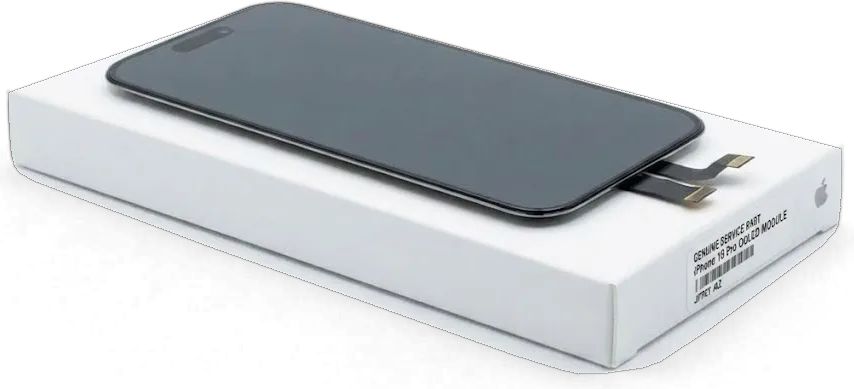
Most iPhone 15 Pro repair in Almaty that we do finishes during a single visit: 72% of jobs are completed while the customer sits in our waiting area. The whole path, from the first message to getting the phone back, usually takes less than an hour. There is coffee and Wi‑Fi to pass the time. Before the new part goes in, the engineer takes it out of its factory packaging and shows it to you, so you know exactly what is being installed. The workshop is open on weekends too, from 11:00 to 18:00 on Saturday and Sunday. If the phone has two faults, say a cracked screen and a loose USB-C connection, mention both in your first WhatsApp message so both jobs can be planned into one visit.
Jobs that need more than a day
When the fault is on the logic board, the phone stays with us for 1–3 days, and the work is done under a microscope. The board of the 15 Pro is a dense, multi-layer assembly: the technician first traces a short circuit or a broken line in the power rails, then solders under a microscope. After soldering, the board runs under load to confirm the charging controller is not dragging neighbouring components down with it. Liquid damage is a separate case, because corrosion does not show up straight away, so diagnostics can take up to two days. One piece of advice from the bench: if the phone got wet, do not keep testing whether it turns on, as every attempt pushes current through damp contacts.
Titanium Frame, Back Glass and Camera Damage
The body of the Pro takes most of the impact in a fall. The protruding camera bump, the glass back and the titanium edges each fail in their own way, and each calls for a different fix.
Why the camera glass cracks so often
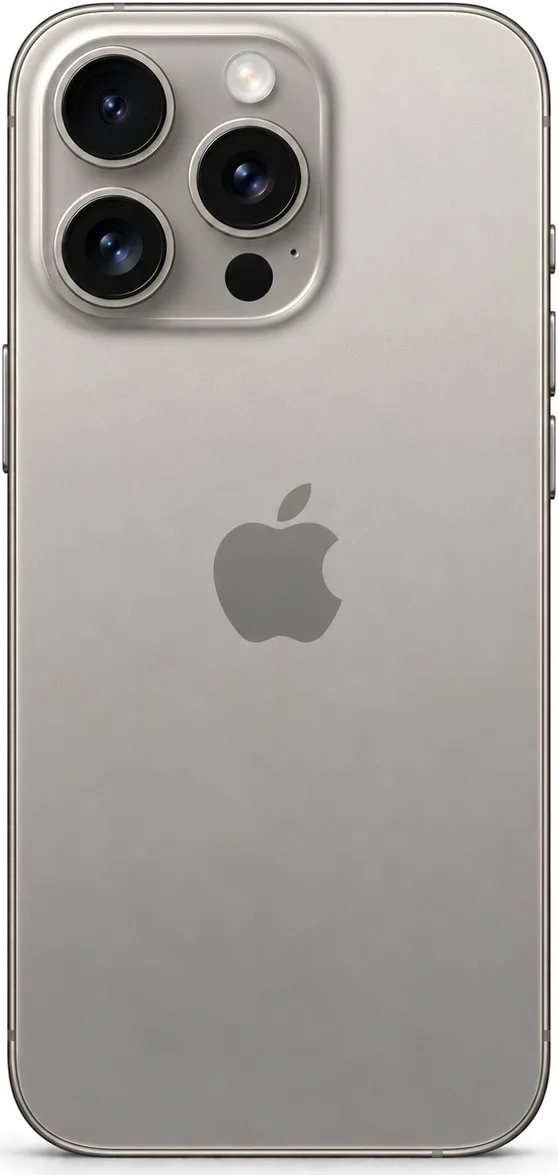
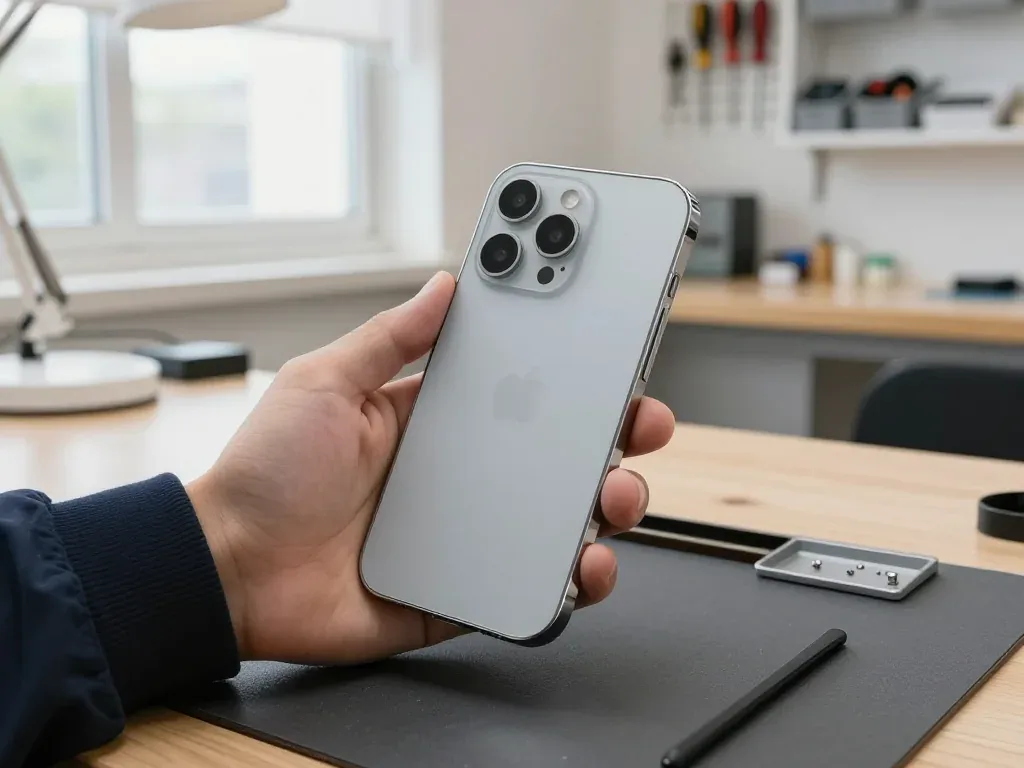
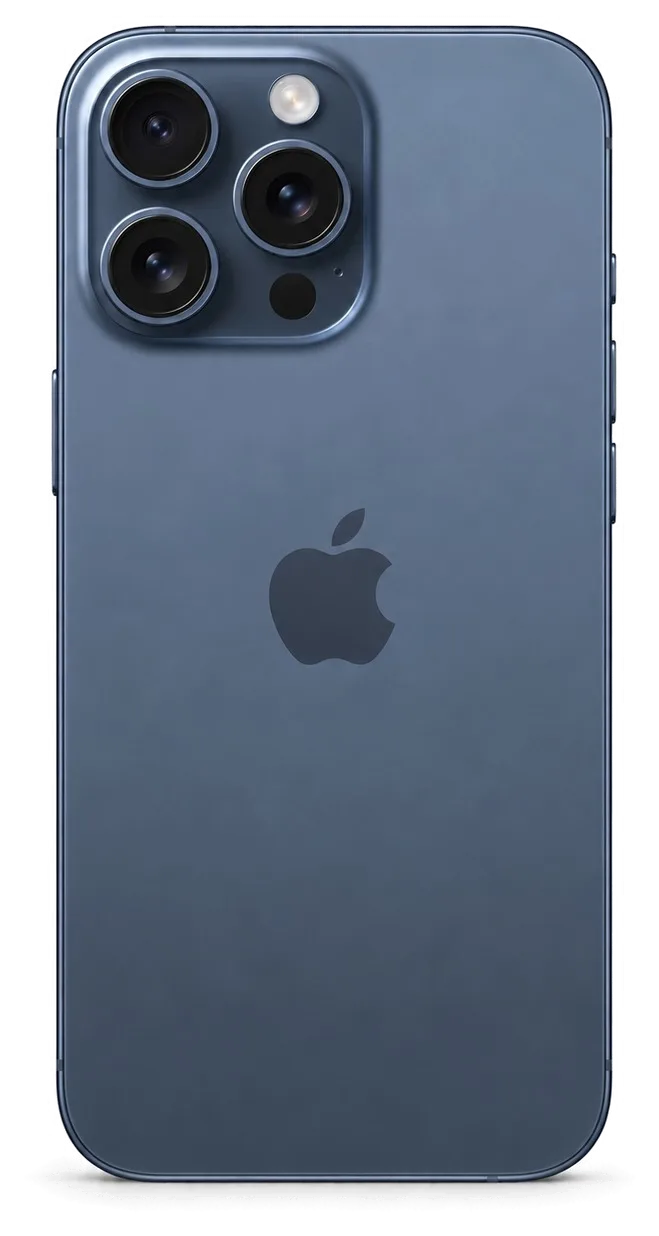
On the 15 Pro, the camera glass cracks often because the triple-lens bump sticks out from the back and lands first when the phone falls flat. A cracked lens cover causes flare, haze and soft focus in photos, while the camera module underneath usually stays intact. We replace this cover in about 20 minutes, so it is a job you can comfortably wait for. The technician warms the old cover, lifts it, cleans the seat of old adhesive and seals the new cover tightly so dust cannot creep under it. Once the work is done, we switch between all three lenses to confirm focus and stabilisation. Until then, avoid wiping the cracked cover with a cloth: tiny shards scratch the lens surface and can turn a small glass job into a full camera replacement.
Back glass cracks and frame dents
A cracked back glass on the iPhone 15 Pro is more than a cosmetic issue, because MagSafe and wireless charging coils sit right beneath it and the panel also helps seal the body. Spider-web cracks let moisture and dust reach the internals. The titanium frame is strong, yet a hard corner impact can still leave a dent that slightly lifts the display or the back panel. Such a deformation is easy to miss, but it breaks the adhesive seal along the edge and weakens dust protection. A case with raised edges around both the screen and the camera bump absorbs most of these knocks before they reach the frame.
Glass only or the whole part
When a partial fix is enough| Damaged area | Glass-only fix possible | Full part needed |
|---|
| Front screen | Panel intact, touch works | Lines, spots, dead touch zones |
|---|
| Camera lens cover | Lens and module intact | Module scratched or not focusing |
|---|
| Back of the phone | Only the glass is cracked | Frame bent, charging coil damaged |
|---|
| Edge of the frame | Small scuffs | Dent lifting the display |
|---|
The Display and Its Features after Replacement
A broken screen remains the most frequent reason owners walk into a workshop. These are the questions worth settling first: how much of the display needs replacing and which features keep working afterwards.
Glass-only replacement on the 15 Pro
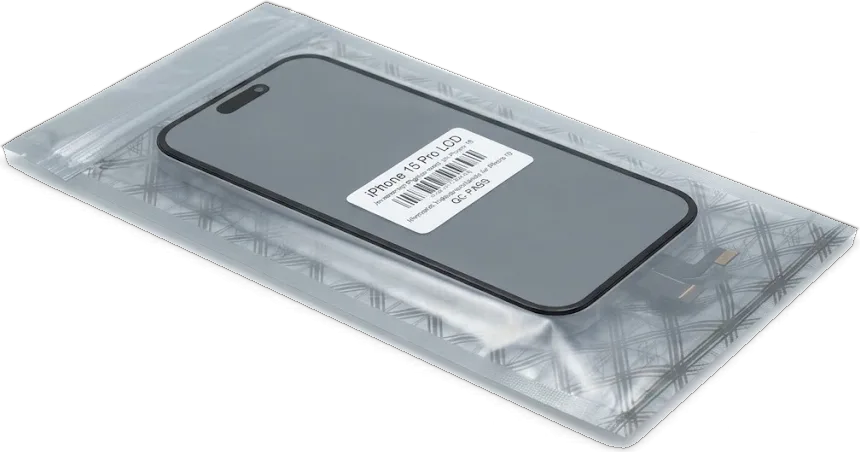
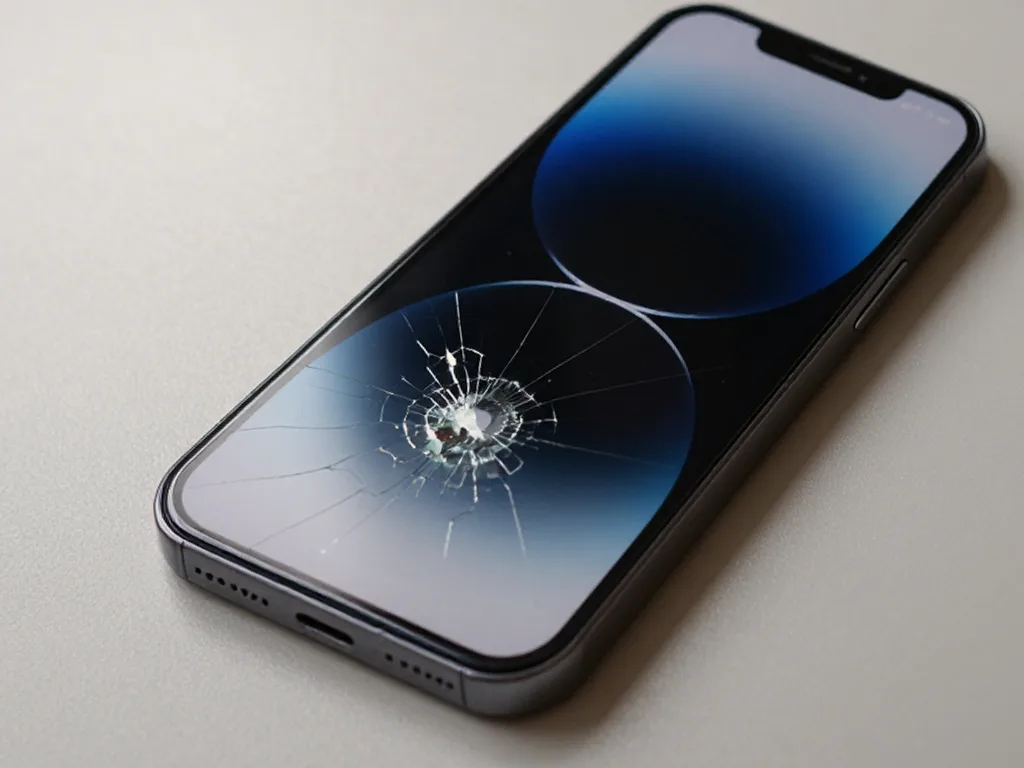
On the iPhone 15 Pro, we can replace just the front glass when the OLED panel underneath is intact, instead of fitting a whole display assembly. This works when the picture under the cracks is even, with no lines or blotches, and touch responds across the entire surface, including the edges and the area around the Dynamic Island. The engineer confirms this during free diagnostics in front of you, which take 15 minutes and commit you to nothing. If the OLED layer has been hit, coloured stripes, dark spots or unresponsive zones appear, and changing the top layer alone would not help. Deep spider-web cracks should not be left for long: shards gradually press into the panel, and every extra week makes a partial fix less likely.
Face ID and True Tone with a new screen
Face ID keeps working after a correct screen replacement because the TrueDepth camera is a separate unit, not part of the display. The infrared camera, dot projector and proximity sensor sit in the upper part of the body, beneath the Dynamic Island cutout, and we do not disturb them during careful disassembly. True Tone is different: the display has to inherit the factory calibration of the old panel, otherwise white looks bluish or yellowish. With an original screen, we transfer that calibration as part of the job, so the True Tone switch stays in Display and Brightness settings. Both features are checked with you right after reassembly. Before you leave, open a white page and move from a window to a lamp: the tint should shift smoothly as the light changes.
Original panel or alternative
- Brightness: an original OLED panel keeps the factory brightness, while an alternative can look dimmer in direct sunlight outdoors.
- Colour accuracy: the original keeps factory colour calibration, whereas an alternative may show cooler whites and less natural skin tones.
- True Tone: it works on an original screen after calibration transfer but is not available on some alternative panels.
- Settings message: an alternative may appear as an unknown part in settings, which does not affect touch or Face ID.
- Your priority: choose the original for photography and editing, and an alternative if you simply need a working screen.
Battery, USB-C Port and Charging Faults
Power problems are often mistaken for a dead logic board, although the cause is usually simpler. Here is how to read the symptoms and what happens to sealing once the phone has been opened.
Signs the battery is worn
- Short runtime: the phone no longer lasts until evening under the same use it handled easily when it was new.
- Sudden shutdowns: it switches off in cold weather or under load while the indicator still shows remaining charge.
- Service message: Battery Health in settings shows a service recommendation, which you can check yourself before any visit.
- Slower interface: apps open with a delay when the charge is low, because the system limits peak performance.
- Swelling: a gap between screen and frame means the battery is bulging and pressing on the display from inside.
Why the USB-C port stops charging
Most often, the USB-C port stops charging because of compacted lint and corrosion inside it, not because of a board fault. The port is open to the world, the phone lives in a pocket, and each time you plug in, the cable packs debris deeper until the connector no longer seats fully. With this complaint, we first inspect the port under magnification and clean it carefully, then test the charging flex and current draw. If the current is normal after cleaning, the job ends there; if not, the engineer looks further, towards the charge controller. Diagnostics are free and happen in front of you, so you see the cause yourself. The only advice here: never clean the port with a needle or a paper clip, because metal scratches the contacts and can short neighbouring pins.
Water resistance after any opening
Once the case has been opened, factory water resistance can no longer be guaranteed, however carefully the phone is reassembled. The display of the 15 Pro sits on an adhesive gasket around its perimeter, and that gasket is destroyed when the screen comes off. A new seal is applied by hand, but no workshop can reproduce the pressure and clamping used at the factory, so the original water rating becomes a rough guide rather than a promise. This applies to any job that removes the display or the back panel, from a battery swap to cleaning the port from the inside. In practice, avoid swimming with the phone, filming in the shower or leaving it by the pool. If liquid does get in, do not charge it and take it straight to have the board cleaned.
Booking, Courier Pickup and Warranty
The final stage decides whether any questions remain a month later. Below are the booking steps, the pickup option for busy days and what the owner keeps after the phone is handed back.
From a WhatsApp photo to handover
- Photo first: you send a picture of the damage on WhatsApp, and our engineer replies within 5 minutes with a price.
- Free slot: in the same reply we offer the nearest available time, so you arrive to a prepared bench, not a queue.
- Diagnostics in front of you: 15 minutes, free of charge, and the engineer shows what is broken even if you decide against the work.
- Receipt before work: price, part type, timeframe and warranty are recorded in about 2 minutes before the technician starts.
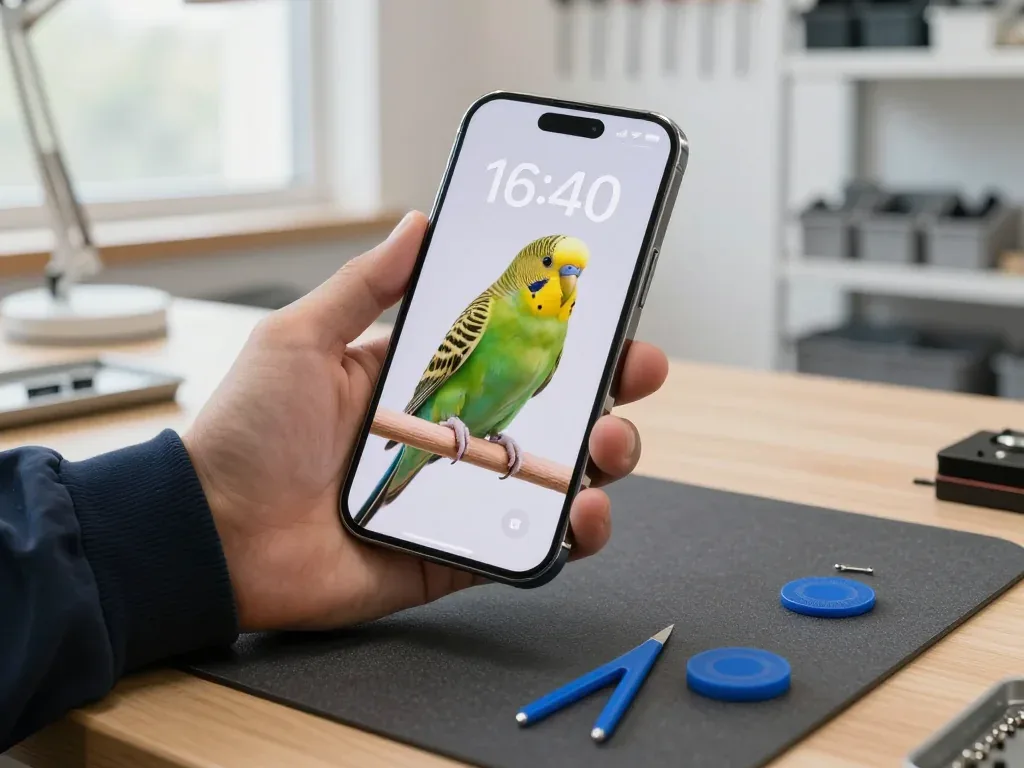
- 32-point check: after reassembly we test 32 functions with you, including Face ID, True Tone, cameras, microphones, speakers, charging and network.
Courier pickup across the city
A courier across Almaty arrives within 90 minutes and is free when you order a repair from us. This option suits faults that are not urgent: a battery that lasts half a day, a quieter speaker, a chip on the lens cover. You start with a WhatsApp photo, the engineer replies within 5 minutes with a price, then the courier collects the phone and brings it back with the receipt once the work is done. For urgent cases, such as a smashed screen before a trip, coming in yourself and waiting on site is faster. Keep one thing in mind: with courier delivery you run the function check at home, so test Face ID, the cameras, microphones and charging as soon as the phone arrives and write to the same chat if anything seems off.
Warranty, paperwork and a direct repairer
iServices is a direct repairer, not an aggregator or a middleman: every iPhone 15 Pro repair in Almaty is carried out by our own technicians in our own workshop. For the owner, a short chain means clear responsibility, because the receipt, the warranty card and the old part come from the same bench where the phone was opened. A middleman typically passes the device to a contractor you never meet, and in a dispute you end up talking to a dispatcher. We have been working for 11 years, have completed 46,000+ repairs and have branches in Almaty and Astana. The warranty lasts up to 1 year and covers the specific job written in the receipt. Payment is by Kaspi, card or cash. Whichever workshop you choose, ask who will actually open the phone and whether you can wait nearby.
Summary: iPhone 15 Pro repair
Here are the points that help an owner get through a fix calmly, from the first crack or warning sign to the moment the phone is back in a pocket and fully working.
- Time depends on the part: screen, battery and camera glass take tens of minutes, while board work and liquid damage need several days.
- Partial fixes are often enough: with an intact panel or camera module, replacing only the cover restores the phone without a full part.
- Features can be preserved: careful work keeps Face ID and screen calibration intact, while factory water resistance is lost after opening.
- Charging faults are often simple: a dirty port or a worn battery explains most power complaints before the board is even suspected.
- Check before signing: test cameras, microphones, charging and network with the engineer, and keep the receipt together with the old part.










 iPad
 MacBook
 iMac
 Mac mini and Studio
 Apple Watch
 AirPods
 Apple Pencil
 Apple TV
 HomePod




