The iPhone 15 Pro screen is a single laminated OLED module of glass, touch layer and matrix. A cracked surface and a dead picture are different failures, so first find out which one you face.
Cracked Glass but the Picture Is Fine
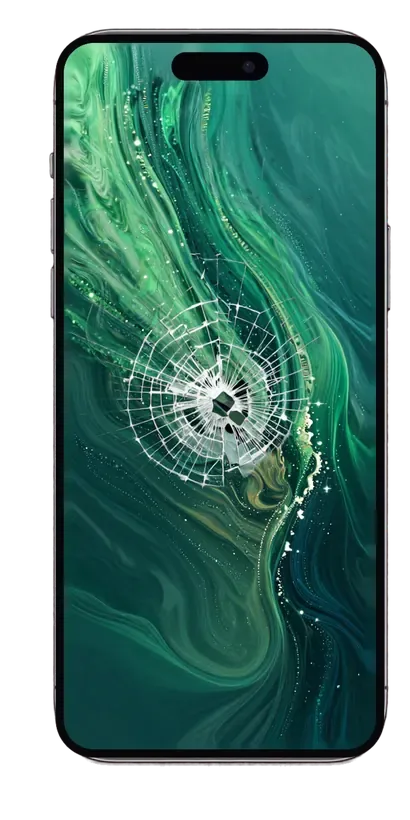
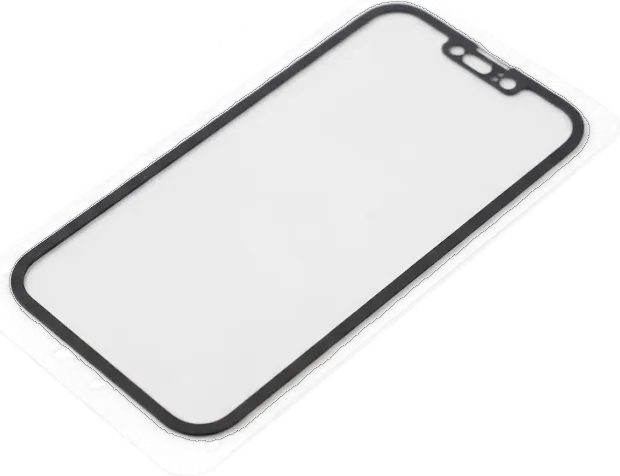
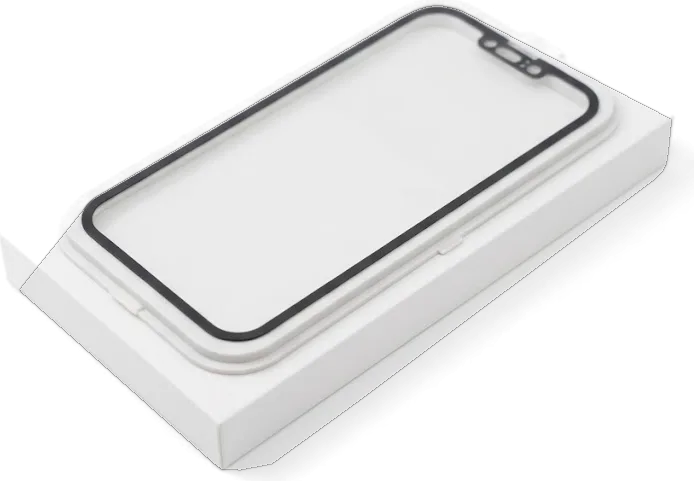
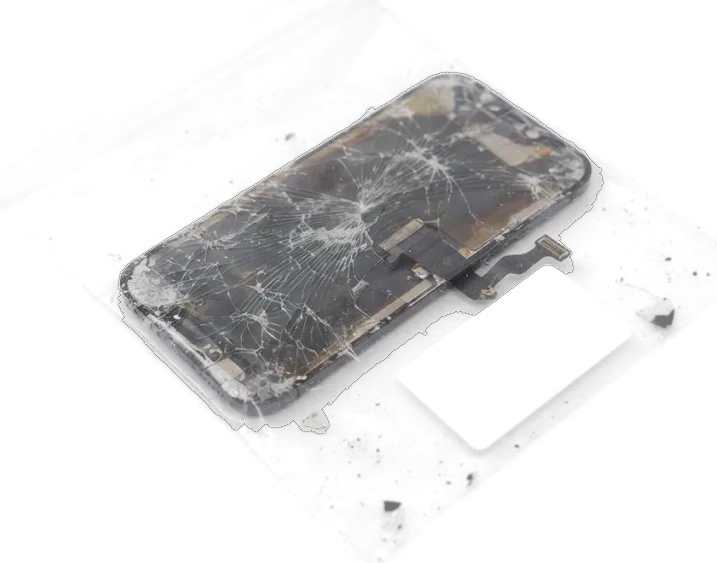
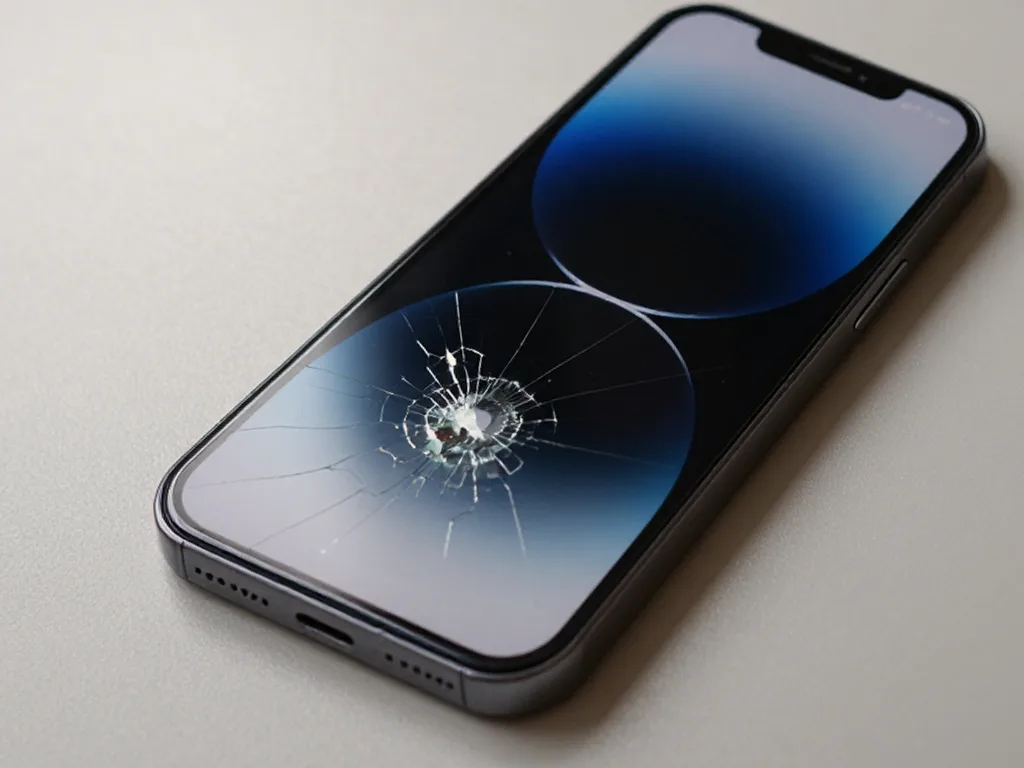
On the iPhone 15 Pro we can replace just the glass of the screen without swapping the whole display module, so a cracked surface with a healthy picture does not always mean a full module swap. The touch layer and the OLED matrix sit under that surface, laminated to it, and they survive a surprising amount of impact while the top layer takes the hit. A glass-only job keeps your original OLED, its brightness and its colour calibration untouched, which matters on a Pro model with an always-on display. Even a hairline crack lets dust and moisture reach the OLED layer, so a glass-only job is worth doing early rather than waiting for dead touch zones to appear.
Lines, Spots or a Dead Touch Layer
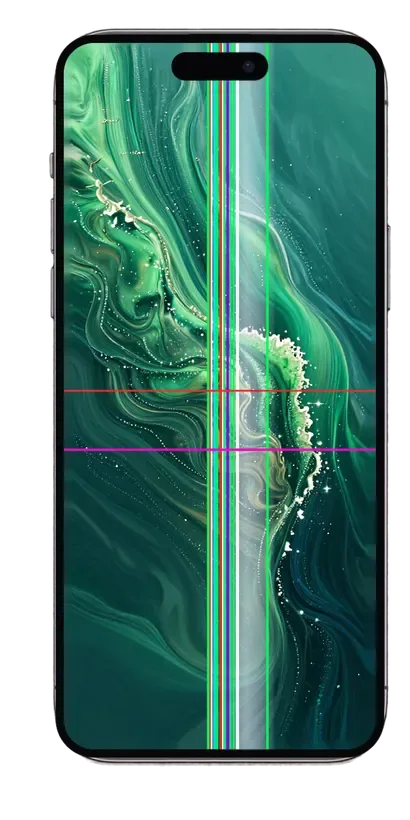
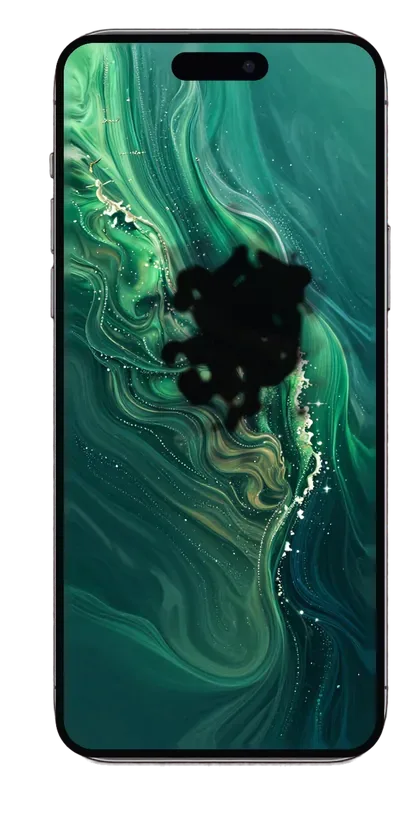
Green lines, dark spots or a touch layer that stops responding without any crack usually point to the display flex or the board rather than the glass, so we diagnose before quoting a replacement. The flex cable carries every signal between the panel and the logic board, and a pinched or corroded connector produces exactly the stripes and flicker people describe as a broken screen. Liquid damage is the usual culprit behind spots and flicker, and after water the diagnostic itself can take up to two days because corrosion keeps shifting the readings. A phone that took a fall on its corner can also crack a solder joint under the display connector, which looks like a screen fault and is not one.
Original Module or Aftermarket Part in iPhone 15 Pro Display Replacement
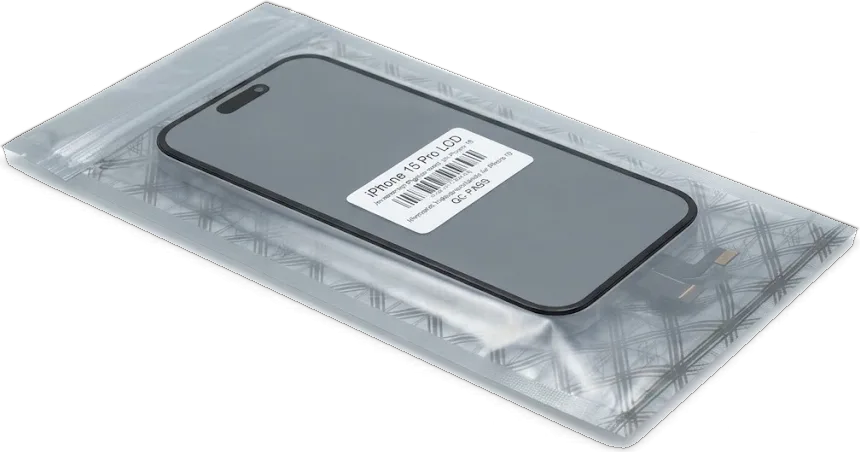
The 15 Pro uses an OLED panel, while a replacement is often LCD-type, thicker and weaker at reproducing black. The gap shows up less in spec sheets than in daily behaviour, which decides.
How the Two Options Compare
Three routes to restore a damaged panel| Option | Panel type | What it suits |
|---|
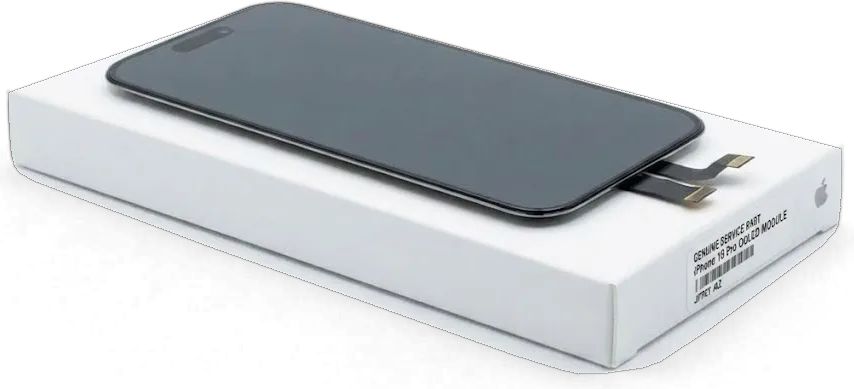
| Original module | OLED, deep blacks, full range | Long-term daily use |
|---|
| Quality aftermarket | Often LCD-type, lighter blacks, slight shift | Budget-conscious repair |
|---|
| Glass-only (15 Pro) | Keeps your OLED, unchanged tone | Cracked glass, healthy picture |
|---|
The iOS Part Notification
On recent iOS versions the phone can show a notice that the display is not a verified component, and this appears with some aftermarket modules even when everything works. The message sits in Settings under the display section and is triggered by a serial check between the module and the logic board. An original module paired through the proper procedure avoids the notice in most cases, while a budget unit frequently brings it along. The panel itself keeps working — touch, brightness and tone behave as they should. The notice is informational and does not disable the display, but it stays in Settings, so it is worth knowing about before you choose a component rather than discovering it afterwards.
What Still Works After the iPhone 15 Pro Display Replacement Swap
The main worry of a 15 Pro owner is that facial recognition or the warm screen tint will die with the screen. On this model both keep working, but only if every part is moved across correctly.
Face ID, True Tone and Always-On Keep Working
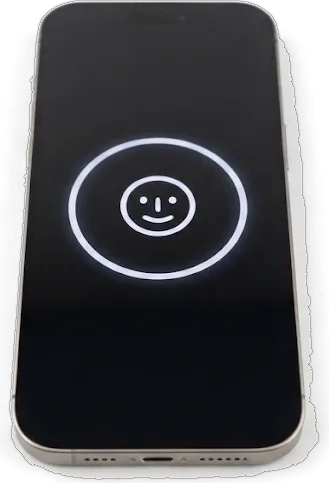
Facial recognition, the warm tint, auto-brightness and Always-On keep working after the swap as long as the original panel calibration and the top flex are carried over to the new assembly. The glass itself is only half of the story: the tint depends on calibration written to the display, and that calibration lives with your phone, not with the replacement panel. The top flex holds the earpiece speaker and the proximity sensor, and it is matched to your handset, so it travels with you. Our engineers move both before the new assembly is seated, then run a 32-point check that covers facial recognition and the tint. The tint is what people notice missing first, because the screen keeps its brightness but loses the warm shift indoors, so we confirm it on the spot rather than after you leave.
Parts That Move From the Old Assembly
- Top flex carries the earpiece speaker and the proximity sensor that blanks the screen during calls.
- Proximity sensor feeds facial recognition and call behaviour, so it must sit exactly as before.
- Front camera stays with your phone and is reseated into the new assembly.
- Panel calibration is transferred so the warm tint and auto-brightness keep responding.
- Mounting frame is cleaned and reseated so the module sits flush with the chassis.
How the Replacement Runs at Our Workshop
The work happens in front of you, from the first look at the damage to the moment the phone goes back in your hand. Here is the route your device takes, so you know where you step in.
From Photo to Fixed Receipt
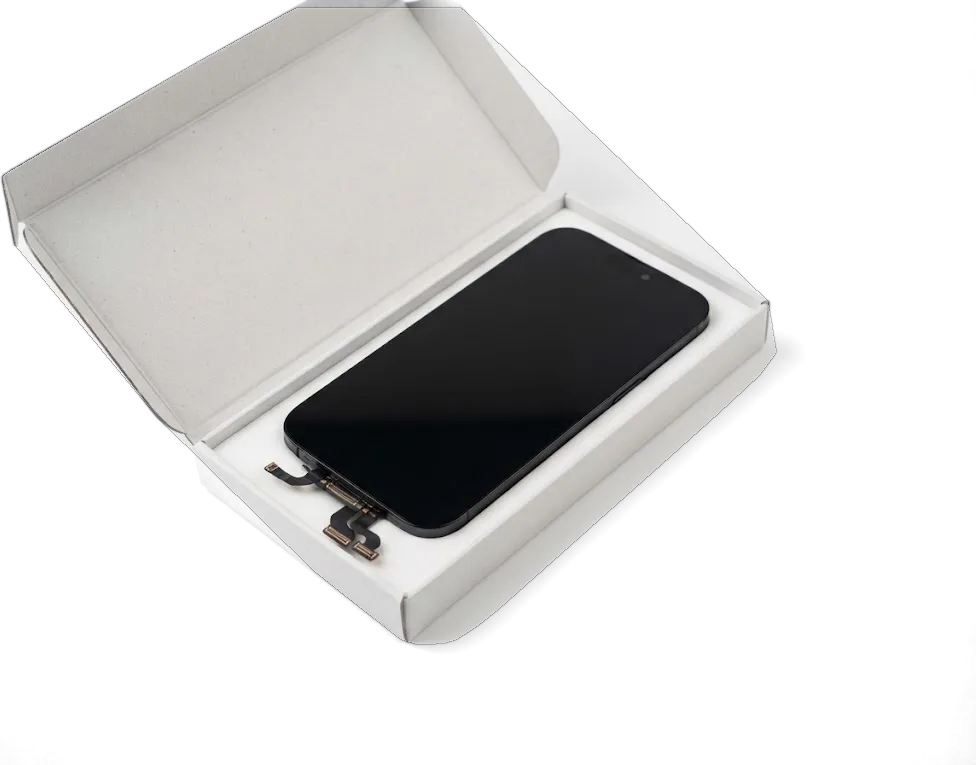
You send a photo of the damage on WhatsApp, an engineer replies within 5 minutes with a price, and before any work starts the price, component, turnaround and warranty are fixed on the receipt in about 2 minutes. We quote from the picture alone, so the iPhone 15 Pro display replacement is priced before you leave home, and the free 15-minute diagnostic confirms it in person with the device open on the counter. The new module is shown in factory packaging before installation, and you decide between original and aftermarket at that point, with 64% of customers picking the original. For an iPhone 15 Pro display replacement in Almaty, this is the point where the terms are locked in. Fixing the terms on paper first stops the classic surprise of a bigger bill after the assembly is already off, so read the receipt prior to handing over the phone.
The Bench Work Itself
On the bench we open the 15 Pro with controlled heat, disconnect the battery, move the top flex across, seat the new assembly and re-seal the frame, and the screen job itself takes about 40 minutes. The technician lifts the old module slowly to keep the ambient sensor and earpiece mesh intact, then transfers every bracket and shield onto the replacement before the adhesive strips go down. Where the glass alone is cracked, we can swap just the glass on this model rather than the whole display assembly. Re-sealing the frame is the step most often rushed elsewhere, and skipping it is what lets dust settle under the panel within weeks of an otherwise clean repair.
Timing, Handover and Warranty
Once the new screen is installed, the device still needs to be checked together with you, and you leave with documents and the old part. This section covers the handover check, waiting time and courier delivery.
The Check We Do Together
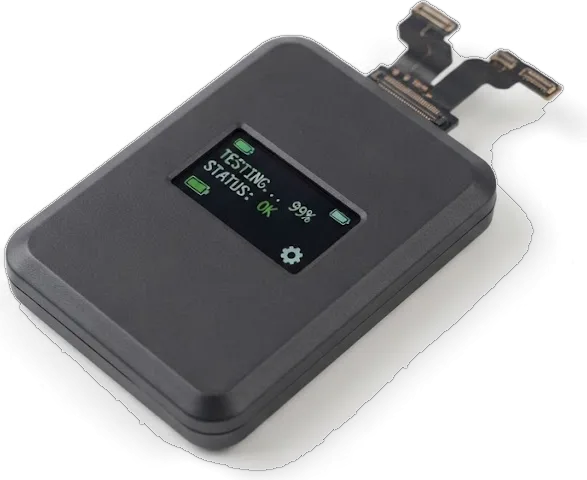
After the repair we run through 32 functions with you in about 10 minutes, covering Face ID, True Tone, cameras, microphones, speakers, charging and network. You hold the phone yourself while our engineer calls out each item, so an unlock by your own face and a photo taken with your own hand are part of the test rather than a bench script. The waiting lounge has coffee and Wi-Fi, and the whole visit from first contact to pickup usually fits inside an hour, with most screen work taking 40 minutes. Testing with the owner present catches the rare module that passes a bench check but misbehaves under a real Face ID unlock, and it is far easier to swap on the spot than on a return visit.
Waiting, Courier and What You Take Home
You can wait in our lounge with coffee and Wi-Fi, since 72% of repairs finish while the customer waits, and a courier across Almaty arrives in 90 minutes, free with a repair. If you prefer not to travel, send a photo of the damage on WhatsApp — an engineer replies within 5 minutes and quotes from the picture, then the courier collects the phone and brings it back once the work is done. Every device goes home with the receipt, the warranty card covering up to 1 year and the old component in a bag. Keeping that removed component matters: it lets you compare the surface that came out with the one that went in, and it settles any question about what was actually replaced.
Summary: iPhone 15 Pro Display Replacement
A short recap of what decides the outcome of a screen job on this model, so you can judge any quote and any workshop on equal terms.
- Glass-only is not always enough — a crack with a clean picture may take a glass-only repair, but lines, spots or a dead touch layer point to the assembly or its flex.
- Original versus aftermarket — the factory OLED holds its brightness and black level, while an aftermarket unit can be LCD-type and slightly thicker.
- Functions travel with the flex — Face ID, True Tone and Always-On survive when the display data and top cable move onto the new component.
- Paperwork before the bench — ask for price, component, turnaround and warranty in writing, then inspect the screen together afterwards.
- Keep the evidence — take the old component and the documents home, and test Face ID and True Tone yourself before you leave.









 iPad
 MacBook
 iMac
 Mac mini and Studio
 Apple Watch
 AirPods
 Apple Pencil
 Apple TV
 HomePod




