MN Photo: Mukhpilov Nail
Mukhpilov Nail
smartphone repair technician
10years of experience
4.83rating, 83 reviews

AirPods Pro 2 crackle or drain fast — we'll check them free while you wait and quote before any repair.
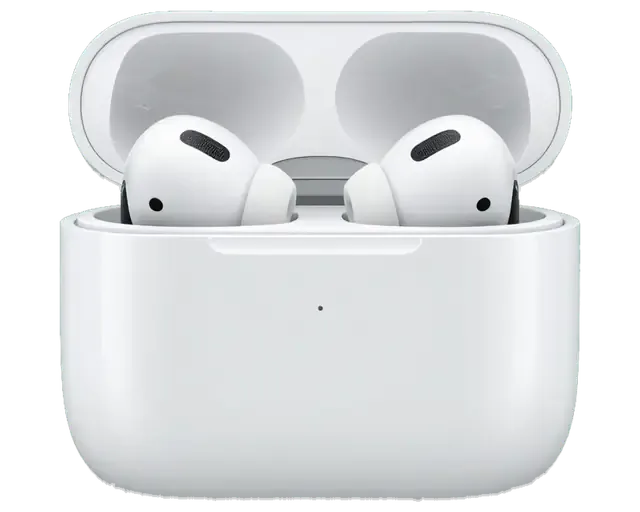
A quiet earbud, a case that drains overnight, noise cancelling gone flat: the complaints we hear most about this model.
It sits in the case, yet its light stays dark or its charge creeps up very slowly.
Even with the earbuds out, the case loses its whole charge within a day or two.
Static appears at higher volume, or a faint hiss shows up when noise cancelling is on.
Wax and dust block the speaker mesh, so bass fades and voices sound distant.
Squeezing the stem no longer changes the track, answers a call or switches the mode.
The hinge wobbles and the magnets weaken, so earbuds can slip out inside a bag.
The cable does not seat fully, or charging stops unless you hold it at an angle.
Only one earbud shows on the iPhone, or the two refuse to connect to each other.
Clicks and crackling are heard in ANC mode when you move your head.
You slide your finger along the stem, but the volume stays the same.
You take the earbud out, but the music keeps playing — the skin sensor fails.
The silicone tip slips off, the mount on the stem is broken.
The table lists published starting prices for the AirPods Pro 2 jobs we can quote in advance.
| Service | Original | Aftermarket |
|---|---|---|
| Charging case replacement | 62 900 ₸ | 41 900 ₸ |
| Earbud replacement | 91 900 ₸ | 50 900 ₸ |
| Earbud battery replacement | 20 900 ₸ | 11 900 ₸ |
| Case battery replacement | 40 900 ₸ | 22 900 ₸ |
| Earbud speaker replacement | 20 900 ₸ | 11 900 ₸ |
| Microphone replacement | 13 900 ₸ | 7 900 ₸ |
| Case charging connector replacement | 15 900 ₸ | 8 900 ₸ |
| Other repairs | Price | |
| Cleaningdisassembly and dust cleaning | 5 490 ₸per job | |
| Water damage repaircorrosion cleaning · diagnostics up to 2 days | 13 900 ₸per job | |
| Firmware flashingsoftware restore, no parts replaced | 5 490 ₸per job | |
Battery replacement and dust cleaning are priced after diagnostics, because the cost depends on the condition of your set.
For a case or an earbud we explain both options up front, so you know what you gain and what you give up.
Earbuds this small need steady hands, so here is how we approach repairing them and what you can expect.
11 years of fixing earbuds, watches and phones means small wireless parts hold few surprises for us.
Repairs carry a warranty up to 1 year, and the technician explains the terms to you before the work starts.
Tiny earbuds are opened and handled by experienced technicians who are used to delicate, glued assemblies.
Case and earbud replacement prices are published in the table, and other work is quoted after diagnostics.
Weekdays 10:00–19:00 and weekends and holidays 11:00–18:00, so you can choose a time that suits you.
If cleaning or a reset will do the job we say so, and we avoid pushing a bigger repair than you need.
Usually the whole journey — from message to pickup — takes less than an hour; complex repairs follow the timeline in the receipt.
Book a repairYou send a photo of the damage on WhatsApp — we quote the price and available time. Or you call a courier.
An engineer checks the device in front of you and shows what is broken. 0 ₸, even if you decline the repair.
We fix the price, the part (original or analog), the timeline and the warranty. You sign — we start.
Before installation we show you the new part in its factory packaging. You wait in the waiting area with coffee and Wi‑Fi.
Sound, microphones, noise cancellation, ear sensor, earbud and case charge, connection. You check together with the engineer.
Together with the receipt, warranty card and the old part. Payment — Kaspi, card or cash.
Technicians for iPhone, Mac, iPad, Apple Watch and AirPods repair.
Photo: Mukhpilov Nail Photo: Molchanov Rinat
 Photo: Shokan A
 Photo: Sybanbaev Birzhan
 Photo: Denis Gushchin
 Photo: Duisebaev Azhdar

“If the repair didn’t suit you or you have a complaint, write to me personally.”
Send a photo of the fault — an engineer will reply on WhatsApp, give the price and a time you can come in.
AirPods Pro 2 Repair in Almaty at iServices Service Center
At iServices, AirPods Pro 2 repair in Almaty begins with a free 15-minute diagnostic in front of you, so the failed node is shown before anything is opened. We service the earbud, the case, the port and the H2 board, fit an original or aftermarket part, and back the work with a warranty up to 1 year.
AirPods Pro 2 pair a single bud with a glued battery and a charging housing that carries its own cell, port, coil and speaker, so the first job is to tell which half is failing.
| Symptom | Likely node | Where it lives |
|---|---|---|
| Dies in minutes | Battery cell | Inside the stem |
| Will not charge by cable | USB-C or Lightning port | Bottom of the unit |
| Charges by cable only | Wireless coil | Interior |
| One side quieter | Mesh and driver | Nozzle |
| Crackle on noise cancelling | Microphone and mesh | Body |
| Drains overnight | Battery | Interior |
We treat the Pro 2 as two separate devices, a bud with a sealed H2 board and a charging housing with its own loop and wireless coil. The H2 chip handles audio, noise cancelling and pairing on the bud side, while the other half carries a separate board for charging and the Find My chirp. That split changes diagnosis: a silent unit is rarely just a dead component, and a bud that will not pair usually has a firmware problem rather than a flat cell. Because the chirp and Find My loop sit on the same board as the charging circuit, a unit that stops chirping is often the first sign of a board fault. Ask for that chirp to be tested during diagnostics before anyone opens the housing.
The cell in each Pro 2 bud is glued into the stem, so a cell swap is a delicate job and on a heavily worn earbud we often recommend replacing the whole piece instead. The adhesive seals the stem against sweat and rain, and prying it open stresses the antenna and the H2 chip that sit millimetres away. On a stem that has already been opened or dropped, the risk of damaging that board climbs, and a fresh bud restores a known charge level and a clean seal. A replacement piece must be the same model, and after fitting we pair it to your housing and update the firmware so the left and right channels report the same level. For any AirPods Pro 2 repair in Almaty, bring both earbuds and the case — pairing and firmware checks need all three together.
A charging housing that will not charge is checked as a chain, from the contacts beneath the buds to the port, the coil, the cell and finally the logic board, and each link has its own fix.
If your Pro 2 went into water, do not charge it and do not press the pairing button repeatedly, and bring it in so we can dry and inspect the set before power is applied. Liquid reaches the logic board through the seam between the shell halves and through the port opening, and corrosion starts within hours on the copper pads around the charging contacts inside the housing. We open the shell, clean the circuitry and contacts in an ultrasonic bath, then dry the unit and power it in stages while watching current draw on the bench supply. After water contact the diagnostic can take up to two days, because corrosion beneath the board shields only shows once the unit has dried and been powered in stages.
| Part option | What you get | Best for |
|---|---|---|
| Original | Factory component, full function set | Long-term daily use |
| Aftermarket | Working component, lower cost | Older or backup units |
| Original battery | Accurate charge reporting | Heavy daily drain |
| Aftermarket battery | Restored runtime | Light occasional use |
Quiet sound, crackle and muffled calls on the Pro 2 usually come from the mesh and microphones rather than the driver, so cleaning and testing come before any part is ordered.
In most cases a quieter earbud is not a broken speaker but a blocked grille, and cleaning the nozzle and vent restores the balance without replacing anything. Wax, dust and lint pack into the fine steel screen over the nozzle and the pressure vent, and the bud that sits deeper in the ear canal usually collects more of it. We lift the screen, clear both openings under a bench magnifier and re-seat the grille, then replay the same test track on both buds at matched volume. Crackle that appears only when noise cancelling is on points at the feedback microphone and its filter, so we test with the mode switched on and off before deciding on a part. If you clean the nozzle at home, use a dry soft brush and never a pin, because a pierced membrane cannot be repaired and only the whole speaker unit gets replaced.
After any sound repair we run a 32-function check of about ten minutes with you present, covering sound, microphones, noise cancelling, the ear sensor and charging of the housing. The engineer plays a sweep tone on each bud separately, records a short voice memo through both microphones, then switches between transparency and full cancellation to confirm the feedback loop settles without a whistle. We ask you to switch noise cancelling on and off yourself during the check, because the ear sensor and adaptive mode behave differently on a real head than on a bench, and a seal that leaks in your ear will not show up in the test jig. Ask for the old screen or speaker back with the receipt — keeping the removed part makes any later comeback claim straightforward to settle.
The choice between repairing and replacing a Pro 2 bud depends on which node failed and how worn the unit is, and the setup step afterwards decides whether the fix holds.
| Situation | Repair | Replace |
|---|---|---|
| Blocked mesh, quiet sound | Yes | No |
| Failed microphone | Yes | Sometimes |
| Worn battery, good shell | Sometimes | Often |
| Cracked shell, dead logic | No | Yes |
A replacement piece must be the same Pro 2 model, and after fitting we link it to the charging case, reset the set and update the firmware so both buds report correctly. The routine runs through the button on the rear and the Bluetooth menu, and the reset clears the old serial before the fresh unit registers. We keep the housing on the charger through the firmware update, because a drop in power mid-write can leave one bud on an older build. Our engineer confirms both buds show the same version and that each plays and charges on its own before you leave. If the new bud shows a different firmware version in the iPhone settings, the set can drop one channel until the update finishes, so we keep it on the charger until both match.
Find My keeps working after a housing repair as long as the internal circuit and its speaker are intact, and we test the chirp before handover. The locating chip sits on that circuit, so a board-level fix preserves the link to your account and the last-known location history. We play the sound alert and check that the housing responds to a ping from the iPhone in front of you. If the speaker was the failed part, Find My still locates the set but the alert may be quieter, which we show you during the check rather than leaving you to discover it later. A frequent AirPods Pro 2 repair that Almaty owners request is exactly this speaker swap, and it is the single scenario where the locator tone changes after the fix.
From the first WhatsApp photo to the moment you walk out with the old part and a warranty card, the visit is built so you know the price, the part and the turnaround prior to any work starting.
Most repairs are finished while you sit in the waiting area with coffee and Wi-Fi, and 72% of jobs are completed before the customer leaves. A bud battery or a housing charge-port fix usually takes 20–40 minutes, and the engineer runs the 32-function check in about ten minutes on top of that. You can settle by Kaspi, card or cash once you have seen the result. If you cannot come in, a courier across the city takes about 90 minutes and is free with a repair, so the device travels without you losing a day. Book the courier for the morning and you can have the set back the same evening.
Every repair carries a warranty up to 1 year, and the device comes back with the receipt, the warranty card and the part we removed. The receipt is the document that matters in a dispute: it names the component, whether it was original or aftermarket, and the exact turnaround we promised. 64% of owners pick an original part, and on a Pro 2 that choice is worth weighing, because the housing and bud firmware talk to each other closely. Keeping the old part matters too, since its serial helps prove which unit was in the set if a warranty question ever comes up. Put the removed part and the card in one envelope at home.
Most faults in these buds trace back to a handful of known causes, and the symptom itself narrows down which component is at fault.
Did not find an answer? Message us on WhatsApp: an engineer replies, not a bot.
Ask a questionThe AirPods Pro 2 case has a speaker that plays sounds for Find My, pairing and low battery. If it stays silent when you search for the case, the speaker or board may be damaged. The technician tests it during the check.
Yes, the first AirPods Pro 2 came with a Lightning case and later ones with USB-C. The cases and some parts are different. Tell the technician which version you have so the replacement matches.
Volume is changed by swiping up or down on the touch control of the stem. Check that the swipe option is on in the AirPods settings and that the stem is clean and dry. If one stem ignores swipes, its touch sensor needs a check.
No, this is Conversation Awareness: the earbuds lower media volume when they detect your voice. Coughing or singing can trigger it. You can turn the feature off in the AirPods settings.
With original earbuds, yes: the Hearing Test and hearing assistance run on the earbud firmware and the paired iPhone. After the repair, let the firmware update and repeat the Hearing Test so the settings match the earbud you now wear.
AirPods Pro 2 come with XS, S, M and L tips. A torn tip is simply replaced and needs no repair. Use the right size, since a poor seal makes noise cancellation feel weaker.
Listening time drops, and one earbud often dies earlier than the other. The technician measures how each earbud holds charge. After that you hear the repair options for your set.
У моего AirPods Pro (2-го поколения Lightning) связь с телефоном постоянно обрывалась. По результатам диагностики проверили сопряжение и стабильность соединения.
AirPods Pro (2-go pokoleniya, USB-C) podvyol: keys nachal zaryazhat cherez raz. V itoge proverili kontakty i rabotu zaryadnogo futlyara.
На наушниках один динамик стал играть намного тише другого, появился какой-то странный хрип. В сервисе провели глубокую чистку сеточек и диагностику. Всё исправили очень быстро, звук снова объемный и чистый, как при покупке.
Поменяли аккумулятор на наушниках, я думал такое невозможно
Молодцы! Оперативно забрали наушники и уже на следующий день связались со мной
Добрый день, Елизавета. Благодарим Вас за обратную связь. Мы рады, что Ваше обращение в наш сервис оставило положительные эмоции. Если потребуется квалифицированный совет, мы всегда готовы оказать необходимую помощь.
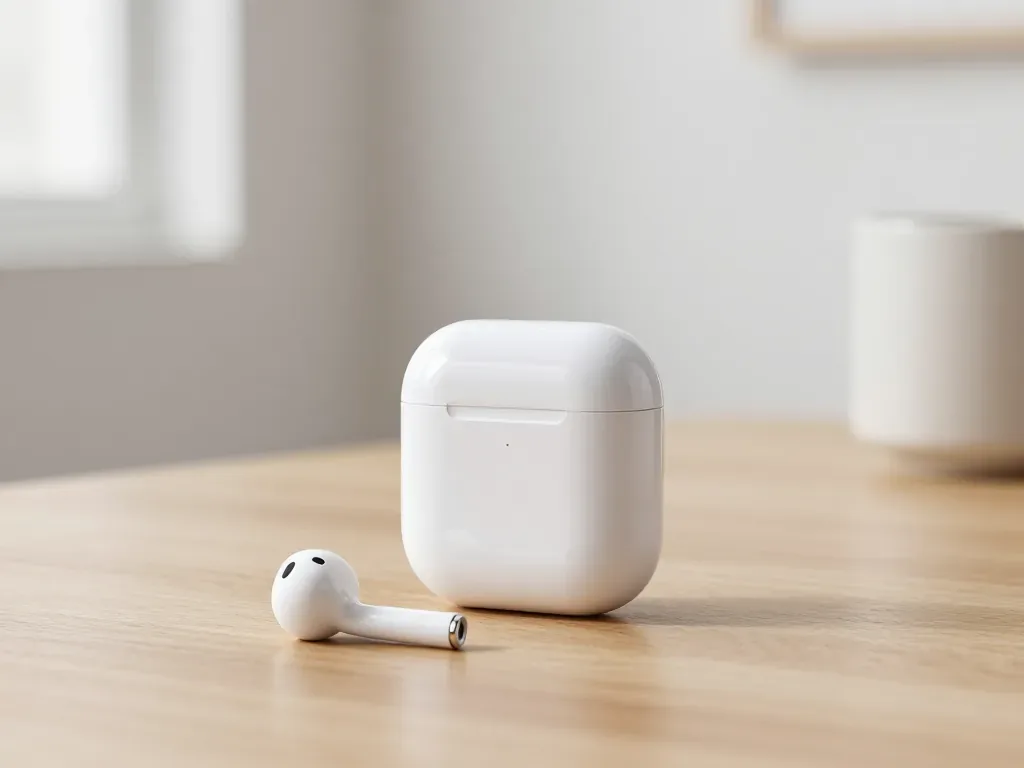
One earbud losing charge first is usually a worn cell or a dirty contact, not a dead pair. A free check tells which.
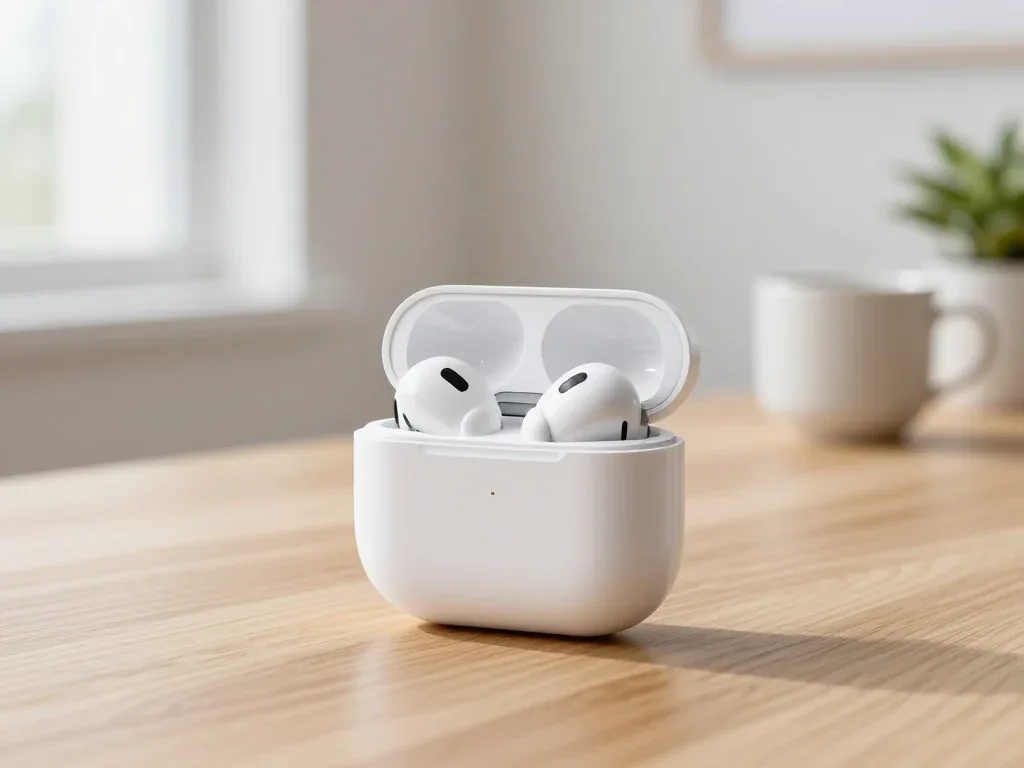
Find out why your AirPods case won't charge and what to check before visiting a repair shop.
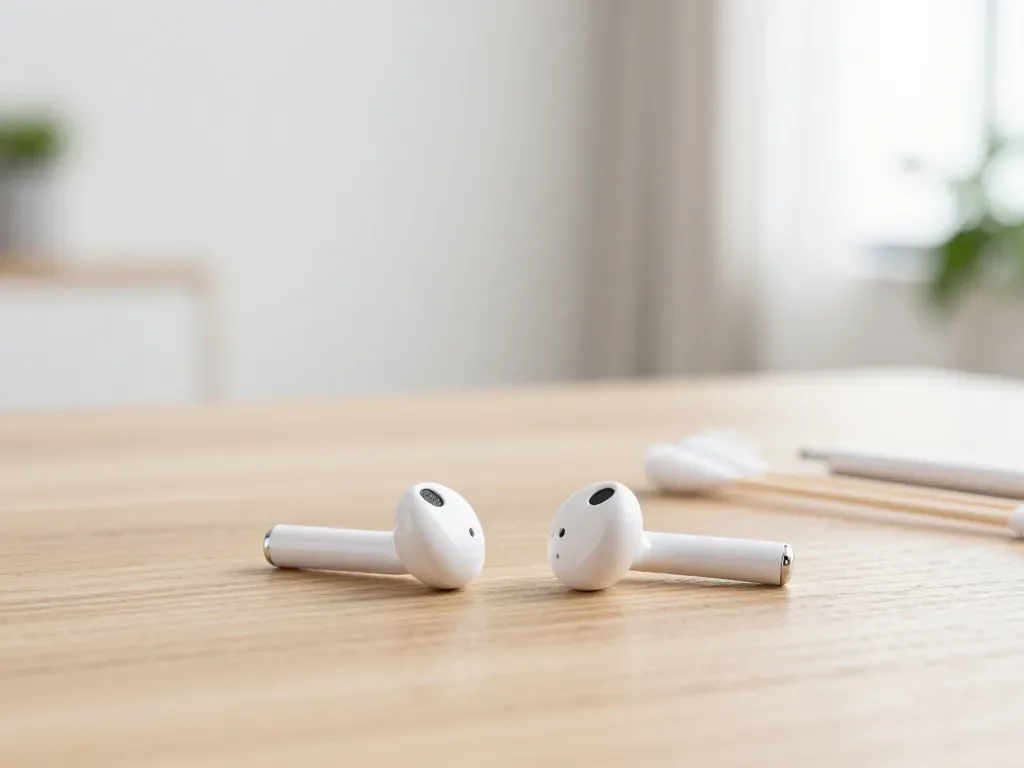
Most quiet AirPods come down to clogged mesh or a tired driver. Here is how to tell the difference before you clean anything.

Back up your data, turn off Find My, and bring proof of purchase — then the repair starts faster.

 iPad
 MacBook
 iMac
 Mac mini and Studio
 Apple Watch
 Apple Pencil
 Apple TV
 HomePod
