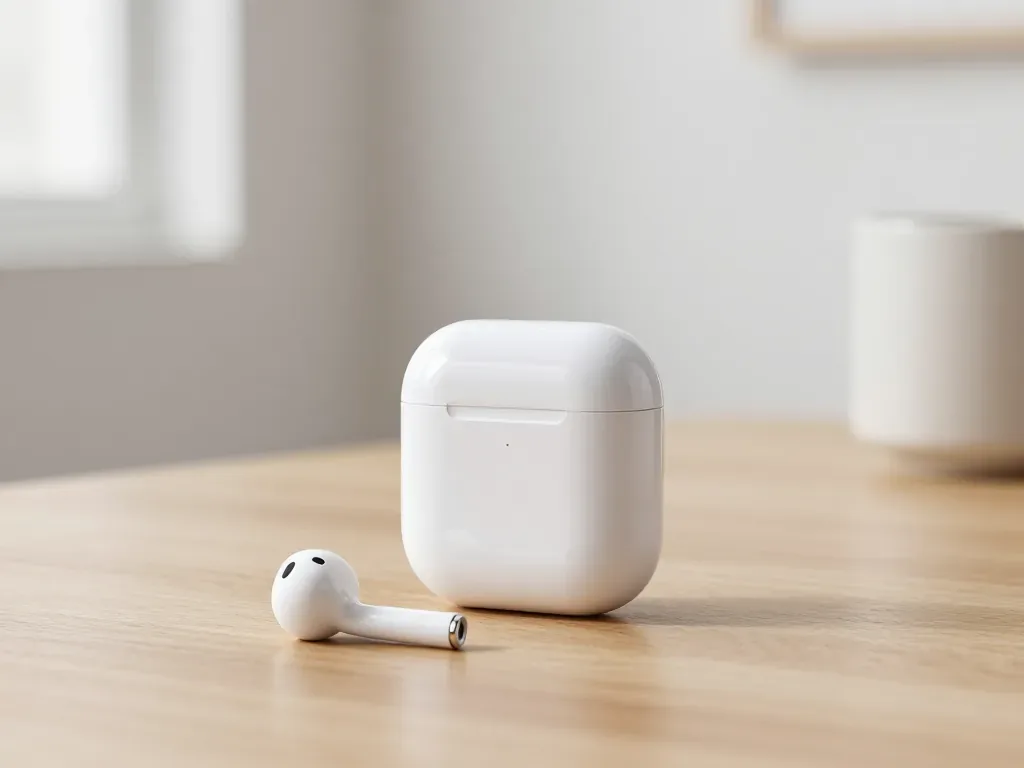
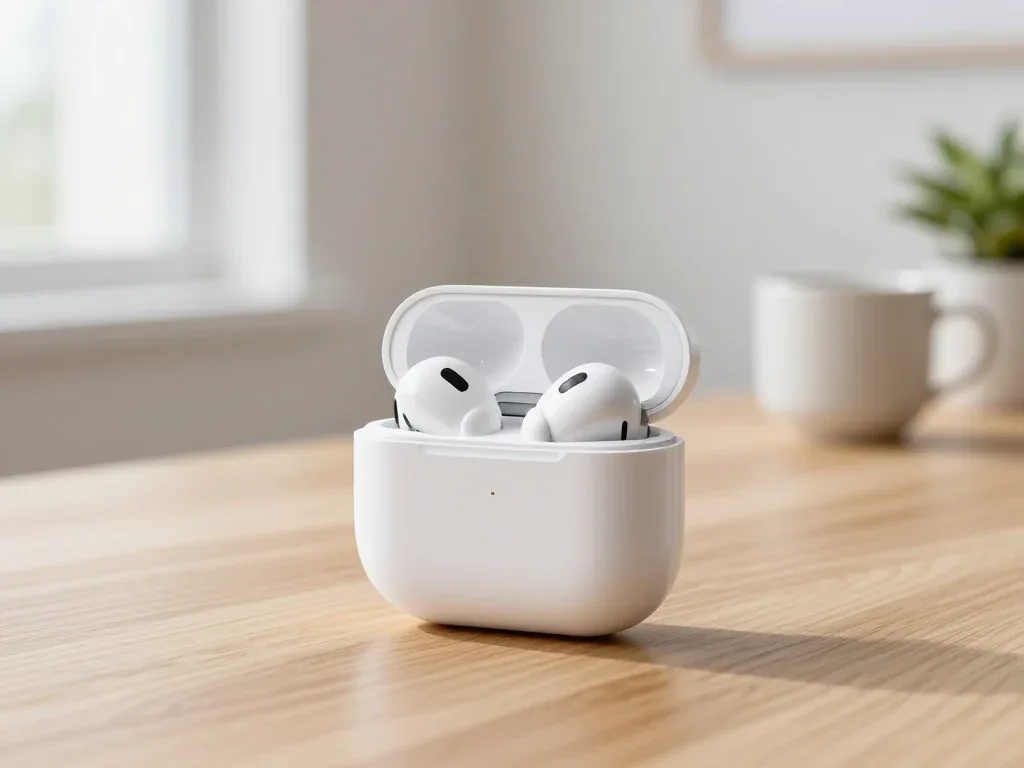
If your AirPods sound quiet in Almaty, the cause is usually clogged speaker mesh, moisture, a worn driver or an iOS setting. At iServices we run free 15-minute diagnostics in front of you, clean the mesh without pushing dirt inward, and replace the driver only when cleaning fails, with warranty up to 1 year.
Why AirPods Get Quieter Even When the Volume Is Maxed Out
A faint earbud at full output is rarely a mystery: it is one specific cause, not general "breakage". Here are the four reasons these earbuds lose loudness and how their symptoms differ.
Service details: “AirPods repair”.
Four Reasons AirPods Lose Volume
- Clogged speaker mesh: dust, earwax and pocket lint pack into the fine steel grid and block the sound path over weeks.
- Moisture inside the housing: sweat, rain or a splash reaches the diaphragm and muffles output, sometimes only on one earbud.
- Damaged dynamic driver: a drop or a blast of loud audio deforms the diaphragm and costs loudness and bass.
- iOS output limits: the L/R balance slider, Sound Check or a hearing-safety cap quietly reduces the level you hear.
Why One Earbud Is Quieter Than the Other
A one-sided drop in loudness is the clearest sign of a physical cause on that earbud — usually clogging or moisture — because software settings affect both earbuds equally. That single fact splits the diagnosis in half: if the left unit is faint and the right is normal, the phone, the Bluetooth link and the balance slider are almost certainly innocent. The realistic suspects are a blocked grid on the quiet unit, moisture that dried inside the nozzle, or a driver that took a hit when the set fell. If you notice AirPods quiet in Almaty, the cause is most often the same physical wear on one earbud. Swap the earbuds between ears and re-test; if the faint side follows the earbud, the problem is in the hardware, and if it stays in the same ear, check the L/R balance slider first.
How to Tell Dirt from a Damaged Driver
We separate dirt from physical damage in the first minutes of diagnostics by looking at the mesh under light and testing both earbuds at matched output. A clogged grid shows a grey or waxy film across the openings and the sound returns in stages as it clears, while a damaged speaker unit stays flat no matter how clean the nozzle is. In our experience the listening test decides faster than any meter: a familiar track with real bass exposes a dead driver within seconds, because the low end disappears first. A set that survived a fall often still produces sound but loses bass and detail, so a listening test with a familiar track reveals more than a simple loudness check alone.
How to Clean AirPods Speaker Mesh When AirPods Quiet
Cleaning restores volume in most quiet earbuds, but the wrong tool pushes debris deeper into the driver. Here is a safe sequence that clears the blockage without harm.
Tools That Are Safe and Tools That Are Not
- Soft-bristle brush: a clean dry toothbrush lifts dust and flakes off the grille without pressure.
- Dry microfiber cloth: wipes the outer housing and stem of grease around the opening.
- Wooden toothpick: the blunt end nudges hardened buildup from the rim, and wood cannot scratch metal.
- Alcohol and water: both dissolve the adhesive holding the grille and carry residue toward the driver.
- Compressed air: feels effective but drives loosened particles straight through the perforations into the chamber.
- Metal pins and needles: bend the grid on contact and leave dents that trap even more debris.
Step-by-Step Cleaning Without Pushing Dirt Inward
- Turn the earbud mesh-down: hold the device with the grille facing the floor so debris falls away from the driver.
- Brush in one direction: short strokes from the center outward sweep the surface clean without grinding residue in.
- Lift the edges with wood: the blunt toothpick clears the rim where buildup collects first, with a light touch.
- Wipe and inspect: pass the dry cloth over the housing, then hold the earbud against a lamp to spot blocked holes.
- Work in short passes: check the surface against the light between passes, and the moment you see the metal grid again, stop, because further brushing only risks tearing it.
Cleaning AirPods Pro Tips and AirPods Max
AirPods Pro need the silicone tip pulled off and washed separately in warm water with a drop of soap, while AirPods Max have a much larger grille that collects dust across a wider surface and takes longer to clear. On the Pro, residue hides inside the tip cone and behind the inner screen, so rinsing the tip and drying it fully matters as much as brushing the body. A loose or hardened ear tip changes how much sound reaches your ear, so replacing worn tips often restores perceived volume without touching the driver at all. On the Max, brush the ear cushions and the headband mesh in the same direction, and never soak the cushions — trapped moisture is harder to remove than surface dust.
AirPods Quiet Software or Hardware First Check These iPhone Settings
Before you carry the AirPods anywhere, rule out the settings side — it takes five minutes and sometimes solves the whole problem without opening a case.
The Five Settings Worth Checking
- L/R balance slider: open Settings, Accessibility, Audio and Visual, and confirm the slider sits dead center rather than a few percent toward one side.
- Equalizer preset: a strong vocal or bass preset compresses headroom and can make output feel weak on both sides at once.
- Speech Enhancement: the feature lifts voices over background and thins music, so switch it off and replay the same track.
- Mono Audio: when it is on, one channel is summed into both sides and stereo loudness drops noticeably.
- Firmware version: compare the build in Bluetooth settings against the current release, because updates occasionally reset output levels.
When a Reset or Re-Pair Actually Helps
A reset helps when the quietness appeared right after an update or a re-pair, and it does nothing when the cause is physical. Forget the device in Bluetooth settings, hold the case button until the status light flashes, then pair again and play a track you know well at a fixed volume. If the level returns to normal and holds, the software was at fault. If it comes back loud and then fades over the next several days, the drop is mechanical — a clogged mesh or a driver losing output — and another reset only wastes time. I would add one detail from experience: write down the date and the volume level right after the reset, because a fading pattern is far easier to describe than a vague "it got quiet again."
How to Confirm It Is Not Your Phone
Pair the earbuds with a second device and play the same track — if the quietness follows them, the phone is not the cause. Borrow a family member's iPhone or an iPad, connect through the Bluetooth menu, and set the volume to the same notch. When both sides sound equally muffled on the second device, the fault sits inside the wireless pair. When the second device plays loud and clean, look at the first phone: a stuck volume limit, a Bluetooth output quirk or a worn Lightning-to-jack adapter can all cut level. Testing this way takes two minutes and saves a wasted trip across the city when the real culprit is a phone setting rather than the hardware.
What to Do in the First Hours After They Get Wet
Moisture muffles sound, but the real damage comes from how people react — charging wet earbuds or heating them turns a recoverable problem into a permanent one.
What Not to Do Right Away
- Do not charge them: current through damp contacts can short the battery circuit and turn drying into a board repair.
- Skip the hair dryer: hot air pushes liquid deeper into the housing and warps the mesh around the diaphragm.
- Never press the mesh: pushing a wet grille drives water toward the driver instead of letting it evaporate.
- Do not trust rice: sealed housings keep liquid inside, so a desiccant packet only dries the surface.
A Safe Drying Routine
Pat the outer shell and case with a dry lint-free cloth, tilt the earbuds mesh-down so gravity pulls liquid away from the driver, and leave them in a warm dry room with gentle airflow — a fan on low, not a heater — with the case open. Keep the set uncharged and unused for at least a full day, and extend that window if the grille still looks damp under a lamp. Test only once the housing feels completely dry, pairing at low volume with a familiar track. Rushing this stage is the most common mistake we see: a partly dry diaphragm can sound fine for a minute, then fade as trapped residue shifts, which makes people assume the unit is dead when it is not.
When Water Damage Needs a Technician
If the sound stays muffled after a full day of drying, we inspect the driver and charging contacts under magnification, and after water exposure diagnostics can take up to two days. Liquid rarely destroys the speaker unit outright; it corrodes the contacts first, so a unit that still powers on but sounds thin is often recoverable. Our engineers photograph the corrosion pattern before touching anything, which shows whether the fault sits in the mesh, the contacts or the voice coil. Bring the earbuds in during working hours and we will show you the inside of the housing on the bench screen before any work starts. In our experience, waiting an extra day beats a rushed repair — corrosion caught early cleans up well, while a shorted contact can cost you the whole earbud.
Cleaning or Driver Replacement How the Technician Decides
Cleaning fixes most quiet pairs we see, but not every one. Here is how a technician separates a clogged mesh from a failing driver, and what each path means for your earbuds.
When Cleaning Is Enough
Cleaning restores volume in most cases we see, because the speaker mesh clogs long before the speaker unit itself wears out. That fine steel screen on each earbud traps earwax, skin oil and pocket lint; once a few openings seal over, output drops noticeably while the speaker still works perfectly. In our workshop the mesh is cleaned dry, with a soft brush and a low-pressure puff of air, and debris is lifted outward rather than pushed toward the diaphragm. We do not use needles, toothpicks or liquid on it. If volume returns after cleaning but drops again within weeks, the mesh is collecting debris faster than normal — usually a sign the ear tip fit is wrong and wax is being pushed into it with every insertion.
When the Driver or Earbud Has to Be Replaced
We replace the driver or the whole earbud when the mesh is clean but volume stays low, or when the sound distorts at any level. A buzzing, crackling or rattling note on bass-heavy tracks points to a torn diaphragm or a loose voice coil, and no amount of cleaning will bring that back. These are sealed units, so the decision is not only about the part — it is about whether the housing can be opened and resealed without compromising fit and the pressure vent. That is why a technician checks the seal and the vent before quoting a swap, and why some pairs are better served by replacing the earbud as a unit. A professional tool and a steady hand matter more here than the part itself.
Original Part or Aftermarket
| Option | Sound match | Durability | What we show you |
|---|---|---|---|
| Original part | Factory-matched | Longest | Sealed factory packaging |
| Aftermarket part | Close, may drift | Shorter | Part before installation |
| How we choose | Depends on your use | You decide | Both options on the receipt |
What Happens During the Repair and What You Will See
The main worry when handing over earbuds is being pushed into a replacement you did not ask for. Here is exactly what happens from the first message to the moment you get the device back.
From WhatsApp Photo to Fixed Receipt
An engineer replies on WhatsApp within 5 minutes and quotes from a photo, then price, part, turnaround and warranty are fixed on the receipt before work starts. The receipt itself takes about 2 minutes to prepare, and it lists the exact part — original or aftermarket — so you know what goes inside the housing before anyone opens it. We show the new component in its factory packaging before installation, and you keep the old part when you collect the device. A quote fixed in writing before the device is opened is the single strongest protection against a surprise bill, so ask for it even if you are only comparing options.
Diagnostics in Front of You and the 32-Point Check
Diagnostics take 15 minutes in front of you and are free even if you decide not to repair, and after the work we check 32 functions in about 10 minutes. The engineer inspects the mesh, the driver and the charging contacts while you watch, then names the cause out loud instead of handing back a vague verdict. The 32-point run covers sound, microphones, sensors, charging and Bluetooth, and you go through the results together before signing anything. Seeing the clogged mesh yourself changes the conversation — you approve a cleaning because you saw the cause, not because someone told you it was needed.
Getting Your Earbuds to Us in Almaty
You can bring the earbuds to us in Almaty or Astana seven days a week, or call a courier across the city in 90 minutes, free with a repair. Weekday hours run 10:00–19:00, weekends and holidays 11:00–18:00, and the courier option suits anyone stuck at work during those windows. Most repairs finish in 20–40 minutes while you wait in the lounge with coffee and Wi-Fi — 72% of jobs are completed while the customer stays on site, so a cleaning rarely costs you a second trip. Payment works by Kaspi, card or cash, and the device comes back with the receipt, warranty card and the old part.
Summary: Why your AirPods sound quiet and what to check
A quiet earbud rarely means the hardware is finished. Work through the checks in order and most cases resolve before any part is opened.
- Cleaning first: Quiet earbuds are usually a cleaning problem, not a dead speaker — clogged mesh blocks sound before the unit itself fails.
- Settings second: Volume limits, balance and audio routing on the paired phone can halve output on one side and mimic a hardware fault.
- Water needs patience: After moisture, skip the rice and heat; a controlled dry of at least a full day settles most cases before a bench visit.
- Driver last: Replacement makes sense only when cleaning and settings are ruled out and one side stays silent at full volume.
- Order matters: Settings first, cleaning second, replacement last — each step rules out the next and saves an unnecessary part swap.