MN Photo: Mukhpilov Nail
Mukhpilov Nail
smartphone repair technician
10years of experience
4.83rating, 83 reviews

AirPods 4 drain fast or the case won't take USB-C — we replace the battery in a day and put the price on the receipt upfront.
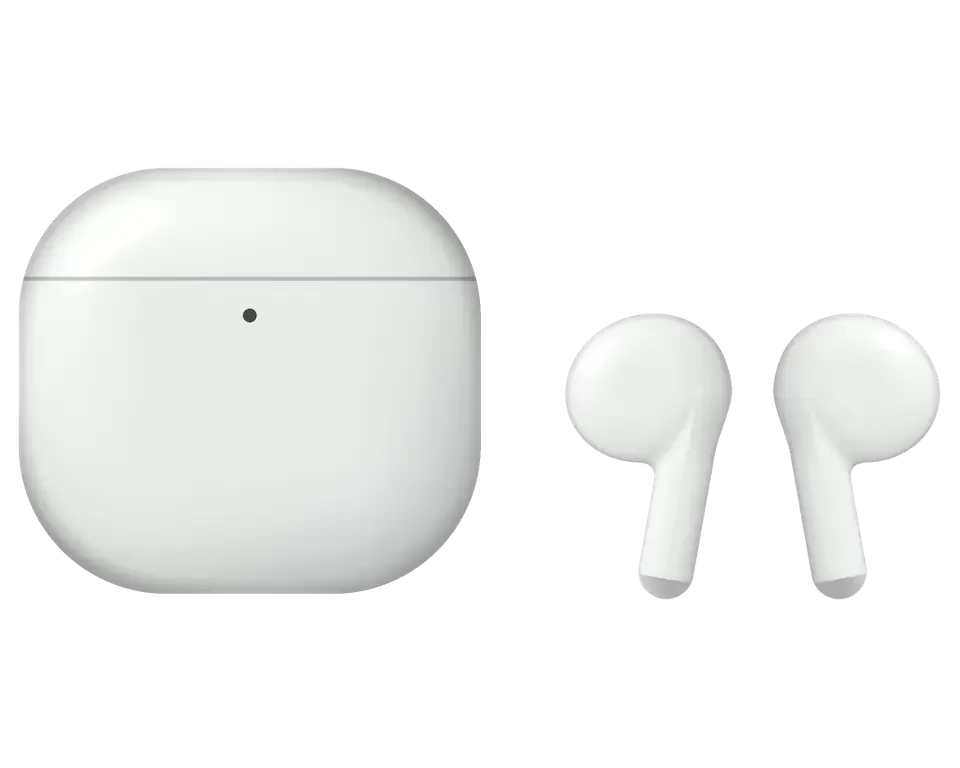
Most visitors bring earbuds where just one thing has quit: charging, sound, the microphone or the touch sensor.
Left or right ignores the case, the light is empty, the pair assembles slowly
Cable goes in but charging never begins, the port wobbles or is full of lint
Charge lasts far less than before, and sound drops out at a low percentage
Bass has almost vanished, voices turn dull, one earbud plays quieter
Callers hear interference, your voice gets buried, speech drops in wind
A squeeze does nothing or triggers by itself, and gestures misfire
Earbuds disconnect, the pair is not found, no connection pop-up appears
Lid rattles, fails to close tightly, cracks and a loose hinge appear
You take out an earbud but the track keeps playing: the ear sensor doesn't trigger
On the ANC version the modes switch, but traffic noise is as audible as before
On the ANC version the case makes no sound when you locate it in Find My
The ANC case stays silent on a Qi pad, though it charges over USB-C
The final figure is named after diagnostics, as it depends on what failed: an earbud, the case, the USB-C port or the contacts.
| Service | Original | Aftermarket |
|---|---|---|
| Earbud battery replacement | 13 900 ₸ | 7 900 ₸ |
| Case battery replacement | 40 900 ₸ | 22 900 ₸ |
| Earbud replacement | 55 900 ₸ | 30 900 ₸ |
| Charging case replacement | 45 900 ₸ | 30 900 ₸ |
| Earbud speaker replacement | 20 900 ₸ | 11 900 ₸ |
| Microphone replacement | 13 900 ₸ | 7 900 ₸ |
| Case charging connector replacement | 15 900 ₸ | 8 900 ₸ |
| Other repairs | Price | |
| Cleaningdisassembly and dust cleaning | 6 990 ₸per job | |
| Water damage repaircorrosion cleaning · diagnostics up to 2 days | 13 900 ₸per job | |
The technician reports the result after the check, because battery and shell condition differ in every pair.
The range of options depends on the model and version, and the age of the pair and your budget decide the choice.
Tiny earbuds call for care and clarity, so you know what will be replaced and what it costs before work begins.
Years of fixing small electronics taught us to tell battery fatigue from grime and from a flaky connection without long guessing.
Completed repairs carry a warranty up to 1 year, and the technician explains the details for your pair beforehand.
A experienced technician receives your earbuds: finds the cause, proposes a plan of work and only then names the total.
Models with and without noise cancellation differ inside, so we check the exact version and pick parts for it.
The amount is named after diagnostics and before work begins, so you can decide calmly whether to continue.
Weekdays 10:00–19:00, weekends and holidays 11:00–18:00: drop in on a lunch break or after classes.
Usually the whole journey — from message to pickup — takes less than an hour; complex repairs follow the timeline in the receipt.
Book a repairYou send a photo of the damage on WhatsApp — we quote the price and available time. Or you call a courier.
An engineer checks the device in front of you and shows what is broken. 0 ₸, even if you decline the repair.
We fix the price, the part (original or analog), the timeline and the warranty. You sign — we start.
Before installation we show you the new part in its factory packaging. You wait in the waiting area with coffee and Wi‑Fi.
Sound, microphones, noise cancellation, ear sensor, earbud and case charge, connection. You check together with the engineer.
Together with the receipt, warranty card and the old part. Payment — Kaspi, card or cash.
Technicians for iPhone, Mac, iPad, Apple Watch and AirPods repair.
Photo: Mukhpilov Nail Photo: Molchanov Rinat
 Photo: Shokan A
 Photo: Sybanbaev Birzhan
 Photo: Denis Gushchin
 Photo: Duisebaev Azhdar

“If the repair didn’t suit you or you have a complaint, write to me personally.”
Send a photo of the fault — an engineer will reply on WhatsApp, give the price and a time you can come in.
AirPods 4 Repair in Almaty That We Finish While You Wait
AirPods 4 repair Almaty at iServices starts with a free 15-minute check in front of you, so the failed part is clear before opening. We service the USB-C case, earbuds and charging contacts, show the new part in factory packaging, and back the work with a warranty up to 1 year.
AirPods 4 split into two halves, the USB-C case and the earbuds, and the first job is to work out which half is failing, because the fix and the part are completely different.
We start every repair in Almaty by charging the earbuds in a known-good cradle and the housing with a known-good cable, which separates a charging fault from an earbud fault in minutes. The USB-C charging cradle holds its own battery and contacts, so it can fail while both earbuds are perfectly healthy. Each stem carries a small cell and nothing else, which is why one flat unit next to a full one rarely means the cradle is at fault. A cradle that shows a light but never lifts the charge is usually a contact or USB-C port problem, while units that die within an hour of a full charge point to the glued-in battery inside the stem. Bring both halves to the counter, not just the piece you suspect, because testing one without the other hides half the diagnosis.
| Symptom | Likely part | What we check |
|---|---|---|
| Case light on, earbuds stay flat | Charging contacts | Contact pins and case battery |
| Case will not charge by cable | USB-C port | Port, cable, coil |
| One earbud drains fast | Earbud battery | Cell health in the stem |
| Sound quieter on one side | Speaker mesh | Mesh, membrane, vent |
| Crackle on calls | Microphone | Mic grille and seal |
The battery in each unit is glued into the stem, so a worn cell is not a simple swap the way it is on a phone. Our engineers open the stem, lift the old cell and reseat a fresh one, then run a charge and drain test before the unit goes back in the housing. The glue makes the job slower and less forgiving than a screw-and-connector build, and a stem that has been opened badly before can refuse to seal again. When the cell is deeply degraded, replacing the whole unit of the same model is often the cleaner route, and we quote both options on the receipt before touching the device. Ask which path your unit is on before the work starts, because a resealed stem and a fresh piece carry different turnaround times.
The AirPods 4 charging cradle dropped the setup button and moved to USB-C, and most charging complaints trace back to that port, the contact pins or the internal cell rather than the earbuds.
For AirPods 4 repair in Almaty we follow one chain on a dead cradle, contacts first, then the USB-C port, the wireless coil, the internal battery and finally the board, and stop at the first link that fails. The engineer runs this sequence with the housing in front of you, so you see the contact pins under the magnifier and watch the charging light respond as each link is tested. We start with a cotton swab and isopropyl alcohol on the pins, then try two separate USB-C cables and a wireless pad, then read the battery voltage. A cradle that charges wirelessly but not by cable almost always has a port fault, while one that charges by cable but not on a pad points to the coil, so the test order saves opening the housing twice. Free diagnostics take 15 minutes even if you decide not to repair.
| Case fault | Work involved | Notes |
|---|---|---|
| Dirty contact pins | Clean and test | Done in front of you |
| Worn USB-C port | Port replacement | Cable charging restored |
| Weak case battery | Battery replacement | Wireless and cable both checked |
| Board-level fault | Microscope repair | Longer bench time |
If the cradle took on water, stop charging it and bring it in, because power through a wet USB-C port is what turns a drying job into a board repair. Do not shake the housing, do not warm it on a radiator and do not push a pin inside the connector — each of those moves corrosion deeper onto the board. The engineer opens the port, checks the pins for green residue and inspects the board under the microscope before anything is powered again. Diagnostics after liquid can take up to two days while the housing dries fully, and we tell you that up front instead of promising a same-hour result. Skip the wait only if the cradle never got wet.
Sound complaints on AirPods 4 are rarely a dead driver, and in most cases the mesh, the vent or the microphone grille is the real culprit rather than the speaker itself.
When one unit sounds quieter, the first suspect is a clogged speaker mesh, and a proper clean restores the balance in most cases we see. Earwax, skin oils and pocket lint pack into the fine openings and cut the air the driver pushes through, so the same track arrives softer on that side. We inspect the screen under a magnifier, clear it with a soft brush and a low-pressure air line, then check the vent hole at the stem. Poking the opening with a pin pushes wax deeper into the membrane, so we clear it with the right tools and check the vent too, since a blocked vent muffles bass as much as a dirty screen. If the screen is torn or the membrane is dented, cleaning will not bring the level back and the driver itself needs attention.
| What you hear | Likely cause | First step |
|---|---|---|
| Quieter on one side | Clogged screen | Clean screen and vent |
| Crackle on calls only | Microphone grille | Clean or replace mic |
| Hiss at high volume | Speaker or seal | Test speaker, reseat |
| Muffled bass | Blocked vent | Clear vent hole |
Callers saying you sound distant usually means a blocked microphone grille, and we test each mic on the unit before deciding whether cleaning or replacement is needed. Each stem carries beam-forming mics that pick up your voice and cancel the room, so a single blocked port pulls the whole call down and the other side starts to sound hollow. Our experienced technicians run a voice recording on every mic position, compare the levels, then clear the grille with a fine tool under the microscope. Wind and sweat residue harden inside the port over time, so a mic that works indoors can fail outdoors, which is why we test in a quiet room and again with background noise. If a mic stays dead after cleaning, the stem assembly is the next step, and we say so before touching the part.
Once a unit is badly worn, the real question is whether to repair it or replace it, and the answer depends on the part, the model match and how the new piece pairs with the cradle.
We recommend repair when the fault is a mesh, a microphone or a contact, and replacement when the glued-in battery or the driver is gone, because those parts are not swapped cleanly. A clogged mesh or a dead mic is a cleaning or contact job that keeps your original acoustic tuning intact. The glued battery sits behind adhesive, so pulling it out often distorts the housing and the seal around the driver. A failed driver cannot be re-coned at this size, and a fresh unit is the only reliable route. A replacement unit must match the exact AirPods 4 version, since the noise-cancelling and standard models do not pair interchangeably with every cradle. We confirm the version and part availability before quoting, so you never pay for a swap that cannot be completed.
| Situation | Repair | Replace earbud |
|---|---|---|
| Clogged mesh | Yes | No |
| Failing microphone | Yes | Sometimes |
| Weak glued battery | Rarely | Yes |
| Dead driver | No | Yes |
| Version mismatch | No | Match first |
After a replacement unit goes in, we pair it with the cradle, update the firmware and confirm both sides report the same charge and settings before you leave. Pairing runs through the cradle button and the Bluetooth menu, and the housing pushes its firmware to the new unit so both sides speak the same protocol. We then read the battery level on each unit separately, test the in-ear detection and run a short call to confirm the microphone hands off between sides. A new unit that will not pair is usually a version mismatch rather than a faulty part, so we verify the model before installation instead of after. Expect the pairing and checks to add roughly ten minutes to a standard visit.
What you fit inside the device and the paperwork you leave with matter as much as the repair itself, so here is how we handle the choice of component, the receipt and the guarantee.
We offer both a genuine component and a compatible one, show the new unit in factory packaging before it goes in, and let you pick based on sound, features and budget. A genuine earbud or housing keeps the full feature set, including head tracking and the automatic ear detection that pairs with your iPhone. A compatible option costs less and restores sound and charging, yet some units drop spatial audio and in-ear sensing. We open the factory box in front of you and name which functions each option keeps, so the choice is yours rather than ours. 64% of customers choose the genuine version once they see both side by side. A compatible earbud can lose some features such as head tracking, so we list what each option keeps before you decide rather than after the work is done.
Before any work begins, we fix the amount, the component, the turnaround and the guarantee on the receipt in about two minutes, so nothing changes mid-repair. The document names the exact unit, whether genuine or compatible, the promised finish time and the coverage period, and both sides sign it. That sheet is your protection if a job runs past its slot or a component turns out different from what was agreed. We also hand back the old earbud or housing together with the device and the warranty card, so you can compare what came out with what went in. Getting the removed unit back lets you see exactly what was replaced and keeps the record honest.
Every repair carries coverage up to 1 year, and most jobs finish while you wait in our seating area with coffee and Wi-Fi. The typical visit runs under an hour from first contact to pickup, and 72% of repairs are completed with the customer on site, so you can test the earbuds before you leave. If you cannot come in, a courier across the city takes about 90 minutes and is free with a repair, so the device can be collected and returned without a trip. Residents of Almaty can also send a photo of the damage on WhatsApp, where an engineer replies within five minutes and quotes from the picture. The same courier brings the finished earbuds back to your door once the job is done.
Five points below summarise what decides the outcome on AirPods 4: which half failed, how deep the fault runs, and whether a part swap is the cleaner path.
Did not find an answer? Message us on WhatsApp: an engineer replies, not a bot.
Ask a questionThe AirPods 4 case has no setup button; it reacts to taps on the front near the status light. With the earbuds inside and the lid open, follow the tap sequence described on Apple's support page until the light flashes amber and then white. If the light does not respond, the case needs a check.
No, only the version with active noise cancellation supports wireless charging. The standard AirPods 4 case charges through USB-C only. Knowing your version helps the technician choose the right replacement part.
The case of the noise-cancelling AirPods 4 has a built-in speaker that plays a sound when you look for it in Find My. If it beeps without any reason or stays silent when searched, tell the technician. The standard version has no such speaker.
Head gestures let you answer calls or reply to Siri by nodding or shaking your head. First check that the feature is on in the AirPods settings and that your iPhone is up to date. If it still fails, diagnostics show whether the earbud sensors work.
AirPods 4 have an open design without silicone tips, so outside sound is not sealed off as well. This is a design feature, not a defect. If noise cancellation gets noticeably weaker than it used to be, the microphones are worth checking.
A loose fit is often caused by debris in the port, but it can also mean a damaged connector. The technician cleans and inspects the port first. If the connector is worn, they explain the repair options.
The earbuds are rated IP54, which covers dust, sweat and splashes. They are not meant for swimming or showering. If water got inside, dry them before charging and book a check.
The warranty starts up to 1 year and is recorded on the receipt along with the part type. The receipt is issued before work starts, so you see the terms in advance. You also get a warranty card with the repaired earbuds.
Проблема была такая: во время звонков собеседники плохо слышали голос — и непонятно что делать. Ребята проверили микрофоны и качество передачи звука; Ринат не отмахнулся от моих вопросов.
Проблема была такая: наушники перестали определяться устройством — и непонятно, что делать. В сервисе проверили подключение и восстановили сопряжение.
С AirPods (4-го поколения) вышла неприятность: аккумулятор стал разряжаться слишком быстро. В итоге оценили состояние батареи и предложили подходящее решение.
AirPods 4 с ANC подвёл: кейс начал заряжать через раз. Ребята проверили контакты и работу зарядного футляра.
С AirPods 4 с ANC вышла неприятность: один наушник стал заметно тише. После обращения проверили акустику и причину разницы в громкости.
На наушниках один динамик стал играть намного тише другого, появился какой-то странный хрип. В сервисе провели глубокую чистку сеточек и диагностику. Всё исправили очень быстро, звук снова объемный и чистый, как при покупке.
Поменяли аккумулятор на наушниках, я думал такое невозможно
Молодцы! Оперативно забрали наушники и уже на следующий день связались со мной
Добрый день, Елизавета. Благодарим Вас за обратную связь. Мы рады, что Ваше обращение в наш сервис оставило положительные эмоции. Если потребуется квалифицированный совет, мы всегда готовы оказать необходимую помощь.
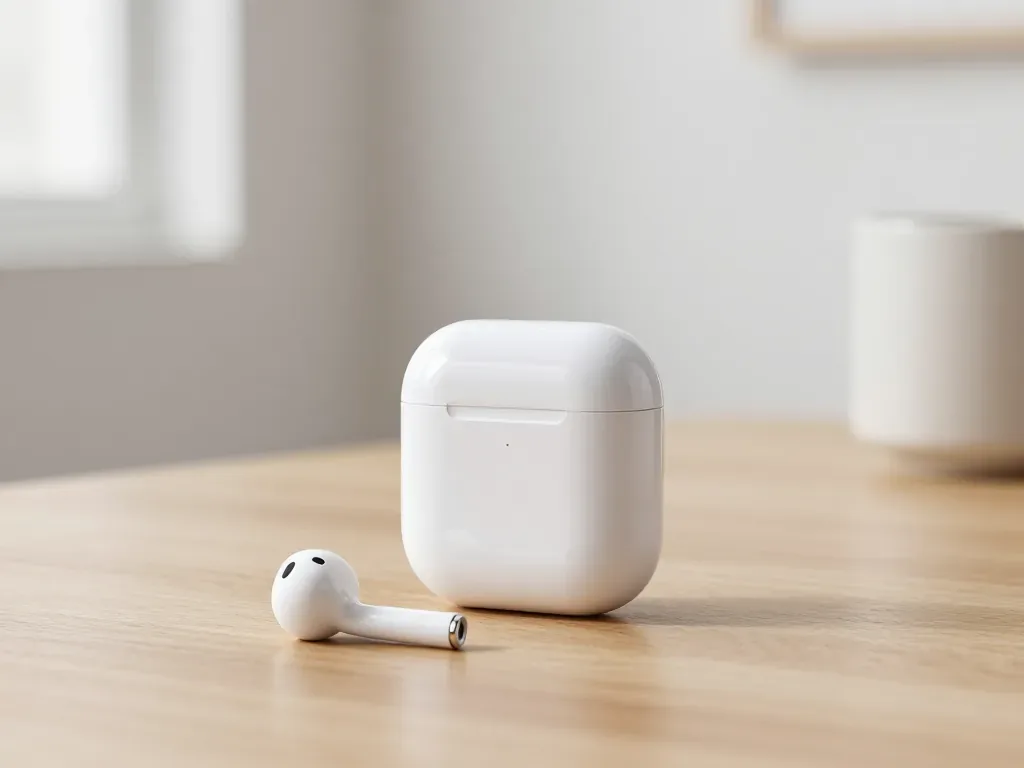
One earbud losing charge first is usually a worn cell or a dirty contact, not a dead pair. A free check tells which.
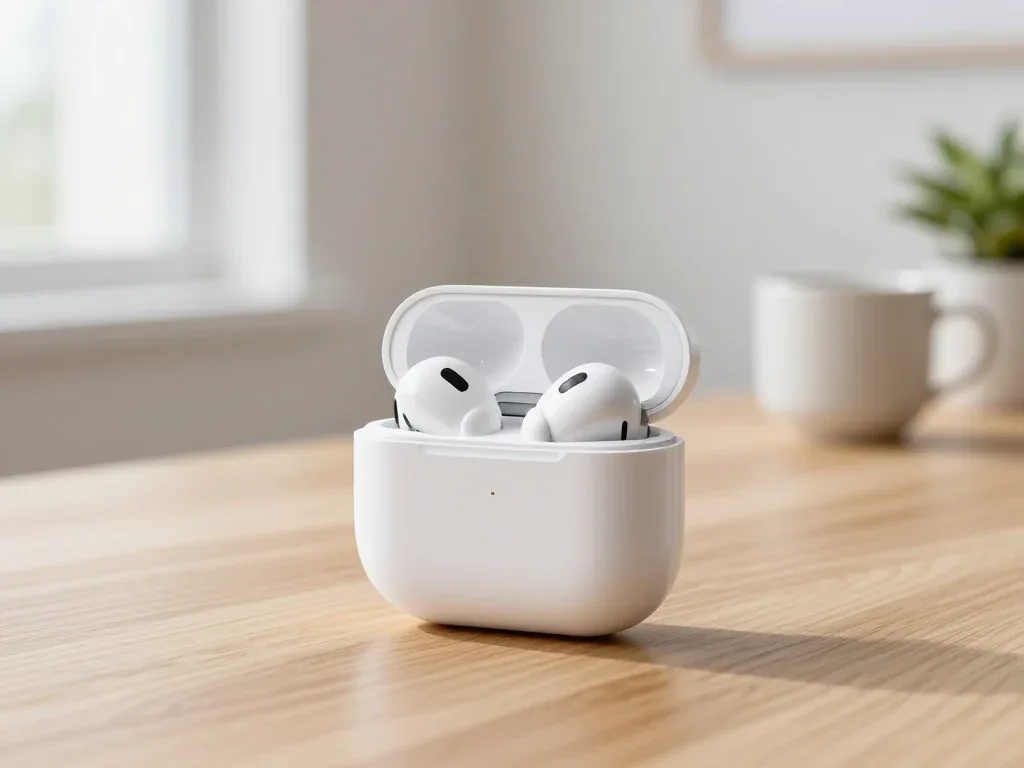
Find out why your AirPods case won't charge and what to check before visiting a repair shop.
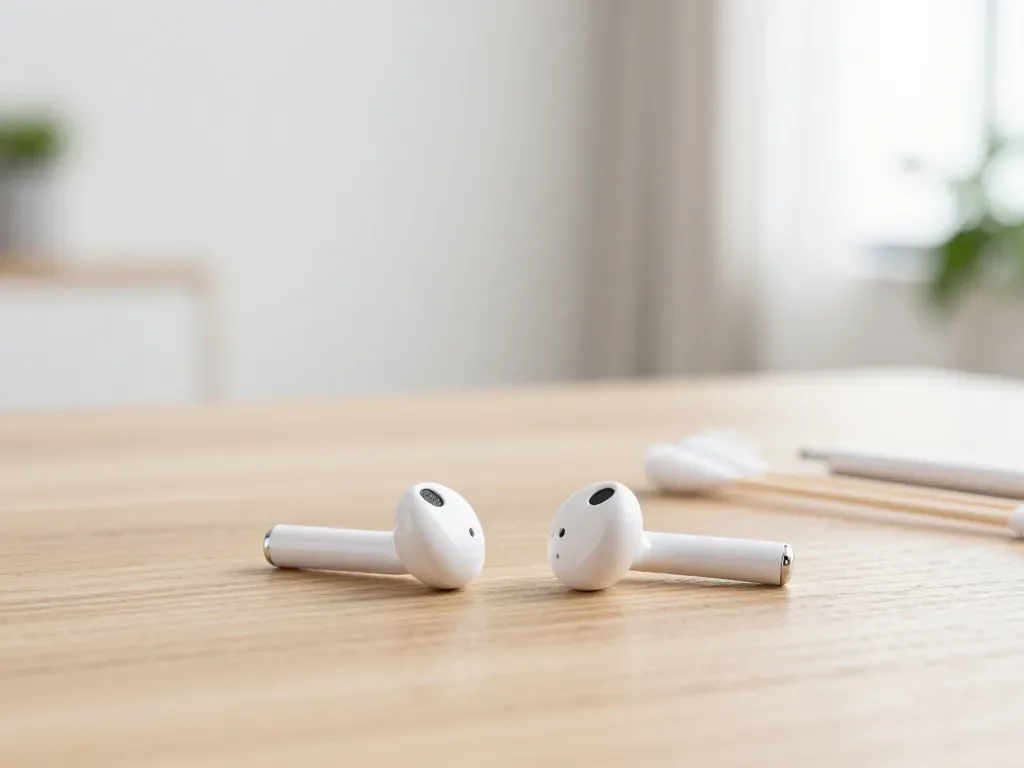
Most quiet AirPods come down to clogged mesh or a tired driver. Here is how to tell the difference before you clean anything.

Back up your data, turn off Find My, and bring proof of purchase — then the repair starts faster.

 iPad
 MacBook
 iMac
 Mac mini and Studio
 Apple Watch
 Apple Pencil
 Apple TV
 HomePod
