A camera fails in different ways, and the faulty node decides both the work and the turnaround. Before anything is swapped, an engineer shows you exactly where the fault sits.
Why the Camera Goes Black, Blurry or Starts to Shake
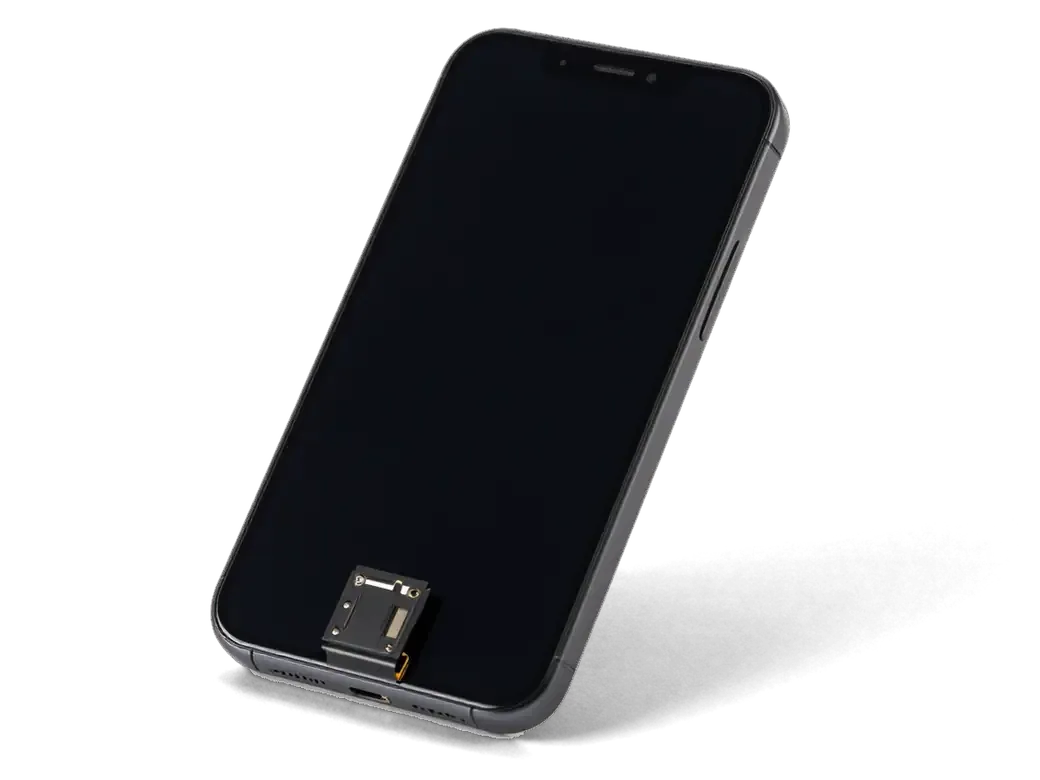
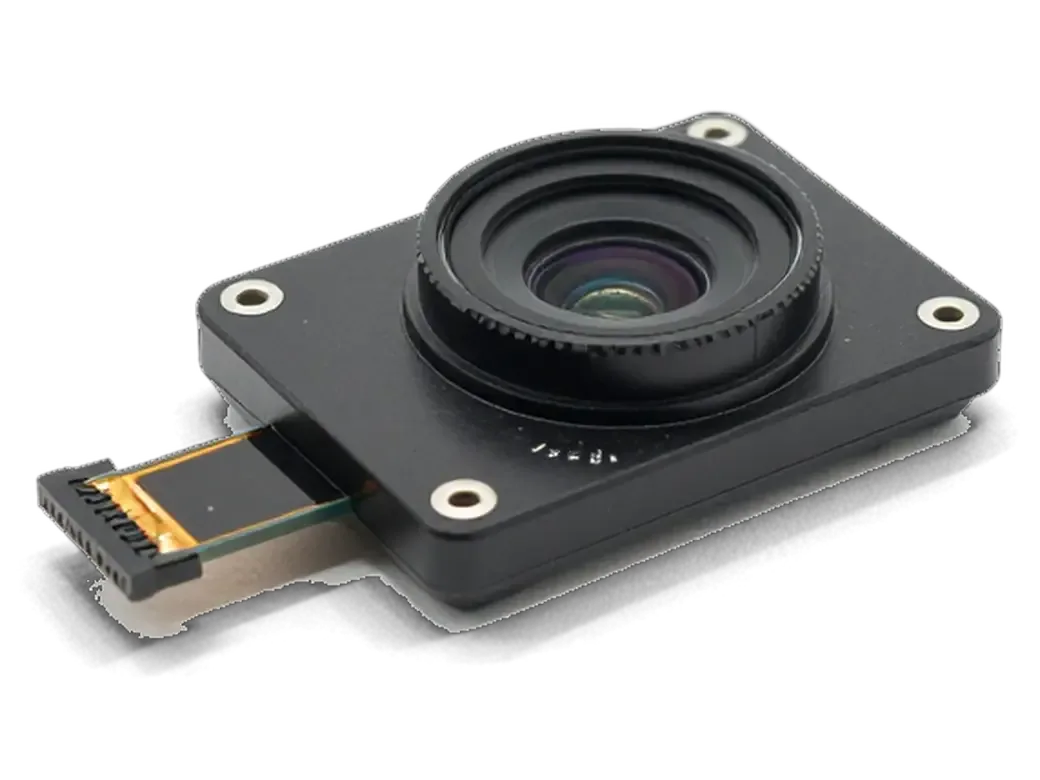
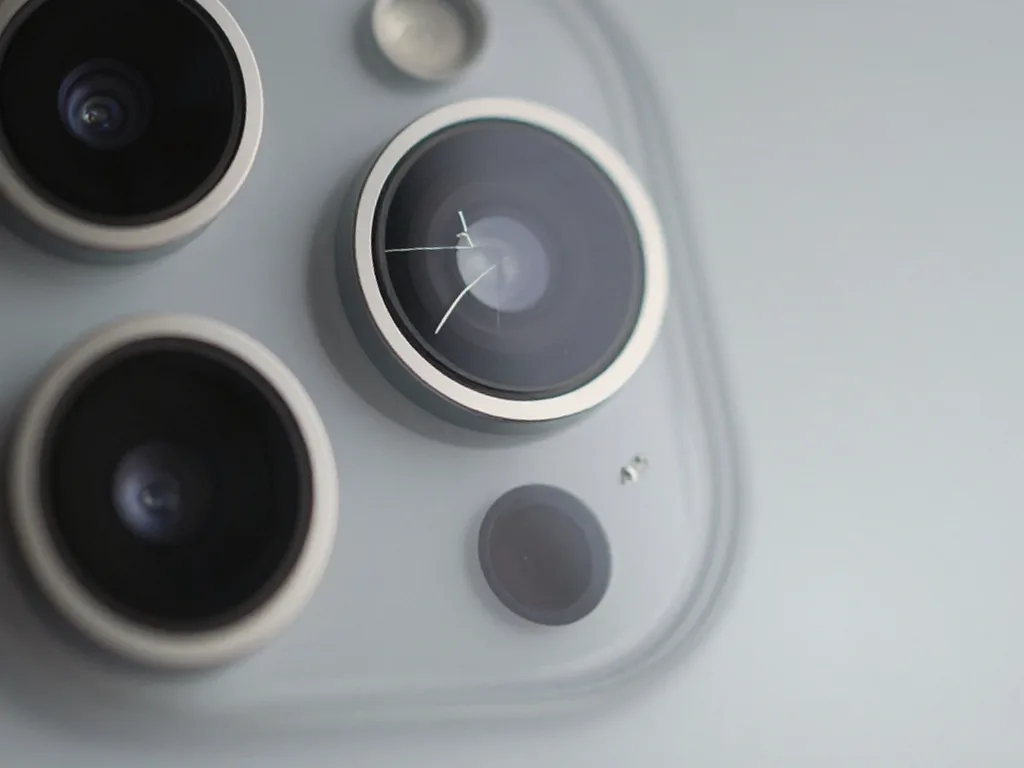
A black screen in the Camera app usually means a damaged camera unit or a loose flex cable, while shaking and clicking point to a failing stabiliser, and fixed blurry spots with working autofocus usually come from cracked glass over the sensor. A drop that kills the picture and water that kills the picture are two separate faults: impact cracks the camera housing or unseats the connector, while liquid leaves oxidised contacts on the board trace. Optical stabilisation is the first thing to suffer after a hard landing, which is why the frame drifts even when focus still locks. The symptom pattern matters more than the model, because the same black screen following a drop and following water are two different repairs, and only a diagnostic separates them. When you need iPhone camera replacement in Almaty, the engineer first identifies which node has failed so the right part is fitted.
Symptom, Likely Cause and What We Do About It
Fault groups compared by symptom, cause and repair time| Symptom | Likely cause | What we do | Timeframe |
|---|
| Fixed blurry spot, focus works | Cracked or scratched outer glass | Replace the outer glass only | 20 minutes |
|---|
| Black screen following a drop | Damaged camera unit or loose flex | Reseat the flex or replace the unit | 20–40 minutes |
|---|
| Shaking picture and clicking | Failing stabiliser or autofocus | Replace the camera unit | 20–40 minutes |
|---|
| Black screen following water | Oxidised connector or board trace | Clean, then board repair under microscope | 1–3 days |
|---|
| Flash and torch dead | Flash circuit or module fault | Diagnose circuit, then replace the part | 20–40 minutes |
|---|
| One optic dead on a dual or triple camera | Single channel fault | Replace the unit, test every optic | 20–40 minutes |
|---|
What iPhone Camera Replacement Changes for Your iPhone Generation
The number of lenses and the functions a model supports differ from generation to generation, so the checklist after a repair is not the same for every phone. Below is what matters for your device.
One Lens, Two Lenses or Three and What Each One Does
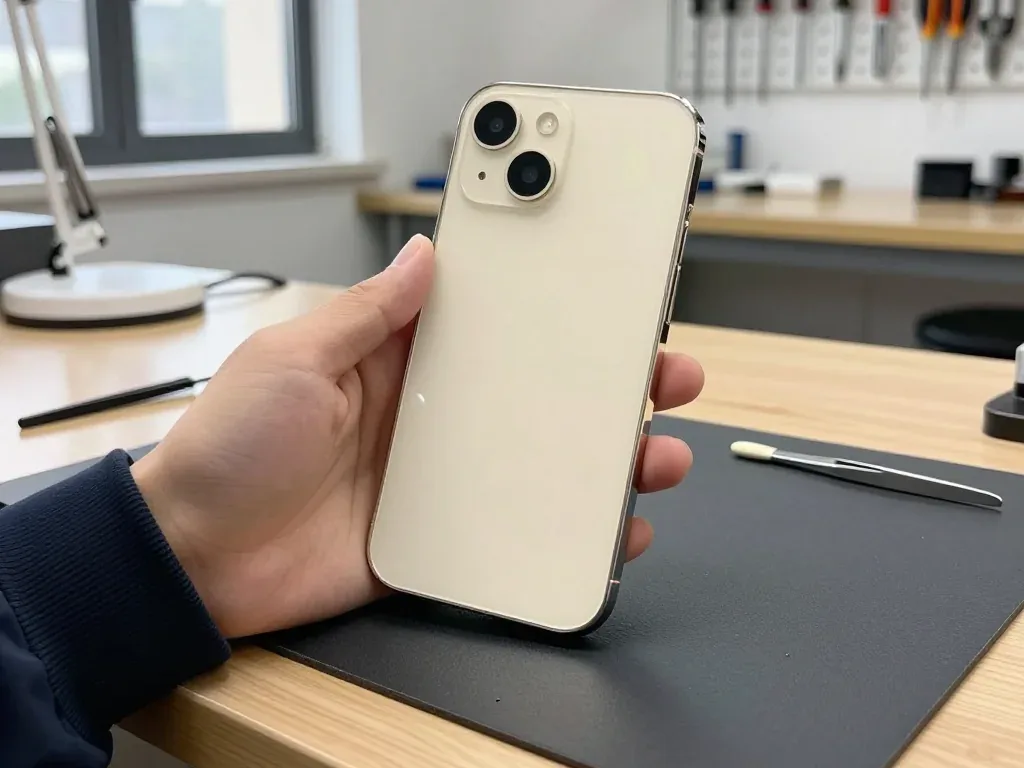
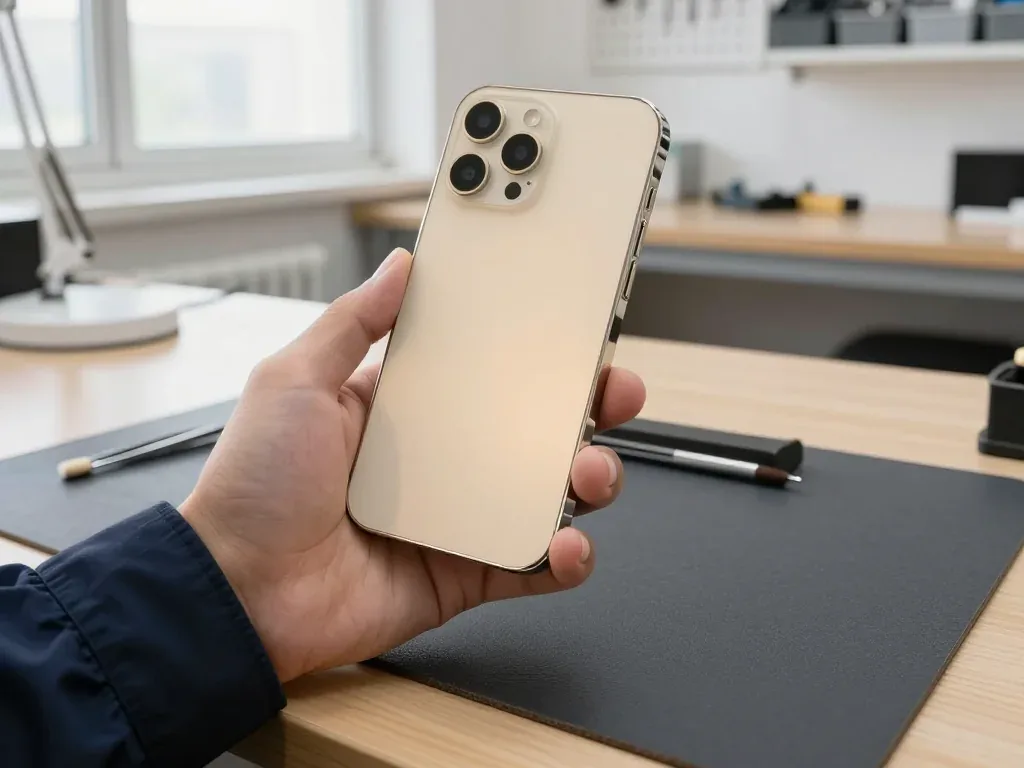
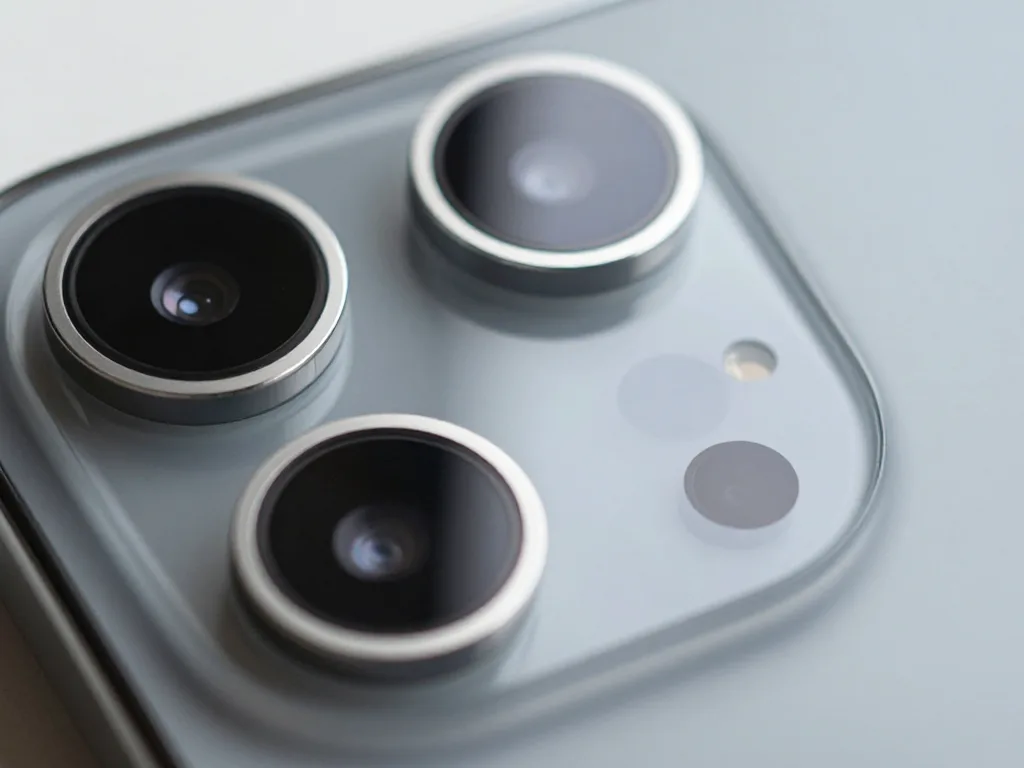
The base iPhone 5s through XR carries a single rear camera, the 7 Plus, 8 Plus and X add a telephoto optic, the 11 adds an ultra-wide, and the 11 Pro carries all three. The main optic handles everyday shots, the telephoto delivers optical zoom ×2 for portraits and distant subjects, and the ultra-wide widens the frame for interiors and landscapes. Portrait shooting relies on the depth data the camera unit and the chip combine, while night shooting arrived with the 11 line and its brighter sensor. On a phone with several optics a single dead channel can look like a total camera failure, so each one is tested on its own before any part is ordered.
Which Camera Functions We Check Following the Swap
What to verify on each model after work| Generation | Lenses to test | Extra functions to confirm |
|---|
| 5s, SE, 6, 6s | Single rear, selfie | Flash, video with sound |
|---|
| 6 Plus, 6s Plus, 7 | Single rear, selfie | Stabilisation, 4K video |
|---|
| 7 Plus, 8 Plus | Main and telephoto | Portrait mode, zoom ×2 |
|---|
| X, XR | Main and telephoto or main only | Portrait mode, Face ID |
|---|
| 11, 11 Pro | All three on Pro | Night mode, every lens |
|---|
Original Part or Aftermarket and How the Choice Is Locked In
What you pick shapes both the picture and the cost of the job, so the decision is made before work starts and written into the paperwork, not settled afterwards.
How Original and Aftermarket Modules Differ in Practice
An original unit keeps the colour rendering, stabilisation and every optical function the phone shipped with, while an aftermarket unit costs less and covers the basic shooting modes. Optical stabilisation is the first thing to feel different on a cheaper unit: video comes out softer at the edges and low-light frames pick up more noise. On a dual or triple camera the aftermarket route is where a missing channel or a weaker stabiliser shows up first, so it suits a phone used mainly for calls and documents. 64% of customers choose an original unit, and most of them shoot video or work with photos daily. Ask to see both options side by side before you commit — the difference in the glass and the housing is visible in the hand, not just on paper.
What Goes on the Receipt Before We Start
- Part name: original or aftermarket, written exactly as ordered, not as a vague category.
- Turnaround: the promised time, so a board-level case is flagged before you wait.
- Warranty term: up to 1 year, stated on the receipt and the warranty card.
- Factory packaging: the new unit is shown sealed before installation.
- Old part: handed back to you together with the receipt and warranty card.
Face ID and the Front Camera on X Through 11 Pro
On models with Face ID the front optic sits in one assembly with the TrueDepth module, and that changes both the repair itself and the list of checks afterwards.
Why the Front Camera Is Not a Standalone Part Here
On the X, XR, 11 and 11 Pro the selfie optic sits beside the TrueDepth module, and the Face ID components are paired to the board, so the job is done with more care than a rear swap. The flex carries the dot projector, the infrared camera and the flood illuminator on a single ribbon, and that ribbon bends around the display frame, so the connector is the first thing that suffers in a drop. A selfie optic that stops working following impact is often a connector problem rather than a dead sensor, which is why the flex is checked before a part is ordered. The camera unit itself usually survives falls intact while the ribbon shows a crease at the bend.
What to Confirm on Pickup After Front Camera Work
- Face ID: unlock the phone several times, including at an angle, since the dot projector has to read your face from different positions.
- Selfie camera: take a photo and a short video, then switch between selfie and rear to confirm both feed live.
- Video call: make a brief call to check that the selfie optic and the microphone work together.
- Portrait mode: shoot one frame with the selfie optic to confirm depth data still registers following the swap.
- Full function check: we run 32 points in about 10 minutes, cameras included, with you watching the screen.
How the Visit Runs and How Long You Wait
Camera work is short, but a visit still has a sequence, and several steps can be handled before you arrive so you do not lose time on site.
From a WhatsApp Photo to the Finished Repair
You send a photo of the damage on WhatsApp, an engineer replies within 5 minutes with a price and an open slot, and the whole process from first contact to pickup usually takes less than an hour. The free 15-minute diagnostics happens in front of you: the engineer shows what is broken before anything is opened. Price, part, turnaround and warranty are fixed on the receipt in about 2 minutes, and the new part is shown in factory packaging before installation. Camera glass is a 20-minute job, and 72% of repairs are finished while the customer waits in the waiting area with coffee and Wi-Fi. A courier across Almaty runs 90 minutes and costs nothing when bundled with a repair. Glass and module swaps are realistic on the same day, but a board fault is not — that one runs 1 to 3 days.
What to Do Before You Come In
- Back up first: an iCloud copy protects your photos if the board turns out to need attention beyond the camera.
- Stop shooting: cracked lens glass scratches the module behind it with every photo you take.
- No heat following water: warming a wet phone pushes moisture deeper into the board and slows the diagnosis.
- Courier option: across the city a courier runs 90 minutes and costs nothing when bundled with a repair.
Summary: iPhone Camera Replacement
Five points separate a straightforward camera job from a case that needs deeper work, and they are worth keeping in mind before you book anything.
- Symptom points to the node: a fixed blurry spot that still focuses usually means lens glass, not the whole module.
- Black screen following a drop and following water: these are different repairs, and only a diagnostic tells them apart.
- Each lens tested on its own: on dual and triple cameras a single dead channel can look like a total failure.
- Face ID phones: the selfie camera shares an assembly with TrueDepth, so that work is checked first at pickup.
- Timing split: glass and module swaps finish in a single visit, while a board fault is the only case measured in days.









 iPad
 MacBook
 iMac
 Mac mini and Studio
 Apple Watch
 AirPods
 Apple Pencil
 Apple TV
 HomePod




