Apple Watch repair in Astana is the search most owners start with, so the real question is not who can fix it but whether the fix is worth it. Here is the logic behind that decision.
The Three Questions That Decide It
Repair usually wins when the fault is a single worn or broken part and the device still tracks, syncs and holds a connection to the iPhone. Three questions settle most cases: does the watch still pair and appear in the Watch app, does the screen respond to touch, and does it take a charge on the stand at all. A yes on two of the three points to one component — a battery, a screen assembly, a charging coil. A no across all three points at a failing board or a torn flex cable. A watch that fails on several fronts at once — no touch, no charge, no pairing — is rarely one cheap fix, so ask for the diagnostic result before agreeing to anything.
Faults Where Repair Clearly Pays Off
- Battery wear: the watch dies before evening yet tracks, syncs and pairs normally through the day.
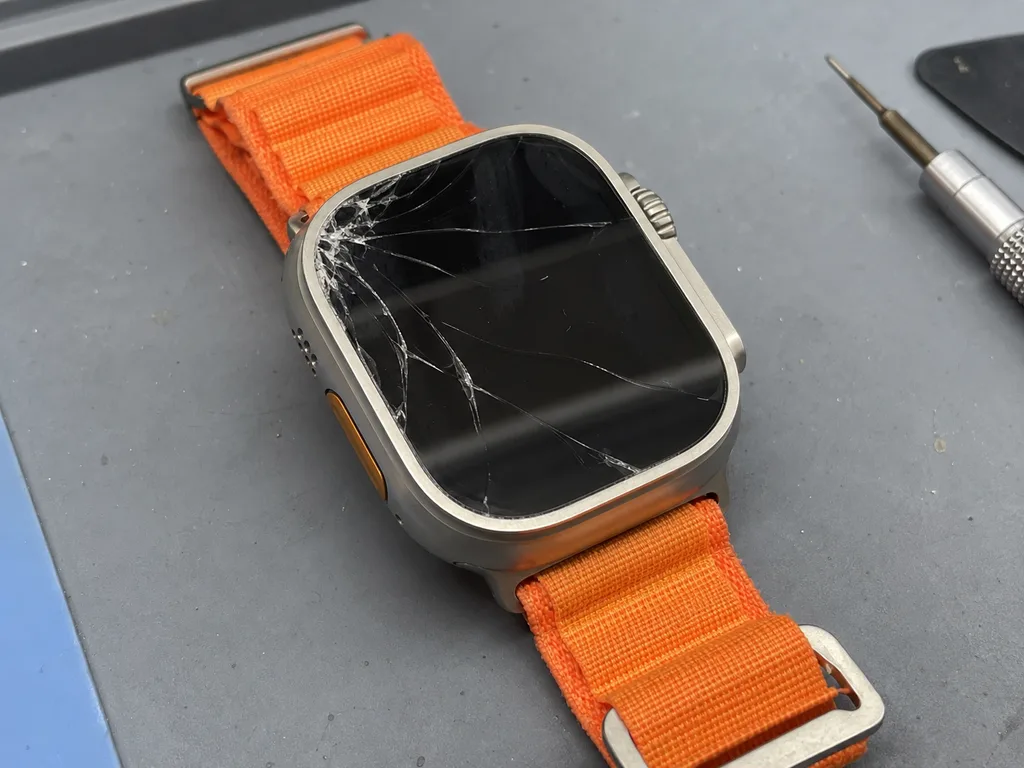
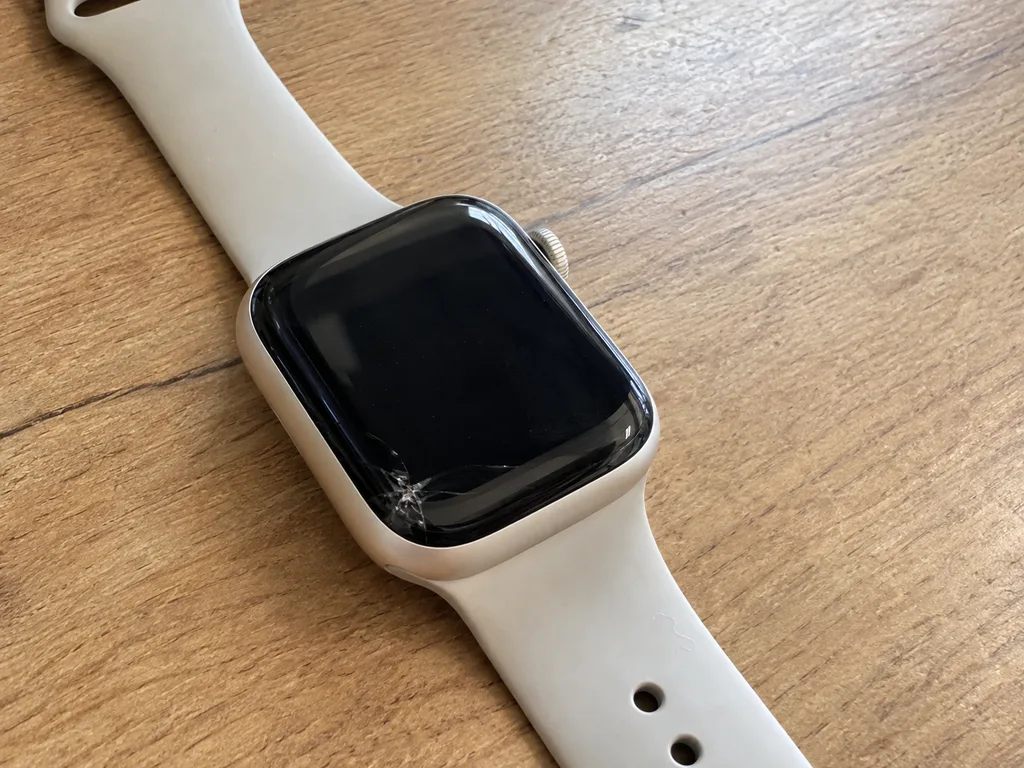
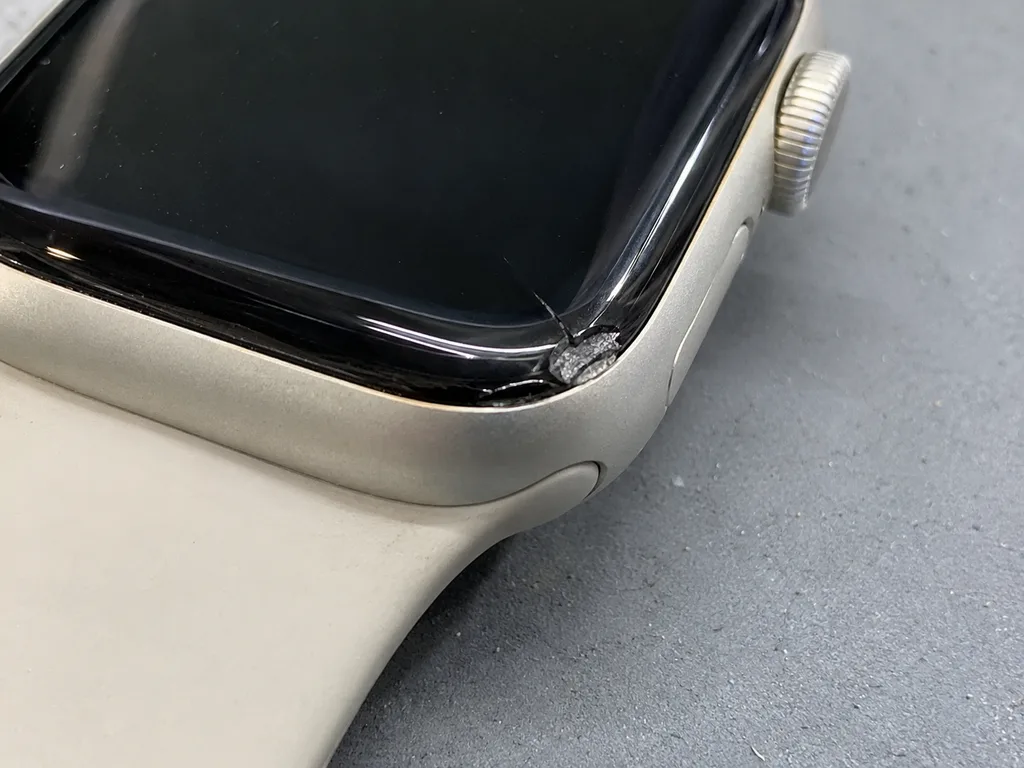
- Cracked glass: the screen still shows a clean image and reacts to touch along the whole surface.
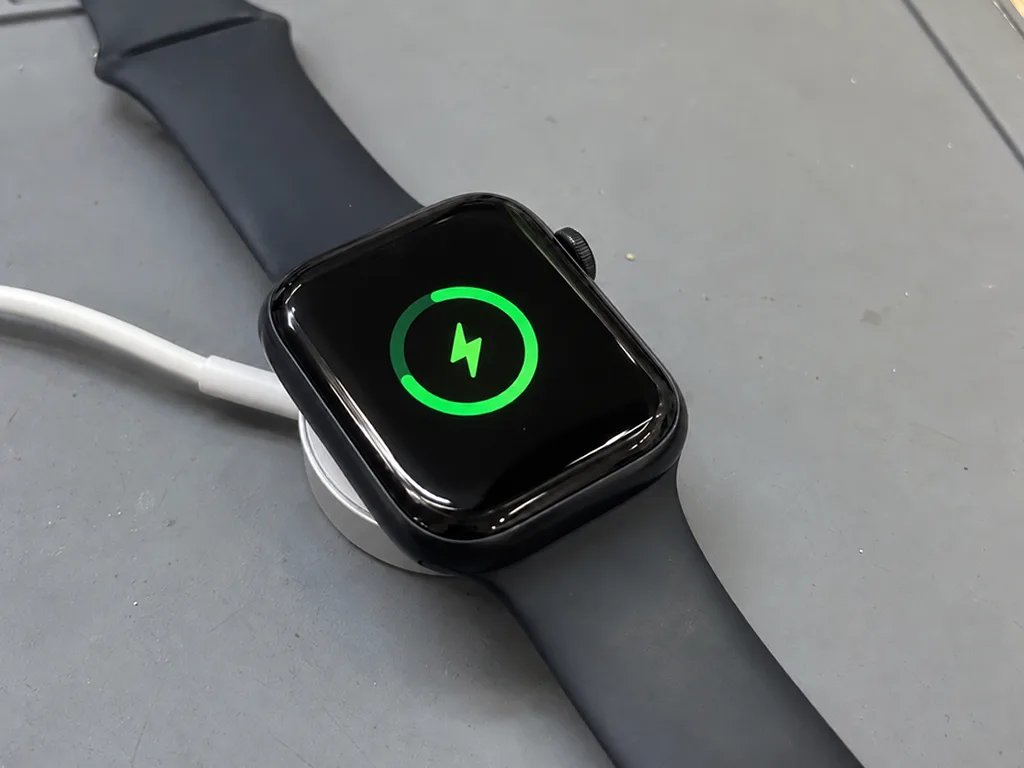
- Charging faults: the watch works fine but will not take a charge on the magnetic stand.
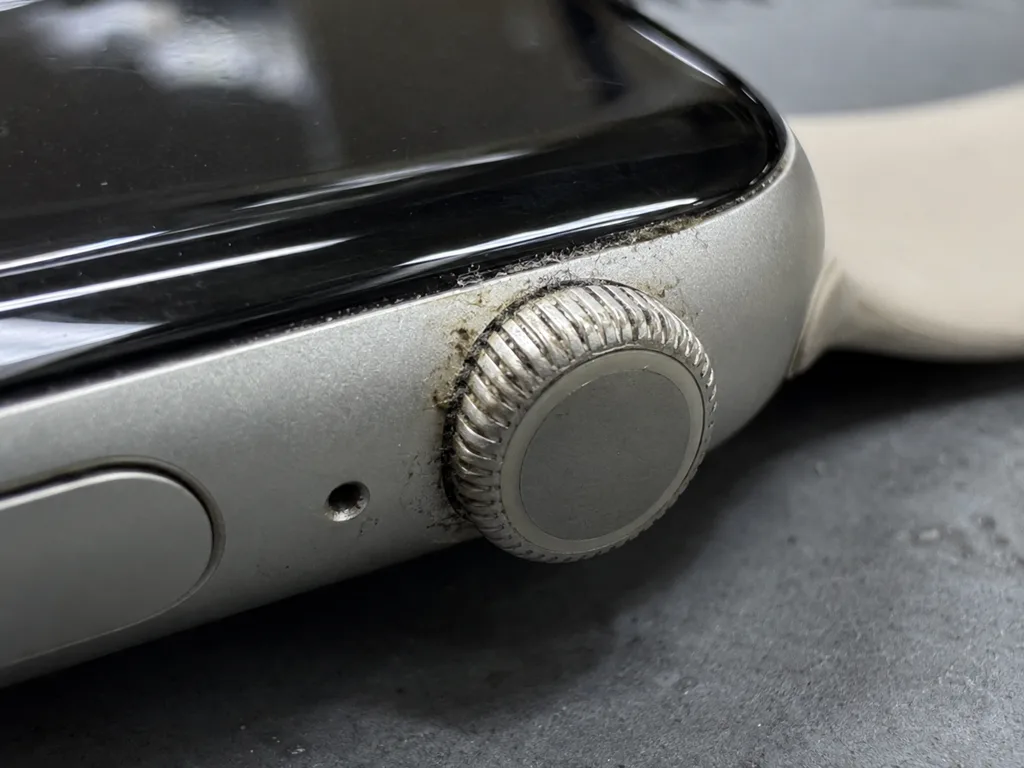
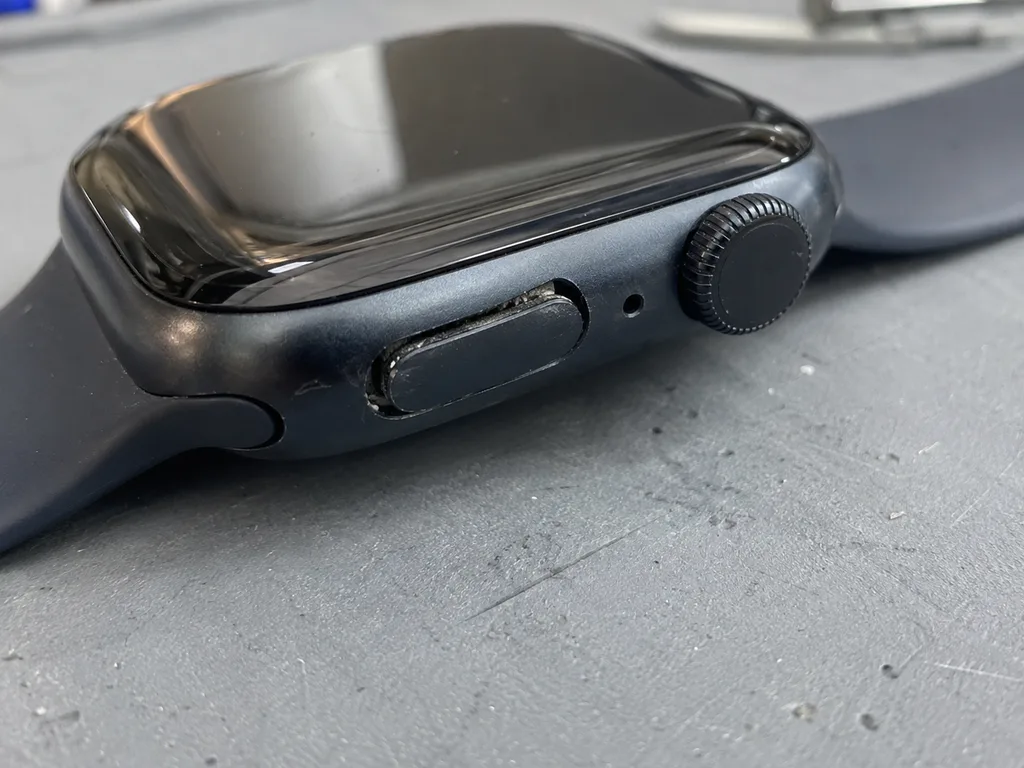
- Sticky Digital Crown: rotation feels gritty, skips or clicks instead of turning smoothly.
- Water ingress: the watch powers on but the speaker sounds muffled after contact with water.
When a New Watch Makes More Sense
A watch that stays dark after charging, shows no image at all and cannot be paired is the case where replacement is worth weighing seriously. The pattern points at the system board, a torn flex cable or an activation lock that no part swap clears. Board-level work is done under a microscope and runs one to three days rather than the twenty to forty minutes a battery or screen takes. Even then, a free diagnostic tells you whether the fault sits on the board or in a single connector, and that answer changes the decision. Ask what the engineer found before you weigh a new watch against a repair.
Cracked Glass or a Dead Display and Apple Watch Repair
A crack and a dead screen are different faults with different fixes. Here is how to tell one from the other before you come in.
How to Tell Glass From Display Damage
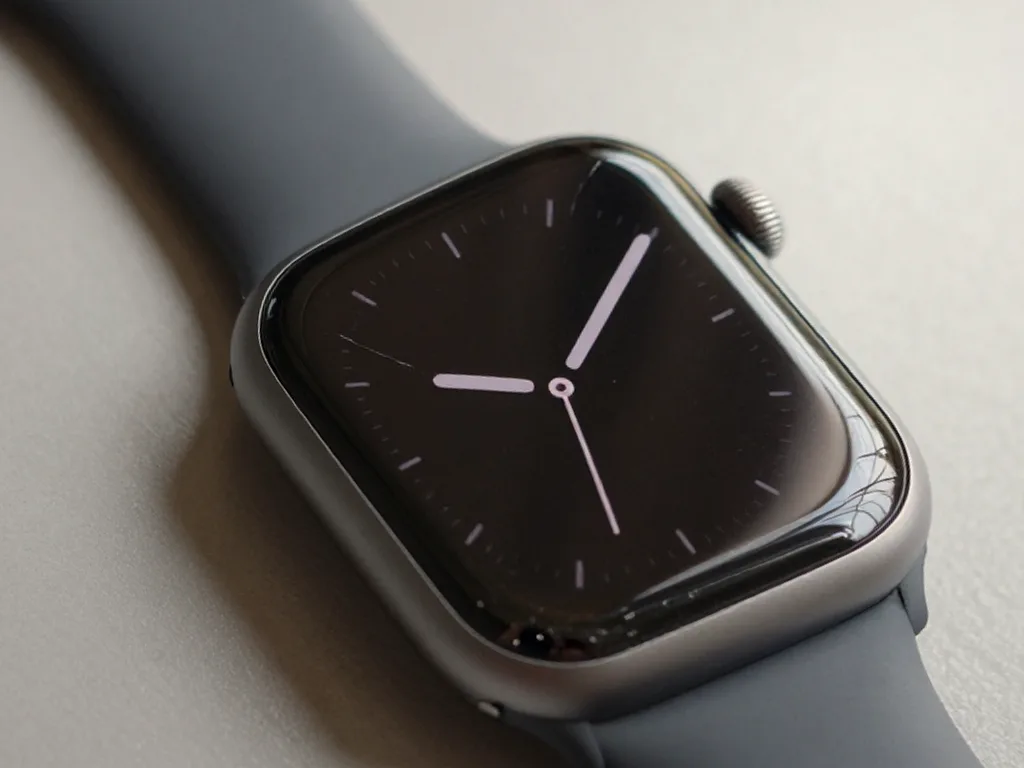
The cover is bonded to the panel, so the test is simple — if the image stays clean and touch responds, only the outer surface is broken. Look at the screen at an angle under a lamp: a hairline fracture shows as a thin bright line, while a damaged OLED panel reveals itself as uneven brightness across the display. Swipe through the app grid slowly and watch whether every icon lands where your finger presses. The digitizer sits between the cover and the panel, so a dead strip or a ghost tap usually points past the surface and into the assembly. If you are unsure which layer is affected, Apple Watch repair in Astana starts with a free check in front of you.
What We Compare Before Choosing a Fix
Damage patterns matched to the part fitted| Damage pattern | What is affected | What we fit |
|---|
| Crack, clean image, touch works | Glass only | Glass replacement |
|---|
| Bands, black patches, ghosting | OLED layer | Full display |
|---|
| Touch dead, image fine | Touch layer | Display assembly |
|---|
| Shattered edge over the frame | Glass and seal | Glass plus reseal |
|---|
Do You Need a Screen Protector
A protector helps on Ion-X, which scratches and chips more readily than sapphire, but it will not save a panel from a hard edge impact. Ion-X takes scuffs from keys and door frames within months of daily wear, and a film or tempered layer absorbs that abrasion before it reaches the surface. The trade-off is coverage: a flat protector cannot follow the curve at the frame, so the rim stays exposed. On sapphire models the added film buys little, since the crystal resists scratching on its own and the guard mainly blunts direct knocks. Fit one if you work with your hands or wear the watch against metal. Most cracked watches we see took a hit on the curved rim, exactly where a flat protector offers the least coverage.
Battery Drain and Charging Failures
"Dies before evening" and "will not charge" sound like the same complaint, but they lead to different components. We separate the symptoms before opening anything, so the diagnosis points at the right part.
Why the Watch Dies Before Evening
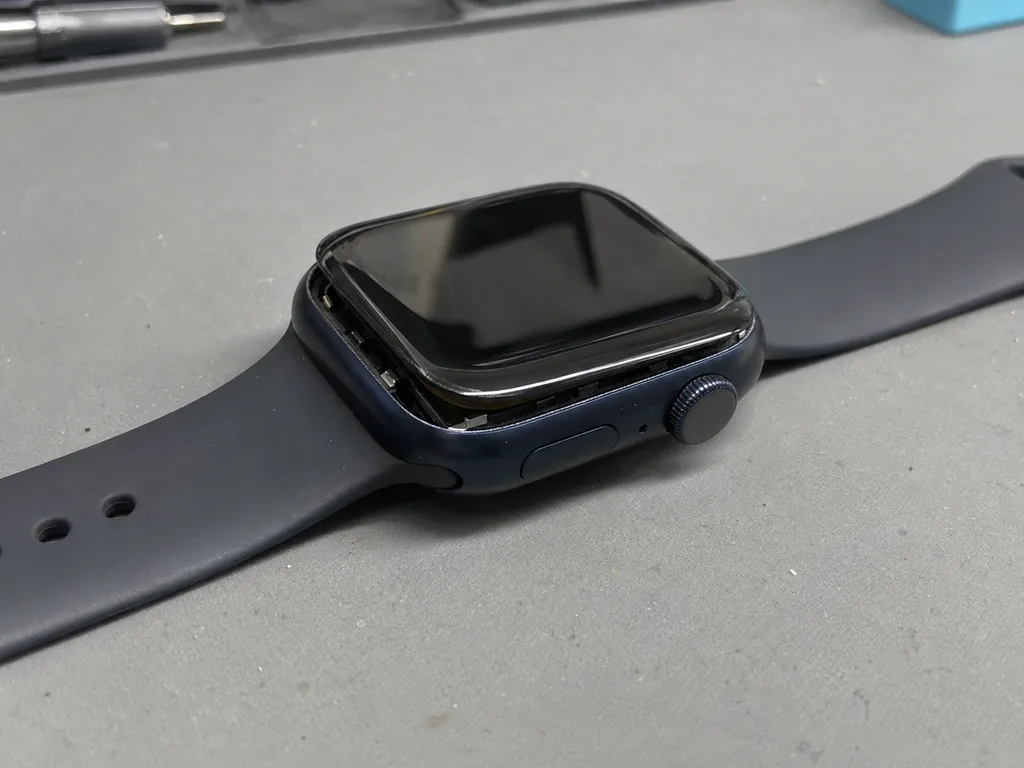
In most units that fail to reach evening, the cause is a worn cell rather than a software fault, and we confirm it on the diagnostic before opening anything. A pack that has lost capacity holds voltage under light load but collapses the moment the display brightens or the heart sensor runs continuously, which is why the percentage drops in steps rather than steadily. Our engineers read the cycle count and peak voltage in front of you during the free 15-minute check, and 64% of customers then choose an original part. A swollen unit pushes the screen up from the frame, so a panel that sits proud is a power symptom, not a glass problem — bring it in before the pressure cracks the display.
Charging Faults and What They Point To
- Coil damage: the watch charges only at one spot on the stand, or needs to be pressed down to start.
- Connector fault: charging stops when the device is moved, even slightly, on a working stand.
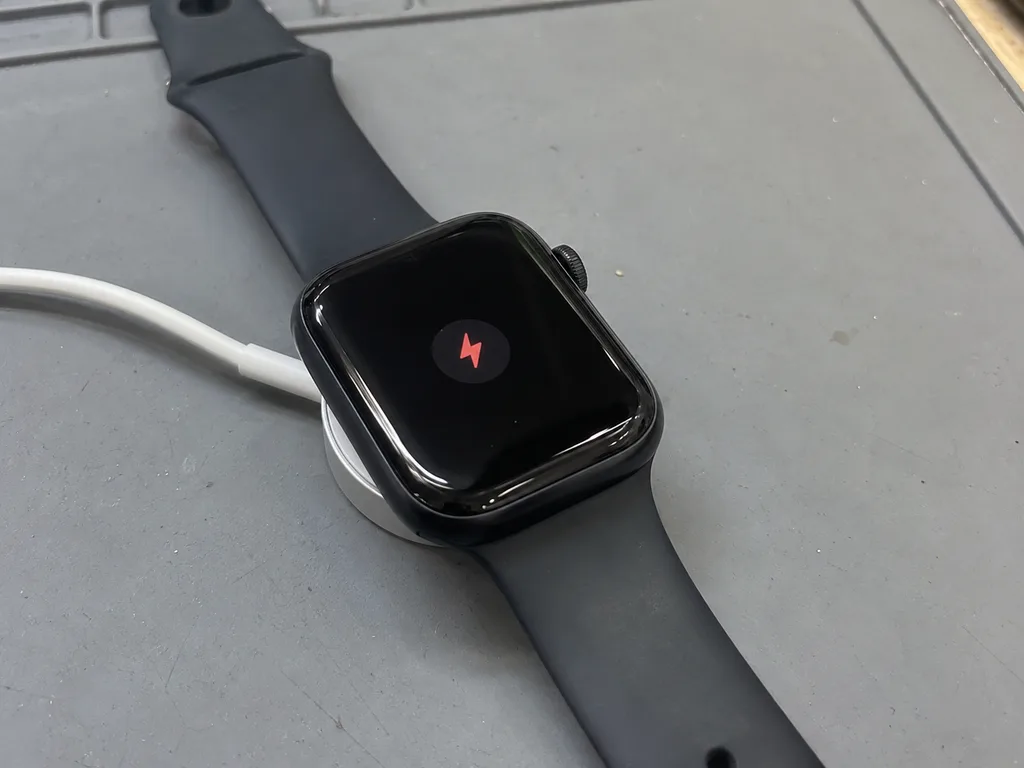
- Board fault: no charge at all, and the case stays cold after an hour on power.
- Power cell fault: it charges normally but drains within hours, often dropping fast below 30%.
- Cable or stand: nothing charges, including a second watch placed on the same base.
- Test first: try a known-good cable and stand, because a dead charger mimics a dead coil almost perfectly.
Water Damage and the Two-Day Diagnostic
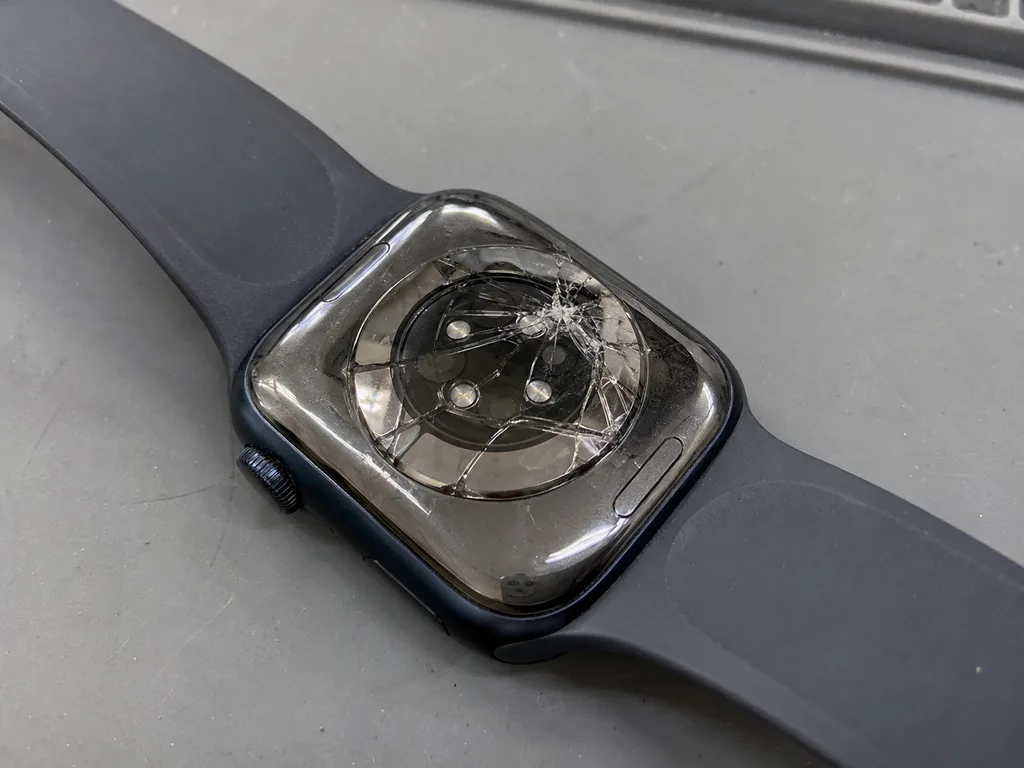
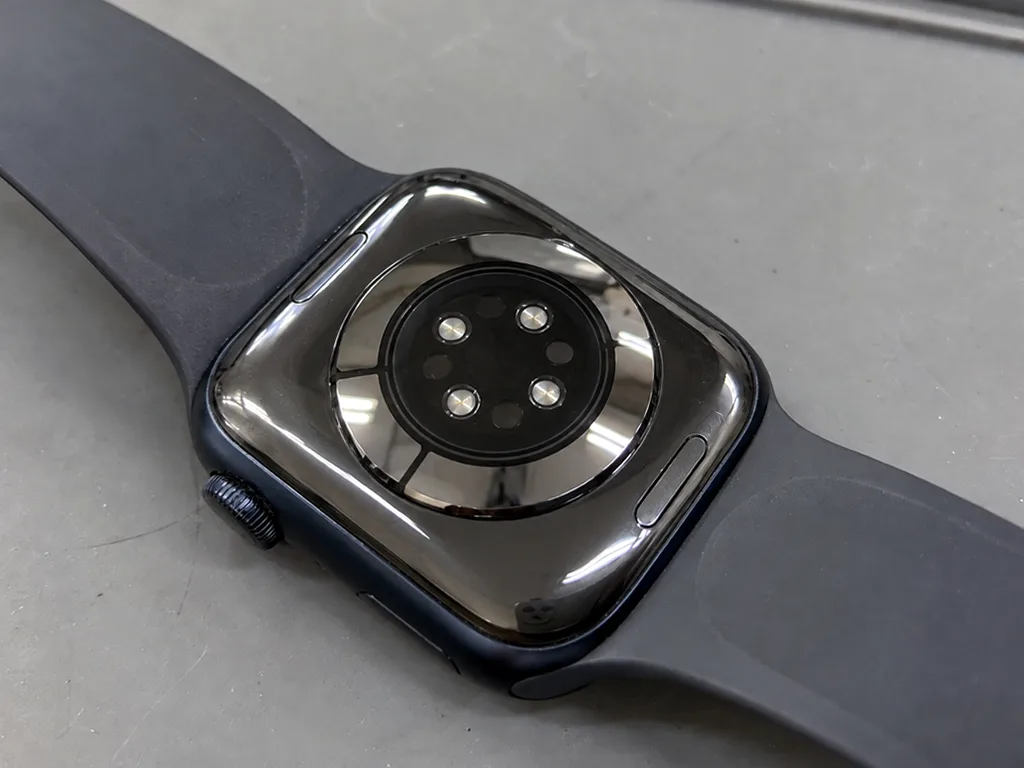
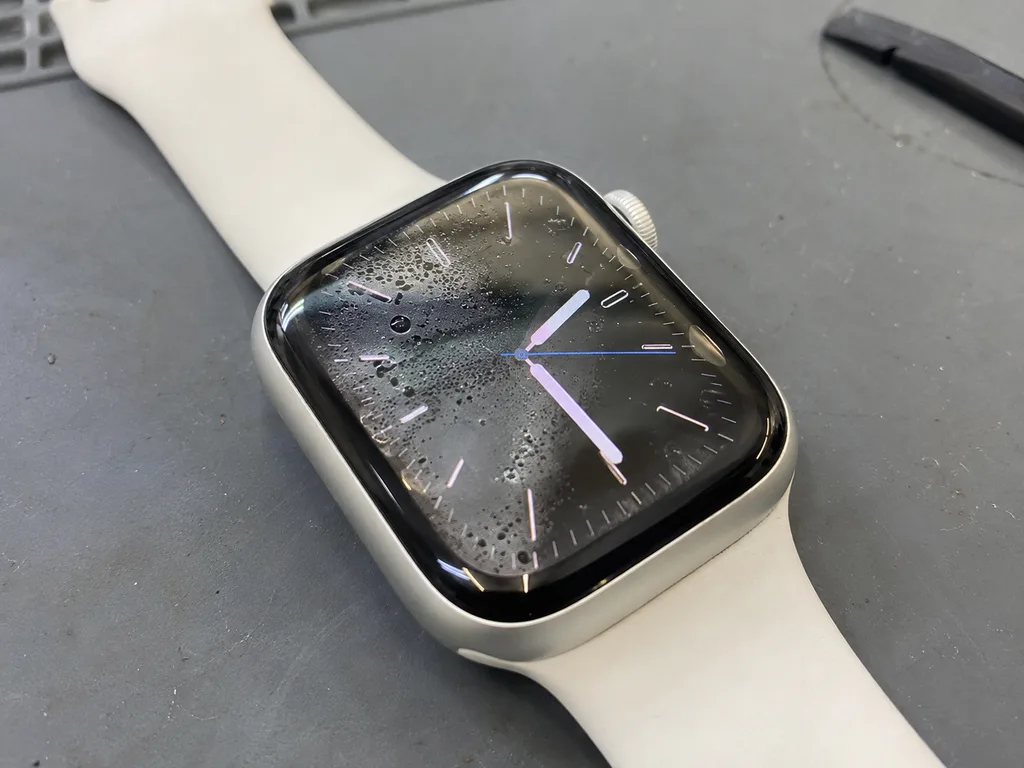
After liquid contact, diagnostics can take up to two days, because corrosion on the board keeps changing the readings until the logic board is cleaned and dried. Liquid reaches the circuitry through the adhesive seal, and the corrosion it starts bridges contacts slowly — the watch may switch on, show a charge, then fail again an hour later. We clean the panel under a microscope and re-check the microphone and speaker, since both sit in the path water takes. A watch that came out of water and still works is not cleared — corrosion often shows up weeks later, so a check now is cheaper than a logic board repair later.
What Your Specific Model Changes
The same crack on an Ultra and on an SE rarely means the same repair. Generation by generation, we show what changes in glass, housing and controls, and what the diagnostic will likely find.
Ion-X, Sapphire and the Ultra Frame
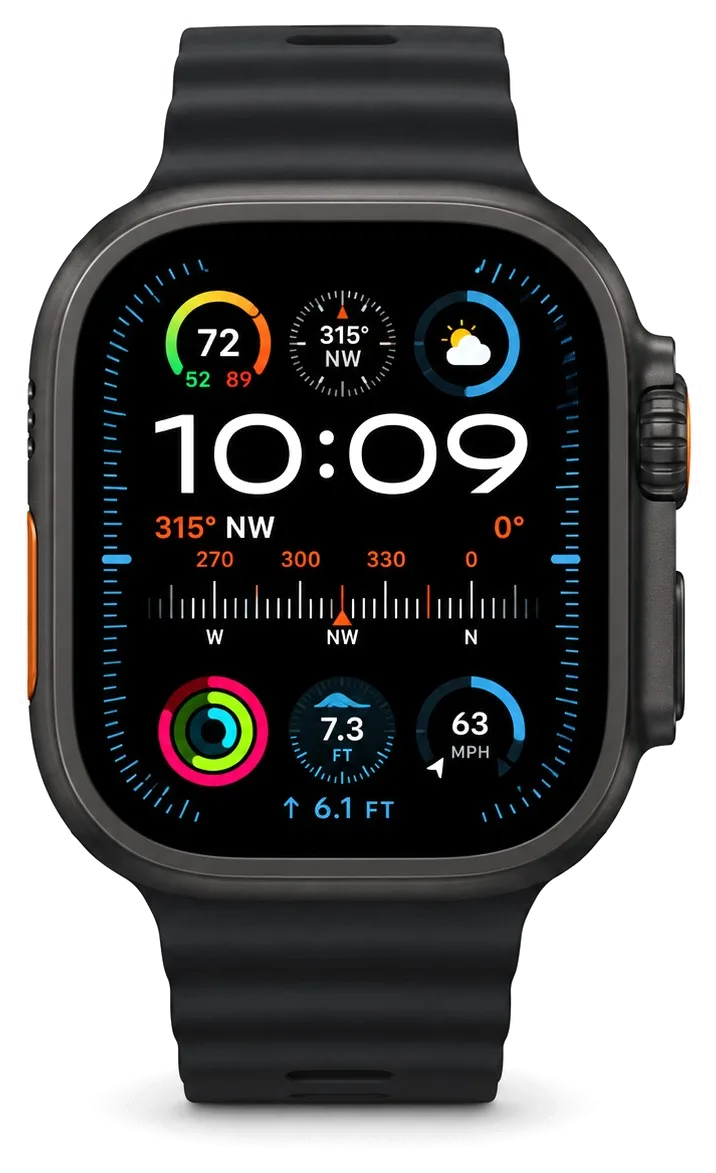
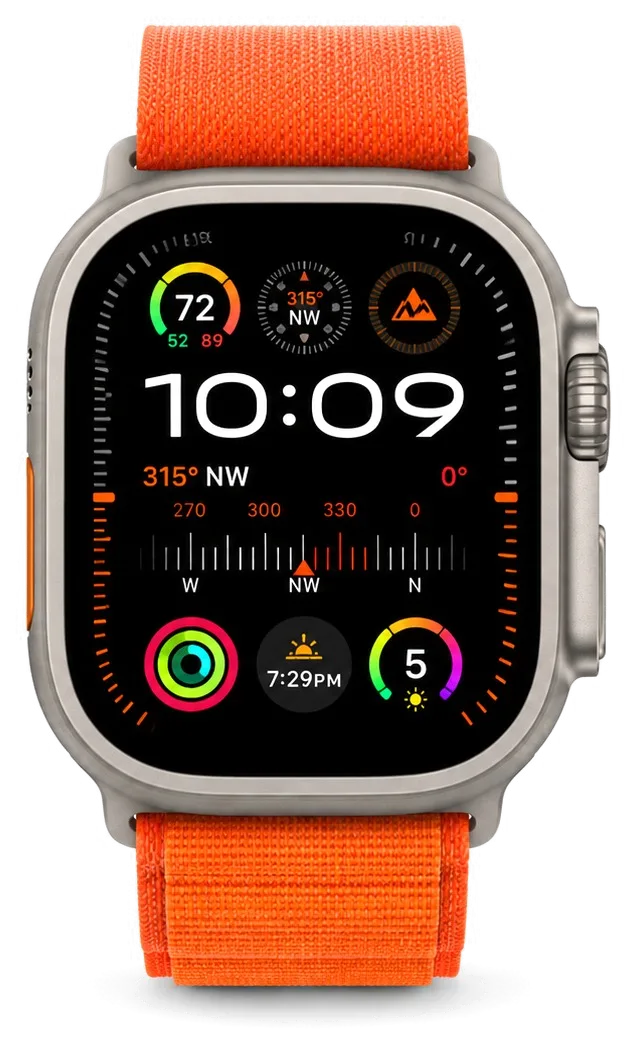
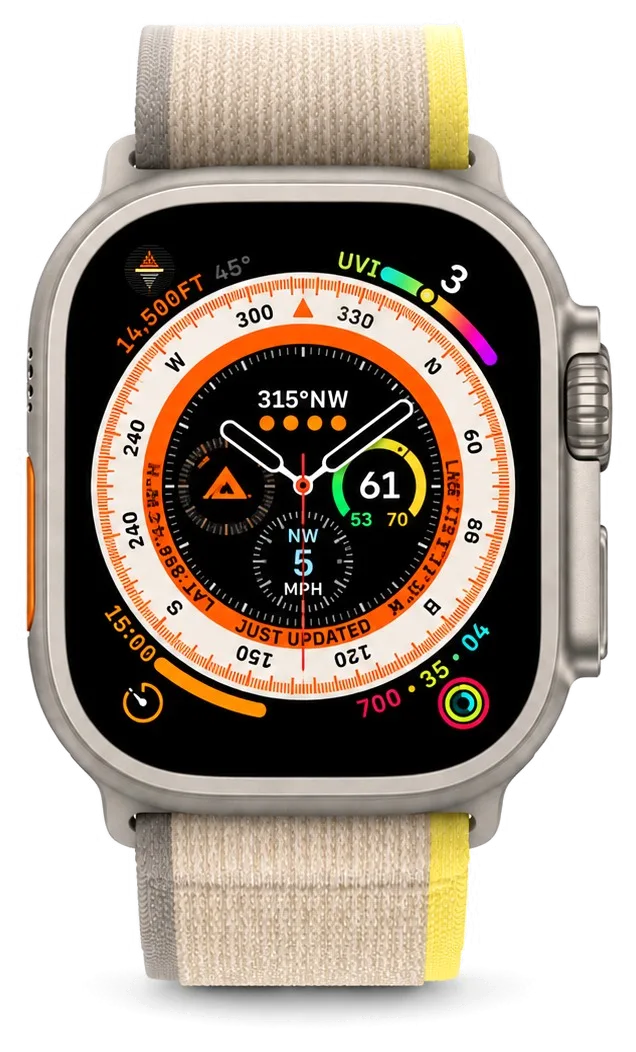
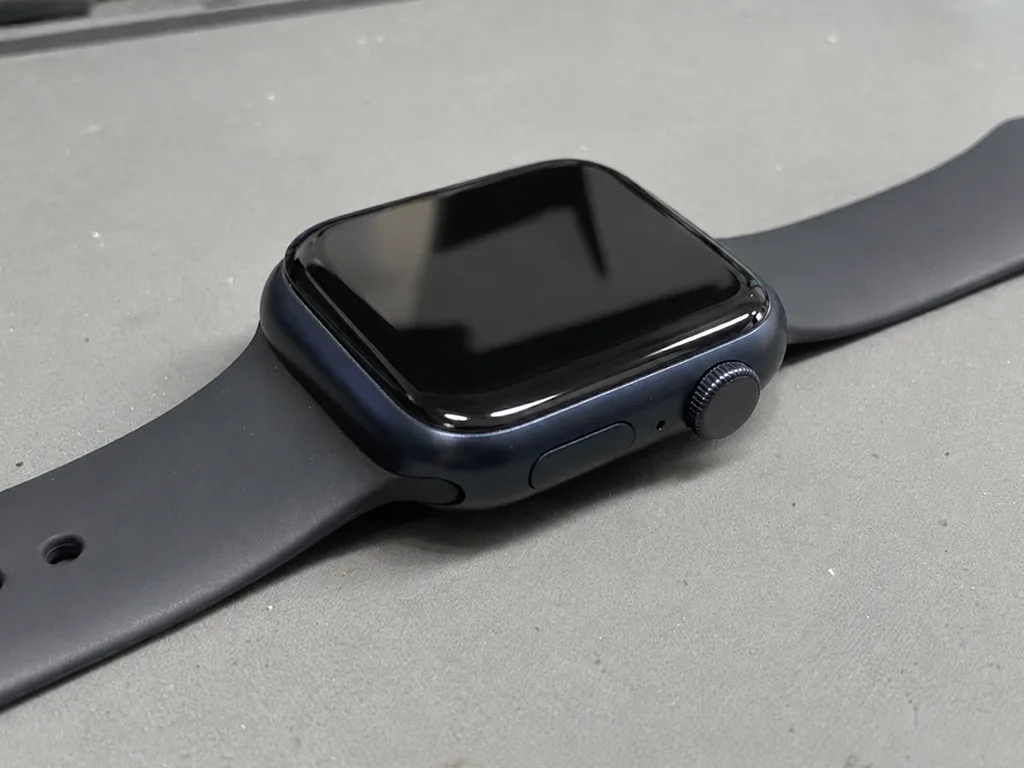
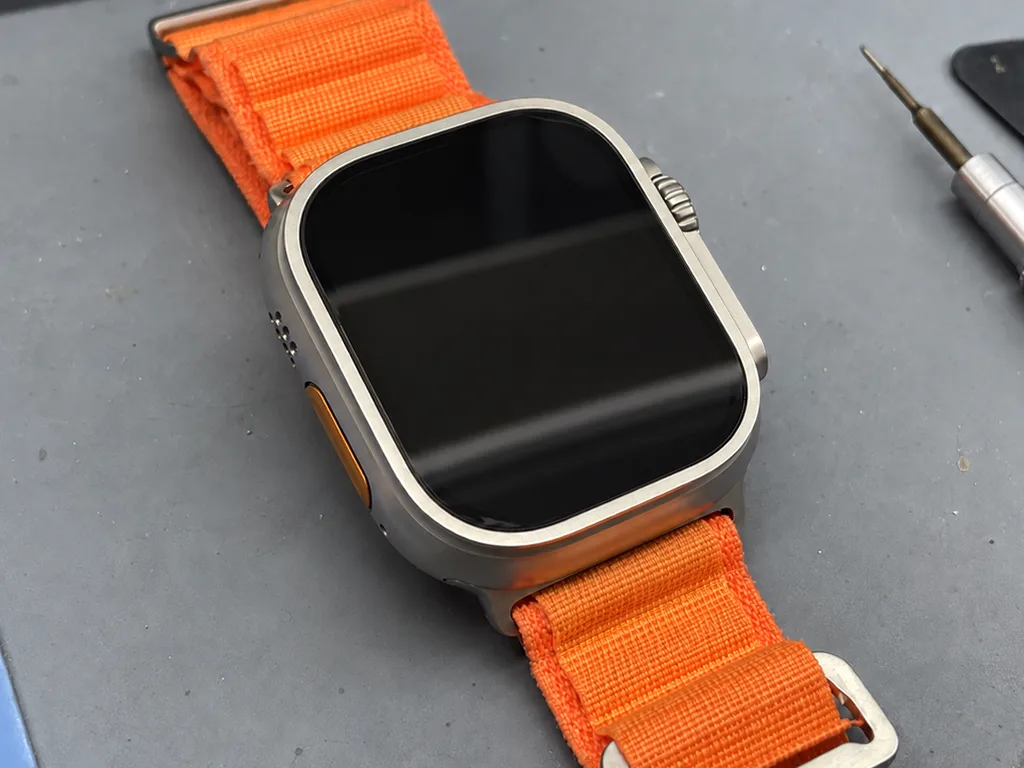
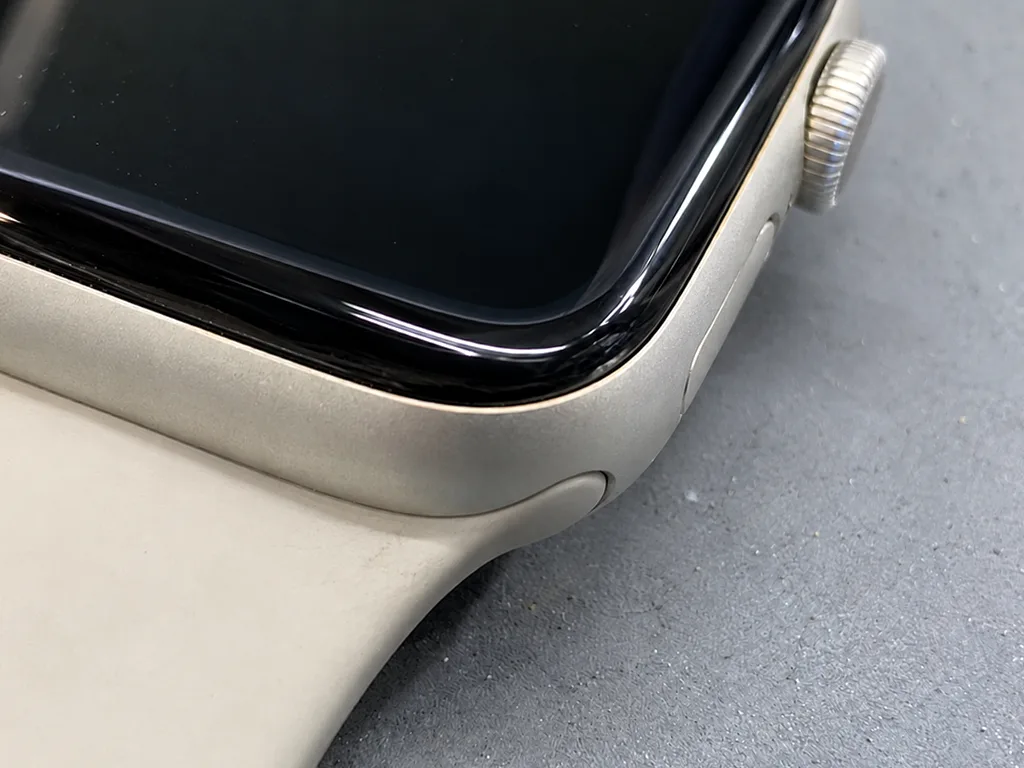
Aluminium Series 7, Series 8, SE and SE 2 use Ion-X glass, while Ultra carries flat sapphire behind a raised titanium lip. Ion-X is lighter and flexes slightly on impact, so it tends to craze across the panel; sapphire resists scratches but is more brittle at a sharp hit, and on Ultra that hit usually lands on the surrounding metal instead. The titanium lip sits a millimetre or two above the crystal, so the housing absorbs contact before the screen does, and the flat profile spreads force across the whole face rather than one corner. On the aluminium bodies the curved edge is the thinnest point, which is why most chips start there. That lip takes the impact first, so Ultra more often arrives with a damaged side control or housing than with a shattered screen.
Model by Model Repair Notes
Which fault each generation tends to bring in first| Model | Glass | Typical first fault | Repair note |
|---|
| Series 7 | Ion-X | Cracked edge, battery wear | Large screen, thin bezel |
|---|
| Series 8 | Ion-X | Battery, temperature sensor seal | Rear cover reseal matters |
|---|
| SE | Ion-X | Battery, no Always-On | Simplified internals |
|---|
| SE 2 | Ion-X | Battery, composite back | Newer chip, same shell logic |
|---|
| Ultra | Sapphire | Control jam, housing, crown | Screen rarely the first failure |
|---|
Buttons, Crown and the Action Button
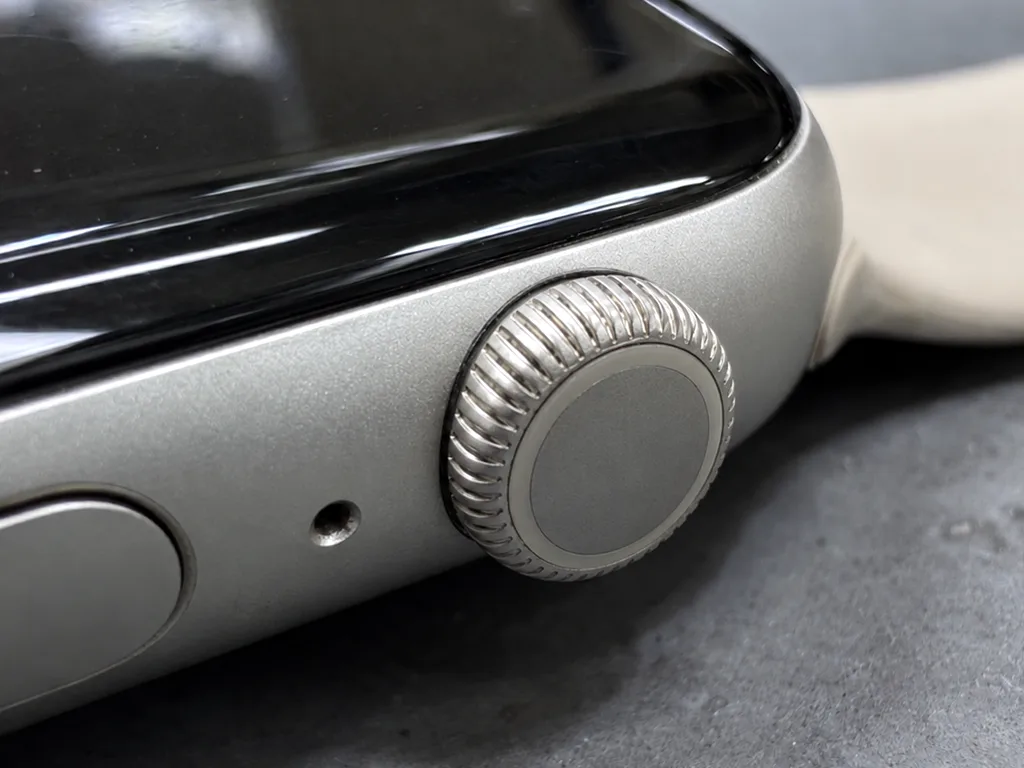
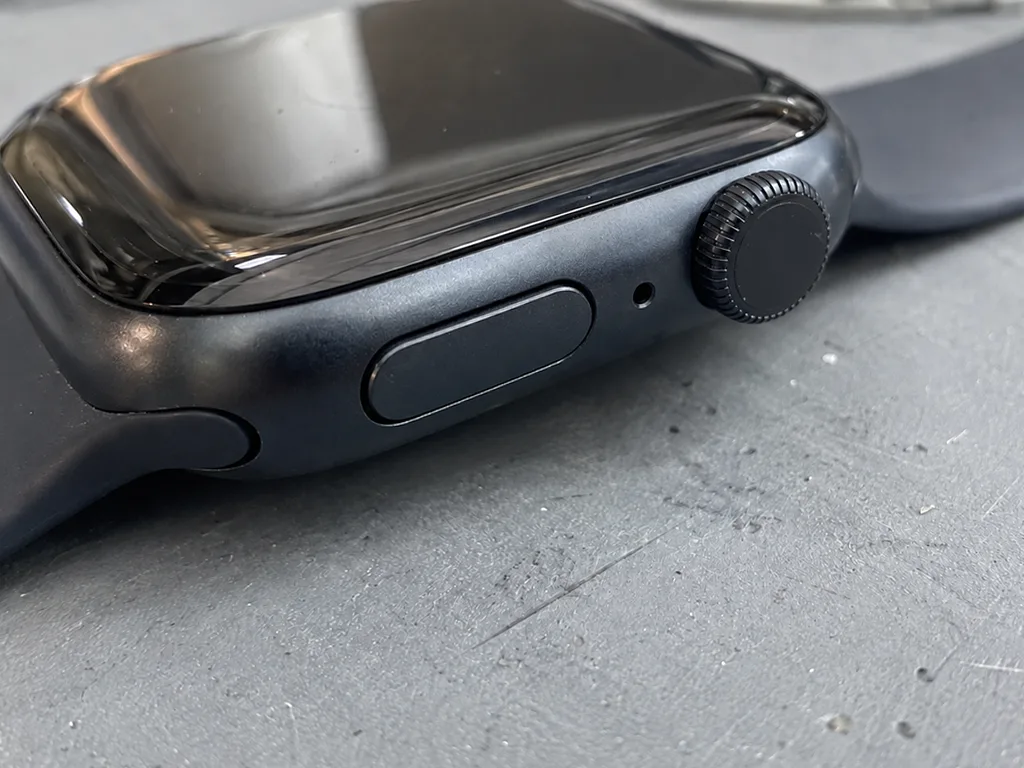
A sticky Digital Crown or a jammed Action key is usually grit or a bent seal, not a failed switch, and both are serviceable. The crown rotates on a stem with a rubber gasket behind it; dust and dried sweat pack into that gap until the turn feels gritty, and the side key loses its click when the same debris reaches the membrane. On Ultra the Action control sits proud of the housing, so it collects impact damage that a flush one would shrug off, and a bent shell there can trap the switch itself. We open the case, clean the stem, reseat the gasket and test the Taptic Engine feedback before closing, since a crown that turns freely but gives no haptic response usually points to the engine rather than the crown.
Original Part or Aftermarket Part
Choosing the component is the second question after whether to repair at all. Here is what actually changes for the owner once the watch is opened.
What Actually Differs Between the Two
A genuine component matches the factory behaviour of the sensor or screen, while a third-party one can differ in brightness, touch feel or sensor accuracy. On an OLED panel this shows up as slightly lower peak brightness and a cooler tint at an angle; on the pulse sensor it can mean readings that drift by a few beats during a workout. A non-genuine battery may report a healthy charge longer than its real capacity holds, so the device starts dying early again within months. The gap shows up over months, not on day one, so ask which option is fitted before the watch is opened rather than after.
How We Show You the Part
We show the new component in its factory packaging before installation, and the choice between genuine and third-party is written on the receipt. That line fixes the type, the turnaround and the warranty before any screw comes out, so there is nothing to renegotiate later. You see the sealed package, then the old component comes back to you with the receipt and warranty card. Across our work, 64% of customers pick the genuine option, and seeing it sealed is the reason most of them stop hesitating. If you are unsure which way to go, ask the engineer to lay both options side by side — the difference in finish is visible in seconds.
Which Part Suits Which Repair
- Screen: genuine keeps brightness and touch consistent across the whole panel.
- Battery: genuine holds capacity longer under daily charging cycles.
- Sensors: genuine keeps pulse and temperature readings steady during training.
- Crown and buttons: third-party is usually fine here, since feel matters more than spec.
- Seals: either works, but the reseal quality matters more than the gasket itself.
- Long-term keeper: the genuine screen is the line that ages best over years.
Water, Buttons and the Visit Itself
From a splash of water to the moment you strap the watch back on, the route is one continuous line. We lay it out end to end so a single visit replaces several trips across town.
What Happens to Water Resistance After Opening
We reseal the case with a fresh adhesive gasket every time we open a watch, but the factory water resistance is not fully restored, so we advise against swimming in a repaired device. The gasket sits between the crystal and the aluminium or titanium frame, and its job is to keep splashes and dust out rather than to hold pressure at depth. An opened watch is no longer the sealed unit it left the factory as, even when the new seal is fitted correctly and the case is closed with controlled pressure. Showering and rain are a different risk from pool laps, and the seal holds up far better against the first than the second. If you swim regularly, treat a repair as the point where the watch becomes a land device and plan your water time around that.
How the Visit Runs From Message to Pickup
- Message: send a photo of the fault on WhatsApp, and an engineer replies within 5 minutes with a quote.
- Diagnostic: free and 15 minutes, done in front of you even if you decide not to repair.
- Receipt: price, part, turnaround and warranty are fixed on paper in 2 minutes before work starts.
- Repair: most jobs run 20–40 minutes while you wait, and 72% finish in the waiting area over coffee.
- Pickup: you check the watch with the engineer and leave with the old part and warranty card.
- Courier: if you cannot come in, a courier can be called to collect the device and bring it back.
What We Check Together Before You Leave
Before handover we run a 32-function check of about 10 minutes, and you go through the key ones with the engineer yourself. The list covers the screen, the microphone and speaker, charging, the network connection, and the crown and button response, so a fault that appears after sealing is caught on our bench rather than at home. Pairing the watch with your iPhone on the spot catches a sensor or connection fault while the device is still in the workshop. We hand it back with the receipt, the warranty card and the old part, and the warranty runs up to 1 year. The pairing step is the one customers skip most often, and it is also the one that surfaces a dead heart-rate sensor fastest.
Summary: Apple Watch Repair
The whole decision narrows to a few practical checks: what exactly failed, how the rest of the watch behaves, and whether the case will still keep water out afterwards.
- Glass versus display: a clean image with working touch points to the front layer alone, while dead pixels or ghost touches mean the panel itself is gone.
- Battery first: a watch that dies early in the day usually needs a new cell, not a board-level repair.
- Model matters: sapphire on the Ultra chips and cracks differently from Ion-X on the SE, so the fix and the part differ too.
- Part choice: original displays and sensors hold calibration and brightness far longer than aftermarket equivalents.
- Seal after opening: a properly resealed case survives rain and handwashing, but not swimming or sauna sessions.









 iPhone
 iPad
 MacBook
 iMac
 Mac mini and Studio
 AirPods
 Apple Pencil
 Apple TV
 HomePod




