Every unit that reaches us is either an Intel machine with modular parts or an Apple Silicon unit with almost everything soldered down. That single difference decides what a repair can look like, so we start there.
Intel iMacs and iMac Pro 27 where parts can still be swapped
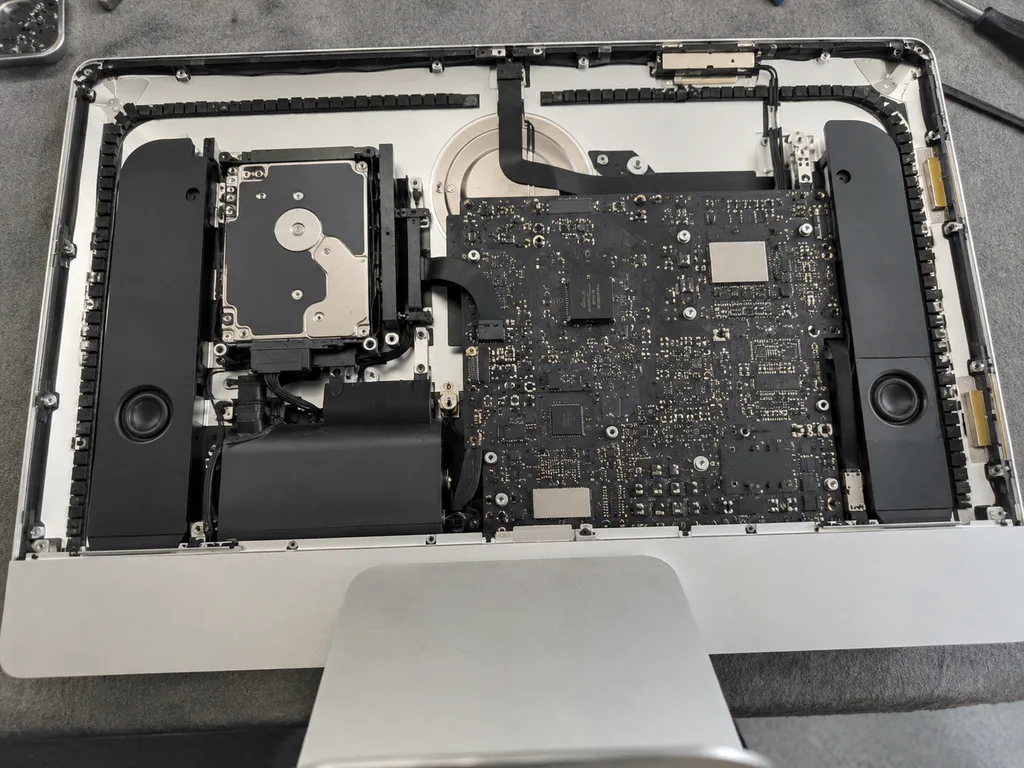
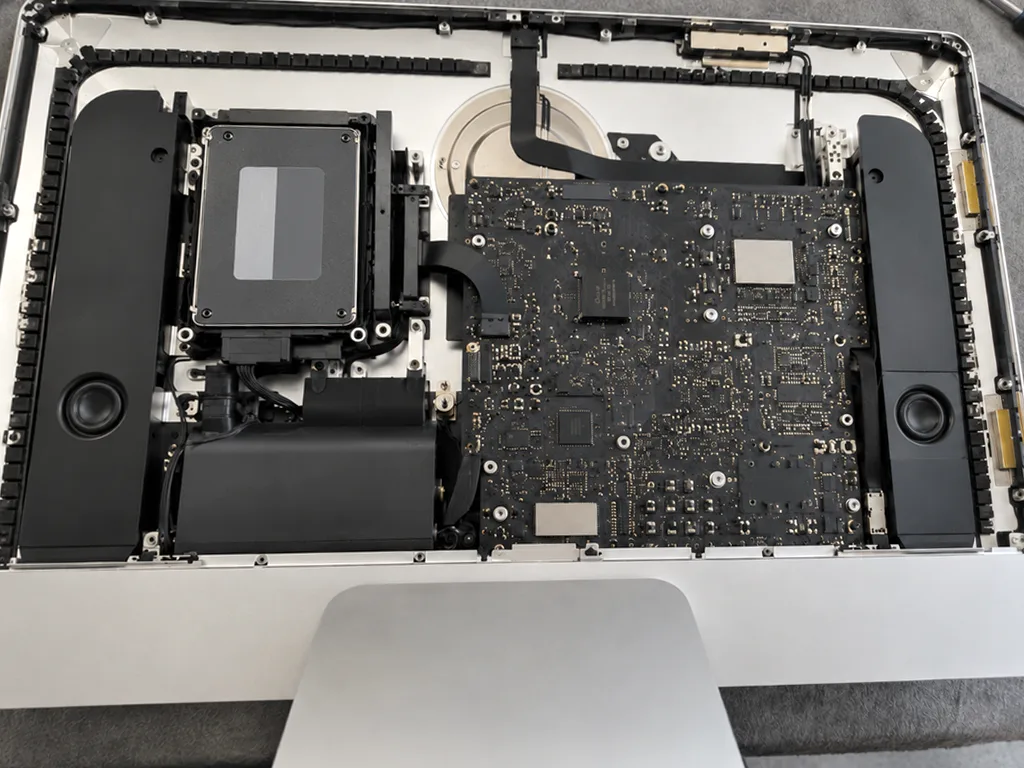
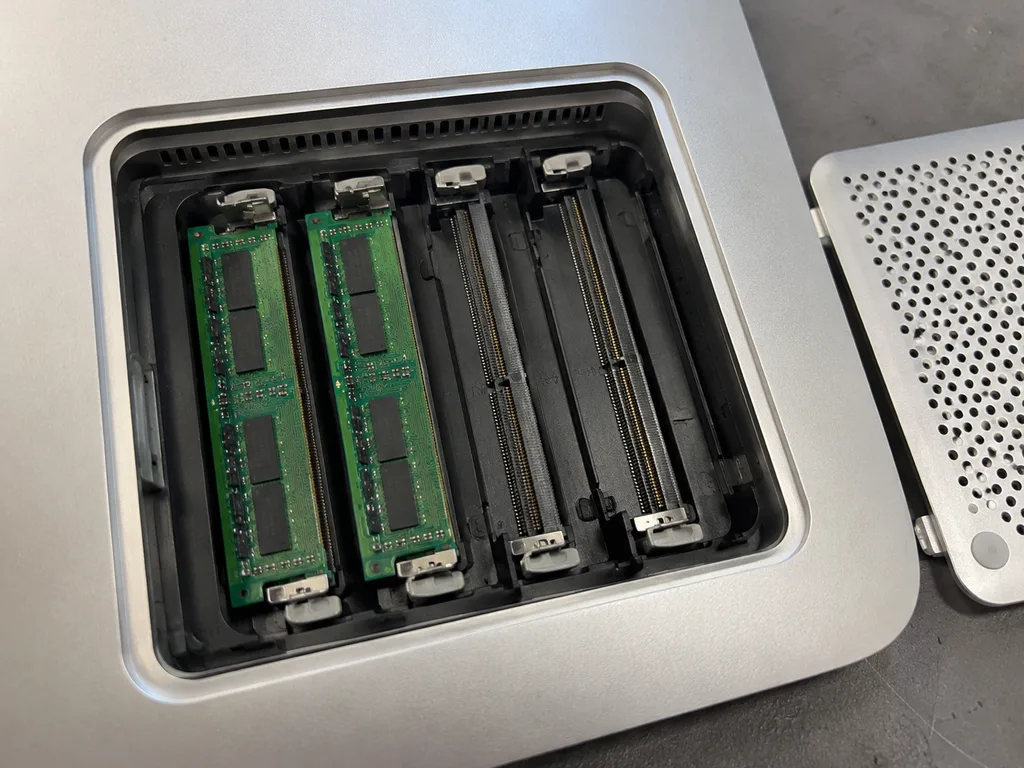
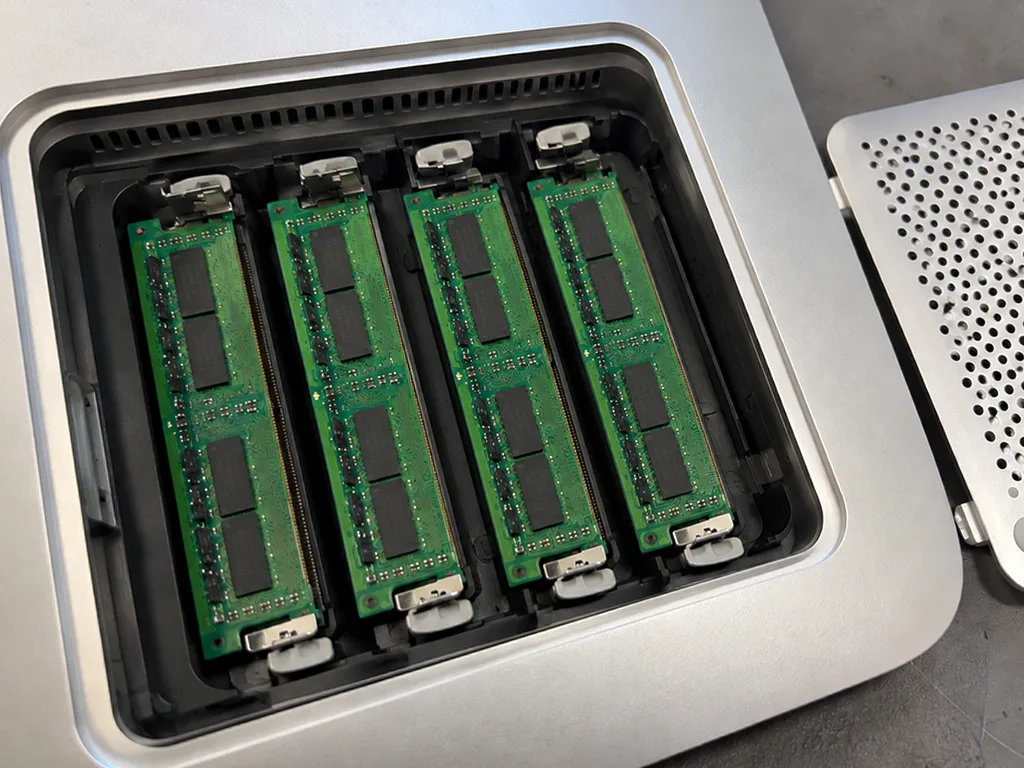
We service Intel models from the slim 21.5-inch versions up to the iMac Pro 27, and on these machines the drive, memory and cooling are still separate parts we can replace. Intel versions in 21.5-inch and 27-inch sizes accept ordinary SO-DIMM RAM, either a 2.5-inch or blade SSD, plus a dedicated fan; the iMac Pro 27 combines a Xeon CPU with Radeon Pro Vega graphics and a T2 chip controlling storage. Eleven years of work on these chassis and 46,000+ repairs across both branches taught us where the weak points sit. An ageing HDD is the usual reason an Intel machine feels slow, and swapping it for an SSD often does more for daily speed than any board-level work.
iMac 24 M1 and newer where memory and storage are soldered
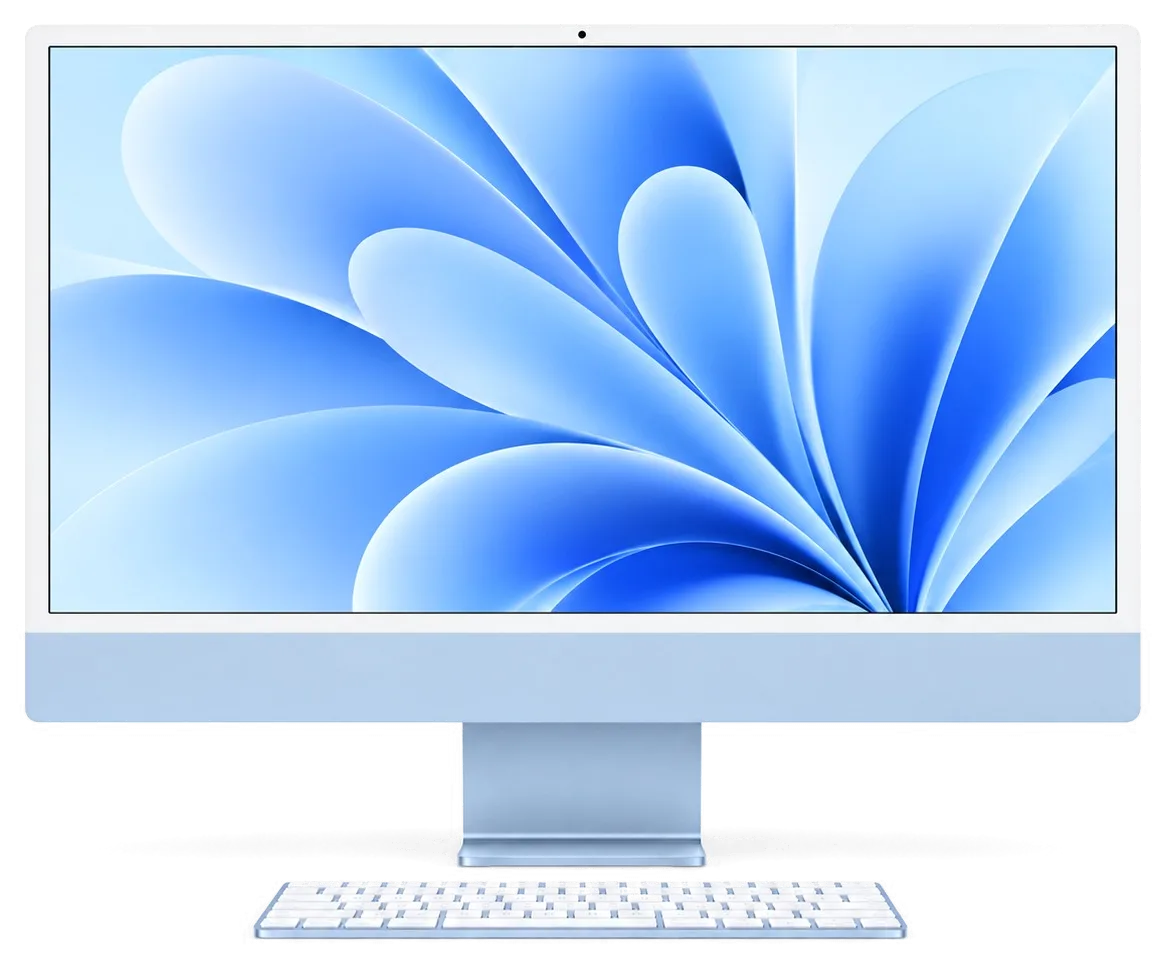
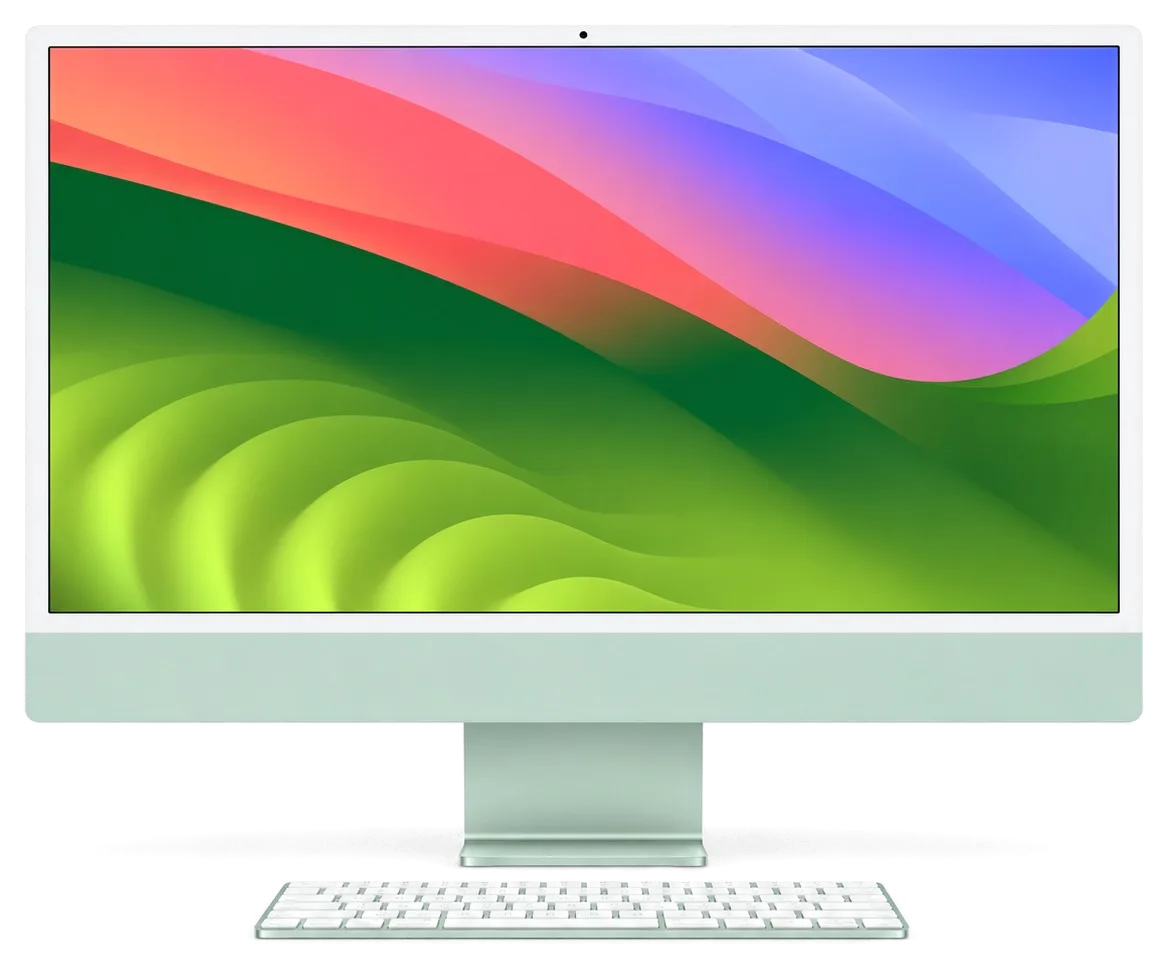
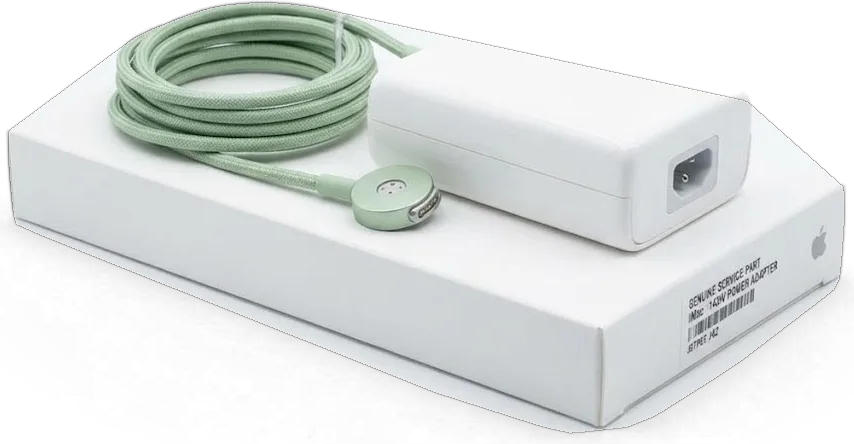
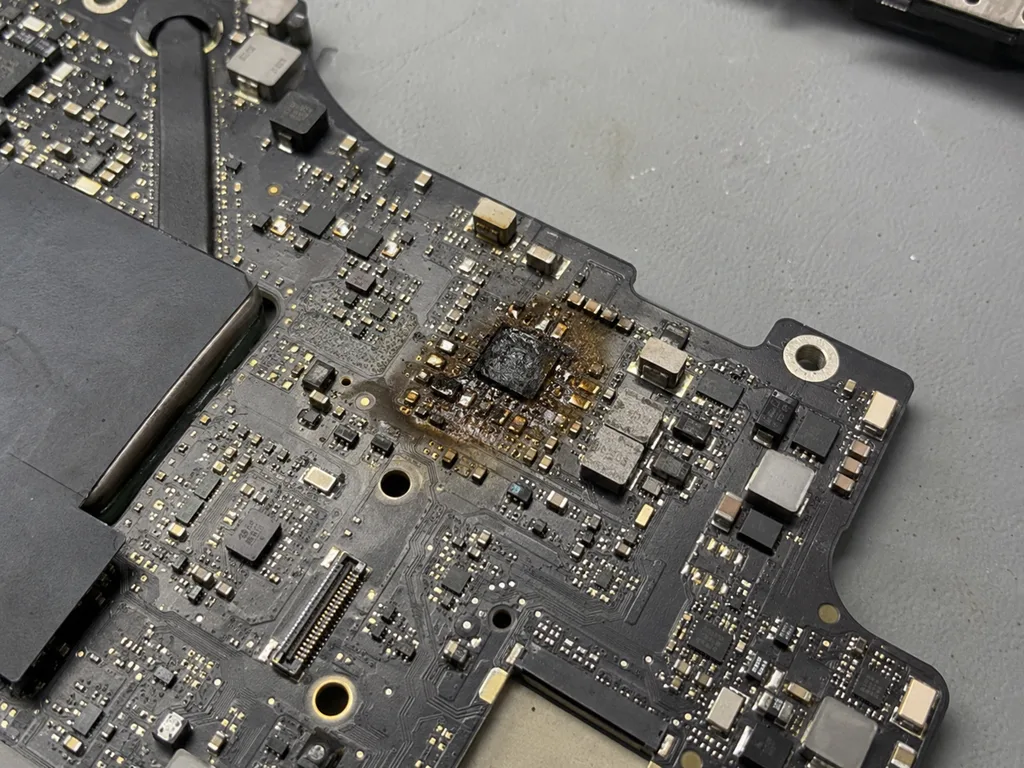
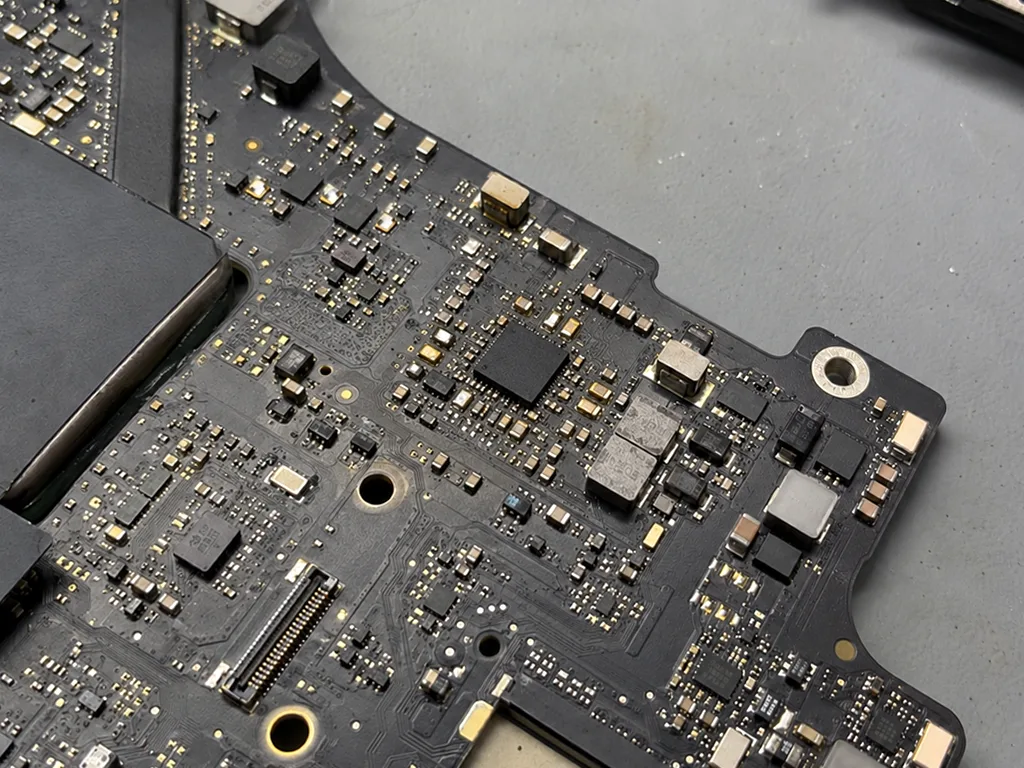
Inside the iMac 24 M1, CPU, GPU, RAM and SSD are combined on a single board, leaving nothing to upgrade in terms of memory or storage — only repairs of existing components are possible. On this machine, unified memory comes packaged together with the M1 system-on-chip, while NAND storage is soldered onto the same logic board; a failed drive therefore requires chip-level work under a microscope, not a simple swap. This design also means that even a routine storage fault is handled as board-level service rather than a quick part replacement. This model uses an external power adapter, so frequently the culprit is simply that adapter — checking it beforehand avoids the expense of opening a sealed slim chassis.
What each generation lets us replace
Serviceable parts by iMac family| Model family | Replaceable parts | Soldered or fixed | Typical work |
|---|
| iMac 21.5 / 27 with Intel | Drive, RAM, fan, power supply | Board-level chips | SSD swap, cleaning, board repair |
|---|
| iMac Pro 27 | Cooling fan, thermal compound, PSU | Storage bound to T2, processor, graphics | Cooling service, board repair |
|---|
| iMac 24 M1 and newer | External adapter, fan, display | Memory, SSD, CPU, GPU | Repair of boards, screens, and adapters checked |
|---|
Common iMac Repair Faults and What Each Symptom Points To
Most people arrive with a symptom, not a diagnosis. A blank screen, a spinning fan or a unit that shuts down under load each narrow the field, and the first job is to read the symptom correctly.
If your iMac shows no signs of powering up
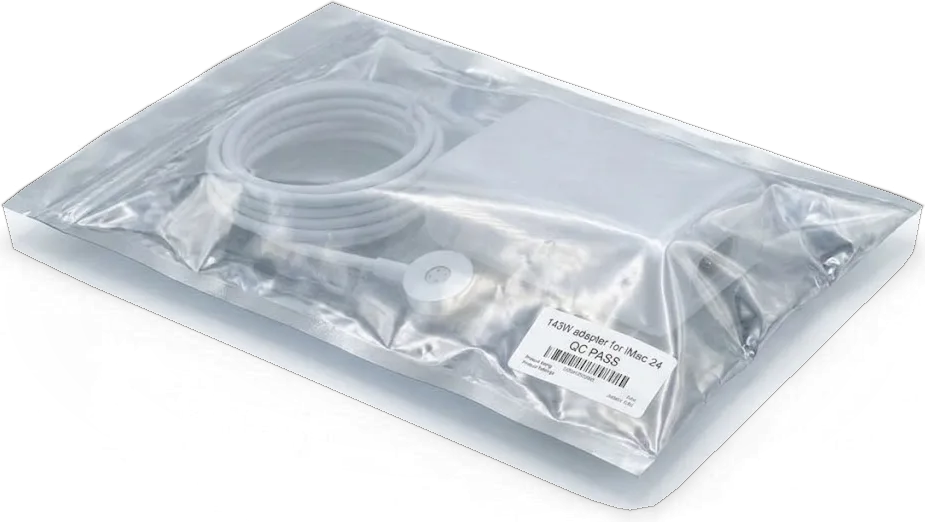
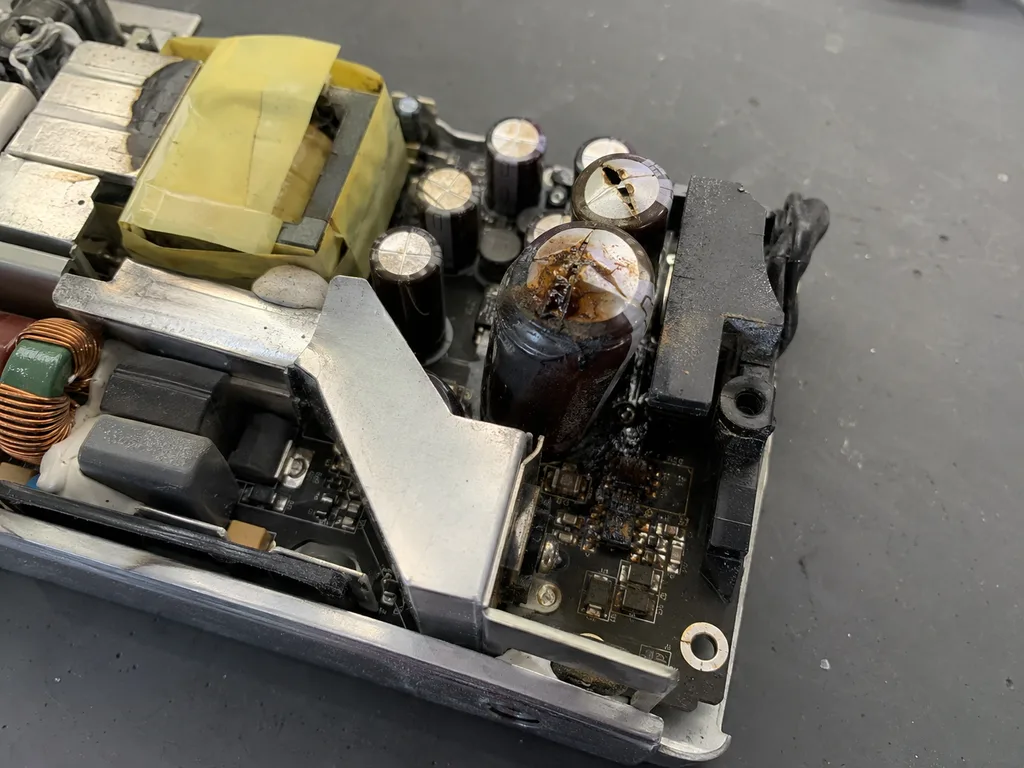
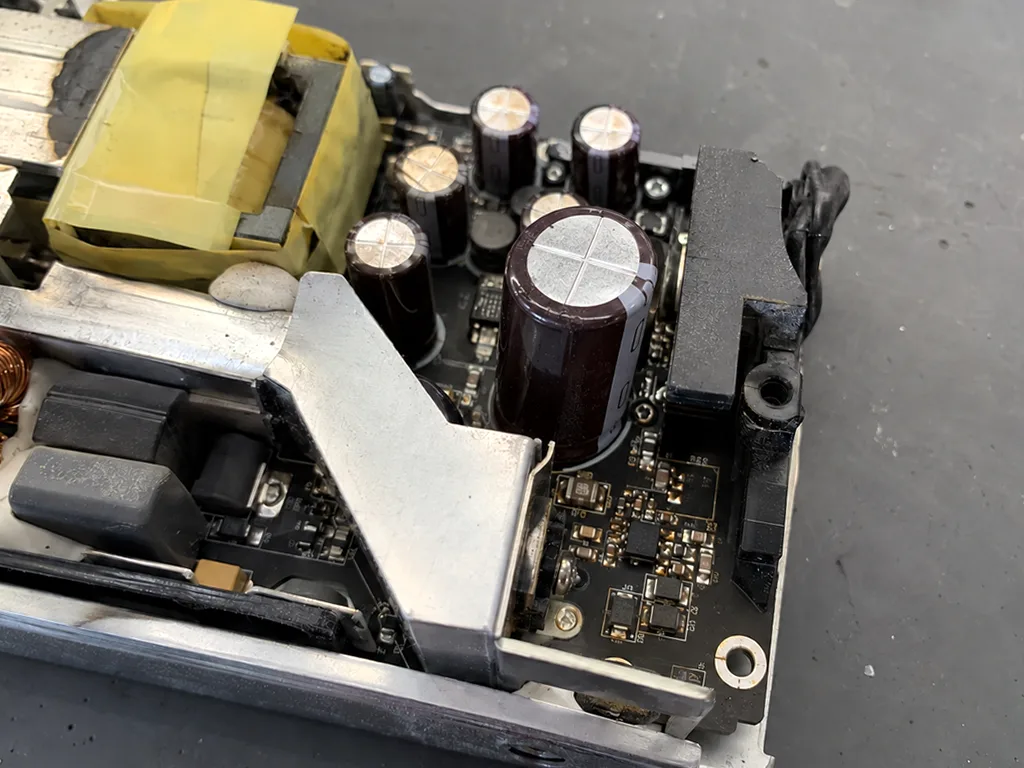
If an iMac 24 shows no sign of life, we test the external adapter and its magnetic lead first, because a failed brick looks exactly like a dead machine. The 24-inch M1 draws power from an external supply with a magnetic connector, so a damaged wire, a bent pin or an adapter that no longer holds voltage produces a completely silent unit. On the Intel iMac and iMac Pro 27 the supply sits inside the chassis, and there a bench power supply tells us in minutes whether the logic receives the voltages it expects. Only after that do we look at the logic board itself. Bring the adapter and its lead with the unit, since iMac repair in Astana booked without them can stall the moment the technician needs to rule the power supply out.
Absent picture, banding, or an image that flickers in and out
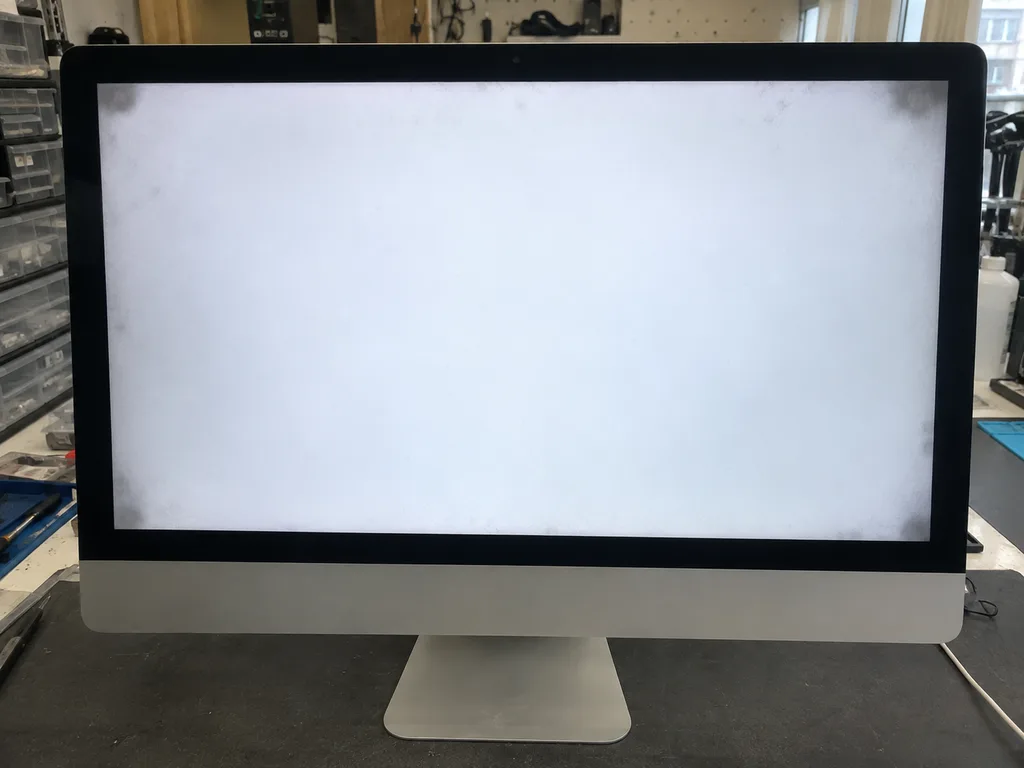
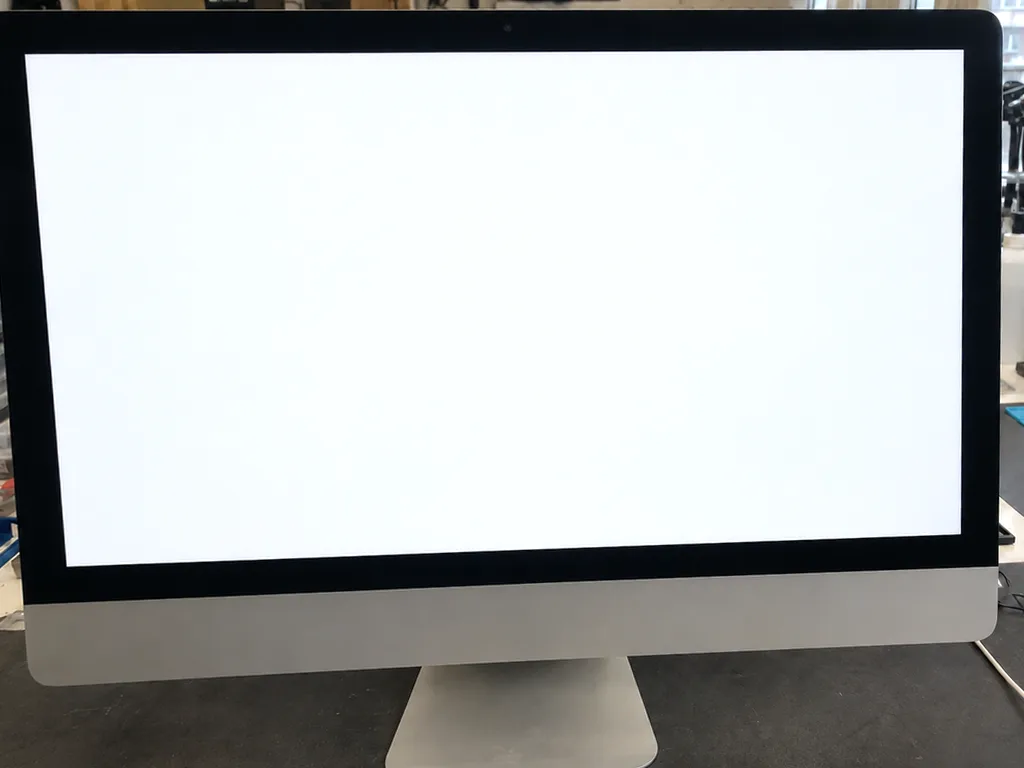
Stripes, patches or a picture that drops out while sound continues usually point to the display assembly or its flex rather than the logic board. A backlight that flickers on one edge, a white haze in a corner or thin vertical lines that change when the lid angle shifts all describe the same family of faults at the panel, the ribbon behind it or the connection in between. On every iMac the screen is held by adhesive tape, so the panel is cut free rather than unscrewed, and nothing is opened until the pattern is recorded. A photo of the pattern taken before you travel helps the technician tell a matrix fault from a loose ribbon before the screen is even opened.
Overheating, odd sounds, and switching off when stressed
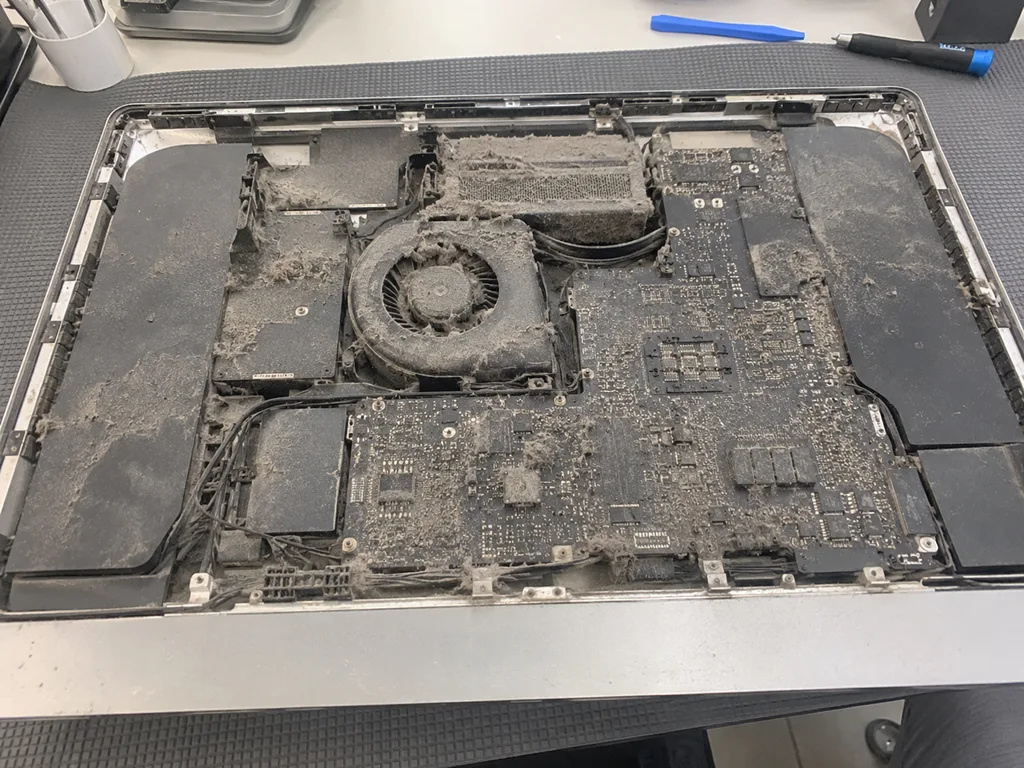
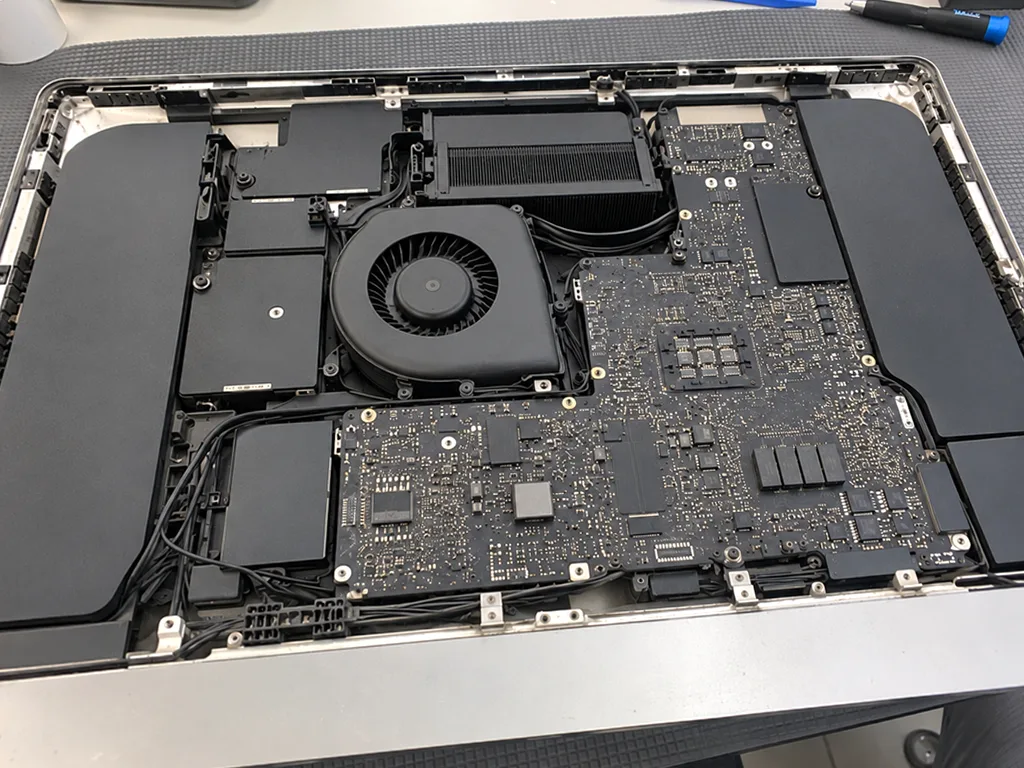
A noisy fan paired with a hot chassis on an iMac Pro typically points to dust-clogged cooling and thermal paste that has dried out; a clean-out and fresh paste restore normal temperatures. Twin blowers push air through finned heatsinks that clog with household dust over a couple of years, and the paste between the processor and its cold plate hardens until it stops conducting. We compare temperatures under load before and after the service, so the drop is measured rather than assumed. On a professional machine that runs renders or audio sessions, a cooling service scheduled before the shutdowns start is cheaper than a chip-level repair after months of heat.
How We Find the iMac Repair Fault Before Touching Anything
Diagnosis follows a fixed order so we never replace a part on a guess. Power first, then the board, then the display and cooling, and each step is shown to you as it happens.
15 minutes of free diagnostics, performed right before your eyes
For 15 minutes we carry out diagnostics at no charge with you watching, and the technician explains the fault even when you choose against repairing. The check starts with a lab power supply that reports real voltage and current draw, so a sagging adapter is separated from a failing logic before anything is unscrewed. Temperature sensors are then read under load to see whether the machine throttles or shuts down on its own, and the readings are logged rather than judged by feel. You watch the numbers change as the engineer moves through the test sequence. Watching the test happen means you leave knowing the actual fault, which is useful whether you repair with us or take the unit elsewhere.
A price from a WhatsApp photo in 5 minutes
Send a photo of the damage on WhatsApp and an engineer replies within 5 minutes with a price and a free time slot. The photo should show the screen pattern, the adapter label or the back panel, because each of those rules out a whole group of faults before the unit is even booked in. If the picture is unclear, the engineer asks for a second shot instead of quoting blind. A courier can be called if you would rather not carry the machine across the city. A clear photo of the screen pattern or the adapter label shortens the quote, because the engineer can rule out whole fault groups before the unit arrives.
What the diagnostic order looks like
- Power: the adapter, its cable and the voltage are verified first, because a failed adapter can look like a failed machine.
- Board: the logic board is tested for boot and power delivery before any part is ordered.
- Display: matrix and cable are inspected for stripes, patches and dropouts.
- Cooling: fan behaviour and temperatures under load reveal dust and dried paste.
- Storage: drive health is read so a slow unit is not mistaken for a failing logic.
Screen, Adhesive, and the Delicacy of Opening an iMac
The screen on every iMac is bonded with adhesive tape, not screws. That one fact shapes how the unit is opened, how the glass is protected and how it goes back together.
Why the screen is cut free rather than unscrewed
We cut the display free along its adhesive tape with suction cups and a special cutting tool, because forcing a screwed-off approach would crack the glass. The panel sits on a thin double-sided strip that runs the full perimeter, and the tool slices that strip rather than levering against the glass. Suction cups hold the panel steady while the blade travels the edge, so pressure stays even and the corners — the weakest point — never take a sudden load. We keep a fresh adhesive strip on the bench before the panel comes off, since the old tape never reseals cleanly. The thin chassis of the 24-inch model leaves little margin, so the opening step is where patience matters more than force.
Replacing the matrix or the glass and re-gluing the screen
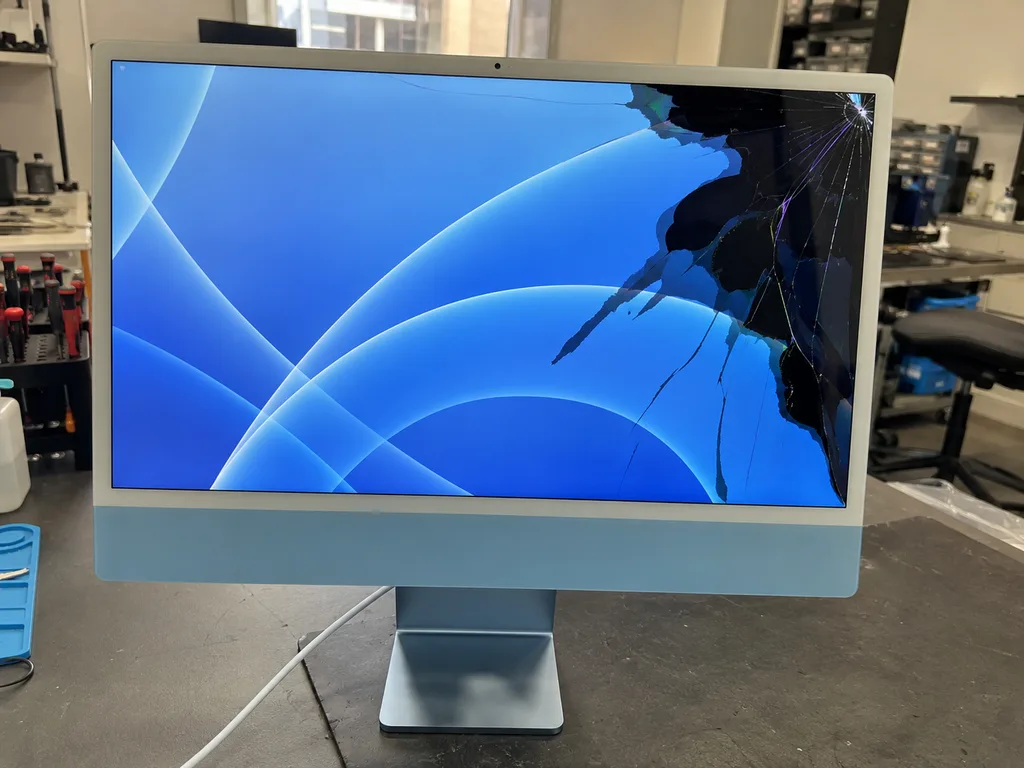
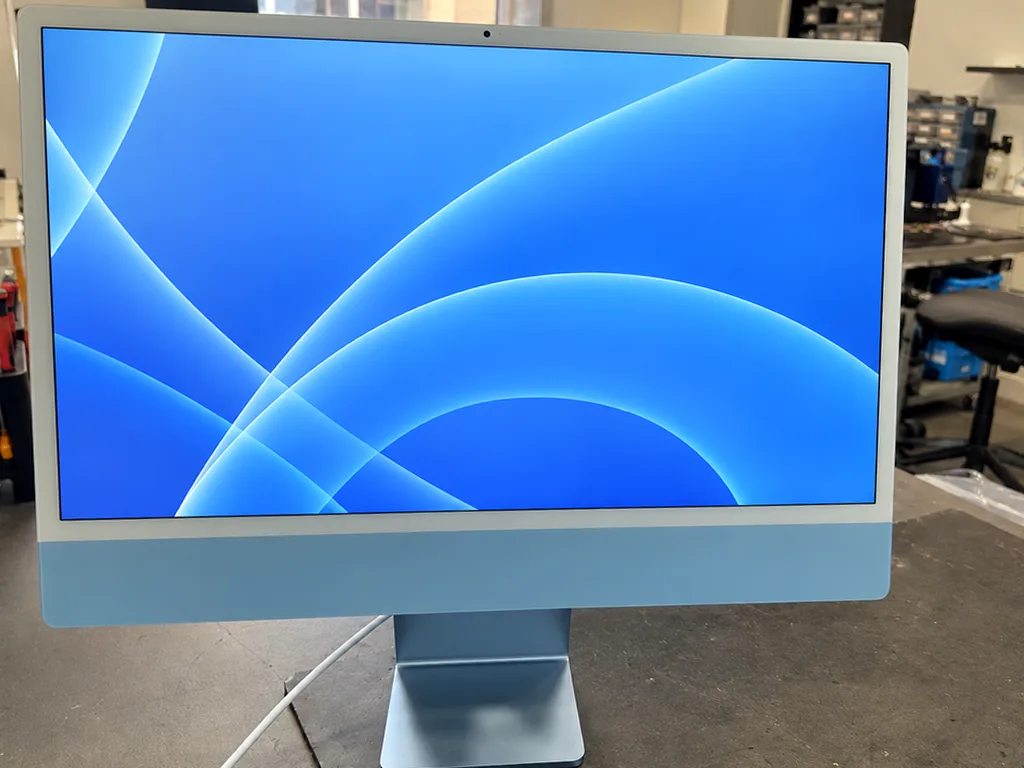
If the matrix or the glass is broken, the damaged layer gets replaced and the display is re-glued using a new adhesive strip, so it sits flush once more. On most units the glass and the LCD are separate layers, which means a cracked outer pane does not always condemn the panel underneath — the engineer confirms which layer failed during the free 15-minute check. After the swap the new strip goes on in one continuous run, the panel is pressed back evenly and left to bond before the unit is powered up. A screen that was re-glued once before is worth mentioning up front, since old adhesive residue changes how cleanly the panel comes off the second time.
What we check on the display after the work
- Even backlight: the panel is checked for bright patches and dark corners across the full area.
- No stripes or dropouts: the picture is watched for lines and flicker under load.
- Seated glass: the edge is checked for gaps that would let dust behind the panel.
- Touch and brightness: controls and auto-brightness are confirmed working after re-gluing.
- Keyboard link: the top-row keys tied to the display are tested together with the engineer.
Your Data, the Soldered SSD and the T2 Chip
People worry most about data during a repair, yet on current iMacs storage isn't a component you can just remove. The fate of your files hinges on which model you have and what went wrong.
Back up before any board repair
We ask you to make a Time Machine backup before any chip-level repair, because once the logic board is out, the data goes with it. A full copy to an external disk or to iCloud takes one evening and removes the single biggest risk in the whole job. The backup question comes up at the counter, ahead of the receipt being signed, and that is the right moment for it. If the machine still boots, run the copy yourself; if it does not, tell the engineer at drop-off and the diagnostic starts with the storage rather than with the power circuit. A snapshot taken the day ahead of the work is worth more than any recovery attempt afterwards, since rebuilding files from a soldered chip is never guaranteed.
Why the SSD on an M1 iMac cannot be removed
Since the SSD in an M1 iMac is soldered onto the logic board, storage can't be taken out and read on a different computer as was possible with an old HDD. Right on that PCB, beside the Apple M1 package, the NAND chips are mounted — there is no ribbon cable to unplug, no caddy and no separate slot. Reading that silicon outside the computer means working at chip level under a microscope, and even then the result depends on the controller still answering. This is why a failing drive on these models is treated as a PCB problem, and why the backup conversation happens ahead of the work, not after.
The T2 chip on iMac Pro and what it means for recovery
Storage on the iMac Pro 27 depends on the T2 security chip, which means a working mainboard is the only way to reach your data. The Intel Xeon platform keeps its NVMe drives behind that controller, which handles encryption keys and verifies the hardware at every boot. Take the drive out and place it in an enclosure — it remains unreadable, since the key is stored on the T2 rather than on the disk. In our workshop chip-level work on these units goes under the microscope, and we tell owners up front that the drive is not a separate, portable part. If a liquid spill reaches the keyboard or stand, power the unit down and bring it in before trying to boot it, since a boot attempt on a wet PCB is what turns a data problem into a lost one.
Turnaround, Documents and Warranty
A monoblock weighs more and breaks more easily than a phone, so how it reaches us and what you know you will collect are just as important as the work done on it.
How to hand the unit over to us and what to bring along
You can bring the machine yourself or call a courier, and it is worth packing the screen face-down on soft padding with the stand and power cable included. We work in Almaty and in the capital, so a courier pickup is available for customers who cannot carry a 27-inch unit across town. Foam or a thick blanket under the glass protects the panel from pressure in transit, and keeping the machine upright in the car prevents the stand from twisting. Also remember to pack the adapter along with your Touch ID Magic Keyboard — without both on hand, the engineer cannot verify that everything is functioning correctly prior to handover, so you would have to come back another time. A machine that arrives properly packed rarely picks up new dents in the workshop.
How long a repair takes and what the receipt fixes
Most fixes are finished while you wait, chip-level work takes 1 to 3 days under the microscope, and the receipt fixes the price, component, turnaround and warranty before work starts. For MacBook and iPad the turnaround runs from 1 hour to 1 day, and 72% of jobs are completed while the customer sits in the waiting area with coffee and Wi-Fi. We state on paper whether the spare is original or aftermarket, so there is no surprise when the invoice is settled. Because the new module is shown in factory packaging before installation, you can confirm it matches the receipt line before the technician opens the unit. Ask for the turnaround in writing even on a quick job — it is the line that protects you if the work runs longer.
What you check with the engineer at pickup
When you collect the device, key functions get checked together with the technician, and you leave with the old part, the warranty paperwork and your receipt. The final check covers 32 functions in about 10 minutes: FaceTime camera, microphones, speakers, charging, network and the display after re-gluing. Testing the camera, microphones and Wi-Fi together at the counter is the moment to catch anything that a bench test alone might miss. Warranty runs up to 1 year, and the card names the spare that was fitted, so a claim later needs no explanation. Take the old hardware with you — it is your proof of what came out of the machine. If a function fails in the first weeks, the card and receipt are all you need to bring it back.
Summary: iMac repair
Five points cover the whole repair: what your generation allows, how to read the symptom, what to save ahead of work, and what to confirm at handover.
- Identify which generation you own: on Pro and Intel machines components can be replaced, whereas in M1 and later memory plus storage are fixed to the logic board.
- Read the symptom: a dead unit often means a dead adapter, and stripes or dropouts usually point to the display rather than the logic.
- Back up first: on soldered drives and T2 machines, a Time Machine copy taken prior to any repair is the only reliable safety net.
- Respect the adhesive: the screen is cut free and re-glued, so a careful opening protects the glass and the panel.
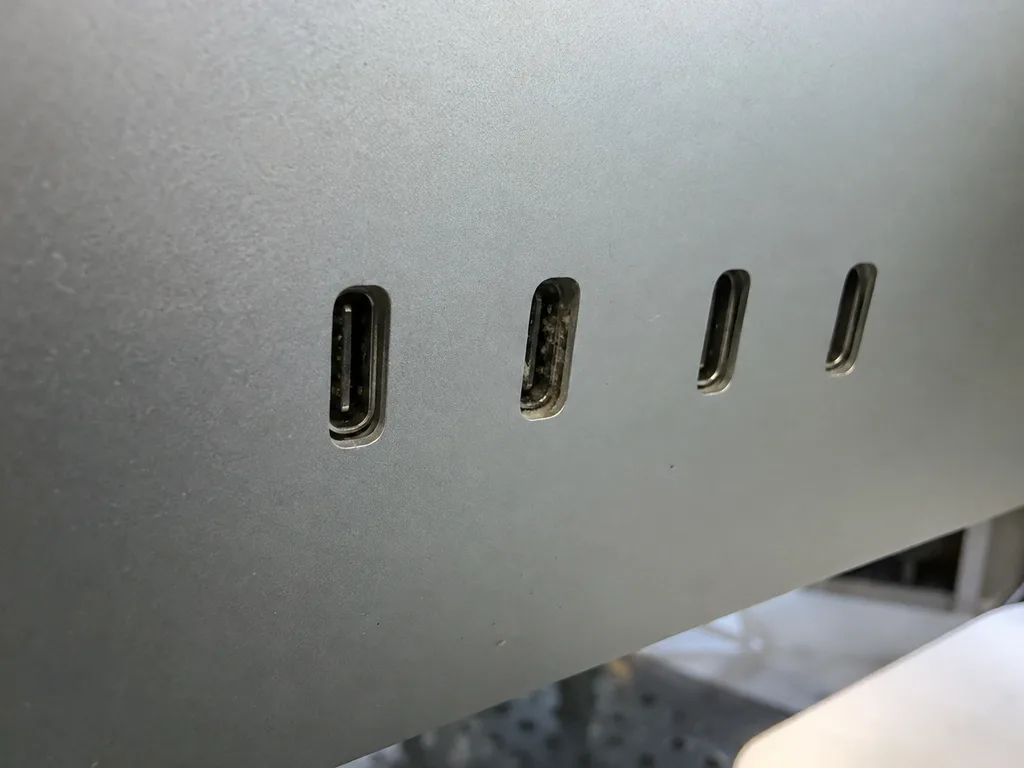
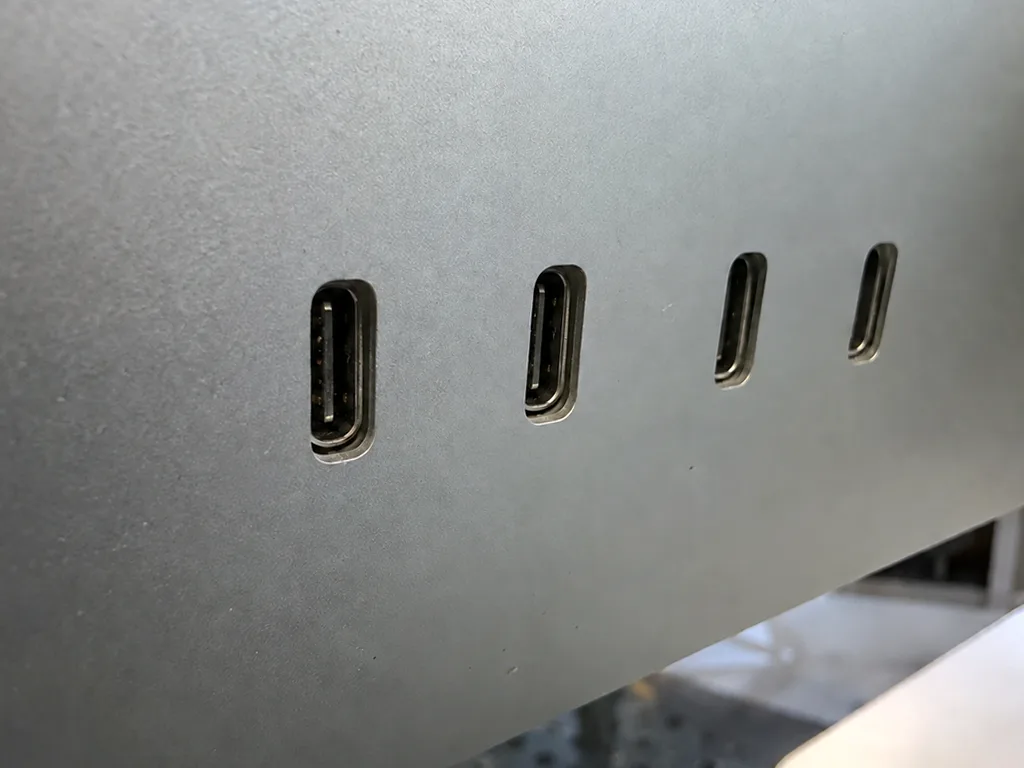
- Confirm at pickup: run through display, sound, camera, ports and Wi-Fi while the unit is still on the bench.











 iPhone
 iPad
 MacBook
 Mac mini and Studio
 Apple Watch
 AirPods
 Apple Pencil
 Apple TV
 HomePod



