Dust packs the heatsink, and dried-out thermal paste stops moving warmth away from the chip. The resulting overheating shows up as symptoms most owners blame on the machine simply getting old.
How to tell dust and heat from a failing fan
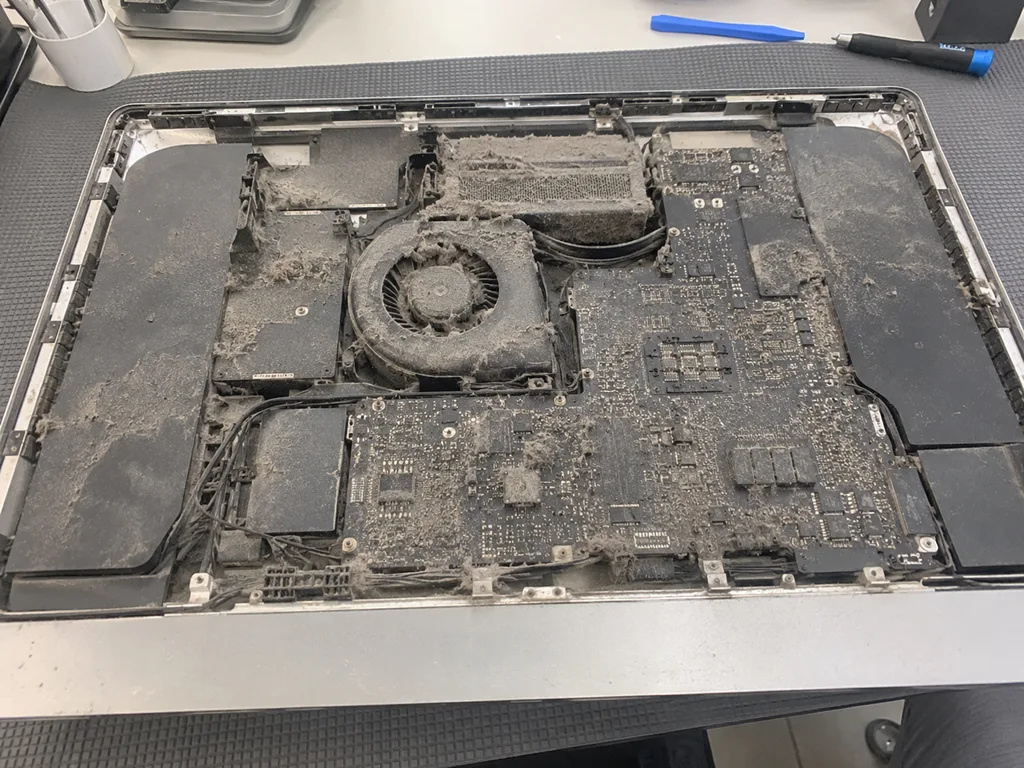
A cooler that ramps up under light tasks and stays loud points to a clogged heatsink, while a grinding or ticking tone usually means a worn bearing. Run a single browser tab and watch the airflow: temperature-driven noise rises in a smooth curve over several minutes, whereas a bearing fault keeps a steady rattle regardless of load. On an Intel model the exhaust sits along the bottom slot, and a finger held there feels warm air pushed out in a weak, uneven stream once the fins are blocked. The cooler then holds a high pitch long after the workload drops. Dust builds a felt-like mat on the fins that traps warmth instead of letting air pass, so the blades spin faster and faster without cooling anything — and that mat keeps thickening until someone opens the case.
Symptoms owners usually notice first
- Slowdown under load: apps that ran smoothly begin to stutter, and the spinning cursor appears during ordinary editing work.
- Hot top edge: the aluminium above the stand feels uncomfortable after twenty minutes of video calls.
- Sudden shutdowns: an Intel machine cuts power mid-task when the power supply overheats alongside the chip.
- Loud idle cooler: the blades stay audible on the desktop with nothing running, then climb during light jobs.
- Dust on the vents: a grey film coats the bottom slot, and wiping it off brings no quiet.
What the maintenance service actually covers
Maintenance is not only about dust. Below we break down which components we touch, and why cleaning up macOS on its own does not solve the overheating problem.
Dust, thermal paste and a board inspection
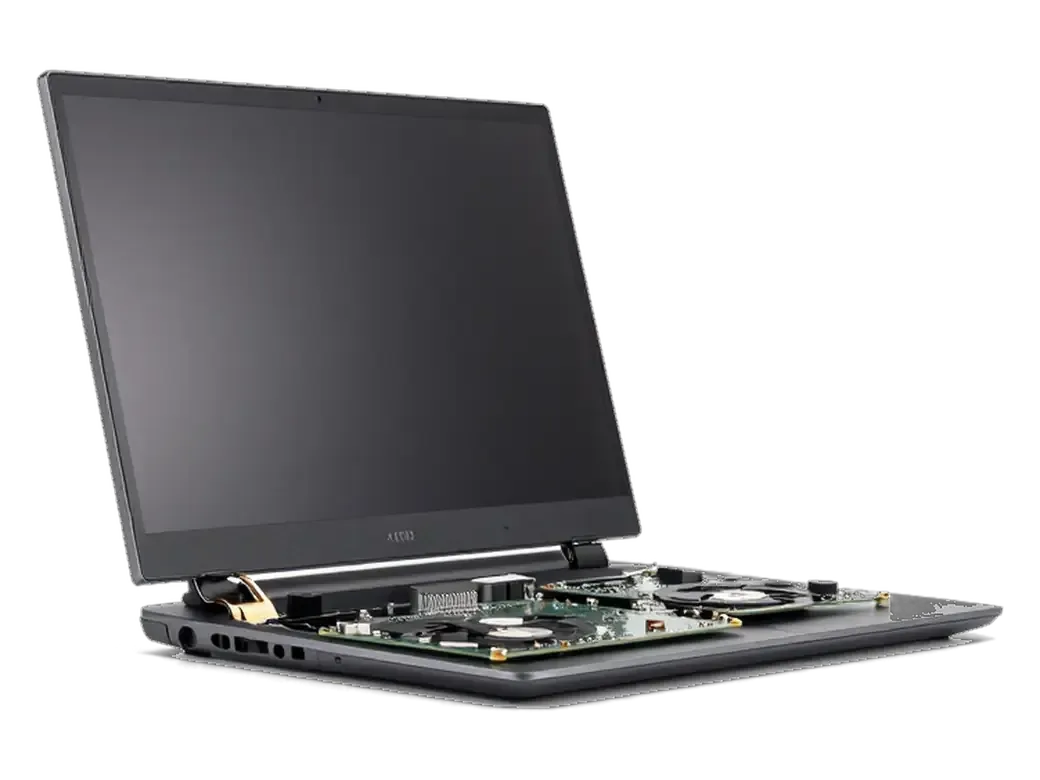
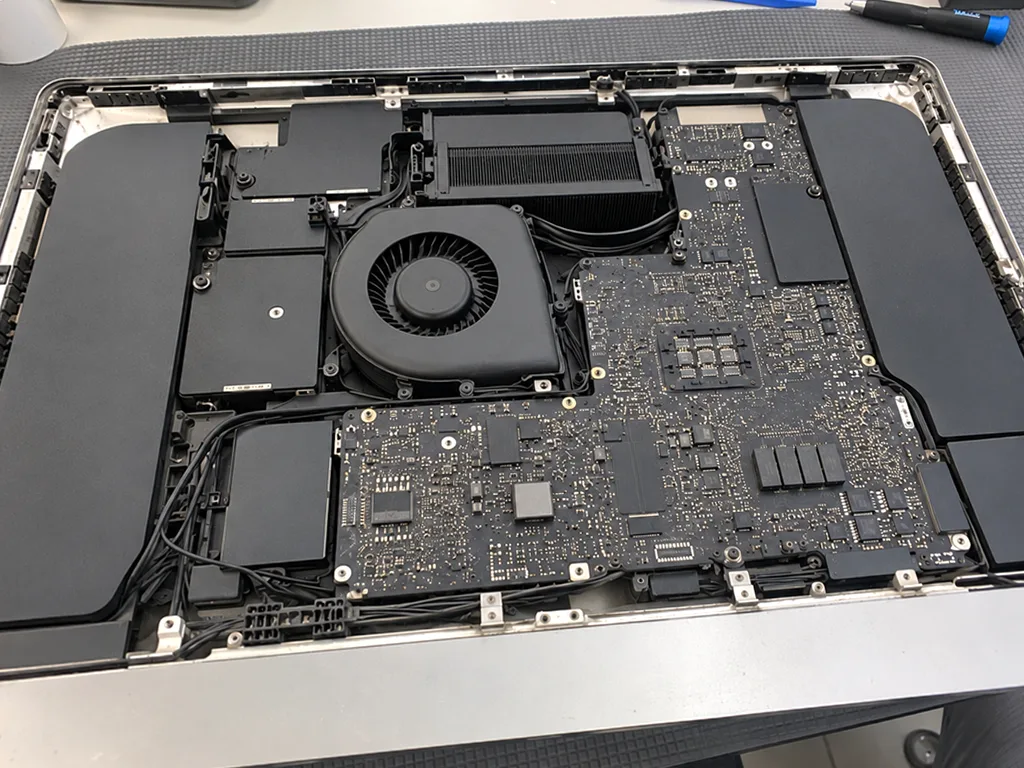
We clean the fan and heatsink, renew the thermal paste on the CPU and GPU, and inspect the board and connectors for corrosion and oxidation. The blades collect a dense mat of lint and pet hair, while the cooler fins clog from the inside where a vacuum cannot reach. The paste is the layer that carries heat from the chip to the cooler, and it hardens and cracks with age. Board inspection matters just as much: slight oxidation around the connectors and power delivery area shows up long before a failure does. On a ten-year-old machine the compound is usually chalky and the fins are half-blocked, so both steps have to happen in the same visit. Proper iMac maintenance and cleaning in Astana always pairs the physical work with a check of how the cooling system behaves under load.
Physical cleaning versus software cleanup
software cleanup compared with physical servicing of the cooling system| What it fixes | What it cannot fix |
|---|
| Frees disk space and clears cached files | Lint mat blocking the heatsink fins |
|---|
| Trims login items and background agents | Dried compound between chip and cooler |
|---|
| Removes leftover app data and logs | Oxidation on board connectors |
|---|
| Rebuilds a slow, cluttered boot drive | A fan running at full speed under light load |
|---|
How the service is carried out step by step
Slim iMacs are held together with adhesive tape, so access to the cooling system opens only after the display is carefully lifted. Here is the order of work and the final test.
Why the display has to come off
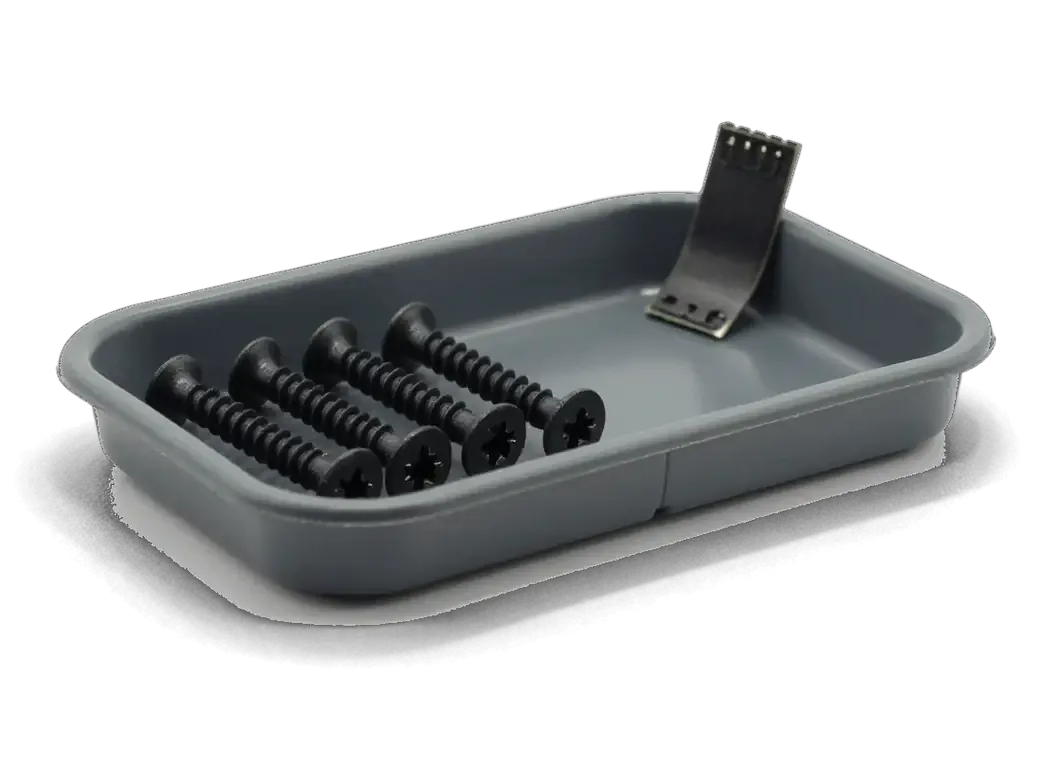
On slim models the glass is bonded with adhesive tape, so we cut the tape, lift the display with suction cups and disconnect its cables before reaching the cooling system. The fan, heatsink fins and vents sit behind the panel, and no cleaning tool reaches them while the glass is in place. Suction cups lift the panel evenly to avoid bending the aluminium frame, and each ribbon cable is released from its connector rather than pulled. The old tape is replaced with a fresh strip during reassembly, which is why a proper service also restores a tight, dust-free seal around the glass.
Cleaning, paste renewal and the load test
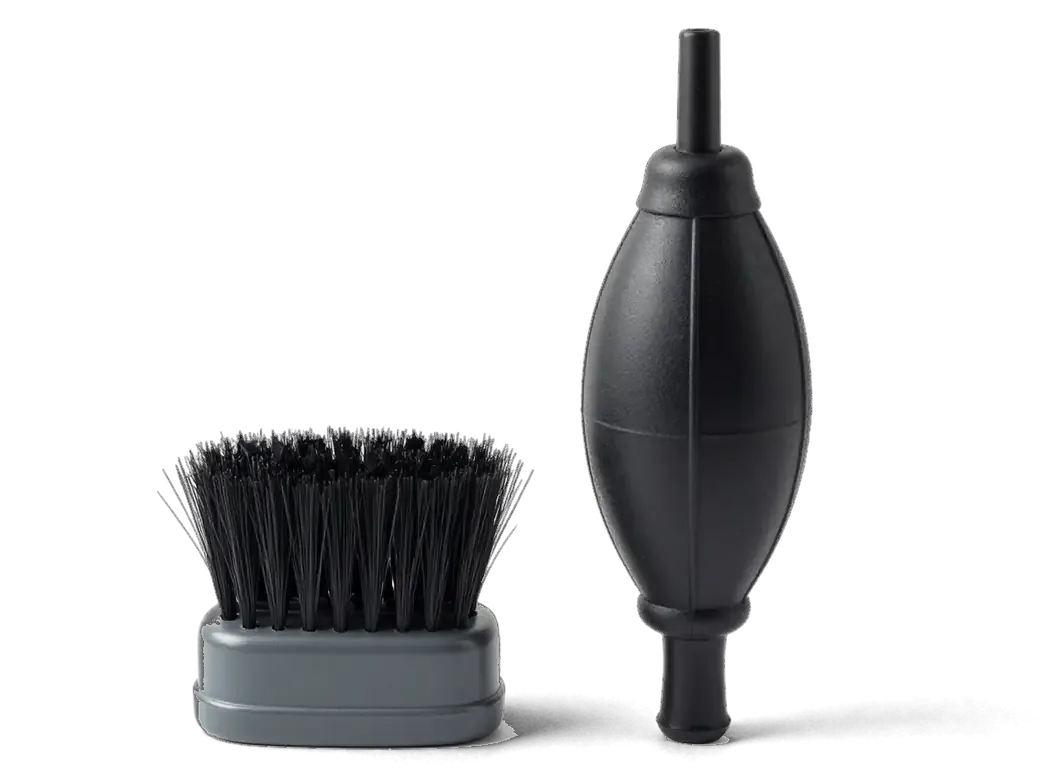
After cleaning the fins and fan blades we apply fresh paste, reassemble the machine and run a load test, checking temperatures and fan speed against the readings before the service. Compressed air alone pushes dust deeper into the heatsink, so we lift the fan out and clear the blades by hand. Fresh thermal paste goes on the processor, then the unit runs under load while monitoring software logs core temperature and RPM. A before-and-after temperature log under the same load is the clearest proof the service worked, so we compare the two rather than judging by sound alone.
How the job differs across iMac generations
Intel all-in-ones run hotter, the iMac Pro works under long sustained loads, and Apple Silicon barely warms up — yet grime gathers inside every one of them. Here is what changes in the actual work.
Intel iMac and iMac Pro under sustained load
Intel all-in-ones and the Pro desktop run hot under long renders and video exports, so their heatsinks clog faster and the thermal compound dries out sooner than on newer models. On a 21.5-inch or 27-inch body the single blower has to shift heat from a CPU and a discrete GPU at once, and the layer between the die and the heatsink hardens into a chalky crust within a few years of daily editing. On the Pro the twin blowers move a lot of air, so lint collects on the fins quickly in an office and the machine loses cooling headroom before it ever sounds loud. Ask for a renewal together with the grime removal on any Intel machine older than three years — cleaning alone restores airflow but leaves the dried layer in place.
Does an M1 or M3 iMac Need Servicing
Apple Silicon all-in-ones run cooler and need servicing less often, but grime still settles on the internal blower and vents, so a check is worthwhile when the machine gets louder or warmer than usual. The 24-inch M1 and M3 bodies use a slim single cooler and a narrow intake along the bottom edge, and in a carpeted room that intake pulls in lint within a couple of seasons. Because these chips throttle quietly instead of sounding an alarm, a slow drop in performance is often the only hint that airflow has been reduced. Watch for exports that take longer than they used to or a chassis that stays warm after the cooler spins up. A short inspection in Astana costs nothing if you decide to skip the work, and it settles the question faster than guessing from noise.
Timing, warranty and what you get back
How long the job takes depends on the model and the state of the cooling system. Below we show how the terms are locked in, and why blowing into the case from outside is a bad idea.
Why blowing air through the vents does not help
Blowing air through the rear vent only pushes the dust mat deeper into the heatsink and can spin the fan past its rated speed, so the fins stay blocked. The intake slots on an iMac are narrow, and a can of compressed gas moves the felt-like layer of dust inward rather than out — the heatsink channels behind the fan remain clogged while the outside looks clean. On Intel machines the fan hub also takes the overspeed, and its bearing wears faster than the blades. The same jet drives dust toward the board and connectors, where it mixes with moisture and speeds up oxidation instead of removing it. If the vents already look grey, the layer inside is thicker than it appears — only opening the display and lifting the heatsink clears the fins properly.
Turnaround, receipt and warranty terms
Service windows and the terms written on paper| Model | Typical turnaround | What is fixed on the receipt |
|---|
| 21.5-inch iMac | 1–3 hours | Scope, cover up to 1 year |
|---|
| 27-inch iMac | 2–4 hours | Part, cover up to 1 year |
|---|
| iMac Pro | up to 1 day | Timing, cover up to 1 year |
|---|
| Board-level fault | 1–3 days | Part, cover up to 1 year |
|---|
Summary: iMac maintenance and cleaning
Preventive maintenance on an iMac is a scheduled procedure rather than an emergency, and the decision usually comes down to a few practical points worth checking ahead of time.
- Dust is the root cause: matted vents and dried thermal paste raise internal temperatures long before a fan starts to rattle or the case feels hot.
- The display comes off: real cleaning means opening the chassis, not blowing air through the vents, which only pushes dust deeper into the heatsink.
- Generation matters: Intel units and Pro versions under sustained load benefit most, while M1 and M3 models need it less often.
- Fixed terms first: turnaround, part type and warranty should be written on the receipt prior to any screw being turned.
- Ask what gets checked: a proper finish includes a thermal load test, so request the temperature readings after the job, not just a visual inspection.













 iPad
 MacBook
 Mac mini and Studio
 Apple Watch
 AirPods
 Apple Pencil
 Apple TV
 HomePod




