A set-top that ignores the remote with no indicator light is a different story from one with no picture. Here we look at what handles power inside and what fails first.
What the Built-In Power Supply Means for Repair
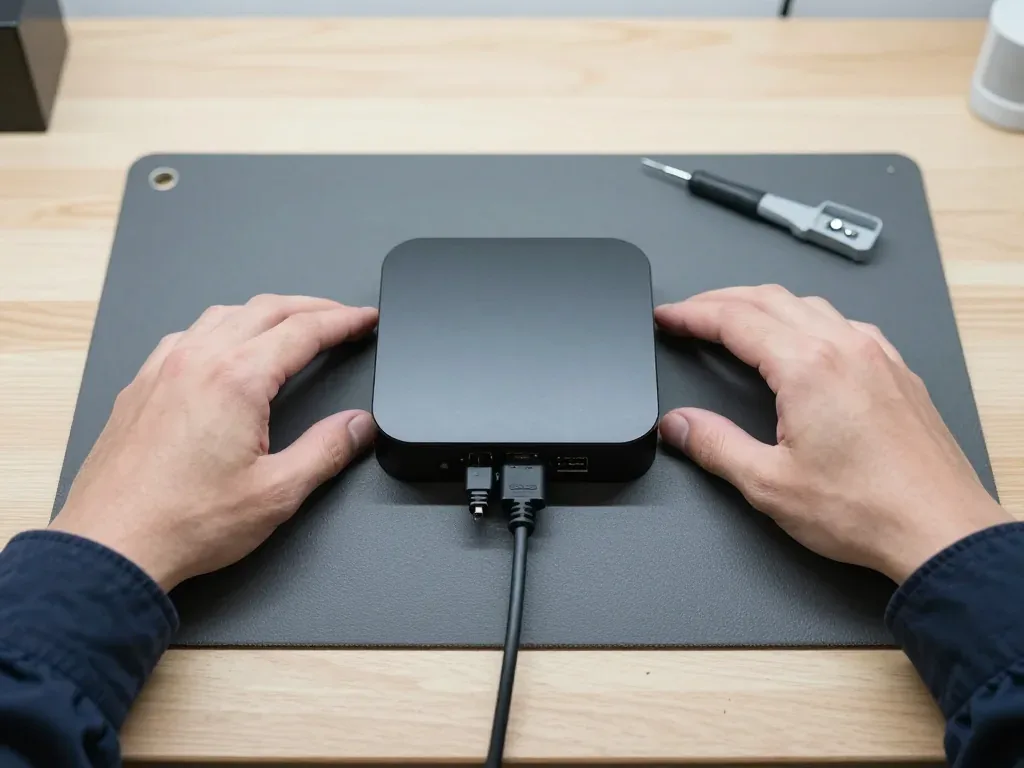
Within the Apple TV 4K (2nd gen) case, the power supply is integrated into the body, so a failure requires board-level repair rather than replacing an external adapter. There is no removable brick to swap, and simply unplugging cables won't provide a quick diagnosis — the supply circuitry is soldered onto the main board next to the storage. This shapes the whole procedure: a technician opens the unit, inspects the power rail and adjacent solder joints, then determines whether a single component or a larger area is responsible. A voltage surge often strikes these circuits first, which explains why the same issue can render the device completely dead while other electronics remain intact — worth confirming before writing it off.
Power Surge Damage and What We Check First
We open the box and test the supply section under the microscope before quoting, because a surge often damages one rail while the A12 chip and storage stay healthy. The engineer traces incoming voltage from the connector through the supply components, looks for burnt traces and swollen parts, and confirms which rail stopped feeding the circuitry. Board-level work on this model is done under magnification, so hairline cracks and lifted pads are visible rather than guessed at. If the device died right after a storm or a voltage dip, mention it when you send the photo — it tells the engineer which section to inspect first and saves diagnostic time.
Dead Unit or Dead Outlet — a Quick Check Before You Come
- Different outlet: plug the set-top into a socket in another room and watch the indicator — a dark box on two outlets has an internal fault.
- Different HDMI input: move the cable to another port on the TV and select that source — a lit device with no picture is a signal problem.
- Different cable: swap the HDMI lead for a known working one, since a failed cable mimics a dead device more often than expected.
- Indicator behaviour: a steady light means power reaches the board; no light at all points to the section inside the case.
- Photo for WhatsApp: capture the socket, the cable and the indicator in one shot — an engineer replies within five minutes and quotes from that image.
HDMI Port and Blank Screen Apple TV 4K 2 Repair
A lit indicator with "no signal" on the television is not the same as a dead box. We trace where the picture actually breaks — cord, input or connector.
Cable, TV Input or the Box Itself
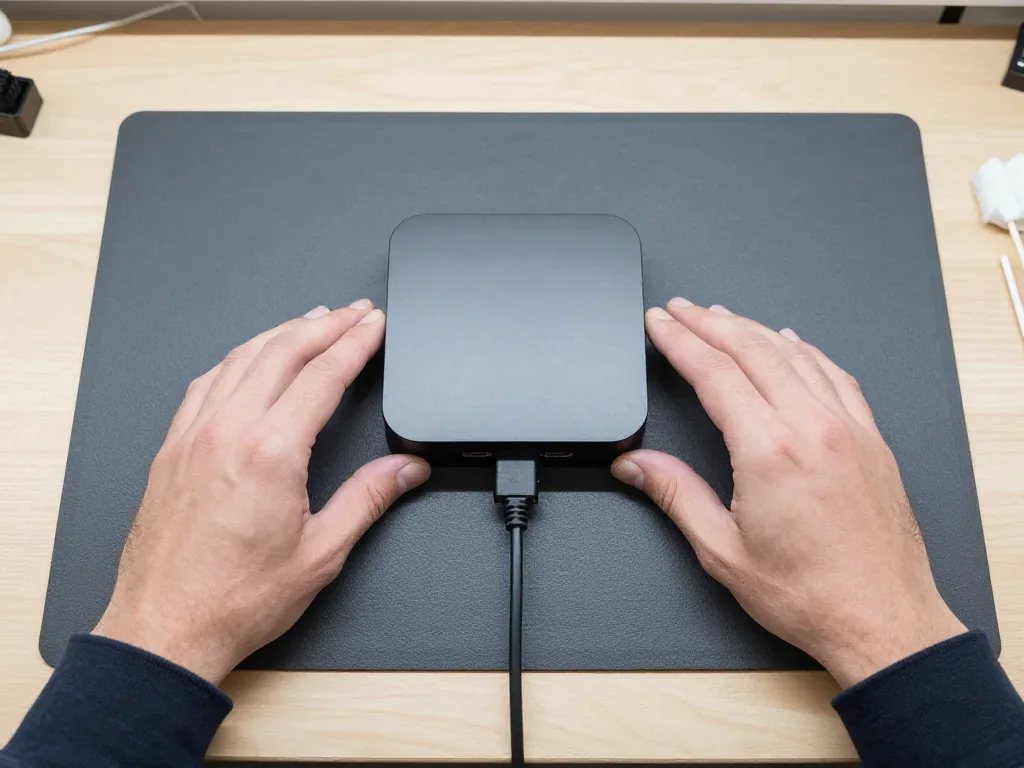
Start with another cable and a different TV input, because a dark screen with the LED lit usually points to a faulty lead or the wrong source. A cable that passes 4K HDR on one port may break the handshake on another, and a display tuned to the wrong channel shows nothing whatsoever. If a second screen is available, test the same lead there, then retry the original on another socket. Should a spare cable and spare source still produce no image, the fault lies within the unit — that is the moment to examine the connector or board. For an Apple TV 4K 2 repair in Astana, we can inspect the connector and board while you observe.
Swapping the HDMI Connector on an Apple TV 4K 2
When the HDMI port on an Apple TV 4K 2 gets warped or scorched, we fix it through micro-soldering on the board, and you get to inspect the replacement in its unopened manufacturer box prior to any work starting. Since this port is mounted on the main circuit board, the repair happens under a microscope instead of by simply opening the casing. Ahead of soldering, the receipt lists the cost, whether the part is OEM or aftermarket, how long it will take and what coverage applies. Such board-level repairs generally need one to three days, and we lock in the exact schedule after reviewing your photo. A port that feels loose or only connects at one cable position is on its way out — swapping it soon avoids a lifted pad on the board down the road.
What We Test on the Picture Path
Which picture and sound functions we confirm after a port fix| What we check | How | Why it matters |
|---|
| Video output | Known-good lead and TV | Confirms the socket carries a signal |
|---|
| HDR and Dolby Vision | Playback of a 4K clip | Rules out a handshake fault |
|---|
| Ethernet port | Wired connection test | Catches a dead network link |
|---|
| Sound over HDMI | Speaker output check | Verifies the audio path |
|---|
Restore Cycles and tvOS Recovery Apple TV 4K 2 Repair
A blinking light and an endless restart cycle point to a failed boot, not a dead unit. We begin with a software restore, then inspect the board if the loop returns.
A Blinking Indicator and What It Signals
When the light on an Apple TV 4K 2 keeps blinking, it typically signals that the unit cannot complete startup, which suggests damaged tvOS or a failing storage drive instead of a failed power supply. The blinking happens because the system restarts repeatedly before reaching the home screen, so no image ever appears. One constant light with a blank screen is a separate scenario and points to the power circuitry. A sluggish blink that repeats every few seconds is the telltale sign. Recovery is done through the network and HDMI, not a cable — which alters how a frozen update gets resolved. Record the blink rhythm before disconnecting anything; a pattern that changes after a forced restart tells the technician the fault runs deeper than the software.
Restoring tvOS and When It Is Not Enough
We restore tvOS first, and if the unit still restarts we move to a board check under the microscope, since a failing memory chip mimics a software fault. The restore is quick, and most boxes that failed after a bad update return to the home screen on the first attempt. When the same set drops back into the same cycle within a few days, the pattern points at the storage chip rather than the firmware. Our engineers read the circuitry under magnification to look for cold joints and a worn component before touching the software again. A restore that succeeds but repeats within days is a hardware warning — running the software fix again only delays proper board repair. If you have already restored twice at home, stop and bring the box in; each failed attempt writes to the memory that is already struggling.
Will Your Account and Purchases Survive a Repair
Since your Apple ID and purchases are stored on Apple's servers rather than on the device, a board or storage repair will not remove what you bought. Movies, shows and apps remain linked to the account and download again once you log back in on the same or another unit. What a repair may clear is the local configuration: Wi-Fi passwords, the paired remote, display settings and the arrangement of your apps on the home screen. Log out before handing the unit over if you want your library kept private, then log back in after collection — the content downloads again by itself. Two-factor authentication remains on your phone the whole time, so no one in the workshop can access your profile even while holding the device.
Network Faults and Siri Remote Repair for the Apple TV 4K 2
The remote control and the connectivity path are handled independently of the device itself. Below we explain what actually breaks inside the Siri Remote and why the set-top box begins losing Wi-Fi or stalling during playback.
What Fails in the Siri Remote
We repair the Siri Remote separately from the box, covering the cell, the Lightning charging socket, the buttons and the touch surface. The controller charges over its charging cable, and that socket takes the most wear of any part — lint, bent pins and a loose connector all stop the charge. Inside sits a small battery that loses capacity over years of daily charging. The touch surface is a trackpad over a sensor layer; drops and pressure crack the surface or kill the sensor. Button contacts oxidize and stop registering presses. The charging socket and the cell are among the most common faults. A controller that only works when held at an angle usually has a worn touch surface, while one that will not charge points to the socket — different parts, different fixes.
Buffering, Ethernet and Wi-Fi Cutouts
Constant buffering on a wired link points to the Ethernet socket or the network module, while Wi-Fi drops usually trace to the Wi-Fi/Bluetooth module inside the box. The Ethernet socket provides a wired link and its pins bend or oxidize when a cable is yanked sideways. A failing wireless module shows up as weak signal and a controller that disconnects at the same time. Buffering on a wired line while wireless streams fine is a strong signal the socket, not the router, is at fault. Test the same stream over a cable and over the air before booking — if only one path fails, the engineer knows which module to inspect first.
Remote or Box — Which One Is at Fault
Symptoms mapped to the part that usually causes them| Symptom | Likely part | What we do |
|---|
| Will not charge | Charging socket or cell | Test the socket, replace the part |
|---|
| Buttons unresponsive | Button contacts | Clean or replace the contact layer |
|---|
| Touch surface erratic | Touch panel | Check and replace the panel |
|---|
| Drops connection often | Cell | Test capacity, replace if weak |
|---|
Should You Repair an Apple TV 4K 2 and How to Visit
Whether to fix the set-top unit or buy a new one, and how a visit runs from the first WhatsApp photo to the final check at handover — that is what this section covers.
Apple TV 4K 2 Repair Versus Buying a Replacement
Repairing the power supply, HDMI port or remote generally costs considerably less than buying a new unit, so fixing it is sensible unless both the board and storage have failed. The internal supply and the HDMI socket are the two parts that break most frequently, and each can be replaced independently without disturbing the storage chip holding your apps and logins. If the motherboard is gone along with the memory, the calculation shifts: you lose the paired state, saved accounts and the tvOS configuration, so a replacement becomes reasonable. Usually the choice hinges on one point — is the defect confined to one component or spread across the board? The 4K 2nd generation still supports 4K HDR and Ethernet, so a functioning unit is worth repairing.
From WhatsApp Photo to Pickup
Message a picture of the damage on WhatsApp, receive a quote and a free appointment within 5 minutes, then drop the unit off or arrange a courier. The technician estimates from the image, so you have a rough figure before you leave. Once the unit is with us, free diagnostics take 15 minutes in your presence, even should you choose not to proceed. The cost, component, duration and guarantee are recorded on the receipt before any work begins — 2 minutes at the counter — and the replacement part is shown in factory packaging, so nothing is altered mid-repair. Most jobs take 20–40 minutes while you relax in our lounge with coffee and Wi-Fi; board work under a microscope requires 1–3 days.
What You Check Together at Pickup
- Picture: confirm 4K HDR output on your TV and switch inputs to rule out a handshake fault.
- Sound and remote: test volume, Siri voice search and every button on the Siri Remote.
- Network: join Wi-Fi, then plug in Ethernet and confirm the wired link comes up.
- Ports: check the HDMI socket holds the cable firmly with no wobble or dropouts.
- Paperwork: take the receipt, guarantee card and old component so you see what was swapped.
Summary: Apple TV 4K 2 repair
With the Apple TV 4K (2nd gen), faults usually belong to one of four groups — power, video, boot and connectivity. Here is a brief rundown linking each symptom to its probable origin before you commit to a repair.
- No light at all: a dead box with no indicator usually means the built-in power supply, often after a surge.
- Light on, no picture: start with the HDMI cable and the TV input, then have the HDMI port checked.
- Blinking indicator: a boot fault — restore tvOS first, and only then inspect the board under a microscope.
- Remote and connectivity: the remote control and the wireless chip are handled independently of the set-top box.
- Repair versus replace: repair makes sense unless both the board and the storage are gone.








 iPad
 MacBook
 iMac
 Mac mini and Studio
 Apple Watch
 AirPods
 Apple Pencil
 HomePod
