BS Photo: Bakmukhammed S.
Bakmukhammed S.
on-site iPhone technician
13years of experience
4.93rating, 107 reviews

When an Apple Pencil Pro stops sticking to the magnet, ignores a squeeze or draws broken lines, we check the stylus and tablet together and quote upfront.
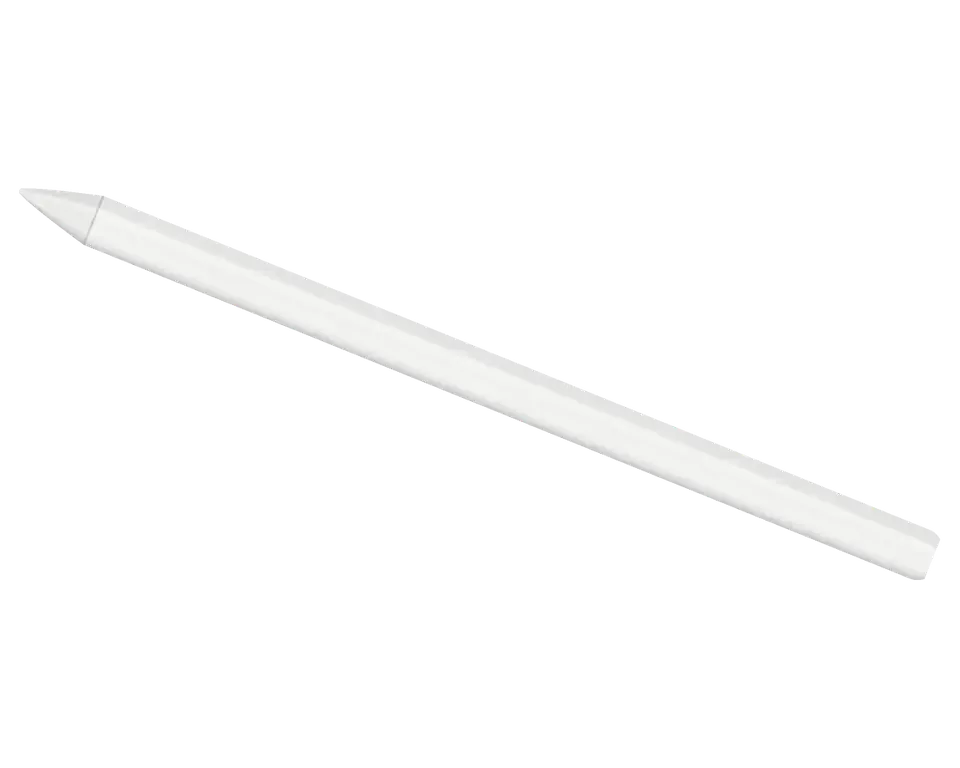
The pencil works in tandem with the iPad, so failures fall into two groups — the stylus itself and the tablet edge it attaches to.
The pencil sits on the edge but won't pair over Bluetooth and no pop-up appears
It sits on the tablet for hours, yet the charge never rises and the indicator stays silent
The tool menu doesn't open even when the pencil is squeezed in the right place
When you rotate your hand, the line doesn't change shape, rotation isn't detected
Vibration when squeezing and switching tools has disappeared or become weak
The pencil is absent from Find My or displays its last known position
The stroke breaks, the tip stumbles on fast movements and fine details
The line lags behind the tip, handwriting in notes drifts, pressure responds late
Tilting doesn't alter shading; stroke width remains constant
After a pause, the pencil doesn't turn on until it's removed and placed back
Dent or crack on the pencil, it wobbles on the magnet and holds weakly
Worn tip catches on the glass and scratches your screen protector
Below are starting prices for the main Apple Pencil Pro jobs; the final amount is confirmed after a check.
| Service | Original | Aftermarket |
|---|---|---|
| Tip replacement | 6 490 ₸ | 3 490 ₸ |
| Battery replacement | 20 900 ₸ | 11 900 ₸ |
| Other repairs | Price | |
| Bluetooth module repairwireless module · board-level repair | 2 990 ₸per job | |
| IPad pairing restorationsoftware restore, no parts replaced | 2 990 ₸per job | |
Prices include the part and labour, with a warranty up to 1 year on the work.
For the pencil, reading accuracy and stable connection with the tablet are important, so the part is chosen based on the task and budget.
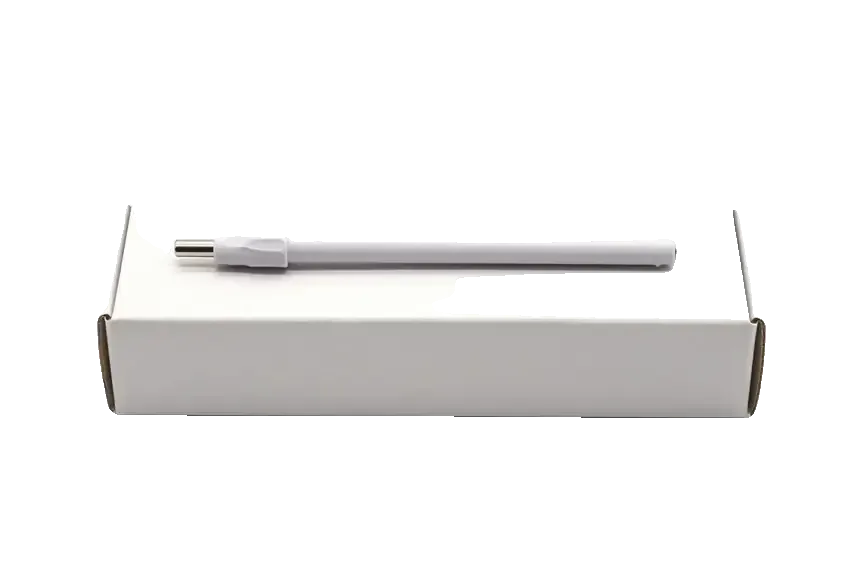
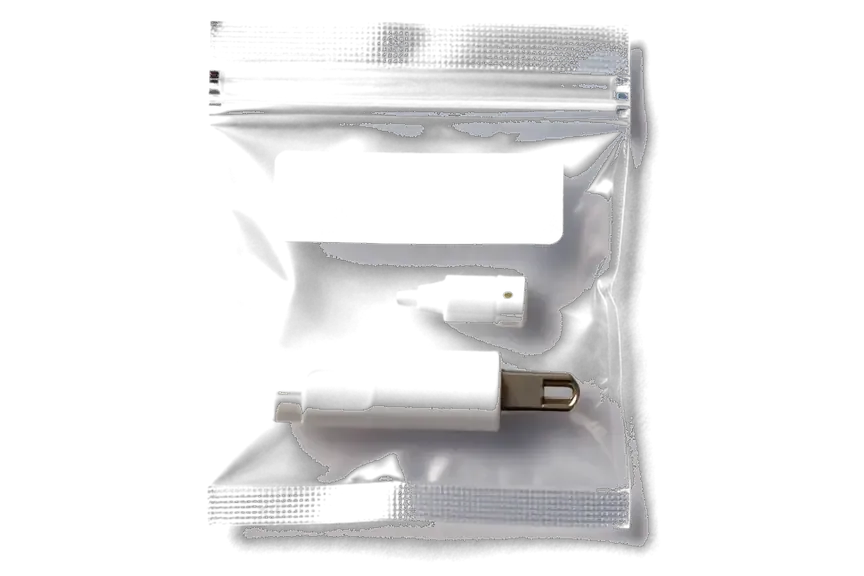
We check the pencil and tablet together: often the culprit is not the stylus but the iPad edge, case, or Bluetooth settings.
The service has been operating for eleven years, and our technicians know how styluses and iPads behave together, so they don't replace parts at random.
Our work comes with a guarantee of up to 1 year, and before repairs begin, the specialist walks you through the terms that apply to your particular pencil.
A experienced technician examines the stylus: first makes a diagnosis, then proposes a plan and gives the final amount.
We run the pencil through a set of checks: pairing, charging on the magnet, squeeze, gyroscope, haptic feedback, and Find My.
You'll learn the price after diagnostics but prior to any repairs, ensuring no unexpected fees arise later.
On weekdays we accept from ten in the morning to seven in the evening, and on weekends and holidays from eleven to six.
Usually the whole journey — from message to pickup — takes less than an hour; complex repairs follow the timeline in the receipt.
Book a repairYou send a photo of the damage on WhatsApp — we quote the price and available time. Or you call a courier.
An engineer checks the device in front of you and shows what is broken. 0 ₸, even if you decline the repair.
We fix the price, the part (original or analog), the timeline and the warranty. You sign — we start.
Before installation we show you the new part in its factory packaging. You wait in the waiting area with coffee and Wi‑Fi.
Pairing, pressure and tilt, charging, response on the iPad screen. You check together with the engineer.
Together with the receipt, warranty card and the old part. Payment — Kaspi, card or cash.
Technicians for iPhone, Mac, iPad, Apple Watch and AirPods repair.
Photo: Bakmukhammed S. Photo: Galymzhan S.
 Photo: Zhandos Sh.
 Photo: Darkhan T.
 Photo: Kudiret S.
“If the repair didn’t suit you or you have a complaint, write to me personally.”
Send a photo of the fault — an engineer will reply on WhatsApp, give the price and a time you can come in.
At iServices Center in Astana, Apple Pencil Pro Repair
For Apple Pencil Pro repair in Astana, iServices is a direct repair provider with its own technicians in Astana. We provide a warranty up to 1 year for our work, run free 15-minute diagnostics while you watch, and repair the magnetic charging coil, battery or board. The majority of jobs are completed while you wait.
The stylus has no charging port — power comes through the magnetic face — so its failure points differ from older pencils. Here is what actually breaks inside and what can be repaired.
| Part | What it does | Typical symptom when it fails |
|---|---|---|
| Magnetic charging coil | Draws current through the tablet's rim | Pencil fails to charge or link |
| Battery (glued in) | Stores charge | Dies within minutes, won't hold charge |
| Logic board | Runs pairing and sensors | Not recognised, features drop out |
| Pressure sensor | Reads force and tilt | No pressure, broken lines |
| Haptic module | Squeeze feedback | Squeeze works but no click |
| Tip | Contact point with glass | Skipping, scratching, worn to metal |
The Pro model has no Lightning or USB-C port, so there is no connector to bend or clog — its charging faults sit in the magnetic coil and the battery instead. Older pencils exposed a physical plug that collected lint and lost contact; the Pro seals that path and feeds power through the flat magnetic face that snaps to the iPad edge. That design removes one whole class of wear but concentrates stress on the coil windings and the glued-in cell. Because the barrel is closed, liquid or a drop transfers force straight onto the circuitry inside. A Pro that "won't charge" is therefore more often a coil or circuitry issue than a worn connector, which changes what a technician checks first.
We see Pro pencils where the barrel still writes but squeeze, rotation or the haptic click stop responding — usually a sensor or circuit fault rather than the tip. The squeeze sensor, the gyroscope that tracks rotation and the haptic module that produces the click all route through the same logic assembly, so a single damaged trace can kill one gesture while leaving the rest intact. On our bench we test each input separately before opening the barrel, because the symptom tells us which module to inspect. If only one gesture dies while writing stays smooth, the tip is fine and the fault is inside — swapping the tip will not bring the feature back.
Half the pencils brought to us are not broken at all — the tablet's magnetic edge or a Bluetooth pairing glitch is the problem. These checks tell you which side is at fault before you pay for anything.
| What you see | What it usually means |
|---|---|
| Works on a second tablet | Your device's magnetic edge or Bluetooth |
| Fails on every tablet | Fault inside the pencil |
| Charges but won't pair | Bluetooth or board issue in the pencil |
| Pairs but won't charge | Coil or battery in the pencil |
| Drops out while writing | Tip, sensor or screen interference |
We examine the tablet's magnetic connector and Bluetooth right in front of you, since a device that won't charge on its edge will make any stylus appear faulty. That strip handles both power and the pairing handshake, so a contact blocked by grit or a wireless module that loses connections gives the same symptom as a dead unit. Our engineer performs the free diagnostics on the spot and takes about 15 minutes, even if you choose not to have anything repaired. If the tablet is the problem, fixing the stylus wouldn't help — the check reveals which device needs the work before you commit. On most visits the answer is clear within the first few minutes, and we state plainly whether the accessory, the tablet or neither needs attention.
This is where Apple Pencil Pro repair in Astana actually happens — our own technicians, our own workshop, no middleman. Here is what we fix on a Pro and how we confirm it works again.
We fix the magnetic charging coil and replace the glued-in battery on a Pro stylus, then verify the pencil holds and reports charge on the iPad edge. The coil sits in the flat magnetic face and transfers power only when the stylus is aligned correctly, so a bent or corroded contact breaks charging even though the power source is healthy. The battery itself is bonded into the housing, which is why a swap needs controlled heat and a jig rather than a simple pull-out. Both parts are fitted, then the pencil is left drawing on the iPad while we watch the battery widget. A pencil that charges but drains overnight is usually the battery, whereas one that never charges at all points to the coil — the two need different parts.
When a Pro pencil won't pair or loses features, we inspect and repair the logic board under magnification rather than replacing the whole unit. The board carries the Bluetooth antenna, the pairing chip and the traces feeding the squeeze sensor, and a cracked solder joint on any of them shows up as a pencil that connects for a second and drops. Under the lens we trace continuity, reflow the joint and check the antenna feed against the housing. Board repair takes longer than a coil or battery swap, so we tell you the realistic turnaround before starting — never after.
Some parts of an Apple Pencil Pro deteriorate with normal use rather than breaking outright. Knowing which ones to watch keeps the nib off your glass and the pencil topped up.
The tip is a consumable component that can be swapped out, and once it has worn all the way to the exposed metal shaft it could scratch the iPad display — replace it in advance. Because the point consists of soft polymer, regular note-taking and drawing erode it across the months, and after the end becomes flat, the pencil interprets pressure and tilt differently. A screen protector lessens the abrasion yet is unable to prevent it completely, since the metal shaft is harder than the coating. Watch for a light grey line visible under the tip, a rough feel on the glass, or an obvious metal circle where a rounded end ought to sit. A stroke that cuts out is often simply a used-up tip, so check that first before deciding the sensor has failed.
A Pro pencil that used to last days but now dies in hours, or one that only powers up at a certain spot along the magnetic strip, is showing induction or cell degradation. The second-generation design draws power from the magnet edge of the iPad, and the charging loop sits right under the shell where drops and flexing take their toll. When that component is damaged, the pencil still snaps on but the current cuts in and out, and the battery never reaches full. A cell that has cycled through years of use holds less each month until a full bar disappears in an afternoon. Intermittent top-up that depends on how you hold the pencil against the tablet usually points to the loop, not the iPad.
| Part | Replace or repair | Note |
|---|---|---|
| Tip | Replace | Wear part, quick swap |
| Battery | Replace | Glued in, needs diagnostics first |
| Charging coil | Repair | Magnetic edge faults |
| Logic board | Repair | Microscope work, longer turnaround |
From the first WhatsApp photo to the moment you walk out with your pencil, every step is short and written down. Here is exactly what happens and what you take home.
Send a picture of the problem through WhatsApp, and within 5 minutes a technician replies with the cost and a scheduled slot, then writes the part, turnaround time and warranty onto the receipt before any work starts. Our own specialists staff our own workshop, and we act as a direct contractor — not an aggregator passing your device to a third party. The free diagnostic lasts 15 minutes, is done while you watch, and the technician identifies the defect even if you turn down the repair. The new part is displayed in its factory packaging before installation, and 64% of customers choose an original component. Recording the part and warranty before work begins keeps the final bill from changing afterward.
You can wait in our lounge with coffee and Wi-Fi while we work, or call a courier to bring the stylus in — the majority of jobs are completed while you wait. A repair usually takes 20–40 minutes, and 72% of all jobs are completed while the customer sits in the waiting area rather than being left overnight. If you drop by in person, the engineer runs the 32-point check with you at handover — about 10 minutes covering charging, pairing and the squeeze and haptic functions. Our hours are Mon–Fri 10:00–19:00 and Sat–Sun 11:00–18:00, so a lunchtime visit fits. Staying on site is quicker than arranging a second trip across the city.
Five things decide whether a Pencil Pro repair goes well: where the problem actually sits, how early you catch tip wear, and what paperwork you take home afterwards.
Did not find an answer? Message us on WhatsApp: an engineer replies, not a bot.
Ask a questionFirst check compatibility: the Pro pencil doesn't work with all tablets. Remove a thick case from the side edge, restart the iPad, and place the stylus on the magnet again. If the pairing window doesn't appear, bring both devices — the technician will check the magnetic connector and the stylus itself.
Remove the case or cover from the iPad edge and wipe it with a dry cloth. Make sure the pencil sits flat and the tablet is turned on. If charging doesn't start, diagnostics are needed: the cause may be the pencil's battery or the tablet's connector.
A sensor inside the pencil detects squeezing, but a case, glove, or insufficient pressure can interfere. Look at the Apple Pencil settings on your iPad. If the menu still won't open even with no case, the stylus should be inspected by a specialist.
A fall can damage the internal pressure sensor or the tip mechanism. Check if the tip is loose or cracked. If pressure sensitivity is lost, the pencil needs diagnostics to assess sensor damage.
The find function works only when the pencil is paired with the iPad and the necessary services are enabled on the tablet. Check the Bluetooth connection and update the system. If the pencil has disappeared from the device list, first restore pairing.
Yes, it's better to bring both devices. Some stylus problems are caused by the tablet itself — the magnetic edge, settings, or screen protector — and checking the pair immediately reveals this.
Позвонил по объявлению, приехал на следующий день. Оставил заявку на Apple Pencil Pro. Проблема — не соединяется. Ғалымжан С. отсоветовал дорогой ремонт, предложил простой. Сказали, что перезвонят, и правда перезвонили. Экран яркий, батарея держит.
Техника рабочая, терять её надолго нельзя. Проблема — не пишет. Вернули — проверила, всё ок.
Проблема — не заряжаеться. Ғалымжан С. подобрал аналог дешевле, не навязывал оригинал. Дома включила, всё на месте)
Проблема — не соединяеться. Ғалымжан С. подобрал аналог дешевле, не навязывал оригинал. Все функции проверил — работают
Смотрела отзывы в 2ГИС, выбрала по адекватности. Проблема — не заряжается. Ни шума, ни запаха, всё штатно.
Смотрела отзывы в 2ГИС, выбрала по адекватности. Сдала Apple Pencil Pro мастеру. Проблема — не заряжаеться. Перезвонили на следующий день, уточнили детали. Вышло из строя: наконечник. Экран яркий, батарея держит.
Ғалымжан С. принял без вопросов, хотя был без записи. После ремонта — как новое.
Ғалымжан С. посмотрел и честно сказал: менять не надо. Полёт нормальный.
Жұмыстан кейін баруға болатын жер керек еді. Құрылғыны әкелдім, бірден қабылдады. Жұмыс істеп тұр, шағым жоқ.
В Астана сервисов много, но по Apple берут не все. Проблема — не реагирует на нажатие. Ни шума, ни запаха, всё штатно.
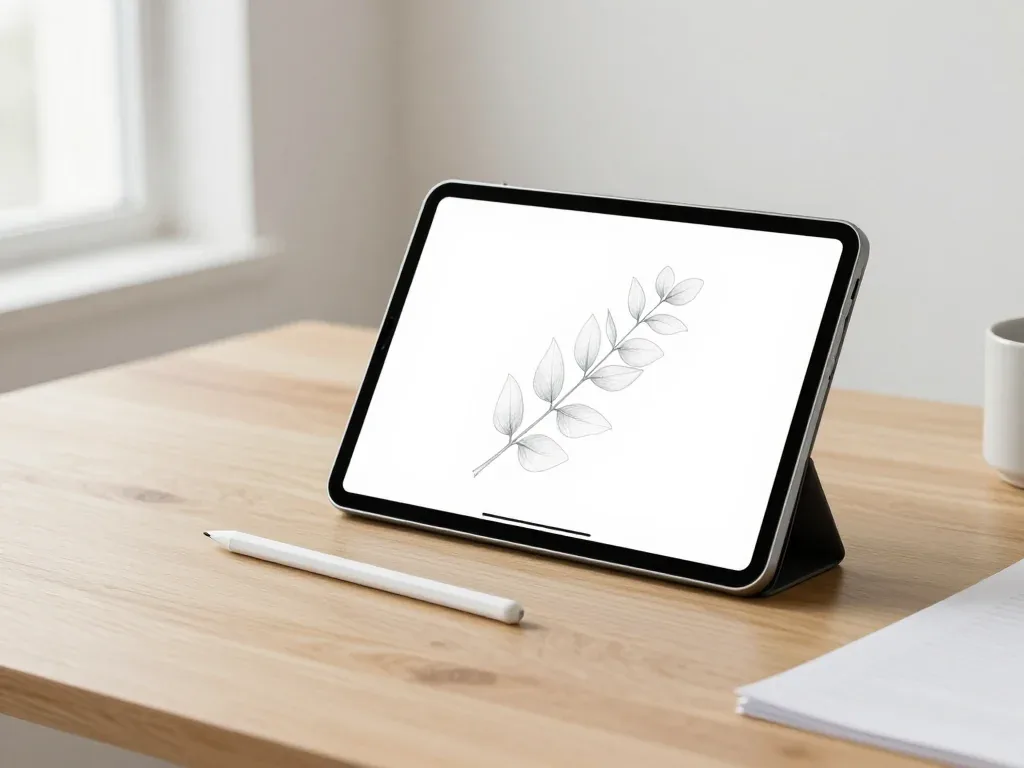
Most pairing failures come from a flat stylus, a stale Bluetooth entry or dirty contacts, and a free 15-minute check confirms the cause.

Back up your data, turn off Find My, and bring proof of purchase — then the repair starts faster.


 iPad
 MacBook
 iMac
 Mac mini and Studio
 Apple Watch
 AirPods
 Apple TV
 HomePod
