BS Photo: Bakmukhammed S.
Bakmukhammed S.
on-site iPhone technician
13years of experience
4.93rating, 107 reviews

One AirPods 2 earbud drops out of the pair or the case won't charge — we'll check both earbuds and the case in front of you and name the cause before any work.
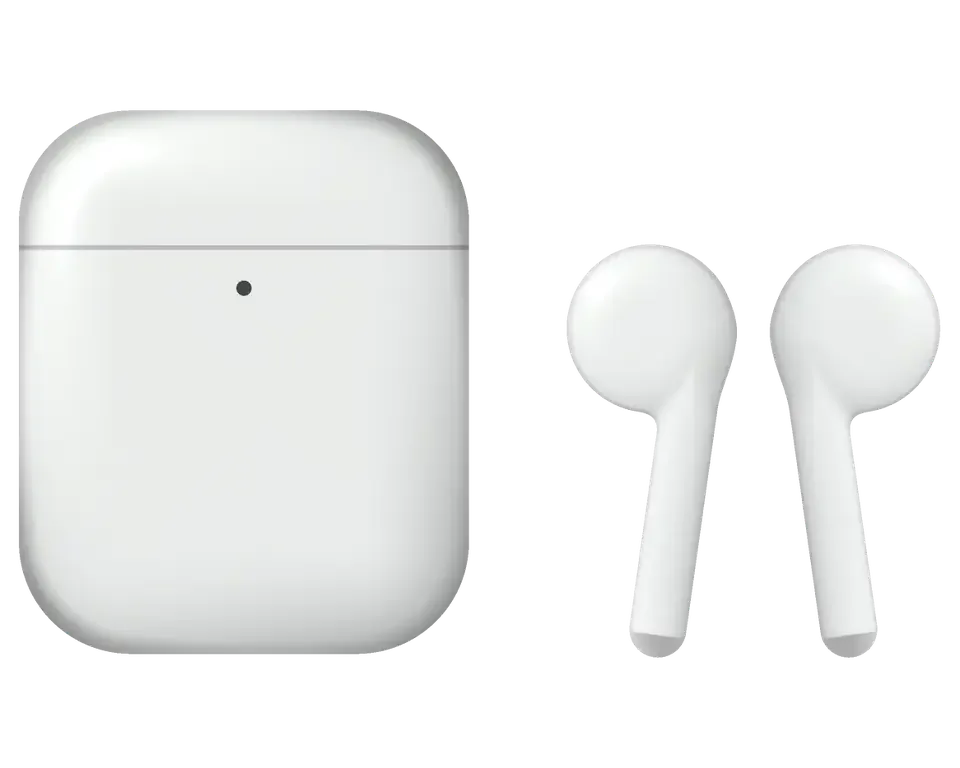
The open, tip-free fit collects dust around the meshes, while the H1 chip and Lightning case eventually make themselves known at the worst possible moment.
Outside in Astana an earbud shuts down within minutes, then works again indoors
After the case there's silence in the left or right, and it's missing from Bluetooth too
Only one earbud shows up, the voice assistant stays silent, pairing keeps breaking off
The light is on and the lid is closed, but the earbuds barely gain any charge
The cable is plugged in, but the indicator stays dark and the case takes no power
The hinge has loosened, the lid sits crooked and no longer presses the contacts
Without it you can't reset the settings or pair with a new iPhone
Sound rattles at volume, and the left and right don't sound the same
The other person hears you in fragments, and your voice gets lost in street noise or wind
Volume has dropped and sound is muffled, with build-up on the grilles
The body gets noticeably warm a couple of minutes after being plugged in
Neither when opening the lid nor on the cable does the light show any sign of life
Once the device is checked, the technician names the final cost: the sum varies with the faulty component — a single earbud, the case, or its contacts.
| Service | Original | Aftermarket |
|---|---|---|
| Earbud battery replacement | 18 900 ₸ | 10 900 ₸ |
| Case battery replacement | 40 900 ₸ | 22 900 ₸ |
| Earbud replacement | 55 900 ₸ | 30 900 ₸ |
| Charging case replacement | 45 900 ₸ | 30 900 ₸ |
| Earbud speaker replacement | 20 900 ₸ | 11 900 ₸ |
| Microphone replacement | 15 900 ₸ | 8 900 ₸ |
| Case charging connector replacement | 15 900 ₸ | 8 900 ₸ |
| Other repairs | Price | |
| Cleaningdisassembly and dust cleaning | 12 900 ₸per job | |
| Water damage repaircorrosion cleaning · diagnostics up to 2 days | 13 900 ₸per job | |
| Firmware flashingsoftware restore, no parts replaced | 5 490 ₸per job | |
Battery and body condition differ from pair to pair, so we quote the final price after inspection.
The decision is made by looking at the pair's condition, how long it has been in service and how much you need full iPhone compatibility.
We start by testing both earbuds and the charging case one by one, so we don't repair working parts.
With more than a decade of practice, our crew can distinguish a worn-out cell from clogged mesh, signal loss, and faults inside the case.
Work we carry out is covered for at least twelve months, and the exact conditions for your earbuds are explained before the job starts.
A experienced specialist examines the earbuds: makes a diagnosis, suggests a repair plan and names the price.
We run every pair through 32 functions — sound, microphone, charging, phone connection and case operation.
Inspection and testing cost nothing, so you learn the cause before you agree to any work.
On weekdays we're open 10–19, and on Saturday, Sunday and holidays 11–18; drop in after work too.
Usually the whole journey — from message to pickup — takes less than an hour; complex repairs follow the timeline in the receipt.
Book a repairYou send a photo of the damage on WhatsApp — we quote the price and available time. Or you call a courier.
An engineer checks the device in front of you and shows what is broken. 0 ₸, even if you decline the repair.
We fix the price, the part (original or analog), the timeline and the warranty. You sign — we start.
Before installation we show you the new part in its factory packaging. You wait in the waiting area with coffee and Wi‑Fi.
Sound, microphones, noise cancellation, ear sensor, earbud and case charge, connection. You check together with the engineer.
Together with the receipt, warranty card and the old part. Payment — Kaspi, card or cash.
Technicians for iPhone, Mac, iPad, Apple Watch and AirPods repair.
Photo: Bakmukhammed S. Photo: Galymzhan S.
 Photo: Zhandos Sh.
 Photo: Darkhan T.
 Photo: Kudiret S.
“If the repair didn’t suit you or you have a complaint, write to me personally.”
Send a photo of the fault — an engineer will reply on WhatsApp, give the price and a time you can come in.
AirPods 2 Repair in Astana by iServices with Warranty up to 1 year
In Astana, iServices performs AirPods 2 repairs itself: our own technicians carry them out, and we are not an agency. We run free 15-minute diagnostics in front of you, show the replacement part in factory packaging, and fix most buds and cases while you wait. On the receipt, we fix a twelve-month warranty that backs every job.
AirPods 2 has two separate halves — the earpieces and the Lightning case — and the same symptom can come from either. We start by working out which half is at fault.
AirPods 2 is an open-fit earpiece with no ear tips, the H1 chip and a Lightning case, so a fault lives either in one earpiece or in the case, never in a shared part. Each earpiece carries the driver, the speaker mesh, the antenna and a small glued cell; the case holds its own battery, the charging coil and the Lightning port that feeds both. A quiet earpiece and a case that will not charge are unrelated failures that owners often report as one problem. Because there is no removable tip, debris and moisture reach the speaker mesh directly, which is why a "dead" unit is often just a blocked mesh rather than a failed driver.
| Symptom | Likely source and action |
|---|---|
| Case shows no charge | Lightning port or contacts — clean contacts, check battery |
| One earpiece dies fast | Glued-in cell — measure capacity, advise on options |
| Quieter than the other | Blocked speaker mesh — ultrasonic clean, recheck balance |
| Charges by cable only | Wireless coil — compare coil and cable |
| Not detected at all | Board or antenna — diagnose board, confirm first |
The battery inside an AirPods 2 bud is bonded to the casing, so a degraded one can't just be popped out — and we tell you straight when a full earpiece replacement is the tidier option. A load test of capacity reveals whether the unit still keeps its rated charge or fades minutes into a call; that measurement, rather than how old the device is, shapes our recommendation. A bud that lasts a whole day isn't the culprit — if it only weakens after hours of talking, the drain may stem from firmware or pairing, which we exclude before opening anything. We start with the capacity test precisely because it distinguishes an exhausted battery from a software glitch.
A quiet or crackling bud is the most common reason people bring AirPods 2 to us. Before any part is discussed, we separate dirt from damage.
In most quiet-bud cases the speaker mesh is packed with earwax and dust, and a thorough clean restores the level with no parts swapped. That fine screen protects the diaphragm from debris reaching the driver, so it clogs earliest and costs least to clear. We examine the port under magnification, compare loudness between both sides, and run an ultrasonic clean when the filter looks blocked. A unit that still plays faintly afterwards usually has a driver fault, not a dirt problem. Never poke the screen with a pin — the diaphragm sits millimetres behind it, and a puncture turns a free procedure into a paid driver swap.
If a crackle appears when you move your head, it's typically a sign of a loose antenna or a board connection that has come free inside the case, and a muffled mic is often the very same clogging at its intake opening. Because the microphone is tucked behind a tiny port, earwax and skin oils can choke it just as they choke the speaker. The antenna connects the internal board to the radio, and when contact there is poor, the signal drops each time the device is moved. To check the mic, make a test voice memo on the paired iPhone — if that comes out clear but calls don't, the problem lies in call routing rather than in the microphone itself.
When one earbud is beyond a clean, the question is whether to repair it or fit a replacement. The answer depends on the fault and on matching the model exactly.
A replacement earbud must be the same AirPods 2 generation, because a unit from another model will not pair or charge correctly in your Lightning charging case. The pairing chip and the charging contacts are tuned to this generation, so a first- or third-generation piece simply will not handshake with the firmware inside the housing. We read the model number on the stem and match it before ordering anything, since a mismatch shows up as a bud that charges for a minute and then drops off. Bring the housing with you — we pair the new piece to your own Lightning unit on the spot, so you leave knowing it connects, not hoping it will.
| Option | Sound and pairing | Warranty | Lead time |
|---|---|---|---|
| Original part | Matches factory tuning | Up to 1 year | Ordered per model |
| Aftermarket part | Close, tested on site | 6 months | Often in stock |
| Refurbished original | Matches factory tuning | Up to 1 year | Ordered per model |
A repaired or replaced bud only counts as fixed once it pairs and behaves like the original. Here is how we reconnect the set and what we check before you leave.
After a bud has been placed in the case, we perform a factory reset and set the device up with your iPhone from scratch, so the two earpieces are recognised as one pair again. The small control located behind the charging case is kept pressed until the light flashes white, and only then released. Then Bluetooth is opened on your handset, the previous listing is deleted and everything is linked anew, with both buds remaining inside the case. We carry out this step in front of you rather than out of sight. The lid stays up and the earpieces stay where they are for the whole reset — closing it partway is the most frequent reason a fresh pairing fails the first time.
Earpieces that vanish from Bluetooth are usually stuck on an old link or a half-finished firmware update, not physically broken. A stale entry can sit in the phone for months and block a clean handshake, so the set looks dead when the hardware is fine. Firmware is the other usual suspect: the buds pull updates over the connected iPhone, and an interrupted transfer can leave one side on an older build. To clear it, forget the device in Bluetooth settings, reset the holder and link again from scratch. Before assuming a hardware fault, do exactly that — a leftover record mimics a dead earpiece surprisingly often, and a quick reset saves a needless trip to any workshop in the city.
Before you leave we test sound balance, both microphones, tap controls, in-case charging and the connection with your own iPhone. The engineer plays audio through each earpiece separately, speaks into both mics to confirm the voice pickup, taps through the double-tap commands and watches the charge indicator respond as each unit drops into the holder. The link is confirmed on your phone, not on a shop handset, so the set is proven against the device it will actually live with. Ask us to play a track you know well during the check — familiar audio exposes a faint imbalance that a test tone can hide.
We keep the visit short and predictable. You send a photo, we quote and book a slot, and 72% of repairs are finished while you wait in our area.
Photograph the defect and forward it via WhatsApp; our specialist will get back to you soon with a price and an appointment window. That amount covers the expense, the part, the completion time and the guarantee, and all four are locked in on the receipt prior to any repair beginning. The spare component comes sealed straight from the manufacturer and is displayed to you prior to fitting, so you can verify precisely what goes inside the earbud or the charging case. A few minutes at the desk commits the conditions to paper, and nothing changes afterward. A crisp shot of both sections side by side saves us a round of clarification, as the casing model indicates which Lightning arrangement you own. Capture it in natural light rather than on a dim surface — a clean picture is what lets the initial answer include an exact cost rather than a range.
Testing costs nothing and runs roughly 15 minutes while you watch, even if you choose against a repair, and you can wait in our lounge with coffee and Wi-Fi. The technician opens the casing, checks every earbud and points out the failed contact or driver right there instead of writing it up in a report. Most jobs are completed on the spot — 72% of repairs wrap up in the waiting area, and the full path from first message to pickup typically takes under an hour. Observing the diagnosis pays off: seeing which earpiece or which charging contact fails tells you more than any written estimate. Have the technician point at the faulty component before you agree to anything — that one habit separates a clear quote from a guess.
We handle repairs ourselves with in-house specialists and a dedicated workshop, and each job includes a guarantee of up to 1 year, a receipt and the return of your old part. Nobody stands between your AirPods 2 repair in Astana and the bench where the work is done, so the same specialist who quotes also carries out the fix. You can pay via Kaspi, by card or in cash, and we can send a courier if coming to the workshop is inconvenient. Keep the receipt and warranty card together with the old earpiece — the serial details on the receipt are what make a warranty claim quick if anything acts up. Store them in one envelope; split paperwork is the usual reason a claim drags.
A few habits separate a repair that lasts from one that fails again next month. Here is what to keep in mind before you book anything.
Did not find an answer? Message us on WhatsApp: an engineer replies, not a bot.
Ask a questionIn the cold the battery loses voltage and the earbud shuts down early. Indoors it usually works again; if the charge still drains at home, it's time to check the battery.
Remove the pair in Bluetooth settings, put the earbuds in the case, close the lid and hold the button for 15 seconds until the indicator flashes. Then connect again; if the pair still isn't found, diagnostics are needed.
Yes, as regular Bluetooth earbuds. But auto-switching, "Hey Siri" and in-system battery checks are only available on Apple devices.
Make sure the case sits flat and that the pad charges other devices. If it charges via Lightning but not without the cable, the technician will check the case coil and board.
No, first let the earbuds and case dry at room temperature. If moisture reaches the contacts, they oxidise while charging and the earbud later stops taking power.
The causes vary — a clogged mesh, moisture or a damaged driver after a drop. A technician in Astana will check the earbud and tell you whether cleaning is enough or a replacement is needed.
Достал из кармана, а там уже хрипит. Ғалымжан С. разрулил всё быстро. Позвонил, описал проблему, сказали привозить — посмотрят. Обошлось заменой: аккумулятор. Достойно сделали. Работает, как будто и не ломалось.
Ғалымжан С. отсоветовал дорогой ремонт, предложил простой. Сказали, что перезвонят, и правда перезвонили. Ни шума, ни запаха, всё штатно)
Живу в Есиле, искал поближе к дому. Проблема — не заряжаеться. Вернули — проверил, всё ок.
Хотела сначала в официальный, но там очередь и цена. Сдала AirPods 2 мастеру. Проблема — не заряжается. Не пришлось стоять в очереди. Приговор — кейс. Сказали 10 000 по телефону, столько и вышло. Достойно сделали. Ни шума, ни запаха, всё штатно
Работаю рядом, заехал в обед. Просто перестало работать: одно ухо не работает. Внешне не видно, что разбирали
Ғалымжан С. всё сделал при мне, за пятнадцать минут. Мастер сам предложил забрать технику позже. Работает, как будто и не ломалось.
Problema — odno ukho ne rabotaet. Galymzhan S. — master ot boga, esli mozhno tak skazat. Posle remonta — kak novoe.
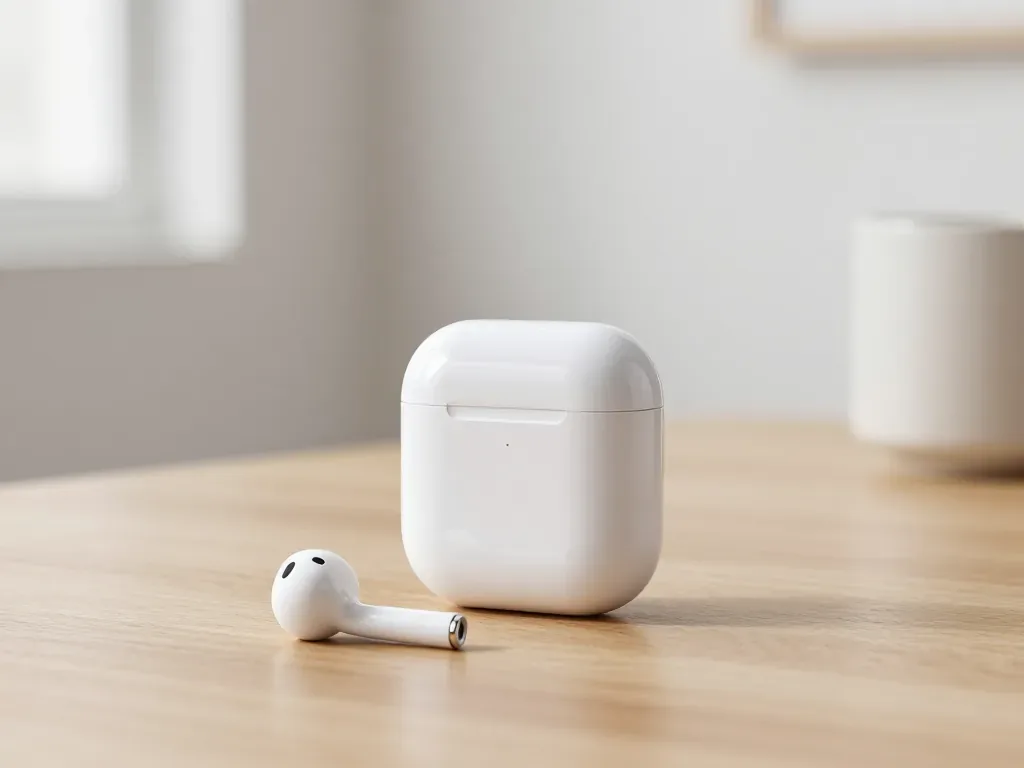
One earbud losing charge first is usually a worn cell or a dirty contact, not a dead pair. A free check tells which.
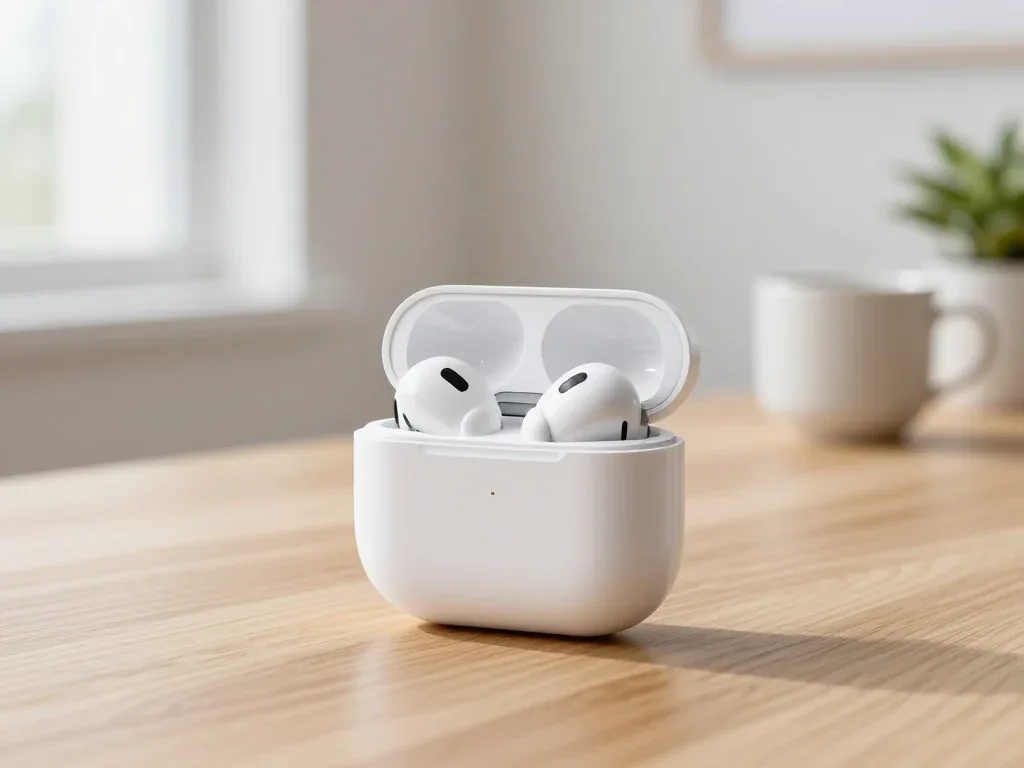
Find out why your AirPods case won't charge and what to check before visiting a repair shop.
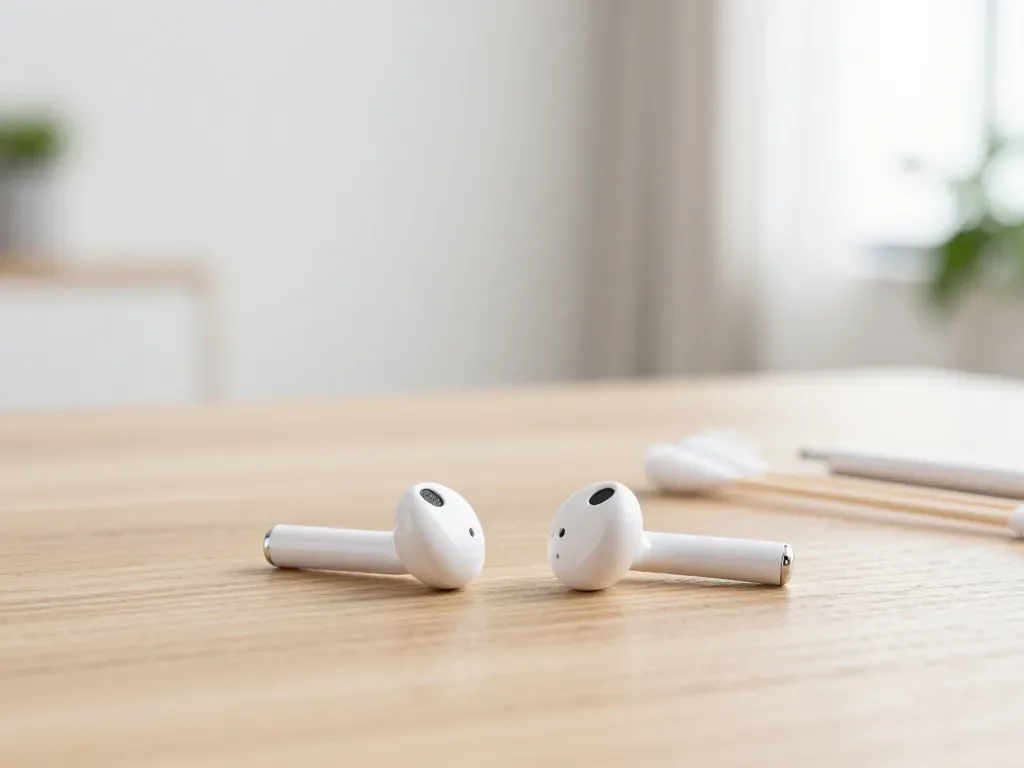
Most quiet AirPods come down to clogged mesh or a tired driver. Here is how to tell the difference before you clean anything.

Back up your data, turn off Find My, and bring proof of purchase — then the repair starts faster.


 iPad
 MacBook
 iMac
 Mac mini and Studio
 Apple Watch
 Apple Pencil
 Apple TV
 HomePod
