A dead column is not always a dead speaker. Three nodes cause most power failures on this model, and the order we test them decides whether the unit goes home the same day.
Where the Fault Usually Sits on a Silent Unit
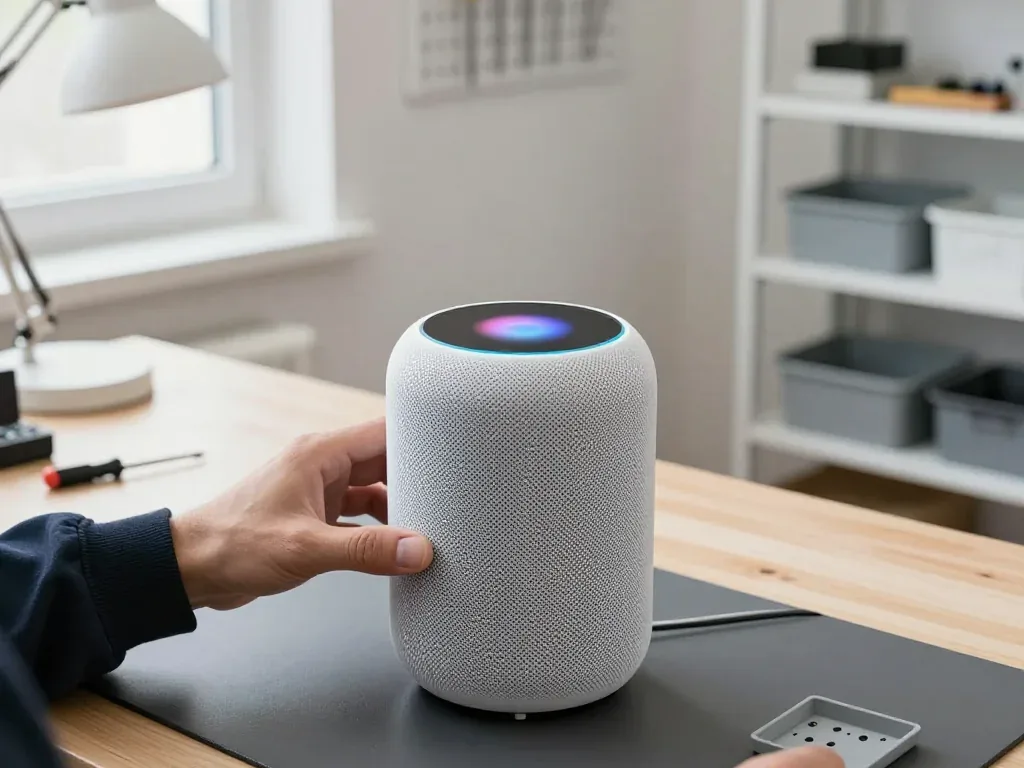
Every case of a dead unit begins with checking the removable cord and the built-in power supply, since these two are behind the majority of no-power failures on this model. The second-generation device comes with a braided lead that disconnects from the base, making it a standalone component instead of a soldered tail — a fact that spares the entire teardown when the problem lies there. Beyond it, the internal module powers the logic board and the touch panel with its light ring; should the ring remain unlit and Siri stay mute, that part becomes the prime suspect. Only once both are ruled out do we examine the main circuit, where a shorted rail or a burnt chip becomes visible under the microscope. A lead that appears undamaged may still fail inside after a bend near the connector, so we replace it with a verified working one first.
The 15-Minute Free Diagnostic in Front of You
A 15-minute checkup costs nothing and is carried out right at the front desk in your presence, regardless of whether you go ahead with the fix. The technician removes the bottom cover, tests the cord, the power adapter and the board terminals with a multimeter, then states plainly which component has failed rather than giving you a fuzzy conclusion. Since the readings are visible to you, the choice stops being a matter of guesswork. Many customers come in certain the speaker is dead and walk out having learned it was just the cable. Observing each point being tested shows you exactly which part is really broken, and that is why no board-level quote is issued before the cord and adapter have been cleared.
What the Receipt Locks In Before Work Starts
Before a single screw is turned, the receipt locks in the price, the component (original or aftermarket), the completion time and the guarantee — documented in roughly two minutes. The paper identifies the precise part being swapped, notes whether it is an original or an aftermarket unit, and includes a guarantee lasting one year. You sign it at the counter, keep a copy, and the removed part is returned to you at pickup together with the warranty card. Nothing about the job shifts mid-repair — should the technician uncover a second fault, you receive a call before any additional work starts. A fixed receipt means the sum you agreed to at the counter is the sum you pay at pickup, so request it before the unit leaves your hands.
Crackle, Rattle and Distortion on the Bass and HomePod 2 Repair
Crackle on low frequencies almost always points to one specific node, and whether it is the driver or the housing decides if you need a new part or just a clean and reseat.
Woofer, Tweeter or Loose Housing
We isolate the source by sweeping volume across the range — a blown woofer distorts even at low volume, while a loose housing element only rattles when the bass pushes air. The woofer handles everything below roughly 200 Hz, the tweeters sit above it, and each fails with a distinct signature: a torn cone buzzes on every note, a fatigued surround flutters on sustained bass, and a loose screw in the housing answers only to heavy kicks. Felt pads under the mesh and the fabric cover also work loose over years of vibration. Dust packed against the woofer cone mimics a dead driver, so a clean-and-reseat often restores sound without a new part.
Symptom, Likely Node and What We Do
Sound you hear mapped to the part we open first| Symptom | Likely node | What we do |
|---|
| Dead, no light | Cable or power supply | Swap cable, test supply |
|---|
| Crackle at low volume | Woofer | Replace driver |
|---|
| Rattle only on bass | Housing or mesh | Reseat, clean |
|---|
| Distortion at high volume | Tweeter | Replace tweeter |
|---|
| No sound, light on | Board or software | Board test, restore |
|---|
Cleaning the Mesh and Protecting the Driver
The mesh cover traps dust that works its way down to the cone, and gentle vacuuming on the lowest setting, held a few centimetres away from the fabric, keeps the driver clear between services. A soft brush loosens debris from the weave without forcing it inward, and a dry microfibre cloth lifts surface film from the housing seam where grit collects. Owners across the city deal with fine dust from heating season and street air, so a monthly pass over the cover pays off more than any single deep clean. Never press or scrub the mesh — pushing debris inward is what turns a cleanable speaker into a replacement job.
When the Speaker Drops Off Wi-Fi or Siri Stops Hearing You HomePod 2 Repair
Dropouts and a deaf Siri are often blamed on the speaker itself, though many such cases trace back to the router or the settings. A simple check separates the two before anyone opens the housing.
How to Tell Router Trouble From Speaker Trouble
If the speaker vanishes from the Home app on one network but stays reachable on a phone hotspot, the fault is the router, not the column. Test the opposite way too: keep the device on the home Wi-Fi and move the phone to mobile data, then watch whether it answers commands from the Home app. A unit that reconnects after a router reboot but drops again within a day usually carries a failing Wi-Fi and Bluetooth module, and the hotspot test confirms it before any part is ordered. Band steering on dual-band routers pushes the speaker onto 5 GHz at range, which produces exactly these intermittent timeouts. Switch the router to a single SSID per band and reserve a fixed IP for the device — most phantom "No Response" errors in Astana flats clear up after that change alone.
Microphones, Touch Panel and the Light on Top
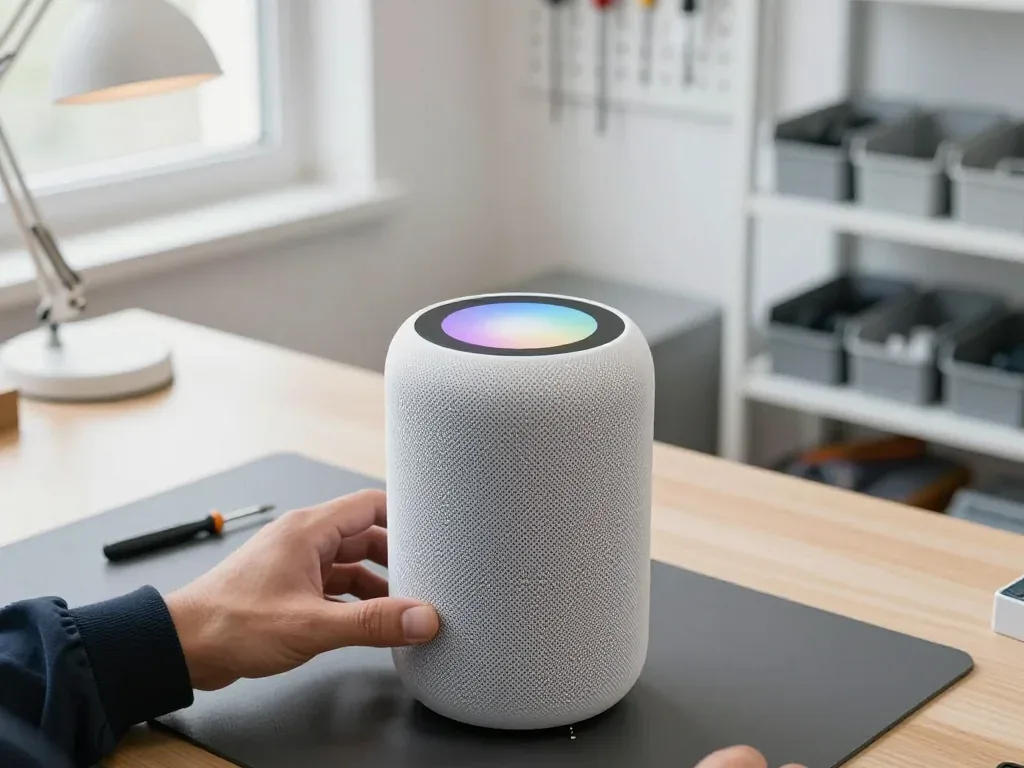
The mic array and the touch surface are checked independently, since a silent Siri with a working top surface indicates the mic array rather than the mainboard. A light tap on the top cover should change the volume right away; if it responds but voice commands do not, we run a recording test on all six microphones and search for a dead channel. That surface handles volume and pause, and its ribbon connector sits near the LED ring, so a flickering top light combined with an unresponsive cover usually points to that connector rather than a full mainboard swap. Swapping the connector is a much shorter job than a component-level repair, and we verify the diagnosis with the cover removed before quoting.
Stuck on an Update and Restoring the Software
A unit frozen mid-update is usually recoverable by a forced reset and a clean restore, which we run before assuming a hardware fault. The reset takes a few minutes at the counter, and the restore pulls the current firmware over the network rather than from local storage. If the column re-freezes on the same update after a restore, the storage on the mainboard is the suspect, and that becomes a bench job under the microscope rather than a counter fix — component-level work at our workshop runs one to three days. Bring the unit in with the power cable, since a marginal supply can mimic a failed update by cutting power mid-write.
What Changes for This Model and How Long a Repair Takes
The second generation runs a detachable cord into an internal supply, and that changes both the order of work and the timing. Comparing it with the neighbouring models shows why the same symptom can mean very different jobs.
Detachable Cable and Internal Supply on This Unit
This generation uses a detachable power cable feeding an internal supply, so a cable fault is a quick swap while a supply fault means opening the housing. We start every power complaint by unplugging the cord and testing it on a known-good unit — that single step separates a dead cable from a dead supply in minutes. The supply itself sits inside the chassis, behind the base, and reaching it means releasing the housing without stressing the fabric mesh or the seals around the base. Because the cable detaches, we can rule out the cheapest failure first, which is why power cases on this model often finish faster than on older units with a fixed cord.
How This Model Compares for Repair
Cable setup and common faults across the line| Model | Power cable | Typical fault | Access |
|---|
| HomePod 2 | Detachable | Supply, woofer | Opens at base |
|---|
| HomePod (1st gen) | Fixed | Cable, tweeter | Full teardown |
|---|
| HomePod mini | Fixed, exits body | Full-range driver | Housing opens |
|---|
Turnaround and Waiting While We Work
Every homepod 2 repair order in Astana goes through the same order: rule out the cable, then the power unit, then the board. The majority of tasks are done on the spot, and 72% of fixes are finished in the lounge, where coffee and Wi-Fi are on offer. A cable replacement or a woofer swap usually fits into the 20–40 minute span, so there is no need to leave the device for a whole day. Board-level servicing is the exception and requires one to three days under the microscope, so for that scenario arrange a later pickup instead of waiting. If a defect looks like it needs the workbench, we tell you at the counter before anything begins, not once the casing is already open.
Handover, Payment and Keeping Your Home Setup Intact
A finished repair is only half the job: the unit still has to sound right, rejoin your wireless setup and settle back into its stereo pair. We treat the check, paperwork and Home app setup as one sequence.
The 32-Point Check Before You Take It Home
We run a 32-function check of about ten minutes with you at the counter, covering sound, Siri, the touch panel, Wi-Fi and charging. The engineer plays several tracks at low, mid and high volume, asks Siri to set a timer and a reminder, taps every zone of the touch surface and confirms the device joins your wireless setup before it leaves the bench. Our technicians follow this protocol at both branches, in Almaty and Astana, and 46,000+ repairs have passed through it over eleven years. Testing at several volume levels catches a rattle that only appears under bass, so ask to hear the speaker loud before you sign off.
Restoring the connection to Home and the stereo pair
A repaired unit rejoins the Home app like a new one, and a stereo pair usually has to be configured again once the column is back online. Open the app, remove the old accessory if it still shows as unresponsive, then add the device with the same Apple ID and assign it to the room it lived in. AirPlay targets rebuild from the room name, and the second speaker picks up its channel once both sit on the same 2.4 GHz connection. Keep the same room name and Apple ID, and the pair re-forms without losing your scenes and automations.
Payment, Courier and What Comes Back With the Unit
You can pay through Kaspi, by card or in cash, courier collection is available on request, and the unit is returned together with the receipt, the warranty document and the component that was taken out. The guarantee runs for at least twelve months, and the receipt states the part type, the finish time and the guarantee conditions agreed before the work started. Should you be unable to come to the workshop yourself, the courier collects the column and brings it back after the handover inspection. Holding on to the old component lets you verify precisely what was changed, and it is worth keeping for the whole guarantee period, as it resolves any dispute about the work without an argument.
Summary: HomePod 2 Repair
Five patterns cover most HomePod 2 faults, and each one has a clear first step before anyone orders a component or pays for work.
- Silent speaker: a cable or supply fault is the usual cause, and the detachable cord makes that the cheapest thing to rule out first.
- Bass crackle: the woofer or a loose housing is the likely node, and a clean-and-reseat often saves a driver that still works.
- Wi-Fi drops and a deaf Siri: a simple hotspot test splits router trouble from hardware before anyone commits to an order.
- Board-level work: microscope jobs run one to three days, while most other repairs finish while you wait in the lounge.
- Fixed receipt and pickup check: a locked-in price, component and warranty plus a multi-point test protect both the repair and your Home setup.








 iPad
 MacBook
 iMac
 Mac mini and Studio
 Apple Watch
 AirPods
 Apple Pencil
 Apple TV
