KS Photo: Kudiret S.
Kudiret S.
iCloud unlock specialist
10years of experience
4.37rating, 100 reviews

Mac mini M2 won’t power on or keeps losing the display — we’ll find the cause and lock the price and warranty into your receipt.
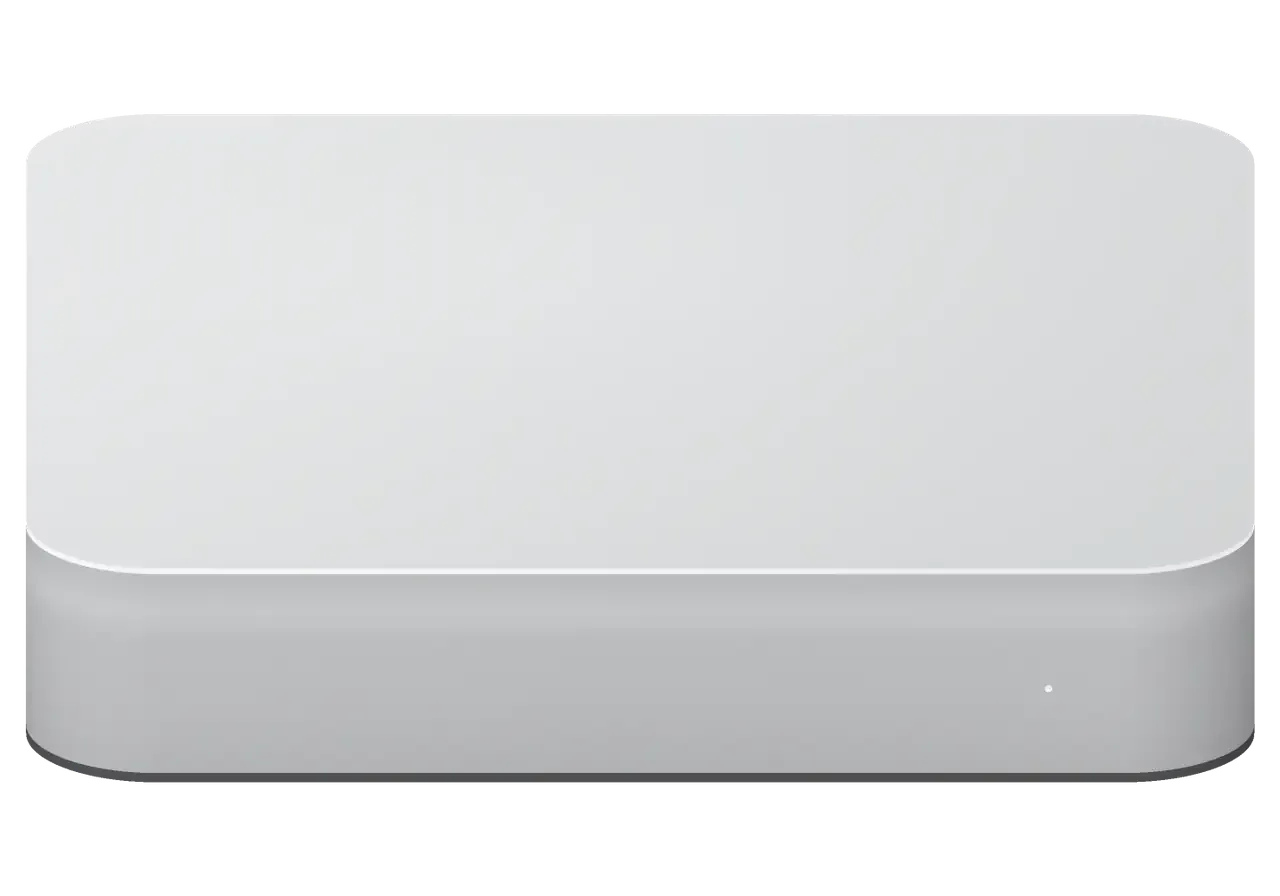
A desktop Mac in an office or at home usually gives itself away through noise, heat, a vanished picture or temperamental ports.
The cable is in, yet no light and no response: we check the supply and board power.
Editing or a project build stops mid-task: protection trips or the power rail sags.
The fan is audible two desks away: a clogged heat sink or a worn bearing.
One monitor works, the other flickers and dies: cable, port or video controller.
Wi-Fi loses signal or Ethernet will not come up: a module, socket or controller fault.
After a discharge, peripherals vanish: a controller or socket took the hit.
macOS never reaches the desktop: firmware, storage and power need sorting out.
Spilled water or condensation causes corrosion, so do not power on, bring it in.
The built-in speaker crackles on system sounds and alerts.
The HDMI monitor drops 4K and shows a low-quality picture.
The 3.5 mm jack doesn’t see the headset, sound comes only from the case.
Something clicked inside, the computer shut down and won’t start again.
Below are reference prices for the most frequent Mac mini M2 jobs, and we confirm the final sum after diagnostics.
| Service | Original | Aftermarket |
|---|---|---|
| Power supply replacement | 60 900 ₸ | 33 900 ₸ |
| Fan replacement | 17 900 ₸ | 9 900 ₸ |
| USB-C / Thunderbolt ports replacement | 37 900 ₸ | 20 900 ₸ |
| Other repairs | Price | |
| Logic board repairmicrosoldering · 1–3 days | 19 900 ₸per job | |
| Dust cleaningdisassembly and dust cleaning | 12 900 ₸per job | |
| SSD installationstorage installation | 10 900 ₸with parts | |
| Wi-Fi module repairwireless module · board-level repair | 33 900 ₸with parts | |
| MacOS installationOS installation, no parts replaced | 10 900 ₸per job | |
| Water damage repaircorrosion cleaning · diagnostics up to 2 days | 16 900 ₸per job | |
Work after water damage is assessed after diagnostics, as the depth of damage is only visible inside the case.
Which type of component should you choose — a genuine one or a third-party alternative?
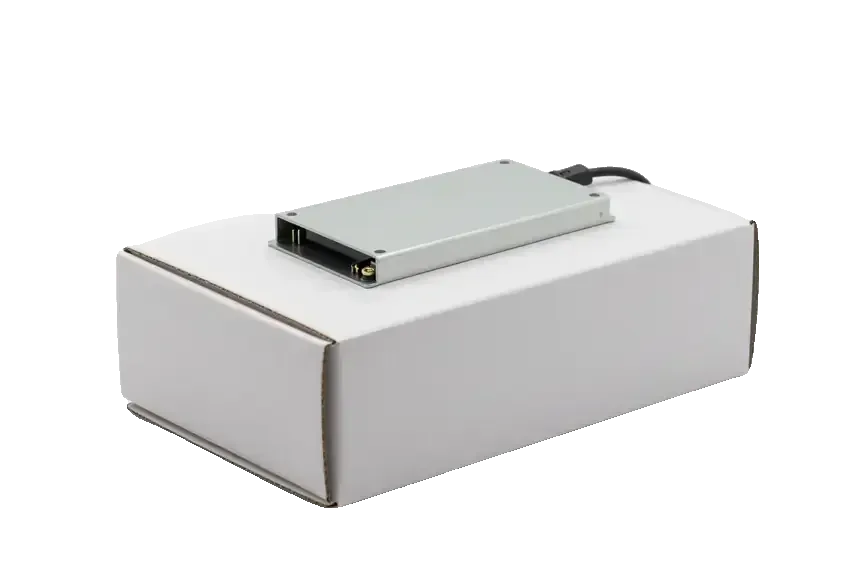
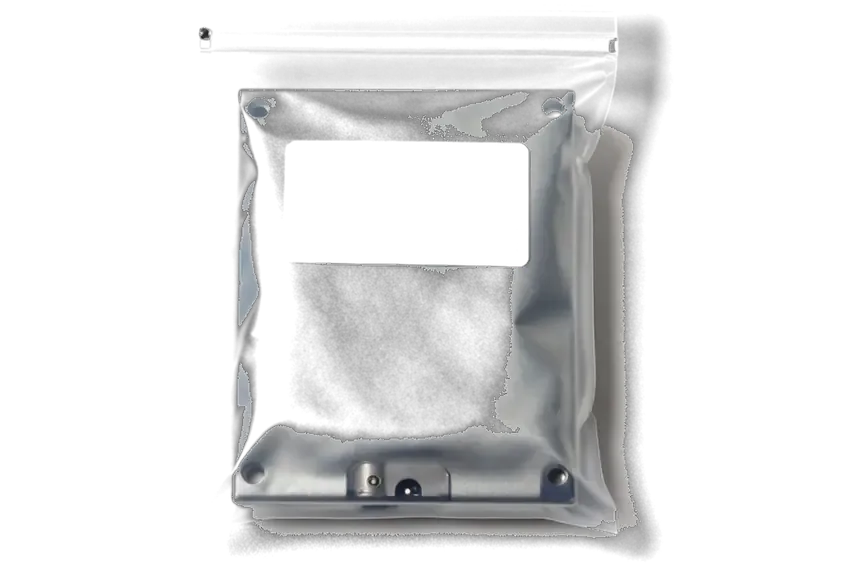
Customers in Astana want the cause explained before the cost, and a drop-off that does not get in the way of a working day.
First diagnostics and a clear explanation of what broke, then the talk about money: you pay for a confirmed fault.
The warranty on completed repairs is up to 1 year, so a repeat fault after the job is something we look into with you.
Eleven years of Apple repairs let us work confidently on both the boards and the power supplies of compact Macs.
Experienced technicians open the case; they know where a Mac mini hides its thin ribbons and how to keep them intact.
We receive visitors Monday to Friday 10:00–19:00 and on weekends and holidays 11:00–18:00, so finding a slot is easy.
The company works in both cities, so if a work machine relocates, servicing can continue at the other branch.
Usually the whole journey — from message to pickup — takes less than an hour; complex repairs follow the timeline in the receipt.
Book a repairYou send a photo of the damage on WhatsApp — we quote the price and available time. Or you call a courier.
An engineer checks the device in front of you and shows what is broken. 0 ₸, even if you decline the repair.
We fix the price, the part (original or analog), the timeline and the warranty. You sign — we start.
Before installation we show you the new part in its factory packaging. You wait in the waiting area with coffee and Wi‑Fi.
Startup and operation under load, ports, Wi‑Fi and Bluetooth, sound. You check together with the engineer.
Together with the receipt, warranty card and the old part. Payment — Kaspi, card or cash.
Technicians for iPhone, Mac, iPad, Apple Watch and AirPods repair.
Photo: Kudiret S. Photo: Kamran A.

“If the repair didn’t suit you or you have a complaint, write to me personally.”
Send a photo of the fault — an engineer will reply on WhatsApp, give the price and a time you can come in.
Mac mini M2 repair in Astana with transparent pricing and thorough checks
iServices offers no-cost 15-minute diagnostics for Mac mini M2 repair in Astana, performed right before your eyes. We resolve most issues on the spot while you relax in our lounge. Under a microscope we fix the logic board, present new components in factory packaging, and cover the work with a warranty up to 1 year.
Mac mini M2 ships with either the M2 or the M2 Pro chip. The two look alike outside but differ inside, and that changes what a technician can reach and swap.
| Feature | Mac mini M2 | Mac mini M2 Pro |
|---|---|---|
| Processor | Apple M2 | Apple M2 Pro |
| Thunderbolt ports | Fewer | More |
| Cooling assembly | Standard | Heavier |
| Circuit density | Lower | Higher |
| Typical service time | Shorter | Longer |
Memory as well as the SSD on each Mac mini M2 sit soldered right onto the logic board, which means there is no way for us to extract them and fit a bigger stick — unlike on a desktop PC. RAM is unified with the processor package, and flash storage sits directly on the circuit, which is why a failed drive or a memory fault is a component-level job rather than a plug-in replacement. Our engineers work on those joints under a microscope with fine-tipped tools — in our workshop this is routine, not an exception. Because storage lives on the mainboard, a failing SSD shows up as a soldering fault, which is why we test the drive and the circuitry together instead of quoting a simple swap.
The Mac mini M2 looks like the M1 outside, but its circuitry, power section and cooling are not interchangeable, so parts from an M1 unit will not restore an M2 machine. The mounting points, connector layout and thermal design changed between generations, and a part pulled from an older unit can sit in the case yet fail to boot or throttle under load. Even the fan shroud and heat pipes follow a different geometry, so mixing assemblies leaves gaps that hurt cooling. That is why we identify the exact model before quoting, since a component pulled from a different generation can fit physically yet fail to boot.
Most Mac mini M2 faults announce themselves as a symptom rather than a part name, so we start from what you see and work back to the component behind it.
When the unit is completely dead, we check the built-in power supply first, because it sits inside the chassis and is the most common cause of a machine that shows no sign of life. The power supply is not an external brick you can swap on a desk; it is mounted in the case and feeds the logic board directly, so a silent fan and a dark front LED narrow the suspects fast. Mains voltage spikes are the usual trigger, and a failed supply often looks identical to a fried board from the outside. A supply that dies after a surge can leave the main circuitry intact, so testing it first often saves the customer a deeper repair.
A machine that boots but never lights the display, or wakes to a black screen, usually points to the display output path or a sleep-state fault rather than a dead unit. The same chassis drives HDMI and Thunderbolt outputs, and one failed connector can leave a screen blank while the other works. Sleep faults look different: the unit powers up, the fan spins, and nothing reaches the monitor until a forced restart. Swapping the cable and trying a second monitor first tells us whether the fault is in the computer or the screen, which keeps the diagnosis short. Bring your own cable and monitor to the workshop if you can — it saves a return trip.
A single dead port on a Mac mini M2 is often a mechanical or solder fault at that connector, while several dead ports at once point to the controller or the main circuitry. Thunderbolt, USB-A, HDMI and Ethernet each sit on their own socket, and a drive that mounts on one port but not another is a strong signal the connector itself has failed. At iServices we test every port with a known-good device, so a machine with one bad USB-A does not get quoted for a full replacement. We repair only the failed socket instead of condemning the whole unit. If a port works only when you wiggle the plug, stop wiggling it — that movement accelerates the solder crack.
We establish what is actually broken first, so the quote you receive matches the real fault and not a guess made over the phone.
We offer free diagnostics in your presence for roughly 15 minutes, inspecting the device as you watch and explaining what's faulty, even if you choose not to proceed with repair. A technician opens the unit on the bench, tests the power supply, measures the ports and connects the machine to a monitor to determine whether the issue lies in the board or in the display chain. Nothing goes into a back room and nothing is judged from a description alone. Watching the fault appear on the bench yourself means the quote rests on a confirmed problem rather than a story told over the phone. That single step removes most of the surprises that follow a failed attempt elsewhere.
You can send a photo of the damage on WhatsApp and a technician replies within five minutes with a price and a free time slot, so you know the cost prior to travelling. The message goes straight to a master rather than a call centre, and the answer names the likely part and the model it fits. A picture taken in good light of the port or the machine's label speeds this up, because it lets the specialist identify the exact model and probable spare up front. If the image is unclear, we ask for one more angle instead of guessing. A courier can be called if bringing the machine in is awkward, and the same photo check applies ahead of pickup.
Before any work starts we fix the price, the part (original or aftermarket), the turnaround and the warranty on the receipt, and it takes about two minutes. The technician writes down which unit is being replaced, whether it is an original or an aftermarket piece, how long the job will take and what the warranty covers up to 1 year. You sign nothing open-ended. A written receipt protects you if the agreed spare or deadline later changes, because everything is on paper prior to the case being opened. This is the point where most disputes are avoided, long before a single screw comes out.
When the fault sits on the mainboard itself, the work moves to the microscope bench, where we repair the failed component instead of replacing everything around it.
Component-level work happens with the logic board beneath a microscope: we trace the part that failed and rework it in place, with such jobs typically taking one to three days. Our technician works with a soldering station at magnification high enough to see a single cracked trace or a shorted capacitor, then reflows or replaces only that element. The approach keeps the original circuitry and its soldered memory and SSD in place, which matters because those parts cannot be moved to a new mainboard. A Mac mini M2 repair in Astana therefore stays a repair, not a transplant of your data onto unfamiliar silicon. Ask for the failed component to be named on the receipt before the iron touches the unit.
When a Thunderbolt, HDMI or USB-A port fails, we replace that connector rather than the entire assembly, which keeps the repair smaller and the machine closer to how it left the factory. A port that dies after a cable was yanked usually leaves the rest of the circuitry healthy, so a targeted connector swap is enough. The engineer shows the new connector in factory packaging before installation, then confirms every port enumerates a device once the machine boots. We test Thunderbolt data transfer, HDMI output and each USB-A socket separately, because a dead port often masks a second one that only fails under load. If two or more ports are gone at once, treat it as a deeper symptom and ask for a microscope check first.
A desktop that gets loud under load usually has a dust-clogged fan or dried thermal paste, and a clean and re-paste brings the noise back down. Dust builds up faster in a machine that runs near the floor or in a warm room, so a periodic clean is cheaper than waiting for overheating to damage the electronics. We strip the fan and heatsink, clear the fins, renew the thermal compound and then run a load test to confirm the fan settles at a lower speed. The load test also reveals a failing bearing before it starts grinding. Book the clean before summer heat arrives, when the fan has to work hardest.
Two questions come up ahead of every component-level job: what happens to the data, and how the computer is handed back once it is fixed. Both get a clear answer before we open the case.
Since the Mac mini M2 carries its SSD soldered onto the mainboard, the data stays reachable only for as long as that board functions — making a backup before any component-level work the safest move. The storage chips sit directly on the PCB next to the RAM, which is also soldered, and there is no separate drive to pull out and read elsewhere. A Time Machine copy to an external disk or a network volume takes the files out of the equation entirely. If the unit still boots, that copy taken first means a repair cannot cost you the files even if the storage is later reworked. We ask about the data situation before touching anything, and on a dead machine we say plainly which recovery routes remain realistic.
If a Mac mini M2 fails to boot because of corrupted firmware, the fix is a DFU restore performed from a second Mac over a USB-C connection. That helper machine runs Apple Configurator, the two units are linked by a cable into the DFU port, and the restore rewrites the firmware and macOS image on the target. This route covers a computer that powers up but hangs at the logo, restarts in a loop or refuses to enter recovery mode. A DFU restore can wipe the drive, so it is done only after we confirm the data situation and, where possible, save a copy first. On a soldered SSD there is no pulling the storage out beforehand, which is exactly why the backup conversation happens before the cable goes in.
During handover the engineer inspects the machine with you, then it returns with its receipt, warranty card and the replaced part, all covered for up to 1 year. The counter check covers the ports, the display output over HDMI and Thunderbolt, Wi-Fi and Ethernet, Bluetooth, audio and a full boot into macOS, run in front of you rather than behind a closed door. A courier can be called if you cannot come in during working hours, and payment goes through Kaspi, card or cash. Testing every connector and the network before you leave catches a loose cable while you are still on site rather than after a trip home. Our technicians have handled this handover for 11 years across 46,000+ repairs in Almaty and Astana.
These final checks decide whether a Mac mini M2 still runs smoothly months later, so run through them before handing the machine to anyone.
Did not find an answer? Message us on WhatsApp: an engineer replies, not a bot.
Ask a questionYes, reinstalling macOS from Recovery replaces the system while keeping user data. It often cures freezes and boot loops after a failed update. Still, make a Time Machine copy first in case the disk itself is the problem.
The bottom vent sucks in floor dust, and a blocked exhaust raises the temperature. Move the computer onto the desk and leave a gap behind it. If the noise stays, the heat sink needs an internal cleaning.
Most likely not: check the cable, adapter and another port first. If the picture flickers on every connection, diagnostics will show whether the video output has failed.
No, storage is soldered onto the board and can't be taken out as a separate part. So copy your data in advance, and if the board dies it only returns together with its repair.
The price of cleaning is in the work table on this page. The technician confirms the final sum on inspection, taking into account the state of the heat sink and fan.
Often yes, if it still reaches Recovery: the Share Disk option lets another Mac read the internal drive over a cable. If the computer does not start at all, the board has to be repaired first. The storage cannot be taken out and read elsewhere.
Бағасын білмей тұрып, бірнеше жерге қоңырау шалдым. Бұл жерге бірінші рет келдім. Бағаны алдын ала айтты, соңында өзгермеді. Ескі бөлшекті көрсетіп, қайтарып берді. Жұмысты сол күні аяқтады. Кепілдік берді, бұл маңызды. Бөлшек қоймада бар екен, күтпедік. Жұмыс істеп тұр, шағым жоқ.
В работе было: Mac mini M2. Проблема — перегревается. Работает, даже лучше прежнего.
Залил кофе, и через день — шумит. Диагностику сделали при мне. Вытащили и показали: блок питания. За такую работу 50 000 — адекватно. Пять баллов. Дома включил, всё на месте.
Проблема — не включаеться. Камран А. всё сделал при мне, за пятнадцать минут. Нагрев в норме, посторонних звуков нет
Проблема — шумит. Камран А. сам позвонил и сказал, что готово. Внешне не видно, что разбирали.
У нас в офисе три таких ноутбука, один сломался. Было ощущение, что ремонт выйдет дороже нового. Проблема — перегревается. Оплату взяли после ремонта. После ремонта — как новое!!
Не думала, что придёться везти в сервис. Проблема — шумит. Перезвонили на следующий день, уточнили детали. Внутри оказалось: кулер. Отдала 31 000 и не жалею. Спасибо, что выручили. Шум ушёл, работает тихо.
Позвонил по объявлению, приехал на следующий день. Нужен был ремонт Mac mini M2. Проблема — шумит. Не пришлось стоять в очереди. Пришлось ставить: блок питания. 30 000, и гарантия в комплекте. Достойно сделали. Ни шума, ни запаха, всё штатно.
Было важно, чтобы сделали до конца недели. Проблема — не видит диск. Дома включила, всё на месте.
Нужен был ремонт Mac mini M2. Проблема — перегреваеться. Приняли вечером, хотя до закрытия было минут десять. Полёт нормальный


 iPad
 MacBook
 iMac
 Apple Watch
 AirPods
 Apple Pencil
 Apple TV
 HomePod
