KS Photo: Kudiret S.
Kudiret S.
iCloud unlock specialist
10years of experience
4.37rating, 100 reviews

Should your desktop Mac act up with loud fans, high heat, or a refusal to boot, we diagnose the trouble, repair it, and guarantee the job for up to 1 year.

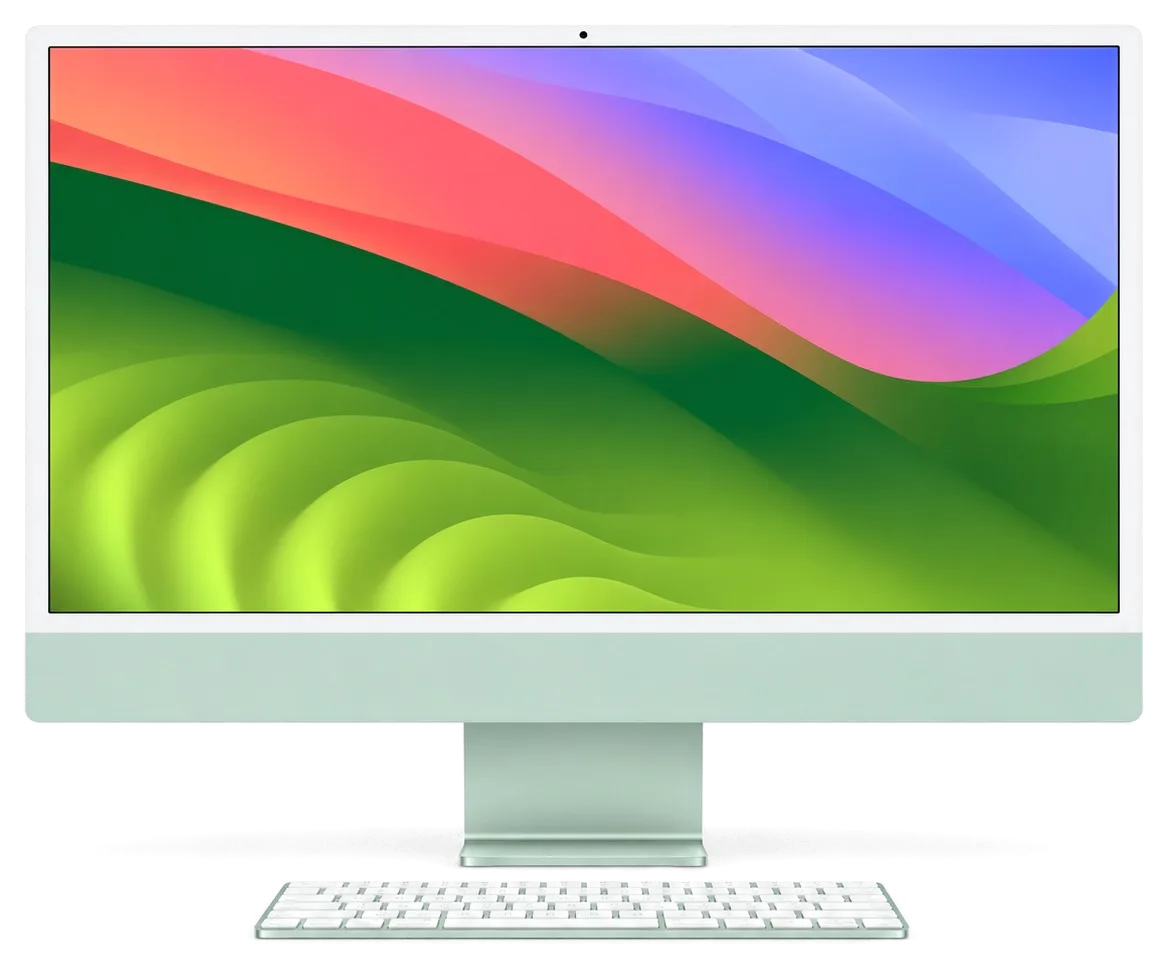
Owners of 21.5-inch Intel-based iMacs most often encounter overheating, storage problems, screen damage, and the aftermath of liquid spills.
Even when idle the fan roars and the chassis becomes warm — a clogged cooler is to blame.
The HDD or Fusion Drive wears out, the system starts slowly and files open with delay.
Pressing power does nothing — power unit, cord, and logic board tracks all get tested.
The display is glued, so replacement requires care; damage can occur during opening.
The image is distorted due to display or cable issues — display diagnostics are needed.
Moisture gets through the vents, causing corrosion and shorts; disassembly is required.
The all-in-one shuts down under load — we check temperature, memory, and power.
Weak signal or no network — possible issues with the antenna or board module.
Speakers crackle or sound is gone — we check cables and the audio path.
USB or Thunderbolt ports don't respond — we diagnose controllers and connectors.
RAM sits onboard or under the screen; when it fails, the machine may refuse to boot.
Gray screen instead of an image — we check the camera cable and its board connection.
Pricing hinges on the defect and components; once diagnostics are done, our technician provides a precise estimate.
| Service | Original | Aftermarket |
|---|---|---|
| Display panel replacement | 254 900 ₸ | 157 900 ₸ |
| Power supply replacement | 110 900 ₸ | 61 900 ₸ |
| Fan replacement | 28 900 ₸ | 15 900 ₸ |
| Speaker replacement | 49 900 ₸ | 27 900 ₸ |
| Other repairs | Price | |
| SSD installationstorage installation | 46 900 ₸with parts | |
| RAM replacementmemory chip installation | 17 900 ₸with parts | |
| Dust cleaningdisassembly and dust cleaning | 19 900 ₸per job | |
| Logic board repairmicrosoldering · 1–3 days | 55 900 ₸per job | |
| Graphics card replacementboard-level chip · microsoldering | 71 900 ₸with parts | |
| Wi-Fi module repairwireless module · board-level repair | 53 900 ₸with parts | |
| MacOS installationOS installation, no parts replaced | 13 900 ₸per job | |
The final price is determined after inspection and agreed with you before repair begins.
When replacing the display or storage, you can choose an original or a compatible analog — the decision is yours.
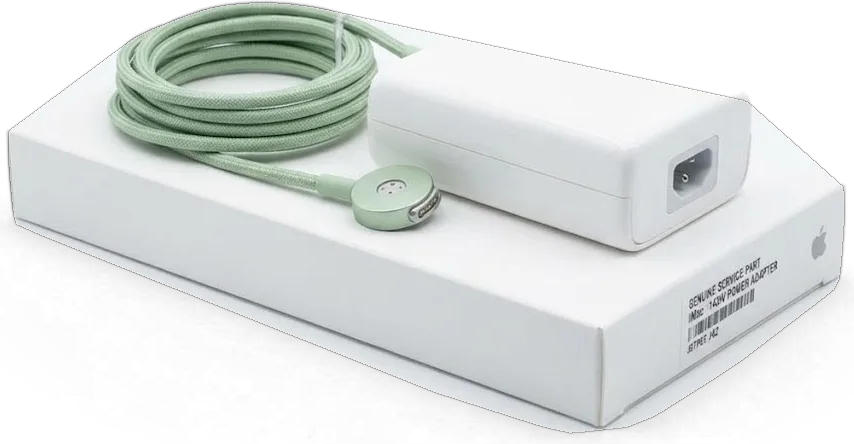
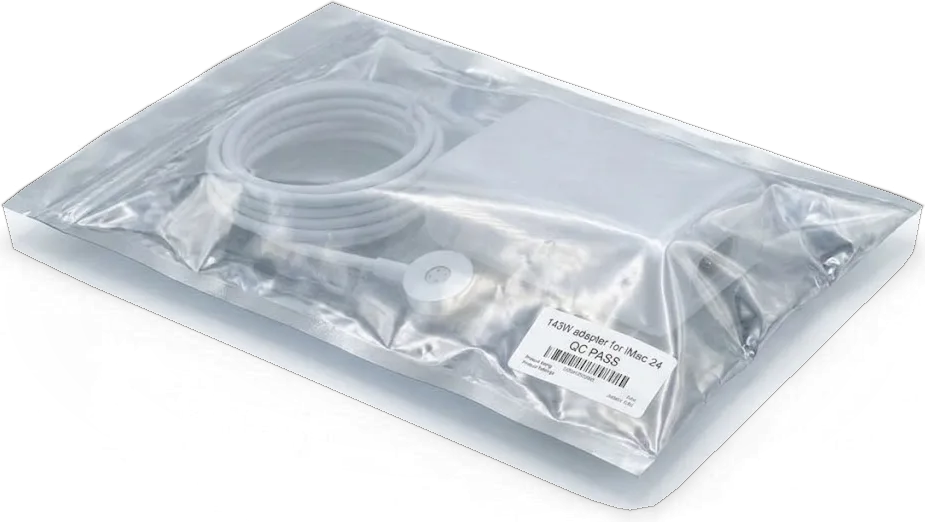
We offer a clear iMac repair process: diagnostics first, then part selection, and a warranty.
For eleven years, our technicians have worked on Apple devices, so they know the specifics of 21.5-inch Intel iMacs.
After repair, we provide a warranty up to 1 year; terms are discussed before work begins.
Only experienced specialists perform repairs, which is important when working with glued displays.
We begin by pinpointing the root problem, so you never cover needless labor or parts.
Our team outlines how genuine components differ from equivalents, and the choice stays entirely yours.
Open weekdays 10:00–19:00, and Saturday, Sunday, and holidays 11:00–18:00, for your convenience.
Usually the whole journey — from message to pickup — takes less than an hour; complex repairs follow the timeline in the receipt.
Book a repairYou send a photo of the damage on WhatsApp — we quote the price and available time. Or you call a courier.
An engineer checks the device in front of you and shows what is broken. 0 ₸, even if you decline the repair.
We fix the price, the part (original or analog), the timeline and the warranty. You sign — we start.
Before installation we show you the new part in its factory packaging. You wait in the waiting area with coffee and Wi‑Fi.
Screen, camera, microphones, speakers, ports, Wi‑Fi and Bluetooth. You check together with the engineer.
Together with the receipt, warranty card and the old part. Payment — Kaspi, card or cash.
Technicians for iPhone, Mac, iPad, Apple Watch and AirPods repair.
Photo: Kudiret S. Photo: Kamran A.

“If the repair didn’t suit you or you have a complaint, write to me personally.”
Send a photo of the fault — an engineer will reply on WhatsApp, give the price and a time you can come in.
iMac 21.5 Intel Repair in Astana with a Warranty up to 1 year
In Astana, iServices performs iMac 21.5 Intel repair using in-house technicians rather than an intermediary. Our team provides free 15-minute diagnostics while you wait and lets you pick either an original part or an aftermarket one. A photo on WhatsApp gets you a price within 5 minutes.
21.5-inch Intel iMacs share a common failure pattern — power delivery, display, cooling and the old spinning drive. Below is what each symptom usually points to before any screw is turned.
A dead 21.5-inch Intel iMac is most often a failed internal power supply or a logic board that no longer sends the start-up signal, not a dead screen. Inside this all-in-one, the PSU feeds the mainboard directly, so one failed rail leaves the whole machine silent — no chime, no airflow, no light at the front. A cable that works elsewhere can still be the culprit when its connector is worn or bent at the plug. The start-up signal itself travels from the front button across the mainboard, and a broken trace there mimics a completely dead unit. Before assuming the worst, unplug it for a few minutes and try a different wall socket — a bad cable mimics a dead machine and costs nothing to rule out.
Vertical stripes, backlight flicker or sound with no picture on a 21.5-inch iMac usually trace to the display cable, the matrix itself or the graphics side of the mainboard. A loose or pinched display cable produces stripes that shift when the hinge moves, while a failing matrix shows a fixed line that stays in one place across restarts. When the graphics chip is degrading, the image may appear only after the machine warms up, then break into artefacts under load. Flicker that changes with brightness points to the backlight, not the panel. If you can hear the startup chime or the cooling but see nothing, shine a flashlight at the glass — a faint image means the backlight failed, not the whole panel, which changes the repair.
Diagnosis on an Intel iMac 21.5-inch follows a fixed order, so a part that is still good is never replaced. Here is what we inspect and how long it takes.
Testing costs nothing and runs for roughly 15 minutes right beside the client — even when the repair is declined — and the exact faulty part is pointed out. The technician connects the bench supply, checks the internal rail with a laboratory power source and tracks temperature readings live on the screen in your presence. Nothing happens in a back room and no component is exchanged on blind trust. Because the inspection is visible, you spot the failed part with your own eyes instead of believing a written list. Have the technician indicate which reading failed — a fair diagnosis is one you can verify yourself.
Within 5 minutes a technician answers on WhatsApp and gives a price based on a photo, so you have a rough idea before handing the device over. A picture of the panel showing stripes or of the rear cover quickly pins down the model and the probable defect — a shattered matrix looks different from a failed backlight. The estimate covers typical scenarios; a board-level defect still requires the bench. Such a snapshot identifies the model and the likely cause, yet it cannot substitute for the hands-on check — read the quote as a range, not a final sum. Send two daylight photos, one of the screen and one of the connectors.
The 21.5-inch Intel iMac is one of the more repairable Macs, but the screen is glued on and the drive is buried behind it. Here is how each job is done.
On a 21.5-inch iMac the screen is fixed with an adhesive tape, so we slice it loose using a dedicated tool and seal it again with a new tape when putting it back. The panel rests in a slim aluminium frame with glass at the front, and the glue runs along the entire edge. We soften the tape with a heating mat, slide a cutting tool through the seam and raise the assembly with suction cups, moving carefully at the corners where the glass is thinnest. Levering a glued panel the way one opens a laptop lid is the quickest route to a cracked glass — the tape must be warmed and cut, never pried. This is the same gentle method we apply to every iMac 21.5 Intel repair in Astana, so the glass survives removal and refits cleanly.
| Damage | Part replaced | What we check after |
|---|---|---|
| Cracked outer glass only | Front glass and adhesive strip | Touch-free surface, no trapped dust |
| Dead pixels or stripes | Full matrix | Colour, brightness, no banding |
| Backlight failure | Backlight or full assembly | Even brightness across the panel |
| Delamination or stains | Full display assembly | No clouding under load |
For an Intel iMac 21.5-inch we can swap the old mechanical HDD or Fusion Drive for an SSD and clear the cooling during the same session, because the screen is already removed. In most of these cases the drive hides behind the mainboard, so the board is taken out first, then the fan and heatsink come off and the dust layer is cleared from the fins. Fresh thermal compound goes on while the heatsink is detached. Combining the drive swap with the cleaning avoids opening the glued screen a second time, so plan both together even when only one is pressing.
Data is the part customers worry about most, and on this model the answer depends on whether the drive still reads. Here is what happens to your files during board work.
Before any logic board repair, a Time Machine backup is the single step that protects your files, since the work may render the storage unreadable until the fault is resolved. On an Intel iMac 21.5-inch the disk sits behind the glued display, so once the machine stops booting you cannot simply pull it out and connect it to another Mac. Copy the folders you actually need — documents, photos, a mailbox archive — to an external USB disk and, ideally, to a second copy in the cloud. A full system clone with Time Machine also preserves settings and applications, which saves hours of reconfiguration afterwards. If the machine still boots, copy what matters to an external disk now.
Using a microscope, our engineers fix the logic board down to individual components. This typically requires one to three days and frequently prevents the need to swap out the entire unit. A soldering station, a thermal camera and a bench power supply let an engineer trace a shorted rail to a single capacitor or a burned power IC instead of condemning the entire PCB. iServices handles this work in-house, so the part never leaves the workshop and you get a straight answer on whether the fault is repairable. Component repair keeps your original circuitry and its serial-linked parts in place, which matters on this model because a swap can complicate the drive and the files on it.
A question mark at startup or a freeze on the Apple logo on a 21.5-inch iMac usually means the drive has failed or its cable has come loose, not that the main circuit is dead. The folder-with-question-mark icon is macOS telling you it cannot find a bootable system, and on these machines the usual culprits are a worn HDD, a tired SATA cable or a disk that dropped out of the boot list. Swapping the old spinning unit for an SSD and reseating the cable resolves most of these cases, and a fresh macOS install follows on the new hardware. A failing unit often gives warning first — slow boots and odd noises — so acting on those signs lets you copy files off before it stops reading entirely.
A 21.5-inch iMac is heavy and its screen is fragile in transit, so how it reaches us matters. Here is what to expect on timing, paperwork and delivery.
Before any work starts, the price, the part, the schedule and the guarantee are written on the receipt, and most jobs are completed in our lounge while the client waits. That paperwork takes roughly two minutes and lists the exact item serviced, the promised completion time and a warranty of up to 1 year. In practice, 72% of repairs are done while the customer enjoys coffee and Wi-Fi, and the entire process from first message to collection normally fits inside an hour. Board-level work is the exception — it needs one to three days under the microscope. A written receipt safeguards you if the agreed part or deadline shifts mid-repair, so keep it — it is the reference for any later warranty claim.
You choose between an original component and an aftermarket one, and we display the new unit in its factory box before installation. Across our counters 64% of clients choose the original, and that split makes sense once you know which item is involved. A display matrix, a logic board or a power supply justifies the original: these bear the load and lose quality quickly. A fan, a cable or a stand hinge can accept a good aftermarket unit without altering how the Mac performs day to day. Ask the technician to identify the item and its origin before you decide — the receipt then records exactly which one was installed, so a later claim is never a guessing game.
After the repair we check 32 functions in about 10 minutes, and you go through the screen, sound, camera, ports and Wi-Fi together with the engineer. The list covers speakers, microphones, the front camera, USB and Thunderbolt ports, Bluetooth pairing and network connection, so a fault that only shows under load surfaces before you leave. The device comes back with the receipt, the warranty card and the old component in a bag — keep the failed unit, it is useful evidence if a claim ever comes up. Testing side by side with the engineer means any issue is caught at the counter, not after a trip across town.
The 21.5-inch Intel iMac breaks down in a few familiar patterns, and identifying which one you have keeps the fix brief and straightforward.
Did not find an answer? Message us on WhatsApp: an engineer replies, not a bot.
Ask a questionYes, this is one of the common procedures. The drive is replaced, but disassembly is required because the screen is glued. The technician will select a compatible SSD and transfer your data.
Most often due to dust in the heatsink and dried thermal paste. Cleaning and replacing the thermal paste help restore normal temperature and reduce fan noise.
The cause may be the display or the cable. Diagnostics are needed to pinpoint the fault. Sometimes replacing the cable is enough, but sometimes the screen needs replacement.
Yes, but the sooner you come in, the higher the chance of saving components. Disassembly, cleaning, and board inspection for corrosion are needed. In some cases, damaged elements must be replaced.
Turnaround depends on complexity. Cleaning or storage replacement usually takes a few hours; board repair may take longer. The technician will give an exact timeframe after diagnostics.
Support depends on the specific model and year. Some models can run the latest versions, others only older ones. The technician can check compatibility and install a suitable version if needed.
На iMac 21,5″ Retina 4K (2017) при подключении внешнего накопителя появлялись ошибки. После обращения проверили порты и работу хранения данных.
На iMac 21,5″ (2015) после отключения электричества перестал включаться. После обращения зделали диагностику питания и восстановили запуск.
У моего iMac 21,5″ Retina 4K (2017) система иногда зависала на старте. В сервисе проверили загрузку и программную часть.
У моего iMac 21,5″ (2015) система иногда зависала на старте. Ребята проверели загрузку и программную часть.
iMac 21,5″ Retina 4K (2017) podvyol: kompyuter neozhidanno otklyuchalsya vo vremya raboty. Posle obrashcheniya proverili pitanie i prichinu perezagruzok v iservice.

Most slow iMacs are held back by a worn drive or too little memory. A short check shows which part is the real bottleneck.

Most dead iMacs trace back to power delivery or the logic board, and a free 15-minute check in front of you settles which one it is.

Most loud-fan cases trace back to dust-packed fins and dried thermal paste, not a dead fan. A free 15-minute check shows which one you have.

Back up your data, turn off Find My, and bring proof of purchase — then the repair starts faster.



 iPad
 MacBook
 Mac mini and Studio
 Apple Watch
 AirPods
 Apple Pencil
 Apple TV
 HomePod
