Eng

iMac screen panel cleaning in Astana

Dust specks and dark spots show under the glass on a white iMac screen — we carefully clean the panel without touching your data.

iMac with a dark blue wallpaper on the screeniMac display with a hair under the glassiMac with a dark blue wallpaper and cloudy haze along the screen edges
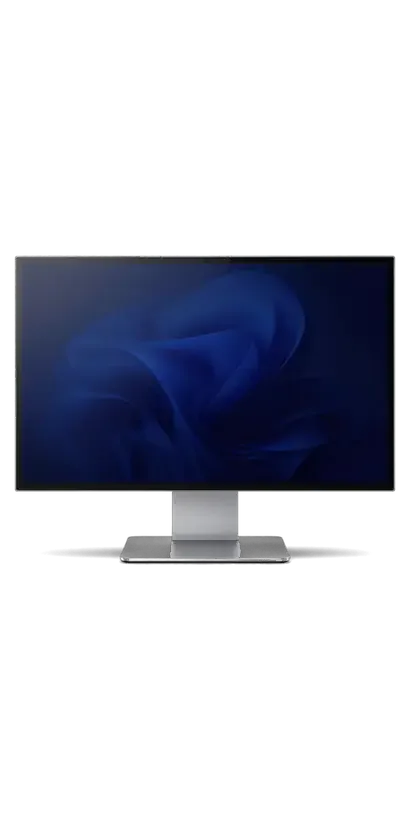
iMac with the screen on showing a dark blue abstract wallpaper
BeforeAfter
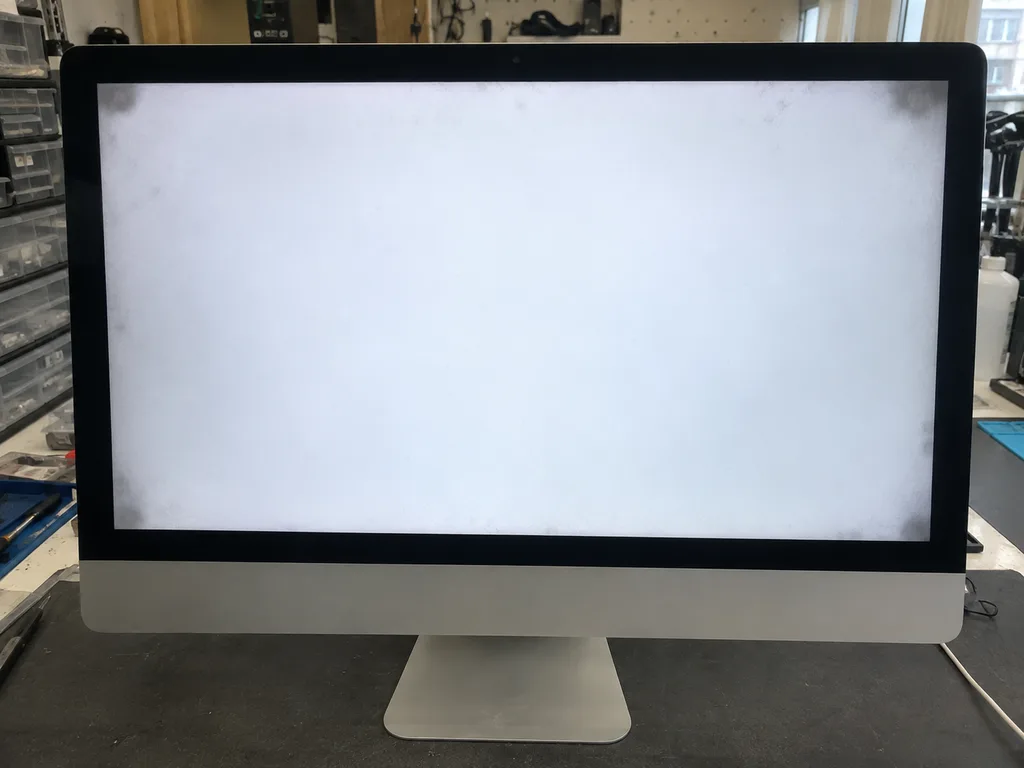
Dust under glass
Price incl. labor
from 13 900 ₸
Warranty
up to 1 year
  • Inspection in bright light
  • Releasing the screen
  • Cleaning the inner side

When iMac screen panel cleaning is needed

Cleaning is due when dark dots, hairs or spots show against a light background and will not wipe off the glass surface.

Dark specks on white

Dust shows up as tiny black dashes and spots that a cloth cannot wipe off the outside of the glass.

A hair or fibre inside

A thin thread or fibre lies beneath the glass and stands out against bright backgrounds and documents.

A hazy rim

A haze or streaks run along the edge, as if the glass had fogged from the inside while the outside stays clean.

The screen was opened before

After a replacement or repair the seam may have closed loosely, letting dust slip between the layers.

iMac screen panel cleaning cost in Astana

The price of the work is the same across iMac generations; the technician decides on the full scope after judging the screen's condition.

ServiceOriginalAftermarket
iMac fan replacement24 900 ₸13 900 ₸
iMac display panel replacement146 900 ₸90 900 ₸
iMac power supply replacement80 900 ₸44 900 ₸
iMac speaker replacement37 900 ₸20 900 ₸
iMac glass replacement69 900 ₸38 900 ₸
Other repairsPrice
iMac 24" M1 screen panel cleaningdisassembly and dust cleaning19 900 ₸per job
iMac M3 screen panel cleaningdisassembly and dust cleaning19 900 ₸per job
iMac screen panel cleaningdisassembly and dust cleaning15 900 ₸per job
iMac Pro 27" (2017) dust cleaningdisassembly and dust cleaning15 900 ₸per job
iMac logic board repairmicrosoldering · 1–3 days50 900 ₸per job
iMac SSD installationstorage installation43 900 ₸with parts
iMac RAM replacementmemory chip installation15 900 ₸with parts
iMac graphics card replacementboard-level chip · microsoldering71 900 ₸with parts
iMac Wi-Fi module repairwireless module · board-level repair34 900 ₸with parts
iMac macOS installationOS installation, no parts replaced13 900 ₸per job
iMac 27" Intel dust cleaningdisassembly and dust cleaning66 900 ₸per job
iMac 24" M4 dust cleaningdisassembly and dust cleaning19 900 ₸per job
iMac 21.5" Intel dust cleaningdisassembly and dust cleaning19 900 ₸per job

If the spots turn out to sit inside the panel itself, the technician tells you straight away and suggests another solution.

What iMac screen panel cleaning includes

The technician carefully detaches the glass, removes the dust between it and the panel and puts it back.

  1. 01
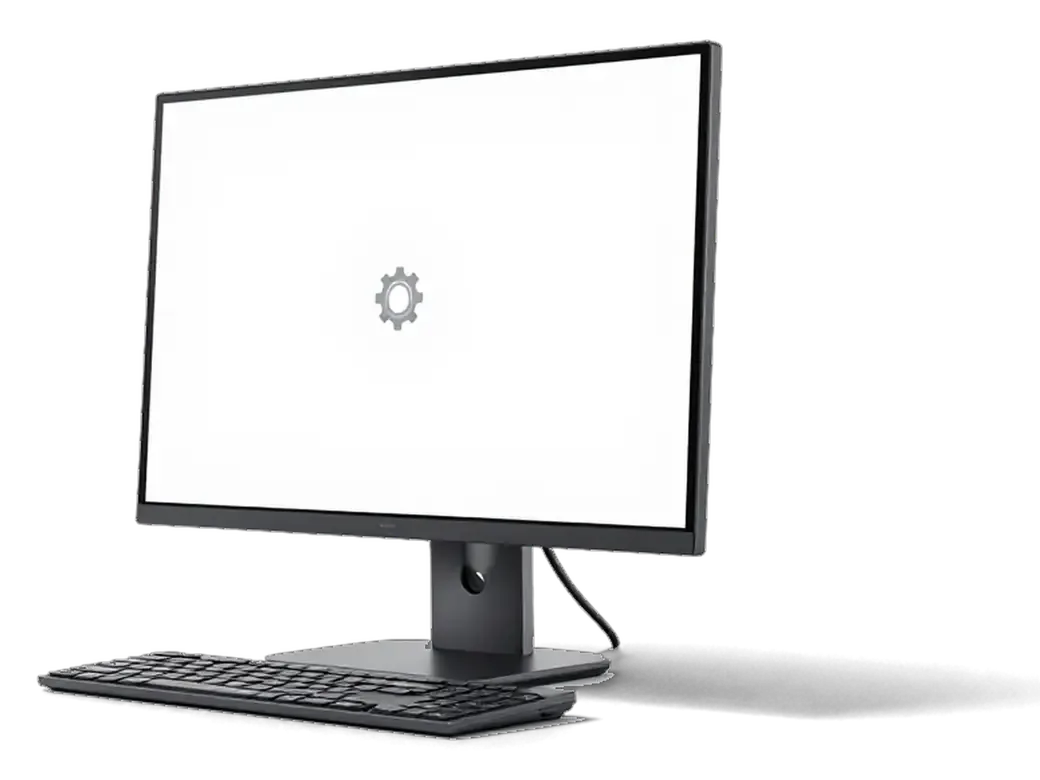
    iMac with a white test background and a gear icon on the screen
    Inspection in bright light

    White, grey and black backgrounds show where the specks sit: on the glass, beneath it or inside the panel.

  2. 02
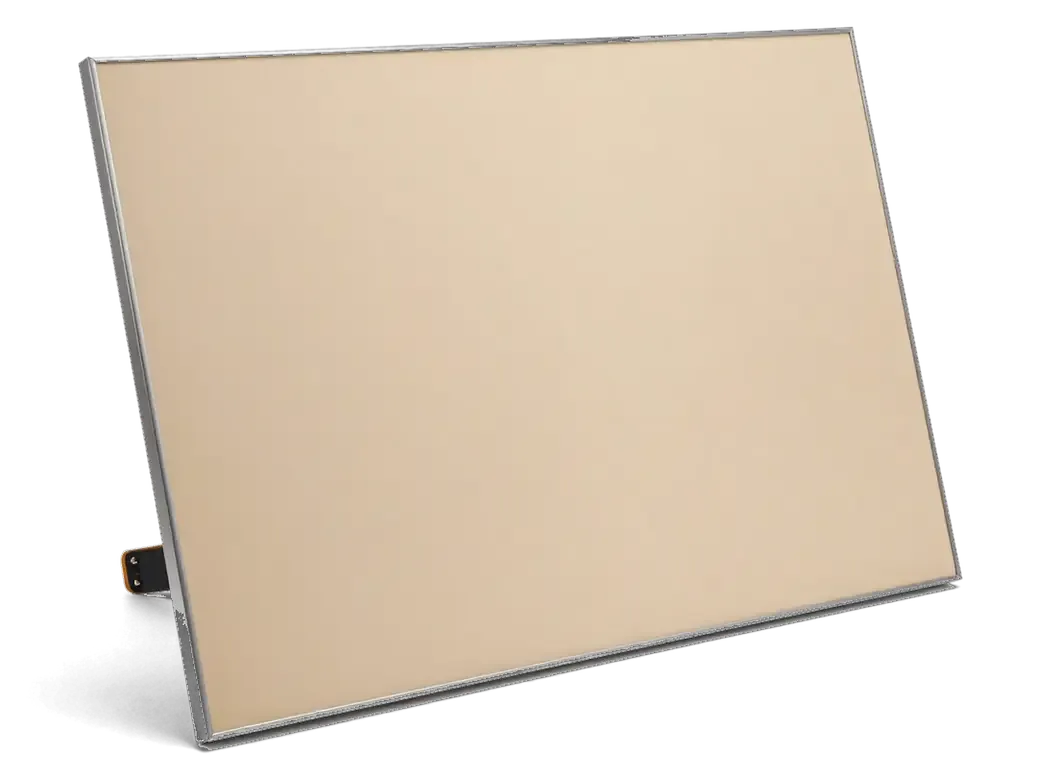
    Removed iMac display module with its cable separated from the body
    Releasing the screen

    The glass and panel are gently separated from the body without harming the adhesive seam or the thin cables.

  3. 03
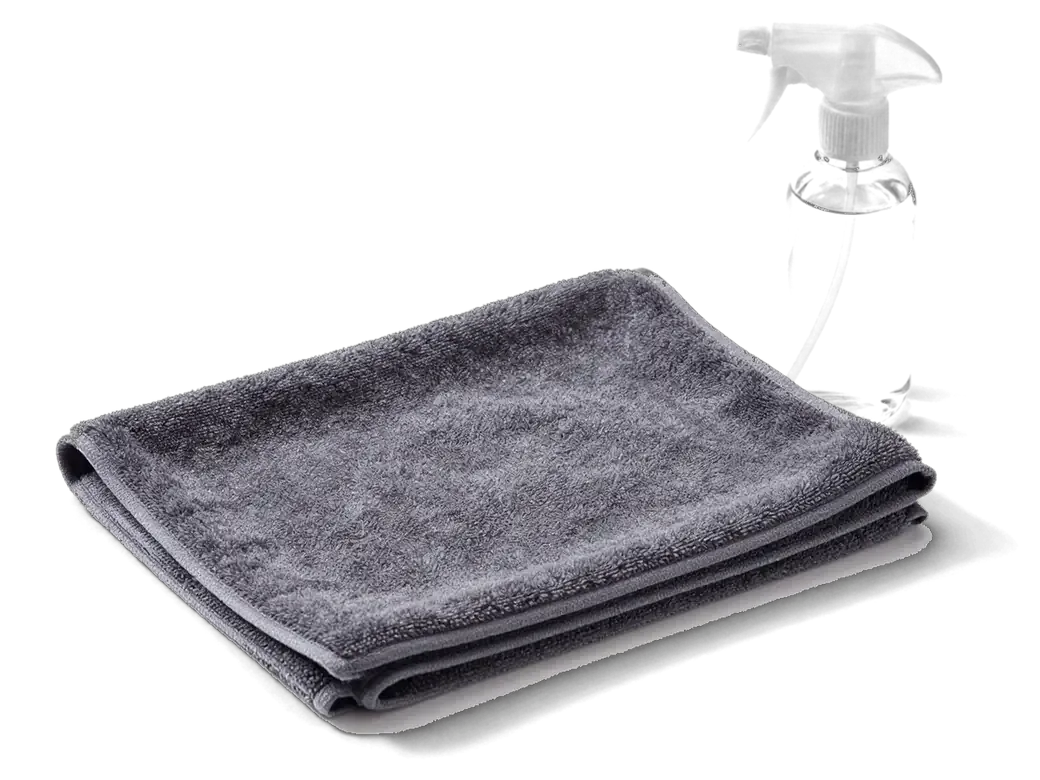
    Lint-free cloth and a bottle of cleaning liquid for an iMac screen
    Cleaning the inner side

    The inside of the cover glass and the front of the panel are cleaned with soft, non-shedding materials.

  4. 04
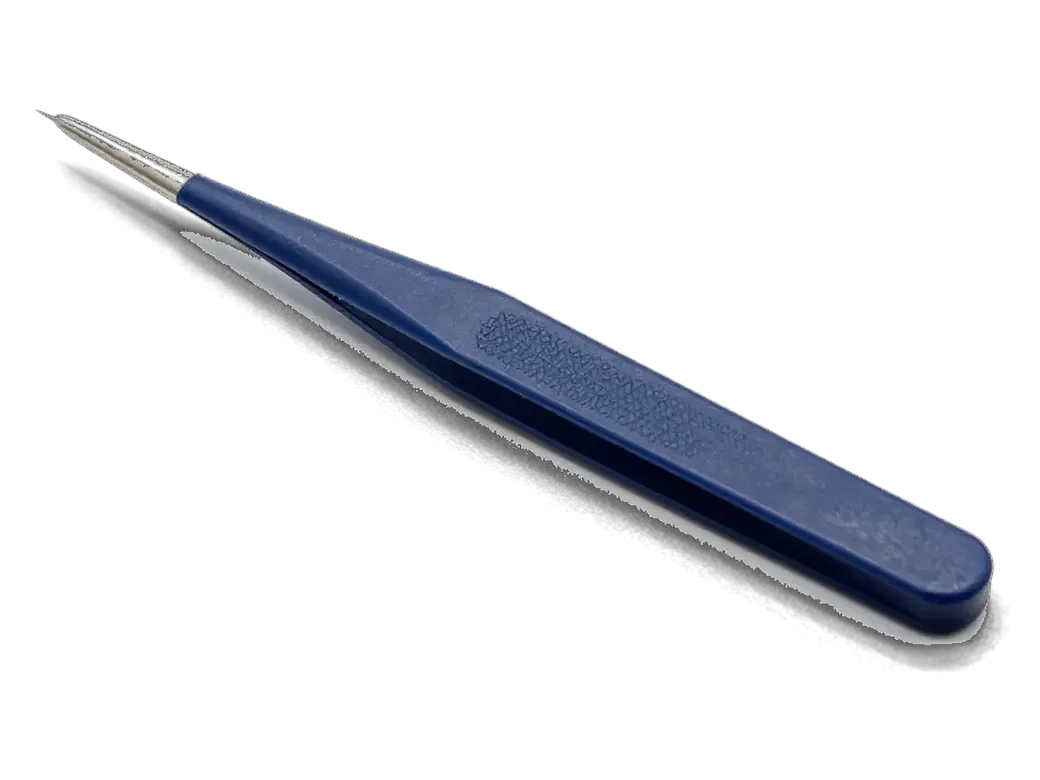
    Tweezers holding a single white lint fiber for cleaning an iMac screen
    Removing lint

    Fibres and dust specks are lifted out one by one, without scratching the coating or leaving smears.

  5. 05
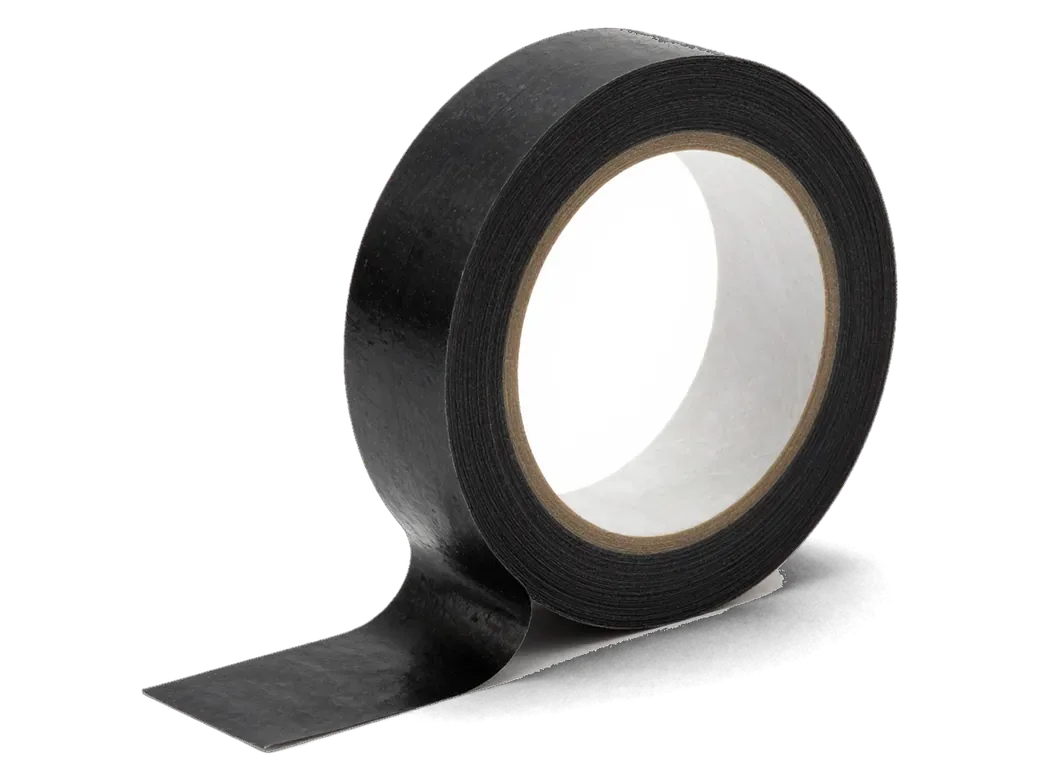
    Roll of narrow black adhesive tape for an iMac screen seam
    A fresh seam

    The edge is prepared and bonded again so no gap remains for dust to creep between the layers.

  6. 06
    iMac with a large green checkmark on the screen after testing
    Checking on backgrounds

    After assembly the screen is viewed again on light and dark backgrounds to confirm the image is clean.

  7. iMac fan replacement screen panel cleaning
    from13 900 ₸

    The picture stays even, without dark specks or fibres.

    Price for my model

iMac screen panel cleaning or a new display

If dust lies between the layers, cleaning is enough; a defect inside the panel can only be cured by a new screen.

Original Applewarranty up to 1 year
iMac screen panel cleaningafter diagnostics
iMac all-in-one computer with a large dusty spot icon on its screen
Suits when
Dust sits under the glass and the panel is intact
What happens
The screen is opened, cleaned and bonded again
Result
A clean picture on bright backgrounds
Limit
Does not remove defects of the panel itself
Chosen by 64% of clients
Book with an original part
Aftermarketwarranty 6 months
iMac screen panel cleaning15 900 ₸
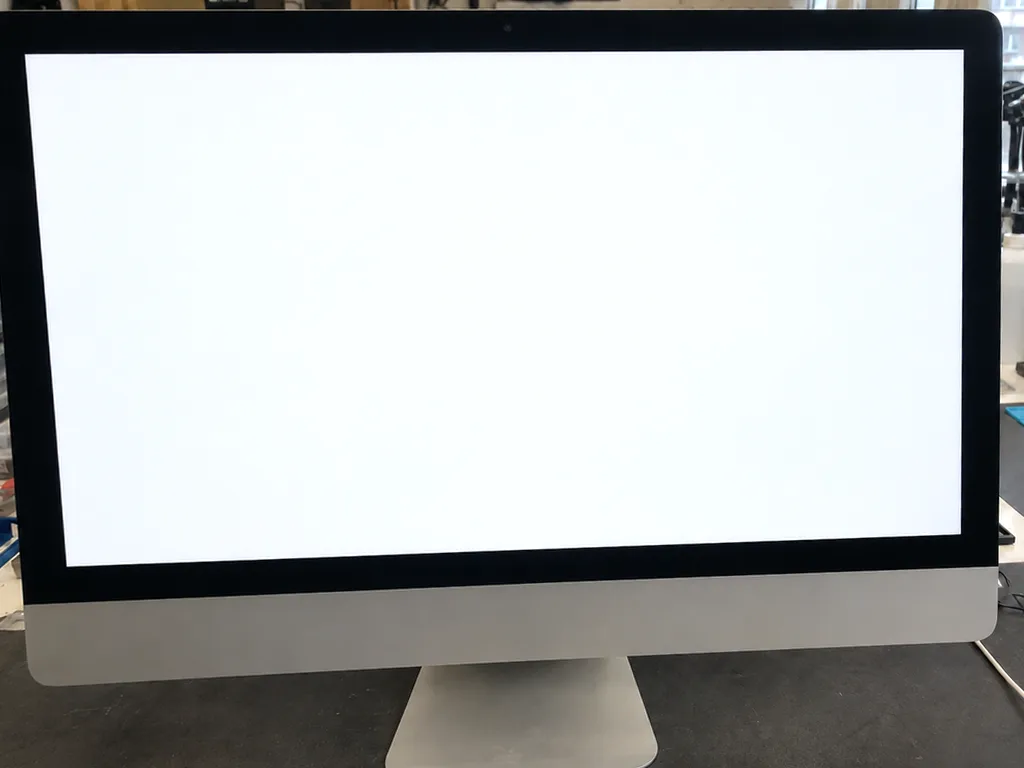
iMac with a clean bright screen
Suits when
Spots inside the panel, stripes, backlight clouds
What happens
A new display is fitted, original or aftermarket
Result
A fresh panel without the old defects
Limit
Bigger job, and the part is bought separately
Chosen by 36% of clients
Book with an aftermarket part

Why owners trust us with their screens

An all-in-one display does not tolerate haste, so it goes to technicians with eleven years of experience, with a warranty up to 1 year.

11years

Eleven years with devices

Eleven years of repairs have taught us to work carefully with adhesive seams and the delicate parts of all-in-ones.

1year

Warranty on the job

The finished work carries a warranty up to 1 year, and the technician explains the terms before cleaning starts.

6technicians

Experienced technicians

Experienced technicians open the screens and know which surfaces must not be rubbed and what is safe to clean with.

5min

An honest verdict

If the spots are in the panel itself, we will say so rather than persuade you that cleaning will help.

Clean without streaks

The inside of the glass is wiped so that no cloth marks remain visible on a bright background.

7days a week

Convenient hours

Mon–Fri 10:00–19:00, weekends and holidays 11:00–18:00, so you can come by after work.

iMac panel cleaning in Astana before and after

1 / 1
Before photo: dust and spots under the glassBefore: dust and spots under the glass
After photo: clean glass and panelAfter: clean glass and panel
BeforeAfter

iMac 27 2017: spots under the glass

1 dayCleaningWarranty 3 months
Problem
Gray dust spots along the edges of the screen; dirt is visible on a white background.
What we did
Removed the glass, cleaned the panel and the glass from the inside, and reattached them with new tape.
1 dayscreen without spots
I want the same

How iMac screen panel cleaning is done in Astana

Usually the whole journey — from message to pickup — takes less than an hour; complex repairs follow the timeline in the receipt.

Book a repair
  1. Step 1

    Message or call

    5 min

    You send a photo of the damage on WhatsApp — we quote the price and available time. Or you call a courier.

  2. Step 2

    Free diagnostics

    15 min

    An engineer checks the device in front of you and shows what is broken. 0 ₸, even if you decline the repair.

  3. Step 3

    Price in the receipt

    2 min

    We fix the price, the part (original or analog), the timeline and the warranty. You sign — we start.

  4. Step 4

    Repair while you wait

    20–40 min

    Before installation we show you the new part in its factory packaging. You wait in the waiting area with coffee and Wi‑Fi.

  5. Step 5

    Post-repair check

    10 min

    Screen, camera, microphones, speakers, ports, Wi‑Fi and Bluetooth. You check together with the engineer.

  6. Step 6

    Pick up your device

    warranty up to 1 year

    Together with the receipt, warranty card and the old part. Payment — Kaspi, card or cash.

Meet the iServices team

Technicians for iPhone, Mac, iPad, Apple Watch and AirPods repair.

1 / 2
KSKudiret S. — iCloud unlock specialist, iServices service center in AstanaPhoto: Kudiret S.

Kudiret S.

iCloud unlock specialist
10years of experience
4.37rating, 100 reviews
KAKamran A. — MacBook repair technician, iServices service center in AstanaPhoto: Kamran A.

Kamran A.

MacBook repair technician
4years of experience
4.33rating, 117 reviews
Bakmukhammed S., on-site iPhone technician
“If the repair didn’t suit you or you have a complaint, write to me personally.”
Bakmukhammed S.on-site iPhone technician · +7 701 333-47-01

We'll quote iMac screen panel cleaning in Astana from a photo in 5 minutes

Send a photo of the screen and the iMac model. An engineer will reply on WhatsApp, give the price and today's available time.

  1. 5 minAn engineer replies and names the price
  2. 0 ₸Diagnostics in front of you in 15 minutes
  3. 30 minMost repairs — while you wait

iMac Screen Panel Cleaning in Astana by iServices experts

In short

iServices performs iMac screen panel cleaning in Astana, removing dust trapped behind the glass and inside the backlight layers that shows up as dark patches near the edges. Our technicians run free 15-minute diagnostics in front of you, fix the price, part and warranty on the receipt, and back the work with a warranty up to 1 year.

iServices Editorial TeamWe reply on WhatsApp within 10 minutes
Ask

Is It Dust or a Fault Behind the Glass

Dark patches along an iMac display are most often dust trapped in the backlight layers, yet clouding and dead pixels produce near-identical symptoms. Here is how to tell them apart before you visit.

How Dust Inside the Screen Looks

Contamination trapped in the backlight layers shows as soft dark or grey patches near the corners, staying in the same spot on any image and looking worse against a white background. The particles sit between the diffuser sheets, so the panel keeps lighting every pixel correctly — the shadow comes from blocked light, not from a broken display. On a full-white window those zones read as a faint dirty halo, and the patch does not flicker, change shape or follow a moving window. If you are unsure whether the panel needs attention, iMac screen panel cleaning in Astana starts with a free check in front of you. Marks that shift or flicker with the image are usually a backlight or panel fault, not surface contamination, so photographing the screen on a plain white background before booking saves a wasted trip.

Dust, Clouding and Dead Pixels Side by Side

telling dust apart from other display faults
SymptomWhere it sitsHow it behavesLikely cause
Soft dark patchCorners and edgesFixed, worse on whiteDust in backlight layers
Bright haloScreen marginsFixed, visible on blackBacklight clouding
Tiny sharp dotAnywhereFixed, single pixelDead or stuck pixel
Shifting smearFollows imageMoves with contentPanel or cable fault

How Dust Gets Inside a Sealed Monobody

A monobody looks airtight, yet the cooling system constantly moves air through the chassis, and that same stream carries fine particles toward the panel and the layers behind it.

The Airflow Path That Carries Particles

The cooling fan pulls air through the vents, and over years the fine particles it carries settle on the inner surfaces, including the backlight layers behind the panel. Intake slots along the lower rear edge feed the fan, which pushes warmed flow across the heatsink and out through the top grille; every cubic metre of room atmosphere that passes deposits a thin film of debris on the way. Fibres, textile lint and street dirt ride the same current, and the panel back is a dead zone where movement slows, so specks drop out of the stream and stay there. Machines kept on the floor or near a window collect deposits faster, so raising the stand and clearing the vents delays the next build-up.

Why Older and Newer Units Trap Particles Differently

On older Intel models the glass sits on magnets and debris collects between the glass and the panel, while on thin Intel, Retina and 24" M1/M3 units the glass is bonded and particles work into the backlight layers. The magnetic front comes off with a suction tool in seconds, so trapped debris sits on an accessible surface. The bonded front is glued to the frame along its whole perimeter, leaving no gap for a cloth, and the specks that enter via the vents land deeper, on the diffuser sheets. The bonded design means the screen must be cut free from its adhesive tape, so the approach to opening differs by generation even though the cleaning goal is the same.

What Our Cleaning Process Involves

Cleaning a screen panel means lifting the display off its mount and separating the internal films in a dust-controlled area. Here is how the work runs and what we verify before the unit goes back to you.

From Free Diagnostics to a Sealed Screen

We run free diagnostics in front of you for 15 minutes, then remove the screen from its mount, separate the internal films in a dust-controlled area, clear the trapped particles with antistatic tools and reassemble on fresh sealing strip. The engineer lifts the display with suction cups, works the diffuser layers with antistatic brushes and cloths, and shows you what has collected inside prior to any disassembly. A new sealing strip goes on at the end so the monobody closes the same way it did at the factory. Those thin diffuser sheets scratch easily, so they are lifted with suction cups and never wiped dry, which is why the task is done on a bench rather than in the machine.

What We Check Before Handing the Device Back

  • Evenness of the panel: a full white image confirms no patches or clouding remain behind the glass.
  • Cameras and microphones: checked so video calls and recordings still work after reassembly.
  • Speakers and charging: verified prior to the unit leaving the bench, along with the power connector.
  • Network and ports: tested to rule out connector damage from the disassembly.
  • Seal quality: the join is inspected so the screen sits flush with no gaps along the edges.
  • Surface finish: the glass is wiped last, so no fingerprints or smudges go back with the device.

When Cleaning Will Not Help

Sometimes a patch or a haze is not contamination at all but damage to the layers themselves. Below we explain when cleaning gives no result and a panel replacement is the only honest route.

Signs the Backlight Layers Are Damaged

Scratches, burn marks or a permanently uneven glow that stays after the layers are cleaned point to damaged diffuser films, and those cannot be wiped away. The backlight stack behind the LCD holds several thin optical sheets: a reflector, one or two diffusers and prism films that spread light evenly across the panel. Once a sheet is creased, heat-warped or stained, the light passes through unevenly and a bright or dark spot appears that no solvent will lift. A scratch on the inner face of the glass behaves the same way, because the mark sits below the surface you can reach. If the blemish has a hard edge or a rainbow tint, it is usually film damage rather than contamination, so a replacement panel is the honest answer instead of a repeat clean.

Software Cleanup Will Not Touch Screen Contamination

Clearing caches, login items and disk space speeds up macOS but has no effect on contamination behind the glass, because the two problems sit in completely different places. Storage housekeeping works on files and background processes inside the drive, while a grey haze or a speckled area lives in the optical stack between the LCD and the front glass, sealed off from anything the operating system can reach. A slow machine and a cloudy display often appear together, which is why owners in Astana sometimes book a tune-up hoping the screen clears as a bonus. It never does. If the machine feels slow and the display looks dirty at once, treat them as two separate jobs, since a software tune-up will never change a single pixel of the panel.

Cooling Service, Care and Paperwork

Contamination arrives through the cooling airflow, so servicing the fan in the same visit makes sense. Below are outer-care rules and how we lock in timing and warranty.

Cleaning the Cooling System at the Same Time

We recommend clearing the fan and air channels during the same visit, since that is the source of the particles that reached the panel, and it keeps the next build-up slower. A clogged impeller pulls the same unfiltered air across the display every hour the machine runs, so the layer you just removed starts returning within months. Opening the monobody once for both tasks means one set of seals disturbed instead of two, and the vents stay clear of the felt-like mat that forms on older units. A blocked impeller also raises internal temperature, so combining the two protects both the panel and the components behind it in one opening. Ask for the airflow path to be shown to you during diagnostics — a technician who photographs the impeller before and after gives you a real baseline for the next service.

Outside Care, Timing and Warranty

  • Outer glass: soft microfibre only, no alcohol or paper towels, wipe with the display off.
  • Vents: keep clear and off the floor to slow new build-up.
  • Receipt: price, part, turnaround and warranty fixed in 2 minutes.
  • Warranty: up to 1 year on the work we perform, card handed over at pickup.
  • Pickup: a courier can be called if you cannot visit; most tasks finish while you wait.

Summary: iMac screen panel cleaning

A quick recap of what decides whether the panel needs cleaning, how contamination reaches the glass and what the work actually changes for the display.

  • Fixed dark patches: marks near the edges that stay put on a white image usually point to particles sitting in the backlight layers, not to a failing panel.
  • Entry route: particles ride in with cooling air, so older magnetic-glass models and newer bonded ones trap them in different places and need different access.
  • The work itself: cleaning means lifting the screen, separating the layers in a dust-controlled area and resealing on fresh tape.
  • What cleaning cannot fix: damaged diffuser films and a software slowdown are separate faults, and no amount of screen cleaning will resolve them.
  • Cooling service: clearing the fan in the same visit slows the next build-up and keeps heat away from the components around the display.


Questions owners ask about iMac screen panel cleaning

Did not find an answer? Message us on WhatsApp: an engineer replies, not a bot.

Ask a question
Why did dust get under the glass of my iMac?

Most often the seam around the edge has become loose because the adhesive aged or the screen was repaired earlier. Dry air and static in the heating season help dust slip in.

Can I remove the specks by wiping the screen?

Only if they lie on the outer side of the glass. Specks that remain after wiping are under the glass, and they can be removed only by opening the screen.

How does cleaning differ from replacing the display?

Cleaning removes dust between the layers and leaves the panel unchanged. Replacement is needed if the defect lives inside the panel or its backlight.

Could the screen be damaged while it is separated?

There is a risk with clumsy work: cables can tear or gaps can be left behind. That is why the screen is released carefully with a warmed seam and then bonded again.

Do I need to leave the computer for the work?

The time depends on the model and the amount of dust, so the technician names it after inspection. Booking ahead is wise.

Can specks come back under the iMac glass after cleaning?

They can, but it is far less likely once the screen is resealed with fresh adhesive along the whole edge. Avoid pressing on the rim of the glass and keep the room air a little more humid in the heating season.

Will my data be safe?

Yes, the work concerns only the screen and does not touch the drive or the system. A backup never hurts, so it is best to make one beforehand.

Customer reviews of iMac repair

1 / 10
4.9

iServices network rating on Google Maps, wikicity and our website · 2 028 reviews
Google Maps4.438 reviews ›wikicity5.015 reviews ›Reviews on the iServices website4.91 975 reviews ›
ЯР
Ярослав Р.Order No. •••90 · 21 November 2023
screen

Проблема — перегревается под нагрузкой. Камран А. показал старую деталь, всё прозрачно. Нагрев в норме, посторонних звуков нет

iServices customer review, in Russian
КТ
Ксения Т.Order No. IS•••52 · 27 October 2026
iMac 24″ (M4, 2024) · screen

У нас в офисе три таких ноутбука, один сломался. Проблема — полосы на экране. Камран А. сам позванил и сказал, что готово. Крутится ровно, без рывков.

iServices customer review, in Russian
АЦ
Айша Ц.Order No. ЗК‑IS‑•••85 · 8 February 2026
iMac 24″ (M4, 2024) · screen

Обидно, техника не из дешёвых. Проблема — шумит. Камран А. — мастер от бога, если можно так сказать. Ответили в WhatsApp, потом созвонились. Экран яркий, батарея держит!!

iServices customer review, in Russian
МЩ
Мурат Щ.Order No. •••01 · 16 November 2025
iMac 24″ (M4, 2024) · screen

Обидно, техника не из дешёвых. Проблема — полосы на экране. Третий месяц — никаких проблем)

iServices customer review, in Russian
БГ
Бауыржан Г.Order No. IS‑•••28 · 4 November 2025
iMac 24″ (M4, 2024) · screen

Работал годами — и на тебе. Проблема — перегревается. Диагностику сделали при мне. Внутри оказалось: блок питания. По деньгам вышло ровно, без сюрпризов. Обращусь ещё. Экран яркий, батарея держит.

iServices customer review, in Russian
КФ
Камила Ф.Order No. •••46 · 26 September 2025
iMac 24″ (M3, 2023) · screen

До этого обращалась в сервис у дома, там только развели руками. Работал в жару, и вот — полосы на экране. Приняли без записи, оформили за пять минут. Внутри оказалось: матрица. 19 000, и гарантия в комплекте. Ни шума, ни запаха, всё штатно.

iServices customer review, in Russian
КХ
Клавдия Х.Order No. IS•••70 · 20 September 2025
iMac 24″ (M4, 2024) · screen

Искала, где есть оригинальные запчасти, а не «как оригинал». Проблема — полосы на экране. Работает, как будто и не ломалось.

iServices customer review, in Russian
ӘУ
Әлия У.Order No. IS•••62 · 9 September 2025
iMac 24″ (M4, 2024) · screen

Живу в Есиле, искала поближе к дому. Проблема — шумит. Камран А. посмотрел и честно сказал: менять не надо. Экран яркий, батарея держит.

iServices customer review, in Russian
РД
Роман Д.Order No. IS‑•••80 · 9 June 2025
iMac 24″ (M4, 2024) · screen

До этого обращался в сервис у дома, там только развели руками. Проблема — полосы на экране. Про айсервис слышал от соседа. Работает, как будто и не ломалось.

iServices customer review, in Russian
ІЭ
Ілияс Э.Order No. ISV‑•••76 · 17 April 2025
iMac 24″ (M4, 2024) · screen

Проблема — полосы на экране. Камран А. показал старую деталь, всё прозрачно. Всё чётко, без сюрпризов.

iServices customer review, in Russian
Showing 10 of 17

Where to get iMac screen panel cleaning in Astana

Address
Astana, Kabanbay Batyr Ave., 7/2
Opening hours
Mon–Fri 10:00–19:00Sat–Sun 11:00–18:00
Phone and messengers
+7 727 339-99-12WhatsApp: +7 701 333-47-01
Directions map: iServices Astana© OpenStreetMapFind us on the maps: Google Maps · 2GIS