MN Photo: Mukhpilov Nail
Mukhpilov Nail
smartphone repair technician
10years of experience
4.83rating, 83 reviews

iMac artefacts or black screen — we check the graphics card free while you wait, with price and part fixed in the receipt before work starts.
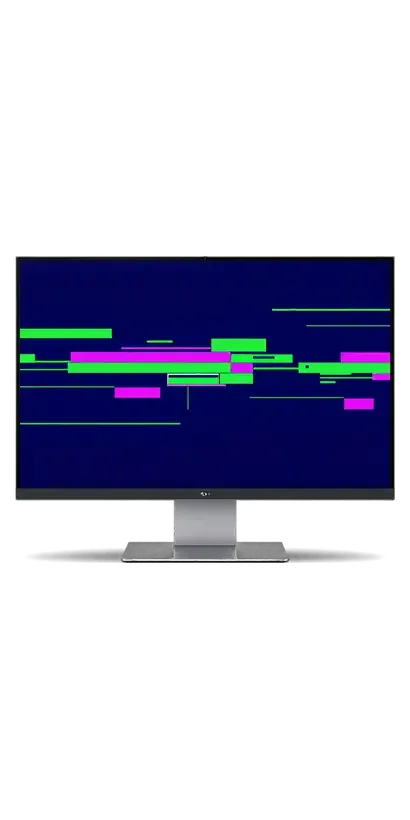
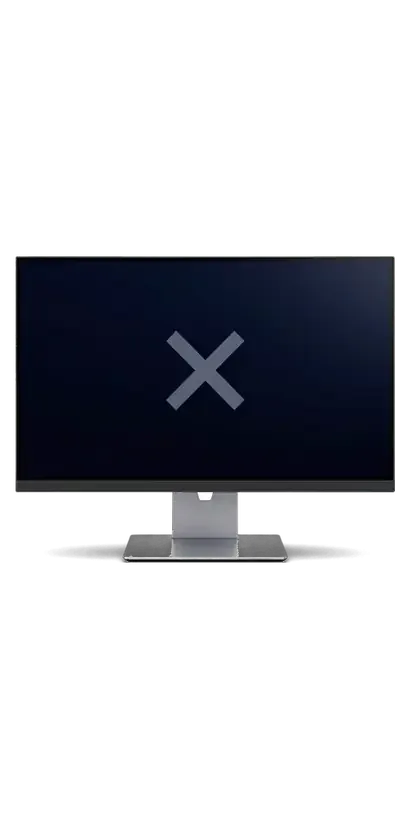
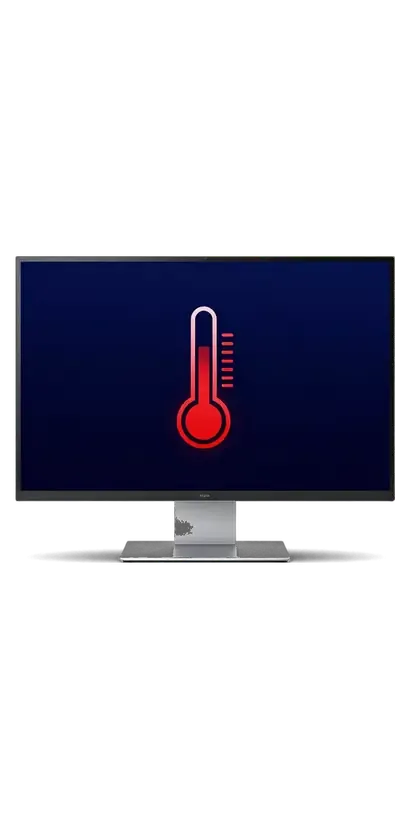
A failing graphics module shows up as stripes and blocks on screen, freezes in design software and a fan that roars under load.
Mosaic blocks, coloured stripes or ripples appear in games, video and even on the plain desktop.
The computer starts and plays sound, yet the picture is missing or vanishes after a few minutes.
The fan hits full speed as soon as a video or game starts, and the rear panel becomes scorching.
Apps close and the iMac restarts by itself whenever the graphics are put under load.
The price of the replacement is shown below; whether it is possible depends on the model, its year and the diagnostic result.
| Service | Original | Aftermarket |
|---|---|---|
| iMac fan replacement | 24 900 ₸ | 13 900 ₸ |
| iMac display panel replacement | 146 900 ₸ | 90 900 ₸ |
| iMac power supply replacement | 80 900 ₸ | 44 900 ₸ |
| iMac speaker replacement | 37 900 ₸ | 20 900 ₸ |
| iMac glass replacement | 69 900 ₸ | 38 900 ₸ |
| Other repairs | Price | |
| iMac Pro 27" (2017) graphics card replacementboard-level chip · microsoldering | 89 900 ₸with parts | |
| iMac logic board repairmicrosoldering · 1–3 days | 50 900 ₸per job | |
| iMac dust cleaningdisassembly and dust cleaning | 15 900 ₸per job | |
| iMac SSD installationstorage installation | 43 900 ₸with parts | |
| iMac RAM replacementmemory chip installation | 15 900 ₸with parts | |
| iMac Wi-Fi module repairwireless module · board-level repair | 34 900 ₸with parts | |
| iMac macOS installationOS installation, no parts replaced | 13 900 ₸per job | |
| iMac 27" Intel graphics card replacementboard-level chip · microsoldering | 71 900 ₸with parts | |
| iMac 21.5" Intel graphics card replacementboard-level chip · microsoldering | 71 900 ₸with parts | |
The technician gives the final amount after diagnostics, once it is confirmed that the graphics are really to blame.
The job covers opening the all-in-one, swapping the graphics module and a final look at the picture.

The technician learns when faults appear and checks what really disturbs the picture: graphics, screen or power.
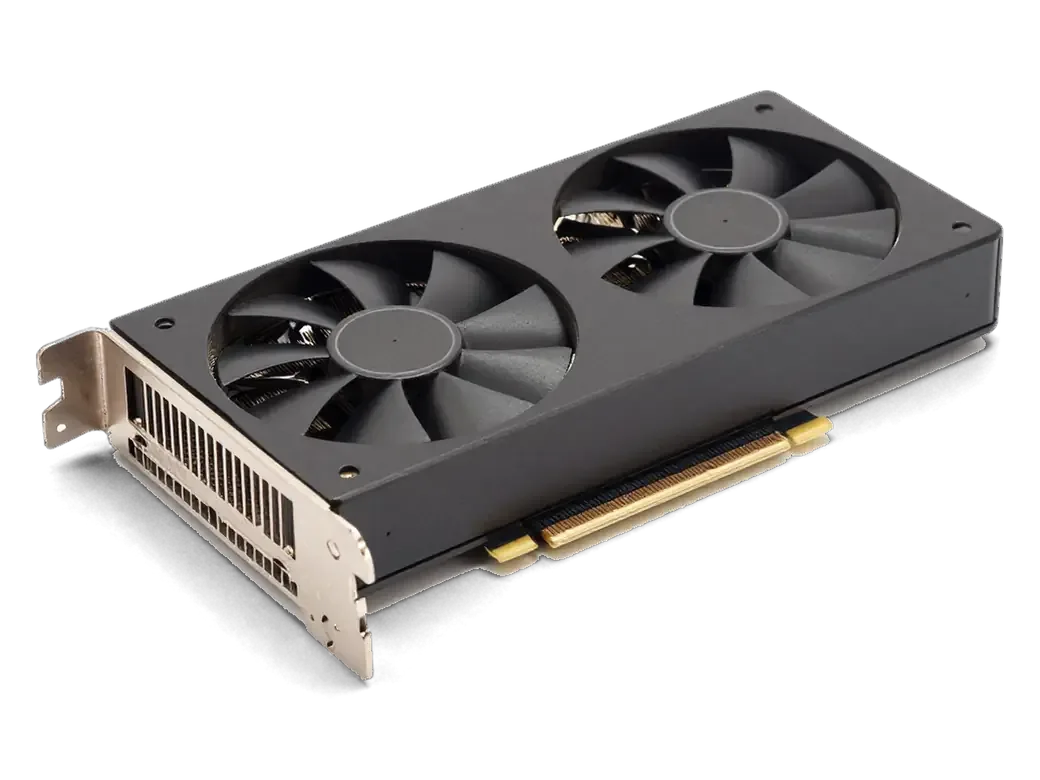
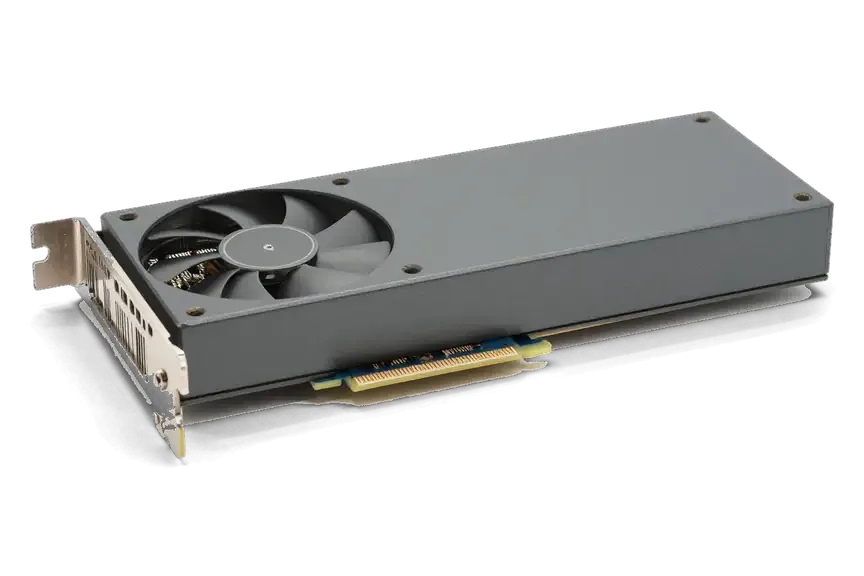
A module is selected for your model and year so that it fits the mount, the power draw and the cooling.
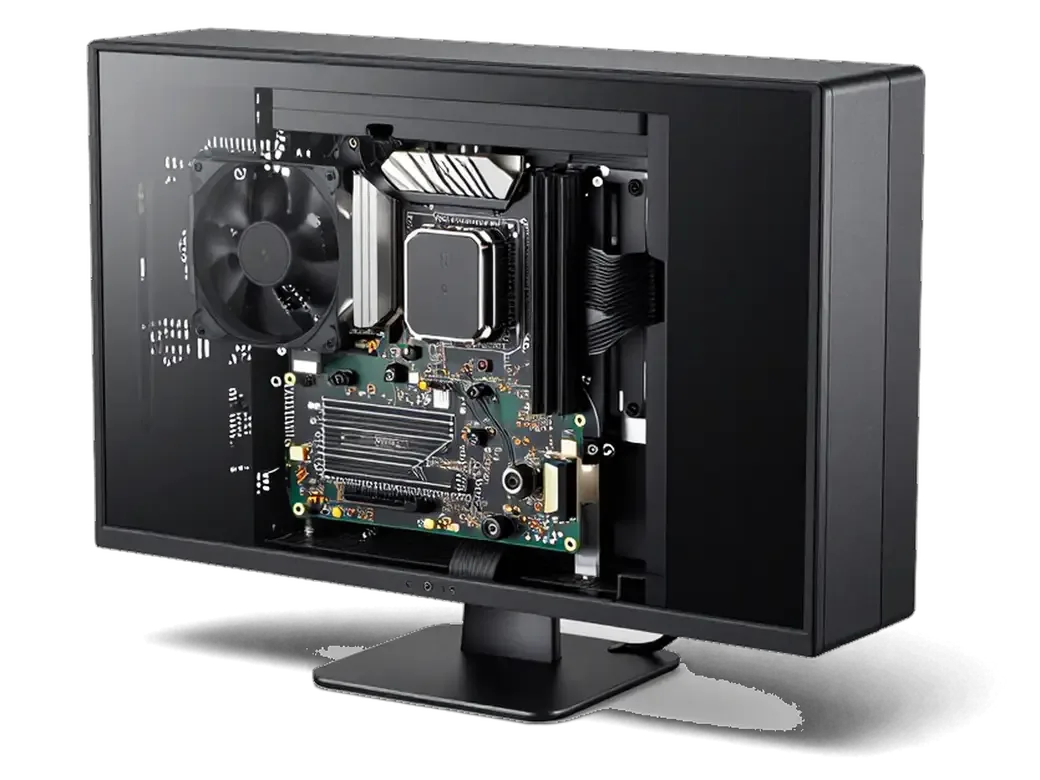
The screen is released without harming the seam or cables, giving access to the cooling system and board.
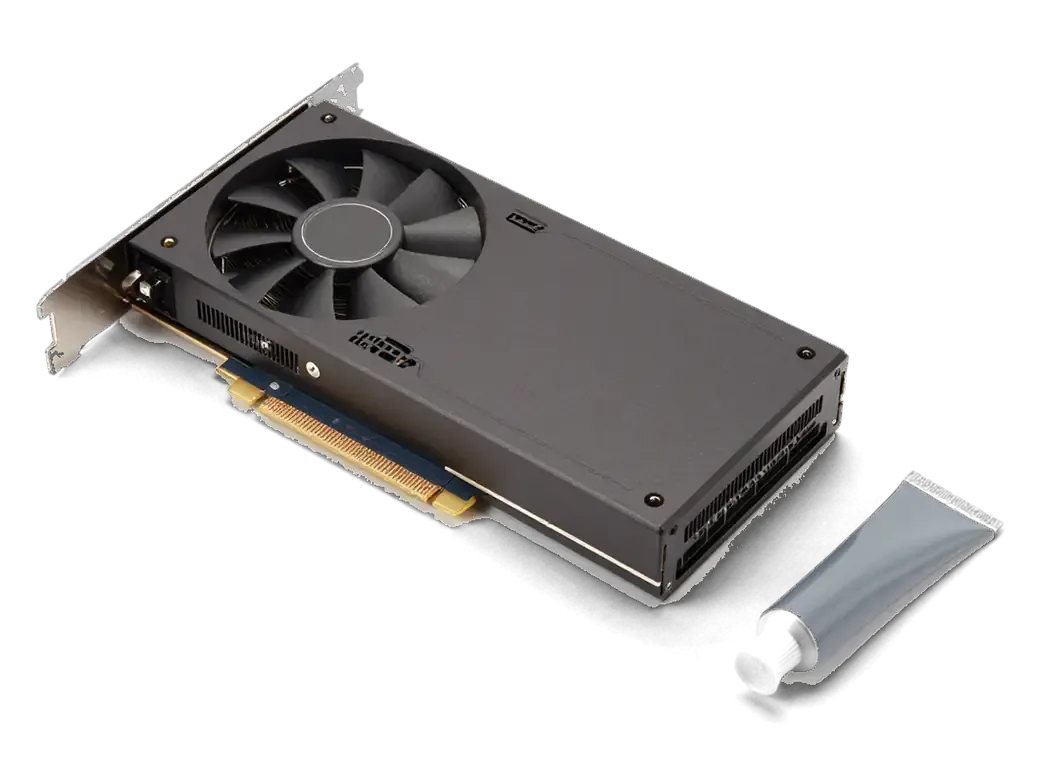
The old module comes out, contacts and heat sink are cleaned, and the new one goes in with fresh paste.
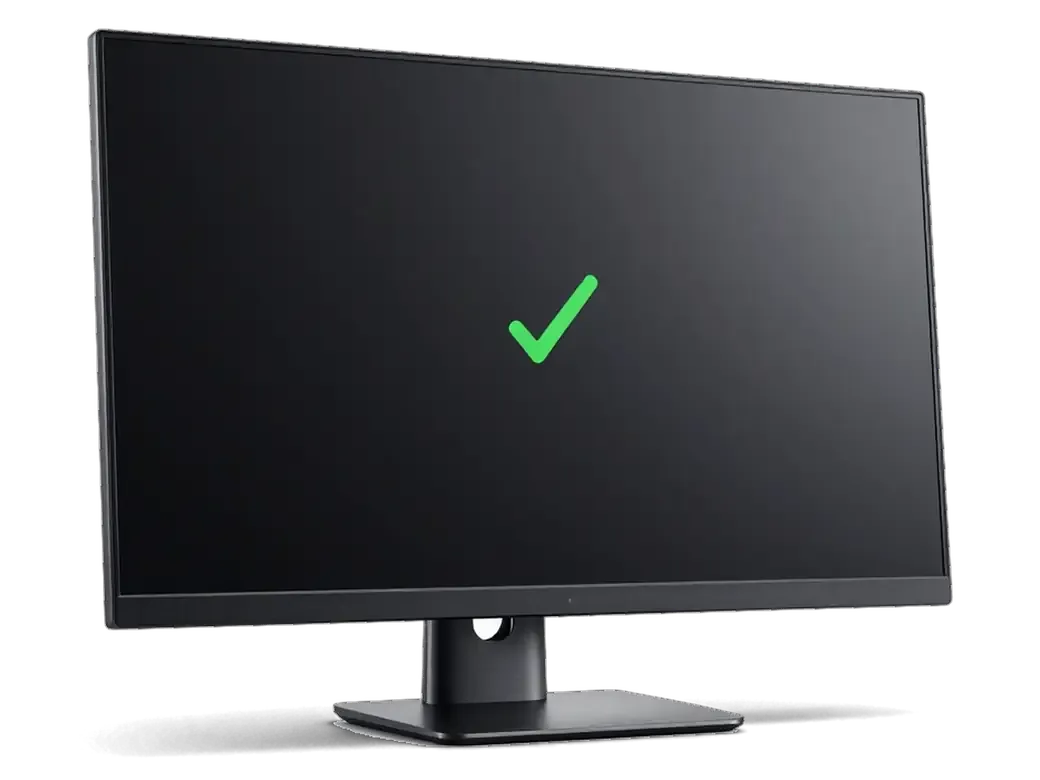
The case is closed, the system started, and the picture is tested under load, looking for artefacts and heat.
The computer is left running for a while to confirm that temperatures are steady and the picture does not vanish.
You get an iMac with working graphics and an even picture.
Price for my modelNot every picture problem is cured by a new part, so the decision is made after diagnostics.
An all-in-one with a bonded display belongs with technicians who have 7 to 20 years of experience, and the repair carries a warranty up to 1 year.
Eleven years of repairs give us the experience to tell graphics faults from other breakdowns that look alike.
The finished job carries a warranty up to 1 year, and the technician explains the terms before repair starts.
Experienced technicians handle the board and know the iMac layout and the safe order of disassembly.
We never swap a part at random: the cause is found first, so you do not pay for an unnecessary replacement.
If the graphics in your model sit inside the chip, we say so and offer what can realistically be done.
Mon–Fri 10:00–19:00, weekends and holidays 11:00–18:00, so you can come when it suits you.
Usually the whole journey — from message to pickup — takes less than an hour; complex repairs follow the timeline in the receipt.
Book a repairYou send a photo of the damage on WhatsApp — we quote the price and available time. Or you call a courier.
An engineer checks the device in front of you and shows what is broken. 0 ₸, even if you decline the repair.
We fix the price, the part (original or analog), the timeline and the warranty. You sign — we start.
Before installation we show you the new part in its factory packaging. You wait in the waiting area with coffee and Wi‑Fi.
Screen, camera, microphones, speakers, ports, Wi‑Fi and Bluetooth. You check together with the engineer.
Together with the receipt, warranty card and the old part. Payment — Kaspi, card or cash.
Technicians for iPhone, Mac, iPad, Apple Watch and AirPods repair.
Photo: Mukhpilov Nail Photo: Molchanov Rinat
 Photo: Shokan A
 Photo: Sybanbaev Birzhan
 Photo: Denis Gushchin
 Photo: Duisebaev Azhdar
With the case open, we clear dust from the heat sink and fan.
02Memory, drive and power are checked to rule out hidden causes.
03A new fan goes in if the old one is noisy or cannot cope with heat.
04We move you to an SSD if the system takes too long to start.
05Stripes and spots are dealt with if the cause lies in the screen itself.
06The system is reinstalled to rule out software faults.

“If the repair didn’t suit you or you have a complaint, write to me personally.”
Send a photo of the screen and the iMac model. An engineer will reply on WhatsApp, give the price and today's available time.
iMac Graphics Card Replacement in Almaty Done by Our Own Engineers
iServices handles iMac graphics card replacement in Almaty with its own engineers, not through an aggregator. We first confirm whether the fault is the graphics module, the display cable or the panel, then replace a modular MXM card or repair soldered graphics on the board under a microscope. Diagnostics are free and take 15 minutes in front of you.
Graphics trouble usually shows up on the display, yet a failing panel or a worn cable can paint a nearly identical scene. So before naming a culprit, we read the symptoms in the order they appear.
Horizontal stripes, coloured artifacts and a black screen after the startup chime are the classic signature of a failing graphics chip or its memory, though the same symptoms can come from the display cable or the panel itself. Vertical bands frozen in one spot, a pink or green tint across the whole desktop, and pixel snow that follows the cursor all point to video memory rather than to the LCD. A desktop that chimes, spins its fans and remains dark usually has a live logic board with a dead graphics output, not a dead machine. Artifacts that appear only under 3D load or once the computer warms up for ten minutes point at the graphics module far more often than at the screen, so note when the image breaks — that timing is the first thing an engineer asks about.
The answer depends on the generation of the all-in-one, and it is the first thing we confirm by serial number before discussing any work.
| iMac generation | Graphics layout | What the repair involves |
|---|---|---|
| Older 27" and 21.5" | Separate MXM card | Card replaced as a whole unit |
| Later Intel models | Soldered to the board | Chip replaced on the board under a microscope |
| iMac 24" M1 and M3 | Inside the main chip | Board-level diagnostics, no separate card |
We identify the exact model from the serial number and the back panel, then tell you whether a card swap or board-level repair applies before any work starts. Our engineers run a free 15-minute diagnostic in front of you, even if you decide not to repair, and the turnaround is named after the diagnostics: board repair takes 1–3 days. The generation decides everything: a modular card comes out as one unit, while soldered graphics means microscope work and a longer turnaround. Owners often arrive sure they need a new card when the model turns out to have soldered graphics — checking the generation first saves a wasted trip and a wrong expectation.
Before replacing anything, we have to prove the card is the guilty part. Otherwise you pay for a new card and the stripes stay exactly where they were.
We connect the machine to an external monitor and, where the model allows, try a known-good card — if the outside picture is clean while the built-in display shows artifacts, the panel or its ribbon is the suspect, not the card. On modular machines we swap in a working graphics card: identical artifacts on the test card confirm the problem sits in the card itself, while a clean image points back to the display assembly. The connector and the display ribbon get checked for seating and oxide at the same time, since a partially unseated link mimics card failure almost perfectly. A clean external image does not fully clear the card, because some faults only appear under load, so we follow the monitor test with a stress run before signing off the diagnosis.
Fitting the card is only half of the job. The other half is making sure the part matches the firmware and behaves steadily under load once the machine is back together.
| Part option | Best for | What we confirm before fitting |
|---|---|---|
| Original module | Daily-use iMac kept for years | Firmware compatibility and seating |
| Aftermarket card | Office and light-load machines | Compatibility with your model |
| Board-level chip repair | Soldered-graphics Intel iMacs | Fault isolated to the GPU |
A replacement card needs firmware that matches the machine, otherwise it may boot to a black screen or run the fans flat out, so we verify compatibility before the card goes in. Time and again we see cheap cards pulled from donor machines that fit the slot but speak a different firmware language, and the result is a boot loop or a display that never wakes. For an iMac graphics card replacement in Almaty, we show the new part in factory packaging before installation, then seat the MXM card, check thermal contact and run the machine under graphics load. On later Intel models with soldered graphics there is no card to swap, so the chip is reballed and replaced on the board under a microscope, which is why that job runs 1 to 3 days rather than an hour.
Some owners arrive after a "reflow" that brought the picture back for a week. Here is why that is not a repair, and what holds instead.
Reflowing a graphics processor heats the solder just enough to restore contact for a while, but the underlying degradation stays, so the artifacts usually return within weeks. Heat briefly re-melts the cracked micro-joints between the GPU die and the board, and for a few days the signal passes again. What the technique cannot do is rebuild the joint or stop the thermal fatigue that cracked it. The pattern repeats: image returns, then stripes or freezes come back, often under heavier graphics load than before. A reflow also stresses the board further, which can turn a repairable card into a dead one — a proper module swap or processor replacement is the only fix that holds.
We replace the thermal paste and pads on the card and clear the cooling ducts during the same visit, because heat is what wears the graphics chip out in the first place. An iMac pulls air through a narrow intake along the bottom edge and pushes it past the heatsink; in a dusty room that intake clogs within a couple of seasons, and the fan spins faster while temperatures climb. Fresh paste restores the contact between the die and the heatsink, new pads do the same for the memory and power components, and a cleared duct drops operating temperatures back to design range. Skipping the cooling service on a fresh card shortens its life — the new part inherits the same clogged heatsink and runs hot from day one.
Timeframes and coverage depend on whether your card is modular or soldered, so we state both before any screw comes out and put them in writing.
A module swap is usually finished while you wait, whereas graphics repair at chip level runs 1 to 3 days; either way the price, component, turnaround and warranty are fixed on the receipt in about two minutes before work starts. 72% of all jobs are finished while the customer sits in the waiting area with coffee and Wi-Fi. Microscope work on the logic board is the exception — that one we schedule and keep you updated on. After reassembly the engineer checks 32 functions over roughly ten minutes, covering display output, cameras, speakers, charging and network. You get the old part back with the receipt and warranty card, so you can see exactly what came out of your machine and keep it as a spare or sell it on.
The decision comes down to three things: what the fault actually is, whether your model takes a module or board-level work, and how the repair is documented.
Did not find an answer? Message us on WhatsApp: an engineer replies, not a bot.
Ask a questionNo, only where the design allows it. In iMacs with Apple chips the graphics are built into the processor and cannot be replaced separately. The technician judges by model and year.
Many of those models carry their graphics on a separate module that runs hot inside a slim case. Years of dust and dried thermal paste keep the chip overheated until it starts showing artefacts or a black screen.
Sometimes yes. If the chip overheated from dust but did not fail, cleaning and new thermal paste bring back normal operation.
No, the system and files on the drive stay as they are. A compatible module works with the installed macOS, though a backup before any repair is still a sensible step.
Only in limited cases: the module must match the mount, cooling and firmware of the iMac, otherwise the boot screen or the picture may fail. After diagnostics the technician tells you whether an upgrade makes sense or an identical part is the reliable choice.
Play a demanding video or game for a while and watch for stripes, flicker or sudden restarts. The engineer runs this check together with you, and the work is covered by a warranty up to 1 year.
Yes, availability depends on the model and supply. It is best to show the iMac to the technician first, who will confirm the diagnosis and find a part.
На iMac 21,5″ Retina 4K (2019) система иногда зависала на старте. По результатам диагностики проверили загрузку и программную часть; Денис подсказал что действительно надо проверять.
У моего iMac 27″ Retina 5K (2015) компьютер начал запускаться только со второй попытки. В итоге проверили блок питания и стабильность загрузки; Аждар показал, в чём была проблема.
На iMac 21,5″ Retina 4K (2017) компьютер начал запускаться только со второй попытки. После обращения проверили блок питания и стабильность загрузки; Спасибо Денис: разобрался с нюансами без лишних разговоров.
Проблема была такая: компьютер начал запускаться только со второй попытки — и непонятно что делать. В итоге проверили блок питания и стабильность загрузки; Аждар показал, в чём была проблема.
С iMac 21,5″ (2015) вышла неприятность: система иногда зависала на старте. После обращения проверили загрузку и программную часть; Аждар не отмахнулся от моих вопросов.
Проблема была такая: после отключения электричества перестал включаться — и непонятно, что делать. По результатам диагностики сделали диагностику питания и восстановили запуск в iservice.
У моего iMac 27″ Retina 5K (2020) после отключения электричества перестал включаться. В сервисе сделали диагностику питания и восстановили запуск.
У моего iMac 27″ Retina 5K (2020) при подключении внешнего накопителя появлялись ошибки. После обращения проверили порты и работу хранения данных.
На iMac 21,5″ Retina 4K (2017) при подключении внешнего накопителя появлялись ошибки. После обращения проверили порты и работу хранения данных.
Проблема была такая: несколько портов перестали распознавать устройства — и непонятно, что делать. После обращения проверели разъёмы и цепи подключения; От Денис получил понятные рекомендации на будущее.

Most slow iMacs are held back by a worn drive or too little memory. A short check shows which part is the real bottleneck.

Most dead iMacs trace back to power delivery or the logic board, and a free 15-minute check in front of you settles which one it is.

Most loud-fan cases trace back to dust-packed fins and dried thermal paste, not a dead fan. A free 15-minute check shows which one you have.

Back up your data, turn off Find My, and bring proof of purchase — then the repair starts faster.
 iPad
 MacBook
 Mac mini and Studio
 Apple Watch
 AirPods
 Apple Pencil
 Apple TV
 HomePod
