Capacity should match real tasks like photo libraries, video, messengers, and apps, not the "bigger is always better" rule. Here is how to tell your drive is full and how much headroom a new one needs.
Signs Your iPhone Storage Is Actually Full
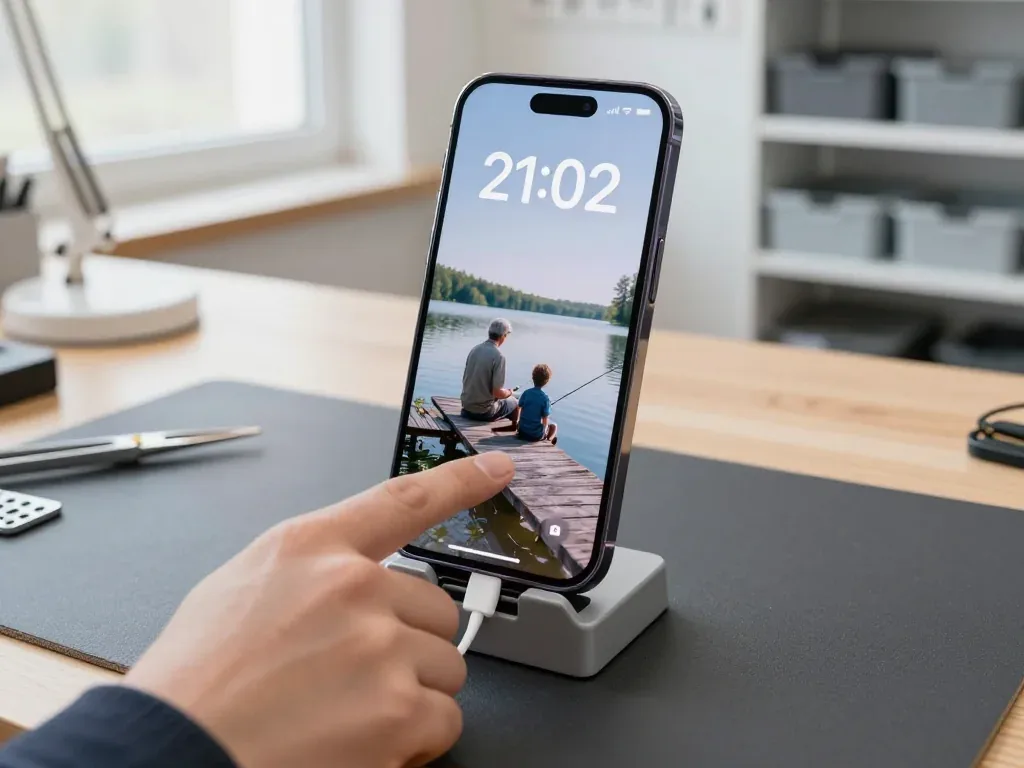
- Storage Almost Full warning: iOS shows it in Settings and repeats it until you clear space; the first reliable signal.
- Slow app launches: programs take seconds to open or save, as the system shuffles data seeking free blocks.
- Failed photo and video saves: the camera refuses to record or the shot disappears, since there is no room.
- Updates that will not install: system and App Store updates need temporary free space and quietly fail when packed.
- Hangs on the Apple logo: freezing at boot after storage filled up is separate — freeing space may not fix it; diagnose first.
Matching a New Capacity to Real Usage
We help you pick a capacity from how you actually use the phone — heavy 4K footage and large photo libraries need far more headroom than messaging and a handful of programs. A NAND module is matched to your real data volume, not to a number on a spec sheet: if your library already sits near the limit, jumping one or two steps up gives room for years of shooting. We ask what fills the drive today and size the replacement around that pattern. Choosing a module one step above your current usage leaves room for iOS updates, which grow over time. The old part comes back with the device, so you keep a record of what was inside.
Which iPhone Models We Can Upgrade and Why the Board Matters
Compatibility depends less on release year than on mainboard build — single layer or two-tier sandwich — and that structure decides how hard reaching the memory chip is.
Single-Layer and Sandwich Boards Explained
Older models such as the 5s through 7 Plus and the SE use a single-layer layout, while the X and newer use a two-tier sandwich that makes the memory harder to reach. On the flat design the NAND module sits on an open surface, so a technician lifts it with hot air and drops in a replacement. On the stacked design the tiers are pressed together, and the memory usually sits on the lower one beneath the top layer. Reaching it means separating the tiers, working around fine interconnects and rejoining them so every contact holds. That is why the same job takes longer and demands more care than on an older flat phone.
Compatibility at a Glance
Layouts compared by chip access and job complexity| Board type | Example models | Access to the chip | Typical complexity |
|---|
| Single-layer | iPhone 5s, SE, 6/6s, 7 Plus | Direct | Lower |
|---|
| Two-tier sandwich | iPhone X and newer | Tiers separated first | Higher |
|---|
| Confirmed individually | Any model, after diagnostic | Depends on the unit | Checked on the spot |
|---|
How the iPhone Storage Upgrade Works Step by Step
The work is a board-level repair, not the fitting of a memory card, so the process runs from diagnostics and a backup through microsoldering to an iOS restore.
Why It Is a Chip Swap, Not a Memory Card
The storage in an iPhone is a NAND flash module soldered directly to the mainboard, so there is no slot for a microSD card and the only way to add space is to replace that component. The NAND holds the operating system, your apps and every photo, and it talks to the mainboard through dedicated contacts rather than a removable connector. A card reader cannot reach those contacts, so no adapter adds internal capacity. Because the module is tied to the mainboard, the new one must be programmed with the mainboard's service data before it will work — a blank part will not boot the phone. This is how an iPhone storage upgrade in Astana is carried out at the mainboard level, with the chip replaced rather than expanded.
The Repair Sequence Under the Microscope
- Backup and Find My iPhone: we copy your data and ask you to switch off Find My iPhone, since iOS blocks a restore on an activation-locked device.
- Board removal: the engineer takes the mainboard out of the chassis and mounts it on a stand under the microscope.
- Desoldering: the old NAND comes off with a hot-air station at a controlled temperature, and the pads are cleaned.
- Programming: the new module is written with the board's service data on a programmer — this decides whether the phone sees the new capacity.
- Soldering and restore: the programmed module is soldered back, the mainboard returns to the chassis, and iOS is restored through a computer.
- Function check: we test the device together with you before handover.
What the Work Costs and How Long It Takes
The price depends on the model, the board type and the capacity you choose, and we quote it from a photo on WhatsApp within 5 minutes before any work begins. A single-layer layout and a sandwich layout take different amounts of time at the microscope, and the capacity you pick changes the part itself. We fix the price, the part, the turnaround and the warranty on the receipt before we start, and an engineer shows the new module in its factory packaging. Microsoldering usually takes 1 to 3 days, so plan for the phone to stay with us rather than expecting it back the same hour.
Your Data, Find My iPhone and What Happens to iOS
The old chip leaves with your data, so a full backup and switching off Find My iPhone are mandatory before the phone is opened; afterward the device must be restored and checked.
Backing Up Before the Chip Comes Out
Data does not transfer from the old chip, so a full backup to iCloud or a computer must be made before the phone is opened, and Find My iPhone has to be turned off. The NAND module stores every photo, message and app, and it physically leaves the mainboard during the swap, which is why nothing survives on the device itself. Turn off Find My iPhone through your Apple ID in Settings before the work, or activation after the repair will stall. A backup you have never restored is only a guess — check that it completed and is recent, because a partial backup cannot bring back photos or messages after the swap.
Restoring iOS and Checking the New Capacity
- Restore through a computer: after soldering, we flash iOS onto the new module, activate the phone with your Apple ID and reach the home screen.
- Confirm in Settings: open Settings, then General, then iPhone Storage, and check the figure matches your chosen capacity.
- Run the function check: we test 32 functions in about 10 minutes — Face ID, True Tone, cameras, microphones, speakers, charging and network.
- Verify the report together: the engineer walks you through each result; the process usually takes less than an hour.
- Sign off on the receipt: you leave with the warranty card and old module, so the capacity in Settings proves the part programmed correctly.
Risks, Warranty and Getting Started in Astana
Soldering a mainboard carries real risks, and we lower them with equipment and preparation. Clear paperwork and a solid guarantee tell you exactly what you get at the end.
How We Reduce Soldering Risks
We work under a microscope, prepare the contact pads carefully and test the circuitry at the final stage, which is how the repair avoids the damage that careless soldering causes. The NAND module sits on fine traces that tolerate little excess heat, so our technicians use a controlled soldering station and the right flux rather than a hot iron pressed against the pads. Every joint is checked under magnification while the shield goes back on. Most failures come from heat and dirty pads rather than the component itself, so cleaning and reflowing the contacts protects the rest of the circuitry.
Receipt, Warranty and the Old Part
- Fixed on the receipt: we write down the price, part, turnaround and guarantee, so nothing changes afterwards.
- Warranty card: the device returns with a card covering labour up to 1 year.
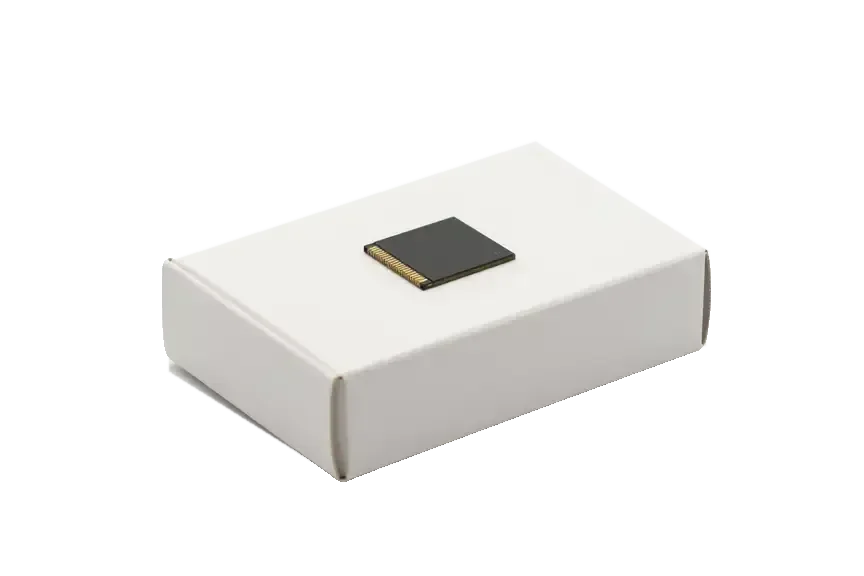
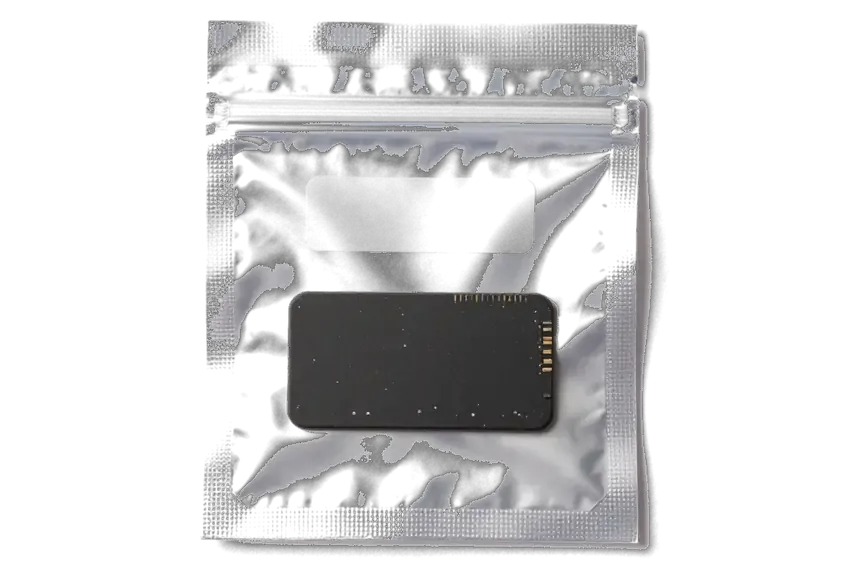
- Old chip returned: you get the original NAND module back in the box, a physical record.
- Why keep it: the old part matters if you resell the phone or re-check storage later.
Booking the Work
Send a photo of the phone on WhatsApp, get a price and a free slot within 5 minutes, and pay by Kaspi, card or cash when you collect the device. An engineer replies with a quote, so you know the scope before you leave home. A courier can be called if you cannot come in, and free diagnostics in front of you takes 15 minutes even if you decide not to go ahead. Most storage upgrades are finished while you wait, and 72% of our repairs are completed in the waiting area with coffee and Wi-Fi. Capital residents can book a weekday or weekend slot, since we work Saturday and Sunday too.
Summary: iPhone Storage Upgrade
An iPhone storage upgrade replaces the NAND chip, so the result depends on the board, data copy and quality check after soldering. Keep this in mind before booking.
- Chip, not a card: the upgrade swaps the NAND flash module on the mainboard, so no microSD slot appears and capacity is fixed.
- Board decides compatibility: single-layer and sandwich layouts take different chips, so model and layout are checked first.
- Data does not travel: the new chip arrives blank, so a full backup must exist before removal.
- iOS comes back after soldering: the system is restored and capacity is checked, along with Face ID, True Tone, cameras and charging.
- Microscope work takes time: soldering runs under a microscope, and the job usually spans one to three days.









 iPad
 MacBook
 iMac
 Mac mini and Studio
 Apple Watch
 AirPods
 Apple Pencil
 Apple TV
 HomePod




