The connection rarely dies without a warning. The handset shows three different statuses, and each one points to a different node in the chain — from the SIM tray to the radio component itself.
What No SIM, Searching and No Service Actually Mean
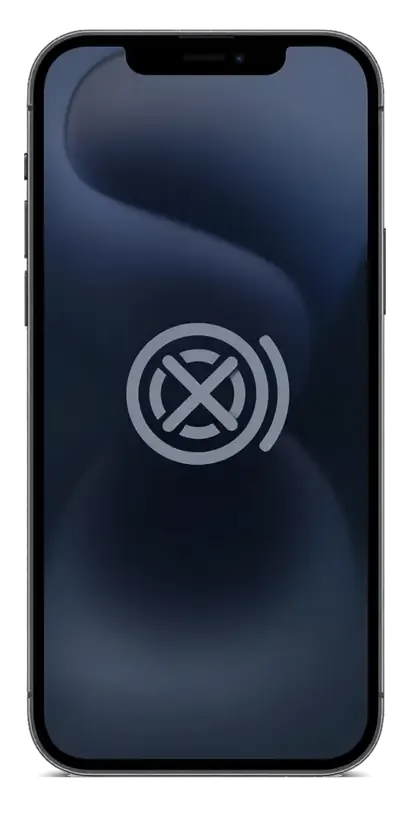
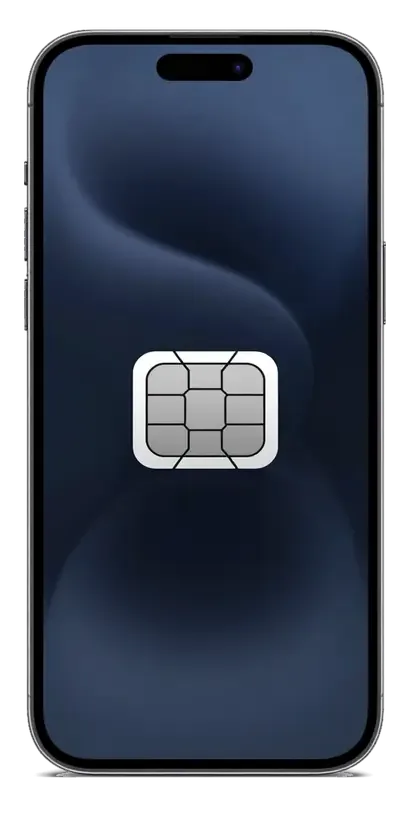
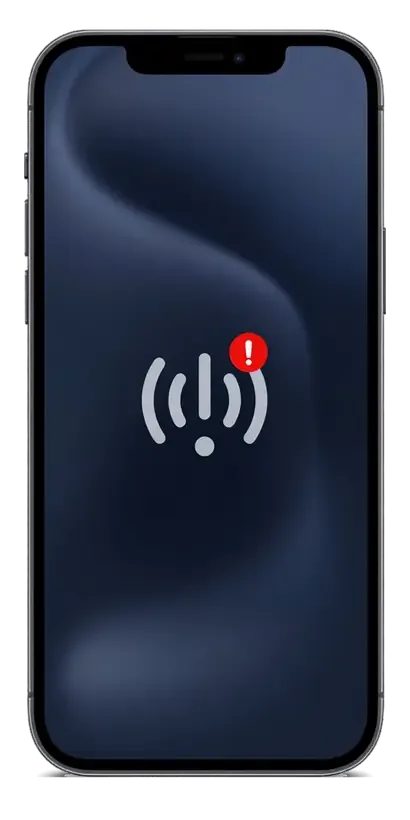
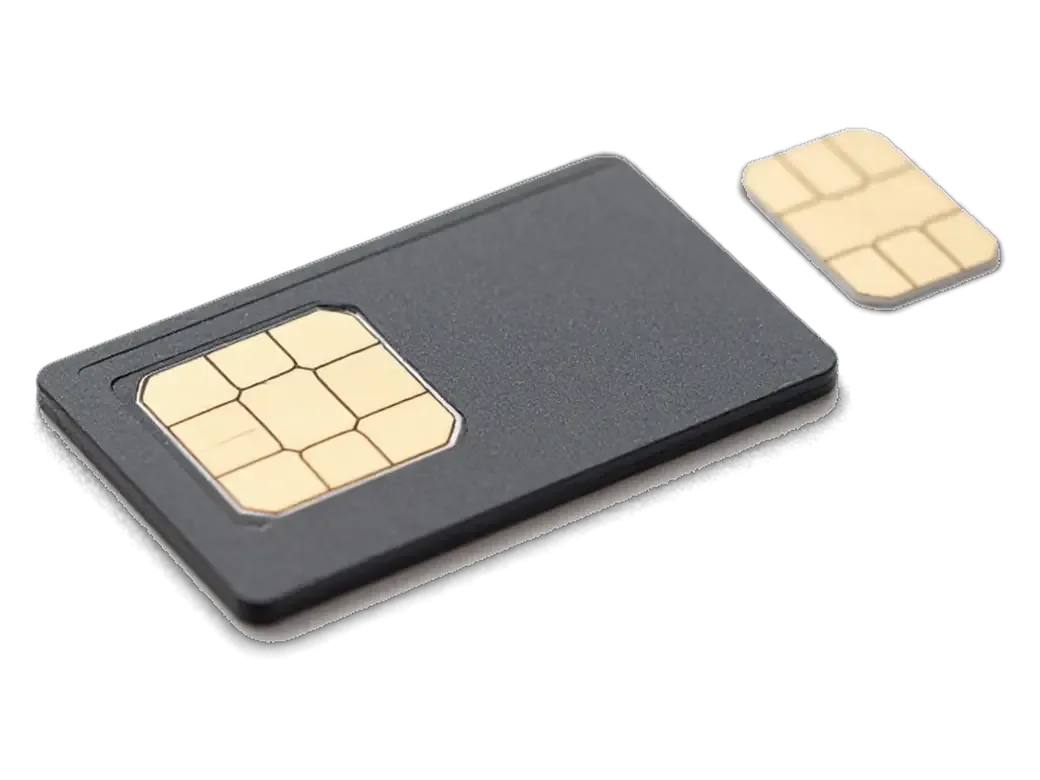
"No SIM" points at the card reader or the tray, "Searching" means the radio cannot lock onto a tower, and "No Service" usually means it is not registering at all. The card reader is a mechanical part: a bent tray or worn contacts break the link between the SIM and the logic, so the handset never sees the card. "Searching" sits one level deeper — the transceiver is alive but cannot hold a cell, which is why the device keeps scanning and draining the battery in the process. "No Service" is a failure to register on any network, even a strong one. A status that flips between "Searching" and a single bar when you press the frame is a classic sign of a cracked solder joint, not a dead component — worth mentioning at the counter, because it changes the diagnosis.
When the Signal Drops on Heat, Pressure or After a Fall
Signal that vanishes when the device warms up or when you press the back cover points to a mechanical fault under the shield rather than a software glitch. A drop of half a metre onto tile is enough to crack the solder under the radio shield or the antenna spring contacts, and the damage stays hidden until the joint starts to separate. Heat expands the substrate and opens a hairline crack; that is why the unit "works fine in the morning" and loses the network by lunch. The same pattern appears after a previous repair where the shield was bent back into place. Bring the handset in with the symptom described in detail — when it drops, how often, whether Wi-Fi stays on — and the technician will target the exact joint instead of replacing the whole module.
A Five-Minute Self-Check Before You Book iphone gsm module repair
Four checks at home separate a software glitch from a hardware fault and save you a trip — or show straight away that a technician is needed.
Four Checks That Separate a Software Glitch from a Dead Modem
- Second SIM: borrow a card from another carrier and watch whether the phone registers on the network within a minute of insertion.
- Network reset: Settings, General, Transfer or Reset iPhone, Reset, Reset Network Settings clears corrupted carrier profiles without touching photos or apps.
- Flight mode toggle: switch airplane mode on for thirty seconds and off again — a quick network re-registration sometimes restores a dropped signal.
- IMEI glance: dial #06# and confirm a 15-digit number appears; a blank field points to the modem rather than the operator.
Reading the Modem Firmware Line in Settings
We ask every customer to open Settings, General, About and read the modem firmware line aloud — an empty or missing value is the clearest home signal of a hardware modem fault. The same screen shows the IMEI, the carrier and the iOS build, so one glance covers three questions at once. A firmware string that appears only after the phone cools down tells the engineer the chip still answers, so the fix may be a reball rather than a replacement. If you are weighing up iPhone GSM module repair options in Astana, this reading is the detail worth bringing along — and the fastest way to compare quotes. On our bench in Astana, customers who bring that detail in advance skip the guesswork stage entirely, and the free 15-minute diagnostic in front of you confirms the reading on the spot.
Modem, Antenna or SIM Reader — What the Symptom Points To
The same "No Service" on the screen can come from three different nodes, and the work behind each one differs in complexity and turnaround. Matching the symptom to the part is the first step.
Symptom to Fault Map
Symptom matched to the failing node and the work it needs| What you see | Likely part | What the job involves |
|---|
| Weak signal, better by a window | Antenna flex or frame contact | Flex or contact replacement |
|---|
| "No SIM" with a known-good card | SIM reader or tray | Reader or tray service |
|---|
| "Searching" loop, empty firmware | Modem or its power circuit | Board-level repair under microscope |
|---|
| Signal drops on heat or pressure | Solder under the modem shield | Reball or chip replacement |
|---|
| No network after water | Corroded modem traces | Corrosion cleanup and trace repair |
|---|
Why We Confirm the Fault Before Quoting
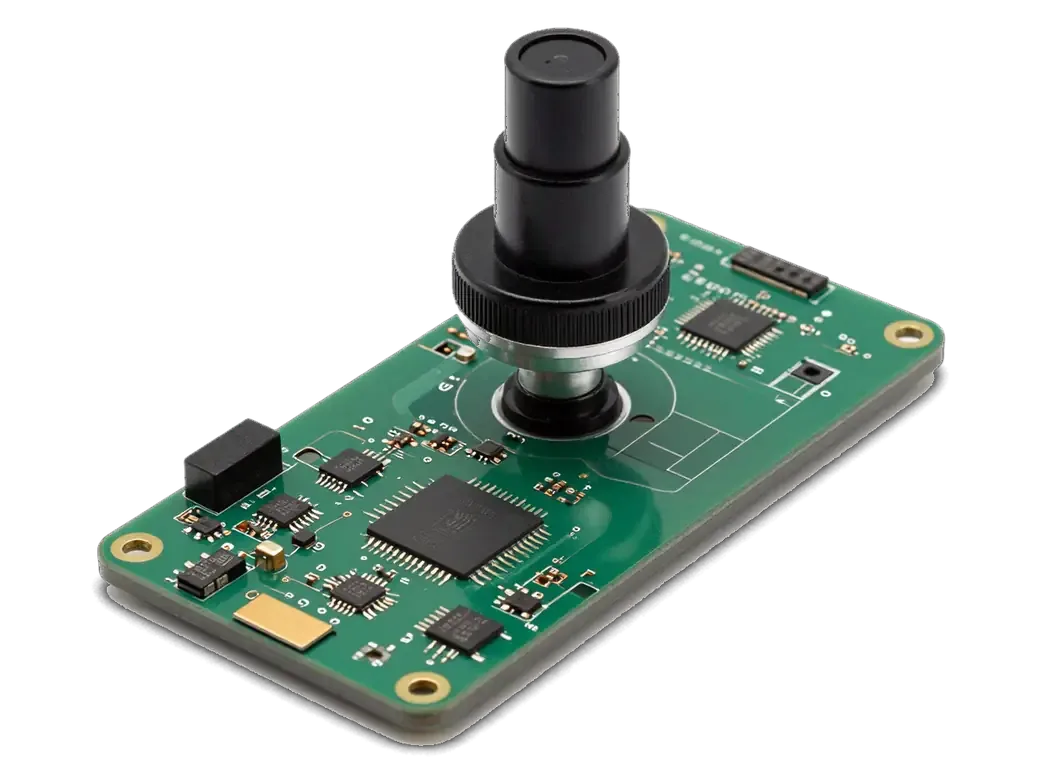
We check the device in front of you for 15 minutes, free of charge, and show which node is failing before any part is ordered. The engineer runs the phone on a lab power supply and watches the current draw as the radio wakes: a clean spike means the chip still works, a flat line or a short points to the power circuit around it. Under the microscope we look for cracked solder under the modem shield and corrosion on the traces, which a screen test alone never reveals. That reading decides whether the job is a flex swap or board-level work. A current draw that spikes when the radio wakes tells us the chip is alive, which changes the plan from replacement to reballing — and saves the cost of a part you may not need.
How the Board-Level Repair Is Done and How Long It Takes
The work happens on the logic itself, under a microscope, and its scope depends on how the substrate of a given generation is built. Below is the layout map and the realistic timing.
One-Layer and Two-Layer Boards
Board layout and repair route by iPhone generation| Generation | Board layout | What the repair involves |
|---|
| iPhone 6, 6s, SE | Single layer | Direct access to the radio chip |
|---|
| iPhone 7, 7 Plus | Single layer, known network faults | Radio and audio circuit check |
|---|
| iPhone 8, X to 11 | Two layers | Layer split, then radio work |
|---|
| Newer models with eSIM | Two layers | Radio work plus eSIM check |
|---|
Reballing, Donor Chips and the 1–3 Day Window
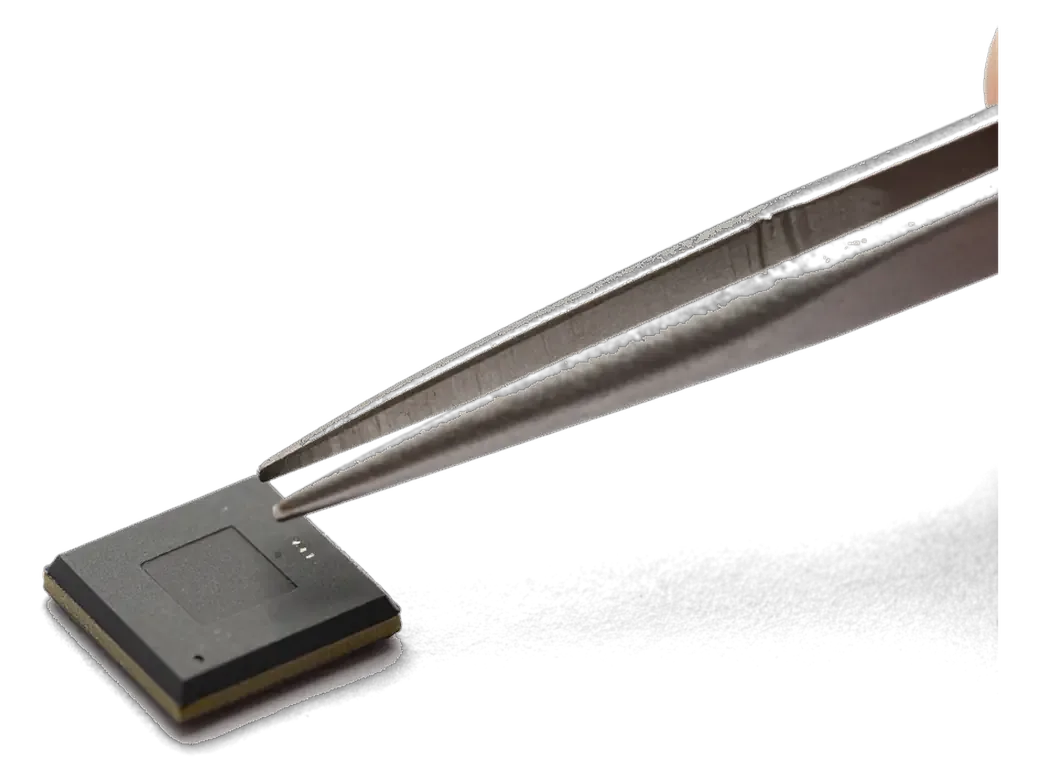
Board-level modem work at iServices usually takes 1–3 days, because reballing or moving a chip from a donor board is done under a microscope and then tested. The engineer removes the chip, cleans the pads, reflows the solder balls and seats it back, or takes a working chip from a donor board when the original is beyond recovery. Every unit then goes through a network and function test before it leaves the bench. A donor chip is only used when the original cannot be revived; keeping the original part preserves the phone's identity data, which matters for eSIM. Ask which route your unit needs at the quote stage — the answer changes the timeline you plan around.
What Shapes the Job and What We Check Afterwards
The amount of work depends on the condition of the logic substrate and on whether a donor part is available, and we verify the result against a function list together with the owner.
What Decides the Scope of the Repair
The scope of the job depends on the model, whether the radio component can be reballed or must be replaced, donor availability and how much corrosion the logic substrate carries. On newer two-layer layouts the chip sits under a shield that has to be lifted first, which adds bench time; on older single-layer designs the same element is easier to reach. A donor unit with matching silicon is the deciding factor for a swap — without one, we reball the existing part instead. Water damage is the slowest case: liquid eats the thin traces around the chip, and those lines need rebuilding before anything goes back. A device already touched by another workshop often needs extra trace work, so we photograph the area before and after to keep the plan honest.
The Post-Repair Check We Run Together
- Network and calls: the engineer inserts a SIM, waits for the carrier name, places a test call and confirms mobile data loads a page.
- IMEI and firmware: you open Settings and read the firmware line next to the IMEI so the radio component is confirmed present.
- Signal behaviour: we walk the handset through a weak-coverage spot and watch whether the bars hold instead of dropping to Searching.
- The 32-function sweep: Face ID, True Tone, cameras, microphones, speakers and charging all run in about 10 minutes on the bench.
- Your data: photos, messages and accounts stay on the device through the procedure, and the front assembly is never opened.
Summary: iPhone Modem (GSM Module) Replacement
A short recap of what separates a settings problem from a hardware fault, and what to verify after a board repair.
- Empty firmware line: a "Searching" loop with no firmware listed in Settings points to hardware, not a software setting.
- Rule out the cheap causes: a second SIM, a network reset and a check of the IMEI clear the simple explanations first.
- Signal pattern: weak reception near a window usually means the antenna path, while a full loss of service points to the logic.
- Two-layer boards: the layers have to be split to reach the chip, which adds time to the job.
- Final test: after any board repair, confirm calls, mobile data, IMEI and signal strength before leaving the workshop.







 iPad
 MacBook
 iMac
 Mac mini and Studio
 Apple Watch
 AirPods
 Apple Pencil
 Apple TV
 HomePod




