Settings on the iPhone 5 offers no battery health figure at all, so an engineer estimates wear from daily behaviour and from cycle counts taken during a free check.
Why This Model Lacks a Battery Health Screen
That health screen only appeared starting with iPhone 6, so on this model there is no percentage to consult and condition must be read from behaviour. Its iOS shows neither maximum capacity nor cycle count in Settings, while the lithium-ion cell inside loses capacity each time it is fully recharged. What the owner notices is runtime shrinking month by month, not a figure. A device that ran a full day on a single top-up now dying by mid-afternoon is the practical equivalent of a low health value on a newer model. A battery that shuts the phone down at 20-30 % under load is usually more worn than one that simply drains fast, because the voltage sags under peak current. If the symptoms match, iPhone 5 battery replacement in Astana starts with a free check that confirms the wear before any work begins.
Symptoms That Point to the Battery
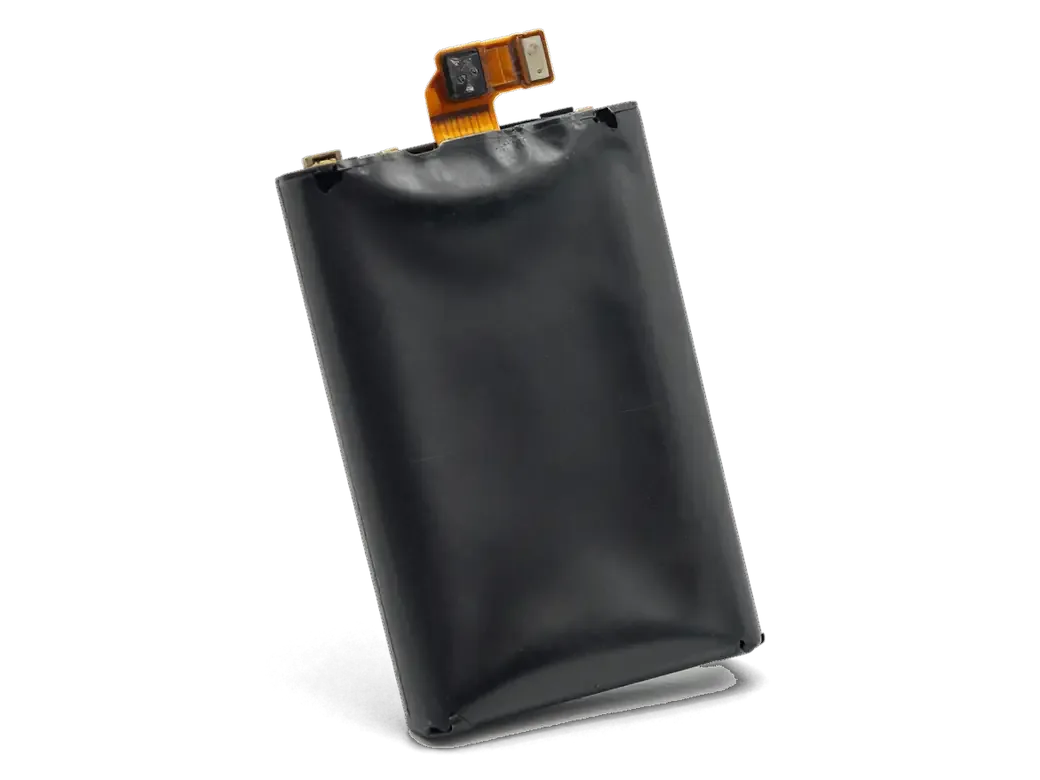
We see four repeat symptoms on this handset — fast drain, shutdowns at a partial charge, heat during charging and sudden restarts. The first is a drop from full to empty in a few hours of light use, with no change in habits. The second is the screen going black at 20-30 % while the camera or a call is running, followed by a restart once plugged in. The third is the lower half warming noticeably more than it used to on the same charger, and the fourth is unplanned reboots or the percentage jumping from 40 % to 15 % in minutes. A swollen back, where the rear panel or screen edge lifts slightly, means the battery has physically expanded and the phone should not be powered again. Cold weather makes a worn battery sag faster, so winter shutdowns outdoors are a stronger signal than the same drain indoors.
Choosing Between Original and Aftermarket Cells for iPhone 5
The iPhone 5 predates the parts-linking messages of newer models, so both an original and an aftermarket battery work without warnings — the difference is in how they age.
Comparing the Two Choices
Original and aftermarket cells side by side| Option | What you get | How it ages |
|---|
| Original battery | Factory cell, exact capacity readings | Holds capacity longer |
|---|
| Aftermarket battery | Lower-cost cell, same fit | Ages faster under heavy use |
|---|
| Both options | Shown in packaging before fitting | Covered by the same warranty |
|---|
Will the iPhone 5 Show a Parts Warning
No, the iPhone 5 does not display the unknown-part message, because that check was introduced years later on the XR, XS and 11. Those newer handsets read a serial number from the battery controller and flag a mismatch in Settings under Battery, where the older model simply reports a charge level. Owners of such a device can fit either battery and see no alert on screen. The absence of a warning is not proof of quality — a cheap battery can still lose capacity quickly, so the receipt naming the exact part matters more than the screen. Ask for the part type in writing ahead of the work, and keep the paper after handover.
What Happens During iPhone 5 Battery Replacement at iServices
The whole visit is built around one idea — you see the part, the price and the warranty ahead of any screw being turned, and most of the work happens while you wait.
From WhatsApp Photo to Finished Repair
- Photo and quote: within 5 minutes an engineer answers on WhatsApp, quotes the price from a photo and offers a free time slot.
- Paperwork before anything else: ahead of the work, 2 minutes at the desk are spent putting the price, the part, the turnaround and the warranty onto the receipt.
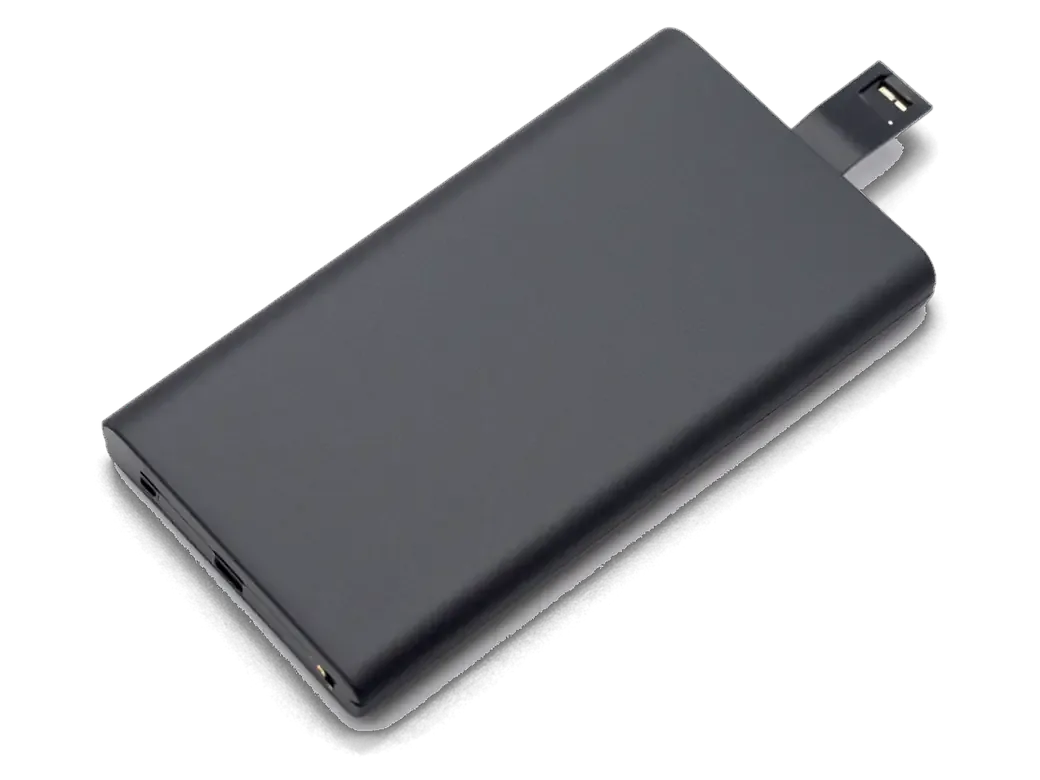
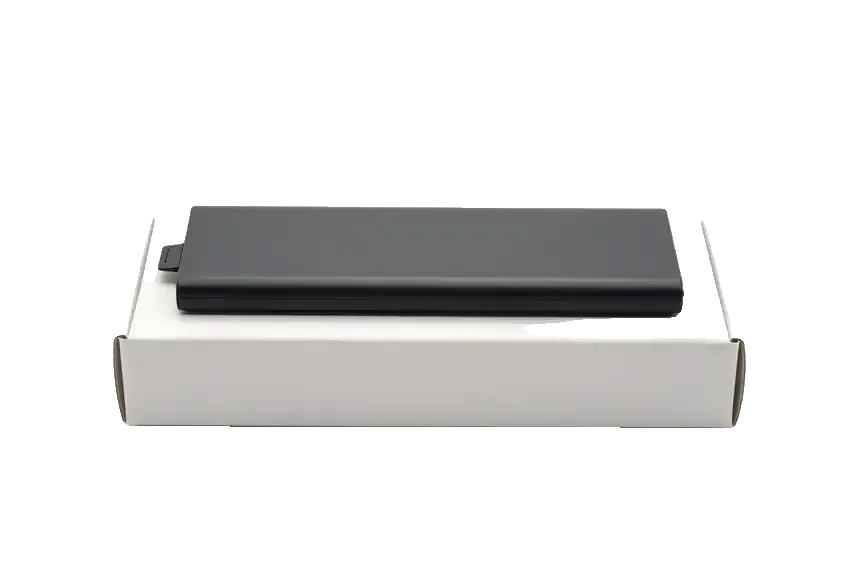
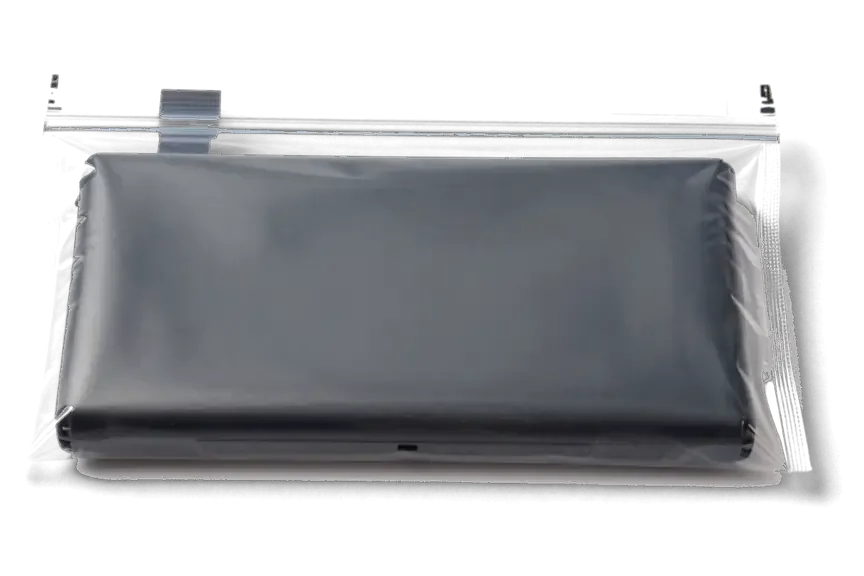
- Part in packaging: the new battery is shown to you in its factory packaging ahead of the engineer opening the phone.
- Work itself: swapping the battery runs roughly 25 minutes, and from first contact to pickup the whole process usually stays under an hour.
- Handover set: the device comes back with the receipt, the warranty card and your old part.
Can You Wait On Site
Indeed — 72% of repairs at our shop are completed while the customer stays in the waiting area, where coffee and Wi-Fi are available. Since a battery job runs roughly 25 minutes, most owners simply stay, answer a few messages and leave with the device in hand. The waiting area seats several people at once, and the engineer calls you over when the new battery is in and the back panel is sealed. Remaining on site has another perk: the 32-function check — about 10 minutes over network, charging, speakers, microphones and cameras — is done in front of you, so anything you want to ask about the new battery gets settled before you leave. If you cannot stay, a courier can be called and the phone returned to you. Book a morning slot on weekdays and the shop floor is quieter, which shortens the wait further.
What Is Different About This Model
Unlike the 4 and 4s, this model is opened from the front, and adhesive strips hold its battery in place — two details that affect the way the job is carried out.
Adhesive Strips and Front Opening
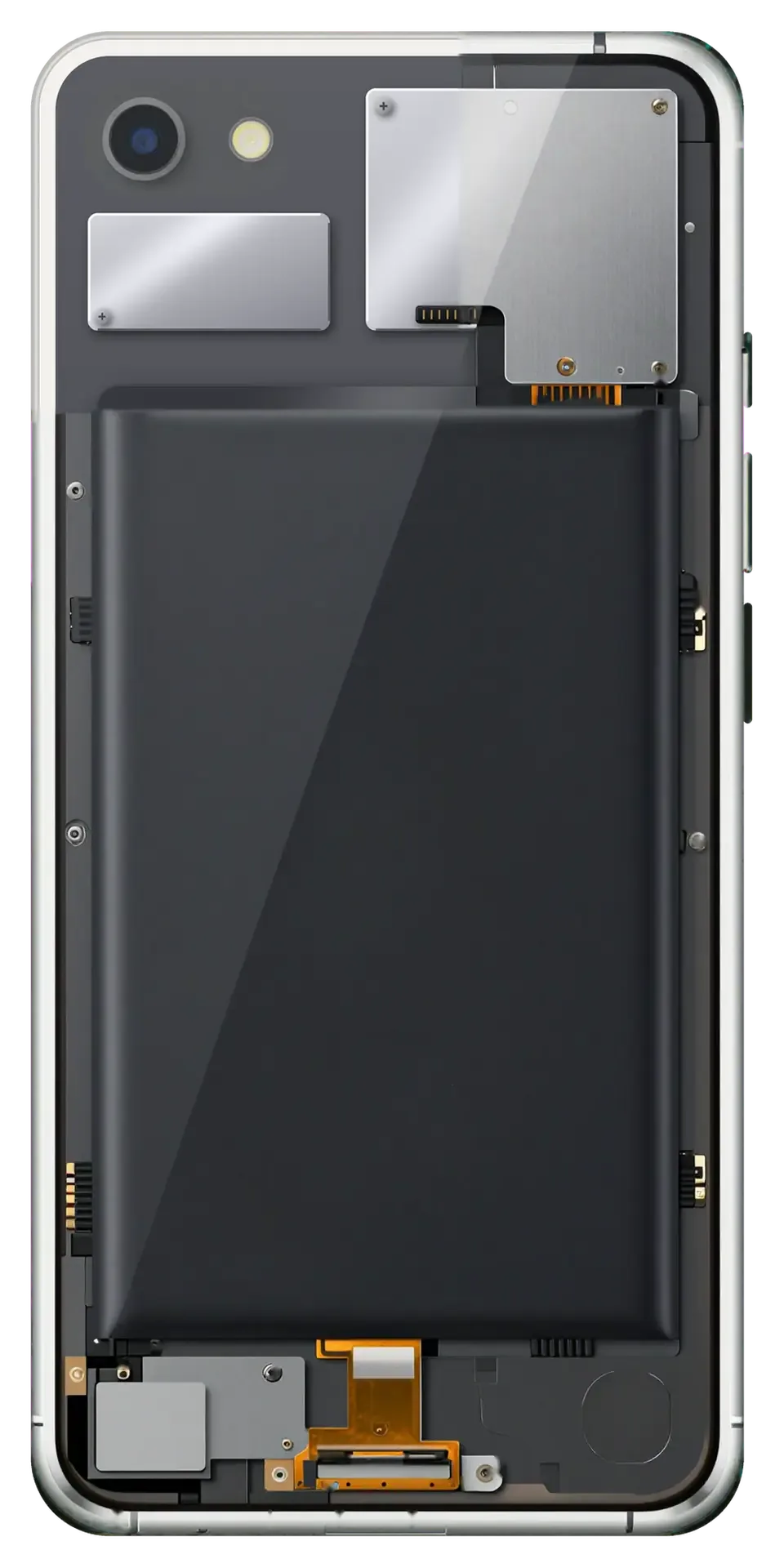
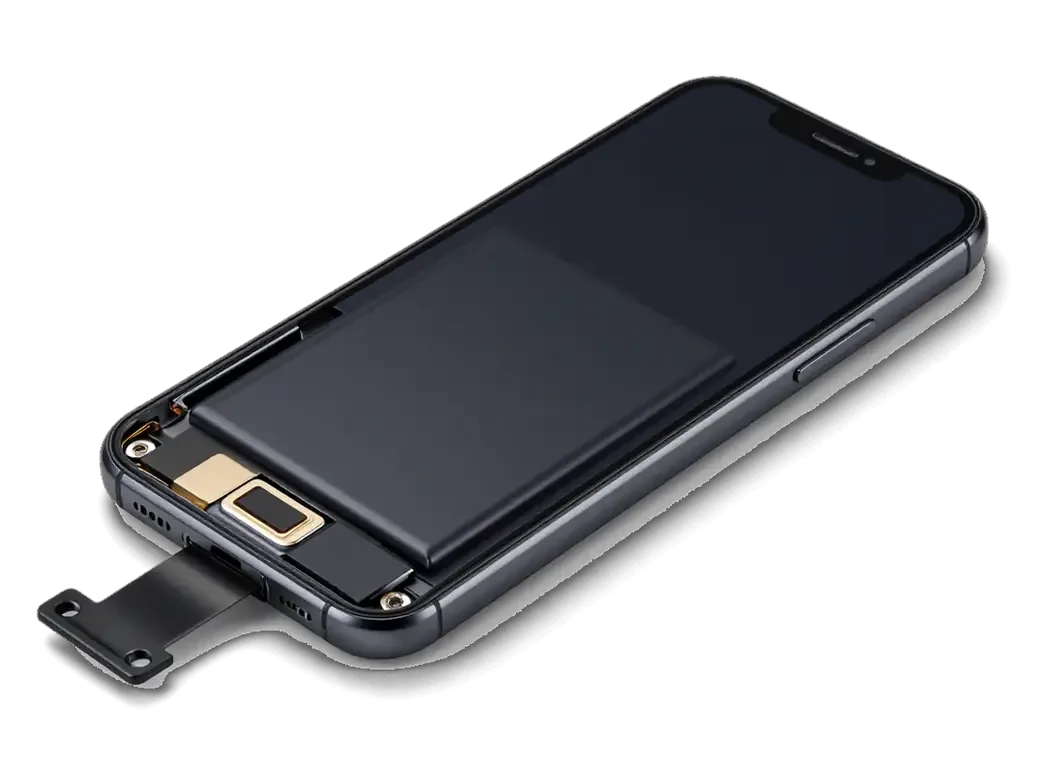
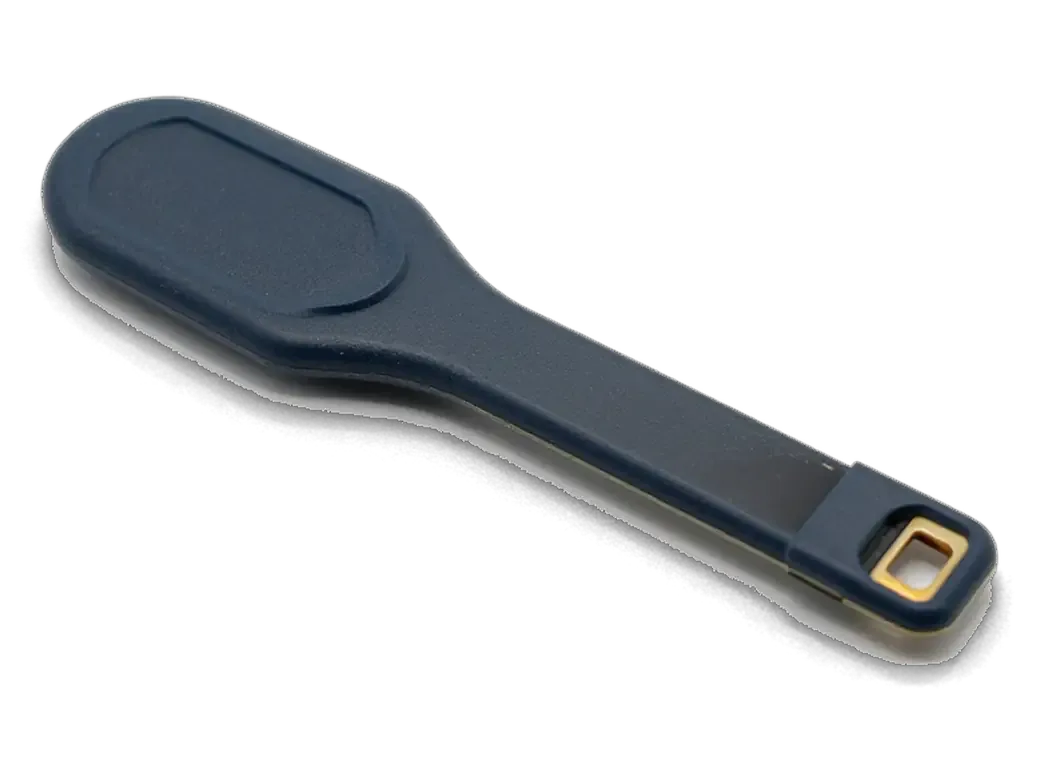
We lift the display module first, disconnect the battery connector, then pull the adhesive strips that hold the battery in place. The display assembly on this generation is thin and clips along its edges, so it comes up slowly rather than being pried. Two pull-tabs run beneath the battery; they release it cleanly when drawn at a shallow angle, and the connector and flex cable stay attached until the strips are free. If a strip snaps, the battery has to be eased out with a thin tool and isopropyl alcohol rather than levered, which is where careless work usually damages the board. On this model the swap runs roughly 25 minutes with you waiting, and before installation we display the replacement battery still in its factory packaging.
How This Generation Differs From Other Models
Opening route and battery fastening across three generations| Generation | Opening process | Battery fixing |
|---|
| iPhone 4 and 4s | Rear panel | Screwed bracket |
|---|
| iPhone 5 | Front display | Adhesive strips |
|---|
| iPhone 7 and newer | Front display | Strips plus new sealing |
|---|
Data, Checks and Warranty After the Repair
Once the fresh pack is in, the phone goes through a function check and you leave with paperwork — and with the used battery in hand if you want it.
Your Data and the Old Part
Memory is untouched by a battery replacement, so photos, messages and apps remain exactly where they were. The lithium-ion component sits on the logic board side of the chassis and carries no user data, which is why a swap is a hardware job from start to finish. We hand back the depleted unit along with the receipt and warranty card, and that retired part is the simplest way for you to confirm a new one actually went in. Coverage runs up to 1 year and applies to the installed battery, not the rest of the handset. Keep it for the first weeks: if capacity drops oddly, we compare it against the fresh one prior to opening anything.
What We Check Before Handover
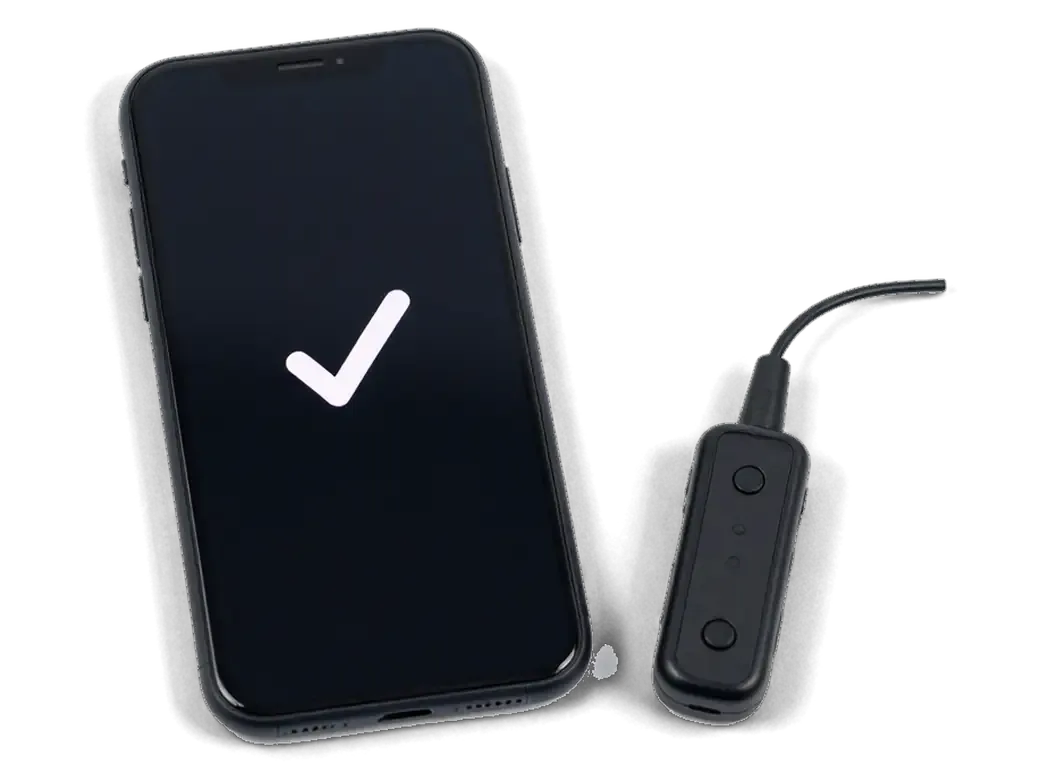
We run a 32-function check in about 10 minutes and you go through the results with the engineer ahead of the phone leaving the bench. A USB current tester shows live draw on the charging port, so a tired Lightning connector cannot pass as a healthy charge, and the handset then registers on the carrier and holds a call to rule out antenna damage from the opening. Both microphones, the speaker and the rear camera are verified after the chassis is closed, and the warranty card and receipt leave with you. On an iPhone 5 the charging current and the network are the two results worth watching, since a tired Lightning port can mimic a failing battery.
Summary: iPhone 5 Battery Replacement
The points below sum up what decides a good outcome on this model, from spotting wear to what comes back with the phone.
- No health menu: Because Apple's iPhone 5 never included a battery-health screen, wear signs have to be judged by unexpected power-offs, rapid discharge and heat under load, not by a percentage figure.
- Part named on paper: The model accepts an original or an aftermarket unit without parts warnings, and the receipt must state the exact part ahead of the work.
- Front opening, short job: On this handset access is gained through the front, and the power source is held by adhesive strips, so the procedure takes less time than on glued, water-resistant generations.
- Data stays intact: A battery change never touches stored files, and the old component comes back to you as proof the work was done.
- Port versus power source: A tired charging port mimics a dying battery, so a current test taken prior to and after the replacement settles which component is at fault.








 iPad
 MacBook
 iMac
 Mac mini and Studio
 Apple Watch
 AirPods
 Apple Pencil
 Apple TV
 HomePod




