Eng

iPhone 5 Speaker Replacement in Astana

iPhone 5 sound is crackling or too quiet — we replace the earpiece or loudspeaker in 30 minutes, part shown in factory packaging.

White iPhone 5 smartphone seen from the front
Price incl. labor
from 7 900 ₸
Warranty
6 months
  • Fault location
  • Grille cleaning
  • Opening the case

How a failing speaker shows itself

When a speaker crackles or goes quiet, the cause may be dust in the grille, moisture or simple wear of the diaphragm.

Caller sounds faint

You can barely hear the other person and keep switching to speakerphone: the earpiece at the top is weak.

Music crackles

The loudspeaker buzzes at higher volume and the ringtone comes out muffled and flat.

No sound at all

No ringtone, video or alerts: the speaker is clogged, oxidized or its cable has come loose.

Muffled after damp

After rain or snow the sound turned dull because the mesh clogged and the contacts picked up residue.

How much iPhone 5 speaker replacement costs in Astana

The price depends on which speaker is replaced and which part you choose, original or aftermarket; the price row shows a starting price.

ServiceOriginalAftermarket
Speaker replacement12 900 ₸7 900 ₸
Earpiece speaker replacement17 900 ₸10 900 ₸
Microphone replacement14 900 ₸8 900 ₸
Charging port replacement14 900 ₸8 900 ₸
Display replacement16 900 ₸14 900 ₸
Display glass replacement19 900 ₸10 900 ₸
Battery replacement16 900 ₸9 900 ₸
Housing replacement28 900 ₸15 900 ₸
Camera glass replacement20 900 ₸11 900 ₸
Main camera replacement15 900 ₸8 900 ₸
Front camera replacement19 900 ₸10 900 ₸
Home button replacement11 900 ₸6 990 ₸
Vibration motor replacement12 900 ₸7 490 ₸
Proximity sensor replacement32 900 ₸19 900 ₸
Flex cable replacement14 900 ₸10 900 ₸
Other repairsPrice
Water damage cleaningcorrosion cleaning · diagnostics up to 2 days8 900 ₸per job
Power controller replacementboard-level chip · microsoldering16 900 ₸with parts
Logic board repairmicrosoldering · 1–3 days135 900 ₸per job
Firmware flashingsoftware restore, no parts replaced8 900 ₸per job
Wi-Fi module repairwireless module · board-level repair15 900 ₸with parts

The figure is a starting price; the final total is confirmed when you book and follows your choice of original or aftermarket.

What iPhone 5 speaker replacement includes

The fault is located first, the grilles are cleaned, then the case is opened, the speaker swapped, the sound tested and the job covered by a warranty.

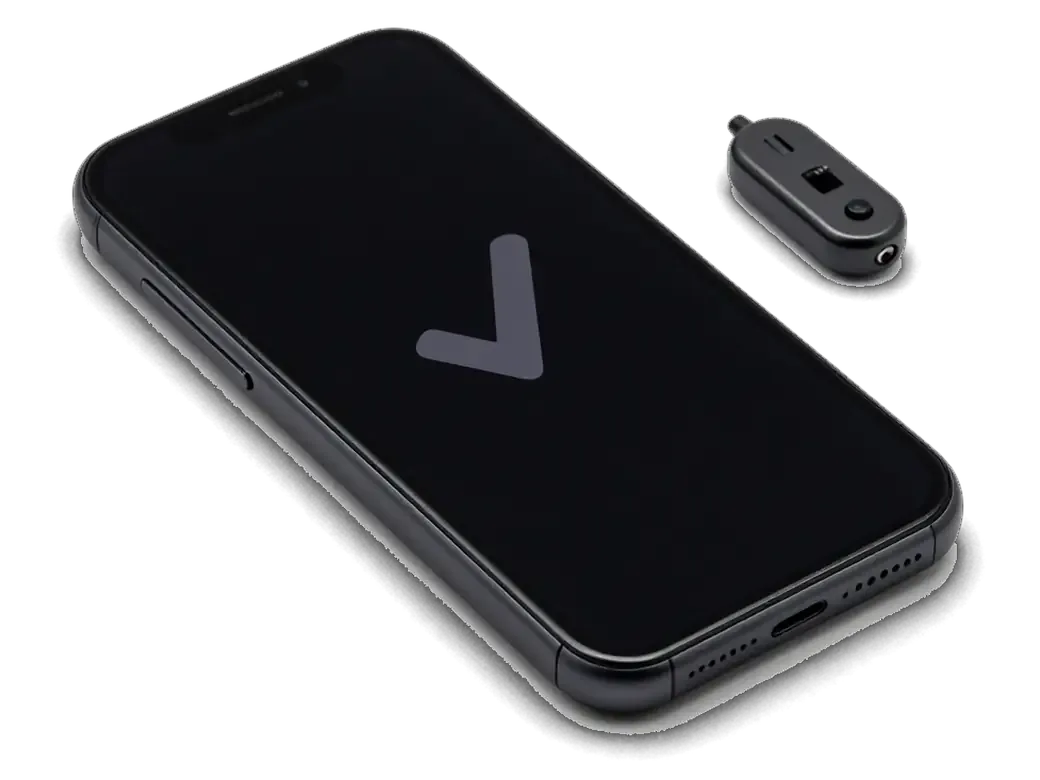
  1. 01
    iPhone with a checkmark on screen and a sound tester nearby
    Fault location

    We test the earpiece, loudspeaker, microphone and socket to find out exactly which sound has gone missing.

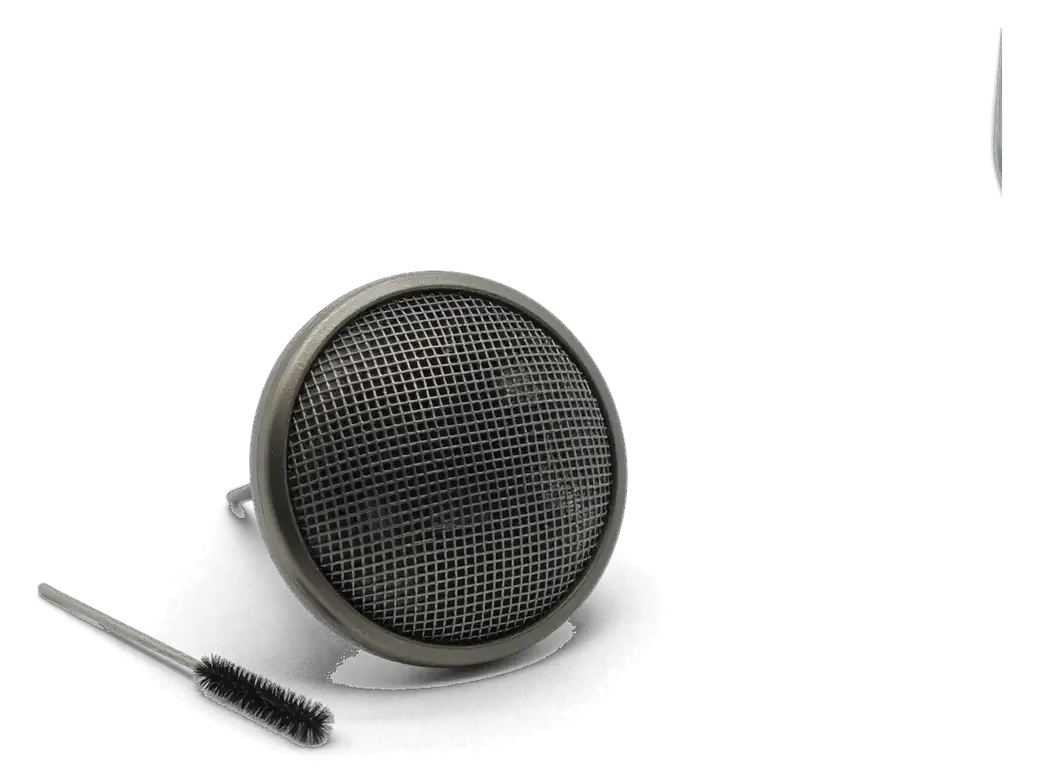
  2. 02
    iPhone speaker grille with a cleaning brush
    Grille cleaning

    Dust, lint and oxide are removed from the meshes: sometimes the sound returns without a new part.

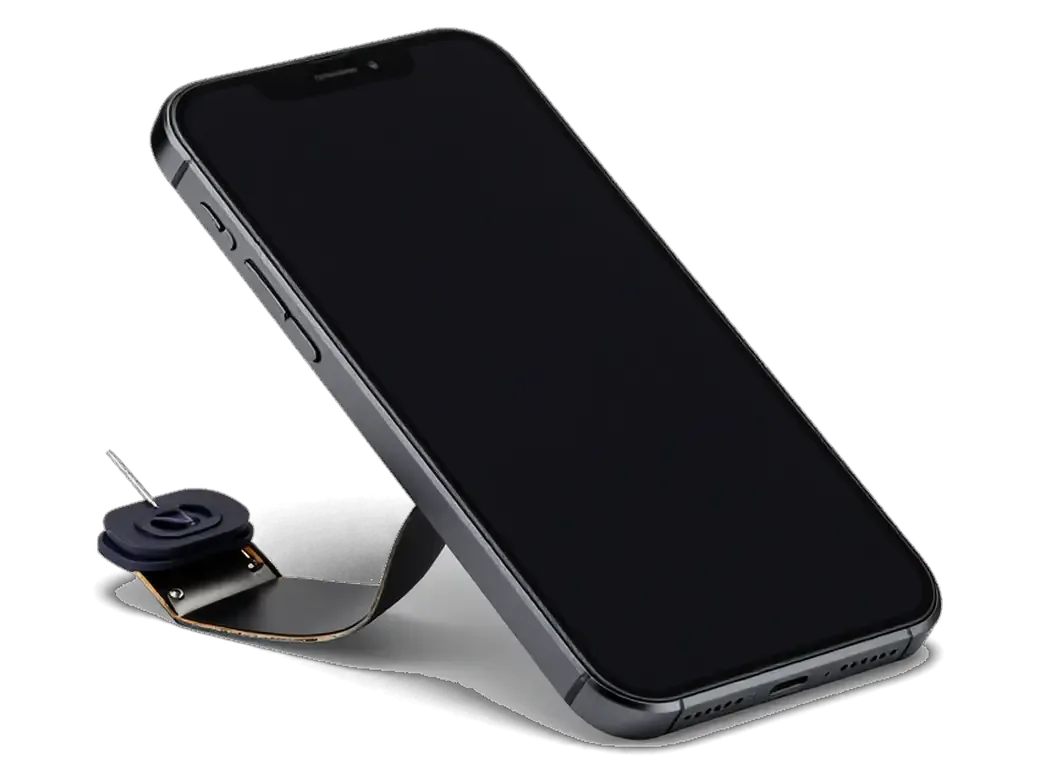
  3. 03
    Opened iPhone with the display tilted up and a tool
    Opening the case

    Bottom screws come out, a suction cup lifts the display module and it is carefully swung aside.

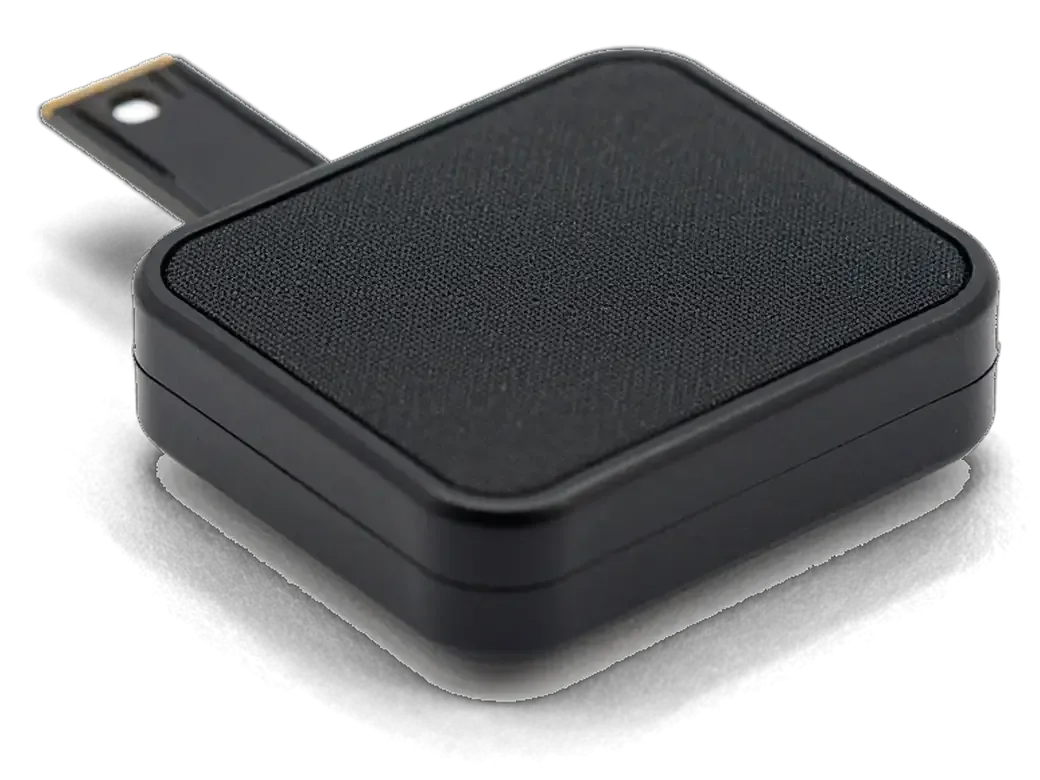
  4. 04
    Removed iPhone speaker with its flex cable
    Speaker swap

    The faulty speaker is removed and a new one fitted, with the contacts and the seat in the case checked.

  5. 05
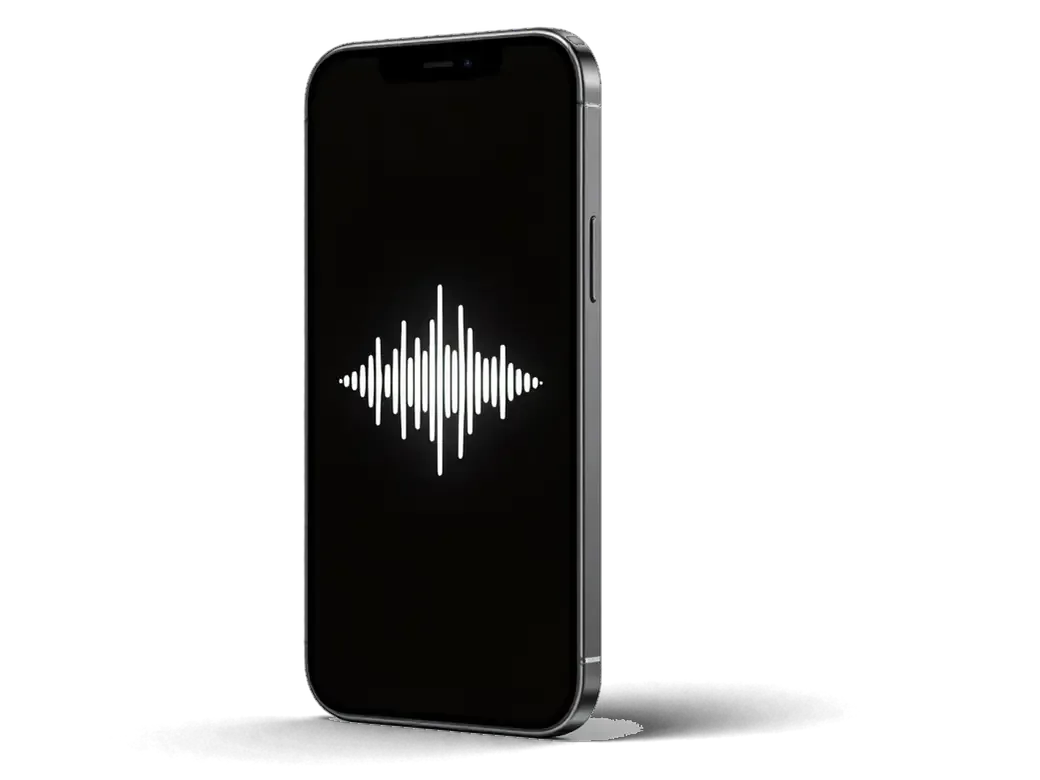
    iPhone with a speaker icon and clear waves on the screen
    Sound test

    We play a ringtone, music and video, call the device and confirm that every speaker sounds clean.

  6. 06
    Warranty card with no text on it
    Warranty on the job

    The completed swap and the installed part carry a warranty up to 1 year, like all work at iServices.

  7. iPhone 5 speaker replacement
    from7 900 ₸

    Scope depends on the diagnosis: sometimes cleaning is enough and no part has to be replaced.

    Price for my model

Which part to fit in an iPhone 5 speaker replacement

An original speaker sounds closer to the factory one, an aftermarket one costs less; the gap shows mostly at high volume and on calls.

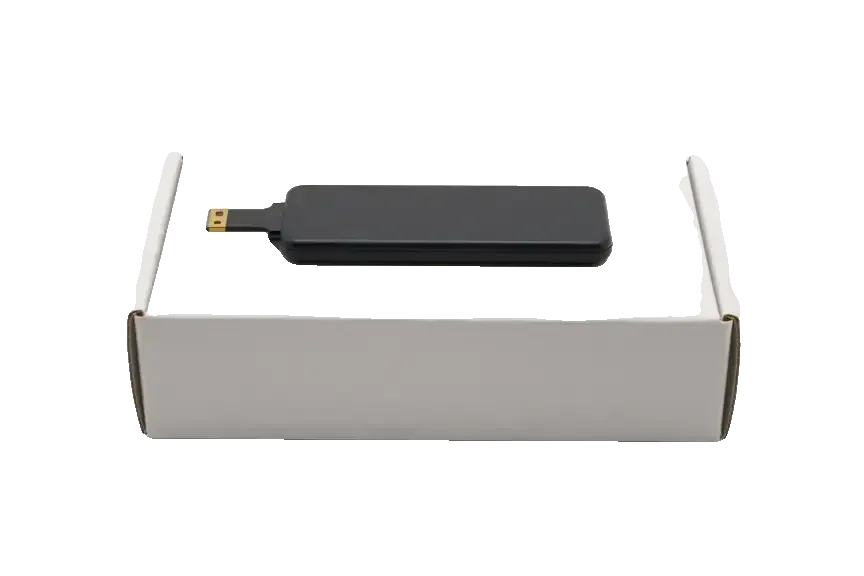
Original Applewarranty up to 1 year
iPhone 516 900 ₸
Original: iPhone speaker on a white box
Volume
Headroom matches the factory unit
Clarity
Fewer rasps on high notes
Fit
Drops into the case with no rework
Choose for
A main phone for calls and video
Chosen by 64% of clients
Book with an original part
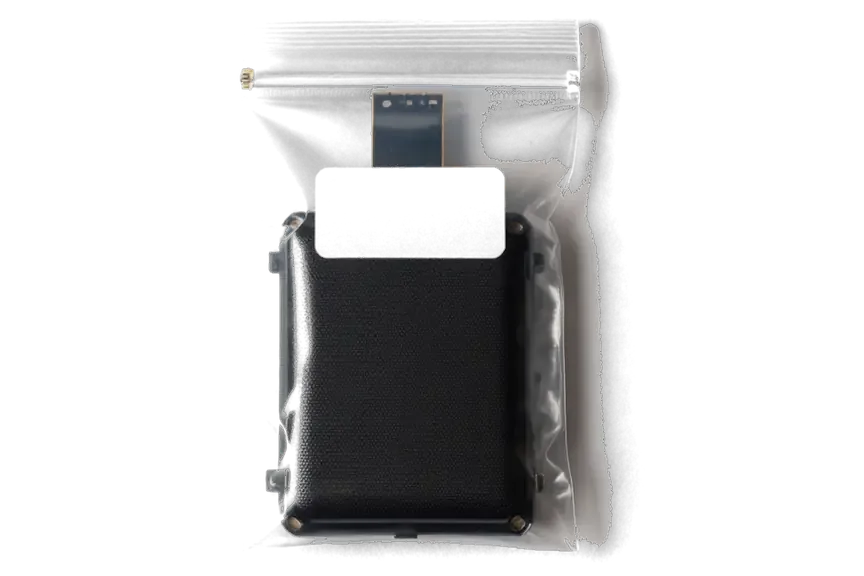
Aftermarketwarranty 6 months
iPhone 514 900 ₸−12%
Analog: iPhone speaker in an antistatic bag
Volume
Slightly quieter than original at maximum
Clarity
Buzz on bass notes is possible
Fit
Sometimes needs a little fitting
Choose for
A spare device or simple tasks
Chosen by 36% of clients
Book with an aftermarket part

Why entrust the five's sound to us

We clean what can be cleaned before suggesting a swap, and the choice of part remains yours.

11years

Familiar with the iPhone 5

11 years of work taught us to find the cause of faint or rasping sound on older models quickly.

1year

Warranty up to 1 year

The warranty up to 1 year covers the speaker swap and the installed part, if the defect arises through our fault.

6technicians

Experienced technicians

Swaps are done by experienced technicians, because both the sound and the neighboring cables depend on a precise assembly.

2options

Cleaning comes first

If the grille is merely clogged, cleaning helps without extra cost or the purchase of a new part.

7days a week

Astana hours

We receive phones in Astana on weekdays 10:00–19:00, and at weekends and on holidays 11:00–18:00.

5min

The choice is yours

We explain how original and aftermarket sound different and leave the decision to you, with no pressure.

iPhone 5 before and after repair

1 / 1
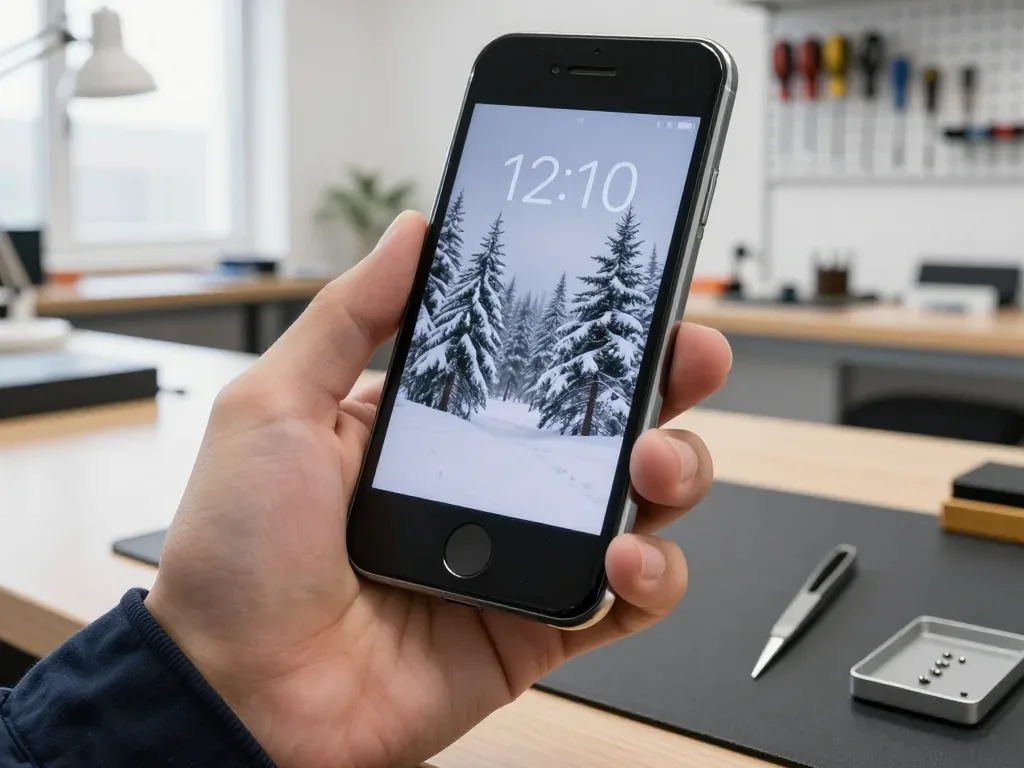
Black iPhone 5 held by a technician, screen on with a snowy fir trees wallpaper

iPhone 5: crackling speaker on calls

A client from Astana said the other person was barely audible — the speaker crackled and the sound kept dropping out. We replaced the speaker and checked the sound on calls and speakerphone: now it's clear.

from 7 900 ₸repair cost
I want the same

How iPhone 5 speaker replacement is done in Astana

The whole journey — from message to finished phone. We give you the old part.

Book a replacement
  1. Step 1

    Message or come in

    5 min

    You message us on WhatsApp with the model and what happened — we give you the price and time. Or you come in without an appointment.

  2. Step 2

    Diagnostics in front of you

    10 min

    We check the sound in calls and on speakerphone, clean the mesh: sometimes cleaning is enough.

  3. Step 3

    Price in the receipt

    2 min

    We note the model, the part (original or aftermarket), the price, the timeframe, and the warranty.

  4. Step 4

    We show the new speaker

    1 min

    We open the factory packaging in front of you and check the number against the receipt.

  5. Step 5

    We replace the speaker

    time on the receipt

    We install the new speaker and seal the case with water-resistant adhesive.

  6. Step 6

    You check together with the engineer

    warranty up to 1 year

    Calls, speakerphone, music, notification sound. You get the phone, the receipt and the old speaker.

Meet the iServices team

Technicians for iPhone, Mac, iPad, Apple Watch and AirPods repair.

1 / 5
BSBakmukhammed S. — on-site iPhone technician, iServices service center in AstanaPhoto: Bakmukhammed S.

Bakmukhammed S.

on-site iPhone technician
13years of experience
4.93rating, 107 reviews
GSGalymzhan S. — iPhone repair technician, iServices service center in AstanaPhoto: Galymzhan S.

Galymzhan S.

iPhone repair technician
8years of experience
4.79rating, 90 reviews
ZSZhandos Sh. — iPhone screen replacement technician, iServices service center in AstanaPhoto: Zhandos Sh.

Zhandos Sh.

iPhone screen replacement technician
6years of experience
4.65rating, 112 reviews
DTDarkhan T. — iPhone firmware technician, iServices service center in AstanaPhoto: Darkhan T.

Darkhan T.

iPhone firmware technician
8years of experience
4.44rating, 19 reviews
KSKudiret S. — iCloud unlock specialist, iServices service center in AstanaPhoto: Kudiret S.

Kudiret S.

iCloud unlock specialist
10years of experience
4.37rating, 100 reviews
Bakmukhammed S., on-site iPhone technician
“If the repair didn’t suit you or you have a complaint, write to me personally.”
Bakmukhammed S.on-site iPhone technician · +7 701 333-47-01

We'll quote an iPhone 5 speaker replacement in Astana from a photo in 5 minutes

Send a photo of the screen and the iPhone model. An engineer will reply on WhatsApp, give the price and today's available time.

  1. 5 minAn engineer replies and names the price
  2. 0 ₸Diagnostics in front of you in 15 minutes
  3. 30 minMost repairs — while you wait

iPhone 5 Speaker Replacement in Astana Done While You Wait

In short

At iServices in Astana, an iPhone 5 speaker replacement starts with a free 15-minute diagnostic in front of you, so the engineer shows whether the earpiece, the loudspeaker or just the mesh is at fault. Most jobs take 20–40 minutes while you wait, with a warranty up to 1 year.

iServices Editorial TeamWe reply on WhatsApp within 10 minutes
Ask

Which iPhone 5 Speaker Replacement Fixes Your Failing Audio

The iPhone 5 carries two separate speakers — an earpiece up top for calls and a loudspeaker at the base for media — and it outputs sound in mono, so the symptom you hear usually points straight at the part to inspect.

Earpiece or Loudspeaker, Two Different Parts

The handset has an earpiece up top for calls and a loudspeaker at the base for ringtones, speakerphone and video, and it plays sound in mono rather than stereo. The upper capsule sits under the front glass slit, wired to the front-camera flex; the bottom module is larger, behind the grille next to the Lightning port. Because the two parts live on different assemblies, a failure in one leaves the other working, and that split is the fastest diagnostic tool you have. Play a ringtone, then make a call and switch to speakerphone: if the ring is loud but the caller is faint, the capsule is the suspect. If a voice in your ear fades while hands-free stays clear, the capsule or its mesh is at fault, not the bottom module.

Speaker, Mesh or Software, a Quick Self-Check

  • Headphone mode: unplug anything from the 3.5 mm jack and confirm the speaker icon returns in the status bar.
  • Blocked mesh: inspect the bottom grille and the top slit for lint, dust or a case edge over the openings.
  • Volume limit: open Settings, go to Sound, raise the ringer slider and play a video.
  • Bluetooth: switch Bluetooth off so audio stops routing to a paired headset.
  • Restart: reboot once, since a stuck audio process can silence one output.
  • Second source: play a track from another app plus a voice memo to separate a file fault from hardware.

Matching the Symptom to iPhone 5 Speaker Replacement Causes

A faint caller, a crackling ringtone, a buzz at high volume and total silence all point to different components. The table below connects what you hear with what we inspect first.

Symptom, Likely Cause and What We Do

Sounds mapped to parts and checks
What you hearLikely causeWhat we check
Caller faint, speakerphone fineEarpiece or its meshTop speaker and mesh
Crackling at high volumeTorn loudspeaker diaphragmBottom speaker
Muffled but clear after cleaningDust in the meshGrille and mesh
No sound anywhere, headphones workStuck headphone mode or codecSoftware, then board
Sound fades after waterOxidation on contactsContacts and speaker

When the Fault Is the Board, Not the Speaker

On the iPhone 5 a failed audio codec can silence the speakers even though the parts themselves are healthy, so we test the board before ordering a replacement. The polyphonic loudspeaker handles ringtones, speakerphone calls and video audio, and it shares a circuit with the earpiece above the screen. Before touching either part, our engineer runs a free 15-minute diagnostic in front of you and shows which node has dropped out. A speaker that works in one app but not another, or audio that returns after a reboot, points away from the part and toward the audio circuit. Replacing the speaker in that case would not fix the sound. Send a photo of the damage on WhatsApp and an engineer replies within 5 minutes with a price and a free time slot, so the visit starts with a confirmed cause rather than a guess.

Cleaning the Mesh Before You Replace Anything

Some speakers that seem dead are simply clogged with dust or oxidised after a spill. It is worth checking whether the sound returns after a clean.

Dust, Lint and the Case That Covers the Grille

A blocked grille is one of the most common reasons a handset goes quiet, and cleaning it restores volume without swapping the speaker at all. We see this constantly at the bench: the grille at the bottom edge collects pocket lint, and a case or a screen protector laid over the openings traps it faster. The earpiece slot above the display gathers the same film of dust from calls. A device that fades over weeks rather than dying at once is more likely clogged than broken. Lint packs into the bottom grille from pockets and bags, so a gradual drop in loudness points to a clogged opening, not a failed component. If the sound is muffled but still present, ask for a clean first — it takes minutes and saves you the cost of a part you may not need.

After Water, Clean and Dry Before Replacing

A wet speaker often comes back to life once the contacts are cleaned and dried, so we do not rush to fit a new one on the first visit. The earpiece sits under the screen, where moisture lingers longest, and this model has no water protection to keep it out. A spill leaves mineral residue on the pads that keeps the diaphragm from moving freely, and drying alone rarely clears it — the pads need cleaning, not just time. On the bench we open the area, lift the deposit off the contacts and dry the cavity before judging the component. If the phone has been dropped in liquid, bring it in rather than switching it on repeatedly, since power on wet pads speeds up corrosion.

How the iPhone 5 Speaker Replacement Works

The two speakers in an iPhone 5 sit in different places, so the work differs: one job needs the screen lifted, the other is reached from below. Here is what we do and how we confirm the sound before handover.

What We Remove and What We Check

Replacing the earpiece means lifting the screen to reach the speaker underneath, while the bottom loudspeaker is reached without removing the glass, so the two jobs differ in time and care. On the earpiece route we release the two pentalobe screws, free the panel, disconnect the battery and the front-camera flex, then lift the speaker flex from its connector. The bottom loudspeaker sits in the lower housing behind the grille — we open that side, swap the module and reseat the mesh. Every contact is checked for corrosion ahead of installation, and the old speaker is returned to you in a bag. Because the earpiece sits under the panel, a phone that had its screen changed earlier needs extra care with the adhesive and the sensor cables during this repair. If you are looking for an iPhone 5 speaker replacement in Astana, we carry out both routes at our workshop.

The Sound Check Before You Leave

At handover we run a 32-function check of about 10 minutes, and the speakers and microphones are part of it, so you hear the result yourself. You call our desk line from the phone and listen for clarity at full volume, then switch to speakerphone and record a short voice memo to test the microphone path. A ringtone at maximum level exposes rattle or crackle, and a video clip confirms stereo output and lip-sync. If a contact sits loose, the reading shows up here rather than a week later. Testing a call, speakerphone and a video covers both speakers and the microphone path at once, which catches a loose connector that a single ringtone test would miss.

Timing, Parts and Warranty

How much time the job takes, which speaker to pick and what stays in your hands afterwards — these are the three questions owners of an older iPhone ask most often before booking a repair.

Original or Aftermarket Speaker

Two speaker options compared by sound and intended use
OptionSound qualityBest for
Original speakerMatches factory tuningKeeping the device for years
Aftermarket speakerGood, slightly different toneA quick, budget-minded fix
Share choosing it64% original, 36% aftermarketDepends on your plan

How Long It Takes and What You Keep

Most repairs take 20–40 minutes while you wait, and 72% of our jobs are finished while the customer sits in the waiting area with coffee and Wi-Fi. If you cannot come in, a courier can be called and the handset collected from your address. The price, the part, the turnaround and the warranty are fixed on the paperwork before work starts, so nothing about the job changes once the handset is open. You leave with that document, a warranty card covering the work up to 1 year, and the old speaker in a bag. Ask the engineer to note the part type on your copy — it is your reference point if anything sounds off later.

Summary: iPhone 5 Speaker Replacement

A short recap of what decides whether audio returns: the right part, an honest diagnosis and a final check that both speakers work once the device leaves the bench.

  • Two emitters, two symptoms: a faint caller points to the earpiece, while crackle and quiet ringtones point to the bottom loudspeaker.
  • Rule out the cheap causes first: headphone mode, a blocked mesh and a low volume setting can all mimic a dead emitter.
  • Cleaning beats swapping: dust and post-water residue often clear up with a clean and dry pass, so no component gets changed needlessly.
  • The board can be the culprit: if the parts test healthy but audio stays gone, the sound circuit deserves a closer look.
  • Verify playback last: a call, speakerphone, ringtone and video run prove both emitters work by the time you leave.


What customers usually ask about the five's sound

Did not find an answer? Message us on WhatsApp: an engineer replies, not a bot.

Ask a question
Is it the speaker or the microphone when calls sound bad on my iPhone 5?

If you cannot hear the other person, a speaker is at fault, and if they cannot hear you, it is a microphone. The iPhone 5 has several microphones, so a test call on speakerphone and on the earpiece helps narrow it down.

My iPhone 5 is silent when someone calls. Could it be the side switch?

Check that first: if the Ring/Silent switch on the left edge shows an orange mark, the phone is muted on purpose. Slide it back and press the volume buttons. If calls are still silent but music plays, look at the ringer volume in Settings before blaming the speaker.

Why does my iPhone 5 show «Headphones» when nothing is plugged in?

The phone thinks headphones are still connected, so the sound goes nowhere and the speaker seems dead. On the iPhone 5 the headphone jack is at the bottom, and lint or moisture inside can trigger this. Careful cleaning often helps; if not, the jack and its flex cable are replaced.

How can I test the iPhone 5 speaker myself before coming in?

Play a ringtone under Settings > Sounds, then record a voice memo and play it back. If the ringtone rattles, the loudspeaker is damaged; if the recording is muffled but ringtones are clean, the microphone is the more likely suspect.

Can slush and road salt in Astana ruin the iPhone 5 loudspeaker?

Yes, salty water that gets into the bottom grille corrodes the speaker contacts and stiffens the membrane, so the sound turns muffled or crackly. Wipe the phone dry and do not blow into the grille with force. If the sound does not recover after drying, the speaker is inspected and replaced.

Will the new iPhone 5 speaker be louder than the original one?

No, a replacement restores the factory loudness rather than raising it. If music still seems quiet afterwards, the «Late Night» equaliser in the Music settings evens out the volume and makes quiet tracks easier to hear.

iPhone 5 speaker repair in Astana reviews

4.9

iServices network rating on Google Maps, wikicity and our website · 2 028 reviews
Google Maps4.438 reviews ›wikicity5.015 reviews ›Reviews on the iServices website4.91 975 reviews ›

Where to get iPhone 5 Speaker replacement in Astana

Address
Astana, Kabanbay Batyr Ave., 7/2
Opening hours
Mon–Fri 10:00–19:00Sat–Sun 11:00–18:00
Phone and messengers
+7 727 339-99-12WhatsApp: +7 701 333-47-01
Directions map: iServices Astana© OpenStreetMapFind us on the maps: Google Maps · 2GIS