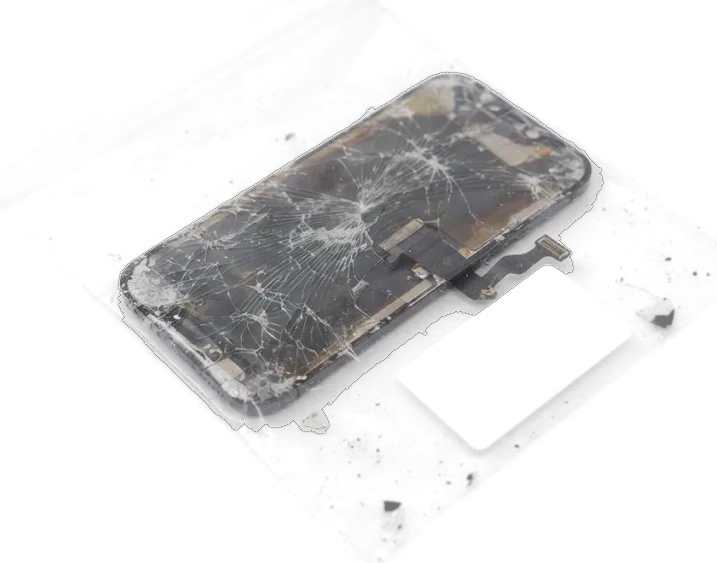
The iPhone 15 screen is one bonded OLED module, so damage rarely stays cosmetic. Below are the symptoms that call for a display replacement rather than a polish.
Cracked Glass, Lines or Dead Touch Spots
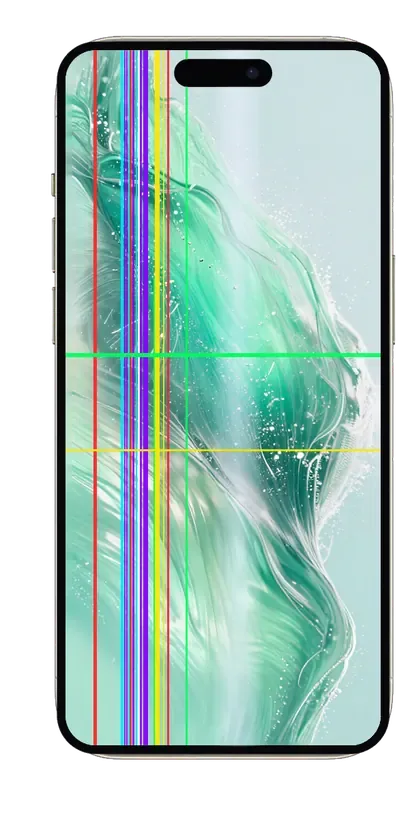
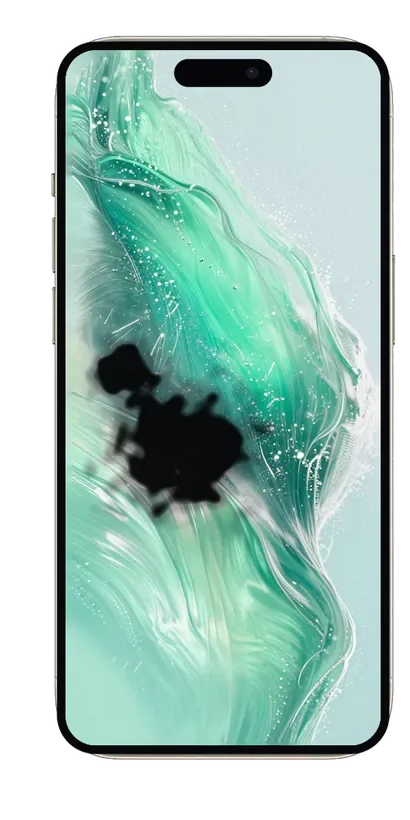
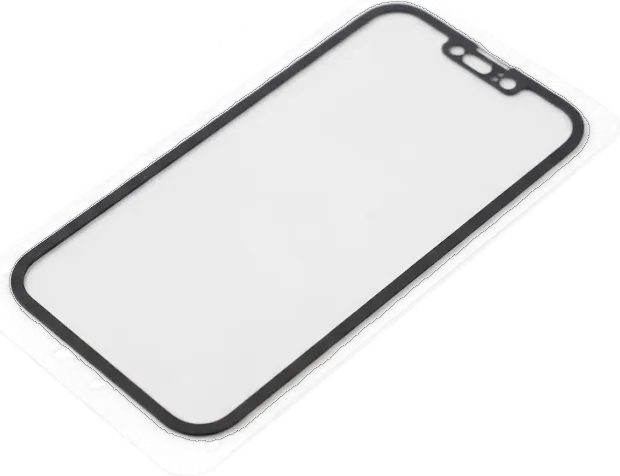
A single crack on the iPhone 15 usually means the whole display assembly has to be replaced, because glass, touch layer and OLED panel are bonded into one unit. Once the outer glass breaks, damage spreads through the adhesive: a spiderweb pattern in a corner, bright vertical lines, dark patches in the corner of the panel, or a strip along the edge where touches stop registering all point to the same outcome. Pressing on the glass or covering the crack with a protector does not restore the touch layer underneath, and dead spots grow as the fracture travels. Even a hairline crack lets dust and moisture reach the panel, so a working screen can fail later.
When the Screen Is Intact but Behaves Strangely
Lines, flicker or ghost touches on an unbroken display do not always mean the panel is dead — the display flex or the board can be the cause. A module that lights up but shows green or pink bands, dims on its own, ignores swipes in one zone, or registers taps nobody made is presenting symptoms that look identical to physical damage and are not. The flex connector can loosen after a drop, and a board fault under the display connector produces the same flicker as a failing OLED layer. That is why a free check comes first: replacing a good module will not fix a board fault, and the symptom returns within days.
Original or Aftermarket iPhone 15 Display Replacement Panel
The iPhone 15 uses an OLED matrix, so an aftermarket panel is often LCD-type. Here is how the options differ in daily use and what iOS tells you afterwards.
How Original and Aftermarket Modules Differ
Part options compared by panel type and feel| Part option | Panel type | What you notice on the iPhone 15 |
|---|
| Original module | OLED | Deep blacks, full brightness, same thickness as before |
|---|
| Aftermarket module | Often LCD-type | Thicker glass, greyish blacks, lower peak brightness |
|---|
| Aftermarket OLED | OLED | Closer to original colour, still not the same panel |
|---|
| Re-glassed module | Original OLED, new glass | Cheaper route when the panel itself survived |
|---|
Will iOS Warn About a Non-Original Part
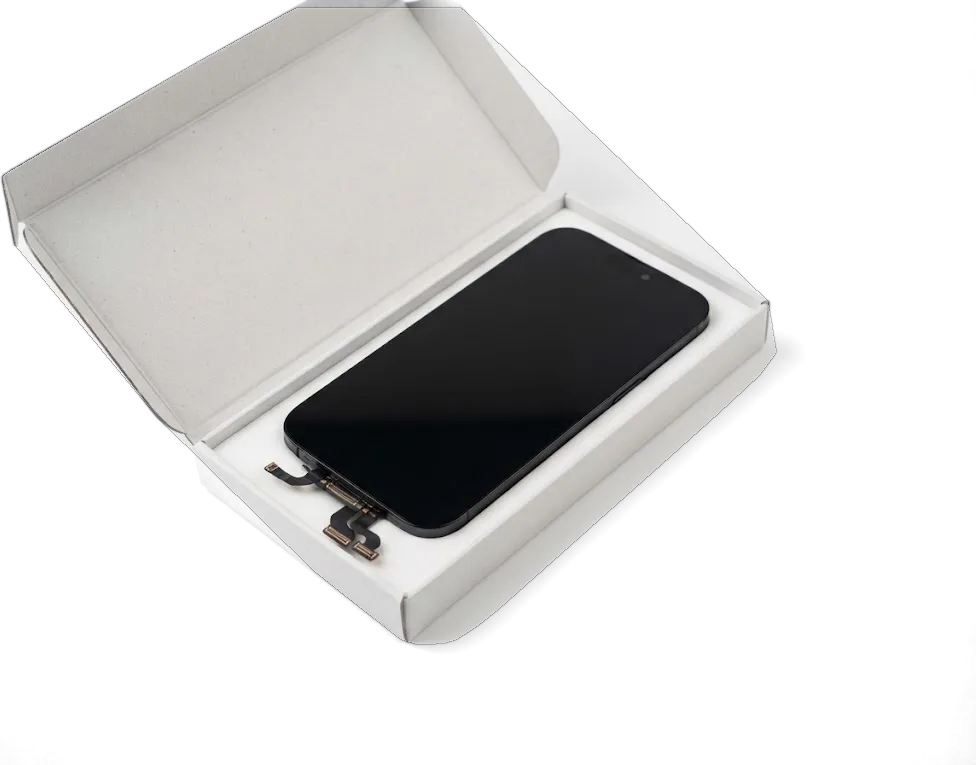
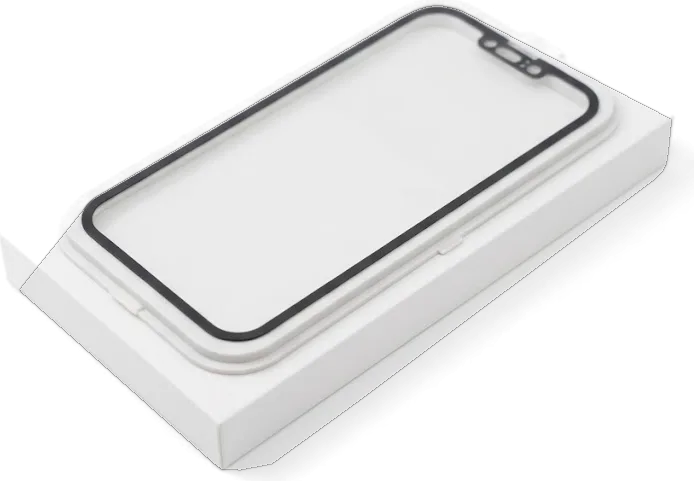
On the iPhone 15, iOS can show a notice in Settings that the display is not a verified part, and this happens with aftermarket panels. The message appears under Settings, General, About, in the parts history section, and it is stored per component rather than per device. An original module installed by our technicians does not trigger the notice, while an aftermarket one usually does within the first hours after the swap. We show you the new part in factory packaging before installation, so you see the panel type before it goes on the frame. The notice does not stop the screen from working, but it stays in the device history — worth knowing ahead of choosing a cheaper part.
Face ID, True Tone and Dynamic Island After the Swap
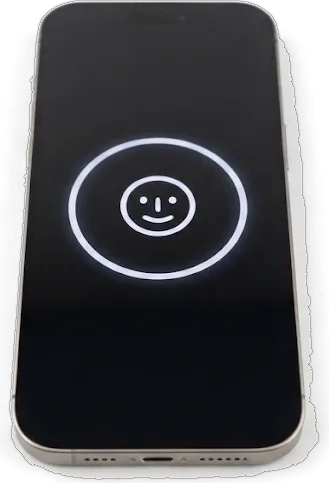
The biggest worry owners bring is losing Face ID or True Tone after a screen swap. Both survive when the technician moves the right parts, and both get checked on the spot before you leave.
Keeping Face ID and True Tone Working
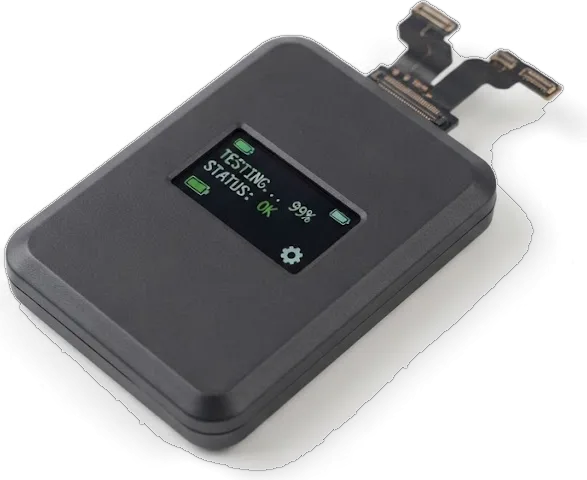
We move the original display data and the top flex with the proximity sensor onto the new module, and that transfer is what keeps Face ID and True Tone working on the iPhone 15. The infrared camera and dot projector sit in the top bezel, not in the glass, so a cracked panel never touches them — but the pairing information lives on the module and has to travel with the ribbon. The colour feature reads the ambient element on that same strip and adjusts to the room, which is why fresh glass with old pairing looks either permanently warm or permanently cool. True Tone only returns if that movement is done — a technician who skips it hands back a phone that never shifts colour again.
Dynamic Island, Auto-Brightness and Always-On
Dynamic Island and auto-brightness keep working after a proper module swap, because they rely on the transferred sensor stack, not on the glass itself. The pill-shaped cutout is a software overlay driven by the proximity and ambient elements, so it keeps animating around calls, timers and music once those parts are seated on the new panel. Auto-brightness uses the same element to raise and lower nits as you move between shade and direct sun. Always-On display, which dims the lock screen to a low refresh rate instead of switching it off, depends on the panel and the display driver rather than on the top strip. If auto-brightness stops reacting after a repair, the ambient element was not seated correctly — a quick re-check fixes it.
How the iPhone 15 Display Replacement Works at iServices
This section follows the job from a photo on WhatsApp to the device back in your hand, and shows where each condition is locked down before any work begins.
From WhatsApp Photo to Fixed Receipt
An engineer replies on WhatsApp within 5 minutes and quotes a price from a photo, then the price, part, turnaround and warranty are fixed on the receipt in about 2 minutes before work starts. Send two clear shots — one of the cracked glass under direct light, one of the screen switched on — and the quote lands without leaving the house. This is how the iPhone 15 display replacement in Almaty starts, with terms agreed ahead of any work. Payment runs by Kaspi, card or cash once the phone is back together and you have checked it. Getting those four points on paper first protects you if the job turns out bigger once the phone is open.
What Happens on the Bench
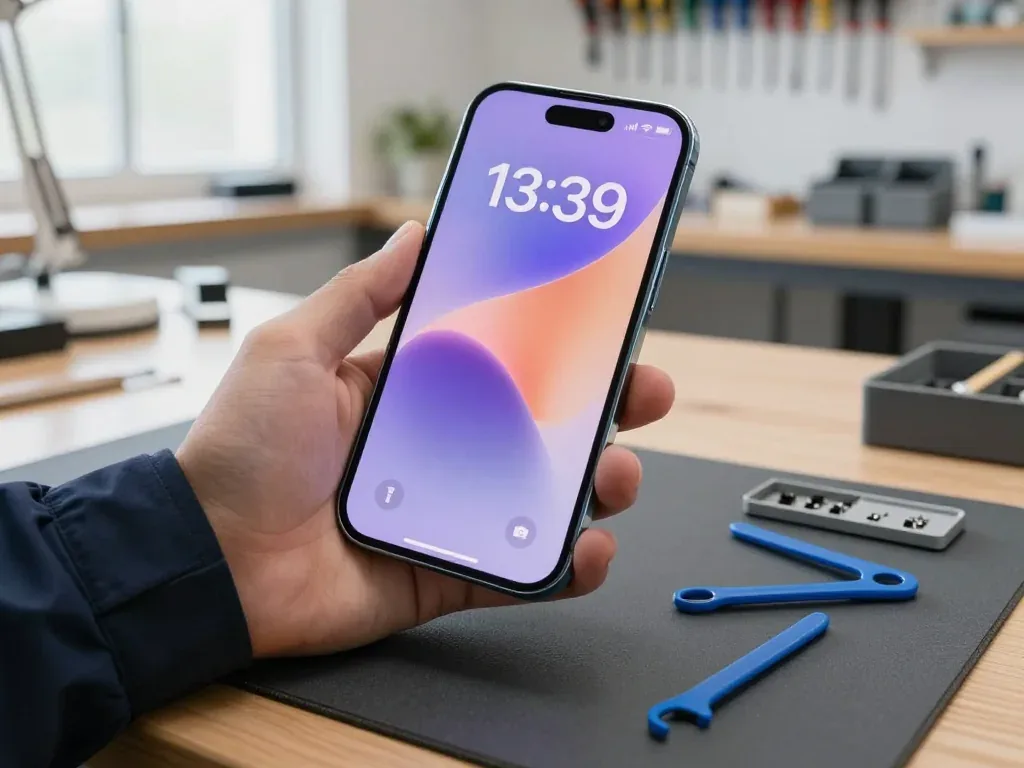
We open the iPhone 15, disconnect the battery, transfer the top flex and display data, fit the new assembly and re-seal the frame, with the whole screen job taking about 40 minutes. The new component comes out of factory packaging in front of you before installation, so the assembly you agreed to is the assembly that goes in. A display assembly carries the glass, touch layer and matrix as a single unit, which is why the flex has to move across rather than being forced. Re-sealing the frame matters because the adhesive gasket keeps dust and splash resistance intact after the phone has been opened.
Waiting on Site or Sending a Courier
You can wait in our lounge with coffee and Wi-Fi, since 72% of repairs finish while the customer waits, or a courier can collect the phone across Almaty in 90 minutes, free with a repair. Branches run Mon–Fri 10:00–19:00 and weekends plus holidays 11:00–18:00, so a Saturday drop-off fits the same 40-minute screen slot as a weekday. The whole path from first contact to pickup usually takes under an hour, so booking a slot before you arrive saves the most time. Waiting on site also lets you ask the technician questions about the diagnosis and see the replaced screen before you pay, while courier pickup suits anyone whose schedule leaves no room for a branch visit during opening hours.
The Post-Repair Check, Warranty and Paperwork
Once the new screen is seated, the phone is tested with you at the bench and handed back with full documents. This section covers the checks and what you take home.
The 32-Point Check You Do With the Engineer
After the repair we check 32 functions in about 10 minutes, and you go through Face ID, True Tone, cameras, microphones, speakers, charging and network with the engineer. Each item maps to a connector or flex near the screen, so a loose seating shows up immediately. The front camera and ambient light sensor sit under the top bezel, the earpiece shares the upper flex, and the charging test confirms the lower stack was undisturbed. On an iPhone 15 the True Tone calibration data travels with the new module, so the tint test matters as much as the touch test. Testing Face ID and True Tone with you present catches a mis-seated flex before the phone leaves the bench.
Receipt, Warranty Card and Your Old Part
The device comes back with the receipt, a warranty card covering up to 1 year and the old display module, so you keep proof of what was done and the part that came off. The receipt is written ahead of the work and carries four fixed items — part type, turnaround, warranty term and price — so nothing is added at pickup. We show the new unit in factory packaging before installation, and the removed one goes into a box with your name on it, not into a shared bin. Payment runs by Kaspi, card or cash, and the warranty card is issued on the spot rather than mailed later.
Summary: iPhone 15 Display Replacement
A screen repair on this model comes down to a few facts worth fixing before you agree to any work. Here is the short version to keep.
- Whole-module swap: a cracked iPhone 15 screen means replacing the full OLED assembly, as glass, touch layer and panel are bonded.
- Part choice matters: genuine and aftermarket assemblies differ in matrix, thickness and black level; iOS may flag non-original displays.
- Feature survival: Face ID and True Tone work only when factory display data and top flex are transferred.
- Timing: the screen job takes about 40 minutes; the 32-function post-repair check adds roughly 10.
- Paperwork first: price, part, turnaround and warranty belong on the receipt before opening.












 iPad
 MacBook
 iMac
 Mac mini and Studio
 Apple Watch
 AirPods
 Apple Pencil
 Apple TV
 HomePod




