The iPhone 15 Pro Max display is one laminated OLED assembly that combines cover glass, the digitizer and the pixel layer, so the first step is to establish what is damaged before choosing the repair.
Cracked glass or a dead matrix, how to tell the difference
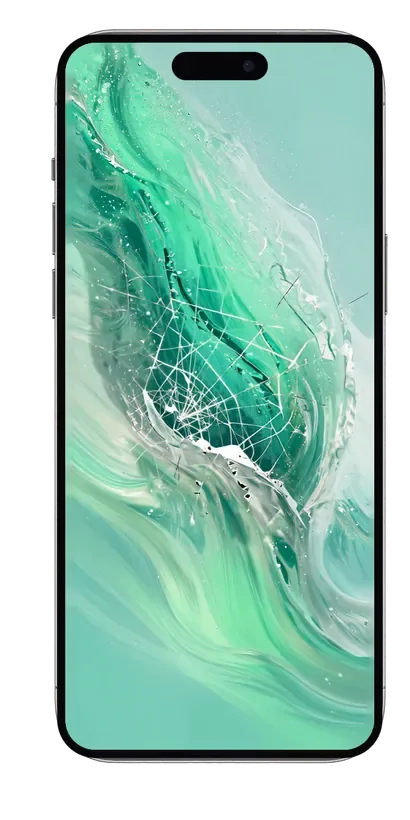
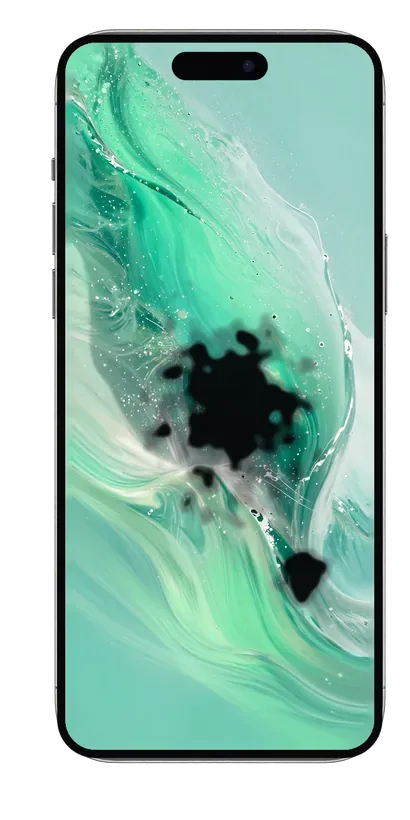
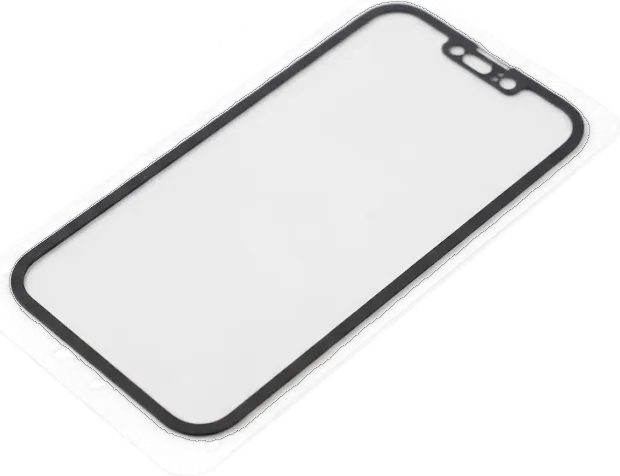
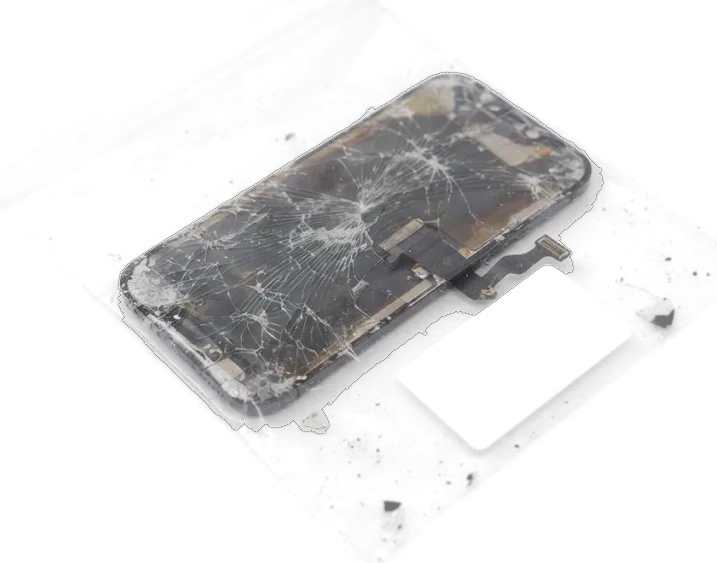
On the iPhone 15 Pro Max the front panel, the digitizer and the OLED matrix are laminated into one assembly, so a cracked outer surface usually means the whole part is replaced. A true matrix failure looks different: black voids, a purple or green wash across the picture, or an image that fades at the edges while the surface stays intact. Spider-web cracks that spread from a corner are cover damage, and the picture underneath often keeps working for weeks. If the image and taps still respond after a fall, keep using the phone carefully and book diagnostics early, because hairline fractures let moisture and dust reach the pixel layer and turn a simple swap into a longer job.
Lines, green stripes and ghost touch without a single crack
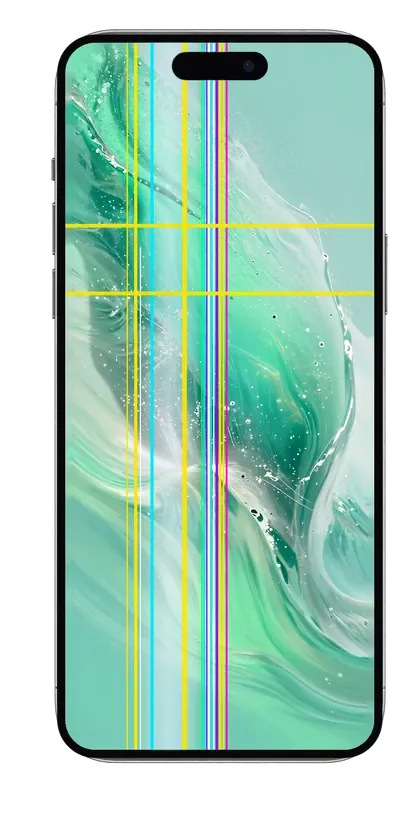
We see green stripes, flicker and ghost touch on the 15 Pro Max most often after drops or moisture, and in some of these cases the fault sits in the display flex or the board rather than the panel itself. A single vertical line that survives a restart points to the flex connector, while flicker at low brightness usually traces back to the driver chip. Ghost touch — the phone tapping on its own or ignoring presses near the edges — appears when the sensor layer loses contact with the digitiser. A phone that types on its own or ignores taps at the edges should be diagnosed before you agree to a replacement, because fitting a healthy panel will not fix a board-level fault.
Original or aftermarket iPhone 15 Pro Max display replacement module
The 15 Pro Max runs an OLED screen with ProMotion and Always-On, and a copy behaves differently in daily use. Below is what separates the two options we install and how owners choose between them.
How original and aftermarket panels differ in daily use
Factory panel versus copy in everyday handling| Parameter | Original module | Aftermarket module |
|---|
| Panel type | OLED with ProMotion | OLED or LCD-type copy |
|---|
| Brightness outdoors | Factory level | Noticeably dimmer |
|---|
| Colour and black | Deep black, accurate | Slight shift, grey blacks |
|---|
| Always-On and auto-brightness | Work as designed | May behave differently |
|---|
Which option most owners pick and why
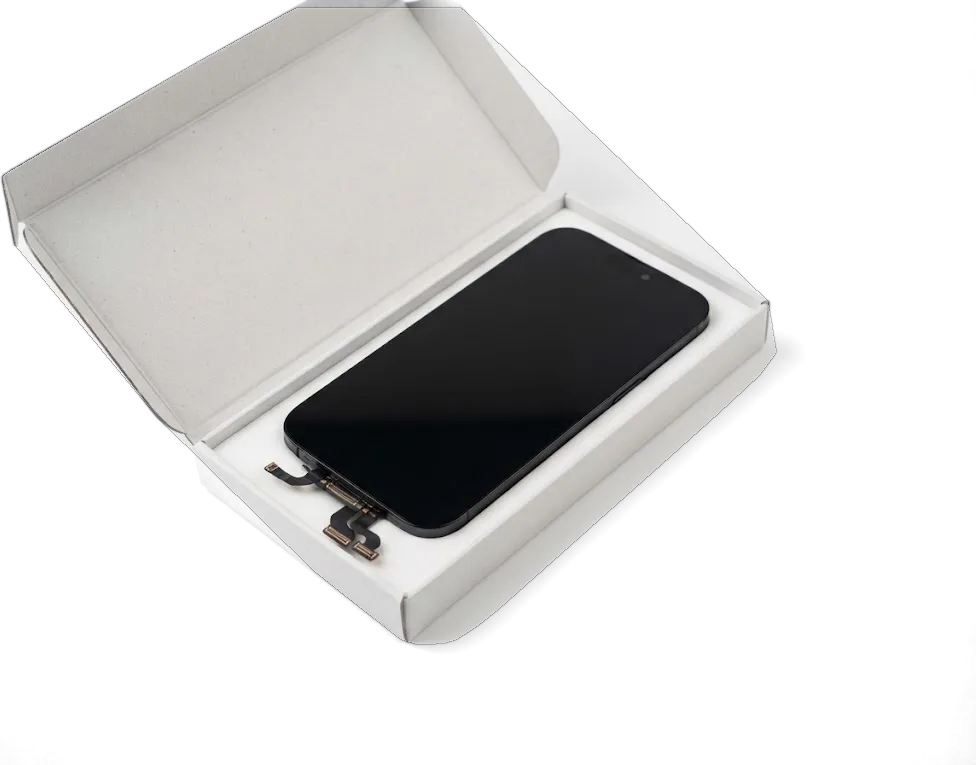
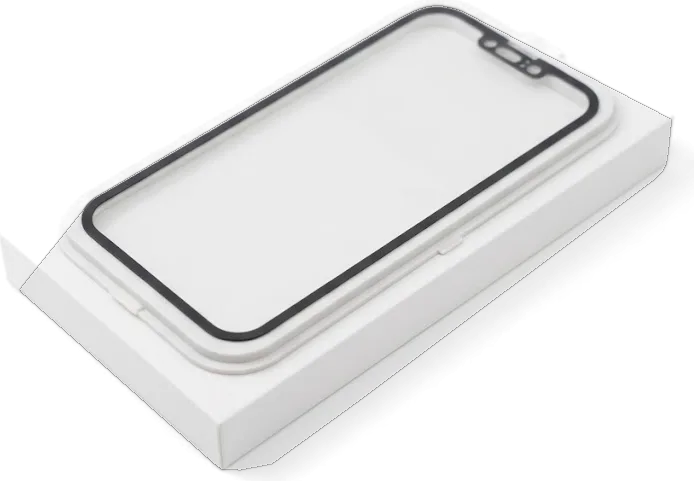
About 64 % of our customers choose an original part for the 15 Pro Max, while the rest take a quality aftermarket assembly when the phone serves as a backup or a work device. An original module keeps the factory brightness, colour accuracy and ProMotion behaviour, and it is the safer pick for anyone who edits photos or reads outdoors. A copy is usually dimmer in sunlight and can feel thicker under the finger, so Always-On and auto-brightness need a quick check with the engineer. If you mostly use the phone indoors and want to keep the cost down, a quality aftermarket assembly is workable — we show both parts in factory packaging and fix the choice on the receipt before work starts.
What stays working after the swap
On the 15 Pro Max, part of the electronics sits on the top flex and inside the display data, so whether Face ID, True Tone and auto-brightness survive depends on a careful transfer.
Face ID, True Tone and auto-brightness after a new screen
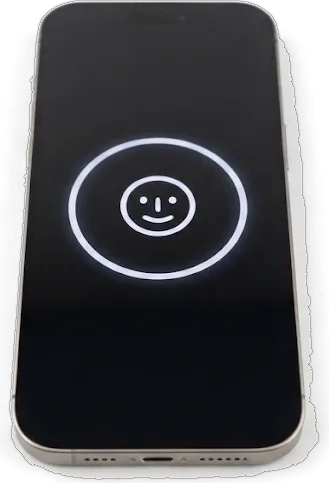
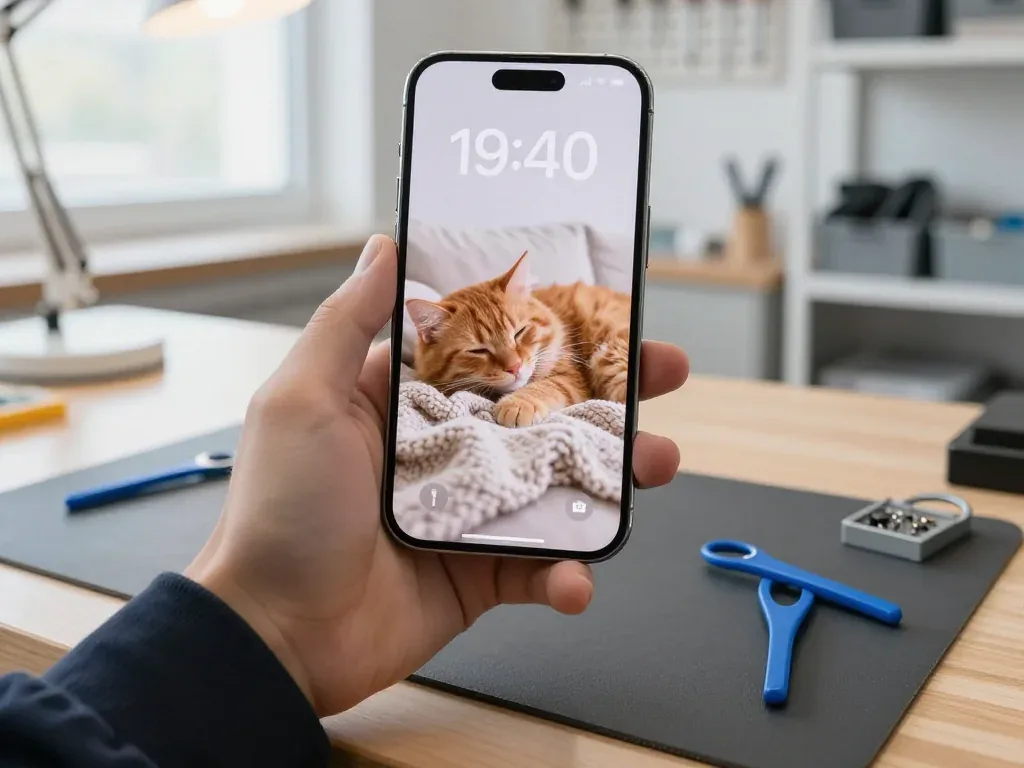
We transfer the original display data and the top flex so Face ID, True Tone and auto-brightness keep working on your 15 Pro Max after the new assembly goes in. Face ID relies on the front camera and the proximity sensor mounted on that flex, and both stay paired with the phone rather than with the panel. True Tone reads a calibration tied to the screen itself, so those values have to travel across with the part — a fresh panel straight out of the box carries no matching readings of its own. The Dynamic Island cutout is aligned during fitting so the sensors behind it read cleanly. If a shop skips the transfer, the toggle simply disappears from Settings, and that is the first thing to check before you pay.
What moves from the old part to the new one
- Top flex: carries the earpiece speaker and the proximity sensor behind the island.
- Front camera: stays paired with the phone and is moved across intact.
- Display data: transferred so the colour and brightness readings match.
- Old part: returned with the receipt and warranty card, confirming the swap.
How the iPhone 15 Pro Max display replacement runs at our workshop
The job happens in front of you, from the first photo on WhatsApp to the phone back in your hand. Below is what takes place at each step.
From a WhatsApp photo to a fixed price on the receipt
You send a photo of the damage on WhatsApp, an engineer replies within 5 minutes with a price, and we fix the price, the part, the turnaround and the warranty on the receipt in about 2 minutes before any work starts. The free diagnostics themselves take 15 minutes and are done in front of you, even if you decide to walk away without a repair. For the iPhone 15 Pro Max display replacement in Almaty, 64% of customers pick an original module and the rest choose aftermarket, and the receipt names which one goes in. A quote given only from a photo is a starting point, so treat the on-site check as the moment the real scope is confirmed, and read the receipt line by line before the technician begins.
Diagnostics, disassembly and the new panel going on
We run free diagnostics in front of you for 15 minutes, show the new part in factory packaging, then heat, open and reseal the 15 Pro Max so the frame keeps its fit. The engineer lifts the old panel, moves the earpiece, sensors and flex cables across to the new assembly, sets it into the frame and runs fresh adhesive around the whole perimeter. Our technicians are experienced and bring 7 to 20 years of workshop practice to the bench. The reseal matters as much as the panel, because a frame that is not properly glued lets dust behind the glass and quietly shortens the life of the new assembly.
Timing, handover and warranty
A 15 Pro Max panel swap takes roughly 40 minutes, and most of the visit is spent in the waiting area. Below are the timelines, the handover check and what stays with you afterwards.
How long the visit takes and what you get back
An iPhone 15 Pro Max screen takes around 40 minutes, 72% of our repairs finish while the customer waits with coffee and Wi-Fi, and the whole visit from first contact to pickup usually stays under an hour. That window covers the free 15-minute diagnostics in front of you, the disassembly, the new part going on and the 32-function test at the end. Prior to any work we fix the price, the part type, the turnaround and the warranty on the receipt — a step that runs two minutes and leaves you the copy. On collection, the warranty card and the old display assembly travel back with the phone. Book a slot through WhatsApp in advance, since a walk-in during the weekend rush can push the wait past the repair itself even when the job is quick.
The 32-point check we run with you and the warranty behind it
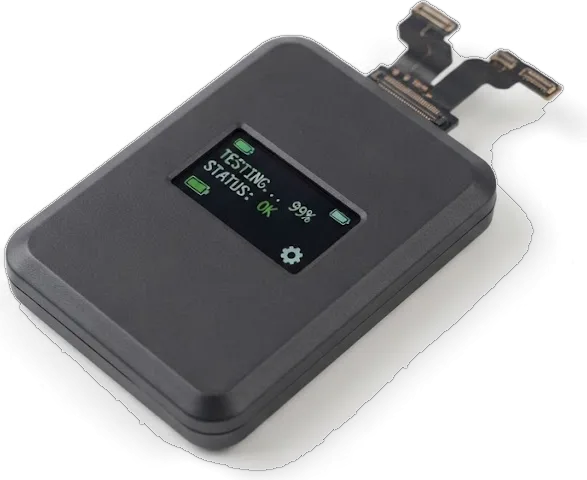
After the swap we check 32 functions in roughly 10 minutes together with you, covering Face ID, True Tone, cameras, microphones, speakers, charging and network, and the work carries warranty up to 1 year. The engineer hands the phone over unlocked and runs each item while you watch, so nothing is confirmed behind a closed door — the True Tone toggle, the front and rear cameras, both microphones on a voice note, the speakers at full volume, the charging port with your own cable and the cellular signal. Anything that fails goes back on the bench before you leave the counter. Confirm Face ID and True Tone yourself at the counter, since both are quick to verify on the spot and slow to argue about later.
Courier pickup across the city and payment options
- Courier across Almaty: pickup within 90 minutes, free when the repair goes ahead.
- Payment: Kaspi, bank card or cash, settled when you collect the device.
- Working hours: Mon–Fri 10:00–19:00, weekends and holidays 11:00–18:00.
- Handover note: send the damage photo on WhatsApp first and get a price with a free slot.
Summary: iPhone 15 Pro Max Display Replacement
Replacing a damaged iPhone 15 Pro Max display comes down to a few decisions: which panel, who fits it, and what you walk away with. Here is the short version.
- Whole module, not glass: a cracked 15 Pro Max screen usually means the entire laminated display is swapped, since glass and matrix are bonded as one unit.
- Original versus aftermarket: the two panels differ in peak brightness, black level and how Always-On dimming behaves through a normal day.
- Data transfer matters: Face ID, True Tone and auto-brightness survive only when the original display data and top flex are moved to the new part.
- Time and handover: a 40-minute screen swap plus a 10-minute function check covers the visit, and the old part goes back to you.
- Protection afterwards: warranty up to 1 year plus a receipt listing the part and turnaround covers you long after you leave the workshop.











 iPad
 MacBook
 iMac
 Mac mini and Studio
 Apple Watch
 AirPods
 Apple Pencil
 Apple TV
 HomePod




