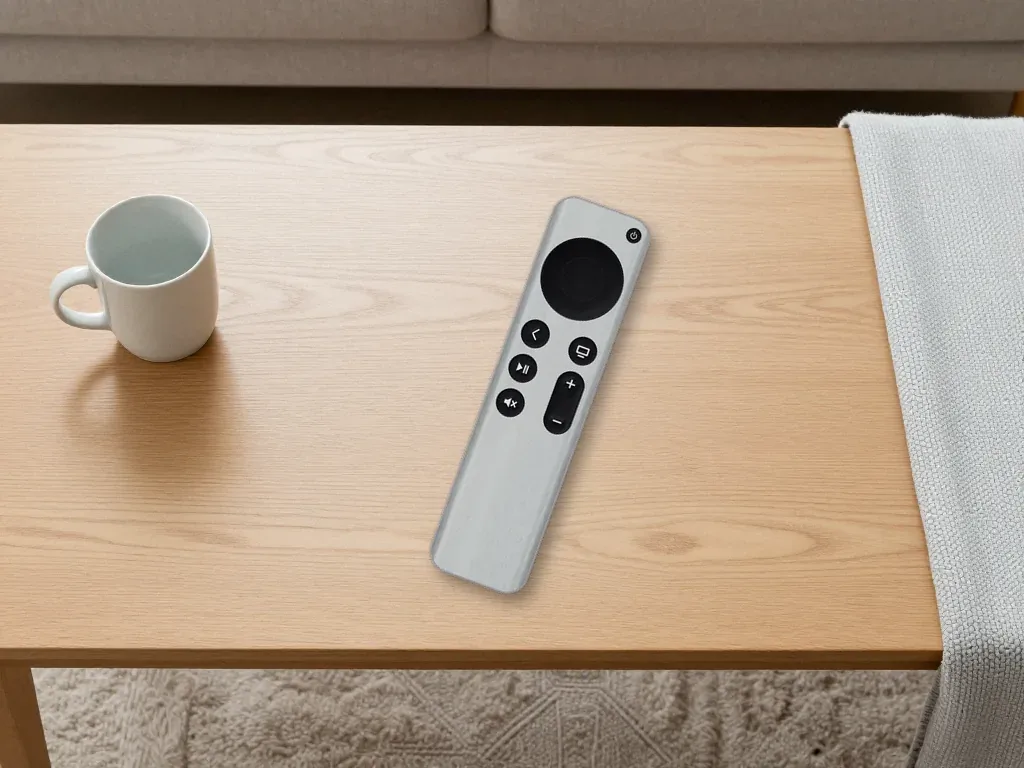
When your Studio Display is not working in Almaty, the fastest path is to separate a power fault from a signal fault before touching anything else. iServices runs free 15-minute diagnostics in front of you, fixes most display issues while you wait, and backs the work with a warranty up to 1 year.
What Your Studio Display Working Status Is Telling You
Different symptoms point to different fault zones — power delivery, the signal path, the panel itself or the built-in electronics. Pin down what exactly happens before touching a single cable.
Service details: “Apple Studio Display 5K Repair”.
No Power at All and Nothing Responds
A display that shows no light, no chime and no reaction to the power button is almost always a supply problem, not a picture problem. The power board inside the unit is the module that feeds every other component, so when it dies the screen stays dark and silent, with no fan noise and no handshake with the Mac. The same flat response appears when the inlet connector is loose or the internal ribbon between the board and the matrix has worked free after a move or a knock. Both cases look identical from the outside. If you are facing a studio display not working in Almaty, the fault is often traced to this same supply stage. Before assuming the worst, unplug the unit from the wall for a full 30 seconds and try a different outlet — a tripped socket mimics a dead supply board almost perfectly.
Backlight On but No Picture
If the screen glows but stays blank, the backlight is fine and the defect sits in the signal path or the matrix rather than in the supply stage. A faint grey wash across the whole surface means the LED strips behind the glass are lit while no image data reaches the pixels, which narrows the search to the Thunderbolt cable, the input port or the internal electronics that decode the incoming stream. The display matrix itself can also break in a way that keeps the backlight alive — the surface lights up uniformly and never draws a desktop, a cursor or a window. A glowing-but-blank screen is the single most misdiagnosed case — people swap cables for days when the real culprit is the internal electronics that drive the image.
Sound Works but the Screen Stays Black
Audio coming out of the built-in speakers while the screen is black means the Mac is sending a signal and the display is receiving it, so the break is inside the image chain. The built-in camera, microphones and speakers sit on a separate path from the matrix, which is why a Mac can list the display, play sound through it and still show nothing on the glass. The unit carries its own processing chip that handles image output, and a defect there kills the picture while leaving audio untouched. Liquid contact changes the timeline — after any spill, diagnostics can take up to two days because corrosion spreads and the picture may return and vanish again.
Isolating the Fault Between Studio Display Working and Mac
Before you carry the display anywhere, spend five minutes working out whether the screen, the cable, an adapter or the Mac port is actually at fault.
Swap the Cable, Port and Mac One at a Time
- Known-good Thunderbolt lead: replace only the wire first and keep everything else identical, so one result tells you whether the old one was dropping the signal.
- Second Thunderbolt port: move the same lead to another port on the computer and watch whether the picture returns without touching anything else.
- Another Mac: connect the display to a different machine to see whether the fault follows the panel or stays with the original computer.
- Adapter out of the chain: remove any dongle or hub and link the display straight to the computer, because a cheap adapter can kill the signal entirely.
- One change per test: alter a single variable at a time, otherwise you cannot tell which swap actually restored the image.
- Note each result: write down what happened after every step so the pattern points to one component instead of a guess.
What the 30-Second Power Reset Really Does
A full power cycle clears a stuck controller state and resolves a genuine share of black-screen cases, but it will not revive a failed power board. Unplug the unit from the wall, wait a full 30 seconds, then plug it back and press the power button; the internal electronics that drive image output need that pause to discharge and restart cleanly. The reset helps when the logic has locked up after a firmware glitch or an interrupted connection, and it does nothing when a component has physically failed. If the panel comes back once and dies again within a few days, treat it as a hardware warning rather than a cure and have the unit inspected.
Quick Reference for Symptom and Likely Cause
| Symptom | Most likely cause | First check |
|---|---|---|
| No light, no reaction | Power board or outlet | Different outlet, 30-second reset |
| Backlight on, blank screen | Signal path or matrix | Second cable and port |
| Black screen, audio plays | Image chain inside display | Test on another Mac |
| Lines and artifacts | Matrix or internal electronics | Compare across two Macs |
| Dead after a spill | Corrosion on the board | Professional diagnostics |
When Software and Firmware Stop Studio Display Working
Not every black panel means dead hardware. The Studio Display runs its own firmware and processing electronics, and either can slip into a state that looks exactly like a physical failure until you rule it out.
Black Screen After a Firmware Update
A screen that goes dark right after a firmware update is usually stuck mid-update rather than physically broken, and it often recovers once the update completes cleanly. The monitor carries its own firmware that the host pushes over the Thunderbolt link, and a write interrupted by an unplugged cable or a sleeping computer can leave the electronics in a half-flashed state with no picture output. The panel itself is rarely the culprit here — the failure sits in the update handshake between macOS and the internal controller. Keep the device connected to a powered computer and leave it alone for a while — interrupting a firmware write is what turns a soft glitch into a real service case.
How the Built-in Electronics Affect the Picture
The unit carries its own processing chip, so a fault there can blank the image even when the screen, cable and computer are all healthy. That processing chip handles scaling and the handoff of the incoming signal to the 5K Retina panel, and it also manages the camera, speakers and the power negotiation over Thunderbolt. When the chip or its surrounding logic board misbehaves, the Mac may still detect a connected monitor while nothing appears — the signal reaches the electronics but never leaves them. This is why a unit can pass a cable swap and still show nothing — the processing stage sits between the incoming signal and the display surface, and only bench diagnostics reach it.
Settings Worth Checking Before You Panic
- Resolution mismatch: a manually forced resolution the hardware cannot render leaves the output black while macOS still lists it as connected.
- Mirroring and arrangement: a mirrored or badly arranged desktop can push the image to a second monitor and blank the main one.
- Sleep and display-off timers: aggressive energy settings can switch the output off within seconds of idle, mimicking a dead screen.
- Safe Mode test: booting the Mac in Safe Mode bypasses third-party display utilities that sometimes hijack the output.
- Second-screen check: attach another monitor and open Displays in System Settings to see whether macOS still detects the device there.
Repair or Replace and What Actually Gets Fixed
A Studio Display rarely fails as a whole unit. The fault usually sits in one specific node — the power board, the matrix or the internal electronics — and that node decides which part you actually need.
Which Parts Usually Fail and Get Replaced
In our practice the usual replacements are the power board, the matrix and the internal electronics, and the right one is confirmed during diagnostics rather than guessed from the symptom. A display that stays dark but warms up at the back often points to a power board, while a lit panel with no image usually traces to the matrix or its ribbon connections. Board-level faults we trace under a microscope, because a hairline crack or a lifted contact is invisible to the eye and reads as a dead component on a quick test. Replacing a whole unit when a single board failed is the most expensive mistake in this category — a proper bench check usually narrows it to one part before anything is ordered.
Original Part or Aftermarket and How to Choose
We offer both an original part and an aftermarket option, and 64% of our customers choose the original because it matches the factory behaviour most closely. An aftermarket matrix can restore a clean picture and costs less, but colour temperature and brightness uniformity may drift from what your panel did before the failure. The original part arrives in factory packaging and we show it to you before installation, so you see exactly what goes into the housing. The honest trade-off is lifespan versus budget — an aftermarket part can restore the picture, but the original is the safer bet for a display you plan to keep for years. Either way, the part type, turnaround and warranty are written on the receipt before work starts.
Repair or Replace at a Glance
| Path | What changes | Typical turnaround | Warranty |
|---|---|---|---|
| Board-level repair | One failed board | 1–3 days | Up to 1 year |
| Part replacement | Matrix or electronics | 1 hour to 1 day | Up to 1 year |
| Full replacement | Entire display | Depends on stock | Per unit |
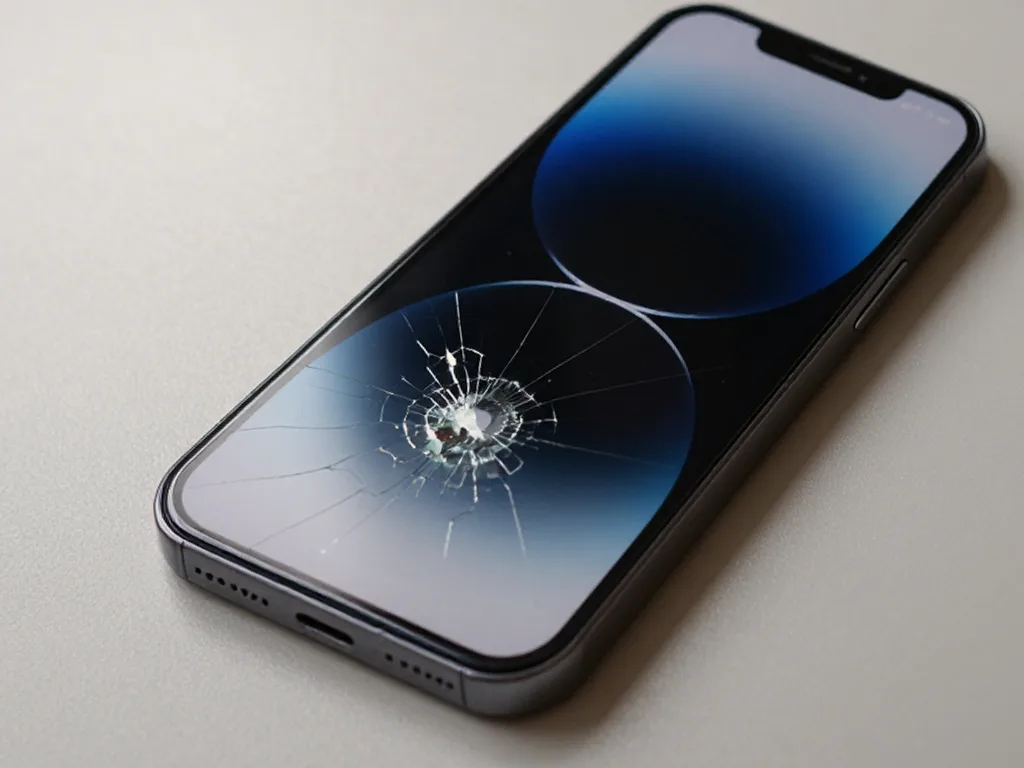 Before: the screen is broken
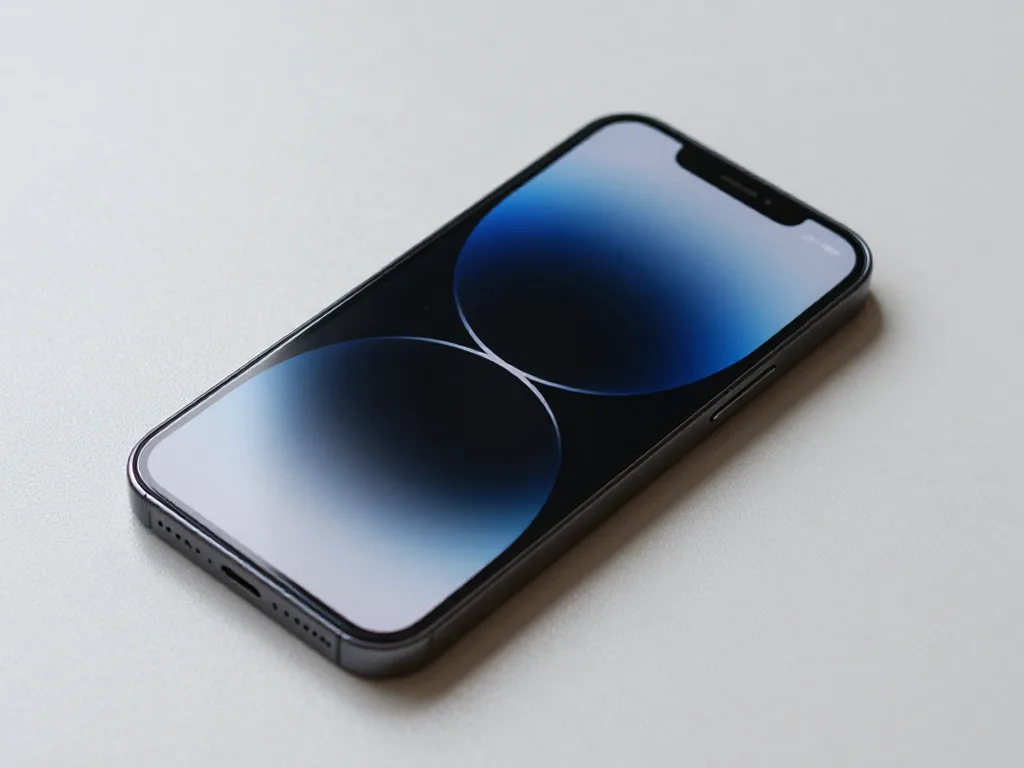 After: a new screen
How a Repair at iServices Actually Runs
A repair run by a direct contractor looks different from one handed off to a middleman: every condition is fixed before work starts, and the result is tested together with you rather than declared over the counter.
Free Diagnostics in Front of You
We run free diagnostics in front of you for about 15 minutes, even if you decide not to repair, and the engineer shows exactly what has failed. The check happens on the bench, not behind a closed door: the technician opens the unit, traces the power and signal path, and points at the component that is not passing current or not outputting a picture. You see the same board and connectors the engineer sees, and the verdict comes with the faulty element named rather than a vague "it needs looking at". No fee applies to the inspection itself, so a second opinion costs you time and nothing else. Watching the check happen is the difference between a quote you trust and one you take on faith — you see the fault before you see the bill.
What Gets Fixed on the Receipt Before Work Starts
- Price: the agreed sum is written down before the engineer picks up a tool, so the final figure cannot drift upward.
- Part: you choose between an original and an aftermarket component, and 64% of our customers pick the original.
- Factory packaging: the new part is shown sealed in its factory box before it goes near the display.
- Turnaround: the promised completion window is recorded on paper, not promised verbally at the counter.
- Warranty: coverage lasts up to 1 year and is stated on the same document as the other terms.
- Written record: if anything differs later, the receipt is the reference point, not a verbal promise.
The 32-Function Check and the Warranty
After the repair we check 32 functions in about 10 minutes together with you, and the work carries a warranty up to 1 year. The engineer walks through the list at the counter while you watch the screen: brightness and True Tone behaviour, the built-in camera and microphone, the speakers, the Thunderbolt and USB-C ports, and power, so nothing is signed off unseen. Most jobs of this type finish inside 20–40 minutes, and 72% of repairs are completed while the customer waits in the seating area with coffee and Wi-Fi. Payment is accepted by Kaspi, card or cash once you are satisfied. Testing with the customer present catches the rare case where a fix works on the bench but not in your setup — better to find it in the workshop than at home.
Timelines and Logistics Across Almaty and Astana
How long you wait and how you hand the display over depends on which component has failed and on whether you bring it yourself or call a courier.
How Long a Display Repair Takes
Most display work is finished while you wait, with module replacements taking from an hour to a day and board-level repair running one to three days. Across our counters, 72% of jobs are completed while the customer sits in the waiting area with coffee and Wi-Fi, and the whole process from first contact to pickup usually takes less than an hour for straightforward swaps. Board-level faults are a different animal: those go under the microscope and stretch to one to three days, because the engineer traces power rails rather than simply swapping a module. The variable that stretches a timeline is availability of the right component, not labour — a confirmed diagnosis up front is what keeps the estimate honest, and our free 15-minute check in front of you settles which of the two you are facing before any work is booked.
Bringing It In or Calling a Courier
You can bring the display to either branch in Almaty or Astana, or call a courier who reaches you across the city in about 90 minutes, free with a repair. We accept devices seven days a week, with weekday hours running 10:00–19:00 and weekends and holidays 11:00–18:00, so a Saturday drop-off is realistic for most households. We have branches in Almaty and Astana, and a courier can be called across the city. For a heavy display, the courier is often the calmer option — it removes the risk of damage in transit that a rushed DIY trip can cause, and the unit arrives packed the way a workshop expects to receive it.
Sending a Photo First Saves a Trip
Send a photo of the fault on WhatsApp and an engineer replies within 5 minutes with a price estimate and a free time slot. The photo shows whether the panel is cracked, the backlight is out, or the connector housing is bent, and that first read tells the engineer which component to have ready before you arrive. We then fix the price, the replacement (original or aftermarket), the turnaround and the warranty on the receipt before work starts — a step that takes about two minutes. A photo rarely replaces hands-on diagnostics, but it does tell you whether the case is even worth the trip — and that saves a wasted journey across town.
Summary: Studio Display Not Turning On
A handful of checks settles most Studio Display faults long before any part is swapped. The short list below sums up the order that works.
- Separate power from signal: a dead panel and a lit-but-blank one lead to distinct parts and distinct fixes, so identify the type first.
- Change a single variable at a time: test a known-good cable, an alternative port and a second Mac before deciding the unit itself has failed.
- Suspect software after an update: a black screen following firmware is usually an interrupted update, so give it time to finish cleanly.
- Read a glowing blank panel correctly: backlight with no image points to the signal path or the matrix, not to the power supply.
- Get a hands-on diagnosis first: a failed board is regularly mistaken for a dead unit, so confirm the fault prior to replacing anything.