Lines on an iPhone screen in Almaty usually come from one of four sources: a damaged display, a loose display flex, a board fault, or water damage. iServices runs free 15-minute diagnostics in front of you, identifies the exact cause, and fixes most screen faults in about 40 minutes with a warranty up to 1 year.
Why Lines Appear on an iPhone Screen
Lines are a symptom, not a separate breakdown. Behind them sit four different causes, and the cause decides what gets replaced and how long the device stays on the bench.
Service details: “iPhone Display Replacement”.
The Four Common Causes Behind Screen Lines
Lines on an iPhone screen in Almaty almost always trace back to a damaged panel, a loose or torn flex, a board-level fault, or liquid inside the phone. The panel is the glass-and-OLED sandwich that draws the image; the flex is the thin ribbon carrying the signal from the logic board to that surface. A board fault means the display itself is healthy but the signal never arrives, and liquid leaves corrosion on the connector pins. Each cause behaves differently under pressure: a dead display keeps the same stripes in the same place, while a damaged flex tends to flicker. Stripes that vanish when you press the edge of the screen point to a flex or contact issue rather than a dead panel, so the fix may be smaller than a full swap.
Lines After a Drop With the Glass Still Intact
A drop can crack the display layer under intact glass, so the screen shows stripes even though the surface looks fine. The outer glass is flexible and survives a short fall onto tile, while the OLED layer beneath it does not bend and cracks along the impact line. The result is a device that looks untouched but shows a green or purple stripe across the screen. Impact also shifts the display connector in its socket, which produces the same symptom without any crack at all. If the glass is whole but stripes appeared right after a fall, pressing lightly on the frame to test is the quickest way to see whether the fault is mechanical.
Lines That Show Up After Water Contact
Water reaches the display connector and the mainboard, and stripes are one of the first signs. After liquid contact diagnostics can sometimes take up to two days, because corrosion under the shield plates keeps working after the phone dries on the outside. A handset that still turns on after water is not safe yet, since the damage spreads while the device looks fine. Our engineers open the phone, clean the circuitry under a microscope and check the connector pins before touching the screen. The sooner a wet phone is opened and dried, the better the odds the display survives — waiting a week usually turns a cleaning job into a full replacement.
How We Tell Display, Flex or Board Lines iPhone Screen Apart
Three different components produce almost identical stripes, yet each is fixed in its own way. Here is how to tell a screen problem from a flex or board fault, and why the difference matters before anyone opens the phone.
How to Read the Line Pattern
| Pattern on the screen | Likely source |
|---|---|
| Vertical green or pink lines | Screen panel |
| Horizontal white bands | Screen flex cable |
| Lines in one corner only | Panel or flex |
| Flickering stripes with touch loss | Flex connector |
Why a Free Diagnostic Comes First
We check the device in front of you for 15 minutes and show what is broken, even if you decide not to repair it. The engineer presses gently on the ribbon connector, watches whether the stripes shift, and connects a known-good screen to see if the pattern survives the swap. That single step separates a panel fault from a board fault without guesswork. It also explains why reading stripes on an iPhone screen in Almaty should start with a hands-on check rather than a photo alone. A diagnostic that isolates the panel from the board saves you from paying for a replacement you did not need, and it is the only honest way to quote a repair before opening the phone.
When the Fault Sits on the Board
Some stripes come from the board, and we repair those under a microscope rather than swapping the screen. Board-level faults often appear after a drop or liquid and can mimic a dead panel, so a phone that shows stripes with a known-good screen attached is the clearest sign the logic board needs attention. Micro-soldering on that board takes 1–3 days, longer than a screen swap, because each trace and connector pad is checked under magnification before the phone is reassembled and tested. If the stripes stay put after a fresh screen is fitted, the fault is on the board and no amount of panel swapping will clear it.
What You Can Do Yourself with Lines iPhone Screen and When to Bring It In
Some steps are safe, free and worth trying before anything else. Others quietly make the damage worse. Here is an honest line between trying the fix yourself and handing the phone over.
Safe Steps You Can Try at Home
- Restart the handset: a full power cycle clears software glitches that sometimes draw bands across the screen and costs nothing to rule out.
- Check the protector: a cracked or lifting film can throw a visible edge line, so peel it off and look again.
- Open another app: switching to photos, maps or settings shows whether the streak follows one app or stays glued to the glass.
- Take a screenshot: a streak that appears in the saved image points to software, while a clean capture points to the hardware.
When Lines Will Not Go Away on Their Own
Hardware faults do not heal themselves, and a problem that comes and goes usually gets worse over weeks. A single flickering band is a warning, not a phase the screen will grow out of. The display ribbon carries hundreds of tiny conductive traces, and once moisture or a bend starts breaking them, the connection weakens each time the handset warms up or flexes in a pocket. What looks like a cosmetic streak on Monday can become a dead strip by the end of the month, when that ribbon fully separates and the whole display goes dark. Waiting rarely saves money and often turns a flex-level repair into a full replacement, so the earlier the phone is looked at, the narrower the job tends to be.
Why Self-Repair Usually Costs More
Opening an iPhone yourself often damages the flex or Face ID, and we see those cases turn a screen swap into a bigger repair. The display ribbon and the Face ID module sit millimetres apart behind the top edge, so a tool slip that looks harmless can disable features a screen replacement would never touch. Our engineers see this pattern regularly: a handset arrives for cracked glass, and the diagnostic reveals a torn cable or a dead biometric sensor that the owner caused while prying. On top of that, adhesive strips rarely reseat cleanly by hand, and a display that is not bonded flat collects dust and lifts at the corners. Our technician opens the unit with the right tools, checks 32 functions afterwards, and fixes the price on the receipt before work starts, so a small job stays small.
Original Part or Aftermarket iPhone Screen and How to Choose
With screen lines the panel is usually swapped as a whole unit rather than the flex alone. What follows is the choice between a factory display and an aftermarket one, and each option carries its own trade-offs.
Whole Display or Just the Flex
In most cases the display is replaced as one unit, because the ribbon is bonded to the panel and cannot be swapped on its own reliably. The ribbon carries touch and image signals to the board, and on modern iPhones it is laminated directly onto the glass. Separating the two demands heat and pressure that weaken the bond, so a re-glued cable tends to lift again within weeks. A cable-only repair exists for a narrow set of faults, such as a torn connector with an intact screen. But once the glass itself shows such defects, replacing just the cable leaves the original fault in place. Ask the engineer to show you where the damage sits before agreeing to any work.
Original and Aftermarket Displays Side by Side
| Option | What you get | Best for |
|---|---|---|
| Original panel | Factory colour accuracy and True Tone | Daily-use phones kept for years |
| Aftermarket unit | Working touch and image | Backup devices and tight budgets |
| Mixed choice | Original glass, aftermarket flex | Rare cases, discussed on site |
How to Know the Part Is Genuine
We show the new component in its factory packaging before installation, so you see what goes into your phone. The engineer opens the box in front of you, and the type — factory or aftermarket — goes onto the receipt together with the turnaround and warranty terms. That record is what you keep after the phone leaves the workbench, and it is the document any later claim rests on. Ask to see the packaging seal and the component before it is fitted, because a genuine unit is verifiable at that moment and not after the phone is closed. A workshop that hesitates on this question is telling you something.
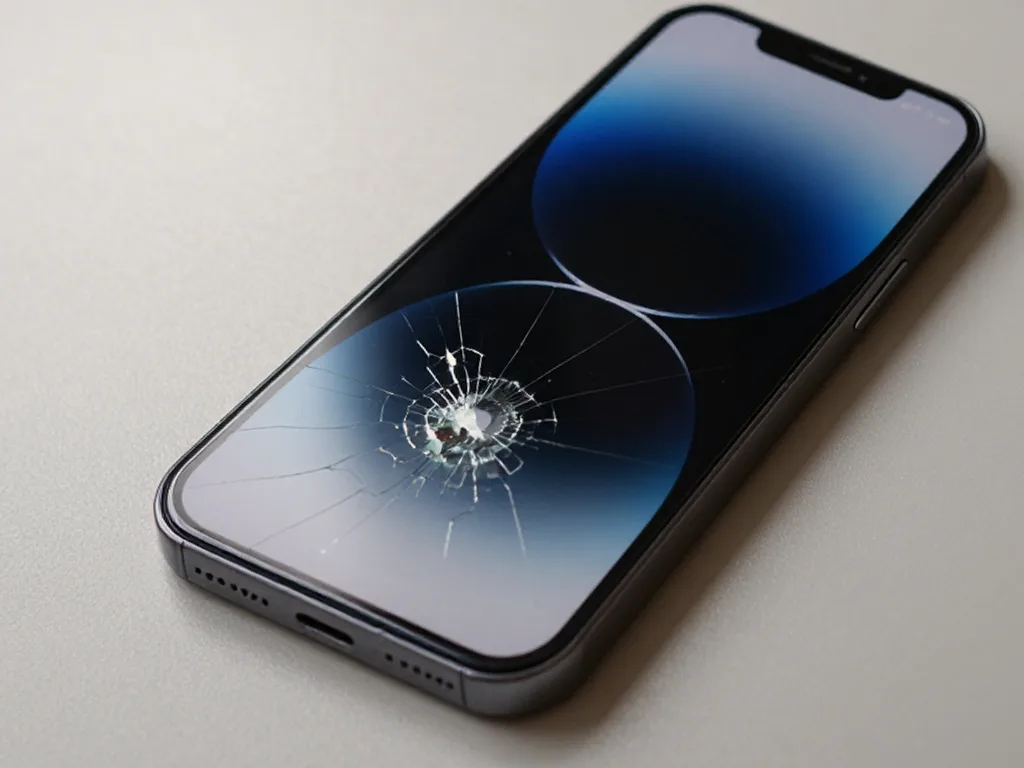 Before: the screen is broken
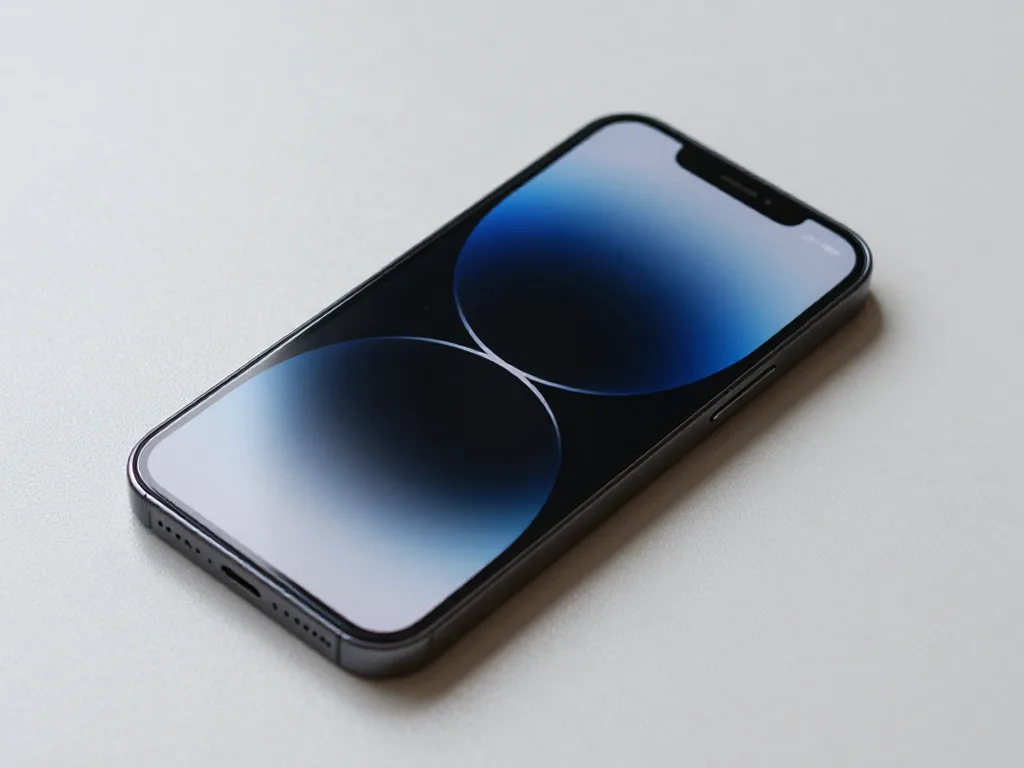 After: a new screen
How the Repair Runs and How Long You Wait
A screen swap is one of the quickest jobs on an iPhone, and most of it happens while you wait. Here is how the process runs from first message to a working phone in your hand.
From WhatsApp Photo to Fixed Phone
- Send a photo: photograph the fault in good light and message us on WhatsApp so the engineer sees the exact pattern.
- Get a quote fast: an engineer replies within five minutes with a price and an open time slot, judged from the picture alone.
- Book the window: confirm the hour that suits you, or ask for a courier if you cannot come in person.
- Repair on arrival: the price, part, turnaround and warranty are fixed on the receipt before work starts, and the new component is shown in factory packaging.
- Check it together: after the swap you and the engineer test Face ID, True Tone, cameras, microphones, speakers, charging and network on the spot.
- Take the paperwork: the device comes back with the receipt, warranty card and the old part, so you can verify what was changed.
How Long Each Repair Takes
| Job | Typical duration |
|---|---|
| iPhone screen | 40 minutes |
| Battery | 25 minutes |
| Camera glass | 20 minutes |
| Speaker | 30 minutes |
Waiting in the Office or Sending a Courier
You can wait in the lounge with coffee and Wi-Fi, or call a driver who crosses the city in 90 minutes, free with a repair. We accept devices seven days a week, so a weekday lunch break or a Saturday morning both fit. Most people pick the lounge: 72% of jobs finish while the customer sits nearby, and the whole visit from first contact to pickup usually takes under an hour. The delivery route suits anyone who cannot leave the office, though a screen swap done on site is still faster than the round trip a driver makes. In our practice, the customers who book a window in advance spend the least time without their phone.
What to Check After the Screen Is Back
Acceptance is half of a successful repair. Here is what to test on the spot, how the coverage works and what happens to your data.
The Functions to Test Before You Leave
We check 32 functions in about 10 minutes, including Face ID, True Tone, cameras, microphones, speakers, charging and network, together with you. The engineer hands the phone back and walks through each item while you hold it, so nothing is signed off unseen. A display swap touches the flex connectors behind the panel, and those link the front camera, the proximity sensor and the ambient light sensor to the board. True Tone and Face ID are the two features most often lost in a rushed screen swap, so testing them on the spot is the fastest way to catch a problem while the technician is still there. Swipe through the settings for both, cover the top edge to trigger the proximity sensor, and play a voice note to confirm the microphone still records cleanly.
Warranty and What It Covers
Every repair comes with cover up to 1 year, and the terms are fixed on the receipt before work starts. That document names the part fitted, whether it is original or aftermarket, the turnaround and the covered period, and you leave with a guarantee card and the old component in the box. The paperwork matters more than it looks. A written promise tied to the receipt protects you better than a verbal one, because it names the part and the term you can point to if a fault ever returns. Keep the card with the phone box rather than in a drawer, and photograph the receipt on the day of pickup — a picture survives a lost wallet and settles any question about which part sits inside the device.
What Happens to Your Data
A screen repair does not touch your storage, so your photos, messages and apps stay on the phone. The display and its ribbon cables are separate from the memory chip soldered to the board, and no step in a standard panel replacement reads or wipes it. We never ask for your passcode to test a screen — the 32-function check runs on the lock screen and in the camera and torch shortcuts. Backing up before any repair is still worth the few minutes, because it protects you against the rare case where a board fault turns out to sit behind the defect. If the pattern survives a new panel, the diagnosis moves to the board, and that is the one scenario where data recovery becomes part of the conversation.
Summary: Lines on iPhone Screen
Screen lines rarely clear up on their own once the cause is physical, so the practical value lies in reading the pattern correctly and acting before the fault spreads.
- Four possible causes: a stripe on the display points to the panel, the flex cable, the board or water damage, and each needs a different repair.
- Pattern guides, does not diagnose: a horizontal band, a vertical streak or a growing dark spot narrows the suspects but never replaces a hands-on check.
- Safe home steps are short: a forced restart and a look at the screen protector under bright light are the only moves worth trying alone.
- Hardware faults get worse: a flex or panel defect showing one stripe today tends to widen into a dead strip within weeks of daily use.
- Test before you leave: after screen work, Face ID, True Tone, cameras, microphones, speakers, charging and network deserve a check on the spot.