Eng

iPhone SE Charging Port Replacement in Astana

If your iPhone SE ignores the cable or charges in fits, we replace the charging port in 40 minutes and keep your data intact.

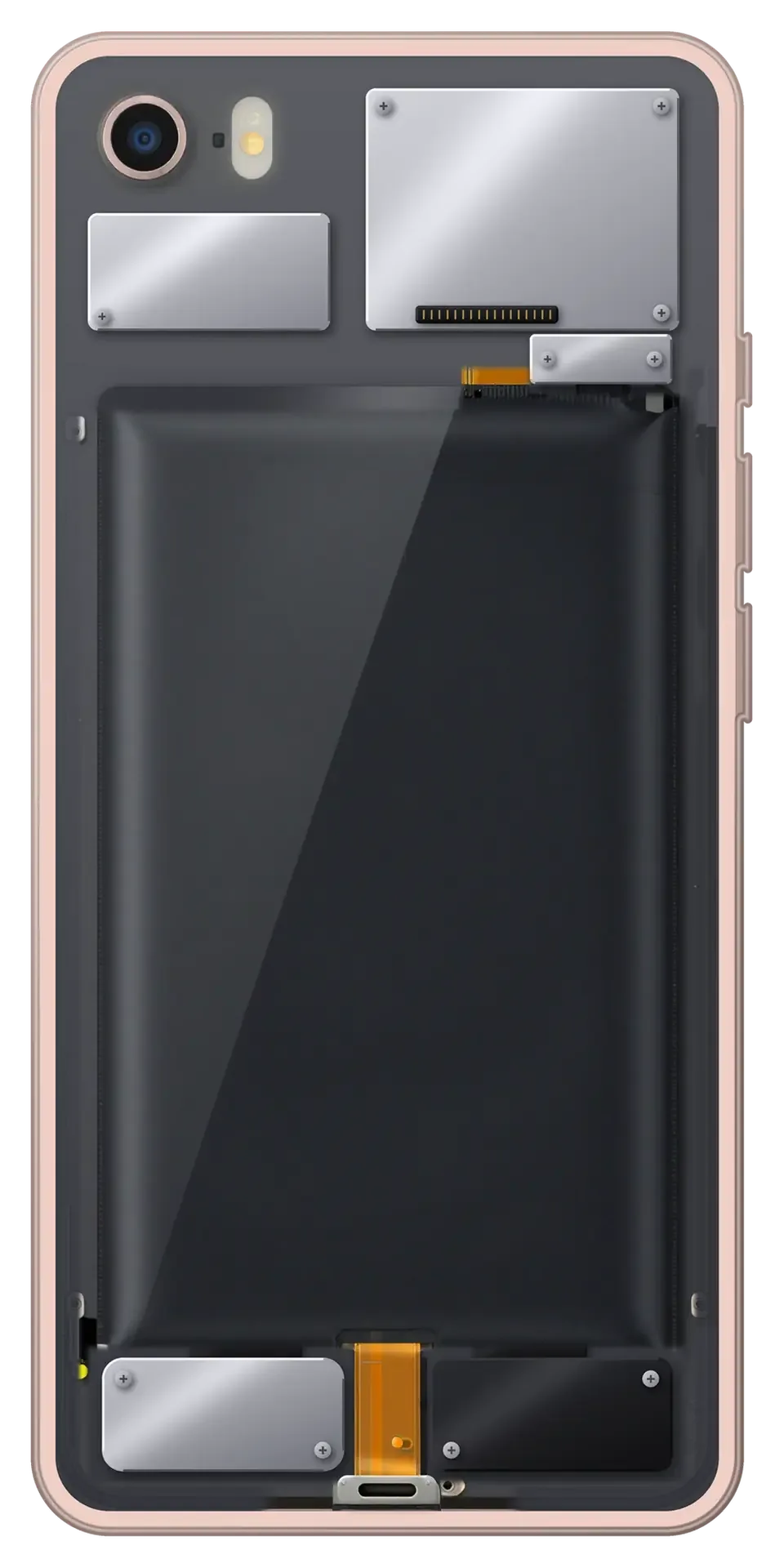
Rose gold iPhone SE with the back cover removed showing the charging port and microphone flex cable
Price incl. labor
from 8 900 ₸
Warranty
6 months
  • Port inspection and cleaning
  • Cable check
  • Opening the phone

Signs you need iPhone SE charging port replacement

A wobbling cable, charging at one angle only and an accessory warning usually point to a worn port or dirt inside it.

The cable wobbles

The plug sits loosely and charging starts and stops with the slightest movement.

Works at one angle only

The phone charges only when the cable is held in a certain position or after several tries.

Accessory message

A warning about an unsupported accessory appears even though the cable is clearly fine.

Moisture in the port

iOS reports liquid detected, and the contacts show darkening and a crusty film.

How much does iPhone SE charging port replacement cost

The price starts with the labor of swapping the port, and the final sum depends on whether the whole lower cable is needed.

ServiceOriginalAftermarket
Charging port replacement14 900 ₸8 900 ₸
Battery replacement18 900 ₸10 900 ₸
Microphone replacement16 900 ₸9 900 ₸
Display replacement18 900 ₸14 900 ₸
Housing replacement40 900 ₸22 900 ₸
Camera glass replacement12 900 ₸6 990 ₸
Main camera replacement35 900 ₸19 900 ₸
Front camera replacement19 900 ₸10 900 ₸
Home button replacement14 900 ₸8 900 ₸
Earpiece speaker replacement14 900 ₸8 900 ₸
Speaker replacement14 900 ₸8 900 ₸
Button replacement16 900 ₸9 900 ₸
Vibration motor replacement12 900 ₸7 490 ₸
Proximity sensor replacement14 900 ₸8 900 ₸
Other repairsPrice
Power controller replacementboard-level chip · microsoldering21 900 ₸with parts
Touch ID repairpaired to the board — no aftermarket14 900 ₸per job
Water damage cleaningcorrosion cleaning · diagnostics up to 2 days8 900 ₸per job
Modem repairboard-level chip · microsoldering23 900 ₸with parts
Wi-Fi module repairwireless module · board-level repair23 900 ₸with parts
Logic board repairmicrosoldering · 1–3 days135 900 ₸per job
Storage replacement and upgradememory chip installation26 900 ₸with parts
Firmware flashingsoftware restore, no parts replaced4 990 ₸per job

The technician names the final cost once the port has been inspected and a part is chosen.

What iPhone SE charging port replacement includes

The port is inspected and cleaned first, and only if that fails is the cable assembly swapped and charging tested.

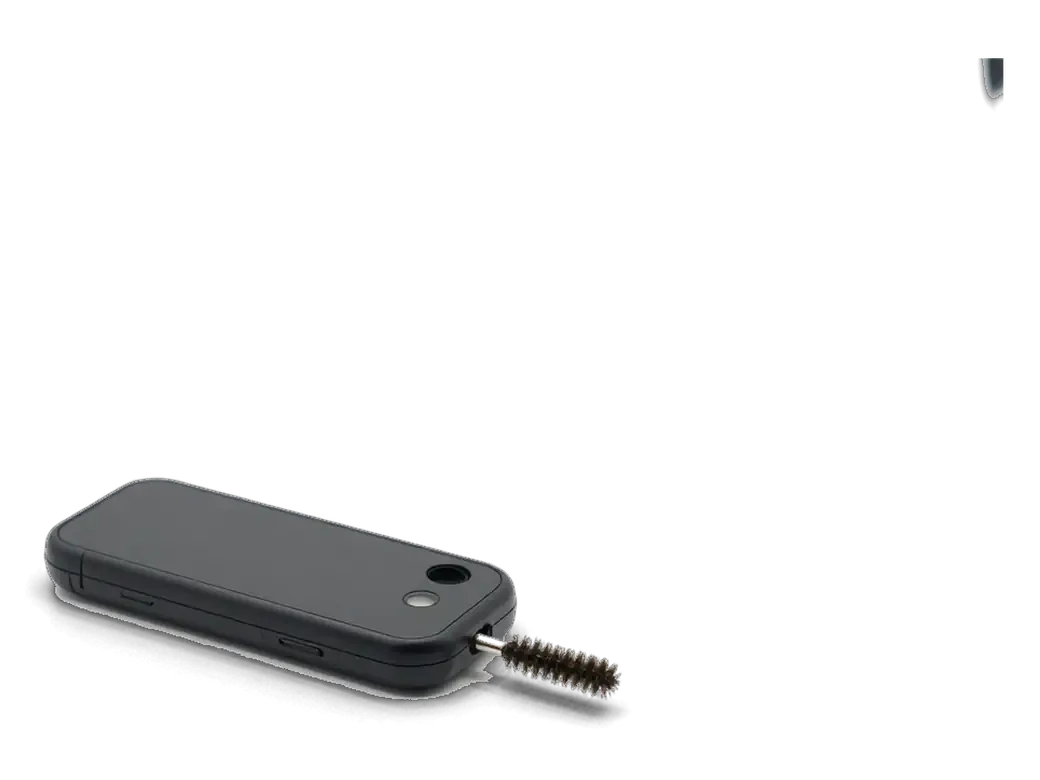
  1. 01
    iPhone connector and a small cleaning brush
    Port inspection and cleaning

    The connector is checked for packed dust and gently cleaned with a non-metal tool.

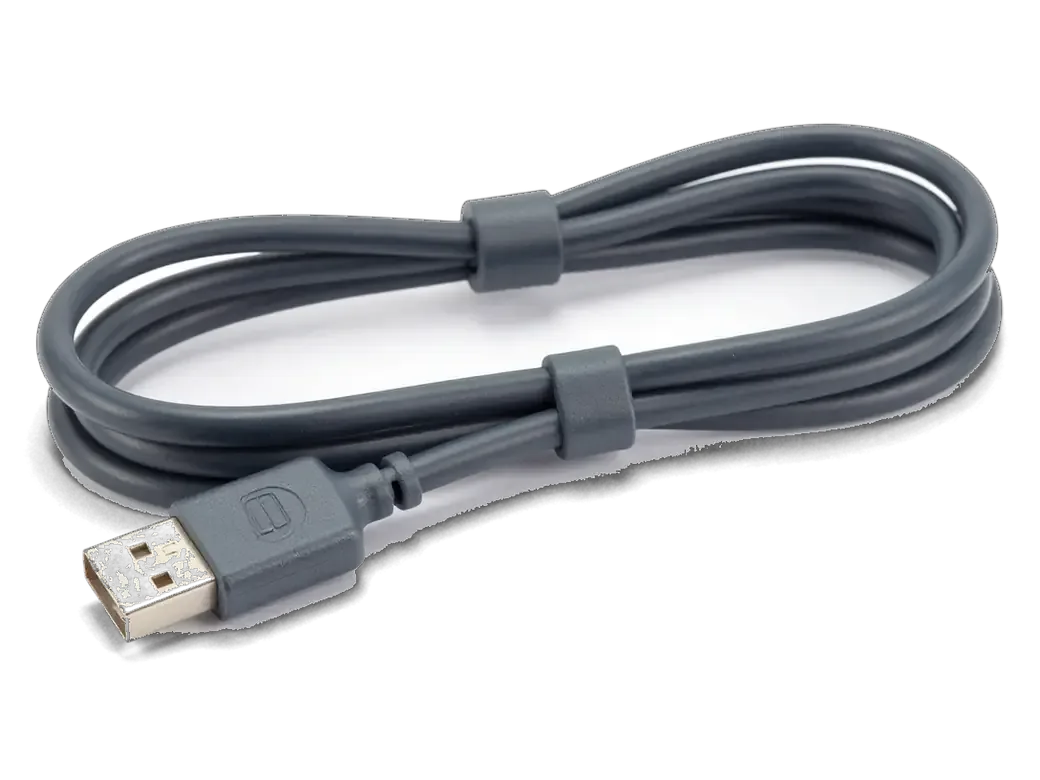
  2. 02
    Dark gray charging cable with a connector for iPhone
    Cable check

    Another cable and adapter are tried to rule out a problem with the accessories.

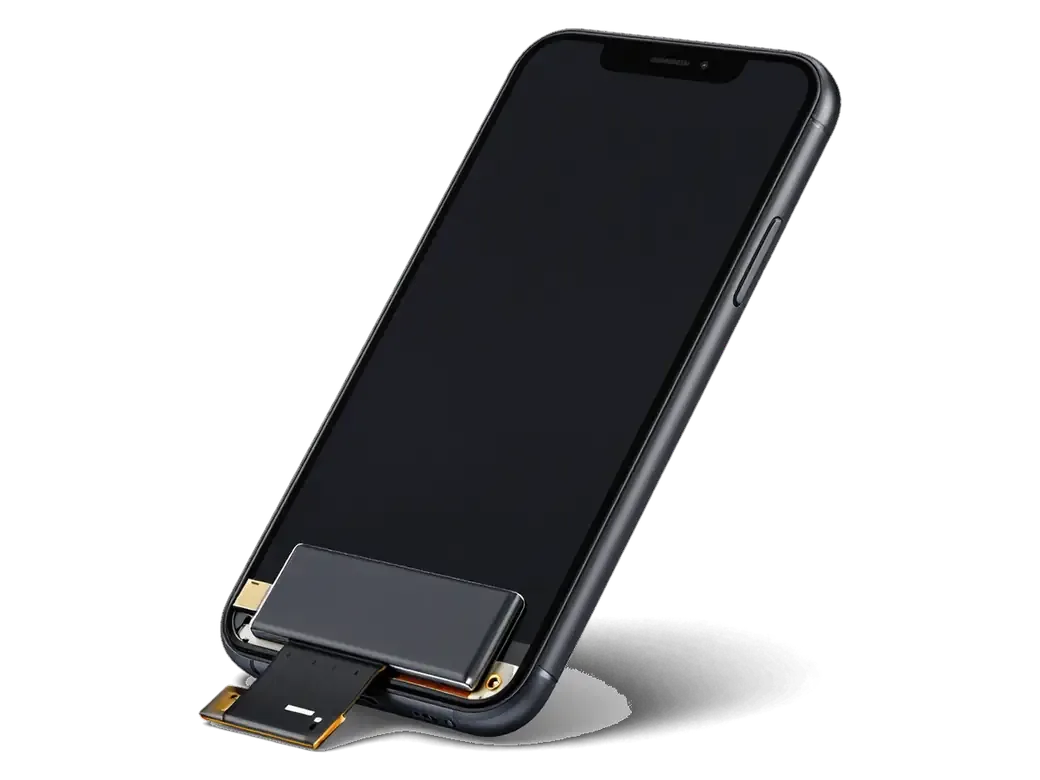
  3. 03
    Opened iPhone with the display flipped on its flex and the battery visible
    Opening the phone

    The battery is disconnected and the display lifted to reach the lower cable.

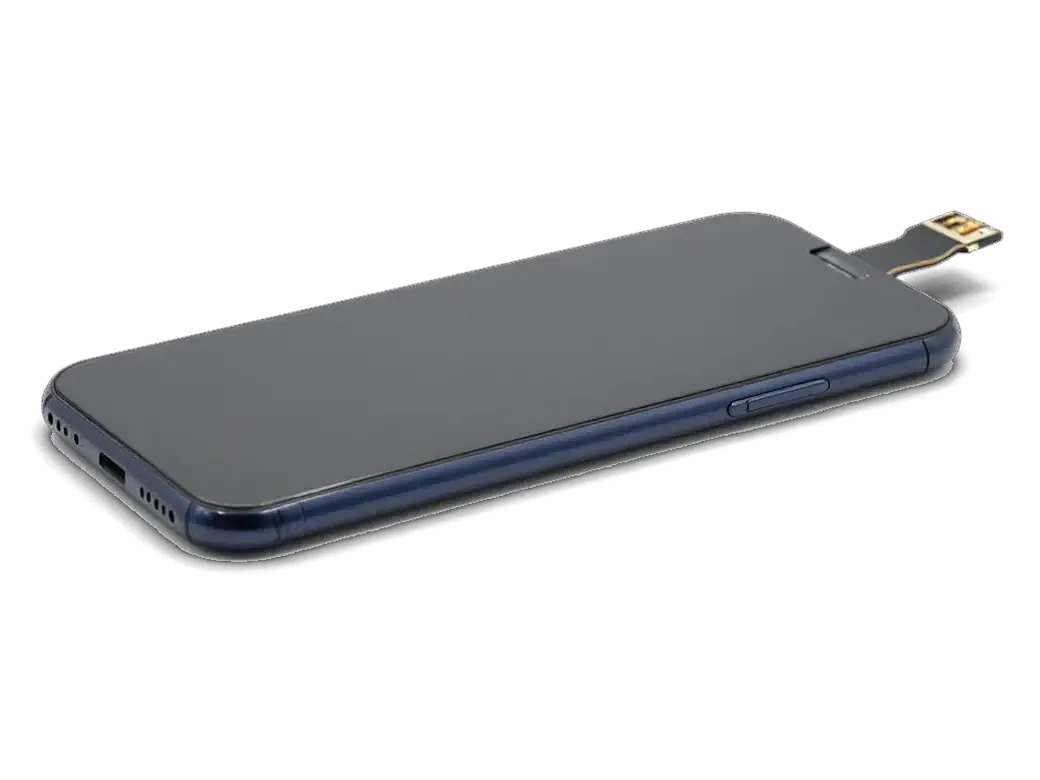
  4. 04
    New lower flex cable with a connector for iPhone
    Swapping the port cable

    A new lower flex cable with the connector is fitted and plugged into the board.

  5. 05
    Dark adhesive gasket for the iPhone body
    Reassembly and sealing

    Gaskets, the speaker and the screen go back, and the screws are tightened in order.

  6. 06
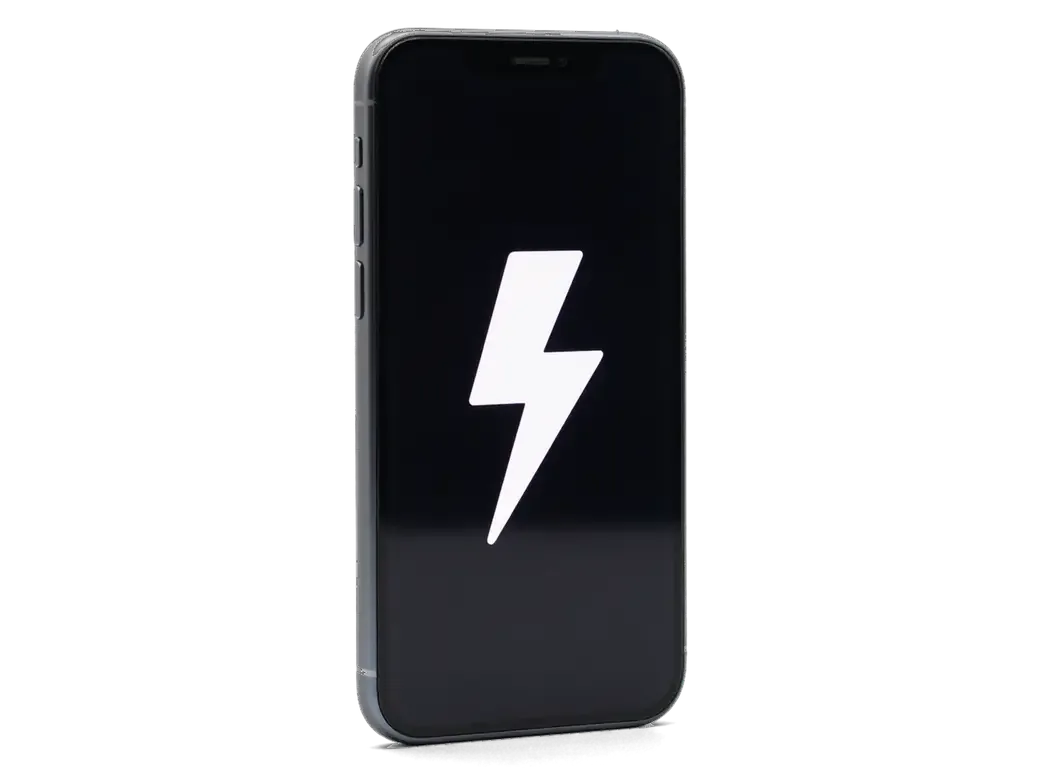
    iPhone with a large white lightning bolt on the screen
    Charging test

    Charging, accessory detection, the microphone and headphones are all checked.

  7. iPhone SE charging port replacement
    from8 900 ₸

    If the port is merely clogged, cleaning is enough and no replacement is needed.

    Price for my model

Original flex cable or aftermarket

The lower cable affects charging speed and contact reliability, so choosing it matters as much as the swap itself.

Original Applewarranty up to 1 year
iPhone SE18 900 ₸
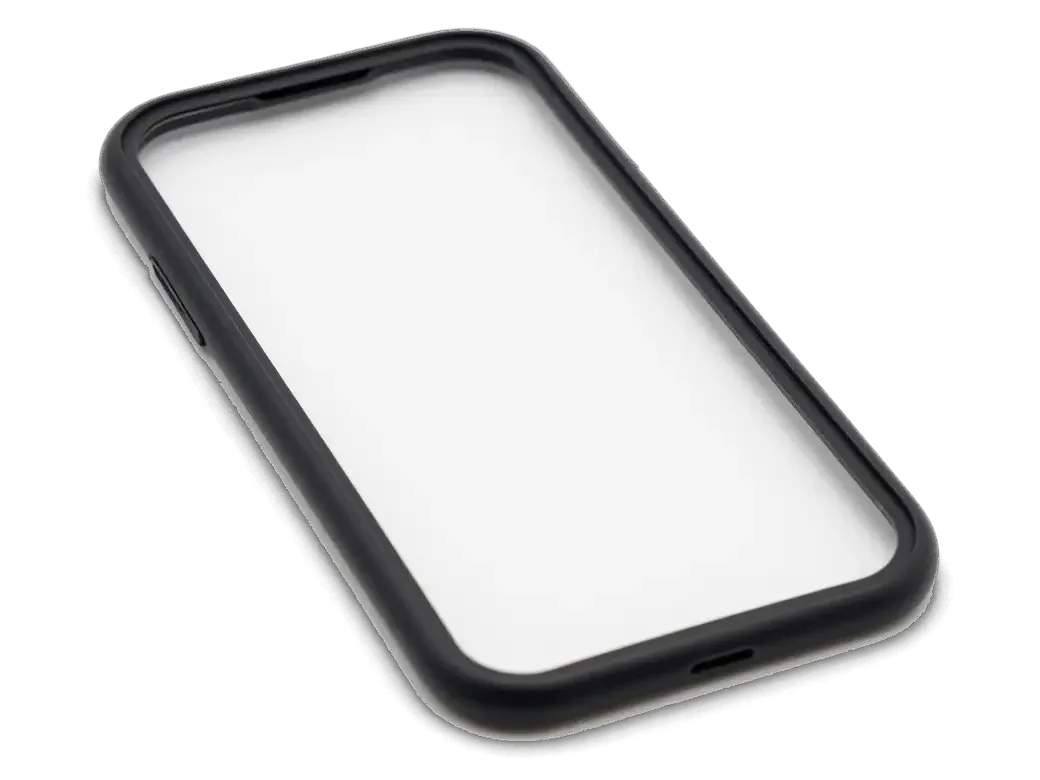
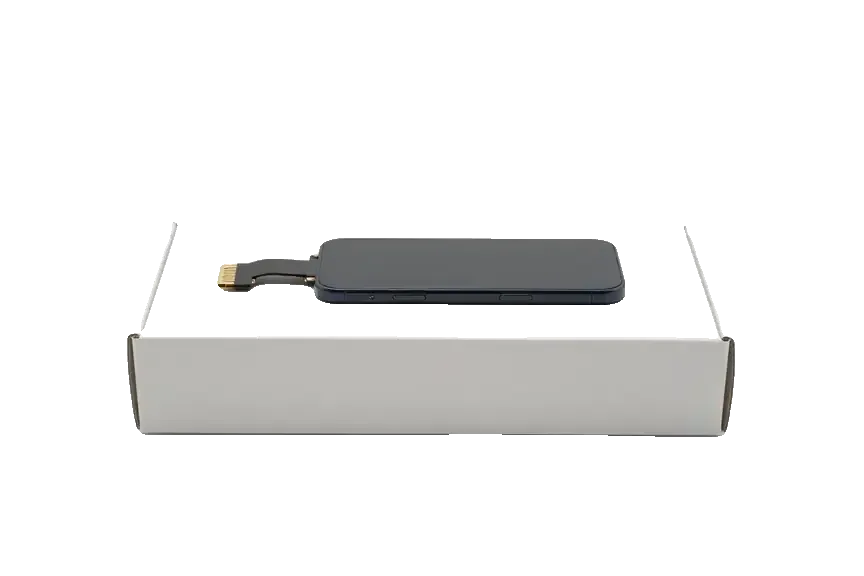
Original: iPhone power connector on a white box
Contact
The plug is held tight, with no play
Charging
Steady speed without dropouts
Compatibility
No accessory warnings
Price
Higher than aftermarket
Chosen by 64% of clients
Book with an original part
Aftermarketwarranty 6 months
iPhone SE14 900 ₸−21%
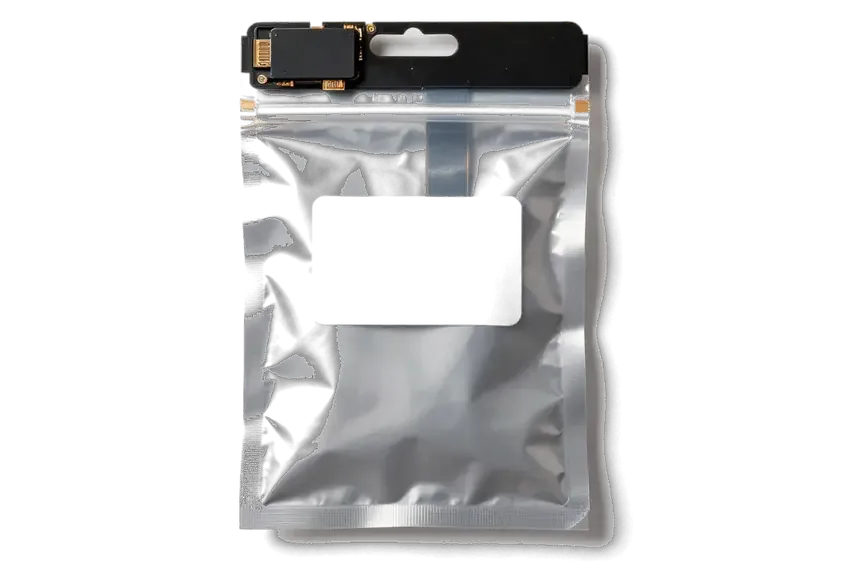
Analog: iPhone power connector in an antistatic bag
Budget
Cheaper than the original part
Play
The plug may sit a little looser
Compatibility
An iOS warning sometimes appears
Best for
Getting charging back at a low cost
Chosen by 36% of clients
Book with an aftermarket part

Why charging gets fixed here

Charging ports often clog with lint, so we start with the simple fix and replace nothing until cleaning has had its chance.

1year

Warranty on the swap

The port replacement carries a warranty up to 1 year; confirm the terms before the repair.

11years

Repair experience

Eleven years of work taught us to tell a port fault from a battery or cable problem.

6technicians

Experienced technicians

The lower cable is fitted by experienced technicians, so the microphone and speaker nearby stay safe.

32checks

Cleaning first

The technician first checks whether the port is clogged and replaces it only if cleaning does not help.

2cities

Almaty and Astana

We accept devices in two cities, so charging can be fixed wherever you are right now.

7days a week

Convenient hours

We receive customers Monday to Friday 10:00–19:00, and on weekends and holidays 11:00–18:00.

iPhone SE before and after repair

1 / 1
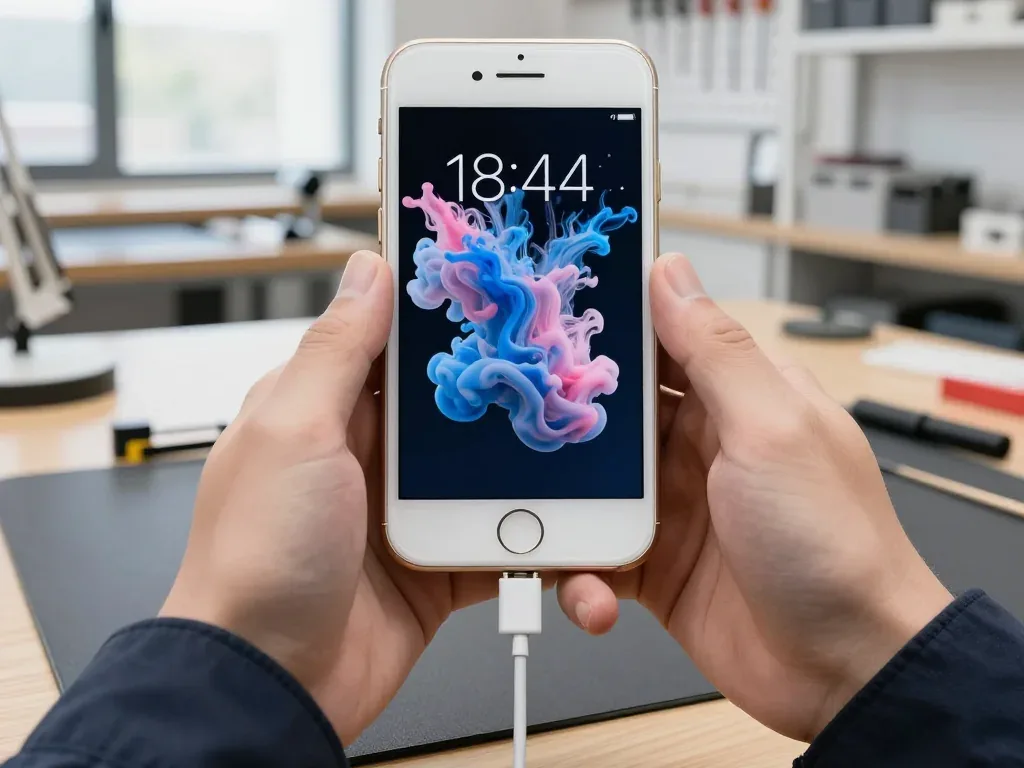
Gold iPhone SE in the technician's hands with the charging cable plugged in, colourful paint swirls on the screen

iPhone SE: stopped charging with the cable

A customer from Astana brought in an iPhone SE — the cable barely stayed in the port and charging only worked at an angle. We cleaned the port, replaced the lower flex with the connector, checked charging and data transfer — the phone works fine now.

from 8 900 ₸repair cost
I want the same

How iPhone SE charging port replacement is done in Astana

The whole journey — from message to finished phone. We give you the old part.

Book a replacement
  1. Step 1

    Message or come in

    5 min

    You message us on WhatsApp with the model and what happened — we give you the price and time. Or you come in without an appointment.

  2. Step 2

    Diagnostics in front of you

    10 min

    We check charging and the cable, clean the connector: sometimes cleaning is enough.

  3. Step 3

    Price in the receipt

    2 min

    We note the model, the part (original or aftermarket), the price, the timeframe, and the warranty.

  4. Step 4

    Show the new connector

    1 min

    We open the factory packaging in front of you and check the number against the receipt.

  5. Step 5

    Replace the charging connector

    time on the receipt

    We fit a new flex cable with the connector and seal the case with water-resistant adhesive.

  6. Step 6

    You check together with the engineer

    warranty up to 1 year

    Charging, connecting to a computer, microphone, sound. You pick up the phone, the receipt and the old connector.

Meet the iServices team

Technicians for iPhone, Mac, iPad, Apple Watch and AirPods repair.

1 / 5
BSBakmukhammed S. — on-site iPhone technician, iServices service center in AstanaPhoto: Bakmukhammed S.

Bakmukhammed S.

on-site iPhone technician
13years of experience
4.93rating, 107 reviews
GSGalymzhan S. — iPhone repair technician, iServices service center in AstanaPhoto: Galymzhan S.

Galymzhan S.

iPhone repair technician
8years of experience
4.79rating, 90 reviews
ZSZhandos Sh. — iPhone screen replacement technician, iServices service center in AstanaPhoto: Zhandos Sh.

Zhandos Sh.

iPhone screen replacement technician
6years of experience
4.65rating, 112 reviews
DTDarkhan T. — iPhone firmware technician, iServices service center in AstanaPhoto: Darkhan T.

Darkhan T.

iPhone firmware technician
8years of experience
4.44rating, 19 reviews
KSKudiret S. — iCloud unlock specialist, iServices service center in AstanaPhoto: Kudiret S.

Kudiret S.

iCloud unlock specialist
10years of experience
4.37rating, 100 reviews
Bakmukhammed S., on-site iPhone technician
“If the repair didn’t suit you or you have a complaint, write to me personally.”
Bakmukhammed S.on-site iPhone technician · +7 701 333-47-01

We'll quote iPhone SE charging port repair in Astana from a photo in 5 minutes

Send a photo of the screen and the iPhone model. An engineer will reply on WhatsApp, give the price and today's available time.

  1. 5 minAn engineer replies and names the price
  2. 0 ₸Diagnostics in front of you in 15 minutes
  3. 30 minMost repairs — while you wait

iPhone SE Charging Port Replacement in Astana with Free Diagnostics

In short

For iPhone SE charging port replacement Astana, iServices fits a new Lightning port on the lower flex cable with its shared microphone and headphone jack. Free 15-minute diagnostics in front of you; most ports fixed in 20–40 minutes while you wait, backed by a warranty up to 1 year.

iServices Editorial TeamWe reply on WhatsApp within 10 minutes
Ask

Signs the Lightning port itself is worn, not the cable

The Lightning port is the one mechanical joint on an iPhone SE that meets a plug several times a day, so it wears before anything else inside the device. Here are the symptoms that point at the socket itself.

When the phone charges only at an angle or the plug feels loose

A plug that only connects at a certain angle, or wobbles instead of clicking into place, points to worn or dirty Lightning contacts rather than a dead battery. The pins sit at the back of a narrow socket, and each insertion scrapes a little metal off them; after a few thousand cycles the spring tabs that hold the plug lose tension. Pocket lint and fabric fibre settle behind the contacts and stop the connector seating fully, so the same symptom can come from dirt alone. That is why the socket is inspected and cleaned before any part is quoted. Hold the handset face-up to a lamp and look inside: a grey mat of lint across the back wall means the contacts may still be fine.

Warning messages and functions that fail together with charging

  • "Accessory not supported" alert: a data pin reads as damaged and blocks the lead, even when power still flows.
  • No sync with a computer: the same data lines fail to pass files, so Finder never sees the device.
  • Caller cannot hear you: the microphone sits on the lower ribbon beside the socket, and a worn contact muffles your voice.
  • Charging drops when the lead moves: intermittent contact on the power pins, usually the first sign before any alert.

Cleaning the port or fitting a new part

Cleaning restores charging on a fair share of iPhone SE units without any part swap, but it has a clear limit. Below is where routine socket maintenance ends and flex replacement begins.

What a professional clean can fix and when it is not enough

We clean the Lightning socket with isopropyl alcohol and non-metal tools first, and on a fair share of these devices that alone restores a firm connection. Pocket lint, dust and carpet fibres pack against the back wall of the connector and stop the plug from seating to its full depth, so the phone charges only at an angle or drops the cable at the slightest tug. Oxidation is a second story: a thin greenish film on the contacts raises resistance and slows charging even when the plug clicks in properly. Cleaning only helps when the contacts are intact under the debris; if the pins are flattened, corroded green, or the plastic tongue is chipped, no amount of cleaning brings the grip back and the ribbon has to be replaced.

How we tell a dirty socket from a damaged one

During our free 15-minute diagnostics we look into the port under magnification and read the charging draw with a USB tester, so the decision rests on what the socket actually does, not on guesswork. Magnification shows debris, bent pins and a cracked plastic tongue that a naked eye misses, while the tester reports how much power the phone pulls and whether data lines respond. A tester that shows power flowing but no data handshake tells a different story than one showing nothing at all — that reading is what separates a port fault from a battery or board problem before any part is ordered. The check runs in front of you, and you keep the result even if you walk away without a repair.

What the lower flex carries on the iPhone SE

On the iPhone SE the charging socket is not swapped on its own. It lives on a combined strip, and what sits on that strip decides how the repair is done and what gets checked afterwards.

Port, microphone and headphone jack on one ribbon

On the SE the Lightning port, the microphone and the 3.5 mm headphone jack all sit on a single lower ribbon, so the whole assembly is what gets replaced. The same strip also carries the contacts for the lower loudspeaker and the antenna feed, which is why a worn socket can drag other symptoms along with it. The compact body leaves little slack around that component, so it is routed tightly past the speaker and home button — a reason the job calls for the right pentalobe and tri-point drivers rather than force. On a chassis this small, a slipped screwdriver tip costs more than the component itself.

Functions we test after the new ribbon is in

  • Charging: we plug in a known-good lead and watch the battery indicator rise, then check the connector seats with no play.
  • Microphone: a voice memo records and plays back, so the lower mic and the speaker are heard in one pass.
  • Headphone jack: your headphones go in, and we confirm sound switches over and the remote buttons respond.
  • Speakers and network: the lower loudspeaker plays a test tone and the handset registers on the mobile network.
  • Sync and data: the phone connects to a computer over Lightning, proving the data pins survived the swap.

Original flex or aftermarket, and how the iPhone SE charging port replacement in Astana works

Choosing the part and understanding the order of work are the two things owners want settled before a visit. Here is how iPhone SE charging port replacement Astana handles both, and what ends up on the receipt.

Comparing original and aftermarket lower ribbons

Three lower ribbon options side by side
OptionContact qualityMicrophoneBest for
Original ribbonFactory plating, tight plug fitMatches factory specLong-term daily use
Aftermarket ribbonGood fit, varies by batchClose to factoryBudget-conscious repair
Clean only, no partKeeps existing pinsUnchangedLight dirt, intact contacts

From a WhatsApp photo to a checked phone in your hand

  • Photo first: send a picture of the fault on WhatsApp and an engineer replies within 5 minutes with a price from it.
  • Receipt before work: price, part, turnaround and warranty are fixed on the receipt in about 2 minutes.
  • Part in packaging: the new lower ribbon is shown in its factory packaging before installation.
  • While you wait: most port swaps run 20 to 40 minutes, and the waiting area has coffee and Wi-Fi.
  • Checks and handover: you test charging, microphone, speakers and network with the engineer, then take the receipt, warranty card and old component.

When a new port does not solve the charging fault

If charging still fails after a fresh ribbon, the next suspect is the power controller chip on the logic board, not the port. A worn socket is the common cause, but the charging line runs from the connector through the ribbon into circuitry that regulates current, and a shorted controller blocks charging even with a perfect new component. This is why the iPhone SE charging port replacement in Astana is only complete once the whole charging line is checked. We confirm this on the bench: a port swap does not touch your photos, messages or accounts, so a repeat issue is never a data problem. That board-level repair happens under a microscope and is a different job from a port swap. Worth knowing so a repeat failure is not mistaken for a badly fitted part.

Water, dust and habits that wear the port out again

A fresh port lasts longer when the habits that wear it out change too. Moisture, lint and the way a cable is pulled all decide how soon the part needs attention again.

Moisture, oxidation and the gasket question

Water that reaches the Lightning pins leaves them corroded and green, and on models with a splash-resistant seal that seal is only as good as the fresh adhesive applied when the device is closed. The iPhone 7, 7 Plus and 8 were rated against splashes, yet each relies on a gasket that loses its grip once the case has been opened and resealed with old tape. Corrosion does not stop at the port either — it creeps along the ribbon and onto nearby board traces, which is why a wet unit often shows two faults at once. After a liquid spill, diagnostics can take up to two days because oxidation spreads while the board dries, so a soaked handset should be opened and assessed before you assume the connector alone is at fault.

Everyday habits that keep the new port working

  • Grip the plug, not the cord: pull the connector straight out by its shell so the pins never take the pull.
  • Clear lint regularly: fluff compacts inside and stops the plug seating fully, so a wooden toothpick sweep helps.
  • Skip uncertified cables: cheap chargers push uneven current through the pins and wear the charging circuit over time.
  • Keep liquids away while charging: a spill on a plugged-in device reaches live pins first and speeds up oxidation.
  • Store it screen-up: keys and grit in the same pocket scratch the pins and bend the connector shell.

Summary: iPhone SE Charging Port Replacement

Charging trouble on the iPhone SE usually traces back to a worn socket, dirty contacts or a damaged lower ribbon — and each case has its own fix.

  • Worn socket, not the cable: a plug that only charges at an angle or feels loose points to the Lightning connector itself, not the lead.
  • Clean first, replace second: a professional clean restores contact when dust or oxidation is the cause, while only a physically damaged part needs swapping.
  • One ribbon, several functions: the lower assembly on this model carries the charging point, microphone and headphone jack, so a single defect can knock out all three together.
  • Original or aftermarket: the choice affects longevity and how closely the replacement matches the factory component, so decide before work starts.
  • When the logic board is at fault: if a fresh part still will not charge, the charge controller on the mainboard is the next suspect and needs board-level diagnosis.

What owners usually ask about iPhone SE charging port replacement

Did not find an answer? Message us on WhatsApp: an engineer replies, not a bot.

Ask a question
Is the headphone jack replaced together with the charging port on a 1st generation iPhone SE?

Yes, on the 1st generation SE the Lightning port, the headphone jack and the bottom microphone sit on one flex cable. So the replacement often fixes a crackling jack too. The 2nd and 3rd generation SE have no headphone jack.

Why can my computer not see my iPhone SE while it still charges?

Charging uses only some of the Lightning contacts, while data needs the others, so worn or dirty pins can break the sync but keep charging. Try another cable and computer first. If the problem stays, the port is inspected under magnification.

Why do people hear me badly on calls when my iPhone SE port is damaged?

The bottom microphone sits on the same cable as the charging port, so moisture or a damaged cable often affects both. After the replacement record a voice memo to test the microphone. The engineer checks calls and speakerphone with you.

Can I charge my iPhone SE wirelessly while the port is broken?

On the 2nd and 3rd generation SE yes, any Qi pad will keep the phone running until the repair. The 1st generation has no wireless charging, so there the port is the only way. Wireless charging does not restore data transfer over a cable.

Will fast charging work on my iPhone SE after the port is replaced?

Yes, the 2nd and 3rd generation SE support fast charging with a USB-C power adapter and a USB-C to Lightning cable, and a quality new port keeps that ability. Check it with your own charger during the joint test. The 1st generation SE does not support fast charging.

Why does my iPhone SE say this accessory is not supported?

The message appears with a damaged or uncertified cable and also when debris or corrosion sits on the port contacts. Try an original cable first. If the warning keeps returning with different cables, the port needs attention.

Reviews of iPhone SE charging port repair in Astana

1 / 10
4.9

iServices network rating on Google Maps, wikicity and our website · 2 028 reviews
Google Maps4.438 reviews ›wikicity5.015 reviews ›Reviews on the iServices website4.91 975 reviews ›
НЗ
Нурия З.Order No. ISV‑•••99 · 12 August 2026
iPhone XS · battery

Проблема — грееться при зарядке. Работает, как будто и не ломалось. Работает, даже лучше прежнего.

iServices customer review, in Russian
БН
Бауыржан Н.Order No. •••69 · 14 July 2026
iPhone 11 · battery

Проблема — греется при зарядке. Бақмухаммед С. показал старую деталь, всё прозрачно. Функционирует, тьфу-тьфу.

iServices customer review, in Russian
МТ
Меруерт Т.Order No. ISV‑•••92 · 7 May 2026
iPhone 8 · charging

Друг посоветовал, у него после воды ноут подняли. Оставил на зарядке на ночь, утром — Home не работает. Приняли вечером, хотя до закрытия было минут десять. Вышло из строя: кнопка. Кнопку Home заменили, нажимается. Квитанцию потеряли, пришлось восстанавливать. Дома включил, всё на месте.

iServices customer review, in Russian
РВ
Рахим В.Order No. ISV‑•••59 · 30 November 2025
iPhone X · battery

Утром включил, а у него хрипит динамик. Мастер сам предложил забрать технику позже. Внутри оказалас: аккумулятор. После ремонта — как новое.

iServices customer review, in Russian
БЦ
Белла Ц.Order No. ISV‑•••04 · 14 June 2025
iPhone 11 · battery

Проблема — не заряжается выше 80. Бақмухаммед С. разобрался в редкой модели. Всё чётко, без сюрпризов.

iServices customer review, in Russian
ПФ
Перизат Ф.Order No. ЗК‑IS‑•••75 · 9 June 2025
iPhone 11 Pro Max · screen

Знакомый мастер раньше работал с Apple, дал наводку. Оставил на зарядке на ночь, утром — чёрный кадр. Экран яркий, батарея держит.

iServices customer review, in Russian
ВС
Всеволод С.Order No. IS‑•••72 · 6 June 2025
iPhone 7 · screen

Жұмыстан кейін баруға болатын жер керек еді. Экран сынып қалды, көрсетуге апардым. Мастер бәрін түсіндірді. Диагностика тегін болды. Кепілдік берді, бұл маңызды. Ескі бөлшекті көрсетіп, қайтарып берді. Жұмыс істеп тұр, шағым жоқ

iServices customer review, in Kazakh
ЯТ
Ясмина Т.Order No. •••68 · 1 May 2025
iPhone 7 Plus · screen

Работаю рядом, заехала в обед. Залила чаем, и через день — треснул экран. Мастер сам предложил забрать технику позже. Внутри оказалось: камера. Спасибо, что выручили. Ни разу не пожалела.

iServices customer review, in Russian
АФ
Акжол Ф.Order No. IS‑•••17 · 22 March 2025
iPhone 8 · screen

В Астана сервисов много, но по Apple берут не все. Проблема — не заряжаеться. Экран яркий, батарея держит.

iServices customer review, in Russian
ОФ
Оксана Ф.Order No. IS•••03 · 27 June 2024
iPhone 15 Pro · battery

Оставила на зарядке на ночь, утром — не работает камера. Ғалымжан С. провозился, но сделал. Мастер сам предложил забрать технику позже. Внутри оказалось: аккумулятор. Вышло около 30 500, точнее не считала. Достойно сделали. Проверила на всех режимах — держит.

iServices customer review, in Russian
Showing 10 of 60

Where to get iPhone SE Charging Port replacement in Astana

Address
Astana, Kabanbay Batyr Ave., 7/2
Opening hours
Mon–Fri 10:00–19:00Sat–Sun 11:00–18:00
Phone and messengers
+7 727 339-99-12WhatsApp: +7 701 333-47-01
Directions map: iServices Astana© OpenStreetMapFind us on the maps: Google Maps · 2GIS