The SE is compact and often stays in service for years, so wear rarely shows up as one clean number. Capacity, behaviour under strain and shutdowns at a partial level all matter.
Reading the Battery Health Menu on iPhone SE
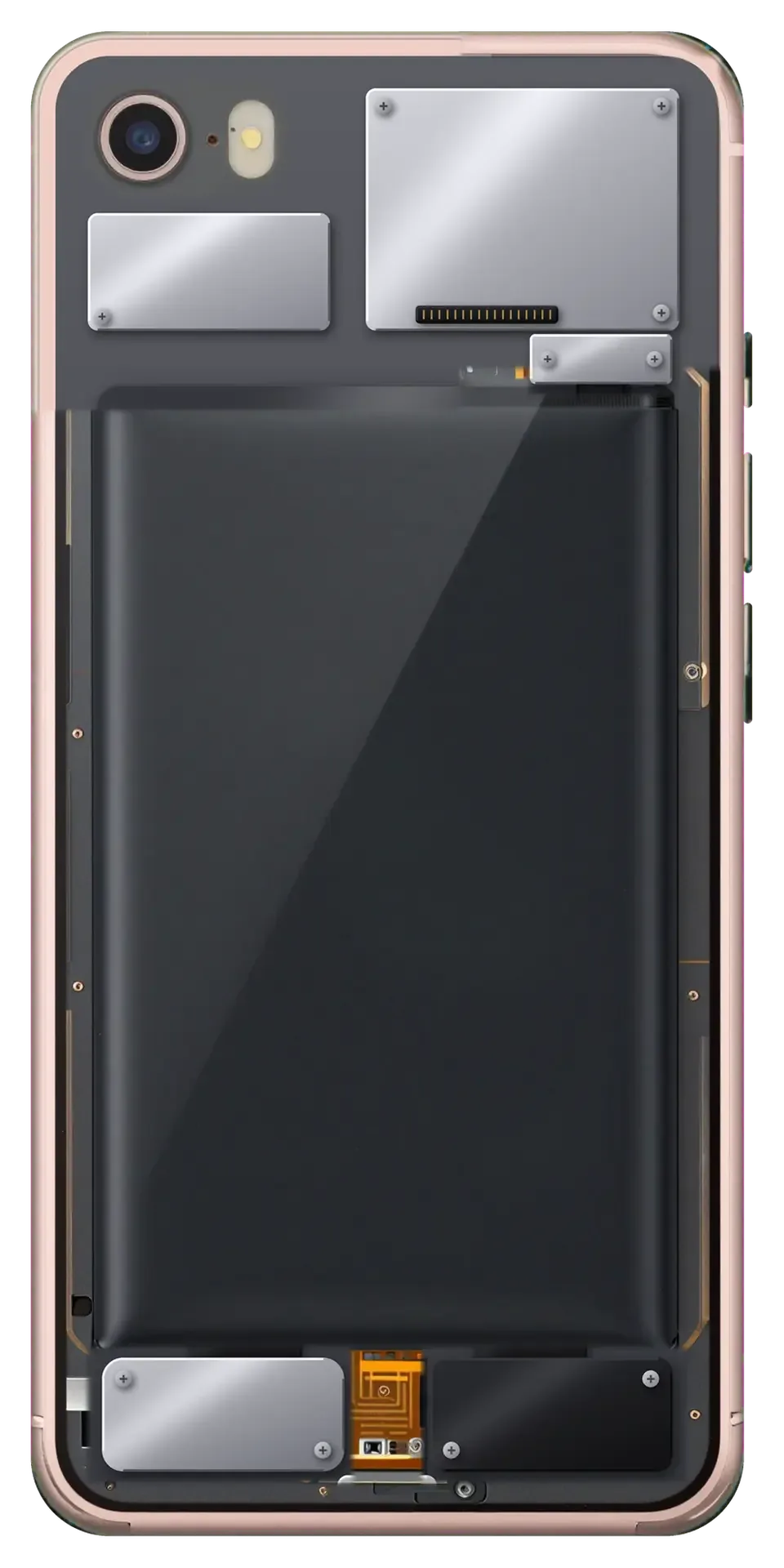
On iPhone SE the battery health screen shows maximum capacity and cycle count, and a reading near 77 % with daily shutdowns is a clear signal to replace the cell. Open Settings, then Battery, then Battery Health to see the figure and the cycle tally the system has logged. A status line reading Service Recommended appears once the phone decides the cell can no longer deliver peak power on demand. The percentage alone is not the whole story — a battery that still reads 80 % but falls from 40 % to zero under strain or in cold is already failing, so judge by behaviour, not just the number.
Symptoms That Point to the Battery Rather Than the Charger
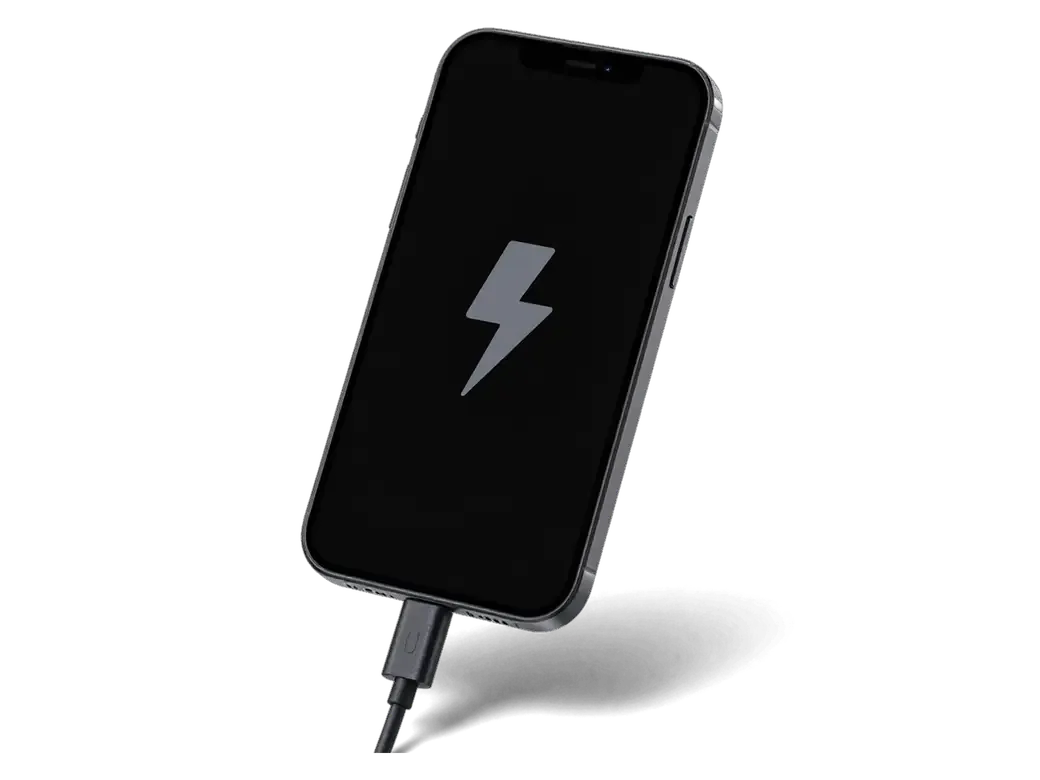
- Shutdowns at a partial level: the phone dies at 20–30 % and restarts only after a cable is plugged in.
- Sudden heating while topping up: the lower half of the case warms sharply within minutes, faster than when new.
- Random restarts under strain: opening the camera or a game triggers a reboot with no warning.
- Sharp drops on the meter: the percentage falls several points in a minute of use, then recovers on its own.
- Sluggish performance: apps launch slowly and the interface stutters once the reading passes below half.
Original or Aftermarket Cell for the SE
The SE has no battery pairing like the XR, XS and 11, so both options run without a warning once fitted. The real choice comes down to how long capacity holds and how precisely the health menu reads.
How the Two Options Differ in Practice
Two part types compared by behaviour and use case| Option | What you get | Capacity retention | Best for |
|---|
| Original part | Accurate health readings, stable peak capacity | Holds up over several years | Daily use, long-term keep |
|---|
| Aftermarket part | Normal operation, health may read less precisely | Loses capacity faster | Backup or secondary phone |
|---|
| Both types | No system warning on the SE | Depends on the part chosen | Any SE owner comparing options |
|---|
Why the SE Shows No Unknown Part Warning
The unknown part message appears on the XR, XS and 11, not on the SE, because the battery controller was tied to the device only from those models onward. On the SE the component has no serial handshake with the logic board, so a fresh unit simply reports its own data to the system. That is why owners of this model never see the important battery message that later phones display after a third-party change. The practical effect is freedom of choice: nothing in the software pushes you toward one part. That is why on an SE you can compare both options purely on quality and price rather than worrying about a system warning after the job.
How iPhone SE Battery Replacement in Astana Works Step by Step
The route runs from a photo in WhatsApp to a device handed back with the old cell, a warranty card and a receipt. Here is what happens at each stage.
From a WhatsApp Photo to a Fixed Receipt
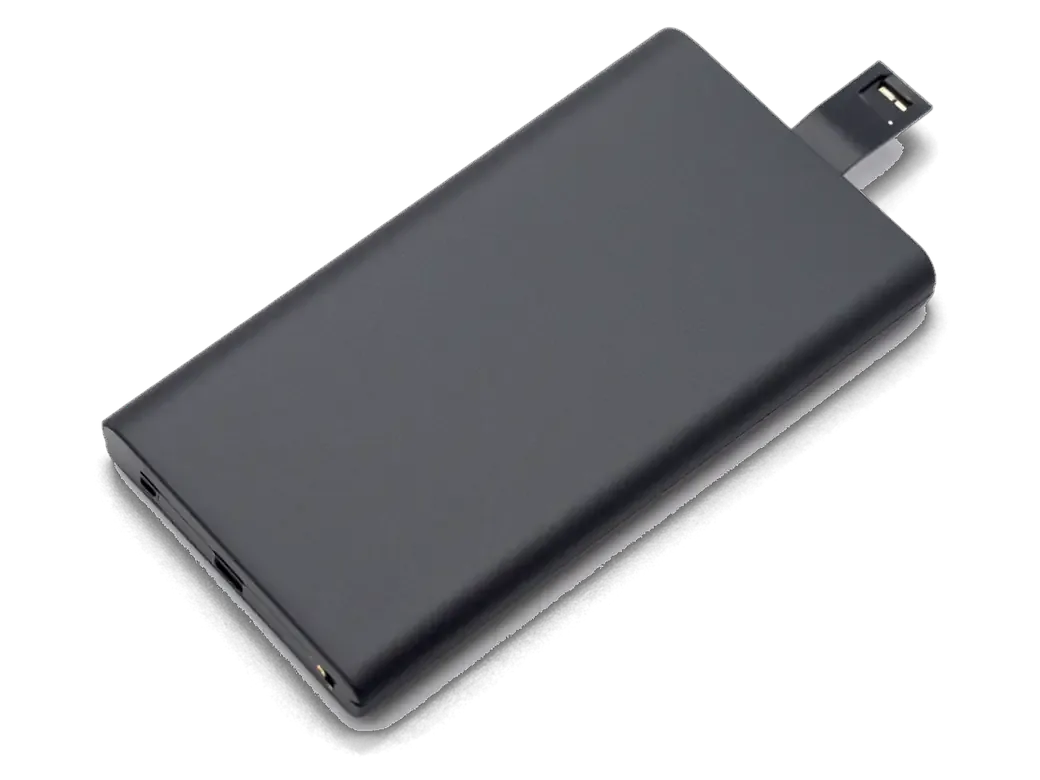
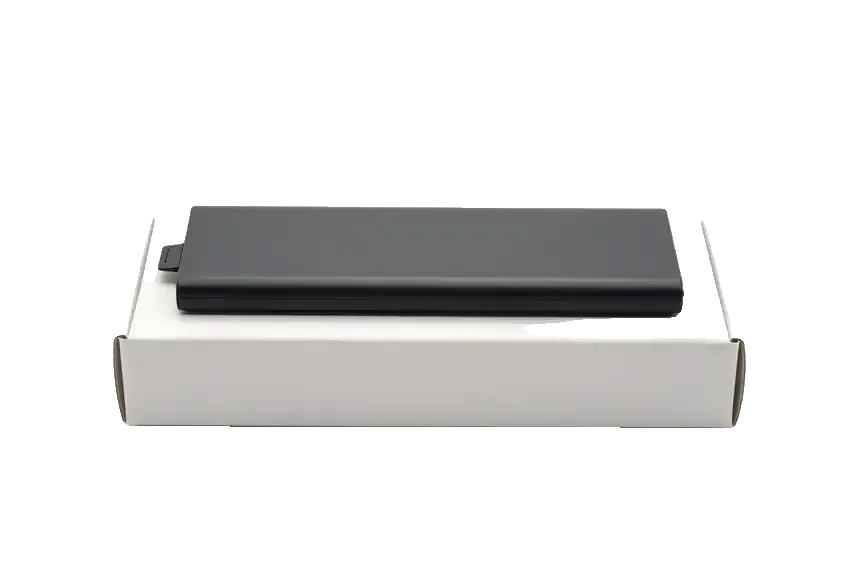
We reply on WhatsApp within 5 minutes, quote from a photo, and fix the price, part, turnaround and warranty on the receipt before any work begins. The engineer reads the image, names a free time slot and states whether the component will be an original or an aftermarket one — 64% of customers pick the original. Free diagnostics then run for 15 minutes in front of you, and the paperwork is signed within 2 minutes, so nothing changes once the case is open. This is how iPhone SE battery replacement in Astana is arranged: every step is agreed and recorded before the case is opened. Ask to see the new cell in its factory packaging before installation — that is the simplest way to confirm you are getting a fresh part, not a pulled one.
Waiting in the Lounge While the Battery Is Swapped
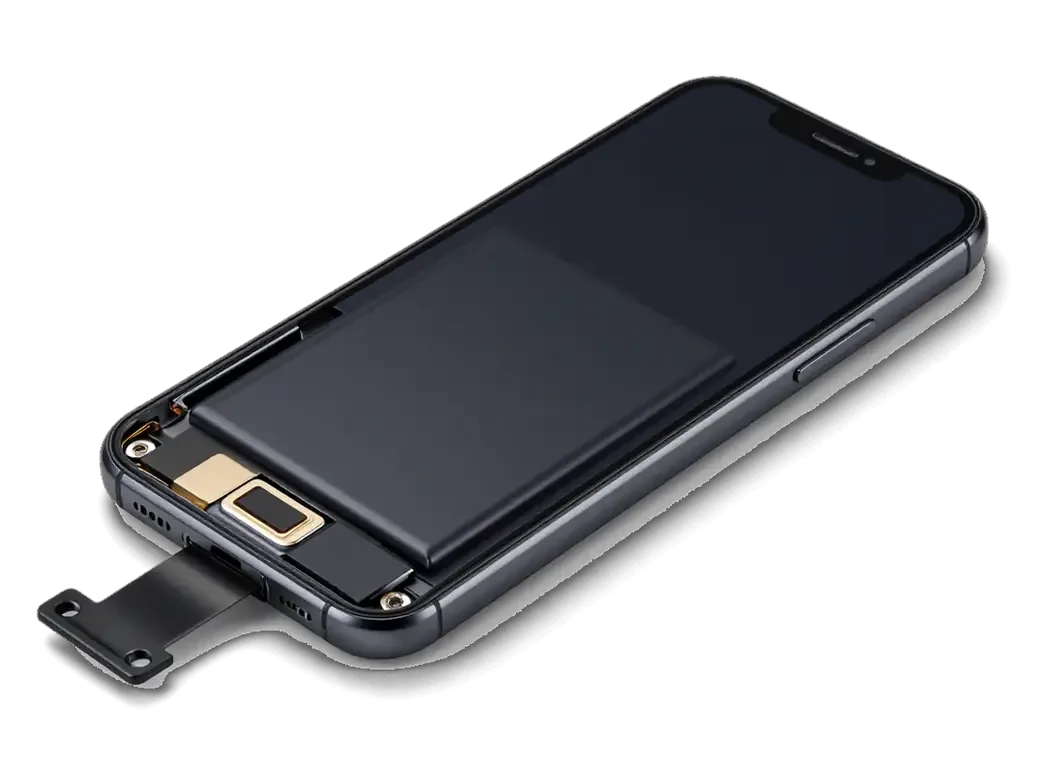
A fresh pack goes into the SE in about 25 minutes, and 72% of our repairs are finished while the customer waits in the lounge with coffee and Wi-Fi. You can settle the bill by Kaspi, card or cash once the phone is back in your hands, and a courier can be called if you would rather not travel across the city. The whole visit from first contact to pickup usually lasts under an hour, so it is realistic to plan the job around a lunch break rather than leaving the handset overnight. Bring the device before 18:00 on a weekday and the swap still fits inside the same working day, which matters if you rely on the phone for calls and payments.
What We Check After the Swap and What You Keep
Once the fresh pack is seated, the phone has to behave like a healthy unit — charge holding, functions responding, your data untouched. Here is what we verify before handing the SE back.
The 32 Function Check You Do Together With the Engineer
After the swap we check 32 functions in about 10 minutes, and you go through Touch ID, cameras, microphones, speakers, charging and network together with the engineer. The SE has no Face ID, so the fingerprint sensor under the home button gets its own pass, alongside a live look at the battery percentage climbing under load. We run the same routine on every unit that leaves the bench, whether the customer picked an original component or an aftermarket one. The engineer follows a printed checklist rather than memory, so nothing is skipped on a busy afternoon. Walking through the checks yourself is the best proof the phone is fully functional before you leave, and it catches a loose connector while you are still in the workshop.
Your Data, the Seal and the One Year Warranty
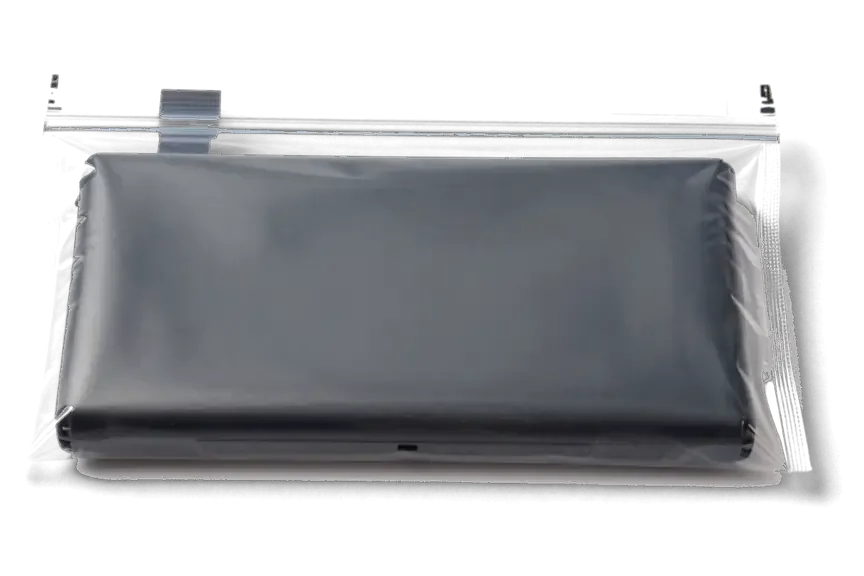
Replacing the battery does not erase your data, the SE body is resealed after opening, and every swap comes with a warranty up to 1 year plus the old component returned to you. A battery change touches only the power path — the storage chip and your photos, messages and accounts stay exactly where they were, so no backup is strictly required. On the way out we re-apply the adhesive gasket around the frame, then hand you the warranty card, the receipt with the component and turnaround fixed on it, and the removed cell in a small bag. Keep the warranty card and the old battery together — if a capacity issue appears later, the receipt and the returned item make the claim straightforward.
When the Battery Is Not the Only Suspect
A tired pack is not always why an SE misbehaves. The charging port, the power controller on the board or the way you charge can be the real culprit, so it helps to tell them apart.
How to Tell a Battery Fault from a Port or Board Issue
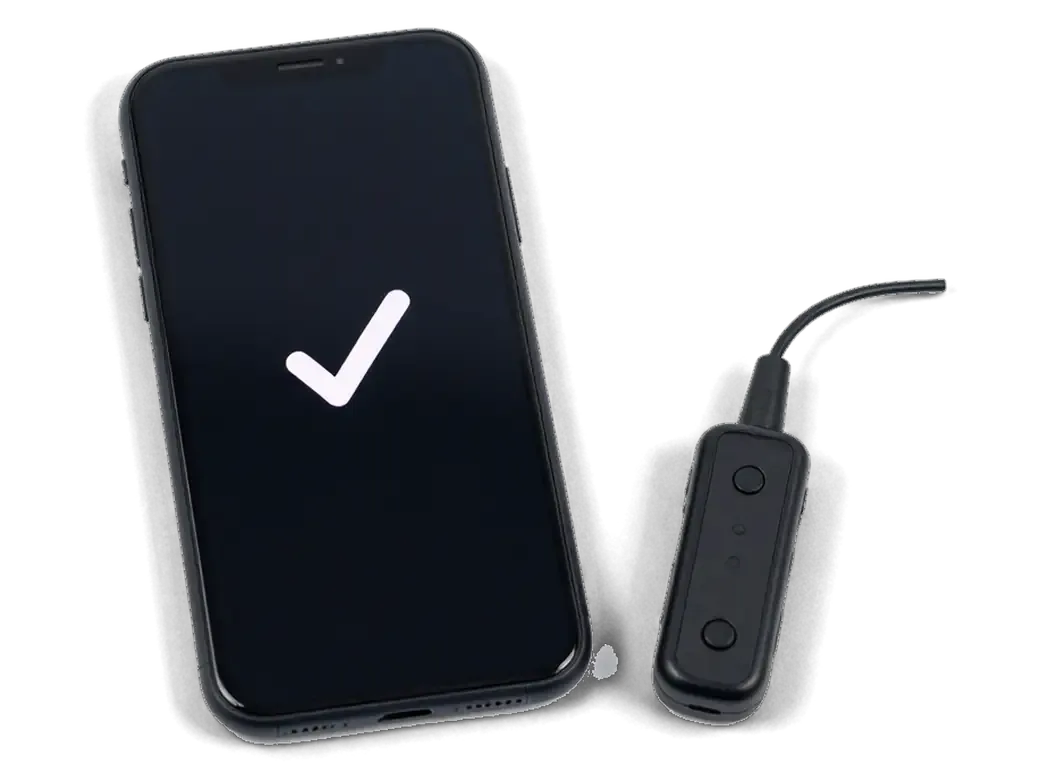
If the SE does not charge at all or only charges at an angle, we first test the port and cable with a USB current tester, then the battery, then the board. A worn Lightning port usually shows a wobbling plug and power that cuts out when the cable moves, while a failing power controller can drain a healthy pack overnight or leave the device dead below a certain percentage. A fresh battery that changed nothing is the clearest sign the fault sits elsewhere, which is exactly when a current tester saves a pointless swap. A free 15 minute diagnostic in front of you shows which of the three is at fault, so you do not pay for a part that was never the problem.
A Swollen Battery and How to Care for the New One
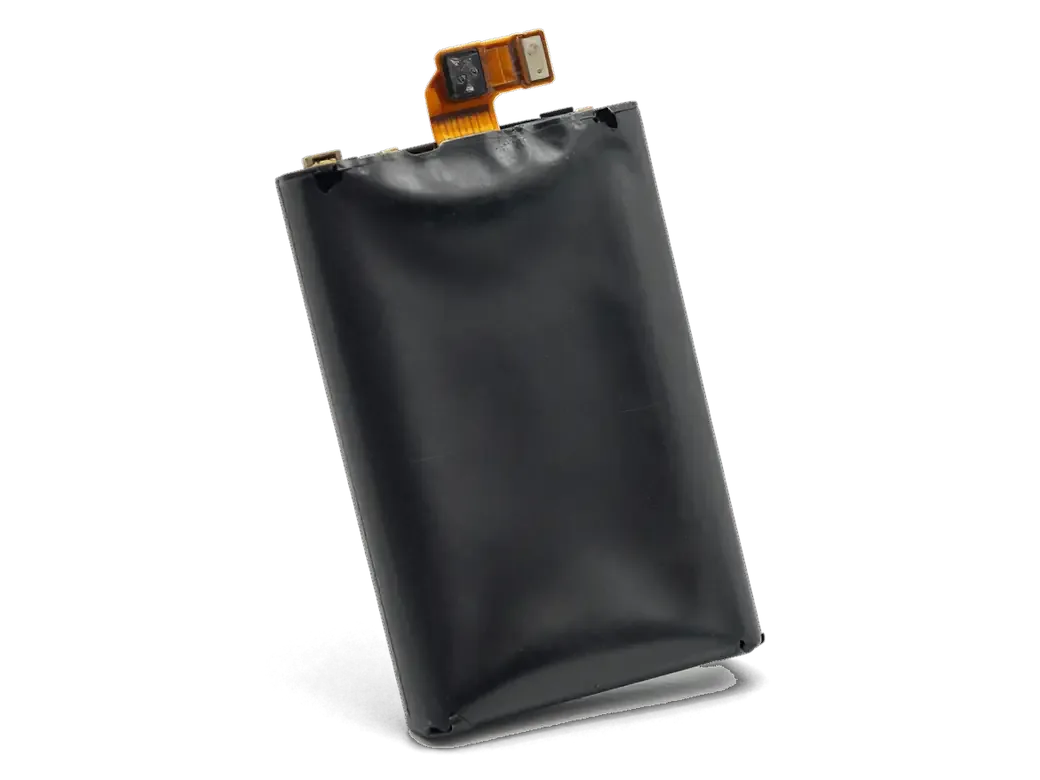
- Swollen pack: a battery that has lifted the screen presses on the display from inside — stop charging it and bring the device in rather than pressing it back down.
- Heat: leaving the SE on a dashboard or a sunny windowsill pushes a small pack harder than a larger one.
- Deep cold: in an Astana winter, keep the device in an inner pocket, since a cold battery drops voltage fast.
- Optimised charging: switch it on and skip overnight top-ups on a warm surface to slow wear.
- First weeks: let the new pack run through two or three full cycles so the percentage readings settle.
Summary: iPhone SE Battery Replacement
The battery is the most common reason an iPhone SE starts to fade, and the fix is usually quick. Here is what matters most before you decide.
- Behaviour over percentage: a health figure near 80% is a hint, but random shutdowns and fast drain under load confirm the power pack is worn.
- Both types fit: original and aftermarket parts work on the SE with no system warning, so the choice comes down to how long you plan to keep the phone.
- Fast turnaround: a swap takes about 25 minutes, and 72% of repairs finish while the customer waits in the lounge.
- Nothing is lost: data stays intact, the body is resealed, and the old component goes back to you with the receipt and warranty card.
- A swollen unit is urgent: stop charging it and have it inspected — a bulging case can stress the screen and frame.







 iPad
 MacBook
 iMac
 Mac mini and Studio
 Apple Watch
 AirPods
 Apple Pencil
 Apple TV
 HomePod




