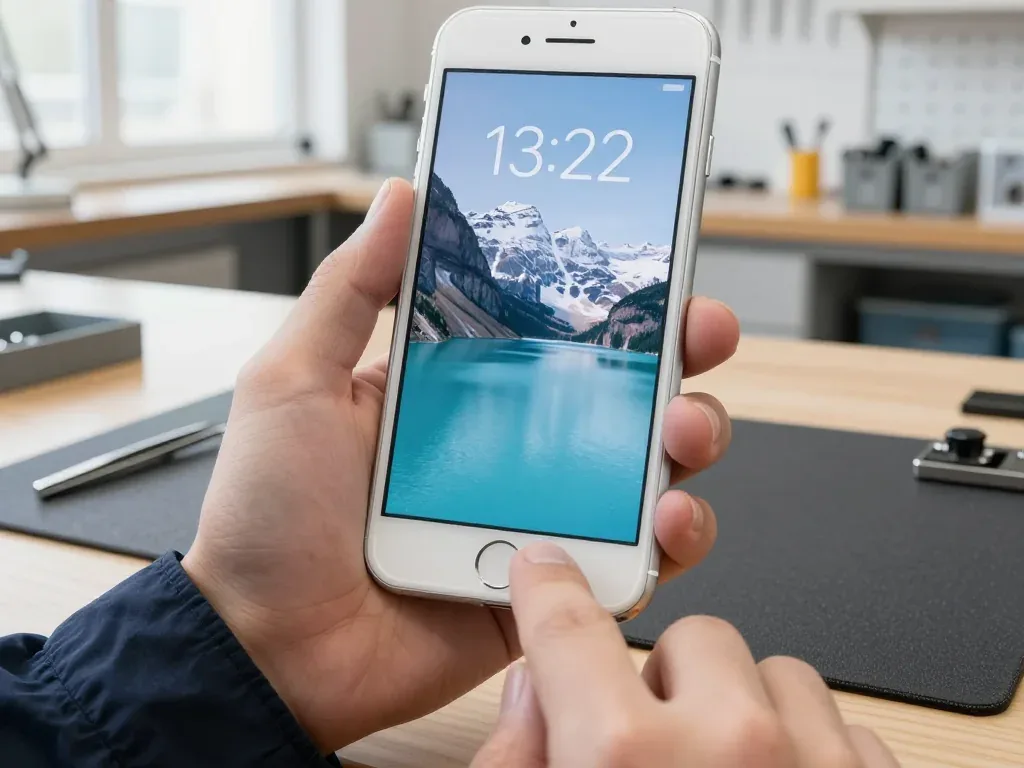
On iPhone 8 the Home button has no mechanical travel — a sensor reads your press and the Taptic Engine answers with a click. Here is what the assembly is built from.
What sits under the Home button on iPhone 8
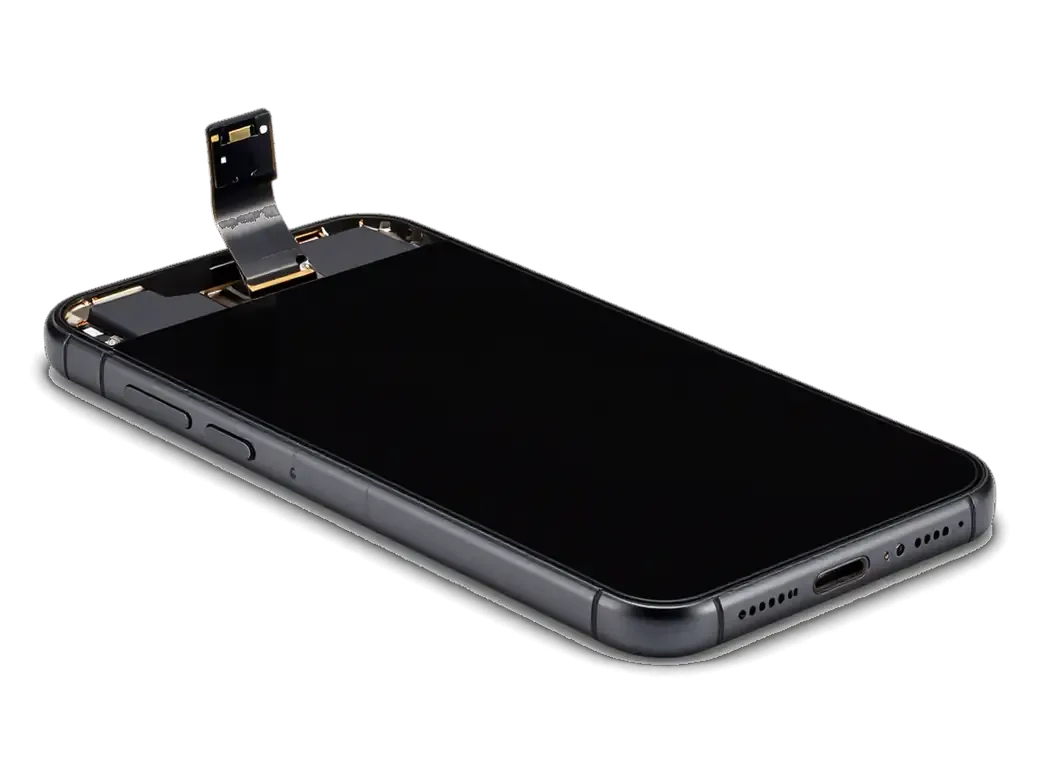
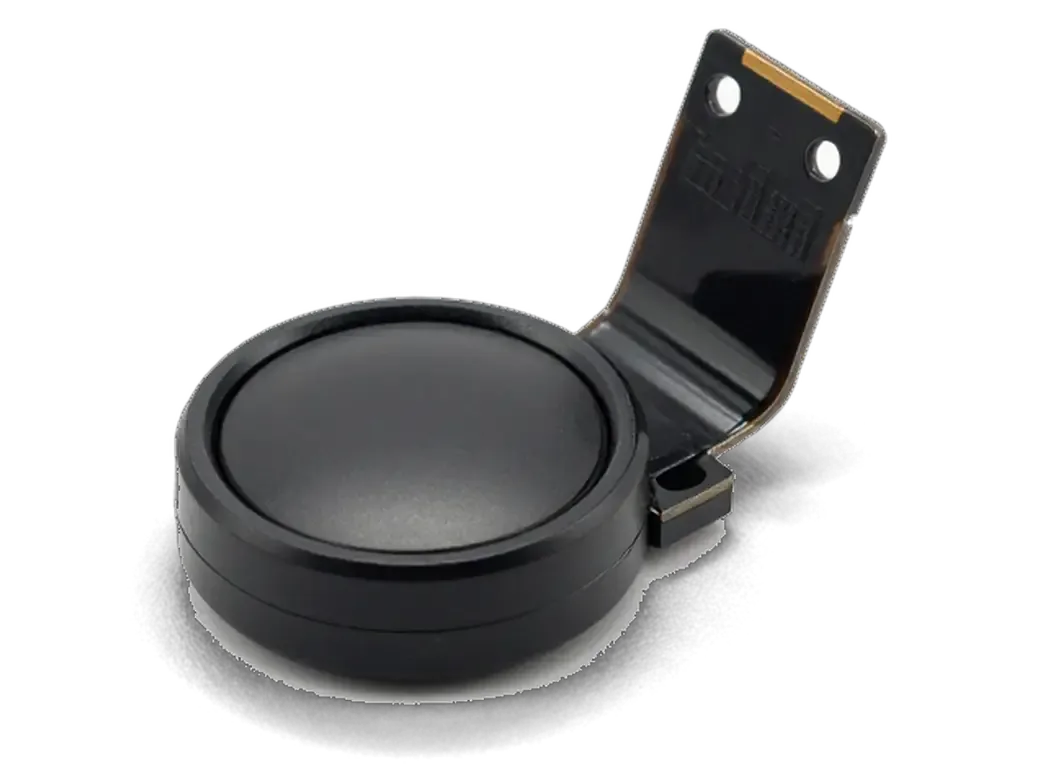
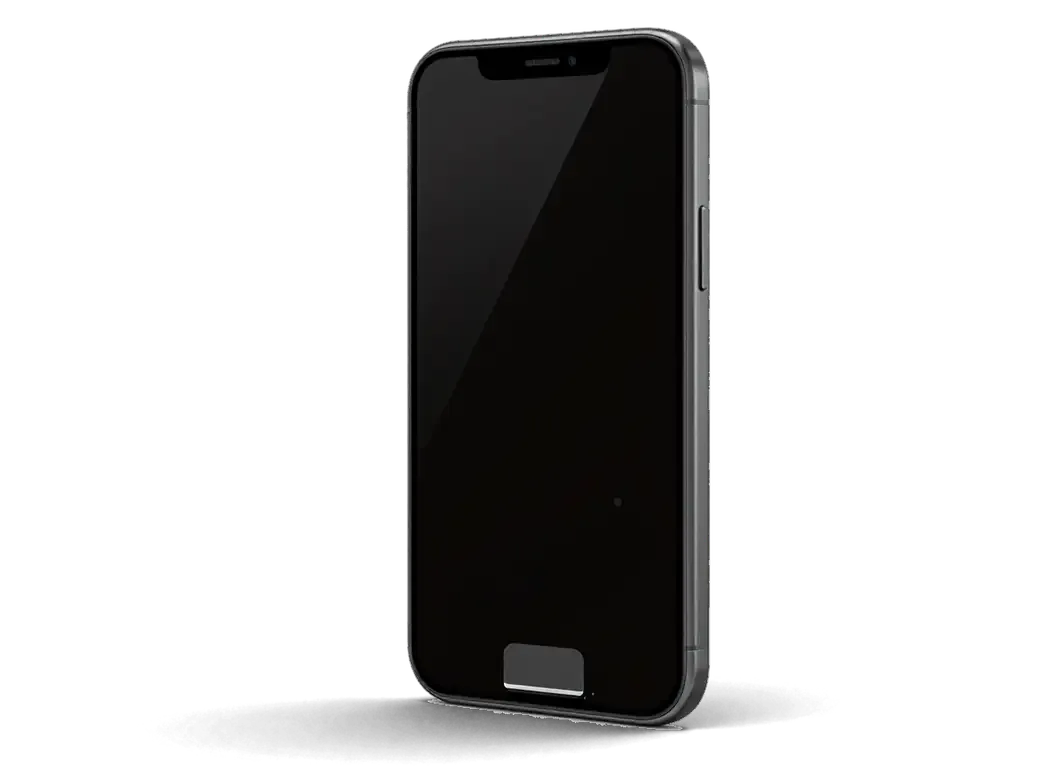
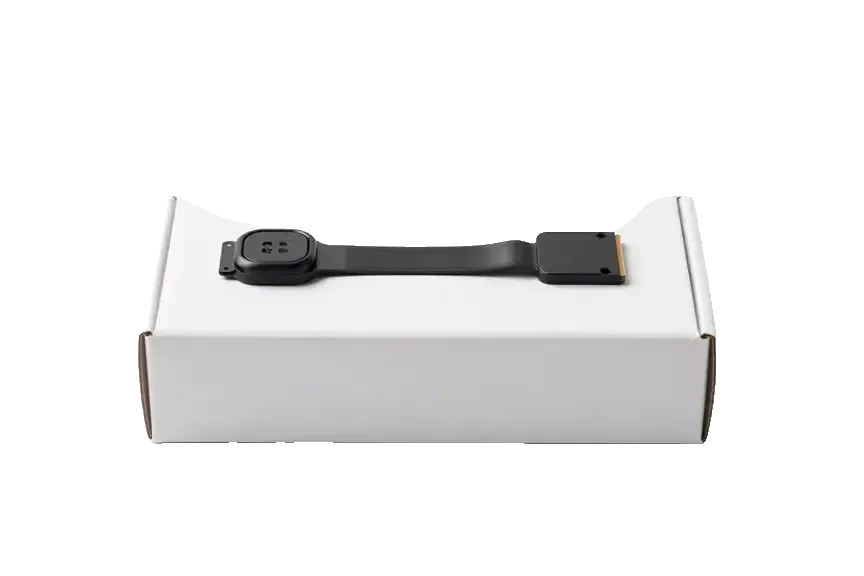
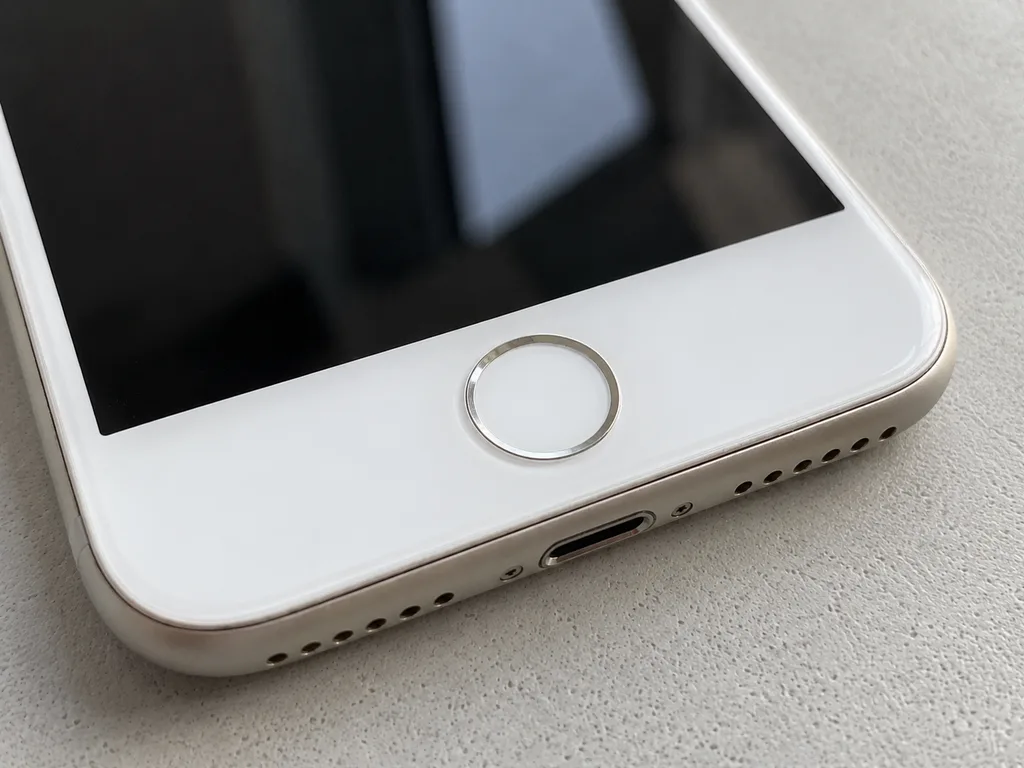
On iPhone 8 the Home button has no moving parts; a pressure-sensing layer under the glass cap reads your press, the flex cable carries that signal to the board, and the Taptic Engine produces the click you feel. The ribbon is thin and also routes the biometric reader, so the same part handles two jobs at once: touch input and identity. The glass cap sits above that layer, the display module frames the whole assembly, and the motherboard reads the signal and fires the haptic motor. Because the feedback is simulated, a phone that presses but does not click usually has a Taptic or software issue rather than a dead button — worth checking before agreeing to any part swap.
How the iPhone 8 button differs from the iPhone 6 design
The iPhone 6 button is mechanical and closes a dome contact on a separate flex, while the iPhone 8 button is solid-state and paired with its sensor on a single flex tied to the board. On the older design you feel real metal flexing under your finger and hear a physical snap; on the newer one nothing moves, and the whole sensation is generated by the Taptic Engine in response to a pressure reading. That single difference explains why an iPhone 6 flex swap often keeps the original fingerprint reader, but on an iPhone 8 it and its flex travel together — so the repair plan has to protect the paired part, not just restore a click. A technician who treats the two generations the same way risks a working button with a fingerprint reader that no longer answers.
Reading the symptoms before any iPhone 8 home button replacement
Three layers fail separately on this phone — the press, the fingerprint and the click — and which one gave out tells the engineer what actually needs replacing. Below is the symptom map we work from.
Which layer failed first
matching each fault to the layer behind it| Symptom | Likely layer | What we check |
|---|
| No press registered at all | Sensor or ribbon | Ribbon continuity, board contact |
|---|
| Press works, no click | Taptic Engine | Haptic motor, iOS settings |
|---|
| Fingerprint not recognised | Touch ID sensor | Pairing, moisture damage |
|---|
| Works every other press | Contact or ribbon | Dome wear, micro-cracks |
|---|
| Dead after a screen repair | Ribbon routing | Seating, bracket, shield |
|---|
What a drop, water or an earlier screen repair can damage
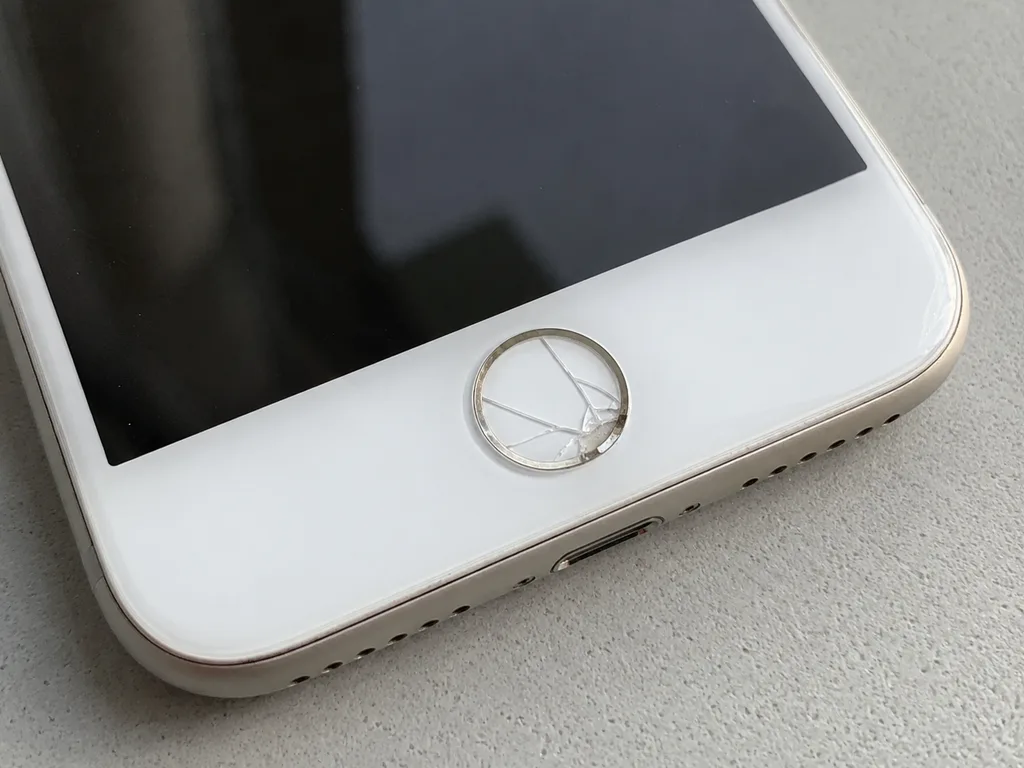
A drop usually damages the ribbon where it bends under the bracket, water oxidises the contact pads, and a previous screen repair can leave the button cable pinched or unseated. The bend takes the impact first because it is the thinnest section of the assembly, while corrosion creeps under the shield where it stays invisible from outside. After liquid contact we sometimes need up to two days of diagnostics before quoting, because oxidation spreads beneath the shield and a fast estimate would be a guess rather than an answer. If the screen was already replaced elsewhere, ask for the seating and bracket to be checked even while the button still works — a pinched cable often fails weeks later.
Will Touch ID survive an iPhone 8 home button replacement
The main question every owner asks is whether the fingerprint will come back. The answer depends on whether the sensor itself is damaged or only the signal part of the assembly is affected.
Why Touch ID is tied to your own phone
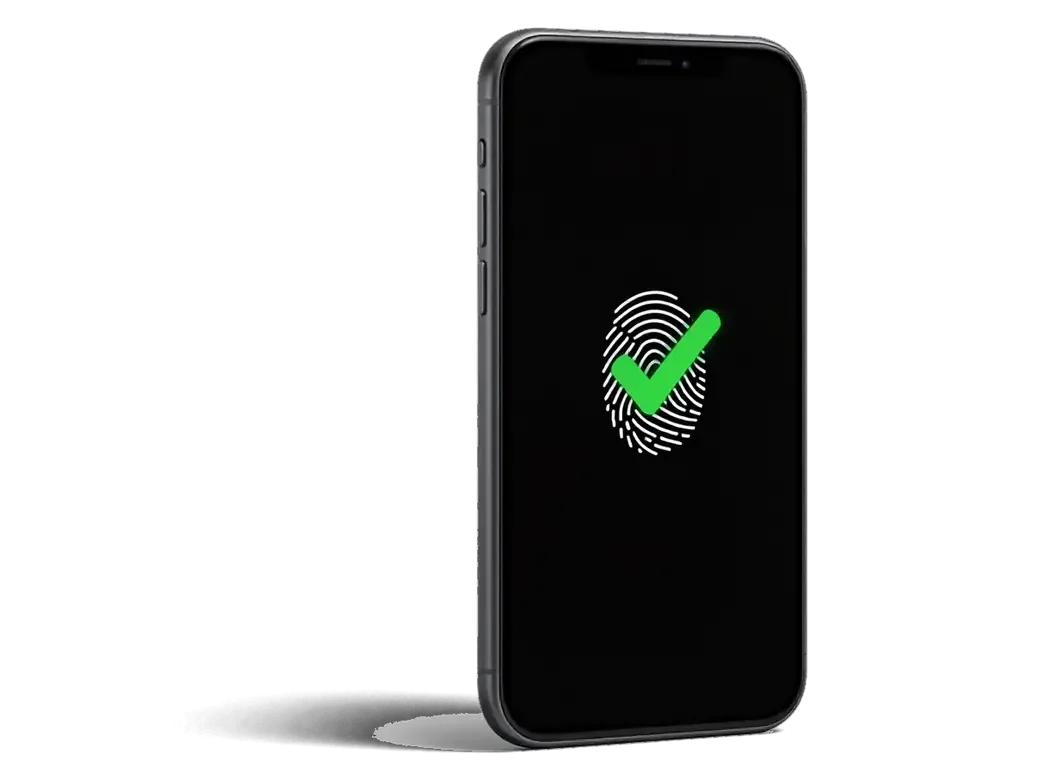
The Touch ID reader is paired with the logic board of the phone it shipped with, so a module from another device will not unlock yours even if it is physically identical. The pairing lives in the secure part of the board, not in the button. That is why a donor button from a working handset reads a clean fingerprint and still refuses to authenticate on yours. Repair shops that promise a full fingerprint fix with a swapped button are either guessing or planning to move your original sensor onto a new flex. That chip is the only part that carries the identity; the flex, the metal bracket and the click dome are interchangeable hardware around it. This pairing is why the honest question at the counter is not "do you have the part" but "can my original sensor be saved" — the answer decides whether fingerprint access survives at all.
When the original sensor can be kept and when it cannot
If only the signal path of the flex is damaged, we can often restore the original sensor and keep Touch ID working; if the sensor itself is cracked or corroded through, fingerprint access cannot be brought back on that phone. The ribbon carries two separate lines — the click contact and the data line to the reader — and a torn data line is what usually kills the button after a drop or a clumsy screen job. We assess this on the bench under a microscope before quoting, because promising a fingerprint repair from a photo alone would set the wrong expectation. A microscope shows whether the trace is cut cleanly or the chip die is contaminated, and that distinction changes the whole plan. 64% of customers choose an original part when one is available, and the rest accept an aftermarket assembly with the click restored but no fingerprint.
Why a Bought Button Rarely Brings Touch ID Back
A Home button for iPhone 8 is sold separately, and the wish to save on a component is understandable. Here is what such a purchase really delivers and what the work actually depends on.
What a third-party button actually restores
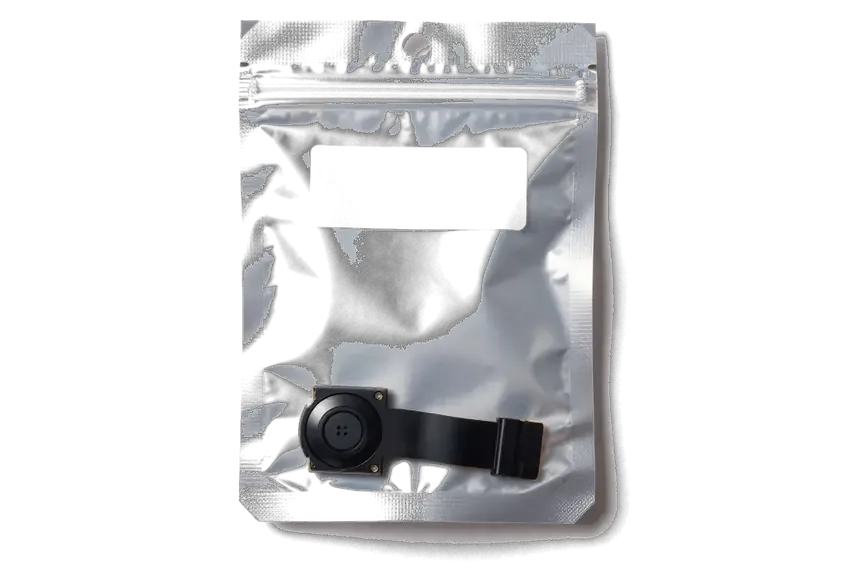
A separately bought button can at best restore the click and the "Home" function, but it will not bring back biometric recognition, and a non-original component may not even register presses reliably. The Touch ID module is paired to the logic board at the factory, so a fresh unit arrives without that pairing and the phone treats it as a stranger. Presses may fire late, double-fire or miss entirely, and the biometric menu stays greyed out no matter how clean the install is. An unpaired component also sits on a different flex, so the press feel and the haptic response drift from what the phone shipped with. The money saved on the purchase is usually lost on the second visit, because an unpaired button has to be removed again before the original reader can be assessed.
What drives the cost of the job
The cost of an iPhone 8 home button replacement in Almaty depends on whether the original reader can be preserved, whether the flex or the whole assembly is replaced, and on the condition of the screen above it. A damaged flex alone is the lighter case: the original reader travels to a new flex and keeps its pairing. A cracked button or a torn reader means a full assembly, and the fingerprint layer then stays locked. Screen condition matters too, since a lifted or previously reglued glass changes how the button seats. We take the device in for free diagnostics, show the fault in front of you, and 64% of our customers end up choosing an original part. We fix the component type, turnaround and warranty on the receipt before work starts, so the figure you agree to is the figure you pay — no additions discovered mid-repair.
How the Repair Runs and What You Get Back
A button repair on iPhone 8 takes under an hour when the right component is already on the bench. Below are the stages by time and what you test together with the engineer at handover.
From WhatsApp photo to pickup
Timeline from first message to device pickup| Stage | What happens | Time |
|---|
| Photo quote | Engineer replies on WhatsApp with a price | 5 minutes |
|---|
| Free diagnostic | Device checked in front of you | 15 minutes |
|---|
| Receipt | Part, turnaround and warranty fixed | 2 minutes |
|---|
| Repair | Flex or sensor work at the bench | 20–40 minutes |
|---|
| Handover | Joint check of press, Touch ID and click | ~10 minutes |
|---|
What to check at handover and how a courier fits in
At handover you test the press, the fingerprint unlock and the click together with the engineer, and you leave with the receipt, the warranty card and the old part. Our quality check covers 32 functions over about 10 minutes, and 72% of jobs are finished while the customer waits in the lounge with coffee and Wi-Fi. If you cannot come in, a courier covers the city in 90 minutes and is free with a service visit. Test Touch ID with a finger you actually registered before the work — a module that reads a stored print confirms pairing far better than any bench test.
Summary: iPhone 8 Home Button Replacement
The Home button repair on iPhone 8 comes down to a handful of points worth carrying into the conversation at the counter.
- Click versus button: on the iPhone 8 the Home key is solid-state, so the press feel comes from the Taptic Engine and a missing response does not always mean a dead component.
- Touch ID pairing: the biometric reader is tied to the logic board, which is why a separately bought button restores the Home function but never the fingerprint.
- Diagnosis first: the repair plan depends on which layer failed — press, biometrics or haptics — and that is settled by diagnostics, not by guesswork.
- Original sensor: keeping your own component is the deciding factor for biometric access and for the final cost of the job.
- Before handover: confirm the part type, turnaround and warranty are written down, then test the reader at pickup.









 iPad
 MacBook
 iMac
 Mac mini and Studio
 Apple Watch
 AirPods
 Apple Pencil
 Apple TV
 HomePod




