On the iPhone 8 the Home button has no moving parts — the click is simulated, so "won't press" and "won't read my finger" are two different faults with different fixes.
Why the Button Feels Dead but the Fingerprint Still Works
- Taptic Engine: the motor under the display creates the click, so a lifeless button that still unlocks points here or to its connector.
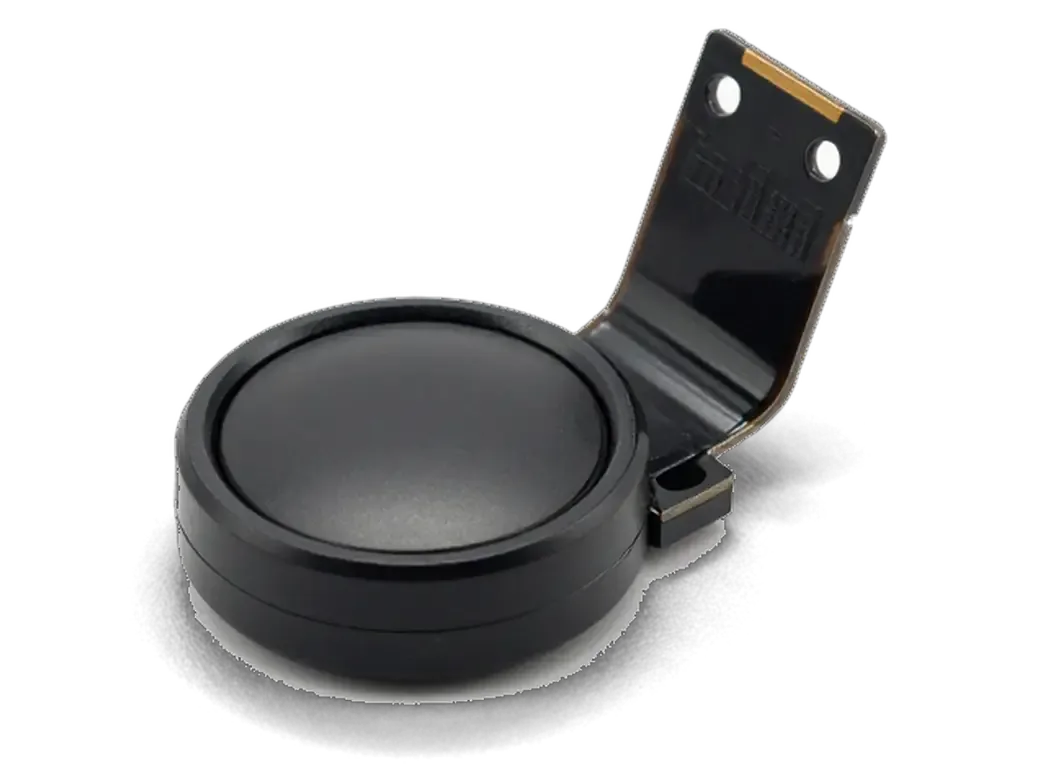
- Touch ID sensor: if the fingerprint still registers, the sapphire pad and its logic board pairing are intact.
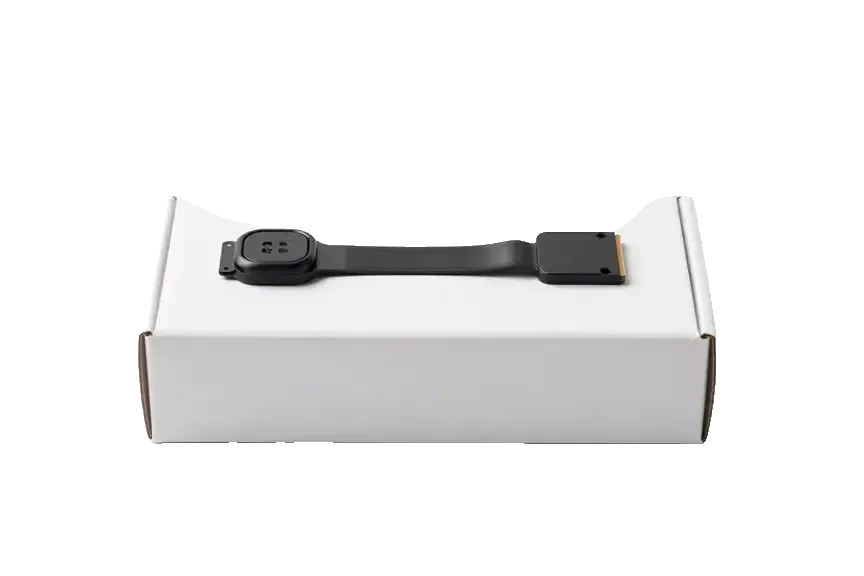
- Home button assembly: the part is often fine even when it feels dead, since nothing mechanical moves inside.
- Display flex: a loose or damaged screen line can cut the Taptic signal while leaving the reader untouched.
- Debris and case pressure: grit or a tight case pressing the edge can mimic a dead press without any part failing.
When the Fingerprint Fails but the Button Responds
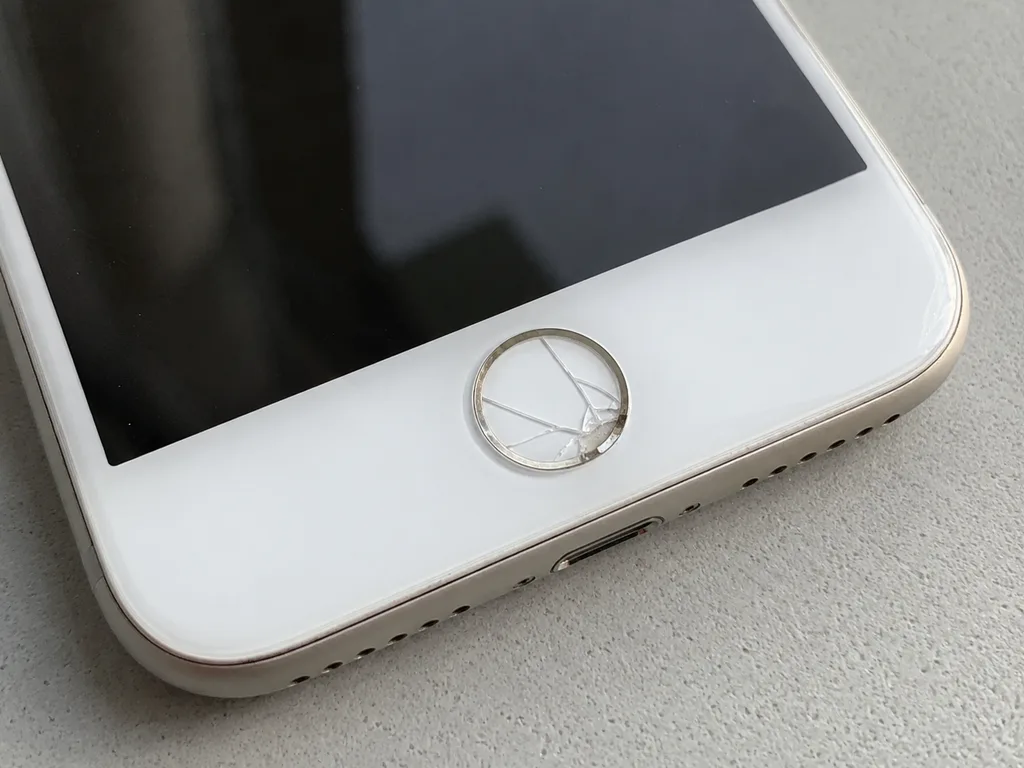
If the button still returns you to the Home screen but Touch ID no longer recognises your finger, the fault sits in the sapphire surface, its metal detector ring or the flex cable rather than in the click mechanism. Water is the usual culprit: moisture reaches the ring, the metal oxidises, and the reader stops picking up a clean ridge pattern while the press keeps working normally. The same damage pattern appears after a drop that cracks the sapphire without breaking the button body, or after a screen replacement where the original flex was bent. A dry phone in a bag of rice does not reverse oxidation already on the contacts.
Matching Each Symptom to Its Cause and Fix
Four button complaints matched to their cause and outcome| Symptom | Likely cause | What we do | Touch ID after |
|---|
| No click, no vibration | Taptic Engine or connector | Check Taptic separately | Kept if reader untouched |
|---|
| Click works, no fingerprint | Reader, ring or flex | Inspect part and line | Depends on part |
|---|
| Works every other press | Connector or debris | Clean and reseat | Kept |
|---|
| Dead after water | Oxidation of ring and flex | Clean, assess reader | Often lost |
|---|
Will Touch ID Survive an iPhone 8 Home Button Replacement
Most owners worry about losing the fingerprint. Here is how the reader is tied to the board and when Touch ID stays with the phone after the work.
Why a New Button Cannot Bring the Fingerprint Back
The Touch ID sensor is paired with the Secure Enclave on the logic board of that specific device, so a fresh button — even an original one from another unit — restores the Home function but never the fingerprint. That pairing is written at the factory and checked at every unlock: the reader sends a key, the chip compares it, and a mismatch blocks the scan. A swapped button still responds to presses, opens apps and returns to the home screen, yet the biometric menu stays empty or refuses to enrol a finger. No setting, restore or software tool can rewrite that key, because it lives in hardware, not in the operating system. The honest answer is no — only your own reader carries the key.
Repair Options and What Each One Keeps
What each route keeps on the phone| Option | Home function | Touch ID | When it fits |
|---|
| Repair your own flex or dome | Restored | Kept | Cable damaged, chip intact |
|---|
| Transfer your own button to a new screen | Restored | Kept | Screen replacement |
|---|
| Fit a fresh button (original or aftermarket) | Restored | Lost | Chip dead beyond repair |
|---|
What We Confirm on the Receipt Before Work Starts
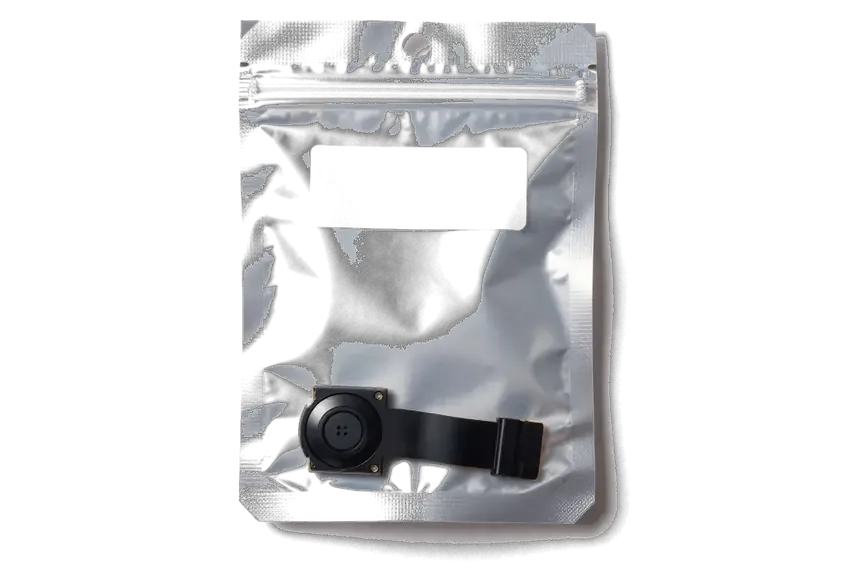
Before any work we write the price, the part (original or aftermarket), the turnaround and the warranty on the receipt, and show the replacement in factory packaging. The document takes about two minutes, and the warranty runs up to 1 year. You see the module in its sealed box before the engineer opens it, and you leave with the receipt, the warranty card and the old part. The whole visit usually takes less than an hour, and 72% of jobs are finished while the customer waits. If a technician cannot say upfront whether the scan will survive, the module has not been tested yet — ask for the free 15-minute diagnostics before you approve anything.
Mechanical vs Sensor Home Button Across iPhone Generations
The eighth model is not the first with a sensor button, yet it is where mechanics and electronics get confused most often. Comparing generations shows what changes in repair.
How the Button Changed from 5s to 8
Button design and service notes by model| Model | Button type | Repair note |
|---|
| iPhone 5s | Mechanical, Touch ID debut | Thin flex, easy to tear on opening |
|---|
| iPhone 6 | Mechanical, first-gen reader | Dome contact wears out |
|---|
| iPhone 6s / 6s Plus | Mechanical, second-gen reader | Faster reader, same mechanics |
|---|
| iPhone 7 / 7 Plus / 8 | Sensor, no travel | Click from Taptic Engine |
|---|
Why the iPhone 8 Needs the Right Kind of Button
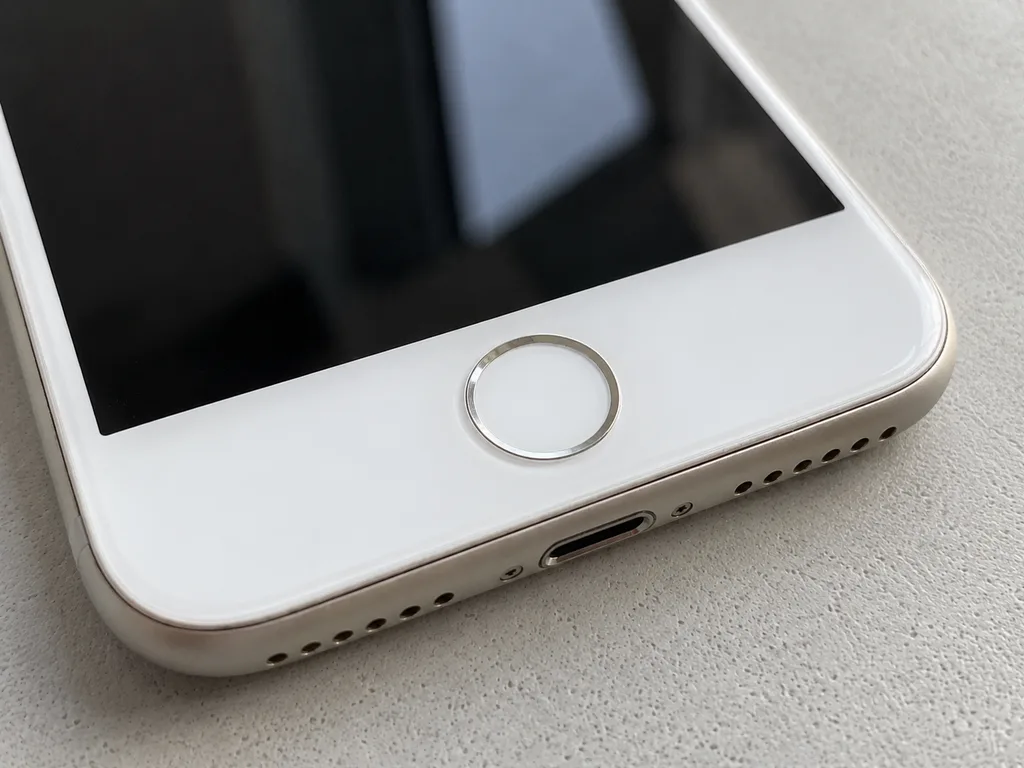
On the iPhone 8 a generic aftermarket button may not register as a button at all, so we fit a part matched to the sensor design and test the click before closing the device. Older handsets like the 5s and 6 sit on a real dome contact that physically closes the circuit, which is why a mechanical replacement often still works as a plain Home button without a working fingerprint. The 7, 7 Plus and 8 dropped that dome entirely: the panel has no travel, and the press you feel is generated by the Taptic Engine. We compare old and new parts and confirm the response before the screen goes back on.
How the iPhone 8 Home Button Replacement Works at iServices
We walk through the visit step by step, from the first WhatsApp photo to the function check at handover, including when the button moves during a display swap.
From a WhatsApp Photo to a Finished Repair
You send a photo of the damage on WhatsApp, an engineer replies within 5 minutes with a price and a free slot, and most button repairs are finished while you wait. On arrival the engineer runs a free 15-minute diagnostic in front of you and shows what is broken before anything is opened. Price, part type, turnaround and warranty go onto the receipt in about 2 minutes, and the new button is shown in its factory packaging prior to installation. The whole visit usually takes under an hour, and 72% of jobs are completed while the customer waits with coffee and Wi-Fi. If the board turns out to be damaged once the phone is open, we tell you before continuing. This is how the iPhone 8 home button replacement Astana visit is organised at iServices.
What We Check Before Handover
- Home press: a single press returns to the Home screen without lag or double registration.
- Double press: the app switcher opens exactly as it did prior to the repair.
- Taptic feedback: the click feels right and matches your current iOS setting.
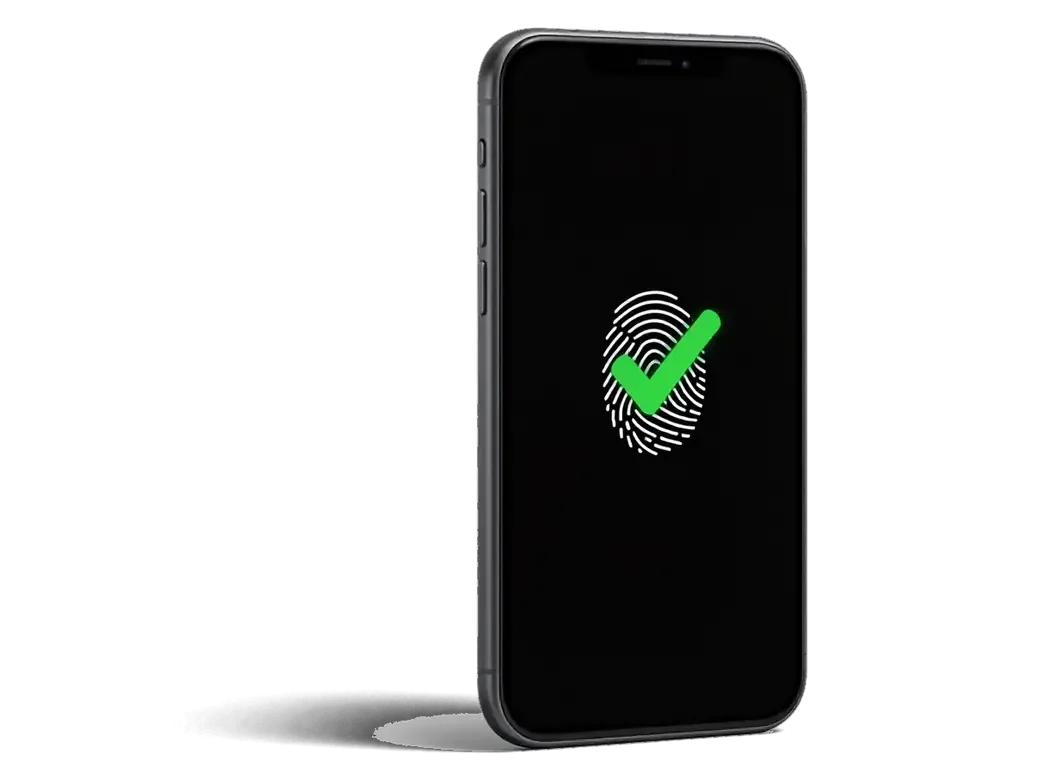
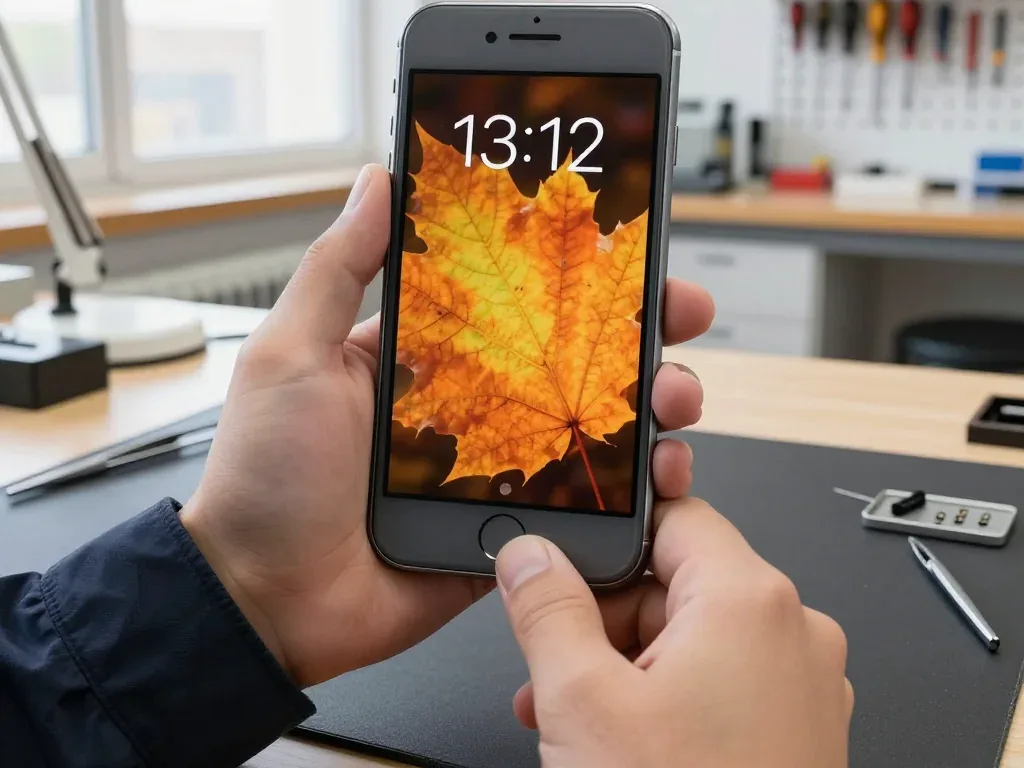
- Touch ID: your saved fingerprint unlocks the phone if the original sensor was kept.
- Handover: the receipt, warranty card and old part go home with you.
When the Button Is Moved During a Screen Replacement
When an iPhone 8 display is replaced, the original Home button is transferred to the new module, which is how Touch ID is preserved through a screen swap. The button is not a separate part you can swap freely: its sensor is paired to the board at the factory, so the technician lifts the original flex, seats it into the new module and tests the contact before closing the phone. On the 5s the Touch ID flex is especially thin and tears easily when the display is removed carelessly — if the fingerprint stops working after a swap, the cause is usually a torn flex, not the button. Ask the technician to show the old display and the transferred button.
Causes, Prevention and Living Without the Button
Some button cases end with advice rather than a repair. We look at what wears the button out and what you can check at home before a visit.
What Wears the Button Out
The most common causes of iPhone 8 button trouble are liquid contact, drops and simple wear of the connector, not a manufacturing defect. Water reaches the metal dome and the flex through the smallest gap, and oxidation starts quietly: the contact corrodes over days, so the press feels fine at first and then turns unreliable. A fall pushes the dome out of shape or cracks the flex at the bend point, while daily presses flatten the metal and loosen the connector seating. Most dead buttons arrive following a splash or a drop, not years of honest use. Once water gets inside, diagnostics sometimes takes up to two days, because oxidation shows up late and a quick dry-out only postpones the failure.
When You Do Not Need a Repair
- Case and protector: remove both and test the button prior to booking anything.
- Dirt around the ring: a soft clean often restores a sticky press.
- AssistiveTouch: enable it in Settings to keep using the phone meanwhile.
- Backup first: save an iCloud copy ahead of any service, just in case.
Summary: iPhone 8 Home Button Replacement
A dead click and a failing fingerprint look like one problem but are two, and the right fix depends on which one you actually have.
- Two separate faults: a dead click and a failing fingerprint are different problems with different fixes.
- Touch ID is paired: a new button restores the Home function but never the biometric sensor.
- Keep your own sensor: repairing or transferring the original button is the only way to keep Touch ID.
- Generations differ: mechanical buttons on 5s–6s Plus, sensor buttons with Taptic on 7–8.
- Check before you pay: confirm the click, Taptic feedback and biometric unlock together at handover.







 iPad
 MacBook
 iMac
 Mac mini and Studio
 Apple Watch
 AirPods
 Apple Pencil
 Apple TV
 HomePod




