A phone that charges badly is not automatically a dead port. Here is what owners notice first and how we separate the Lightning socket from the cable, the battery and the board during diagnostics.
Signs the Lightning Port Itself Is Worn
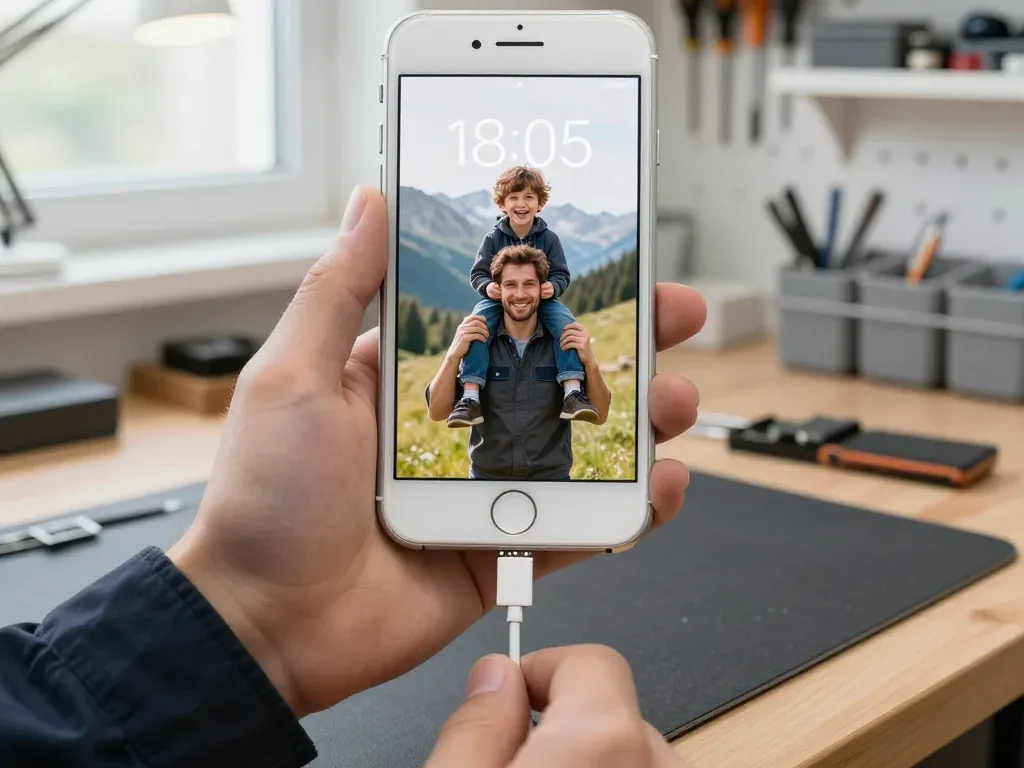
- Charging only at an angle: the cable works when you tilt the plug, which points to worn contacts on one side of the socket.
- A wobbling plug: the Lightning connector sits loose and drops the charge when the phone moves on a table.
- Accessory not supported: the phone rejects a known-good cable with this message, a classic sign of dirty or worn data pins.
- No sync with a computer: the phone charges but is not recognised by a laptop, so the data pins are already failing.
- Charging that cuts in and out: the battery icon flickers between charging and not charging without the cable being touched.
How We Separate the Port from the Cable, Battery and Board
On free diagnostics we test your cable first, then read the current with a USB tester and watch the charging behaviour, which takes about 15 minutes and shows whether the fault sits in the port, the battery or the power controller on the board. A known-good cable that still draws unstable current narrows the list to the socket or the controller, and a battery that holds a normal charge rules itself out. The engineer runs the whole check in front of you and shows what is broken, even if you decide not to repair. A current reading that stays flat with a known-good cable is the clearest sign the port is not the culprit, so we check the board before quoting a replacement. If the socket turns out to be the fault, we carry out an iPhone 8 charging port replacement in Astana on the spot.
What Owners Usually Notice First
The first complaints are rarely dramatic; most owners describe a plug that needs a wiggle, a device that charges overnight but not in the car, or a socket that feels warm after half an hour on the cable. A cord that only works at one angle, or a phone that charges on a power bank but not on a wall charger, is the same story told differently. Heat at the plug is the one signal not to sit on, because a poor contact raises resistance and stresses the charging circuit, so it is worth checking before the port fails completely.
iPhone 8 Charging Port Replacement Cleaning the Port or Replacing It
Before any part is swapped, the socket is inspected and cleaned. Here is when cleaning settles the problem and when the contacts are already worn and a new flex is the honest answer.
When Cleaning Solves the Problem
Lint packed into the socket stops the plug seating fully, and in that case we clear the port with a non-metal tool and isopropyl alcohol, and the device charges normally again without any part being replaced. The Lightning port is a deep, narrow channel, so pocket fibre, dust and fabric threads collect at the bottom and compress against the rear wall where the pins sit. We work under a lamp with a magnifier, lift the felt out in one piece and finish with a soft brush, never with a needle that can scratch the plating. A good share of devices booked for a port swap charge perfectly after fifteen minutes of this.
When the Contacts Are Worn and Cleaning Is Not Enough
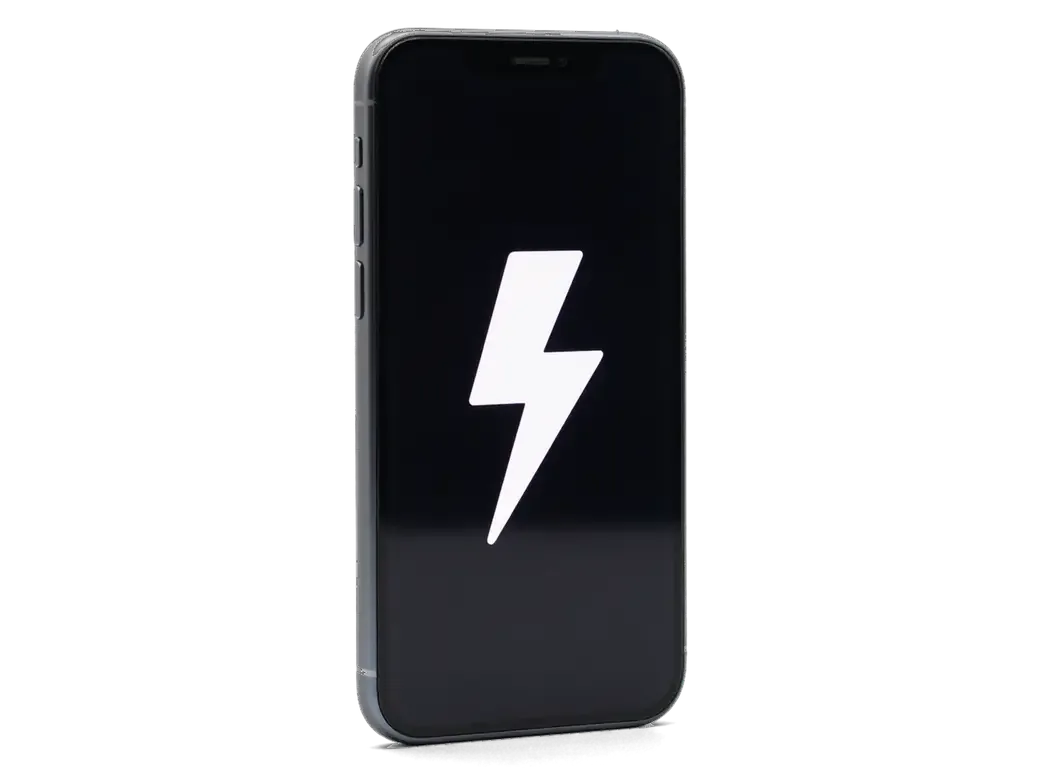
- Charging only at an angle: the plug must be tilted or held in place before the bolt icon appears on screen.
- Connection drops under movement: the cable disconnects when the phone is lifted or shifted on a table.
- Dark film on the pins: moisture has oxidised the contacts and left visible residue inside the channel.
- Cord and battery already ruled out: a known-good cord and a healthy cell still fail to hold a charge.
What the Lower Flex Carries and What We Check After
The socket is never swapped on its own, because the assembly under it carries more than the port. Here is what sits on that assembly in an iPhone 8 and what gets tested once the phone is closed.
What Sits on the Lower Flex of an iPhone 8
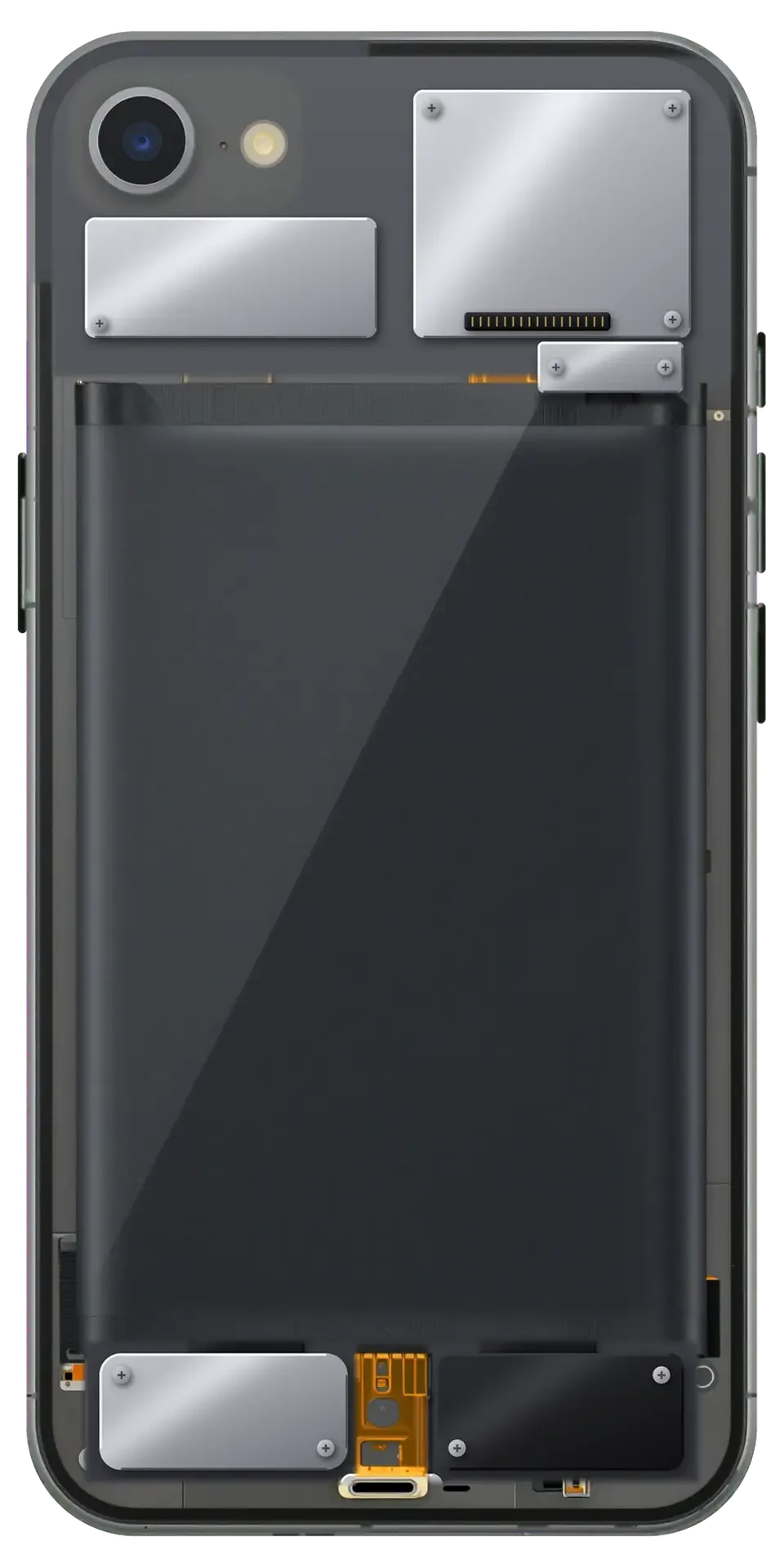
Parts mounted on one flex assembly| Component | What it does |
|---|
| Lightning port | Charging and data sync |
|---|
| Microphone | Voice pickup on calls and video |
|---|
| Lower speaker | Loudspeaker audio output |
|---|
| Taptic Engine | Haptic feedback and vibration |
|---|
The 32-Point Check We Run After the Swap
- Charging: we connect a cable and watch the current draw settle, then repeat the cycle to confirm the contact holds under load.
- Microphones: the bottom and top mics are recorded and played back, so a muffled call is caught before you leave the waiting area.
- Speakers: the lower speaker plays a test tone at low and high volume to rule out a rattle from the freshly fitted part.
- Network and sync: we confirm the phone pairs with a computer and holds a cellular signal once the chassis is reassembled.
- Wireless charging: the coil is tested on a pad separately, because it runs on a different path than the socket and often keeps working even when the port failed.
- Touch and haptics: the Taptic Engine is triggered during the same pass, so a weak vibration after the swap shows up immediately.
Original or Aftermarket Flex for Your iPhone 8
The lower assembly for this model comes in two versions, and the difference is not cosmetic. We compare them on the points that matter for a charging port and a microphone.
How the Two Options Differ in Practice
side-by-side comparison of the two flex versions| Parameter | Original flex | Aftermarket flex |
|---|
| Contact plating | Factory gold-plated pins | Thinner plating on pins |
|---|
| Microphone | Matches the factory voice profile | Audible hiss on calls |
|---|
| Durability | Holds grip through daily plugging | Loosens sooner under the same use |
|---|
| Fit | Exact factory dimensions | Occasional tolerance drift |
|---|
How We Show You the Part Before Installation
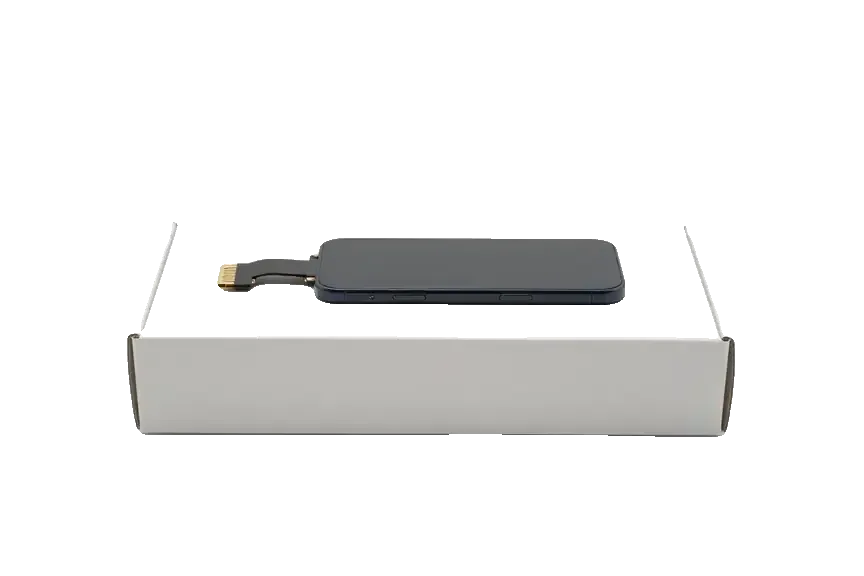
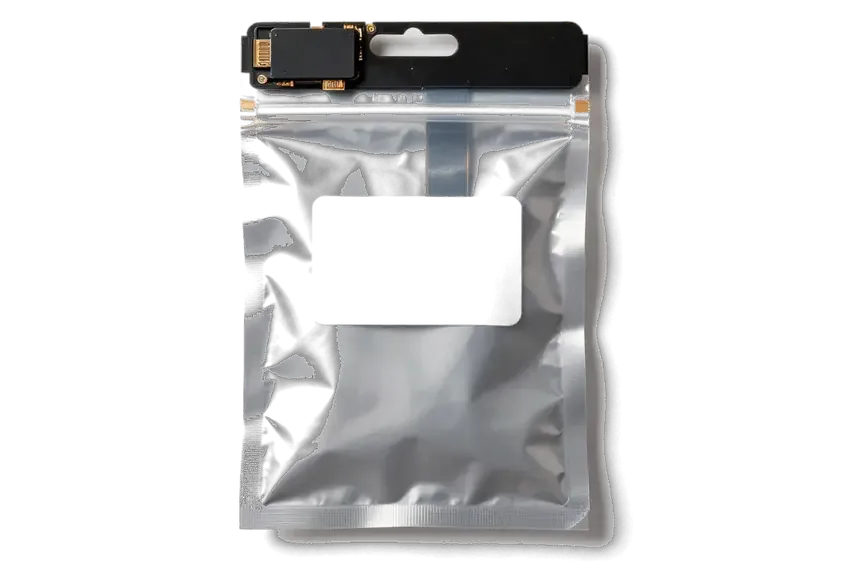
We show the new component in its factory packaging before it goes in, and the part, turnaround and warranty are written on the receipt before any work starts. The sealed bag is opened at the workbench in front of you, and the receipt lists the exact option you picked, the time the job takes and the warranty period that starts from pickup. Our engineer confirms the component is the one agreed and fits it while you watch or wait in the seating area with coffee and Wi-Fi. Seeing the sealed part and the receipt line together is what lets you confirm later that the component fitted is the one you agreed to, which matters most when you picked the original option.
How the Replacement Runs and What the Warranty Covers
The order of steps matters as much as the component itself. Here is what happens from your first message to the moment we hand the phone back, how long it takes and what the warranty covers.
From a WhatsApp Photo to a Finished Repair
- First message: send a photo of the damage on WhatsApp and an engineer replies within 5 minutes with a price and a free slot.
- Receipt before work: price, part, turnaround and warranty are fixed on the receipt, which takes about 2 minutes.
- Part check: the new lower component is shown in factory packaging before installation, so you see what goes into the phone.
- While you wait: the seating area has coffee and Wi-Fi, and 72% of jobs finish while the customer waits.
- Return and payment: you get the device with the receipt, warranty card and old component, and pay by Kaspi, card or cash.
- If travel is hard: a courier can be called to collect and return the phone.
What the Warranty Covers and What Happens If Charging Still Fails
Coverage runs up to 1 year on the replaced part, and if charging still fails after the swap we check the power controller on the board, since that is the next likely cause. A board-level fault produces the same no-charge symptom with a brand-new port installed, so the two cases look identical from the outside and only diagnostics separates them. On the iPhone 8 the controller sits close to the charging circuit, and heat or liquid damage there can mimic a dead port for months. We confirm the fault on the board under a microscope before recommending any further work. That is why we run the 32-function check after every swap — charging, True Tone, cameras, microphones, speakers and network — so a second fault is caught on the same visit rather than guessed at later.
Summary: iPhone 8 Charging Port Replacement
A failing charging socket rarely stops working all at once — it shows warning signs for weeks before the plug refuses to connect. Below is what matters most when deciding how to fix it.
- Worn port signs: charging only at an angle, a loose plug that falls out, or an “accessory not supported” message points to tired contacts, not a bad cable.
- Cleaning first: a soft brush and compressed air clear lint, but oxidised or flattened pins need the lower assembly replaced as one unit.
- What the part carries: the Lightning connector, microphone and antenna contacts share a single assembly, so all are renewed together.
- Original versus aftermarket: genuine and compatible parts both restore charging, yet differ in contact plating and how long the connector holds a firm grip.
- If charging fails again: return with the receipt and warranty card, and the replaced assembly is rechecked against the original fault.







 iPad
 MacBook
 iMac
 Mac mini and Studio
 Apple Watch
 AirPods
 Apple Pencil
 Apple TV
 HomePod




